
Community listing page, reviews here may not be monitored by the author.
DefaultSettings

No reviews yet
Keep your game's local settings in case of an update to your modpack
Community voices
Reviews
No reviews yet. Be the first to review this project!
Get it on
Available Platforms
About
Project Details
For authors
Embed Badge
If you're the author of this project, you can embed a live badge anywhere that supports HTML or Markdown. It updates automatically whenever ratings change.
Use HTML for any page that supports it, or Markdown for README files and Markdown-based descriptions.
Identifiers
Platform IDs


About
Description

DefaultSettings

Never lose local settings when updating your modpack!
This client mod offers the ability of creating and using modpacks which ship custom settings, entries in the server list or even custom keybindings without having them overwriting your local settings every time the modpack updates. A quick guide to this mod might be found here. Looking for DefaultSettings on Fabric or Quilt? Click here.
You've got any questions? Join our new Discord!

Installing the mod:
It's fairly easy to install DefaultSettings, all what you have got to do is place the mod's jar file in your installation's "mods" folder (1.6+) or place it in the "coremods" folder (1.4+).
DefaultSettings GUI:
To open the DS graphical interface, just press F7 + G either in the game's mods list or anytime when playing in a world. It's also possible to access the GUI by utilizing Forge's Mods list and the "Config" button of DefaultSettings (1.7.10+).
Important note: With Minecraft version 1.17+ Mojang entirely changed how the rendering engine of the game works. This lead to us removing the GUI on all versions beyond 1.16.5 and expanding on the featureset of the commands. The GUI might return at some point but for now, interaction with the mod is done via the revamped command system.
Hint:
And if you don't want to or can not use our graphical interface, you can also employ both the /defaultsettings and /switchprofile (only 1.16.5 and below) commands. Those two assure proper functionality - using the GUI really makes a lot of sense but for later versions (1.17+), the commands are the way to go.
Instructions for modpack creators:
Latest guide might be found here.
Privacy Policy:
We do not collect any type of data! Besides that, our mod indeed uses Minecraft's logs. This means that especially errors are dumped into the logs - but sensitive data never is.
Modpacks:
You're certainly allowed to use and distribute this mod in private & public modpacks.
Copyright Jomcraft Network 2025 ~ Last change October 2025
DefaultSettings Fabric


Never lose local settings when updating your modpack!
This client mod offers the ability of creating and using modpacks which ship custom settings, entries in the server list or even custom keybindings without having them overwriting your local settings every time the modpack updates. Looking for DefaultSettings for Minecraft Forge? Go this way!
You've got any questions? Join our new Discord!
Installing the mod:
It's fairly easy to install DefaultSettings, all what you have got to do is place the mod's jar file in your FabricMC installation's "mods" folder.
But how does it work?
Our mod adds the /defaultsettings (/ds) command. If you're a modpack creator and want to ship certain configuration files to your user, this one will be your lifeline. You might know that everytime you change your modpack (like add mods or edit a keybind) all the local settings your users have made will be erased e.i. overridden by your own settings once they update their modpack. This includes FPS settings, Optifine settings, music settings and MANY more.
In order to give users the ability to keep those local settings but also receive updates you make to the pack, it's crucial to use our /defaultsettings command and NOT include any files like options.txt, servers.dat or similar when exporting your modpack.
Luckily using the command is incredibly simple. Once you think you're ready to export your modpack (or update it), you have to use /defaultsettings save. This will manage most of your configuration files (like keybinds, general game options, optifine options, resourcepack order and your server list). They will be shipped to new modpack users but not overridden when users update their packs. Only if you actively change any of those (let's say the resourcepack order), that can be directly shipped to all users. "Can" means that it does not have to be done. Not using the -of argument of our command will allow you to do exactly that. But don't worry, if that sounds complicated it will soon be explained to you if you test out the command in-game :)
Privacy Policy:
We do not collect any type of data! Besides that, our mod indeed uses Minecraft's logs. This means that especially errors are dumped into the logs - but sensitive data never is.
Modpacks:
You're certainly allowed to use and distribute this mod in private & public modpacks.
Copyright Jomcraft Network 2025 ~ Last change October 2025
Screenshots
Gallery
-
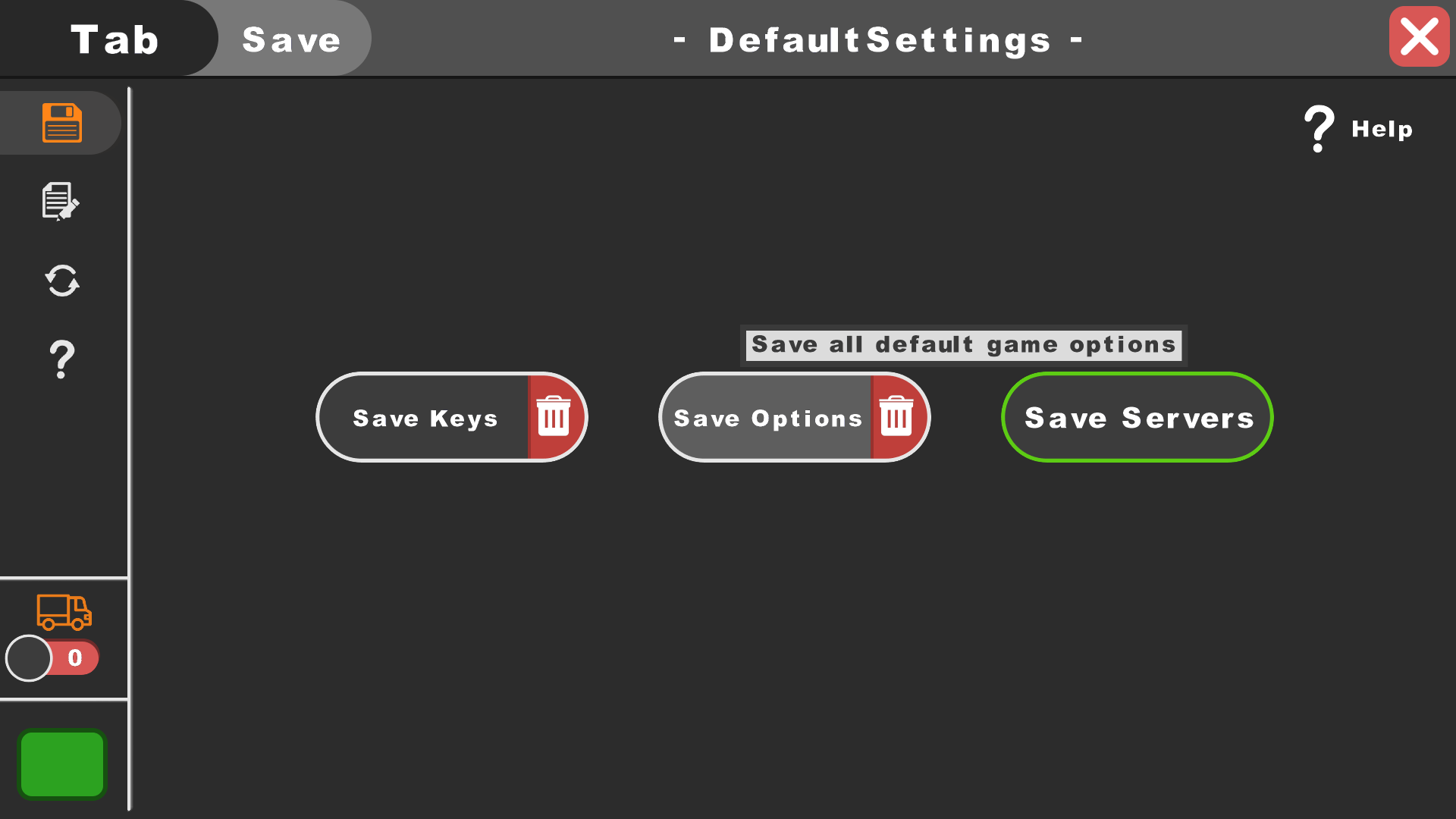 DefaultSettings Save
 -
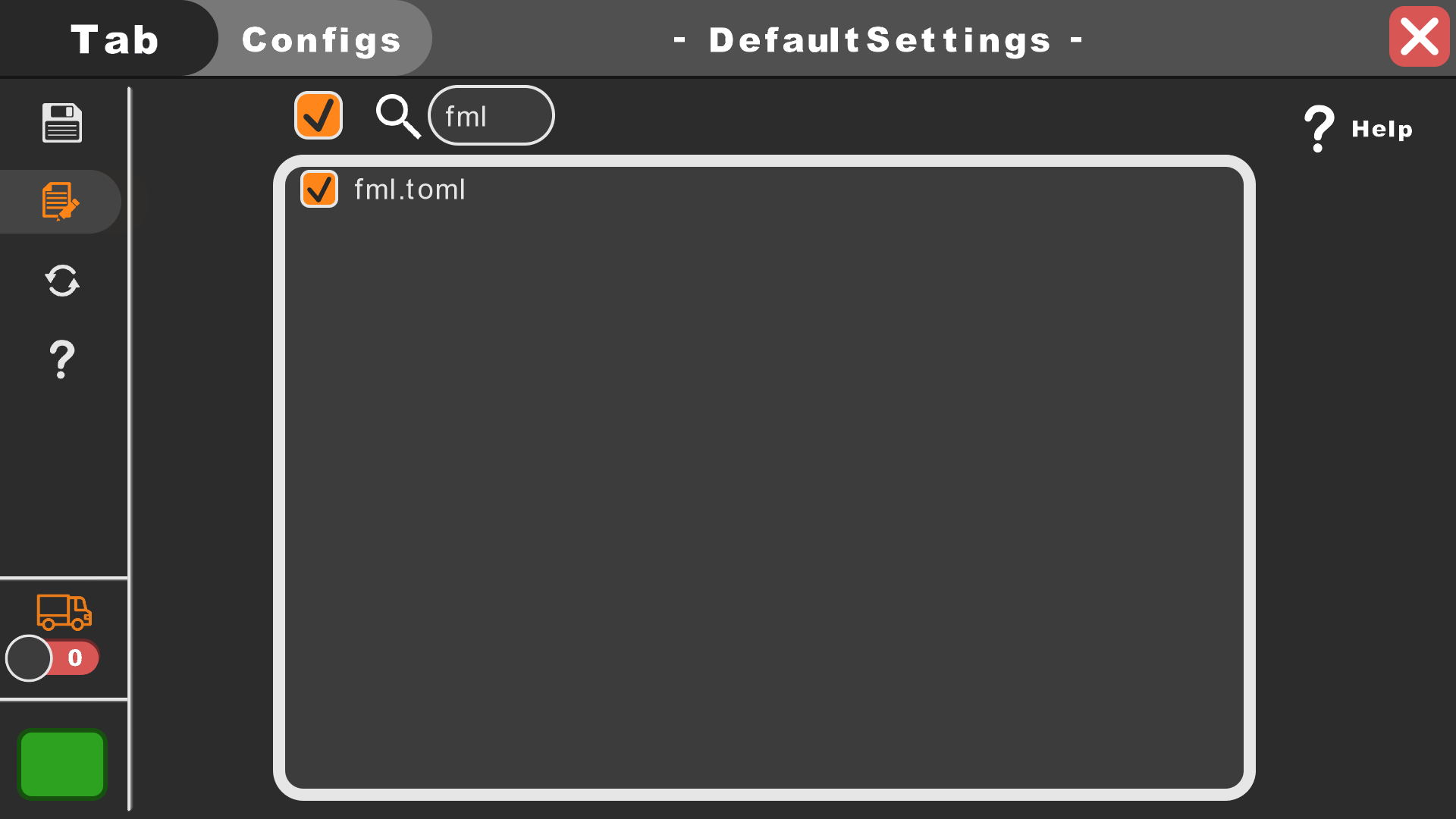 DefaultSettings Configs
 -
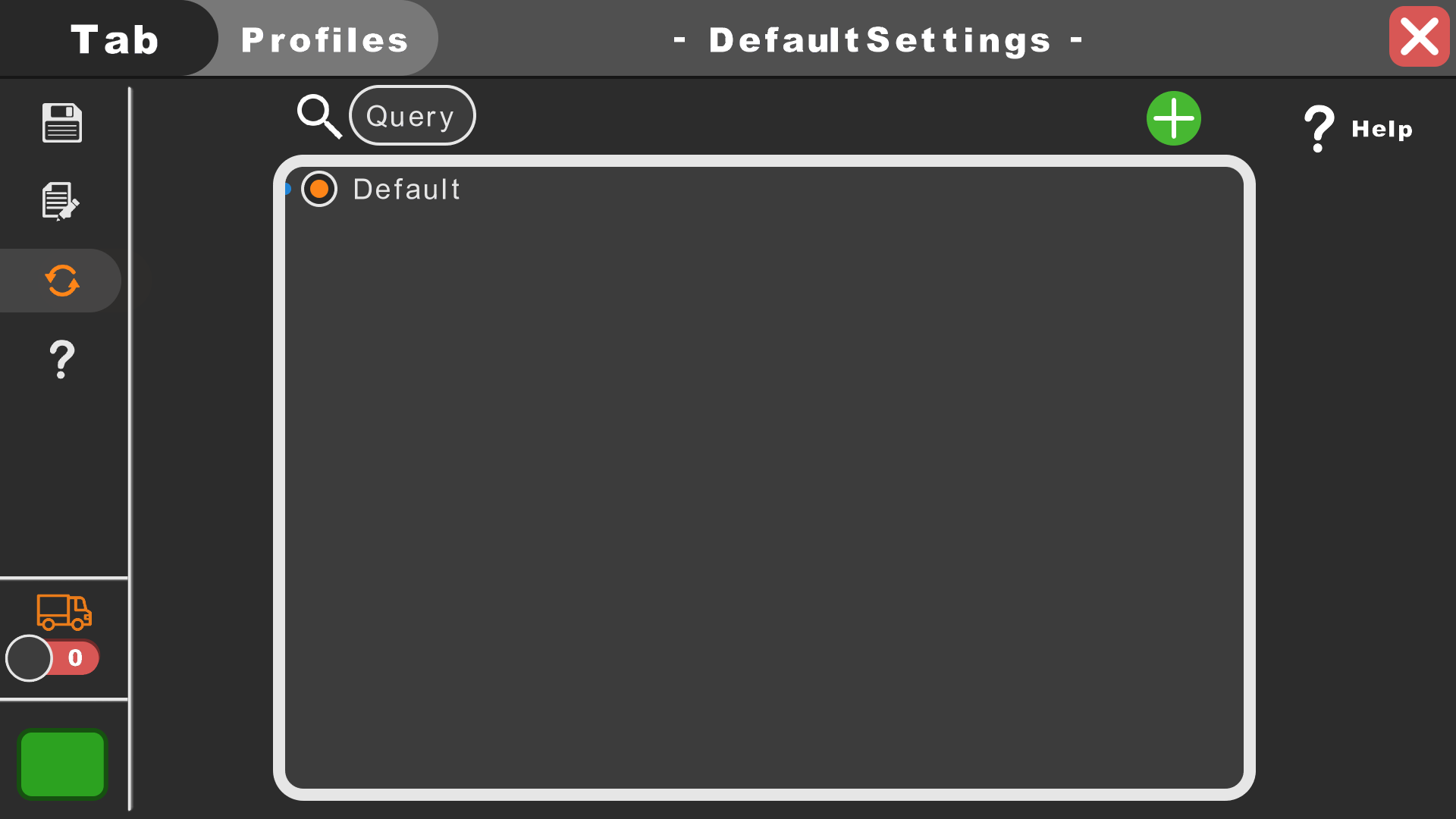 DefaultSettings Profiles
 -
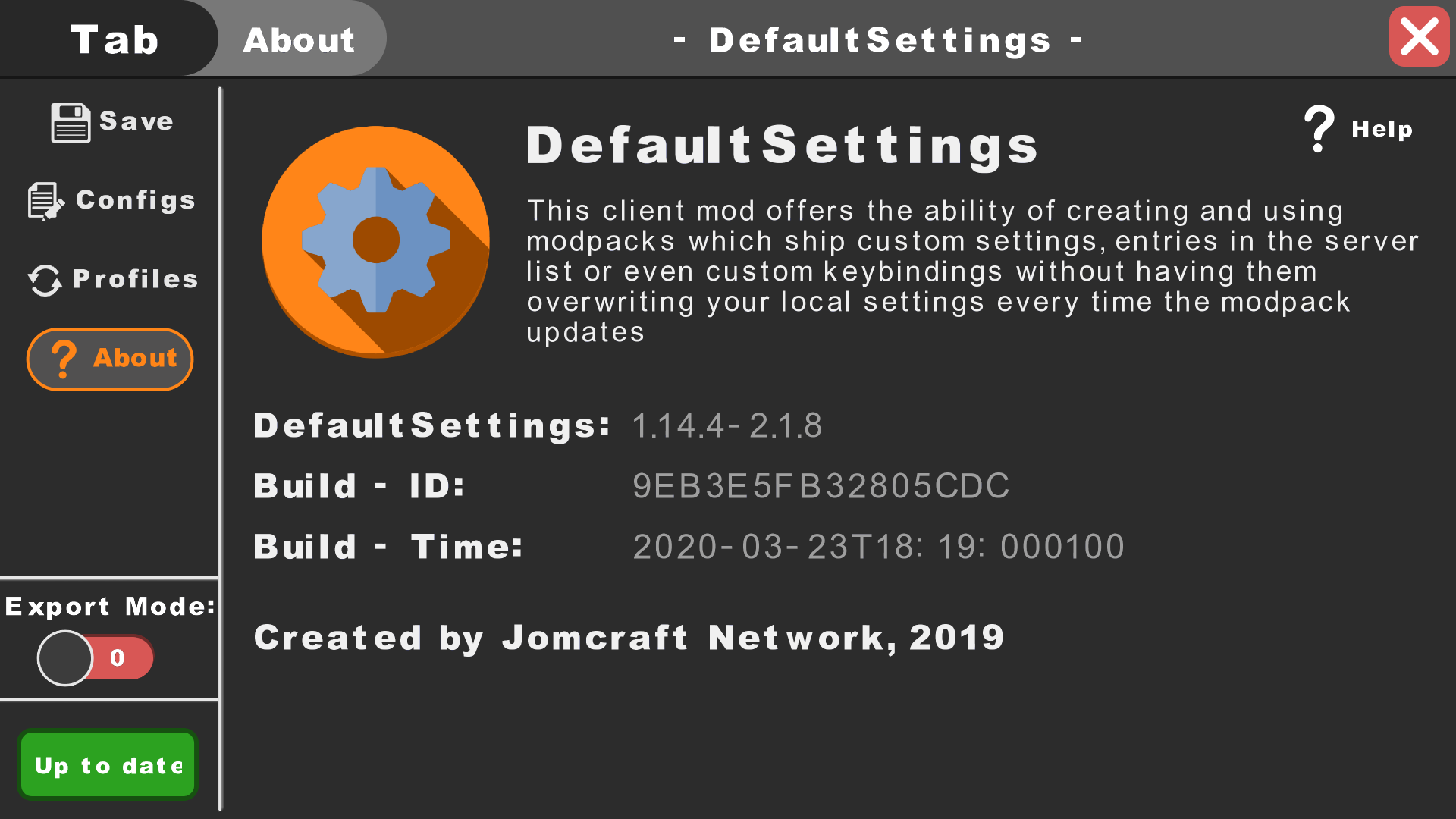 DefaultSettings Sidebar non-collapsed
 -
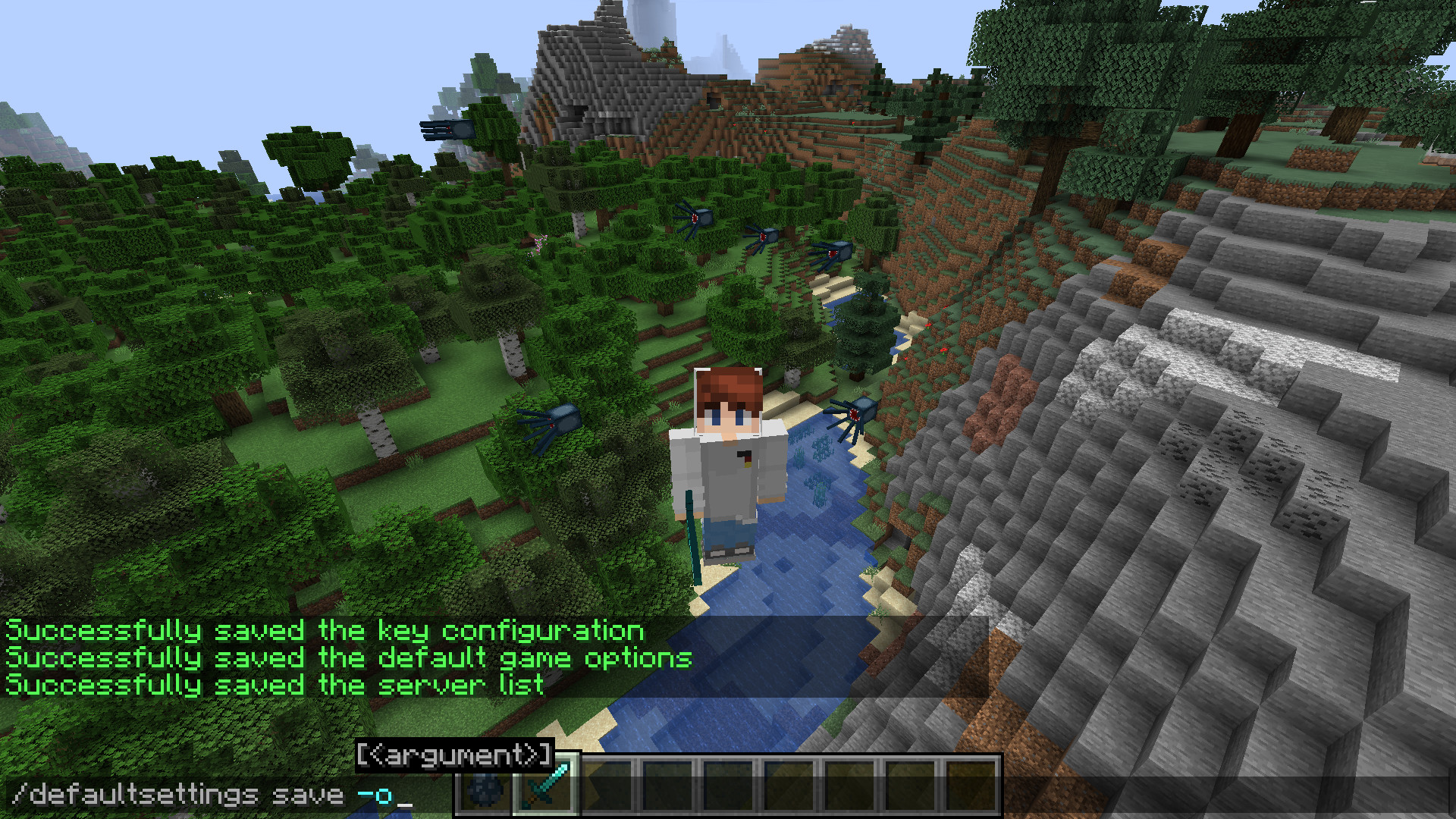 DefaultSettings Command
 -
 DefaultSettings Logo
-
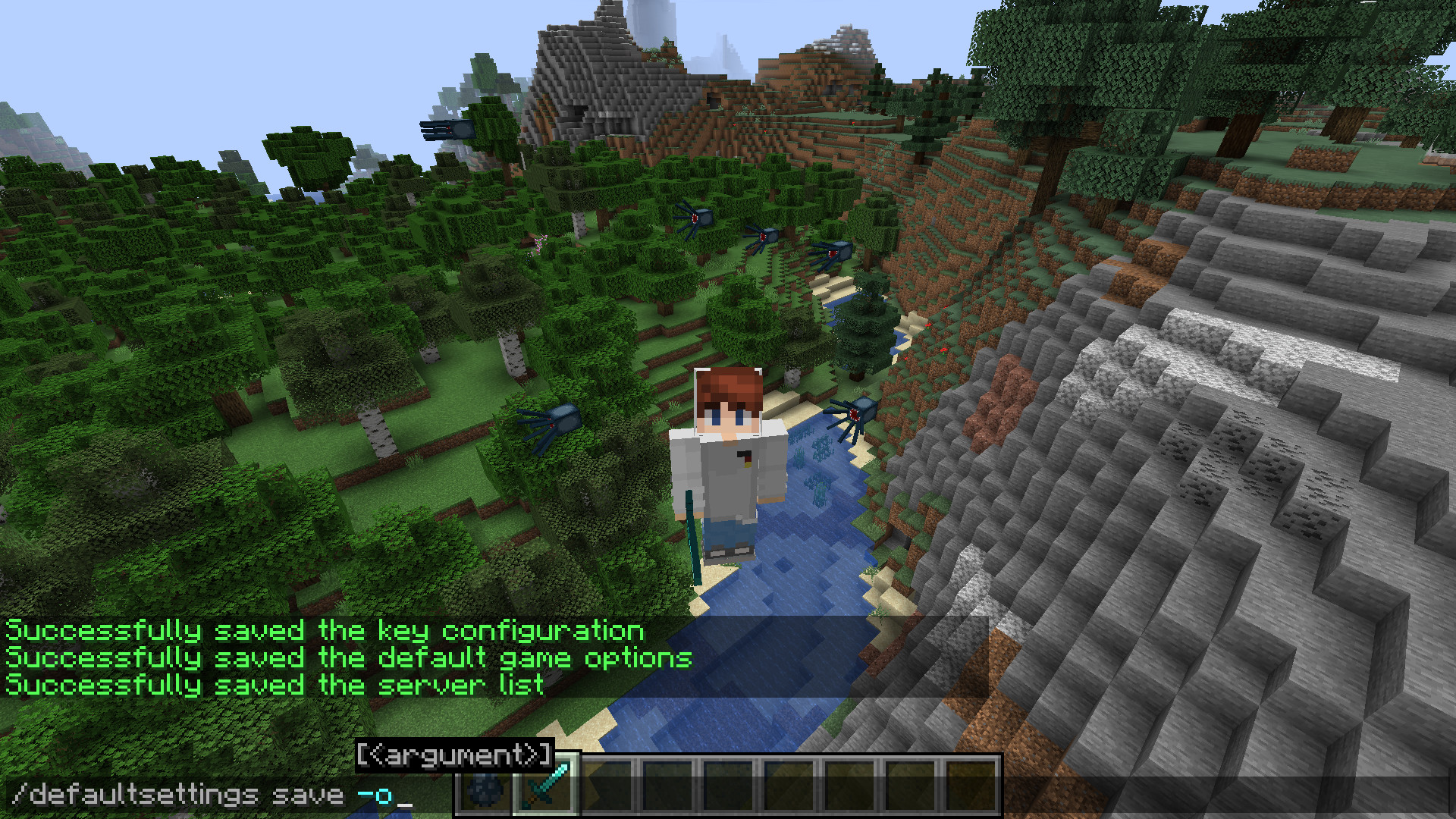 DefaultSettings Commands
Versions
Files
Relations
Project Relations
More like this
Similar Mods
Suggestions use data such as tags, dependencies, dependents, descriptions, titles, and more to rank how much they overlap with this mod.
On ModDex
Community snapshot
By the numbers
Statistics
Want to reach Minecraft players?
We're looking for a server hosting partner to feature here and other parts of the site. Interested? Send us a message!
Get in touchGet it on
Available Platforms
On ModDex
Community snapshot
By the numbers