
Community listing page, reviews here may not be monitored by the author.

Community voices
Reviews
No reviews yet. Be the first to review this project!
Get it on
Available Platforms
About
Project Details
For authors
Embed Badge
If you're the author of this project, you can embed a live badge anywhere that supports HTML or Markdown. It updates automatically whenever ratings change.
Use HTML for any page that supports it, or Markdown for README files and Markdown-based descriptions.
Identifiers
Platform IDs
Resources
External Links
About
Description
build your structures from other worlds in survival
comfortably!

With this mod you will be able to bring the structures that you want to any of your worlds, in a way in which you do not feel like a cheater! You will be charged for the blocks, items in principle, (it may not work 100% with mods)
You can take the structures to any server!
or world!
tutorial:
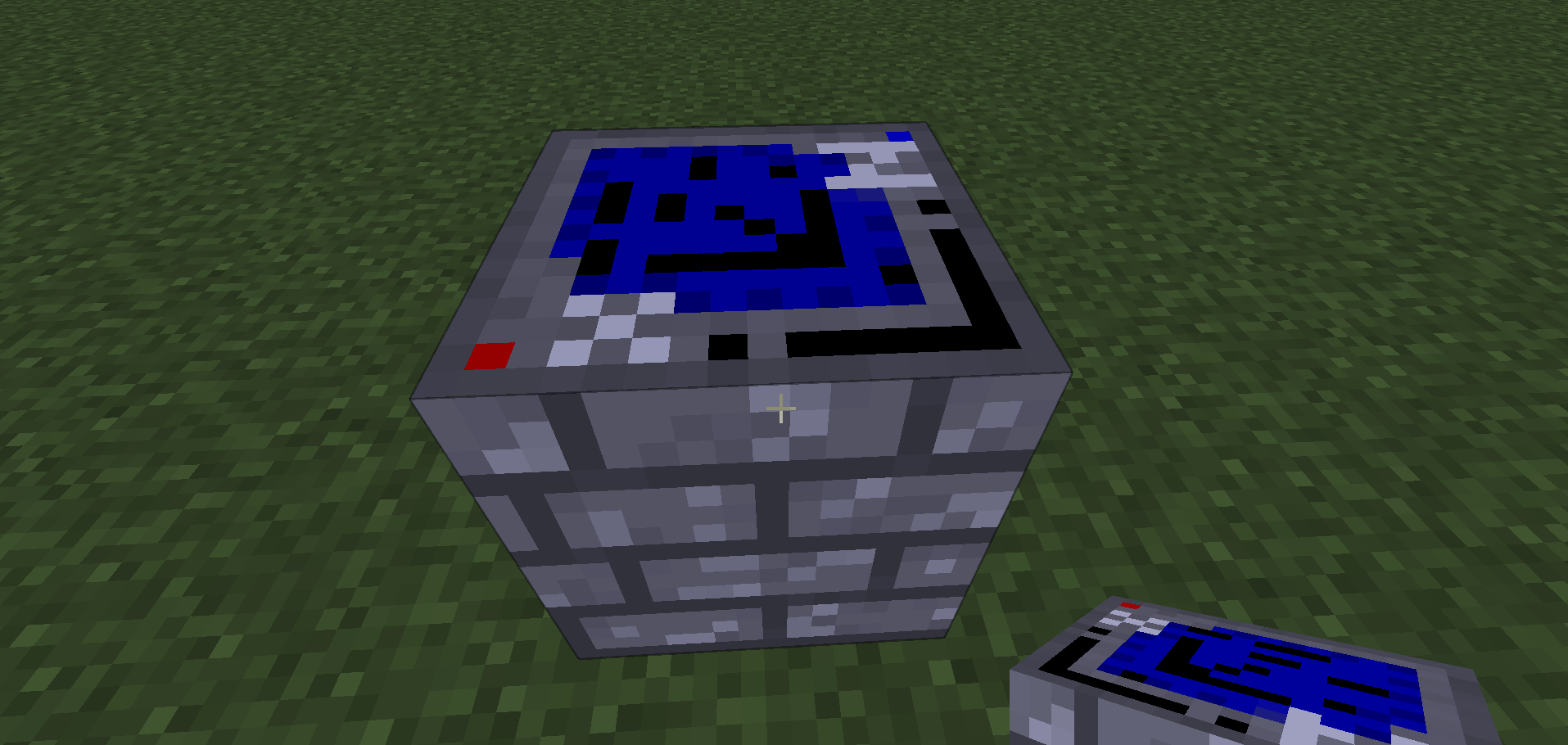
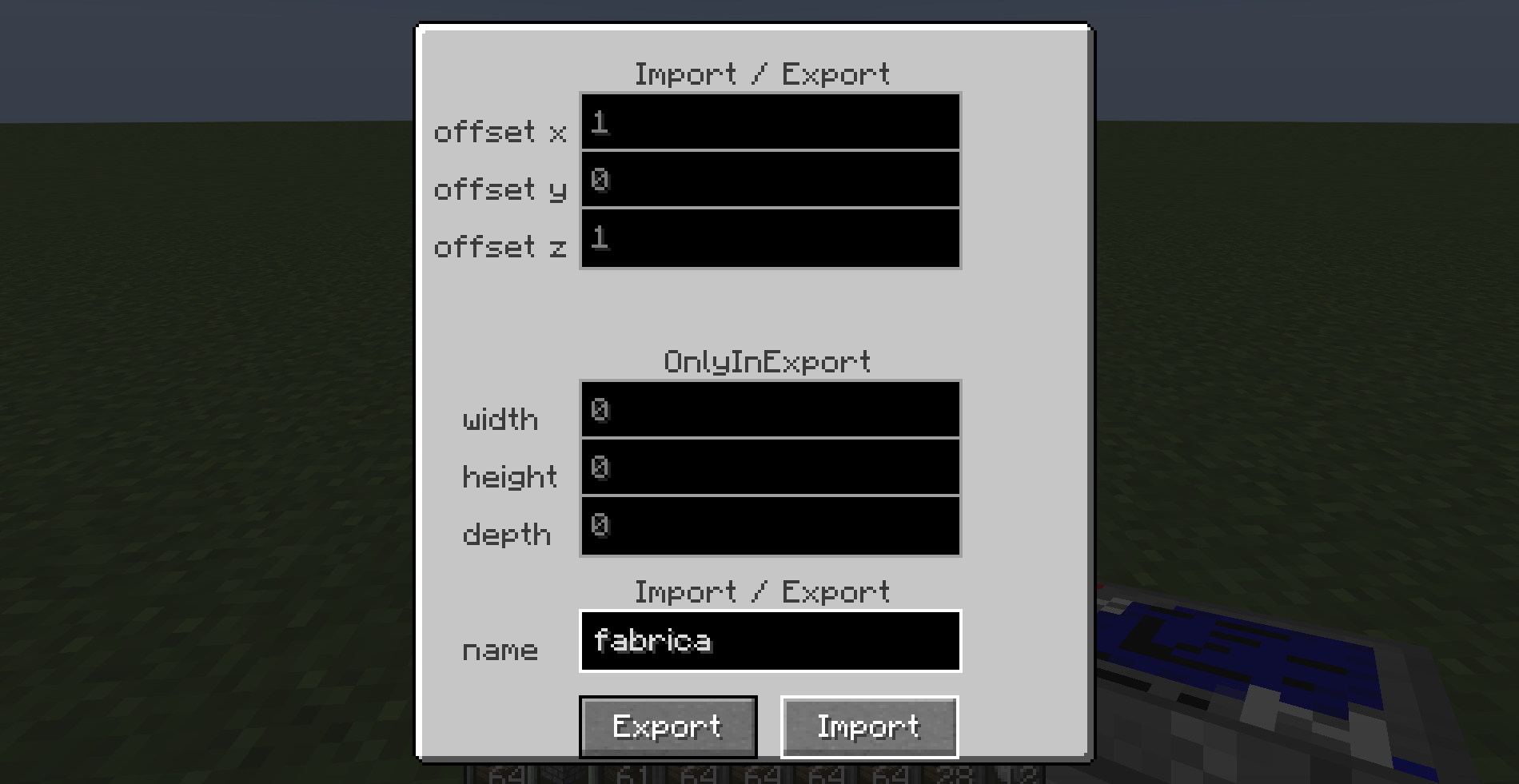
craft the despliegue block, then you place it, you open its menu with the right click, then you import or export with its measurements,
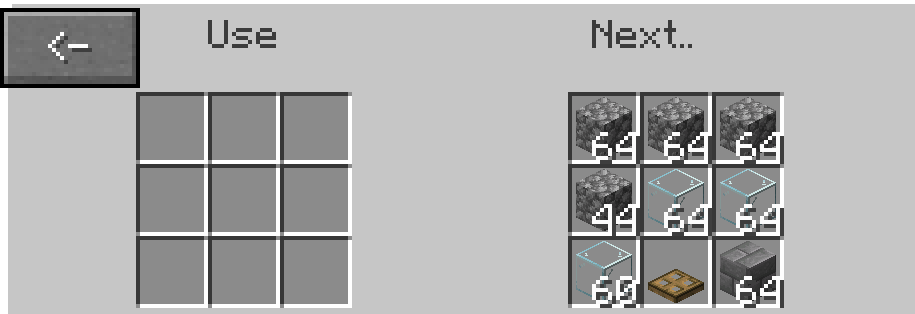
when you import it will open another menu, then in use you place the items necessary for the construction,
you place them based on what it asks of you, and that's it, it is built automatically!
It also destroys blocks, be careful!

menu items: offset x,y,z This is used to place or export from a certain relative position of the block.
width,height,depth...
These are their sizes, width has to do with x, height with y, and depth with z...
With the import button, you load a structure of your client!
and export is to save a structure with its respective measurements...
When importing it does not require the use of width height depth...
 since it is already defined after having saved it.

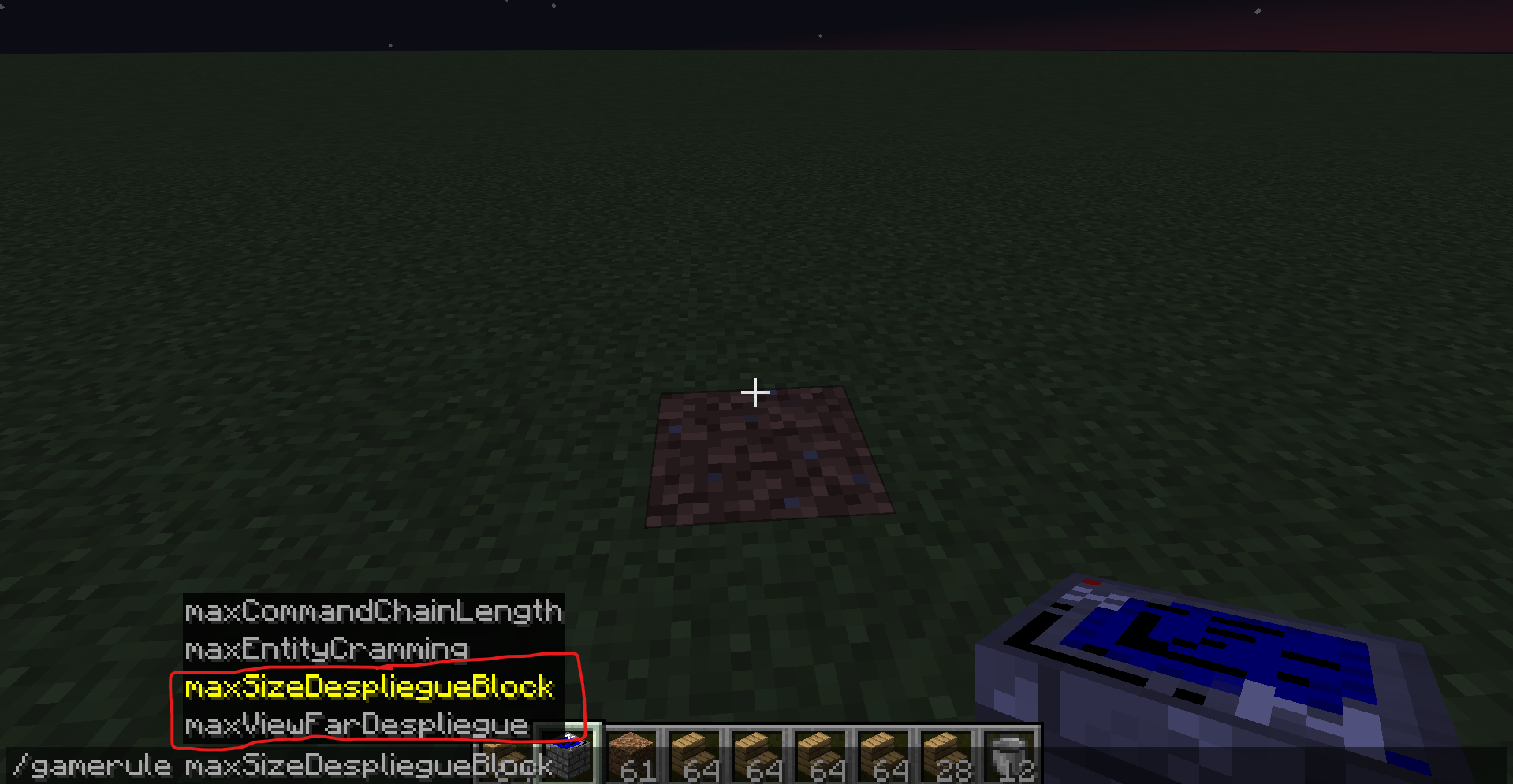
I have added two gamerules, one for the maximum number of blocks allowed on the server or local world, to avoid lag ect..
. and another gamerule to see a maximum distance between the current reading position of the block,
 for example, if you have already placed a block it will be in reading position 2..
. and then from there it will observe up to the maximum reading distance... although it is of no use when it exceeds the number 9*64,
since it is the maximum stack in the block's inventory

gamerules:
maxSizeDespliegueBlock: max number of blocks to use...
maxViewFarDespliegue: max lecture of index to limit
Screenshots
Gallery
-
 despliegue.png despliegue.png
 -
 Captura de pantalla 2025-02-11.png Captura de pantalla 2025-02-11.png
 -
 Captura de pantalla 2025-02-11 095228.png Captura de pantalla 2025-02-11 095228.png
 -
 Captura de pantalla 2025-02-11 094947.png Captura de pantalla 2025-02-11 094947.png
 -
 Captura de pantalla 2025-02-11 094911.png Captura de pantalla 2025-02-11 094911.png
 -
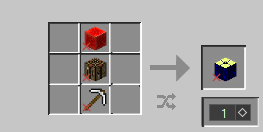 Captura de pantalla 2025-02-11 094739.png Captura de pantalla 2025-02-11 094739.png
Versions
Files
Relations
Project Relations
More like this
Similar Mods
Suggestions use data such as tags, dependencies, dependents, descriptions, titles, and more to rank how much they overlap with this mod.
On ModDex
Community snapshot
By the numbers
Statistics
Want to reach Minecraft players?
We're looking for a server hosting partner to feature here and other parts of the site. Interested? Send us a message!
Get in touchGet it on
Available Platforms
On ModDex
Community snapshot
By the numbers
Statistics
Resources