
Destiny Constellations
No reviews yet
A highly configurable Forge 1.20.1 mod that adds a Genshin-style constellation progression system, custom items, and creative tab.
Includes a large focus on traversing worlds with enhanced world generation, structures, dungeons, and more for players to find unique loot.
Forge is a popular mod loader for versions 1.1+ of Minecraft.
Community voices
Reviews
Click once to include, again to exclude, again to clear
No reviews yet. Be the first to review this project!
Get it on
Available Platforms
 Modrinth
Compatibility
Supported Environments
About
Project Details
For authors
Embed Badge
If you're the author of this project, you can embed a live badge anywhere that supports HTML or Markdown. It updates automatically whenever ratings change.
Use HTML for any page that supports it, or Markdown for README files and Markdown-based descriptions.
Identifiers
Platform IDs
Resources
External Links
About
Description
Touhou Destiny Constellations
Overview
- Perfect for RPG-style modpacks
- Adds a 7-level (C0-C6) constellation progression system.
- Press the C key (Default) to open the constellation interface.
- Requires Fate Crystals (crafted with 1x Nether Star, 4x Netherite Ingots, and 4x Diamond Blocks) to unlock constellation levels.
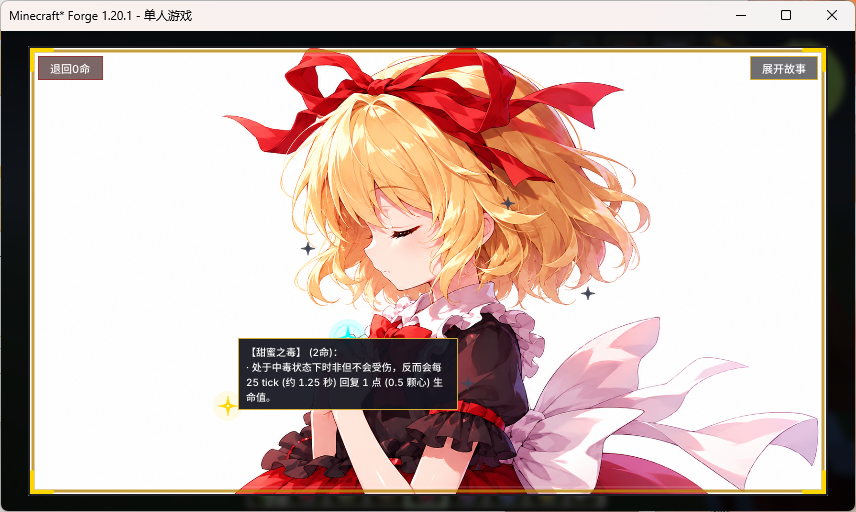
- Unlock constellation phases to acquire corresponding abilities, distinct background imagery, and exclusive lore stories (fully configurable).
Configuration Guide
1. Titles, Stories, and Descriptions
Configuration files generate in config/touhou_destiny/ after the first launch. You can open these .txt files and write your custom text in UTF-8 format:
stories/title_x.txt: Change the constellation's title.stories/story_x.txt: Change the background story.descriptions/ability_x.txt: Change the ability description shown in the UI.
2. Background Images & Star Positions
Open config/touhou_destiny-client.toml to configure visual settings:
[background_textures]: Change the texture paths for the backgrounds (background_0tobackground_6). You can replace the default images by creating a Resource Pack and placing your custom PNG files atassets/touhou_destiny/textures/gui/background_x.png.[star_positions]: Adjust the X and Y coordinates (from0.0to1.0) of the stars on the GUI.
KubeJS Integration (Recommended)
While the mod provides simple vanilla attributes by default, it is highly recommended to use KubeJS to script complex or custom constellation abilities for your modpack.
You can query a player's current constellation level (0 to 6) using the provided Java API: com.touhou.destiny.integration.ConstellationHelper.getLevel(player).
KubeJS Example (Server-side server_scripts):
EntityEvents.hurt(event => {
    let player = event.entity;
    if (player.isPlayer()) {
        // Query the player's unlocked constellation level
        let level = Java.resolve('com.touhou.destiny.integration.ConstellationHelper').getLevel(player);
        if (level >= 1) {
            // Example: Reduce incoming damage by 20% if level is 1 or higher
            event.damage = event.damage * 0.8;
        }
    }
});
Dependencies
- Required Dependency: ModernUI (Must be installed on the client side)
- Environment: Forge 1.20.1
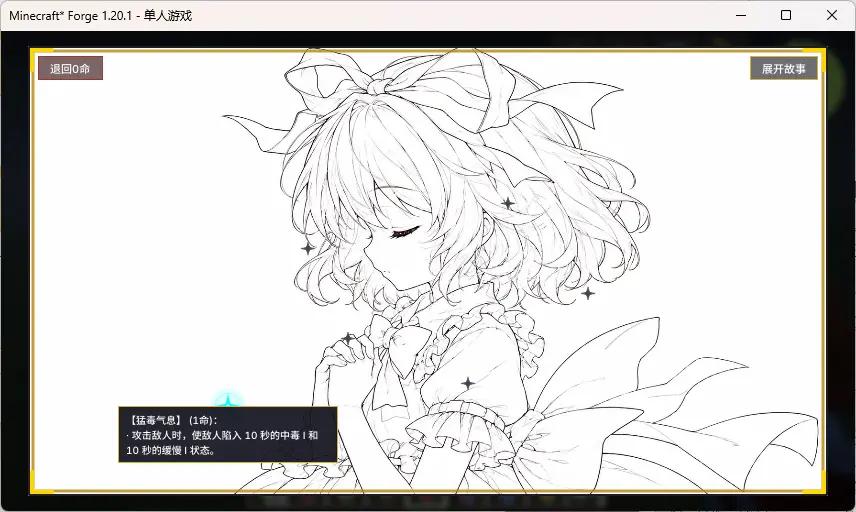
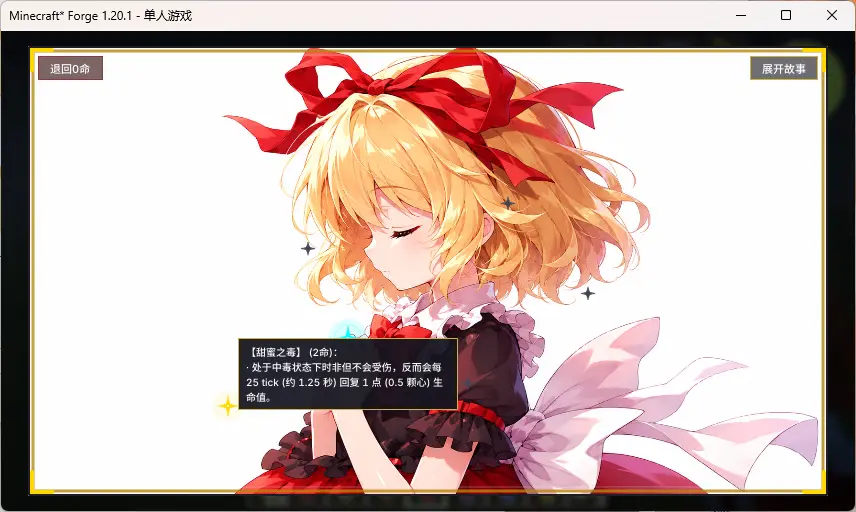
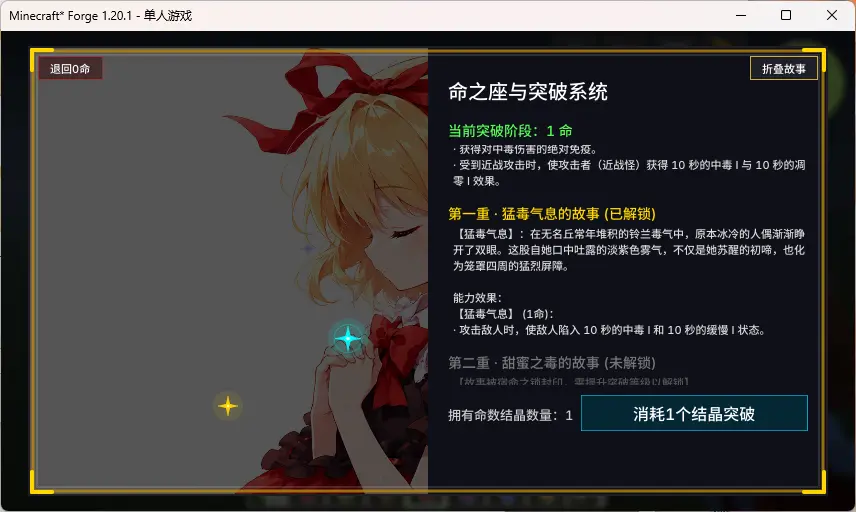
Screenshots
Gallery
Versions
Files
Relations
Project Relations
More like this
Similar Mods
Suggestions use data such as tags, dependencies, dependents, descriptions, titles, and more to rank how much they overlap with this mod.
On ModDex
Community snapshot
By the numbers
Statistics

Want to reach Minecraft players?
We're looking for a server hosting partner to feature here and other parts of the site. Interested? Send us a message!
Get in touchGet it on
Available Platforms
On ModDex
Community snapshot
By the numbers
Statistics
Resources