
Community listing page, reviews may not be monitored by the author.
Digital Items 2

No reviews yet
A mod allowing you to turn your items into numbers and back.

Community voices
Reviews
No reviews yet. Be the first to review this project!
Get it on
Available Platforms
About
Project Details
For authors
Embed Badge
If you're the author of this project, you can embed a live badge anywhere that supports HTML or Markdown. It updates automatically whenever ratings change.
Use HTML for any page that supports it, or Markdown for README files and Markdown-based descriptions.
Identifiers
Platform IDs
About
Description
Digital Items 2.0
This project is the successor to the original Digital Items mod.
These are the main differences:
- Longer item IDs; 128 bit instead of 32 bit
- The inclusion of the decay system (see below)
- Various balance changes (such as a more expensive crafting recipe and a reduced amount of information about items)
This forge mod allows you to turn your items into numbers (called IDs), which you can store or send to your friends and then turn them back into their item form. Every ID is unique, can't be guessed, and can only be used once.
No duplication or cloning of items is possible. The process of turning an item into an ID is called 'digitization' and turning it back is called 'rematerialization'.
Items that are digitized begin to 'decay'. If they are left digitized for too long, they are gone. You can reset their 'decay countdown' by 'refreshing' an item ID or partially rematerializing it.
You can retrieve information about digitized items via their ID and items inside the digitizer itself. All of these operations are performed inside the 'digitizer', and require a configurable amount of energy.
These operations are exposed in the form of a peripheral for the CC: Tweaked mod.
Q. & A.
How do I use this mod?
Place a digitizer and computer (either directly next to one another or connected with network cables and modems).
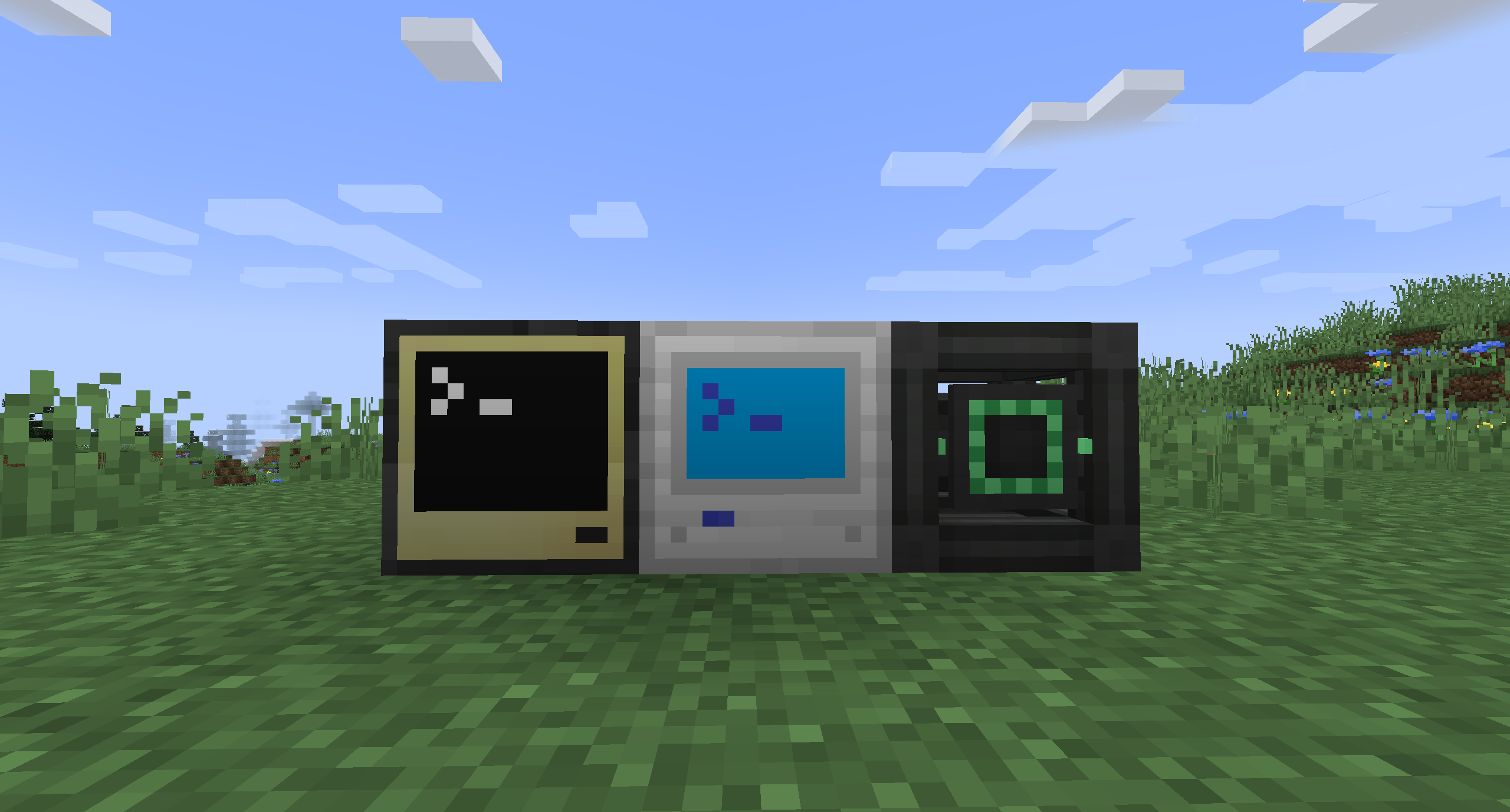
Place the item you want to digitize inside the digitizer.
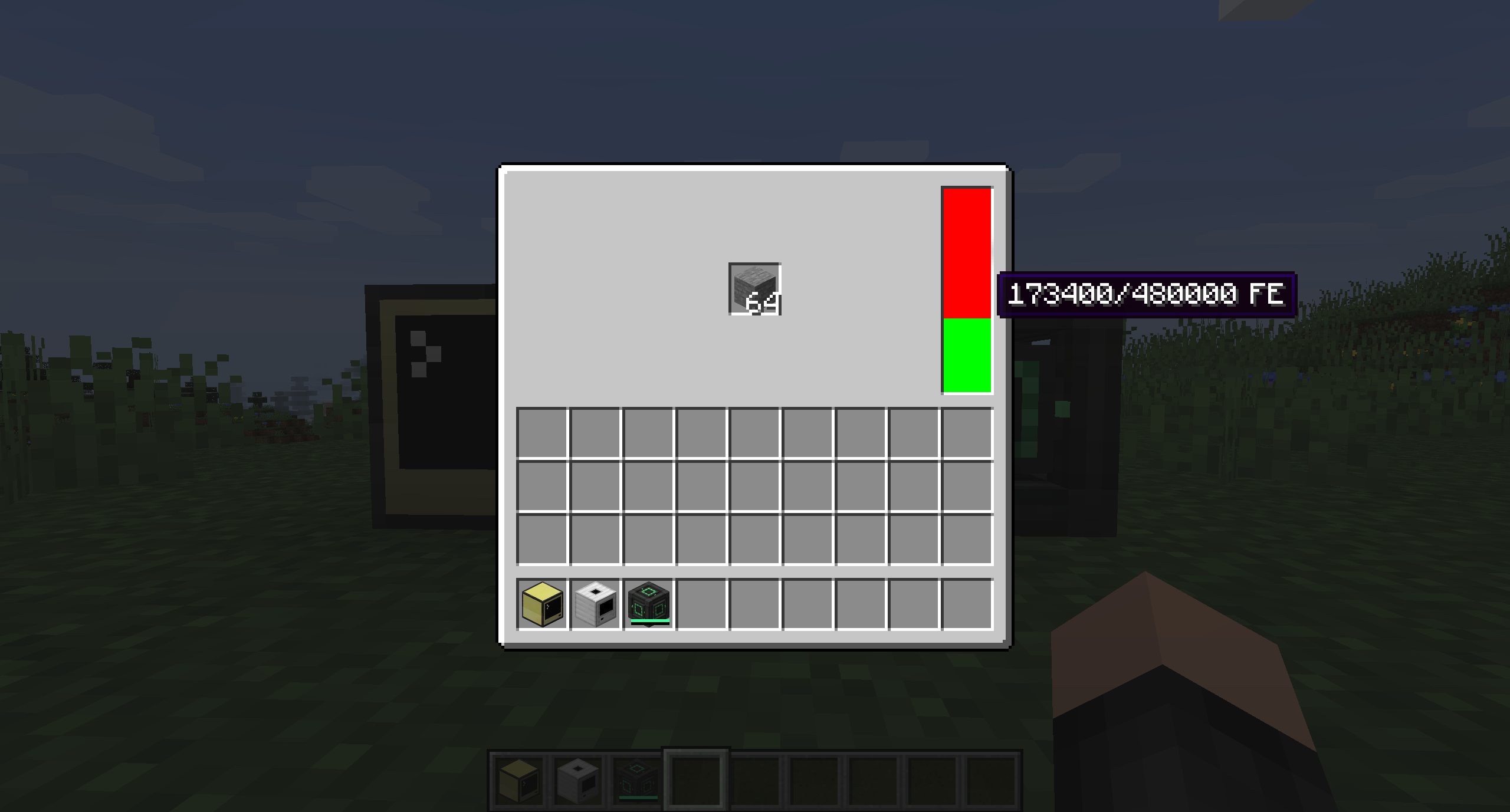
Now you can interact with the digitizer with lua.
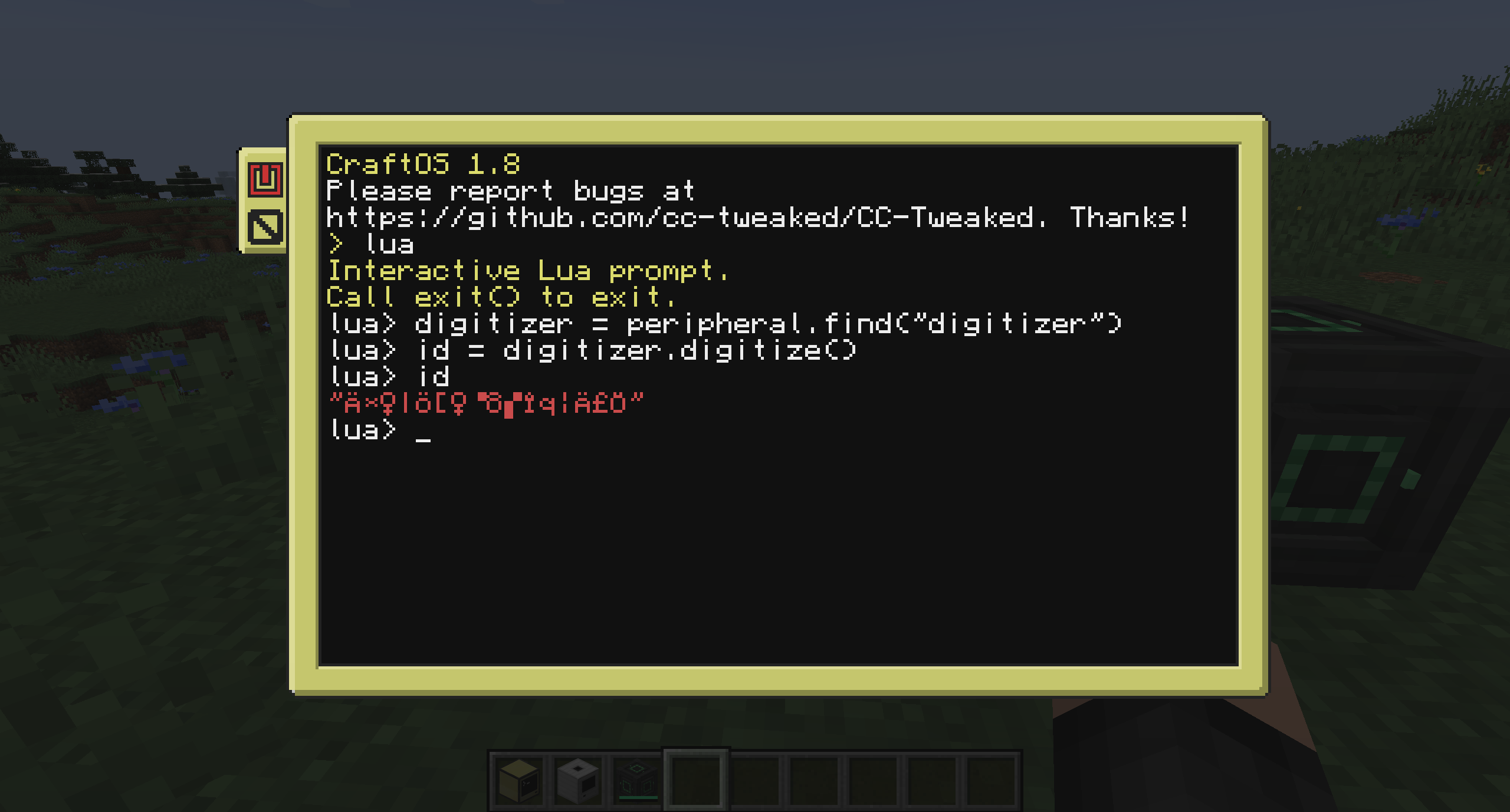
Use digitizer = peripheral.find("digitizer") to find the peripheral and bind it to the digitizer variable.
The following methods are available to call on the digitizer peripheral:
getEnergy()Returns the amount of energy currently stored inside the digitizer.getEnergyCapacity()Returns the maximum amount of energy the digitizer can store.getPerTickEnergyDraw()Returns the amount of energy the digitizer can draw (or that be extracted) per tick.getEnergyRequired()Returns whether the digitizer requires energy to operate.getDecayEnabled()Returns whether the digital items decay.getDecayTicks()Returns the duration in ticks after which digital items decay.getDigitizeCost()Returns the energy cost of digitizing a stack of items.digitize()Digitizes the item stack and returns the ID.digitizeAmount(amount)Likedigitize()but only digitizesamountitems leaving the rest in the digitizer.getRematerializeCost()Returns the energy cost to rematerialize items.rematerialize(id)Rematerializes the item stack associated with the provided ID and places it inside the digitizer.rematerializeAmount(id, amount)Likerematerialize(id)but only rematerializesamountitems. Resets the decay countdown for the remaining stack.getRefreshCost()Returns the cost to refresh (reset the decay countdown) an item stack.refresh(id)Refreshes the item stack associated with that ID.getInfoCost()Returns the energy cost to get information about a digitized item stack.getIDInfo(id)Returns a table containingcurrentTime(current world age in ticks),digitizedAt(time when the item stack got digitized),decaysAt(time when the item stack will decay),lastRefresh(time when the item stack got last refreshed) anditemcontaining information about the actual item stack.getItemDetail()Returns a table with information about the item currently in the digitizer.getItemLimit()Returns the item limit for the digitizer.
Is it compatible with the original mod?
No it is not compatible because of the minecraft version difference and compatibility breaking features. It's not impossible to make the two compatible, but I am simply lacking the time to do so. Pull requests to change this however are of course welcome.
Screenshots
Gallery
Versions
Files
Relations
Project Relations
More like this
Similar Mods
Suggestions use data such as tags, dependencies, dependents, descriptions, titles, and more to rank how much they overlap with this mod.
On ModDex
Community snapshot
By the numbers
Statistics

Get it on
Available Platforms
On ModDex
Community snapshot
By the numbers