
Community listing page, reviews may not be monitored by the author.
Dimensional Depot


No reviews yet
Cloud storage for your items!

Community voices
Reviews
No reviews yet. Be the first to review this project!
Get it on
Available Platforms
Compatibility
Supported Environments
Must be installed on both the client and the server.
About
Project Details
For authors
Embed Badge
If you're the author of this project, you can embed a live badge anywhere that supports HTML or Markdown. It updates automatically whenever ratings change.
Use HTML for any page that supports it, or Markdown for README files and Markdown-based descriptions.
Identifiers
Platform IDs
Resources
External Links
About
Description
Cloud storage for your items!




Features
- Unlock ability to upload items to the cloud
- Upgradeable, so you can store more stacks of those items, and enjoy faster upload speeds.
- Instant download of items
- World generation, so you can find Mercer Cubes and Somersloops
- Multiblock depot for automating uploads.
- A proper research system (MaM)
- Team cloud storage - because sharing is caring. Use the command to invite your friends.
Dreams for the future
- Proper researching in a MaM block! Instead of a keybinding UI.
- Audio/Sound effects (consume)
- Integration with JEI for providing items to crafting recipes from your depot.
- More world generation, so that finding artifacts can be more varied
- PowerSlugs/Shards
FAQ
How do I unlock the depot?
Find a Mercer Cube in the world, then use the research keybinding to open the MaM. We'll change that when we get to the research update.
Where do I find Mercer Cubes and Somersloops?
They generate in the world. Look for strange structures.
How do I open the depot?
It should show automatically, so long as you aren't using the vanilla minecraft recipe book. Hopefully it doesn't conflict with other mods drawing stuff over inventory/crafting table/etc. Eventually I wanna let you move it about to wherever you want.
How do I upload items?
Craft a Depot! It accepts items from the front if you use a hopper for 'automation'. Alternatively, if you've unlocked personal uploading, while the depot UI is open, drag items from your inventory into one of the depot upload slots below it.
How do I download items back from the depot?
While the depot UI is open in your inventory, click on an item in the depot storage area to instantly download it to your inventory. Left/Right click, as well as shift-clicking, all work as normal.
How do I upgrade my upload speed?
Research.
How do I increase my storage capacity?
Also research.
Why can't I upload certain items?
Is your depot full for your current stack upgrade level? Or maybe you're trying to upload something that couldn't be stacked with something already uploaded.
Got something to say?
Join us on Discord!
Cloud storage for your items!


Features
- Unlock ability to upload items to the cloud
- Upgradeable, so you can store more stacks of those items, and enjoy faster upload speeds.
- Instant download of items
- World generation, so you can find Mercer Cubes and Somersloops
- Multiblock depot for automating uploads.
- A proper research system (MaM)
- Team cloud storage - because sharing is caring. Use the command to invite your friends.
Dreams for the future
- Proper researching in a MaM block! Instead of a keybinding UI.
- Audio/Sound effects (consume)
- Integration with JEI for providing items to crafting recipes from your depot.
- More world generation, so that finding artifacts can be more varied
- PowerSlugs/Shards
FAQ
How do I unlock the depot?
Find a Mercer Cube in the world, then use the research keybinding to open the MaM. We'll change that when we get to the research update.
Where do I find Mercer Cubes and Somersloops?
They generate in the world. Look for strange structures.
How do I open the depot?
It should show automatically, so long as you aren't using the vanilla minecraft recipe book. Hopefully it doesn't conflict with other mods drawing stuff over inventory/crafting table/etc. Eventually I wanna let you move it about to wherever you want.
How do I upload items?
Craft a Depot! It accepts items from the front if you use a hopper for 'automation'. Alternatively, if you've unlocked personal uploading, while the depot UI is open, drag items from your inventory into one of the depot upload slots below it.
How do I download items back from the depot?
While the depot UI is open in your inventory, click on an item in the depot storage area to instantly download it to your inventory. Left/Right click, as well as shift-clicking, all work as normal.
How do I upgrade my upload speed?
Research.
How do I increase my storage capacity?
Also research.
Why can't I upload certain items?
Is your depot full for your current stack upgrade level? Or maybe you're trying to upload something that couldn't be stacked with something already uploaded.
Got something to say?
Join us on Discord!
Screenshots
Gallery
-
 Look out for strange structures out in the world!
 -
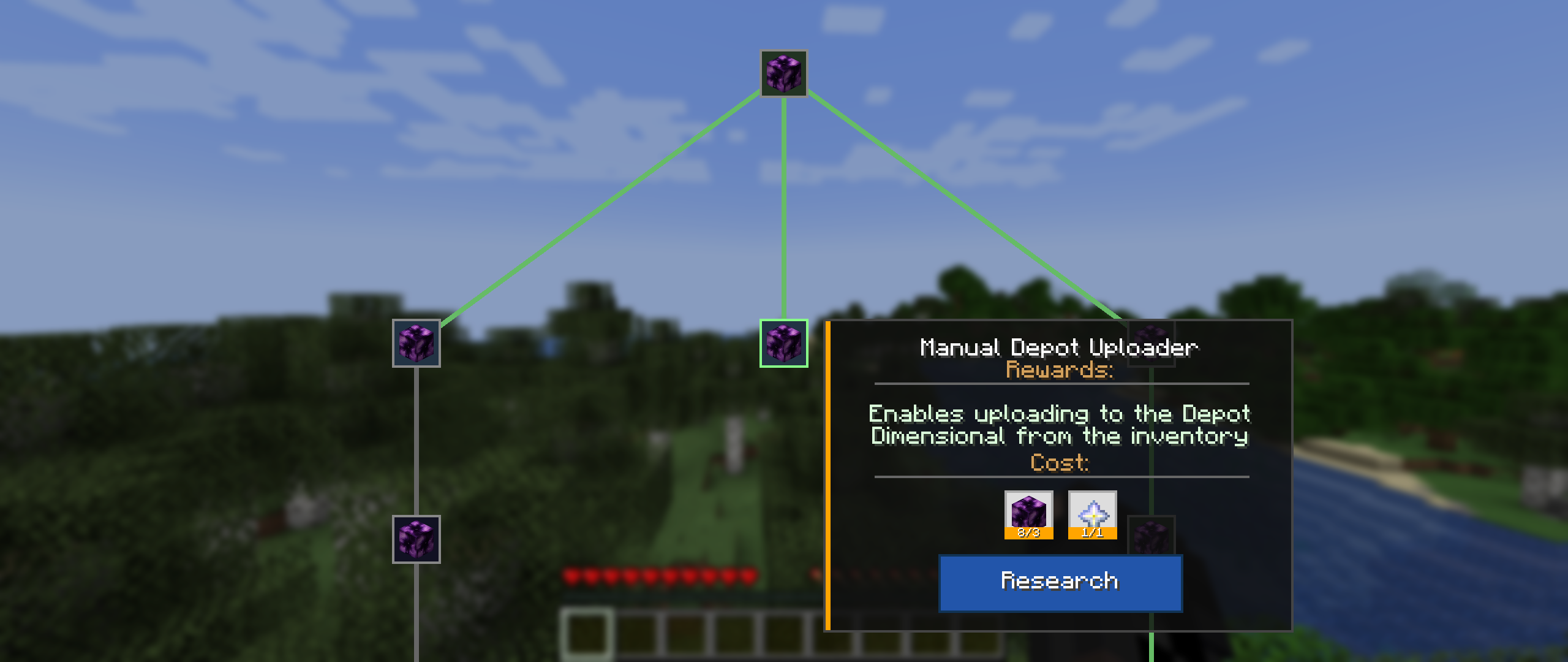 Research
 -
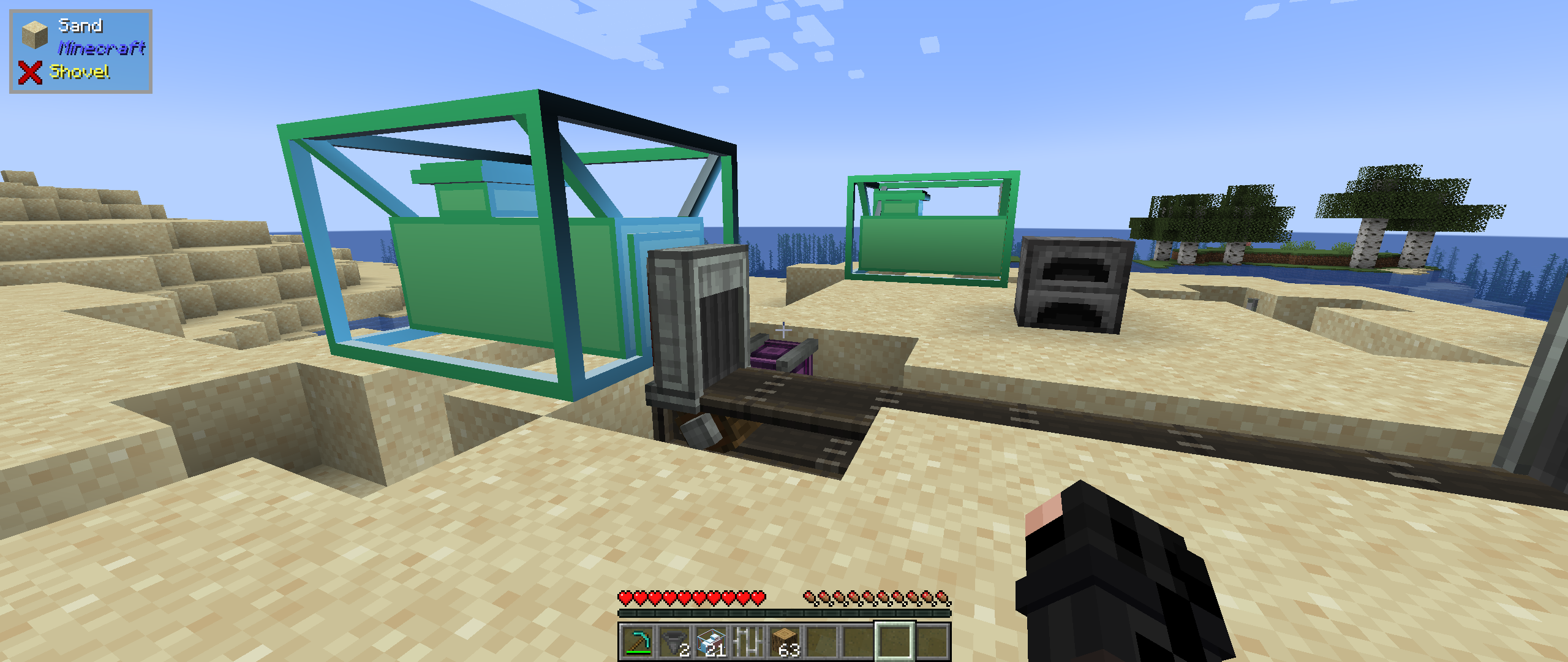 Depot Block
 -
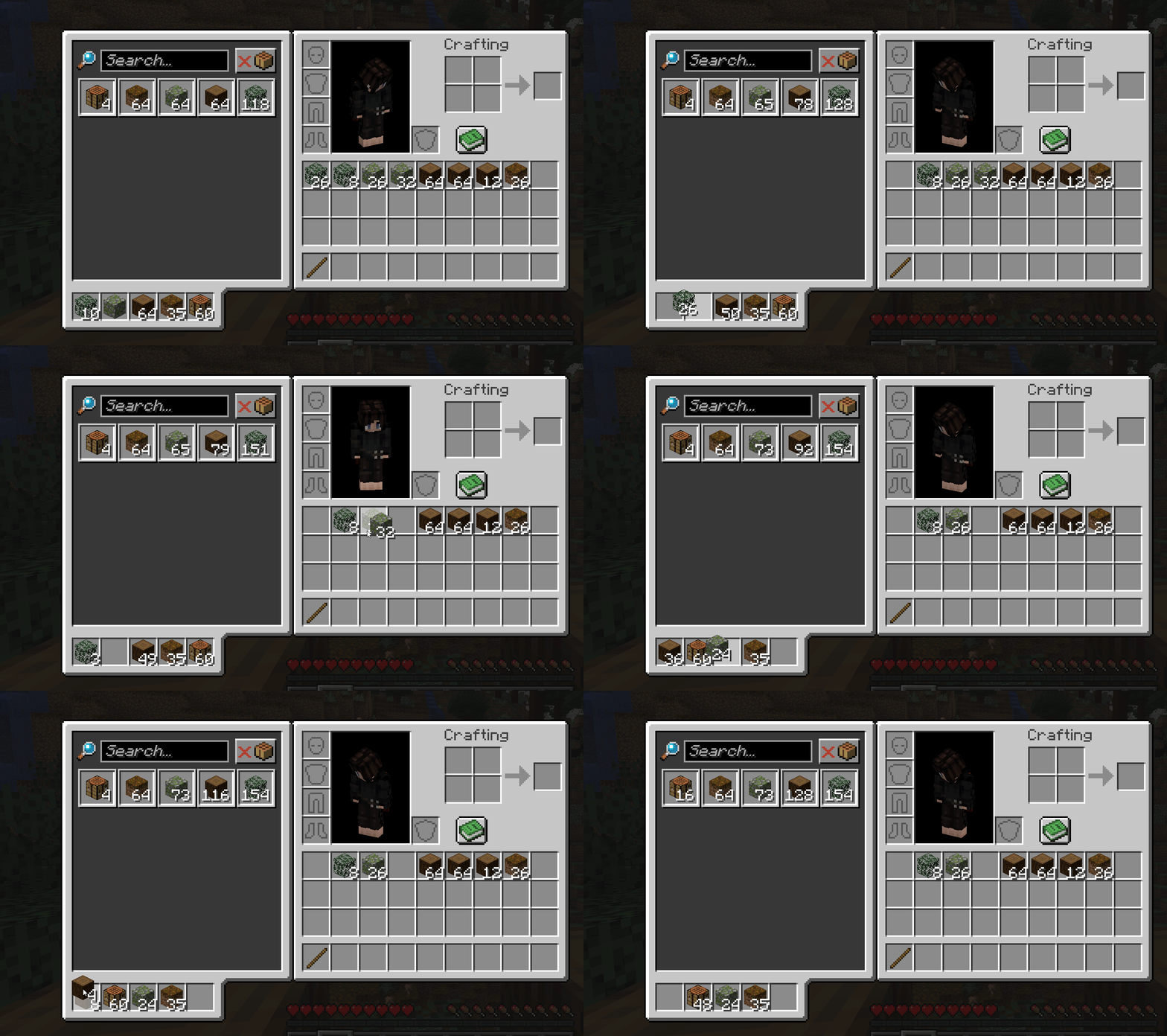 Upload
-
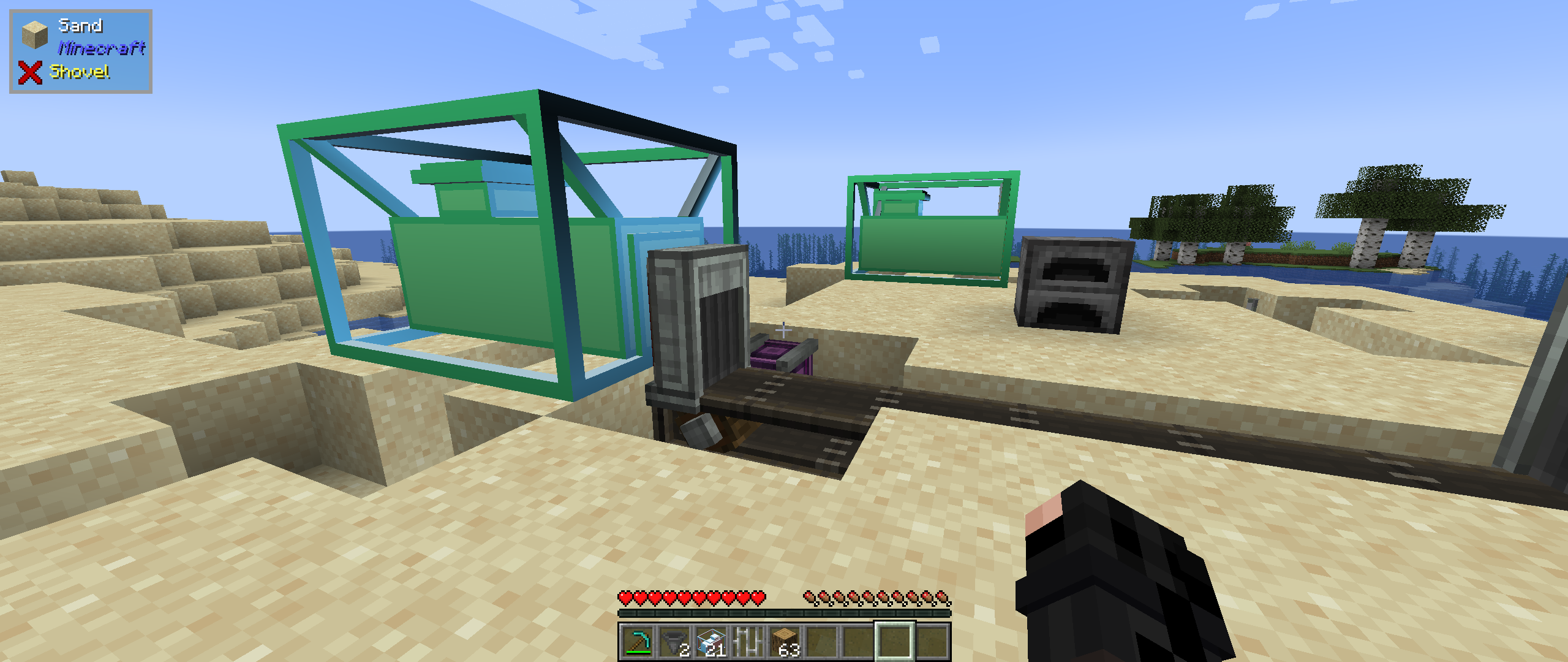 Depot Multiblock for automated uploading
 -
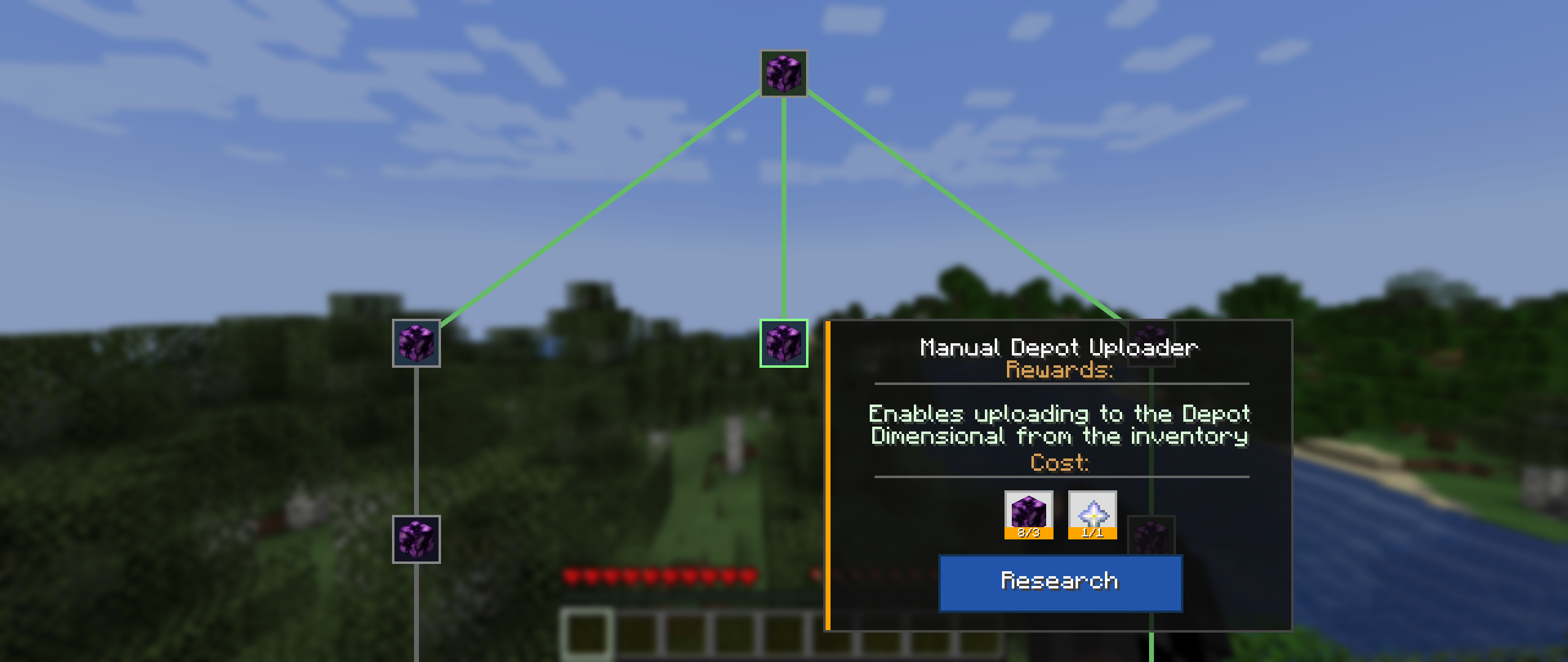 MaM Research Screen
 -
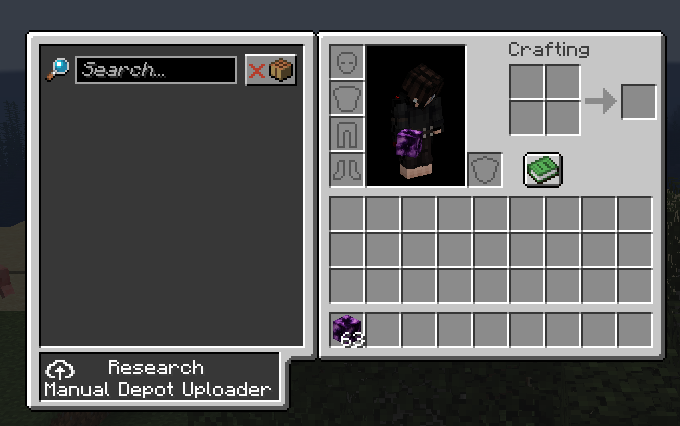 Research Manual Uploader for in-inventory uploading! Wow!
 -
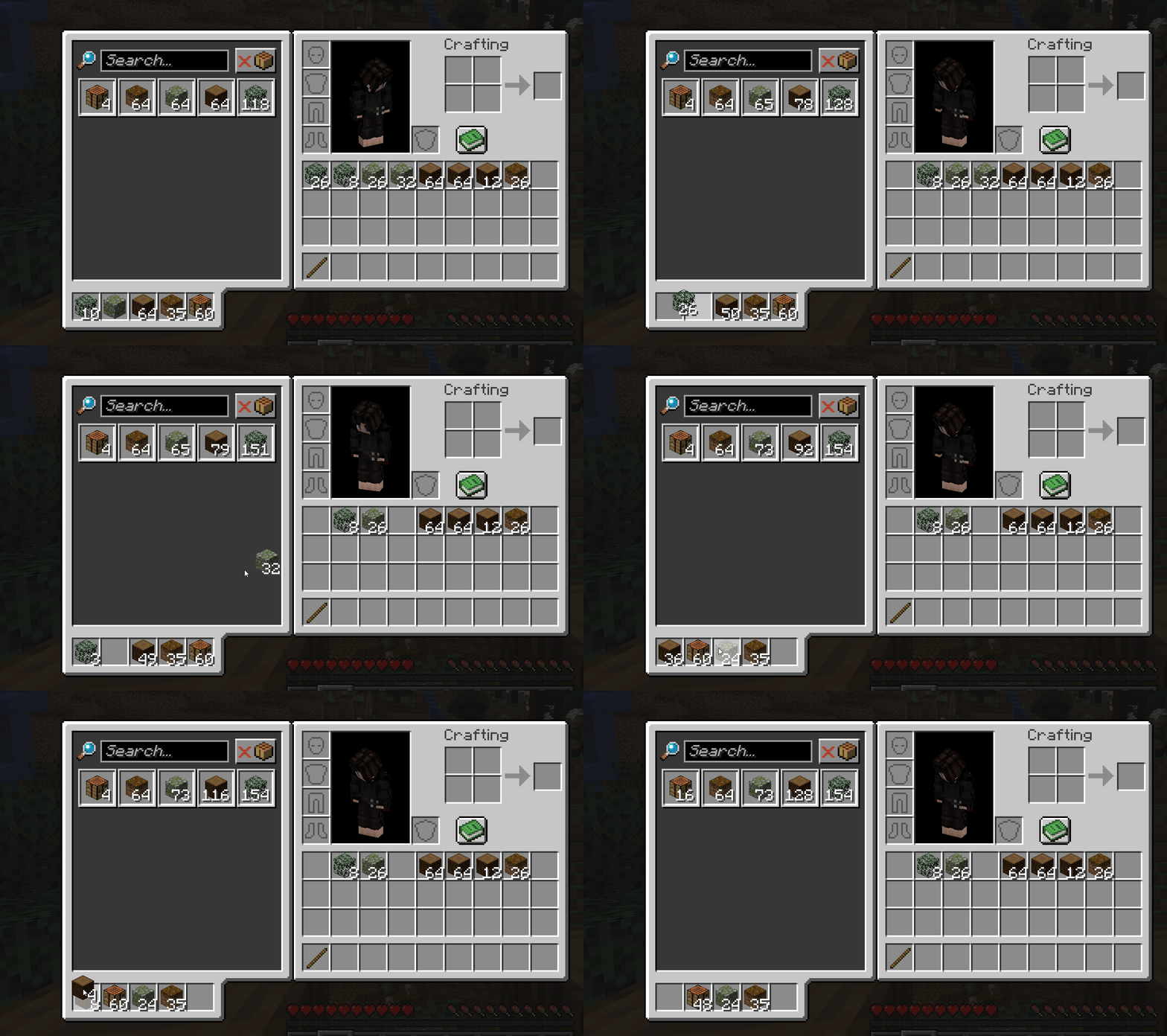 Upload
 -
 Look out for strange structures out in the world!
Versions
Files
Relations
Project Relations
More like this
Similar Mods
Suggestions use data such as tags, dependencies, dependents, descriptions, titles, and more to rank how much they overlap with this mod.
On ModDex
Community snapshot
By the numbers
Statistics
 (opens in a new tab)
Get it on
Available Platforms
On ModDex
Community snapshot
By the numbers
Statistics
Resources