Community listing page, reviews here may not be monitored by the author.
Disable Dimensions


No reviews yet
A hard-to-break, grief-resistant solution for preventing players from entering The Nether, The End, and any further custom dimensions, with optional per-dimension conditions.
Community voices
Reviews
No reviews yet. Be the first to review this project!
Get it on
Available Platforms
Compatibility
Supported Environments
Runs entirely on the server. Also works in singleplayer.
About
Project Details
For authors
Embed Badge
If you're the author of this project, you can embed a live badge anywhere that supports HTML or Markdown. It updates automatically whenever ratings change.
Use HTML for any page that supports it, or Markdown for README files and Markdown-based descriptions.
Identifiers
Platform IDs
Resources
External Links
About
Description
Disable Dimensions
✦ The official successor, Disable Dimensions Reimagined, just got released here
➜ The data pack version of this mod can be found here
A hard-to-break, grief-resistant solution for preventing players from entering The Nether, The End, and any further custom dimensions, with optional per-dimension conditions.
Allows you to disable dimensions by intercepting all known dimension-entry methods and returning players immediately. Each dimension can be separately enabled or disabled, with optional conditions which override that status.
Perfect for vanilla and modded multiplayer servers where you want to disable further dimensions to prevent players from progressing too fast.
Why use this data pack/mod?
Only Complete Solution: No other data pack currently disables The Nether, The End, and additional custom dimensions, with optional per-dimension conditions, for the current Minecraft version. All older ones are outdated, broken, or not as feature rich.
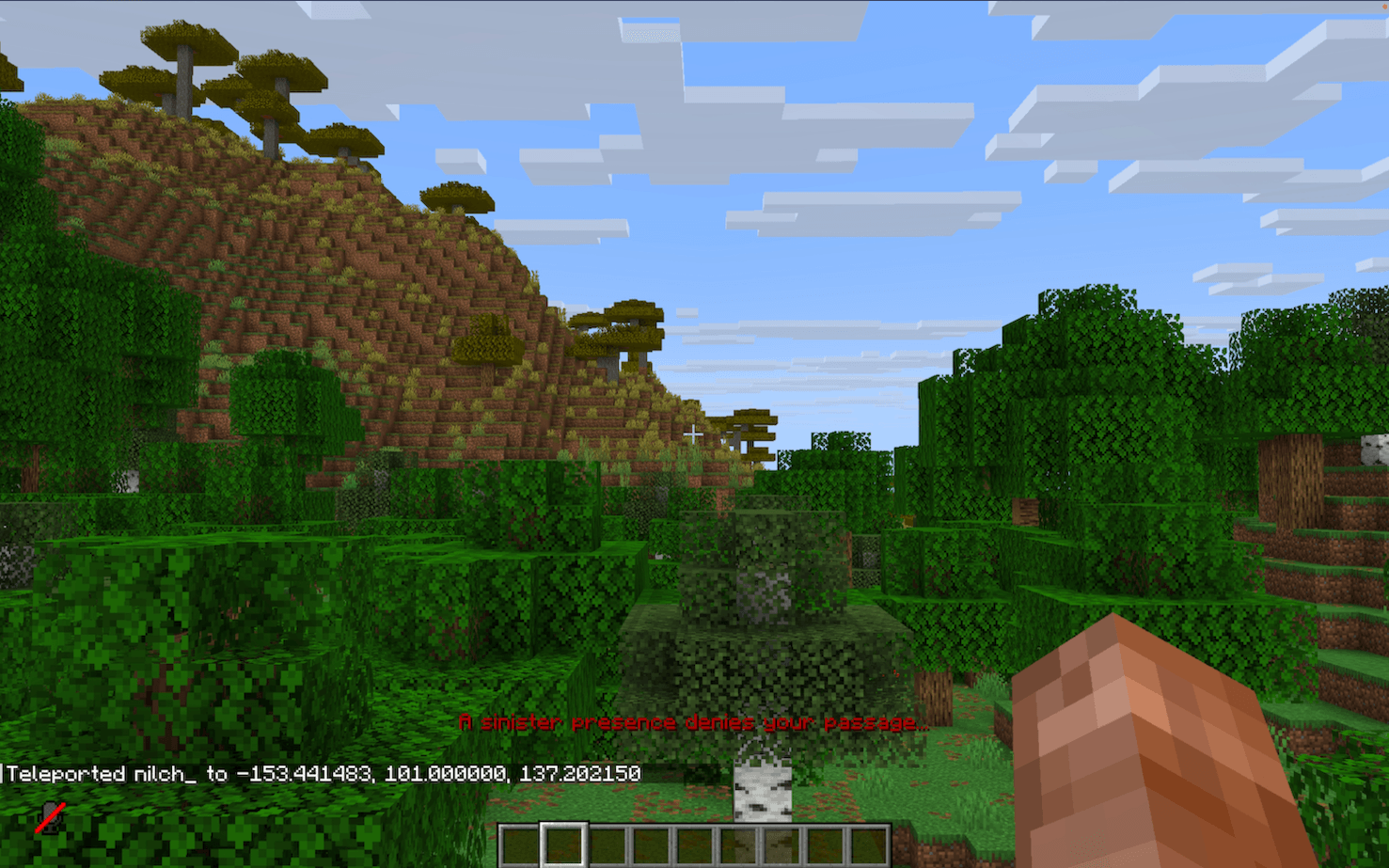
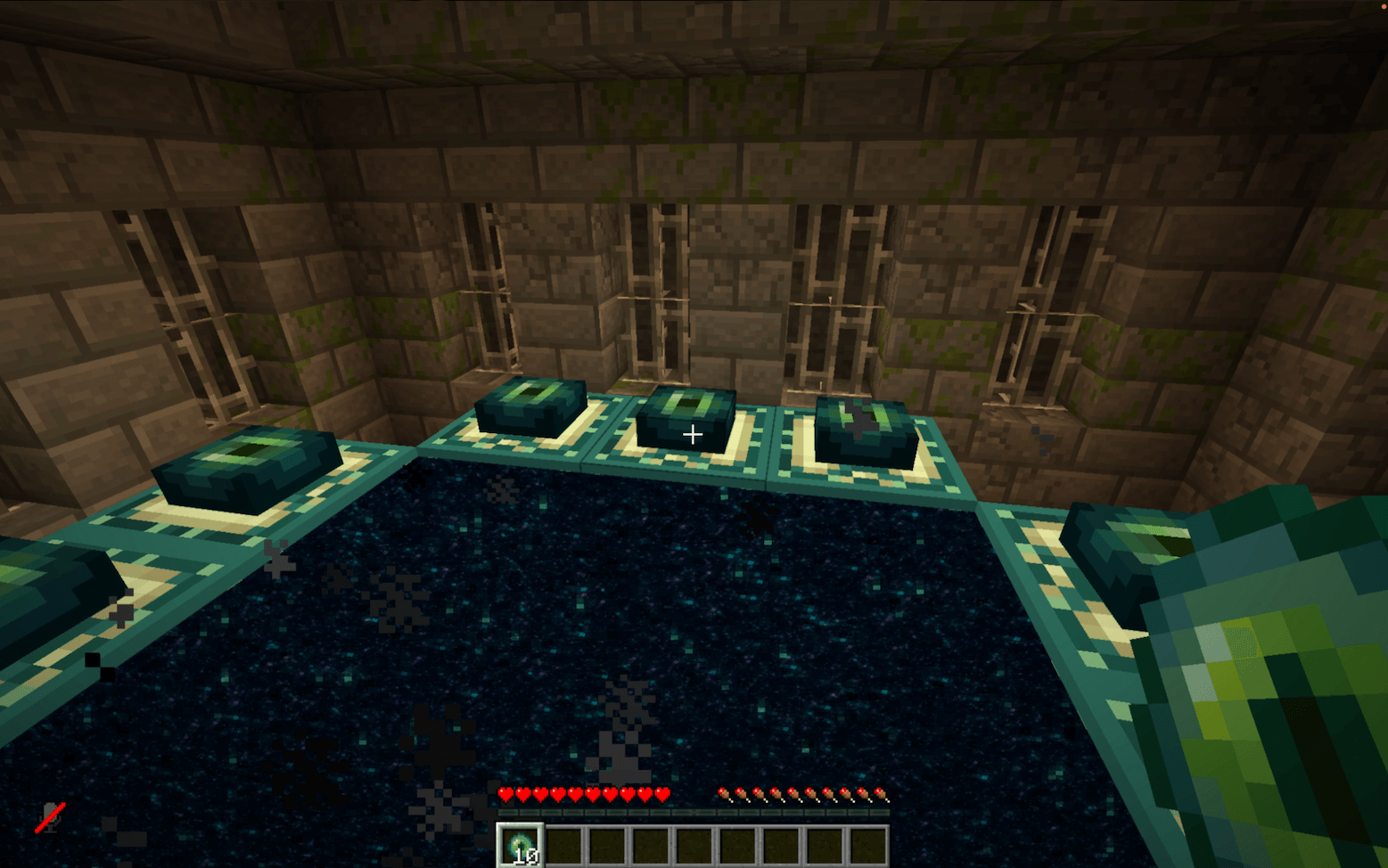
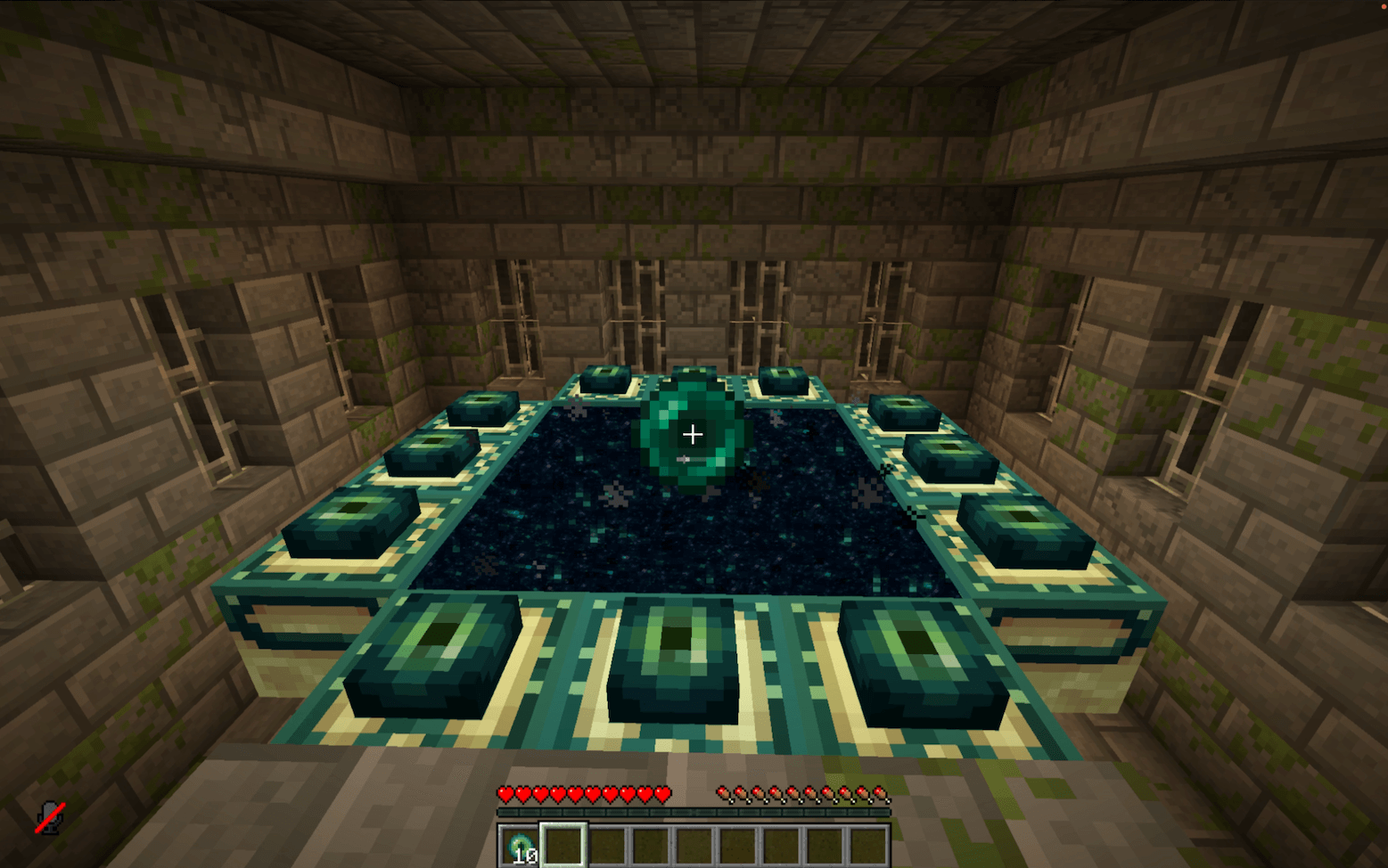
Comprehensive Coverage: Works in every situation. For players in all game modes, teleportation commands, ender pearls, minecarts, and more. Players can enter portals or teleport, but are instantly teleported back. From the Nether to their entry point with a fallback to world spawn, and from the End to their respawn point or world spawn. See Edge Cases for the handful of scenarios that require manual cleanup.
Intended Vanilla Reward: Players who try to swap dimensions will still receive the vanilla "entered dimension" advancement (for the Nether or the End). This is intentional and serves as a small reward for their attempt. And you know who tried by checking their achievements. Don't worry, they'll get teleported back safely!
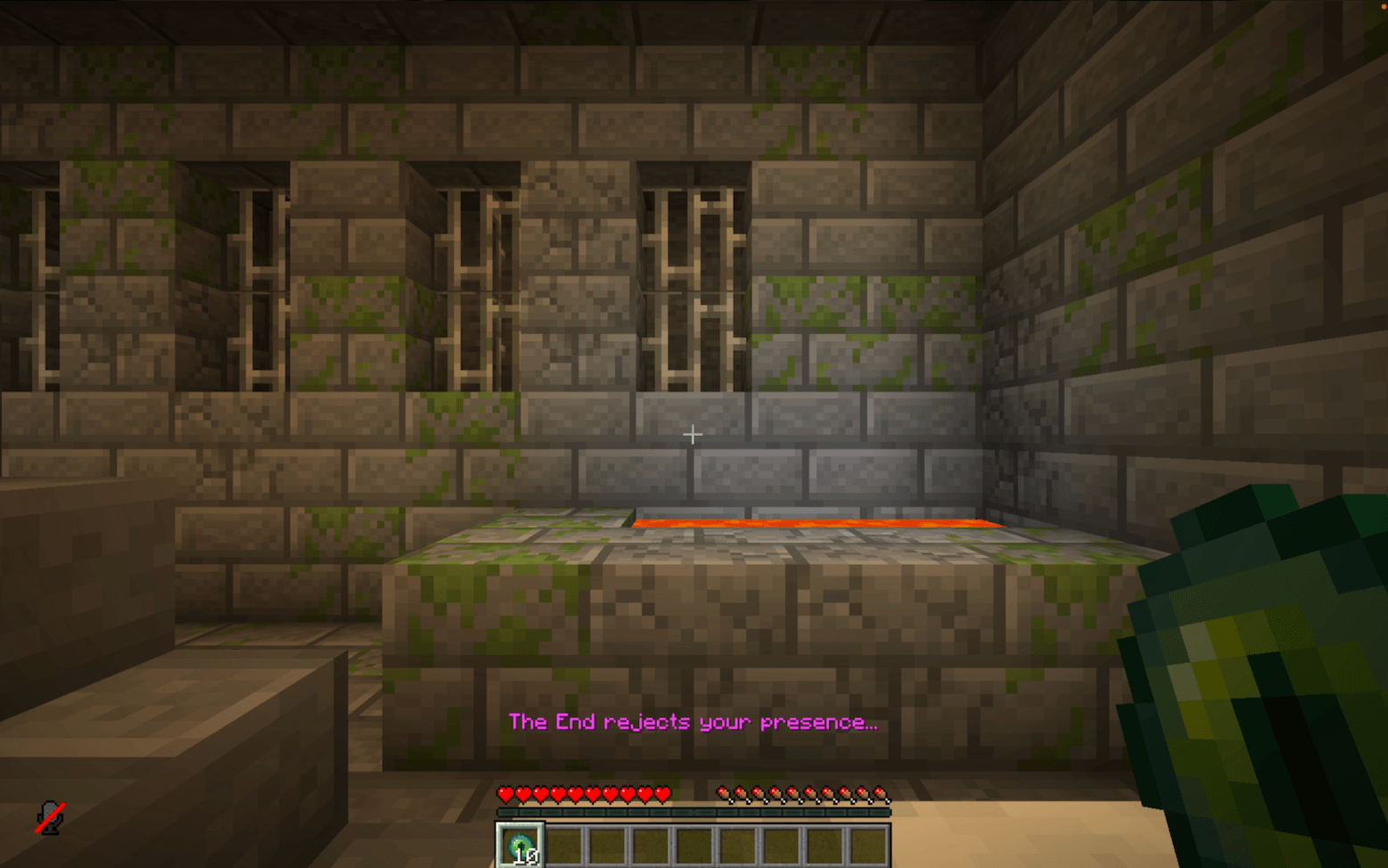
Immersive Feedback: On teleport back, players see a short action bar message, hear a subtle sound cue and get a slowness effect applied, making the experience clear and responsive without being intrusive.
Flexible and Compatible: Works as either a global mod or a world-specific data pack, includes built-in language support, and is fully compatible with vanilla, modded, and custom dimensions setups right out of the box.
Server-Ready: Built to be reliable, grief-resistant, and completely passive, with no extra overhead through tick-based checks. Perfect for public or semi-public multiplayer servers.
Dynamic Configuration: Can be adjusted in real time through the in-game config panel, no reloads or restarts required.
TL;DR: A stable and lightweight way to stop unwanted dimension travel, made to just work.
Installation
After adding the data pack/mod to your world or server, you should be able to open the about panel, which is fully controllable with the mouse:
/function disable_dimensions:about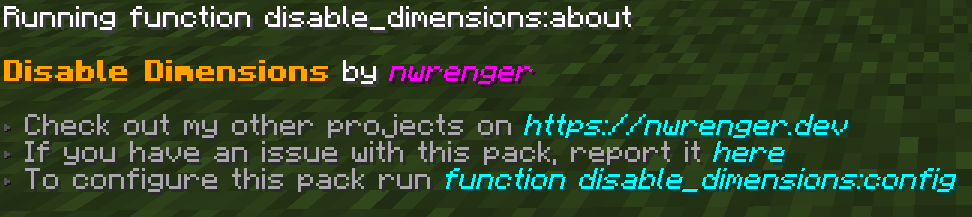
Language Support
Translated text is available for supported languages. This is mainly intended for server admins, since the configurable messages shown to players can be customized anyway.
- Mod in Single Player: Included automatically and works out of the box.
- Data Pack or Server Setup: Translations are client-side. For a dedicated server that only uses the data pack, the admin needs either the mod on their client or the separate resource pack to see translated UI text.
To add new translations, please refer to this README.
Configuration
Open the configuration panel by the following command:
/function disable_dimensions:config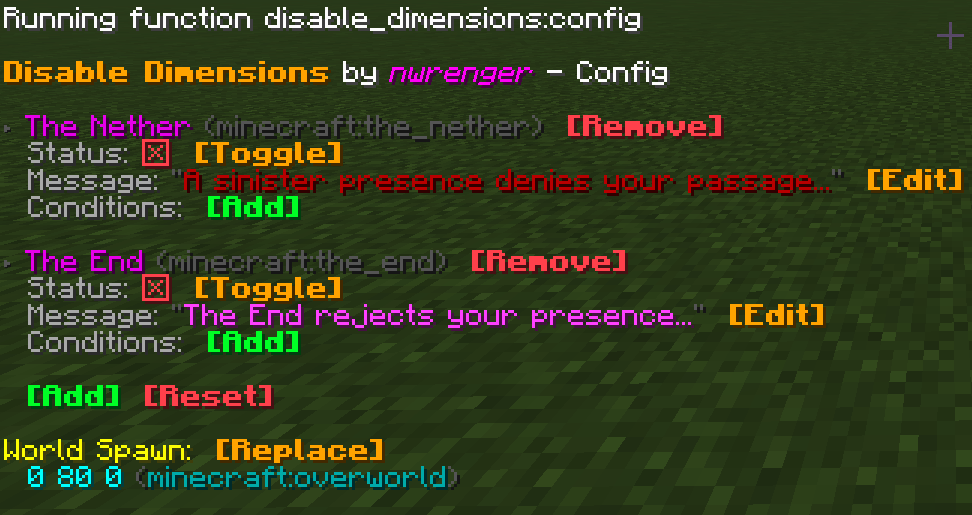
From here, you can:
- Toggle each dimension
enabled/disabled - Edit the return message and color
- Add and remove conditions, see Conditions for further information
- Add custom dimension entries, see Custom Dimensions for a guide
- Remove dimension entries
- Reset dimension entries to defaults
- Set the World Spawn
A default World Spawn exists, but you should set it to your desired location once before production use by standing there and pressing
Replace.
Conditions
Conditions can overwrite the current set status if they're true. With them you can partially enable/disable dimension travel after a specific time, for a specific gamemode and so on.
Each condition requires:
name: A unique name for the condition.type: Determines what the value gets checked against.advancement: Checks the player's advancements. The value is the advancement ID.day: Checks the in-game day count. The value is the exact day number.gamemode: Checks the player's current gamemode. The value can besurvival,creative,adventure, orspectator.gametime: Checks how long the world has been running. The value is given in ticks, so use a formula likeday_count * 24 * 60 * 60 * 20for days. This time only advances while the world is running, so server downtime affects accuracy.item: Checks the items inside the player's inventory. The value is an item ID with an optional item component filter, for exampleminecraft:diamond[count=64].score: Checks the player's scoreboard scores. The value uses the formatobjective_name=score_value, for examplenether_entries=5.tag: Checks the player's tags. You can give players custom tags, likeenter_nether.team: Checks the player's team. The value is the team name, for examplered_team.
value: The specific value to check. Its format depends on the selected type.disabled: The disabled value which overwrites the current status if the condition applies.
If you have multiple conditions, only one of them needs to be true to overwrite the current status.
Avoid conditions that can cancel each other out, such as two conditions that both apply to the current player while one enables travel and the other disables it. This can result in unexpected behavior.
Here are three examples of conditions for minecraft:the_nether:
Enable after three days
/function disable_dimensions:config/dimension/condition/add {id:"minecraft:the_nether",name:"3d Enable",type:"gametime",value:"5184000", disabled:"false"}Enable for creative mode
/function disable_dimensions:config/dimension/condition/add {id:"minecraft:the_nether",name:"Allow Creative",type:"gamemode",value:"creative", disabled:"false"}Disable after 7 in-game days
/function disable_dimensions:config/dimension/condition/add {id:"minecraft:the_nether",name:"7d Disable",type:"day",value:"7", disabled:"true"}Custom Dimensions
To block a custom dimension, add a new entry via the config panel.
Each entry requires:
name: The display name of the entry. Used for display in the config panel and shouldn't be empty.id: The in-game dimension identifier, needs to match the one of the custom dimension.type: Determines how and where the player will be sent back.nether_entered_pos: Sends the player to their last Nether entry position. Only valid for The Nether.respawn: Sends the player to their respawn point, or to the World Spawn if none is set. Used for The End and other custom dimensions.
message_color: The color of the message shown to the player on return, use valid text component colors.message_text: The text of the message shown to the player on return.
Here are two examples of adding a custom dimension:
The Aether
/function disable_dimensions:config/dimension/add {name: "The Aether", id: "aether:the_aether", type: "respawn", message_color: "aqua", message_text:"A radiant force from the heavens bars your ascent..."}ATM10 - The Other
/function disable_dimensions:config/dimension/add {name: "The Other", id: "allthemodium:the_other", type: "respawn", message_color: "dark_purple", message_text:"A mysterious force from The Other prevents your entry..."}Server Only
The config panel will only be usable when you're physically logged in to the server and have op.
To configure the data pack/mod, you can use the config commands used by the config panel directly inside the server terminal as follows:
- Dimensions
- Add Entry:
function disable_dimensions:config/dimension/add {name: "", id: "", type: "", message_color: "", message_text:""} - Enable:
function disable_dimensions:config/dimension/enable {id: ""} - Disable:
function disable_dimensions:config/dimension/disable {id: ""} - Edit Message:
function disable_dimensions:config/dimension/message {id: "", message_color: "", message_text:""} - Remove Entry:
function disable_dimensions:config/dimension/remove {id: ""} - Reset Entries:
function disable_dimensions:config/dimension/reset
- Add Entry:
- Conditions
- Add:
function disable_dimensions:config/dimension/condition/add {id:"",name:"",type:"",value:"", disabled:"false"} - Enable:
function disable_dimensions:config/dimension/condition/enable {id:"", name:""} - Disable:
function disable_dimensions:config/dimension/condition/disable {id:"", name:""} - Edit:
function disable_dimensions:config/dimension/condition/edit {id:"", name:"", type:"", value:""}" - Remove:
function disable_dimensions:config/dimension/condition/remove {id:"", name:""}
- Add:
- World Spawn:
- Set: Not possible due to requiring physical presence at the desired location
The
idwill be the dimension identifier from the game. For The Nether it's{id: "minecraft:the_nether"}and for The End it's{id: "minecraft:the_end"}.
Edge Cases
This data pack/mod is intentionally event-driven, with a few rare transitions requiring manual cleanup or resulting in different from expected behavior:
Respawn in disabled dimension: If a respawn point via a respawn anchor or the
spawnpointcommand is set inside a dimension that later gets disabled, the player will continue to respawn there until the respawn point is cleared or reset.Already inside on disable: Players who are already in The Nether, The End, or a custom dimension when it gets disabled will remain there until they change dimensions. Teleport them out if needed.
Custom dimension respawn limitations: Custom dimensions like The Aether can add new respawn mechanics, but these are not supported as they rely on custom dimensions or blocks.
Contributing & Issues
Contributions are welcome:
- Bug reports
- Feature requests
- Pull requests
Please open issues or PRs on GitHub.
License
This project is licensed under the LGPLv3 License. See LICENSE for details.
Disable Dimensions
A hard-to-break, grief-resistant solution for preventing players from entering The Nether, The End, and any further custom dimensions, with optional per-dimension conditions.
Allows you to disable dimensions by intercepting all known dimension-entry methods and returning players immediately. Each dimension can be separately enabled or disabled, with optional conditions which override that status.
Perfect for vanilla and modded multiplayer servers where you want to disable further dimensions to prevent players from progressing too fast.
Why use this data pack/mod?
- Only Complete Solution: No other data pack currently disables The Nether, The End, and further custom dimensions, with optional per-dimension conditions, for the current Minecraft versions. All older ones are outdated, broken, or not as feature rich.
- Comprehensive Coverage: Works in every situation. For players in all game modes, teleportation commands, ender pearls, minecarts, and more. Players can enter portals or teleport, but are instantly teleported back. From the Nether to their entry point with a fallback to world spawn, and from the End to their respawn point or world spawn. See Edge Cases for the handful of scenarios that require manual cleanup.
- Intended Vanilla Reward: Players who try to swap dimensions will still receive the vanilla “entered dimension” advancement (for the Nether or the End). This is intentional and serves as a small reward for their attempt. And you know who tried by checking their achievements. Don’t worry, they’ll get teleported back safely!
- Immersive Feedback: On teleport back, players see a short action bar message, hear a subtle sound cue and get a slowness effect applied, making the experience clear and responsive without being intrusive.
- Flexible and Compatible: Works as either a global mod or a world-specific data pack, includes built-in language support, and is fully compatible with vanilla, modded, and custom dimensions setups right out of the box.
- Server-Ready: Built to be reliable, grief-resistant, and completely passive, with no extra overhead through tick-based checks. Perfect for public or semi-public multiplayer servers.
- Dynamic Configuration: Can be adjusted in real time through the in-game config panel, no reloads or restarts required.
TL;DR: A stable and lightweight way to stop unwanted dimension travel, made to just work.
Installation
After adding the data pack/mod to your world or server, you should be able to open the about panel, which is fully controllable with the mouse:
/function disable_dimensions:about
Language Support
Translated text is available for supported languages. This is mainly intended for server admins, since the configurable messages shown to players can be customized anyway.
- Mod in Single Player: Included automatically and works out of the box.
- Data Pack or Server Setup: Translations are client-side. For a dedicated server that only uses the data pack, the admin needs either the mod on their client or the separate resource pack to see translated UI text.
To add new translations, please refer to this README.
Configuration
Open the configuration panel by the following command:
/function disable_dimensions:config
From here, you can:
- Toggle each dimension
enabled/disabled - Edit the return message and color
- Add and remove conditions, see Conditions for further information
- Add custom dimension entries, see Custom Dimensions for a guide
- Remove dimension entries
- Reset dimension entries to defaults
- Set the World Spawn, supports any dimension
A default World Spawn exists, but you should set it to your desired location once before production use by standing there and pressing
Replace.
Conditions
Conditions can overwrite the current set status if they're true. With them you can partially enable/disable dimension travel after a specific time, for a specific gamemode and so on.
Each condition requires:
name: A unique name for the condition.type: Determines what the value gets checked against.advancement: Checks the player's advancements. The value is the advancement ID.day: Checks the in-game day count. The value is the exact day number.gamemode: Checks the player's current gamemode. The value can besurvival,creative,adventure, orspectator.gametime: Checks how long the world has been running. The value is given in ticks, so use a formula likeday_count * 24 * 60 * 60 * 20for days. This time only advances while the world is running, so server downtime affects accuracy.item: Checks the items inside the player's inventory. The value is an item ID with an optional item component filter, for exampleminecraft:diamond[count=64].score: Checks the player's scoreboard scores. The value uses the formatobjective_name=score_value, for examplenether_entries=5.tag: Checks the player's tags. You can give players custom tags, likeenter_nether.team: Checks the player's team. The value is the team name, for examplered_team.
value: The specific value to check. Its format depends on the selected type.disabled: The disabled value which overwrites the current status if the condition applies.
If you have multiple conditions, only one of them needs to be true to overwrite the current status.
Avoid conditions that can cancel each other out, such as two conditions that both apply to the current player while one enables travel and the other disables it. This can result in unexpected behavior.
Here are three examples of conditions for minecraft:the_nether:
Enable after three days
/function disable_dimensions:config/dimension/condition/add {id:"minecraft:the_nether",name:"3d Enable",type:"gametime",value:"5184000", disabled:"false"}
Enable for creative mode
/function disable_dimensions:config/dimension/condition/add {id:"minecraft:the_nether",name:"Allow Creative",type:"gamemode",value:"creative", disabled:"false"}
Disable after 7 in-game days
/function disable_dimensions:config/dimension/condition/add {id:"minecraft:the_nether",name:"7d Disable",type:"day",value:"7", disabled:"true"}
Custom Dimensions
To block a custom dimension, add a new entry via the config panel.
Each entry requires:
name: The display name of the entry. Used for display in the config panel and shouldn't be empty.id: The in-game dimension identifier, needs to match the one of the custom dimension.type: Determines how and where the player will be sent back.nether_entered_pos: Sends the player to their last Nether entry position. Only valid for The Nether.respawn: Sends the player to their respawn point, or to the World Spawn if none is set. Used for The End and other custom dimensions.
message_color: The color of the message shown to the player on return, use valid text component colors.message_text: The text of the message shown to the player on return.
Here are two examples of adding a custom dimension:
The Aether
/function disable_dimensions:config/dimension/add {name: "The Aether", id: "aether:the_aether", type: "respawn", message_color: "aqua", message_text:"A radiant force from the heavens bars your ascent..."}
ATM10 - The Other
/function disable_dimensions:config/dimension/add {name: "The Other", id: "allthemodium:the_other", type: "respawn", message_color: "dark_purple", message_text:"A mysterious force from The Other prevents your entry..."}
Server Only
The config panel will only be usable when you're physically logged in to the server and have op.
To configure the data pack/mod, you can use the config commands used by the config panel directly inside the server terminal as follows:
- Dimensions
- Add Entry:
function disable_dimensions:config/dimension/add {name: "", id: "", type: "", message_color: "", message_text:""} - Enable:
function disable_dimensions:config/dimension/enable {id: ""} - Disable:
function disable_dimensions:config/dimension/disable {id: ""} - Edit Message:
function disable_dimensions:config/dimension/message {id: "", message_color: "", message_text:""} - Remove Entry:
function disable_dimensions:config/dimension/remove {id: ""} - Reset Entries:
function disable_dimensions:config/dimension/reset
- Conditions
- Add:
function disable_dimensions:config/dimension/condition/add {id:"",name:"",type:"",value:"", disabled:"false"} - Enable:
function disable_dimensions:config/dimension/condition/enable {id:"", name:""} - Disable:
function disable_dimensions:config/dimension/condition/disable {id:"", name:""} - Edit:
function disable_dimensions:config/dimension/condition/edit {id:"", name:"", type:"", value:""}" - Remove:
function disable_dimensions:config/dimension/condition/remove {id:"", name:""}
- Add:
- World Spawn:
- Set: Not possible due to requiring physical presence at the desired location
- Add Entry:
The
idwill be the dimension identifier from the game. For The Nether it's{id: "minecraft:the_nether"}and for The End it's{id: "minecraft:the_end"}.
Edge Cases
This data pack/mod is intentionally event-driven, with a few rare transitions requiring manual cleanup or resulting in different from expected behavior:
- Respawn in disabled dimension:
If a respawn point via a respawn anchor or the
spawnpointcommand is set inside a dimension that later gets disabled, the player will continue to respawn there until the respawn point is cleared or reset. - Already inside on disable: Players who are already in The Nether, The End, or a custom dimension when it gets disabled will remain there until they change dimensions. Teleport them out if needed.
- Custom dimension respawn limitations: Custom dimensions like The Aether can add new respawn mechanics, but these are rejected since they rely on custom dimensions or blocks.
Showcase
'Going Through' Nether Portal
Throwing Ender Pearl at Nether Portal
Teleporting to The Nether
'Going Through' End Portal
Throwing Ender Pearl at End Portal
Teleporting to The End
Contributing & Issues
I warmly welcome:
- Bug reports
- Feature requests
- Pull requests
Please open issues or PRs on GitHub.
License
This project is licensed under the LGPLv3 License. See LICENSE for details.
Screenshots
Gallery
-
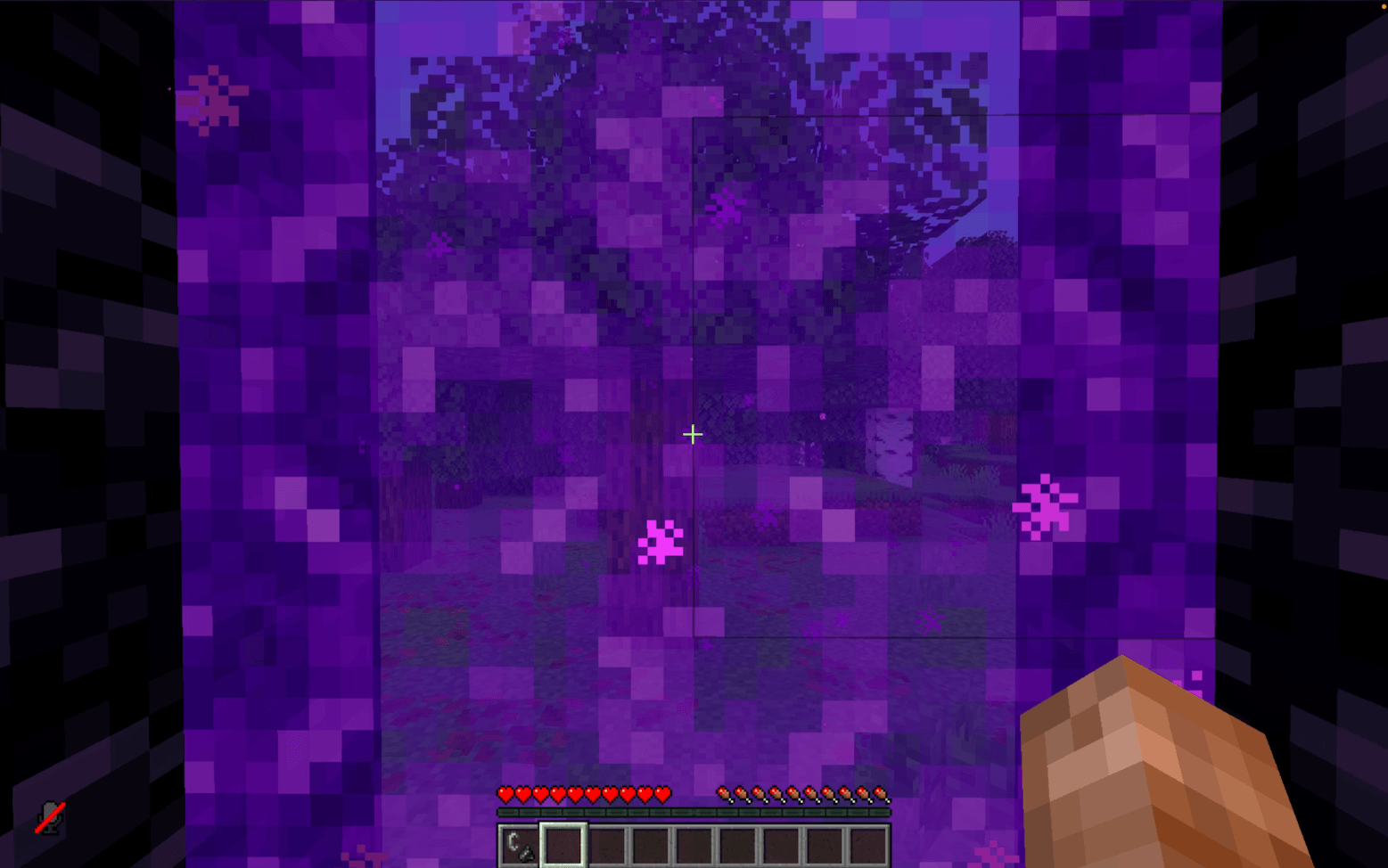 'Going Through' Nether Portal 'Going Through' Nether Portal
 -
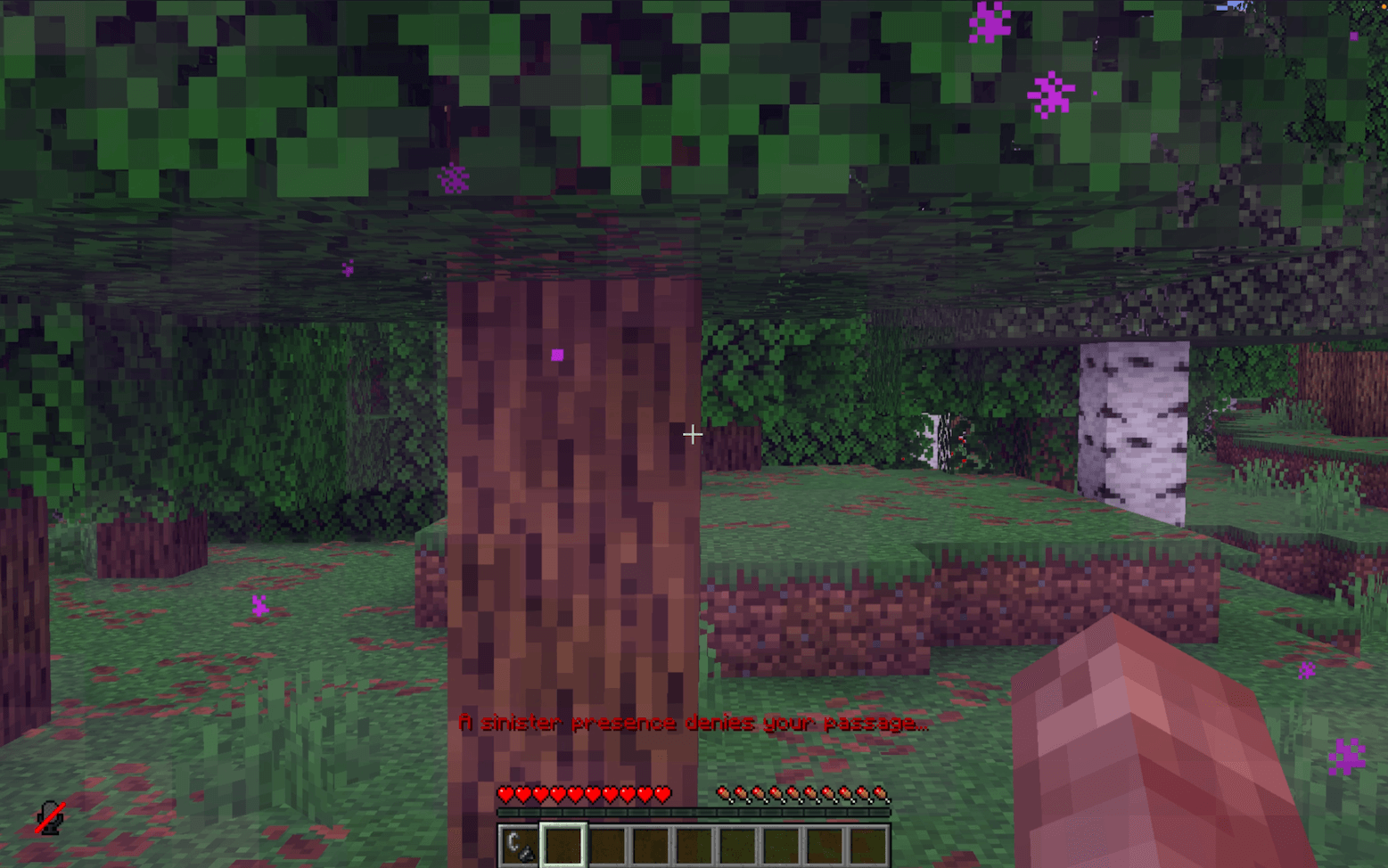 'Going Through' Nether Portal 2 'Going Through' Nether Portal 2
 -
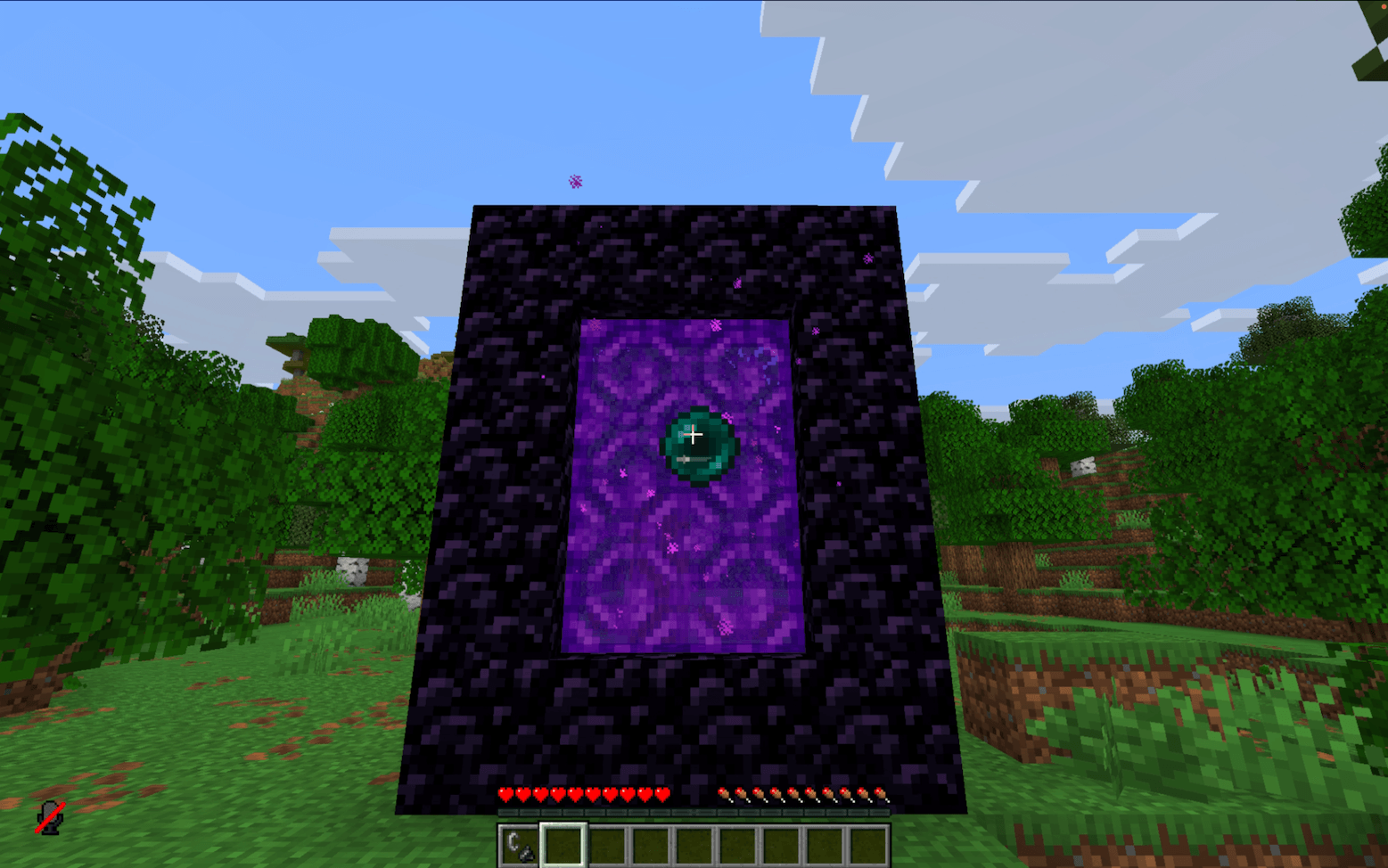 Throwing Ender Pearl at Nether Portal Throwing Ender Pearl at Nether Portal
 -
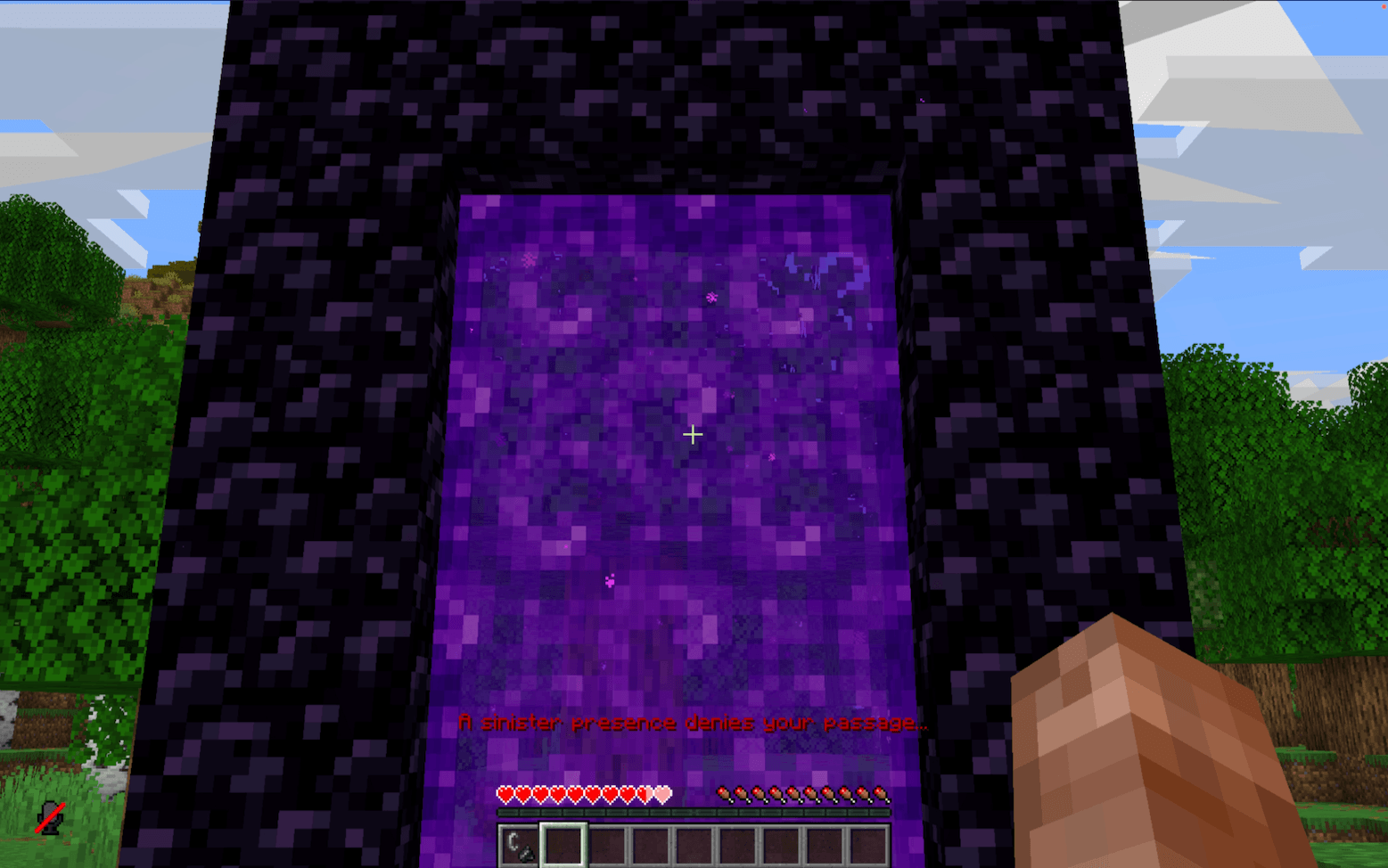 Throwing Ender Pearl at Nether Portal 2 Throwing Ender Pearl at Nether Portal 2
 -
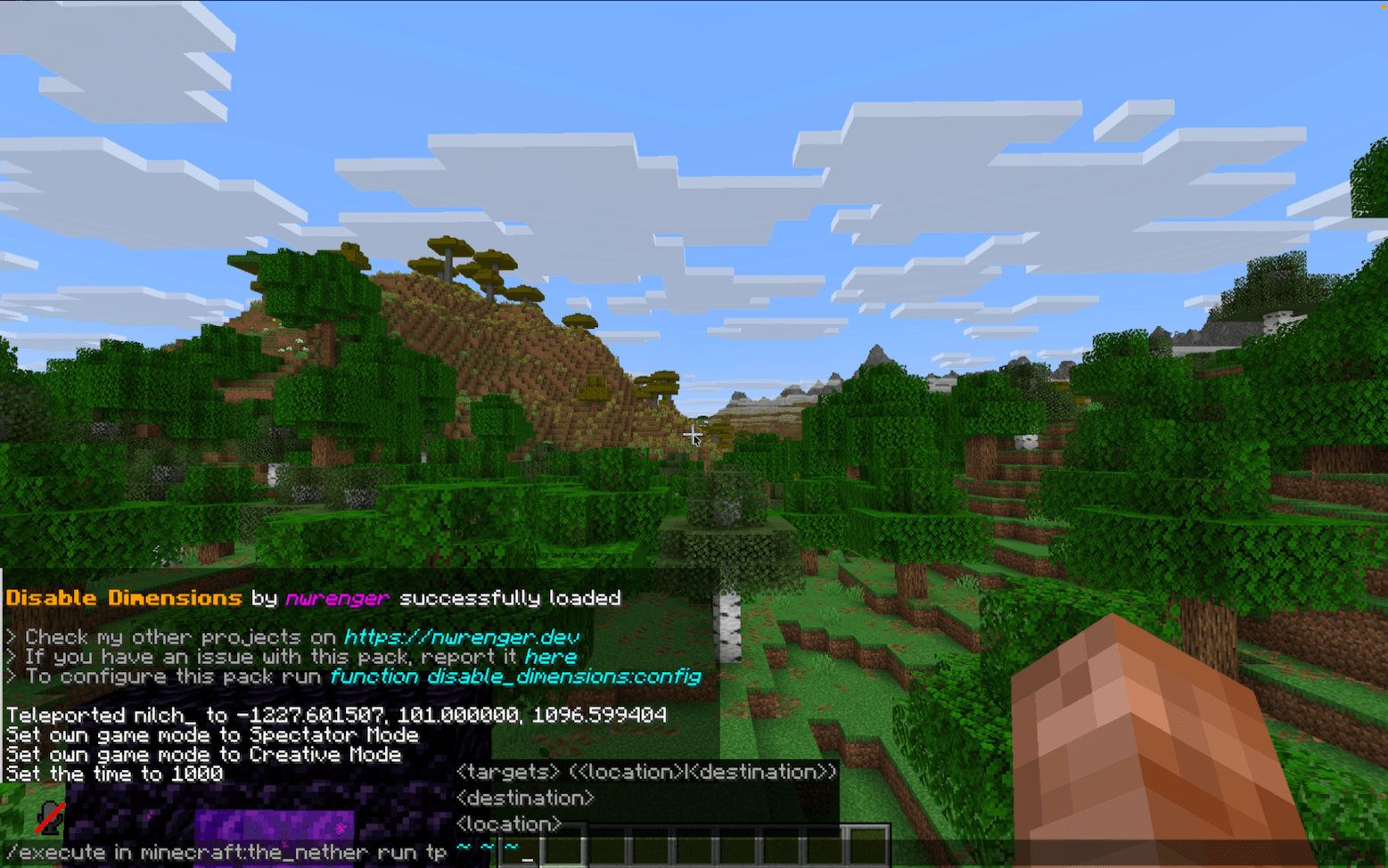 Teleporting to The Nether Teleporting to The Nether
 -
 Teleporting to The Nether 2 Teleporting to The Nether 2
 -
 'Going Through' End Portal 'Going Through' End Portal
 -
 'Going Through' End Portal 2 'Going Through' End Portal 2
 -
 Throwing Ender Pearl at End Portal Throwing Ender Pearl at End Portal
 -
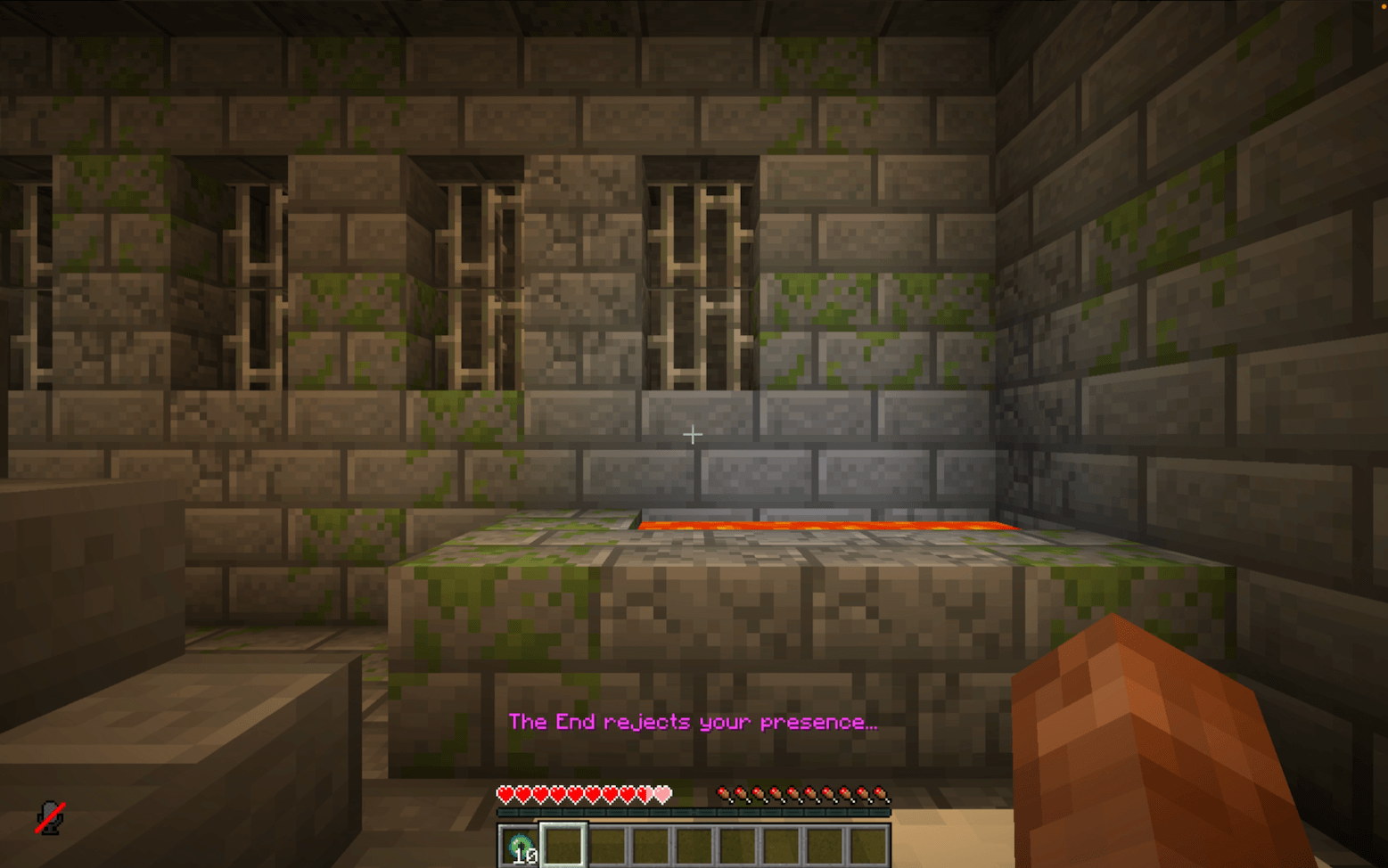 Throwing Ender Pearl at End Portal 2 Throwing Ender Pearl at End Portal 2
 -
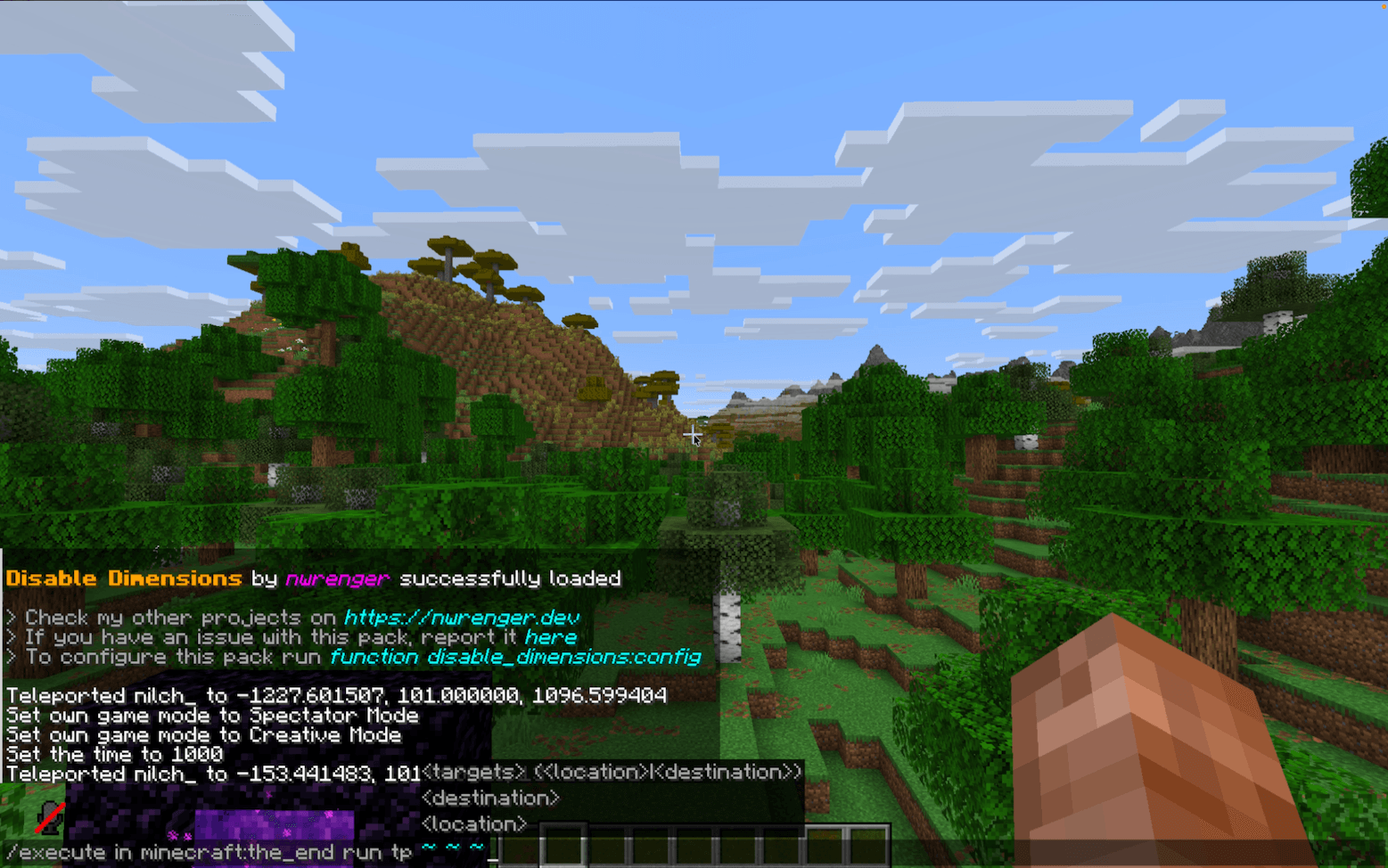 Teleporting to The End Teleporting to The End
 -
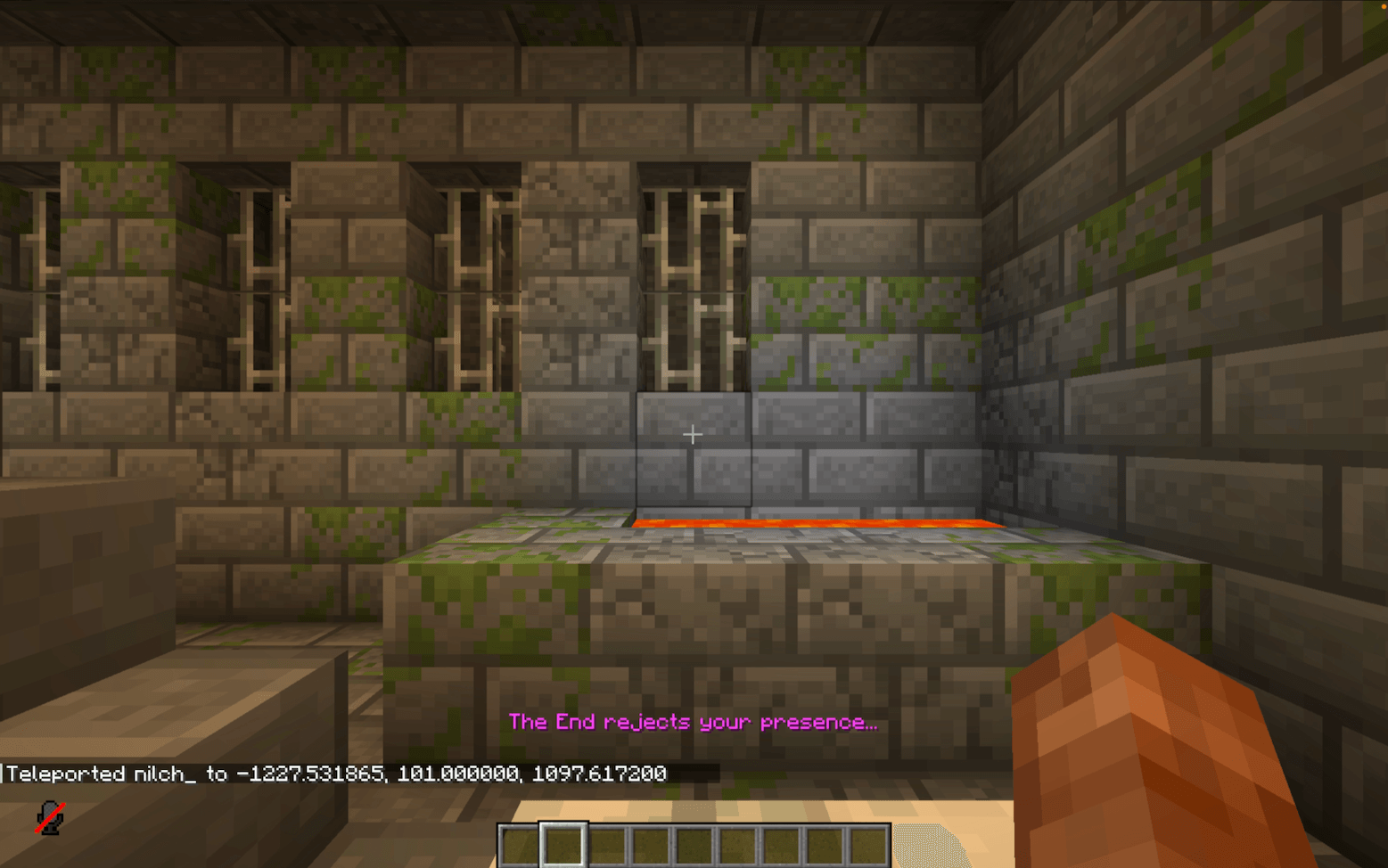 Teleporting to The End 2 Teleporting to The End 2
-
 'Going Through' Nether Portal
 -
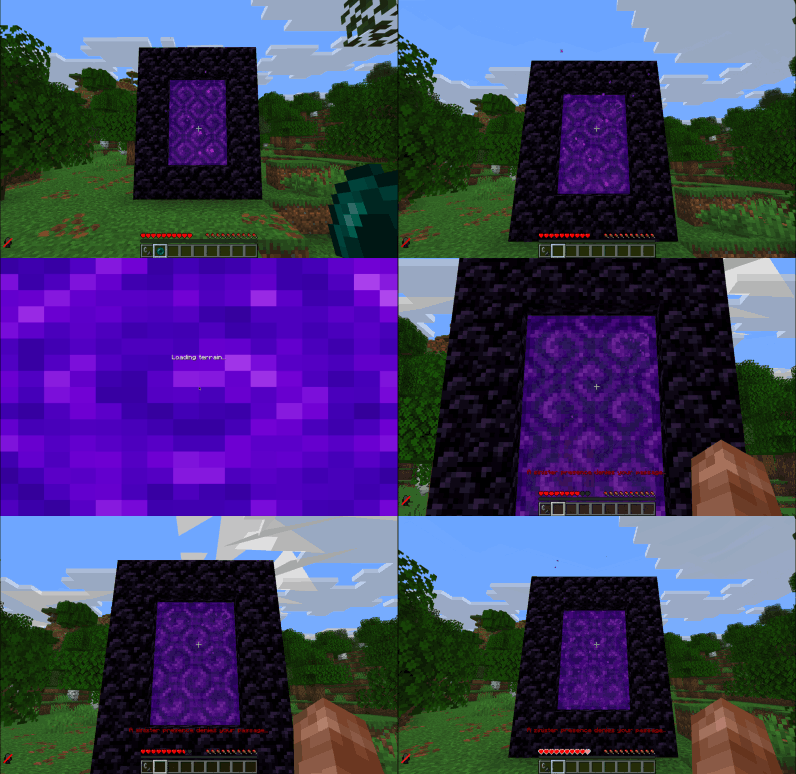 Throwing Ender Pearl at Nether Portal
 -
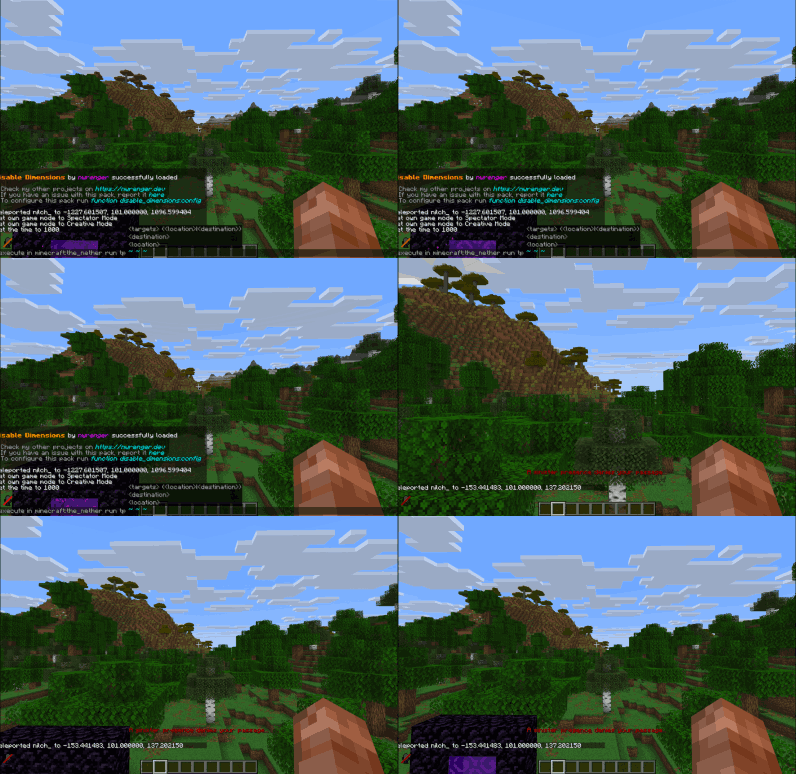 Teleporting to The Nether
 -
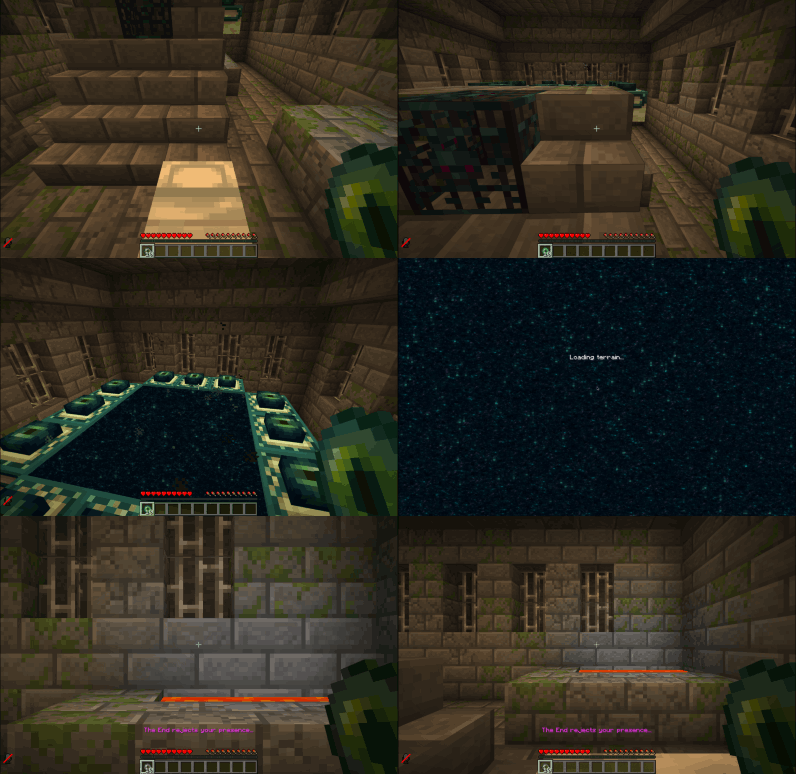 'Going Through' End Portal
 -
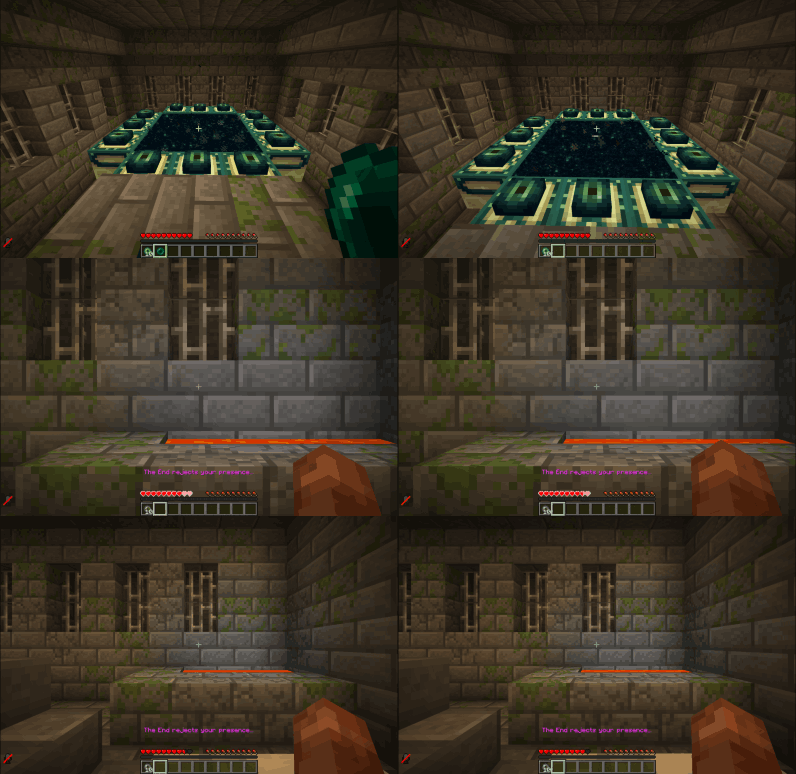 Throwing Ender Pearl at End Portal
 -
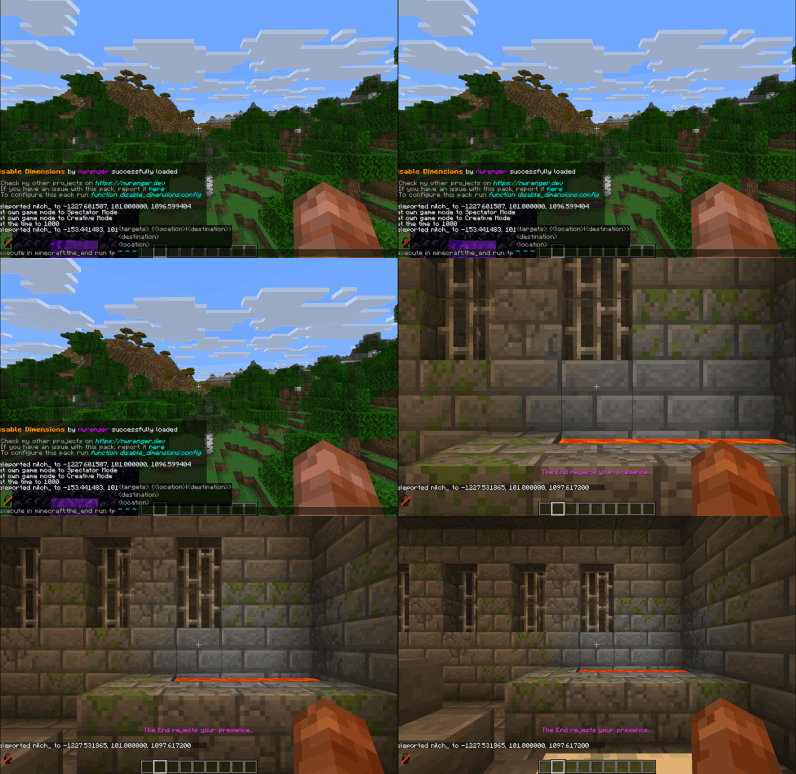 Teleporting to The End
 -
 About Panel Message
 -
 Config Panel Message
Versions
Files
Relations
Project Relations
More like this
Similar Mods
Suggestions use data such as tags, dependencies, dependents, descriptions, titles, and more to rank how much they overlap with this mod.
On ModDex
Community snapshot
By the numbers
Statistics
Want to reach Minecraft players?
We're looking for a server hosting partner to feature here and other parts of the site. Interested? Send us a message!
Get in touchGet it on
Available Platforms
On ModDex
Community snapshot
By the numbers
Statistics
Resources