Community listing page, reviews here may not be monitored by the author.
Displayed


No reviews yet
This is a decorative mod used for displaying items!
Does not follow a specific thematic focus apart from vanilla Minecraft.
Used for mods with little to no gameplay elements.
Includes aesthetic items like decoration, clothing, and visual effects.
Adds decorative items and furniture for more detailed building.
Features systems for better item storage and organization.
Forge is a popular mod loader for versions 1.1+ of Minecraft.
Neoforge is a fork of the Minecraft Forge available for versions 1.20.1+ of Minecraft. Many Forge mods are compatible with Neoforge and vice versa.
Fabric is a mod loader for versions 1.14+ of Minecraft, particularly popular for client side and optimization mods.
Community voices
Reviews
Filters
Click once to include, again to exclude, again to clear
No reviews yet. Be the first to review this project!
Get it on
Available Platforms
Compatibility
Supported Environments
Must be installed on both the client and the server.
About
Project Details
For authors
Embed Badge
If you're the author of this project, you can embed a live badge anywhere that supports HTML or Markdown. It updates automatically whenever ratings change.
Use HTML for any page that supports it, or Markdown for README files and Markdown-based descriptions.
Identifiers
Platform IDs
Resources
External Links
About
Description
Module Introduction
- This is a decorative mod used for showcasing items.
Content Overview
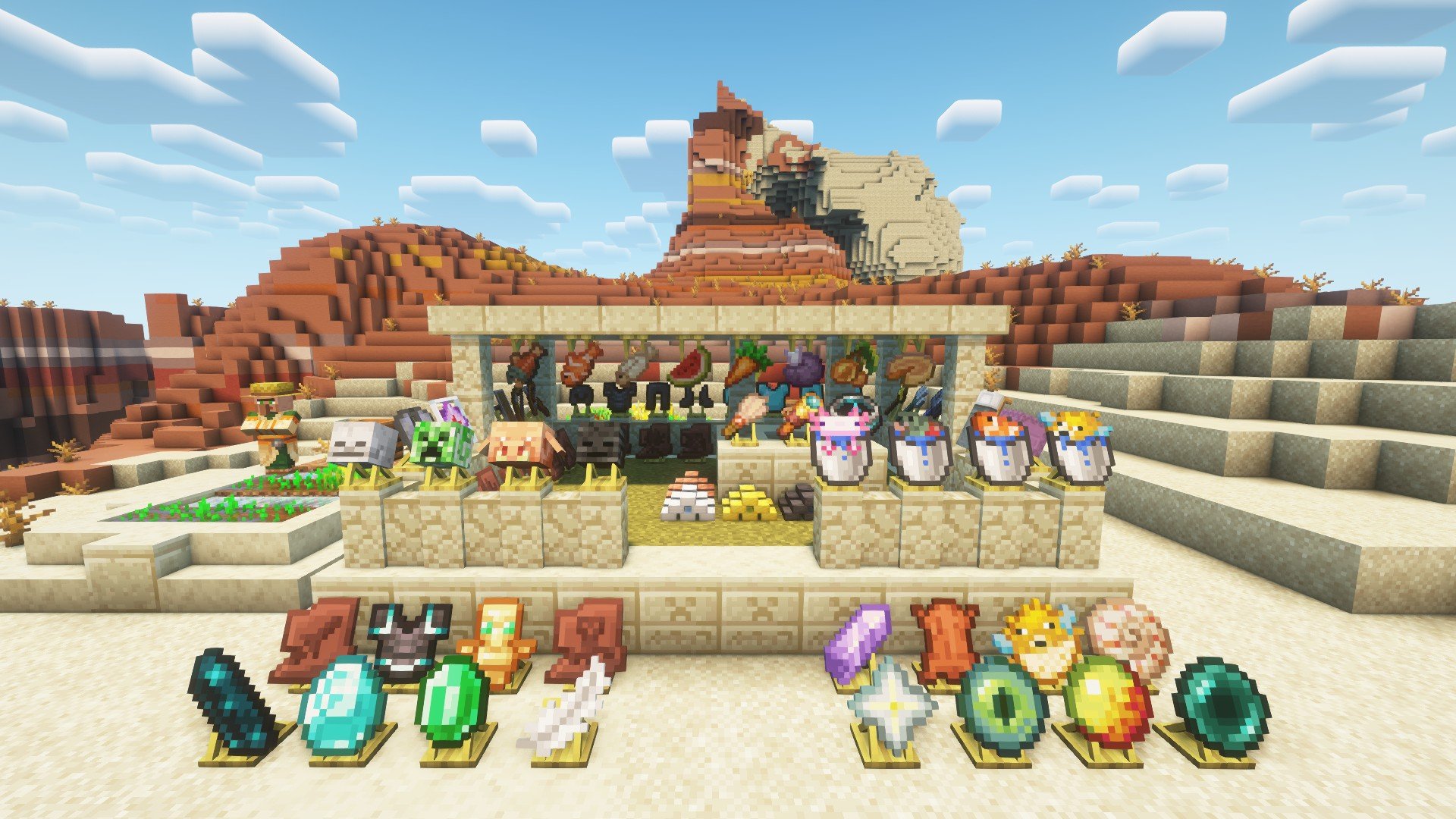
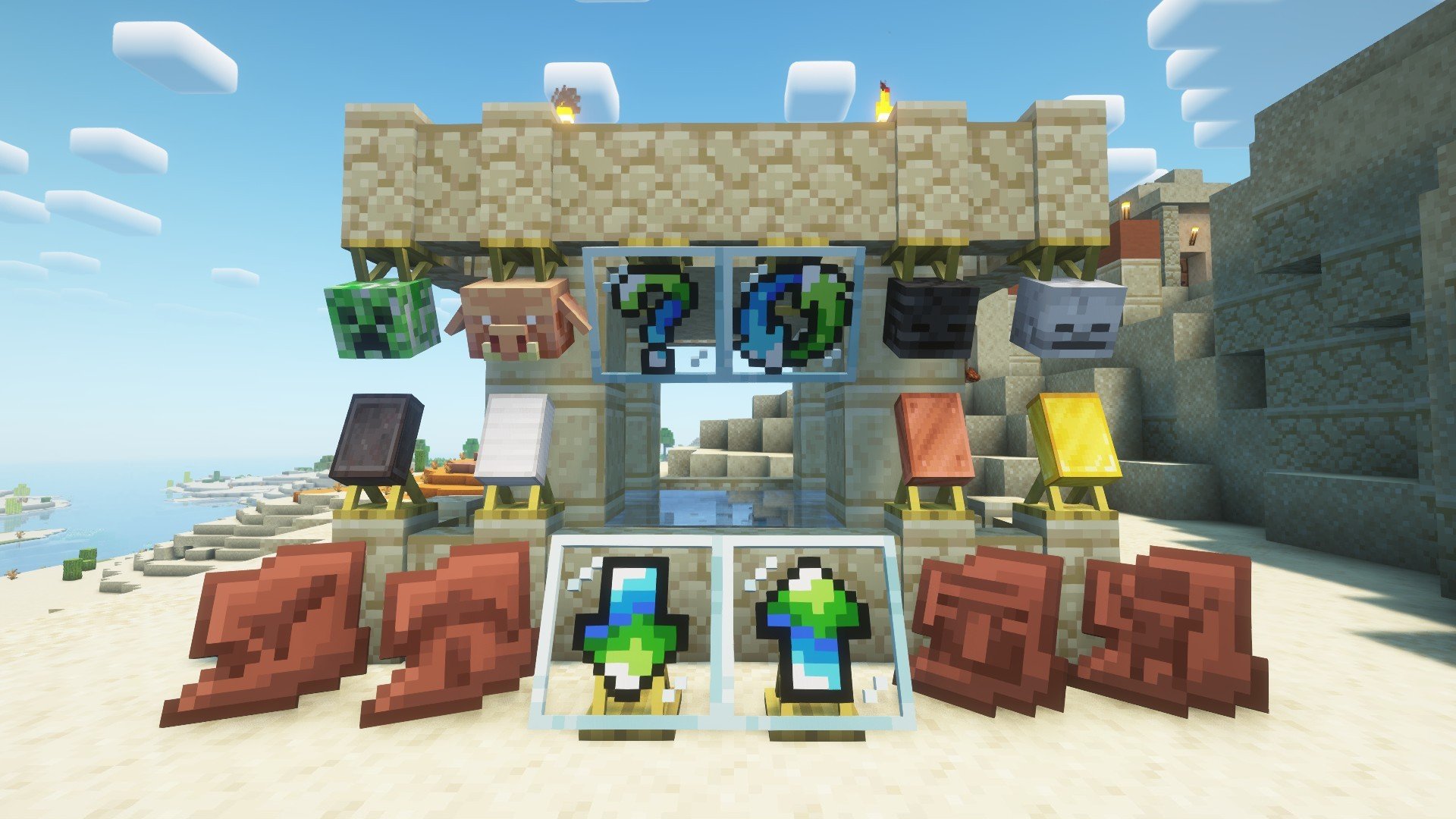
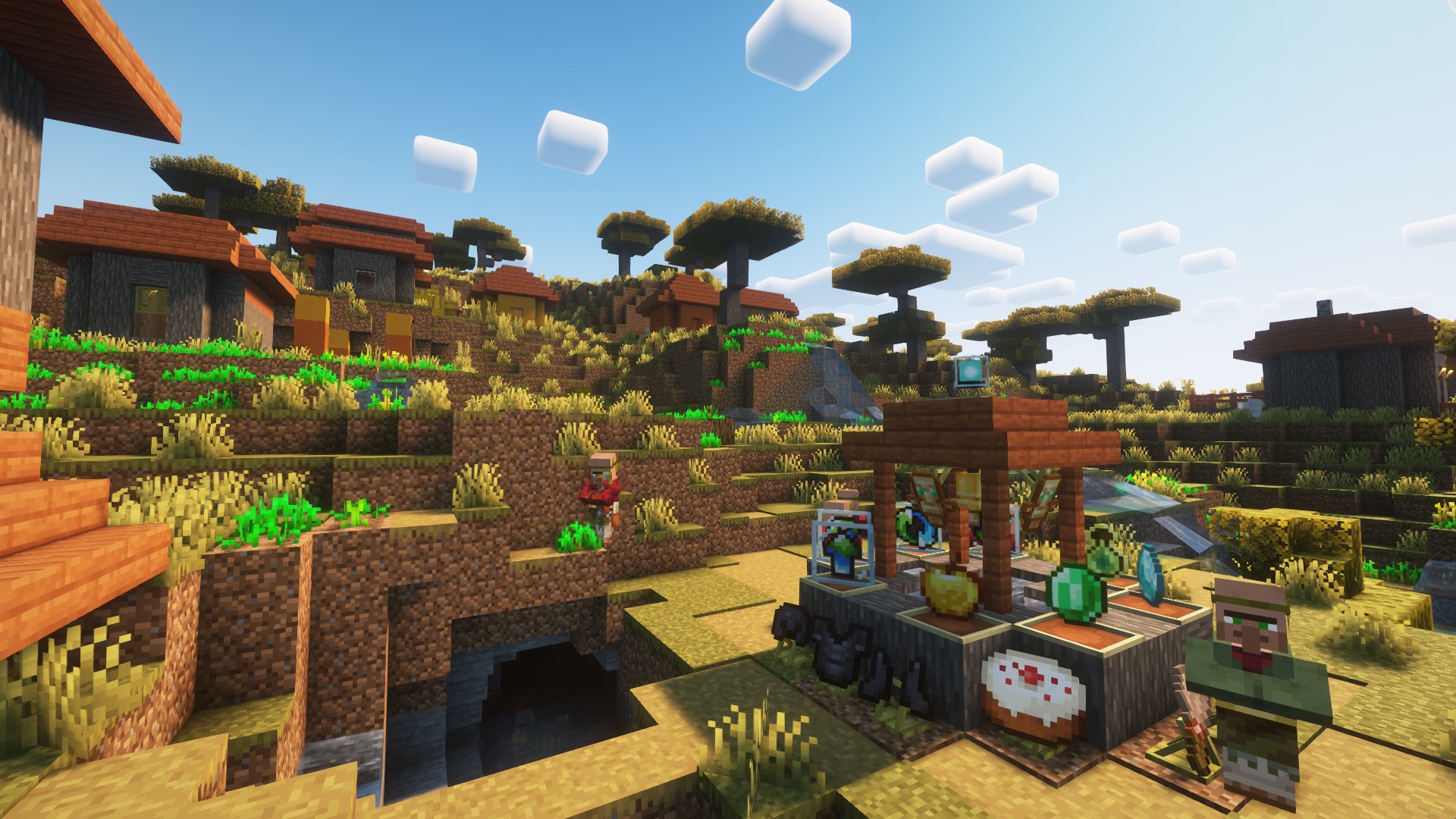
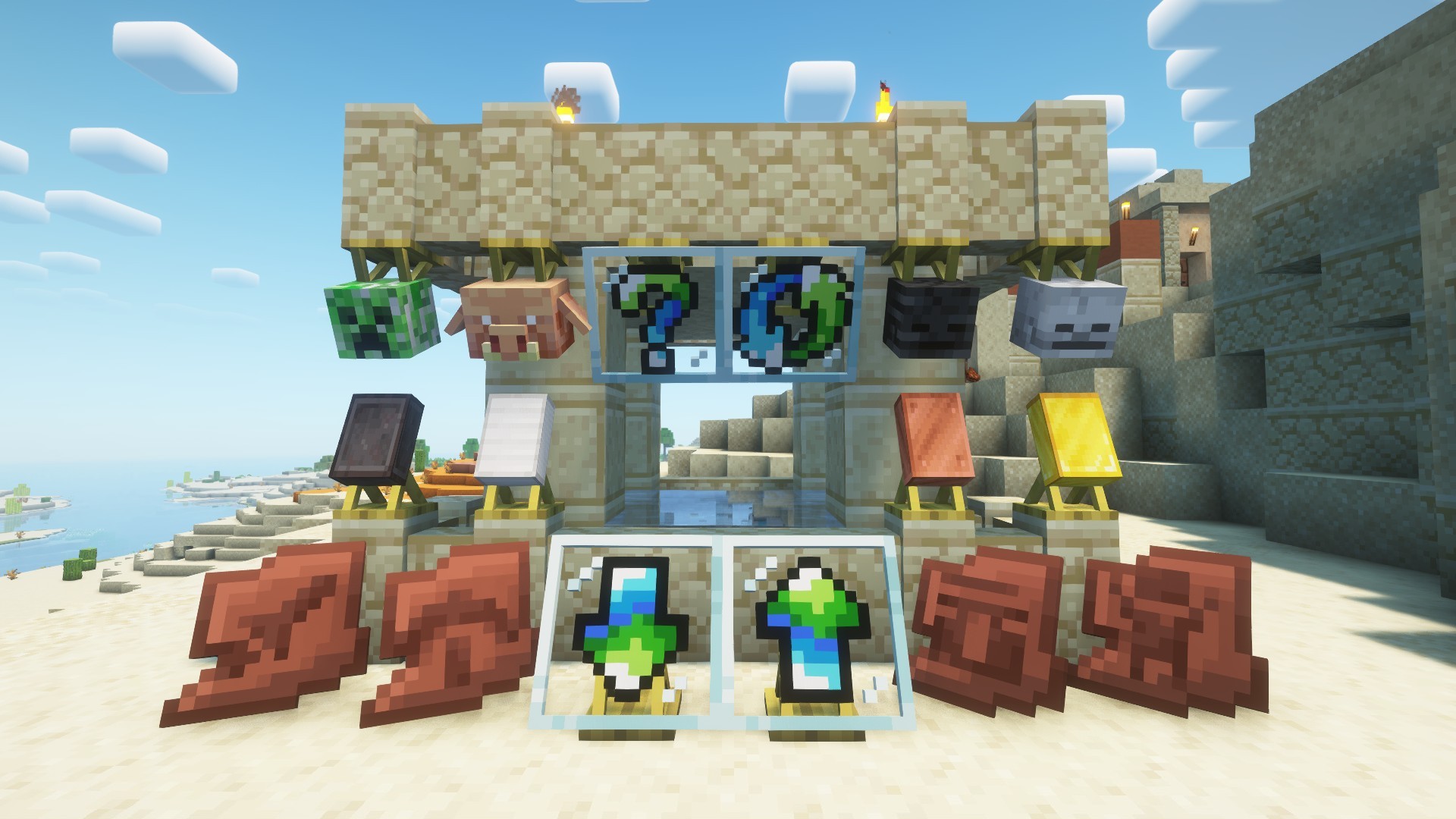
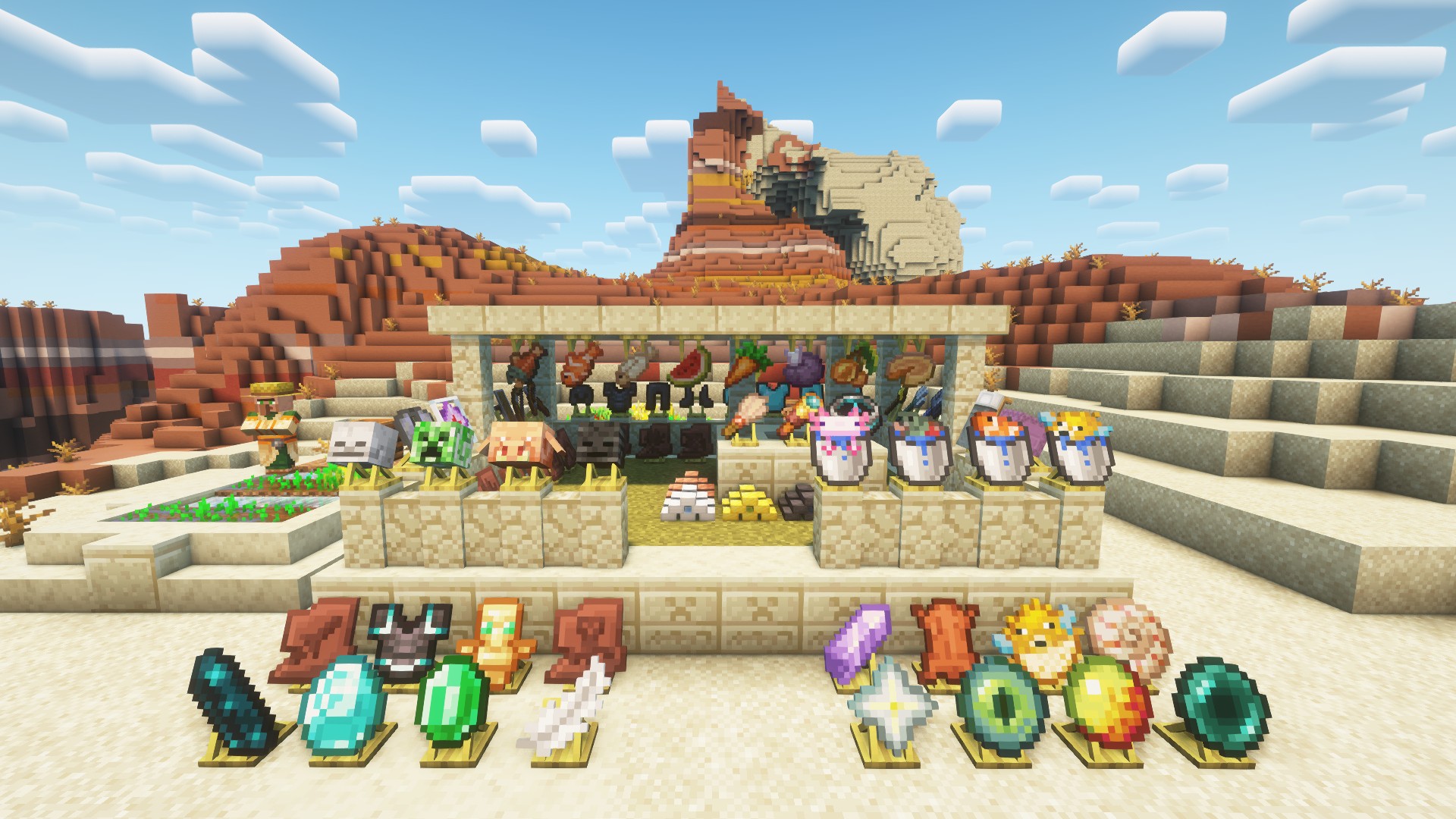
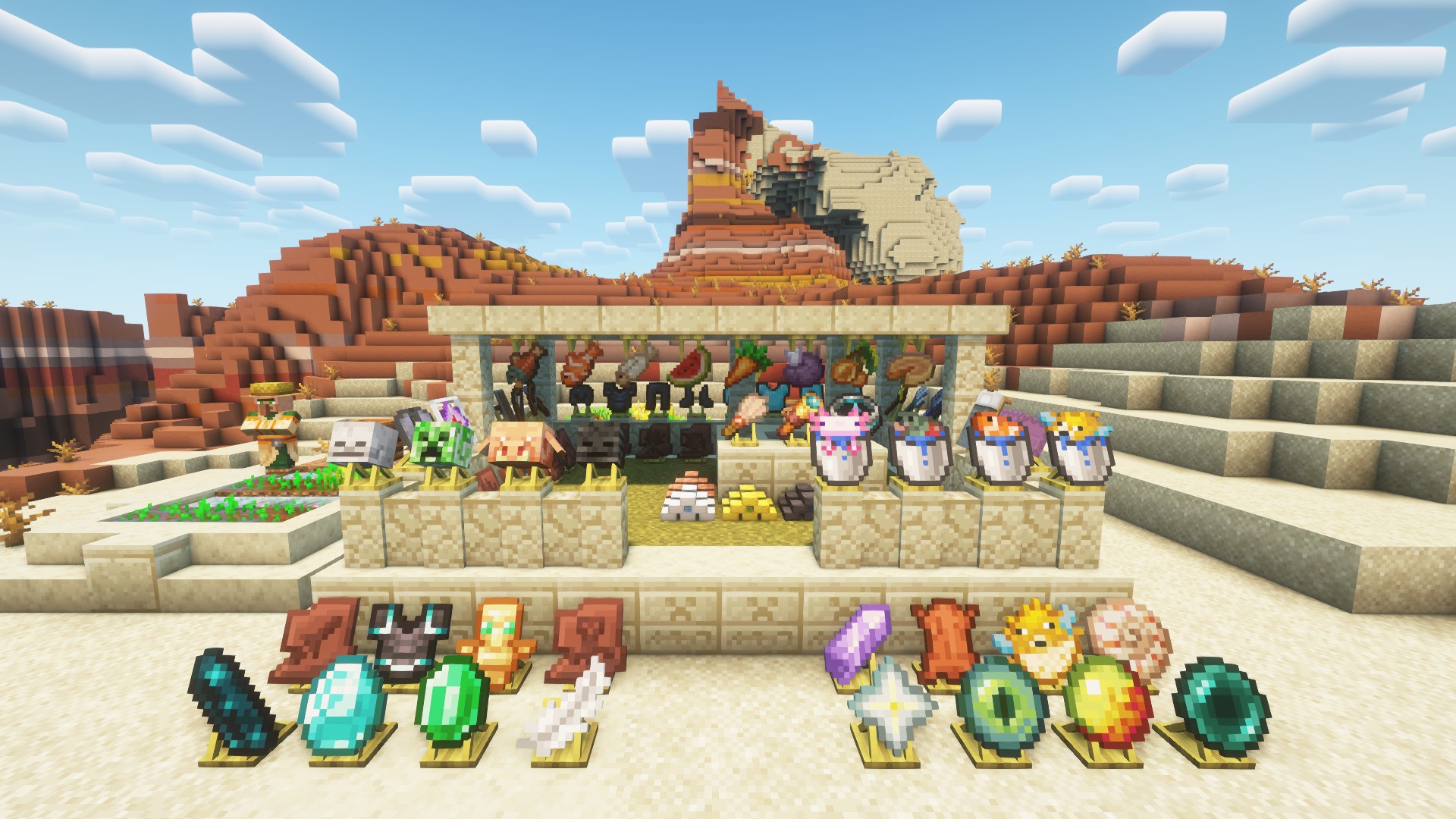
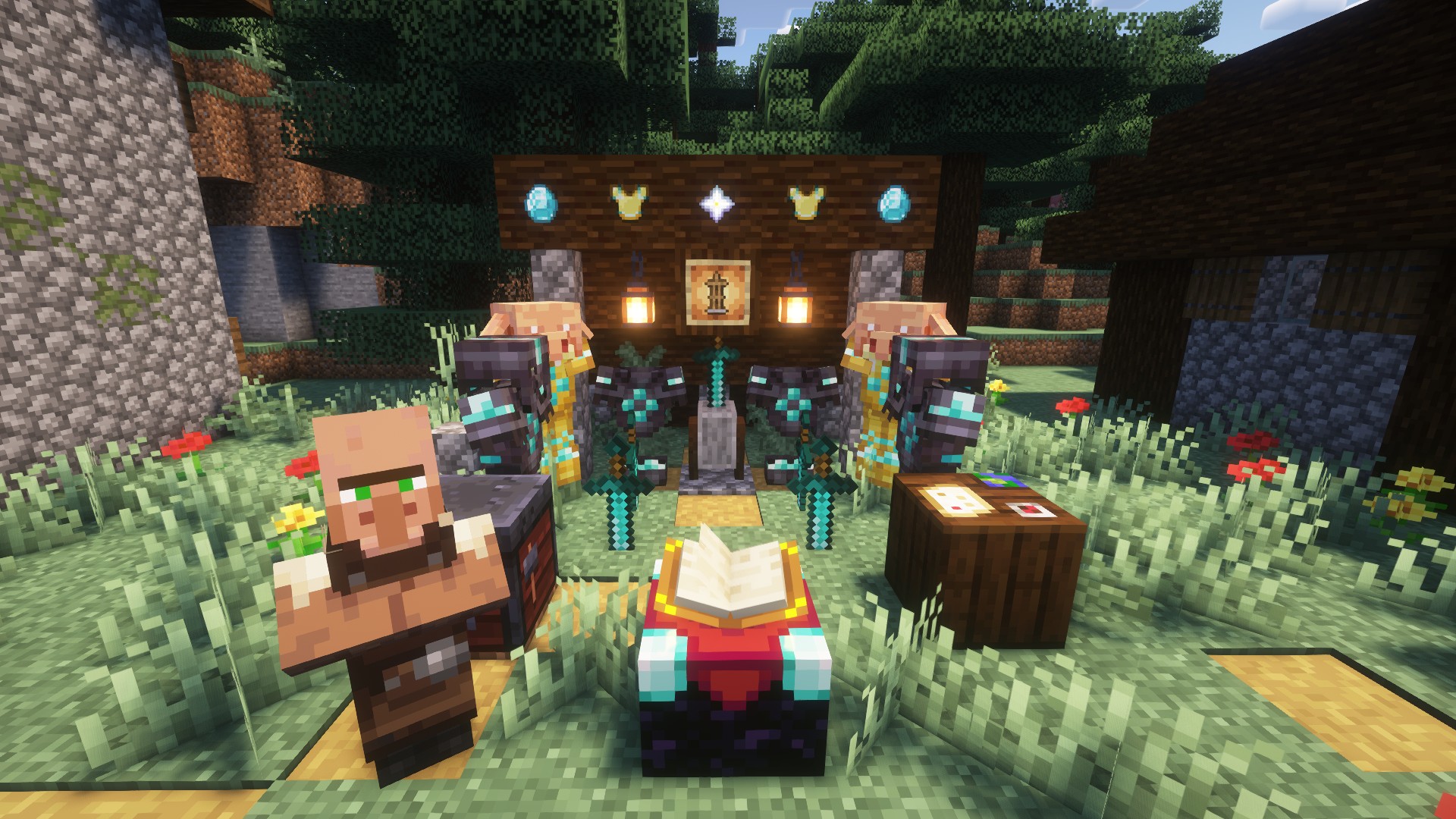
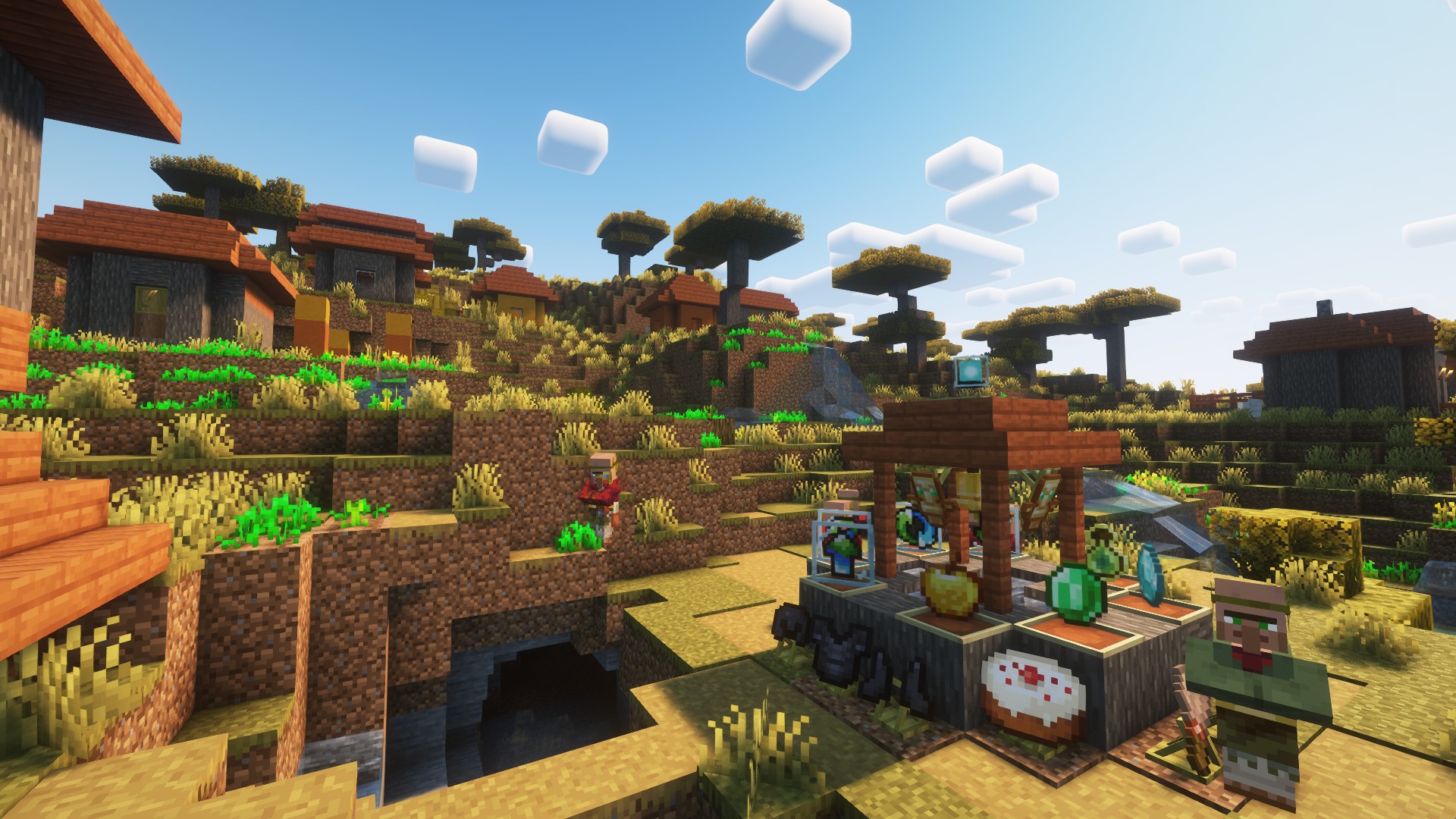
- The "As You See" mod provides a series of functional blocks for displaying items, allowing the display of any (mod) items.
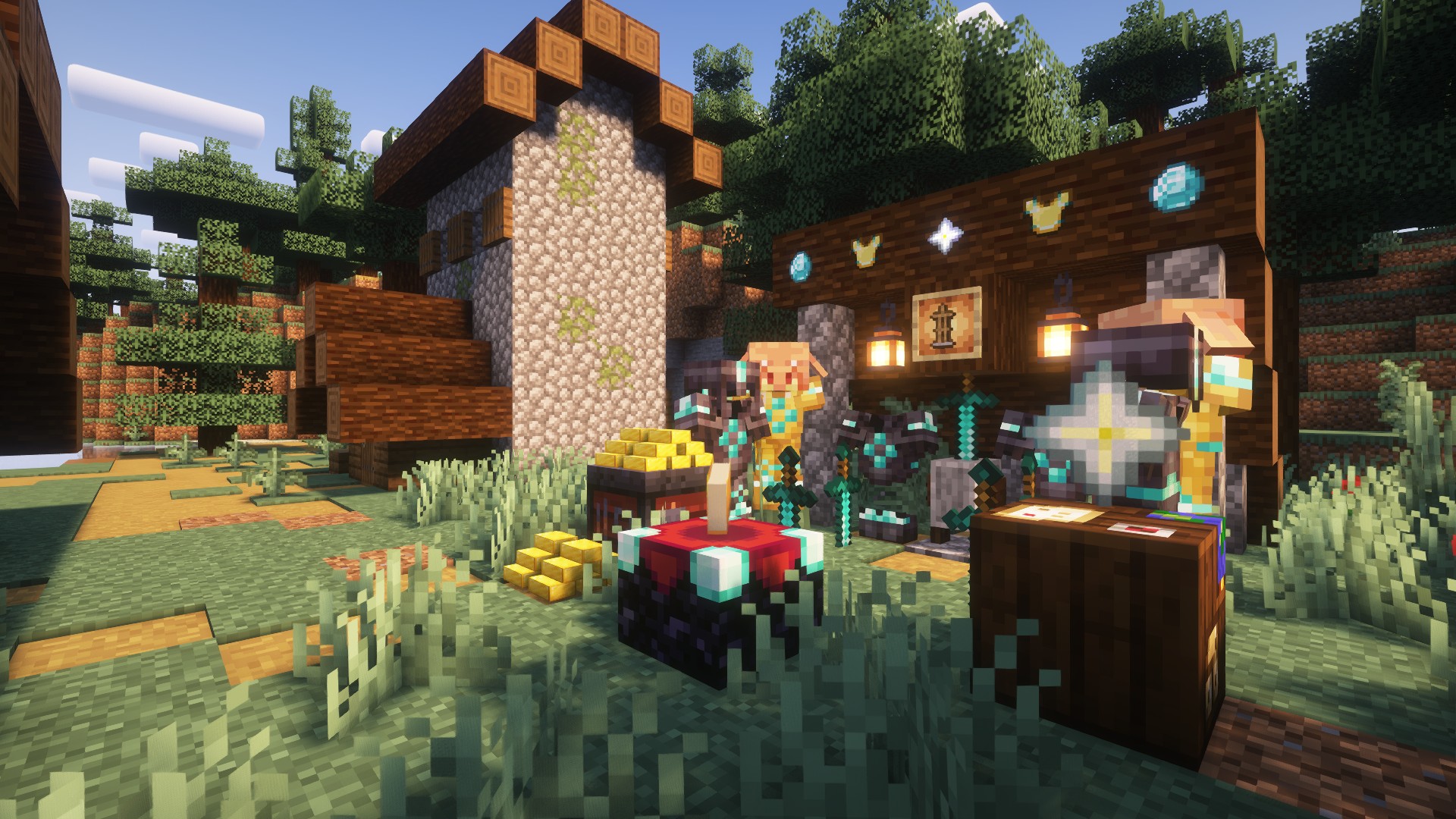
- The displayed items can be a stick, an apple, a diamond, a piece of equipment, a shulker box (supporting NBT data), and so on.
- The blocks support simple debugging (the player needs to be empty-handed), and the material of the displayed items depends on the texture pack loaded by the playe
- Players can click on the side of the block to flip it (rotate), click on the top surface to invert it (invert), and hold down the Shift key to make the block invisible (invisible)
Mod content
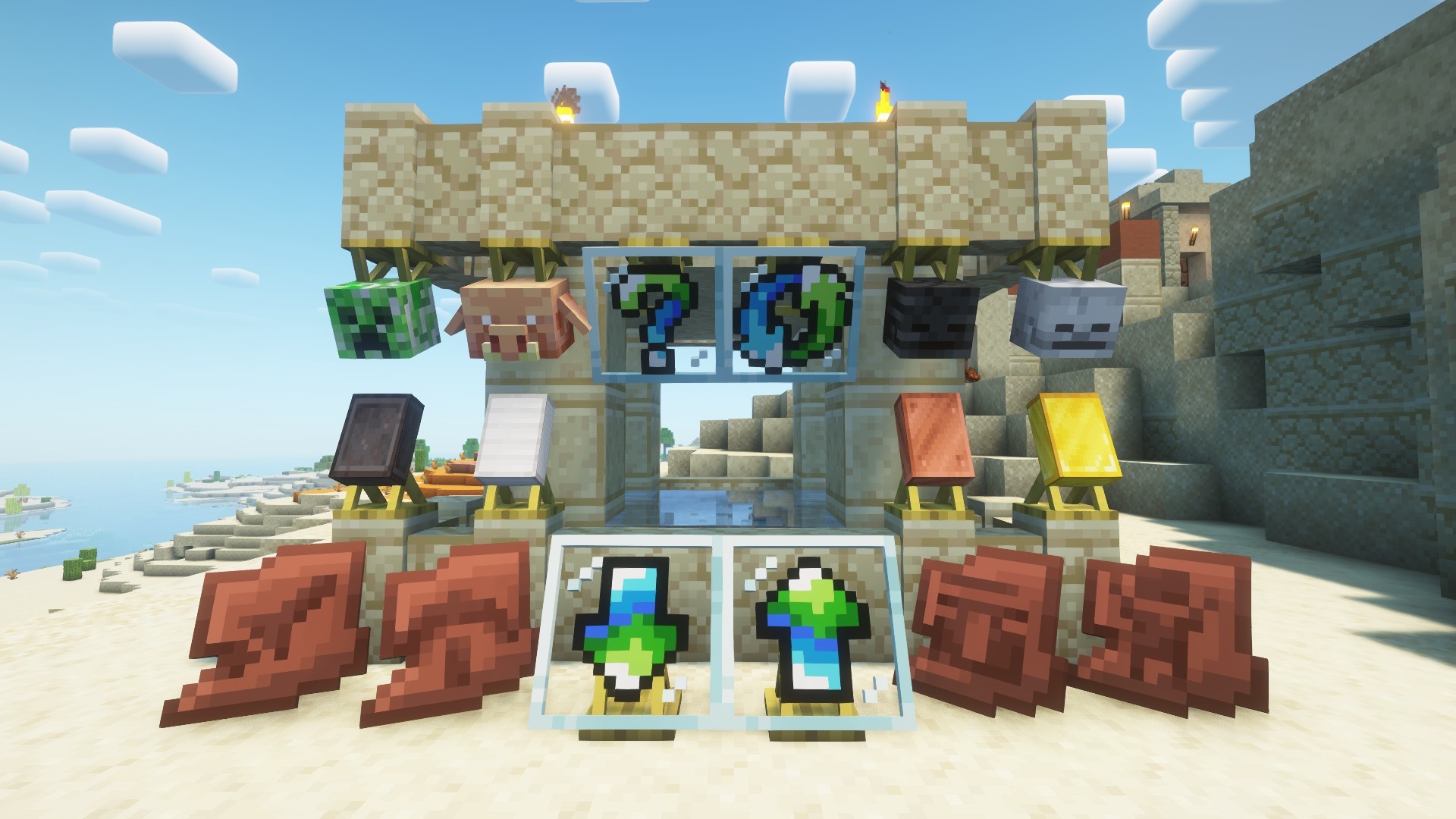
- The display stands (bottom and top) rotate 22.5° according to the player's facing direction to display items, which supports rotating and hiding the items.
- The block frames (normal and rotating) display items at a 90° angle according to the player's facing direction, and support flipping, rotating and hiding the items.
Minecraft content
- The display frame (Shift + right-click) can be hidden (and it supports the display frames of other mods).
- For the armor stand, left-clicking can make it levitate, and Shift + left-clicking can hide it. Players can customize the display of armor by using blocks of different heights (such as snow blocks).
- For metal ingots, Shift + right-clicking can place them (whether it can be placed or not can be customized through the config). The storage upper limit is 64, and different metal ingot models will be displayed according to the quantity.
Message board
- If you have any other needs or suggestions, please try to contact the author or leave a message within the thread.
- Of course, some content can be found in Archaeological_Research. If you are interested in archaeology, you can check out the Archaeological_Research.
Game screenshot

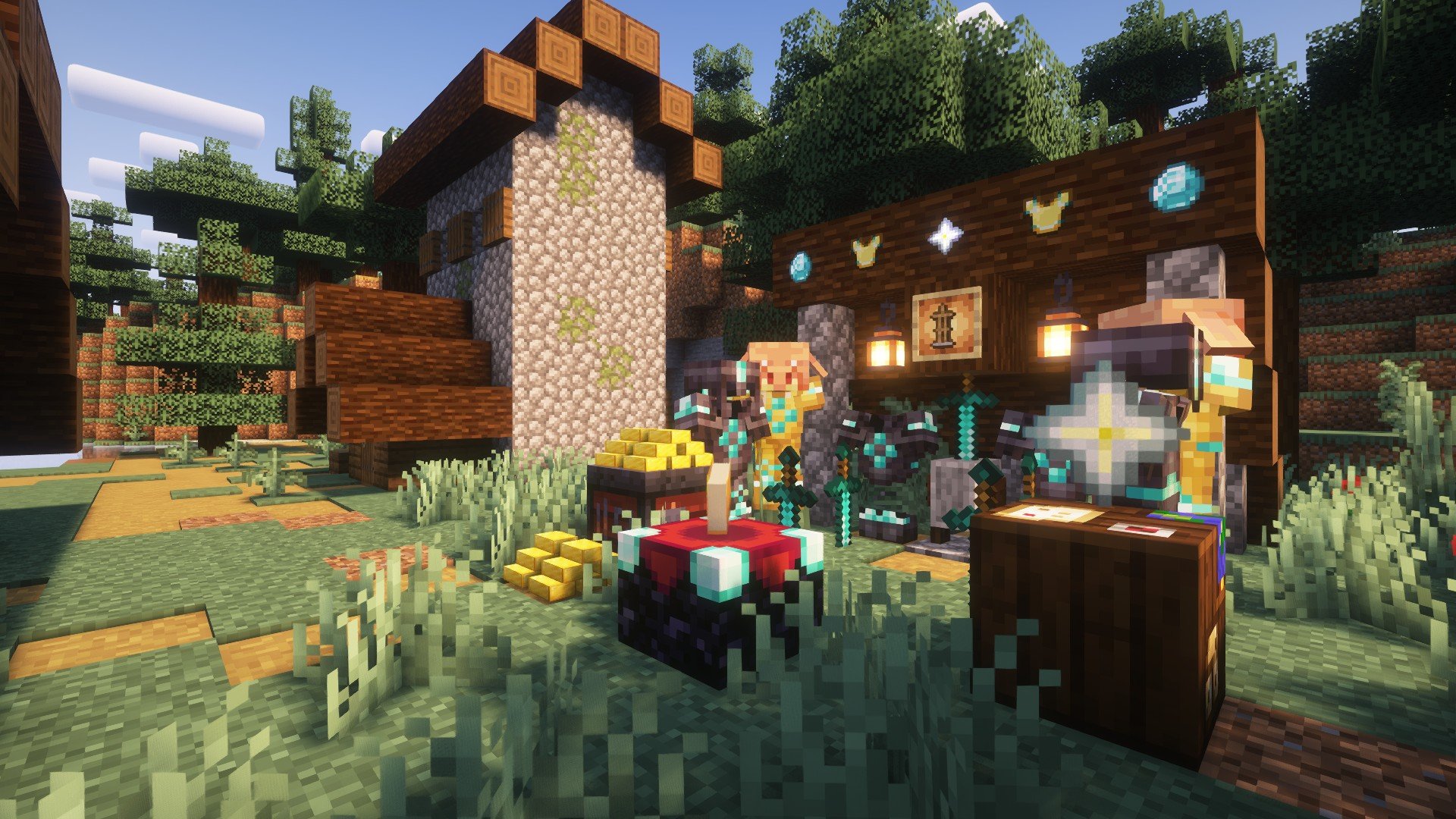
Module Introduction
This is a decorative mod used for showcasing items.
Content Overview
- The "As You See" mod provides a series of functional blocks for displaying items, allowing the display of any (mod) items.
- The displayed items can be a stick, an apple, a diamond, a piece of equipment, a shulker box (supporting NBT data), and so on.
- The blocks support simple debugging (the player needs to be empty-handed), and the material of the displayed items depends on the texture pack loaded by the playe
- Players can click on the side of the block to flip it (rotate), click on the top surface to invert it (invert), and hold down the Shift key to make the block invisible (invisible)
Mod content
- The display stands (bottom and top) rotate 22.5° according to the player's facing direction to display items, which supports rotating and hiding the items.
- The block frames (normal and rotating) display items at a 90° angle according to the player's facing direction, and support flipping, rotating and hiding the items.
Minecraft content
- The display frame (Shift + right-click) can be hidden (and it supports the display frames of other mods).
- For the armor stand, left-clicking can make it levitate, and Shift + left-clicking can hide it. Players can customize the display of armor by using blocks of different heights (such as snow blocks).
- For metal ingots, Shift + right-clicking can place them (whether it can be placed or not can be customized through the config). The storage upper limit is 64, and different metal ingot models will be displayed according to the quantity.
Message board
- If you have any other needs or suggestions, please try to contact the author or leave a message within the thread.
- Of course, some content can be found in Archaeological_Research. If you are interested in archaeology, you can check out the Archaeological_Research.
Game screenshot
Screenshots
Gallery
-
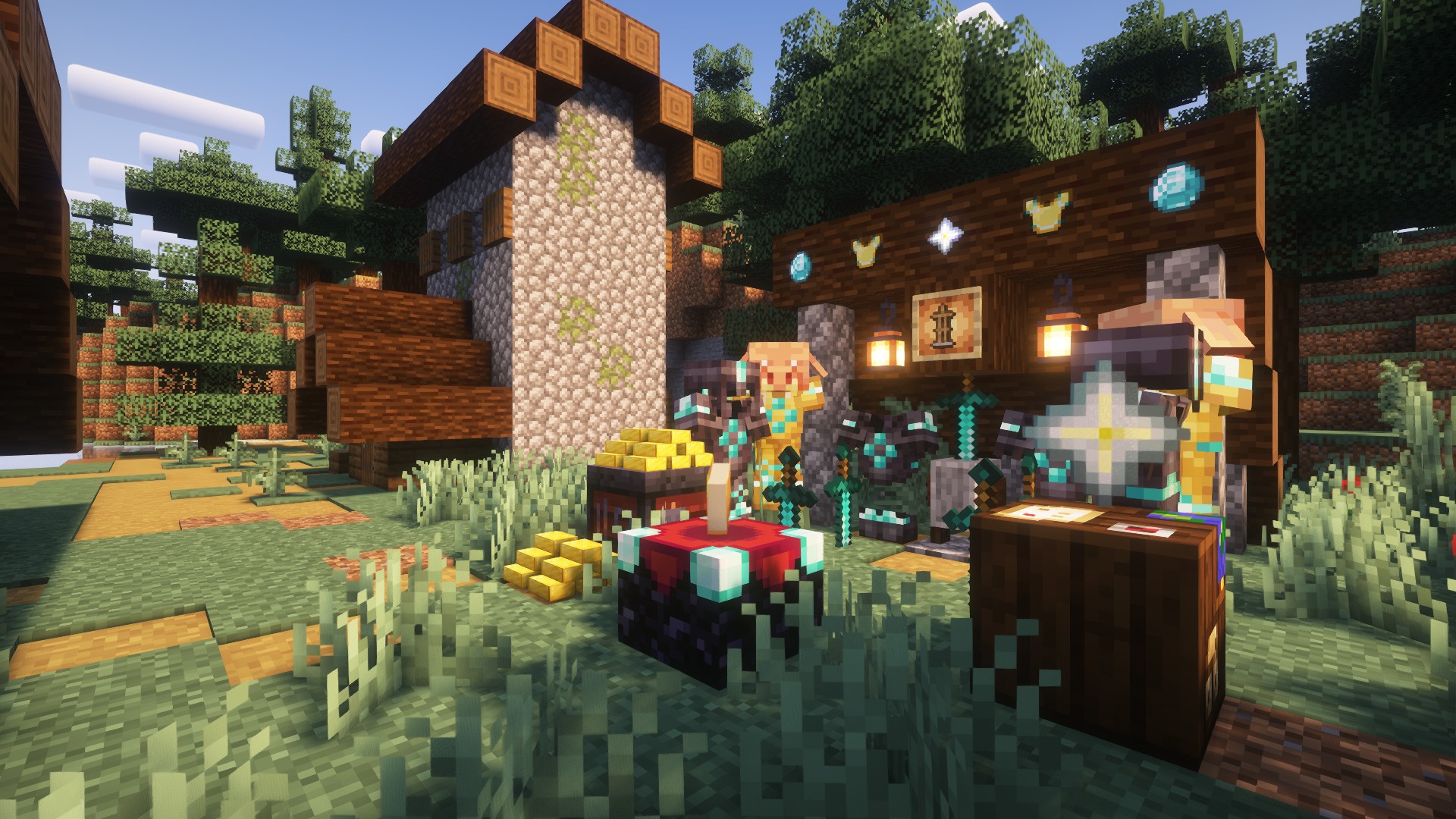 05
05 -
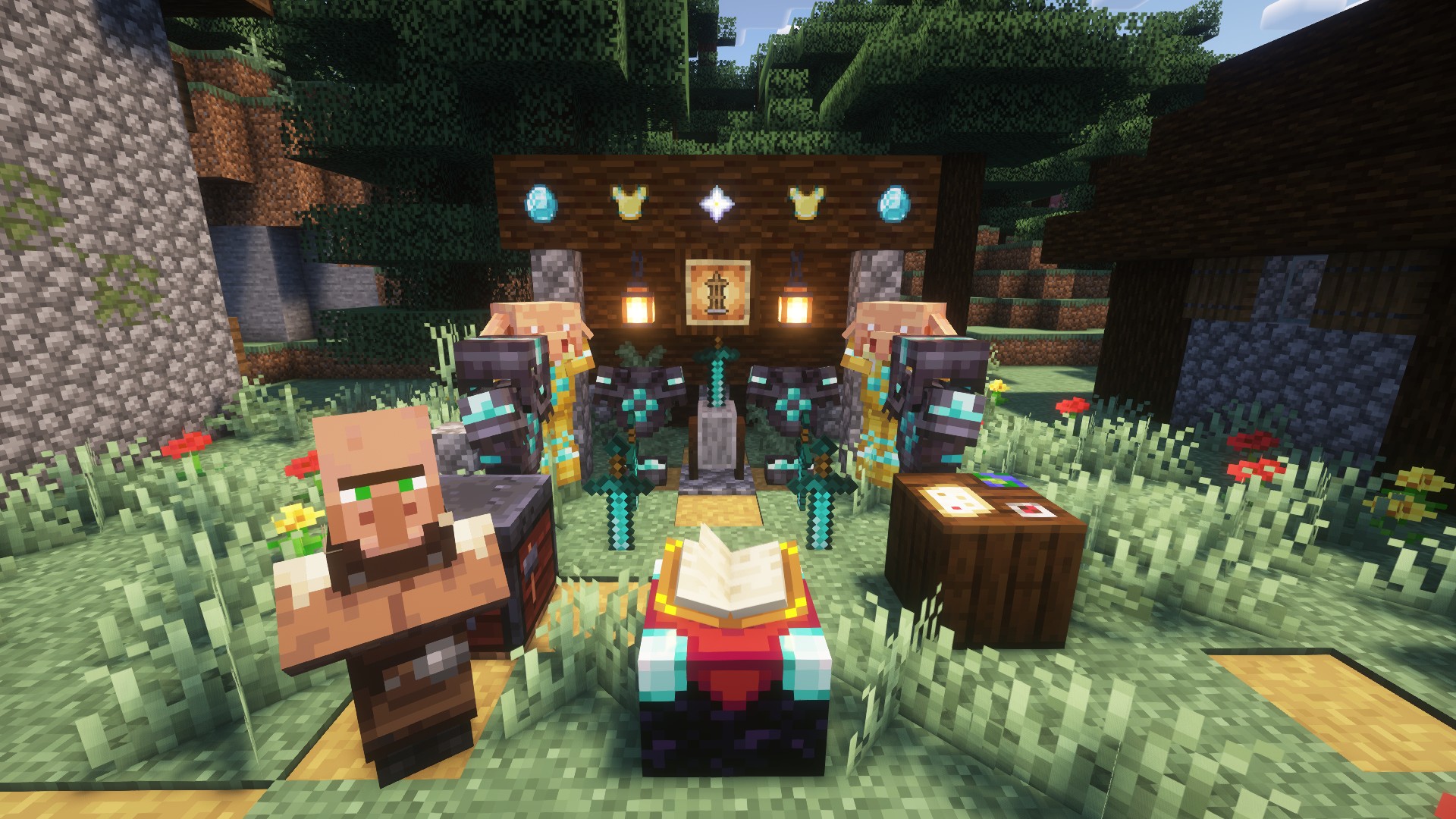 04
04 -
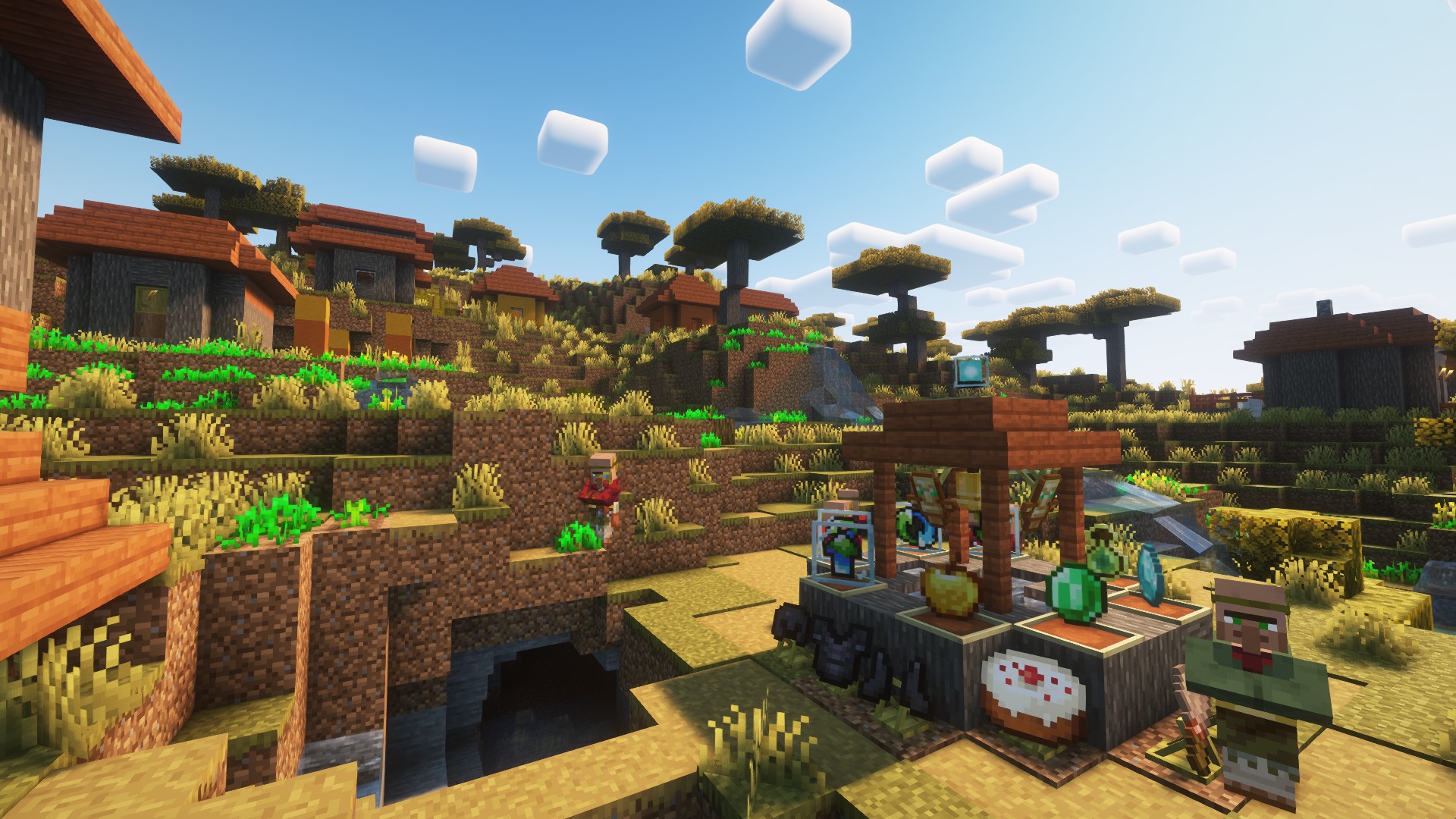 03
03 -
 02
02 -
 01
01
Versions
Files
Relations
Project Relations
More like this
Similar Mods
Suggestions use data such as tags, dependencies, dependents, descriptions, titles, and more to rank how much they overlap with this mod.
On ModDex
Community snapshot
By the numbers
Statistics
Want to reach Minecraft players?
We're looking for a server hosting partner to feature here and other parts of the site. Interested? Send us a message!
Get in touchGet it on
Available Platforms
On ModDex
Community snapshot
By the numbers
Statistics
Resources