
Community listing page, reviews here may not be monitored by the author.
DisplaySomethingCool

No reviews yet
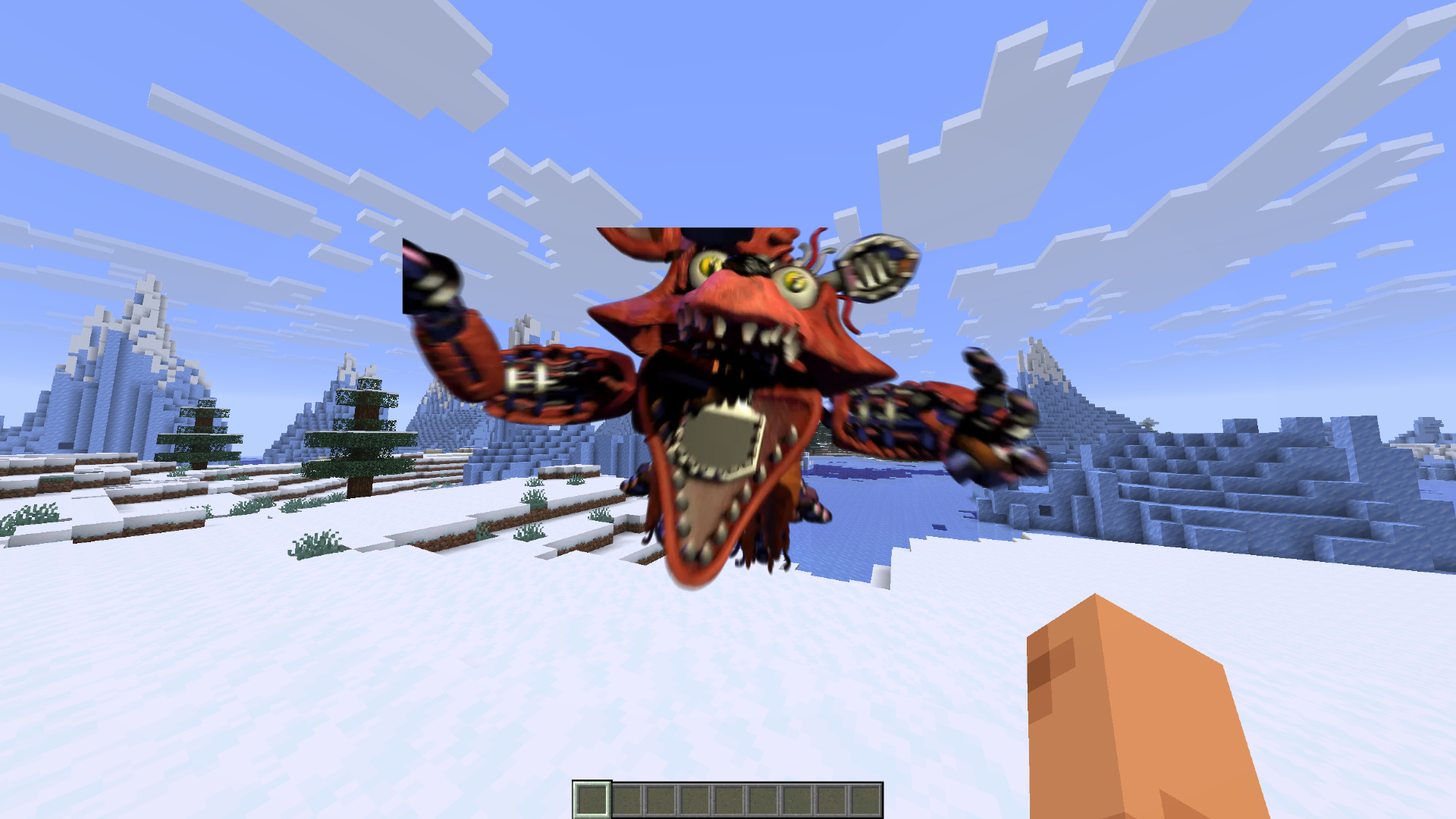
This Fabric mod allows servers to play videos directly on players' screens using a simple command.
Community voices
Reviews
No reviews yet. Be the first to review this project!
Get it on
Available Platforms
Compatibility
Supported Environments
Must be installed on both the client and the server.
About
Project Details
For authors
Embed Badge
If you're the author of this project, you can embed a live badge anywhere that supports HTML or Markdown. It updates automatically whenever ratings change.
Use HTML for any page that supports it, or Markdown for README files and Markdown-based descriptions.
Identifiers
Platform IDs
Resources
External Links
About
Description
DisplaySomethingCool plays server-hosted video clips as a full-screen overlay for selected players — with synced audio. Built for LARP events, cutscenes, announcements, and other scripted moments where you need everyone (or just a few people) to see the same video in-game.
Features
Full-screen HUD video overlay with sound Play videos for specific players, groups, or everyone Server-side video library under the videos/ folder Automatic client caching and background preload so playback starts quickly Supported formats: MP4, WebM, WebP, MOV, MKV Commands Requires operator permission (level 2).
Command Description
/video list
List available videos on the server
/video play <players> <name>
Play a video for the selected players
/video stop
Stop playback for everyone
/video stop <players>
Stop playback for selected players
Examples:
/video play @a intro.mp4
/video play @p cutscene
/video stop @a
The file extension is optional if the name is unique.
Setup
Install the mod on both the server and the clients. Place your video files in the server’s videos/ folder (created automatically next to the game directory). Players who join will download/cache missing videos in the background (videos/cache/ on the client). Use /video play when you want the clip to appear.
Notes
Videos are streamed from the server if they are not already cached (max size 200 MB). Cached clients can start playback almost immediately. Designed for event/LARP servers; not a media player for browsing YouTube or similar. Available for Fabric and Forge (comming soon)
Screenshots
Gallery
Versions
Files
Relations
Project Relations
More like this
Similar Mods
Suggestions use data such as tags, dependencies, dependents, descriptions, titles, and more to rank how much they overlap with this mod.
On ModDex
Community snapshot
By the numbers
Statistics

Want to reach Minecraft players?
We're looking for a server hosting partner to feature here and other parts of the site. Interested? Send us a message!
Get in touchGet it on
Available Platforms
On ModDex
Community snapshot
By the numbers
Statistics
Resources