Community listing page, reviews may not be monitored by the author.
Damage Indicator - FPS-style directional indicators

No reviews yet
A modern FPS-inspired HUD that provides real-time visual indicators for incoming damage and nearby environmental sounds.

Community voices
Reviews
No reviews yet. Be the first to review this project!
Get it on
Available Platforms
About
Project Details
For authors
Embed Badge
If you're the author of this project, you can embed a live badge anywhere that supports HTML or Markdown. It updates automatically whenever ratings change.
Use HTML for any page that supports it, or Markdown for README files and Markdown-based descriptions.
Identifiers
Platform IDs
Resources
External Links
About
Description
Damage Indicator
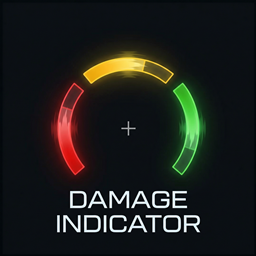
Damage Indicator shows where incoming damage (and optionally sound cues) comes from, without cluttering your screen.
Lightweight, clean, and fully customizable for both PvP and survival gameplay.
Features
- Directional hit arcs around your crosshair
- Separate colors for:
- damage hits
- hostile mob sound cues
- friendly mob sound cues
- Live HUD preview in the config screen
- Source filters:
- All
- Only players
- Only mobs
- Only hostile mobs
- Only animals
- Mode toggle:
- Damage + sounds
- Damage only
- Reset to defaults button for quick recovery if settings get messed up
Configuration
You can customize:
- Crosshair distance
- Arc thickness
- Arc width (span)
- Arc opacity
- HEX colors (
#RRGGBB) - Separate filters for damage and sound sources
Why use it
- Instant directional awareness in combat
- Minimal visual noise
- Simple setup with practical options
Requirements
- Fabric Loader
- Fabric API
- Minecraft versions supported by this project build
Installation
- Install Fabric Loader.
- Install Fabric API.
- Place the mod
.jarfile into yourmodsfolder. - Launch the game and configure it through Mod Menu / config screen.
Author
Project by ThunderTeam
Screenshots
Gallery
-
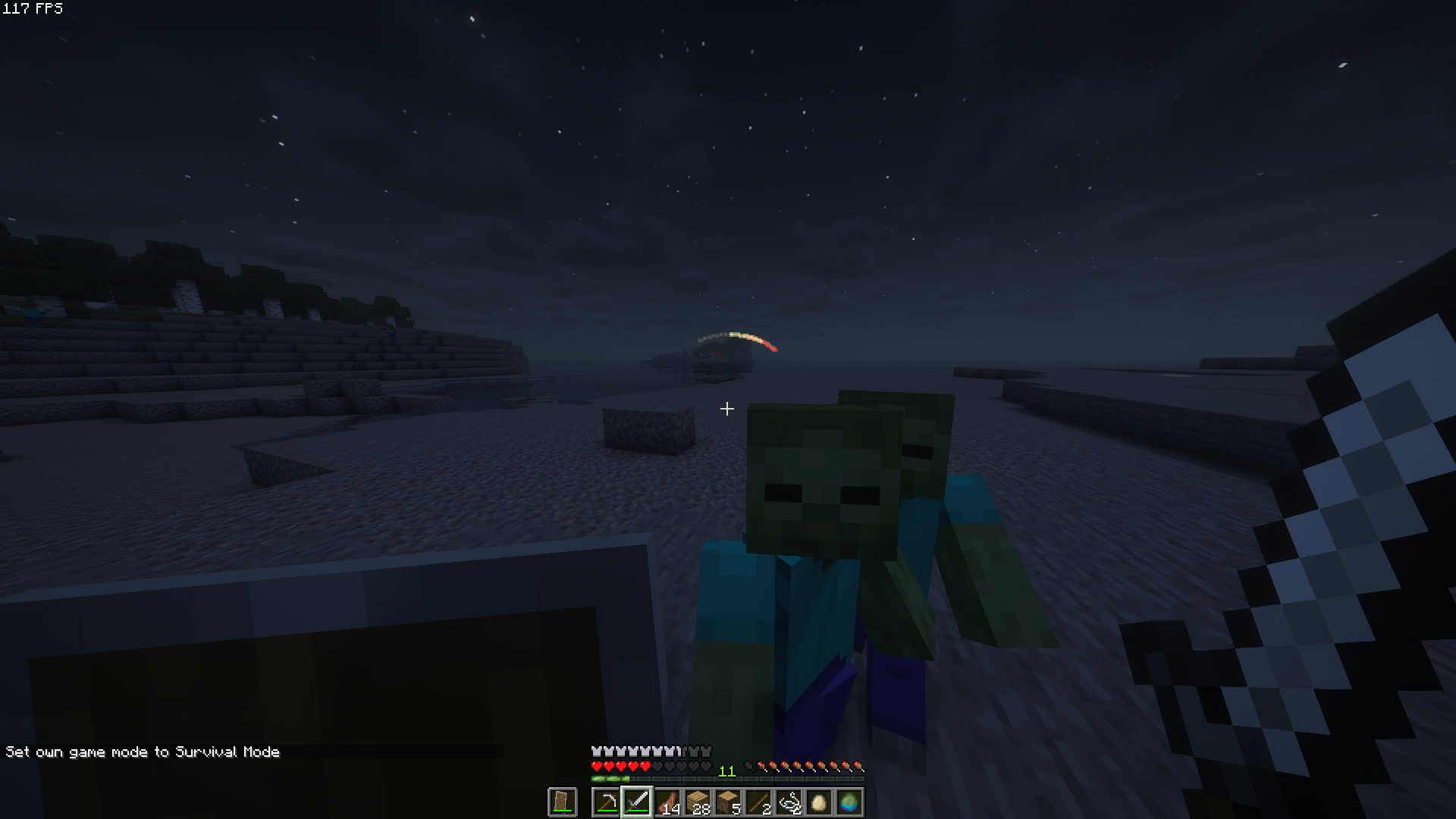 In use
 -
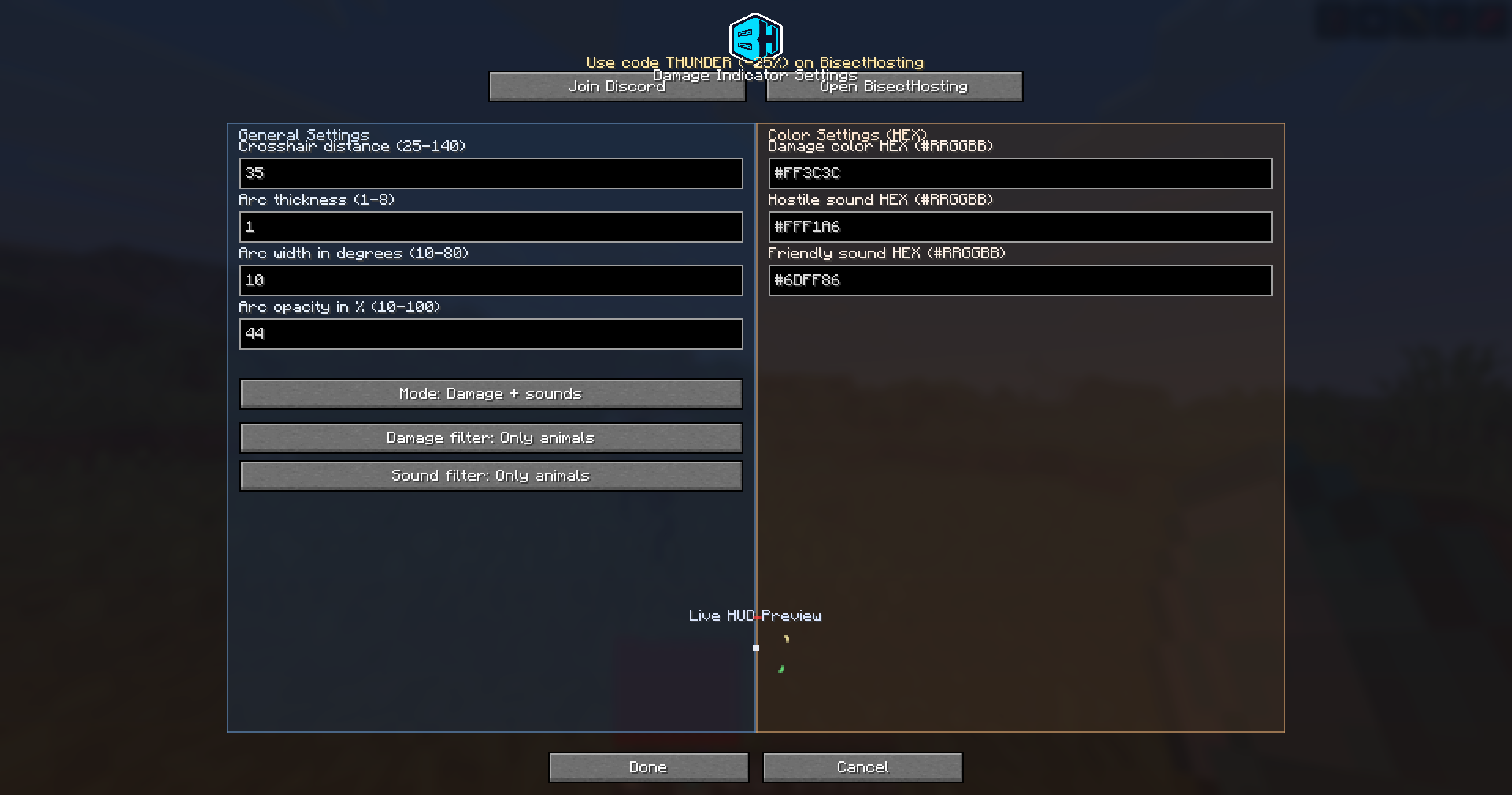 Settings in Mod Menu
Versions
Files
Relations
Project Relations
More like this
Similar Mods
Suggestions use data such as tags, dependencies, dependents, descriptions, titles, and more to rank how much they overlap with this mod.
On ModDex
Community snapshot
By the numbers
Statistics
 (opens in a new tab)
Get it on
Available Platforms
On ModDex
Community snapshot
By the numbers
Statistics
Resources