
Community listing page, reviews here may not be monitored by the author.
Don't Drop It! Revivied

No reviews yet
Prevents accidental dropping of items via various means.
Community voices
Reviews
No reviews yet. Be the first to review this project!
Get it on
Available Platforms
Compatibility
Supported Environments
Runs entirely on the client. Works on vanilla servers.
About
Project Details
For authors
Embed Badge
If you're the author of this project, you can embed a live badge anywhere that supports HTML or Markdown. It updates automatically whenever ratings change.
Use HTML for any page that supports it, or Markdown for README files and Markdown-based descriptions.
Identifiers
Platform IDs
Resources
External Links
About
Description
Background
This is a port of the amazing mod Don't Drop It! by ADudeCalledLeo to modern Minecraft (currently 1.21.11+).
It's been quite a while since I first had the idea of a port and created the fork on GitHub. I used to play with the mod in 1.19 and missed it since. Now I finally was able to actually port it!
The mod
What the mod does is preventing accidental dropping of items. The way it does that is really cool:
- There is a favourites list with items and enchantments (by default all non common items and enchantments that are not curses) that can only be dropped while holding an additional drop modifier key. They also have a cool lock icon to indicate this.
- There is a delay (with a cool overlay drawn onto the slot) when trying to drop an item so you have to hold the drop key for a configurable amound of time to drop it
Everything can still be easily configured through Mod Menu.
Those things all were present in the original mod, so they're not my work or my ideas (this is a port after all).
Changes over the original mod
- technical updates to work with the latest Minecraft versions
- the dependencies are no longer bundled and need to be installed separately
- Amecs API is no longer a dependency as it seems to not be needed anymore
- due to limitations I could not really get around as of now, you need to join a world and enable the Favorites -> Restore Defaults option to initialize the default favored items
- this only needs to be done once
Screenshots
Gallery
-
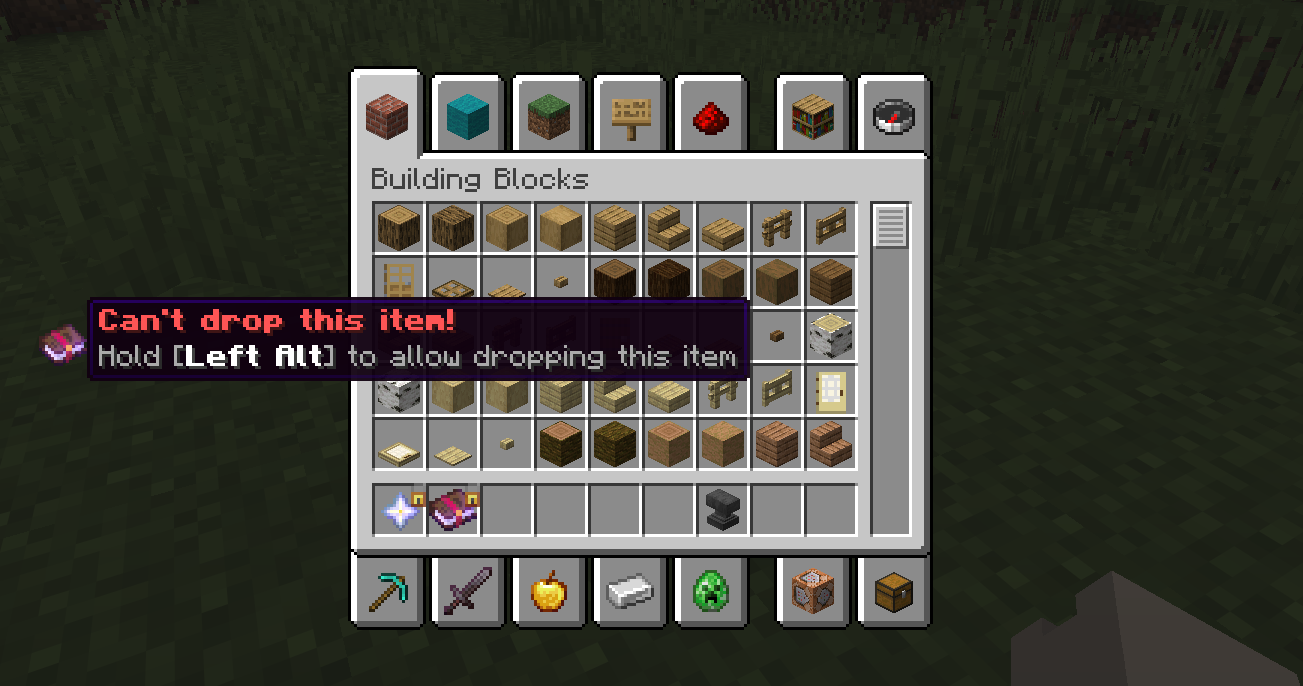 In the inventory Favoured item being prevented from being dropped from inside the inventory
 -
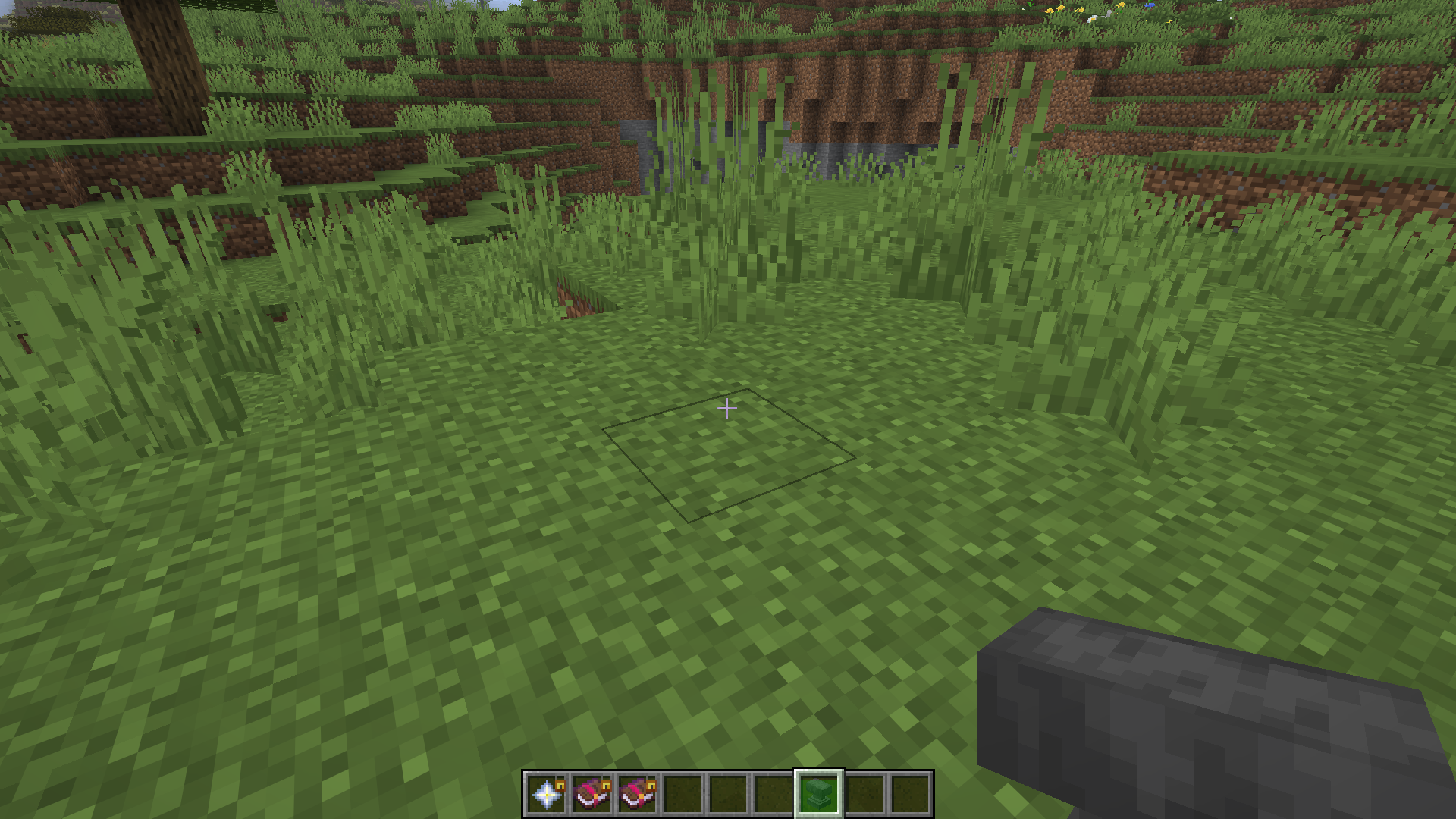 Hotbar Three favourite items and one item in drop delay
 -
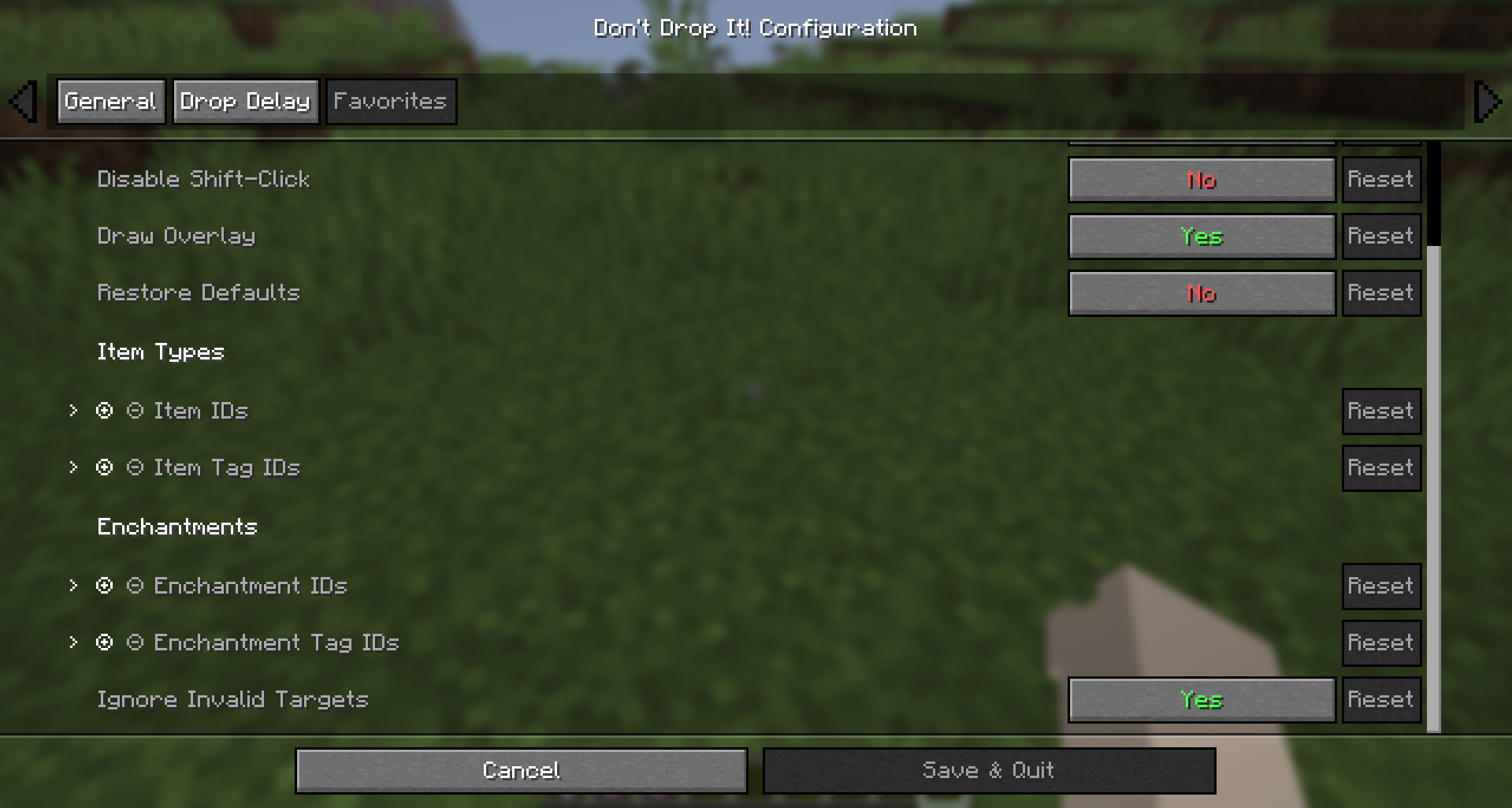 Favorites settings
Versions
Files
Relations
Project Relations
More like this
Similar Mods
Suggestions use data such as tags, dependencies, dependents, descriptions, titles, and more to rank how much they overlap with this mod.
On ModDex
Community snapshot
By the numbers
Statistics

Want to reach Minecraft players?
We're looking for a server hosting partner to feature here and other parts of the site. Interested? Send us a message!
Get in touchGet it on
Available Platforms
On ModDex
Community snapshot
By the numbers
Statistics
Resources