Community listing page, reviews here may not be monitored by the author.
Durability Notifier


No reviews yet
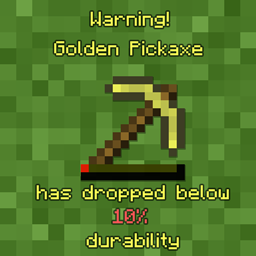
Durability Notifier is a mod that shows you when your tool hits a configured percentage of durability.

Community voices
Reviews
No reviews yet. Be the first to review this project!
Get it on
Available Platforms
Compatibility
Supported Environments
Runs entirely on the client. Works on vanilla servers.
About
Project Details
For authors
Embed Badge
If you're the author of this project, you can embed a live badge anywhere that supports HTML or Markdown. It updates automatically whenever ratings change.
Use HTML for any page that supports it, or Markdown for README files and Markdown-based descriptions.
Identifiers
Platform IDs
About
Description
Durability Notifier is a small client-side mod that uses various methods to notify the player when there tool is low on durability. It uses subtle methods like using sound or potion effects and is fully configurable via the in-game configuration menu for ease. So, you can configure the mod how you like it.
For more information on what settings are available see the detailed explanation for the configuration below.
The mod tries to stay as vanilla server friendly as possible. The only feature that doesn't work while connected to a vanilla server is the GiveFatigue feature.
- GiveFatigue - if true gives the player mining fatigue when the tool hit it's max so you won't accidentally break the tool. (Defaults to false) Has been temporarily disabled since 1.13+
- Percentage - is the percentage from 1 between 100 of durability of the tool it checks for (Defaults to 10)
- PlaySound - if true plays a noise to the player if they try to use their tool while it's low on durability (Defaults to false)
- SendMessage - if true displays the message that your tool is low on durability (Defaults to true)
- SendMessageColor - chooses what color/colour the message will be. (Defaults to YELLOW)
- soundlocation - specifies the soundlocation of the sound that "PlaySound" will play. If the sound location inserted is false it will say so in the log.
- volume - changes the volume that "PlaySound" uses to play the sound.
FAQ:
- Where's the config located? It's located within your instances "config" folder
- How can I change the config in-game? You can't unless you install Configured

Need a server? Get 20% off your first month by using promo code "mrbysco"
For questions feel free to join my Discord.

Want to support me?

Durability Notifier is a small client-side mod that uses various methods to notify the player when there tool is low on durability. It uses subtle methods like using sound or potion effects and is fully configurable via the in-game configuration menu for ease. So, you can configure the mod how you like it.
For more information on what settings are available see the detailed explanation for the configuration below.
The mod tries to stay as vanilla server friendly as possible. The only feature that doesn't work while connected to a vanilla server is the GiveFatigue feature.
- GiveFatigue - if true gives the player mining fatigue when the tool hit it's max so you won't accidentally break the tool. (Defaults to false) Has been temporarily disabled since 1.13+
- Percentage - is the percentage from 1 between 100 of durability of the tool it checks for (Defaults to 10)
- PlaySound - if true plays a noise to the player if they try to use their tool while it's low on durability (Defaults to false)
- SendMessage - if true displays the message that your tool is low on durability (Defaults to true)
- SendMessageColor - chooses what color/colour the message will be. (Defaults to YELLOW)
- soundlocation - specifies the soundlocation of the sound that "PlaySound" will play. If the sound location inserted is false it will say so in the log.
- volume - changes the volume that "PlaySound" uses to play the sound.
FAQ:
- Where's the config located? It's located within your instances "config" folder
- How can I change the config in-game? You can't unless you install Configured
Need a server? Get 20% off your first month by using promo code "mrbysco"
For questions feel free to join my Discord.
Want to support us?
-Mrbysco
Screenshots
Gallery
-
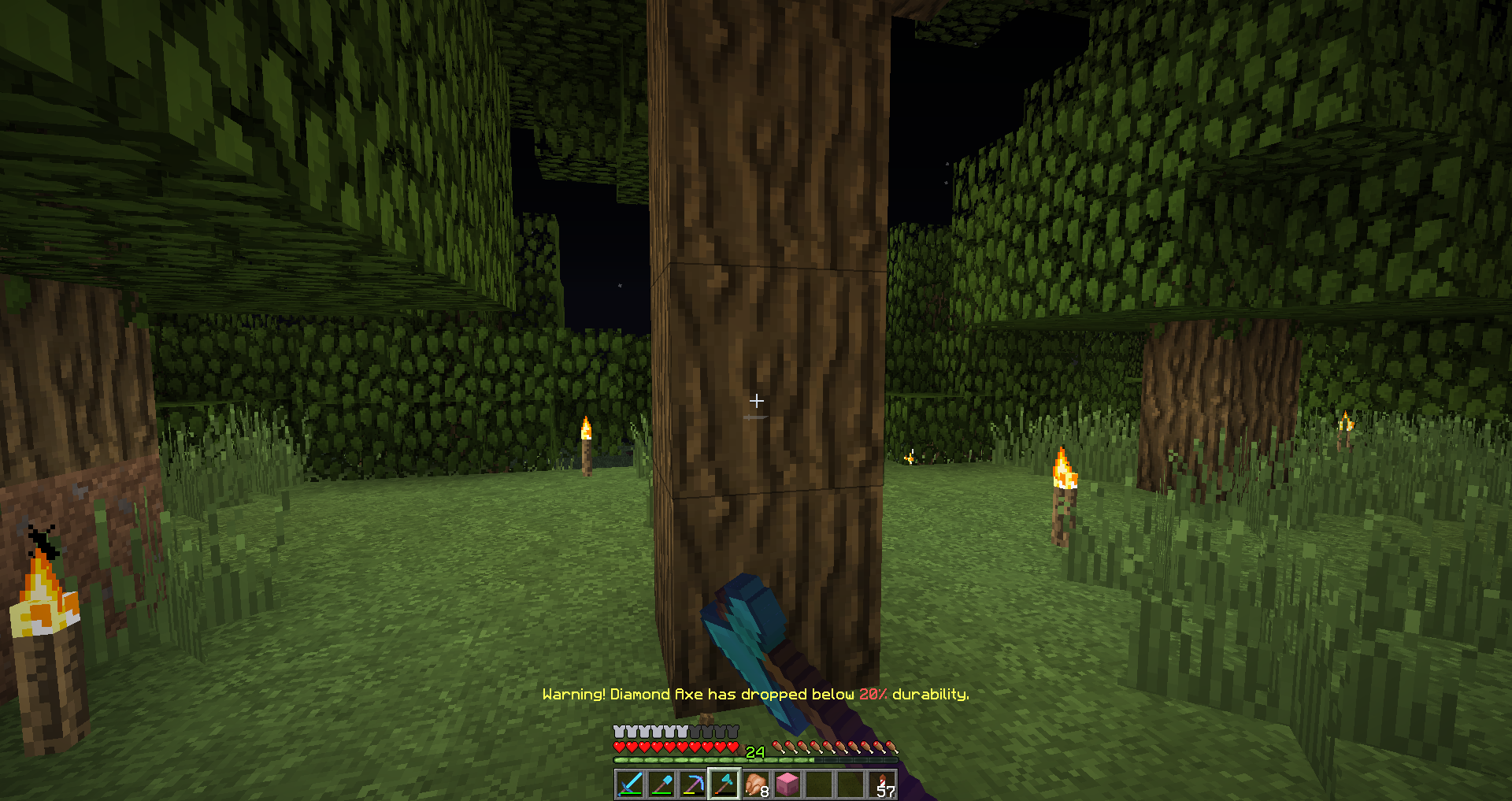 Vanilla server compatible
-
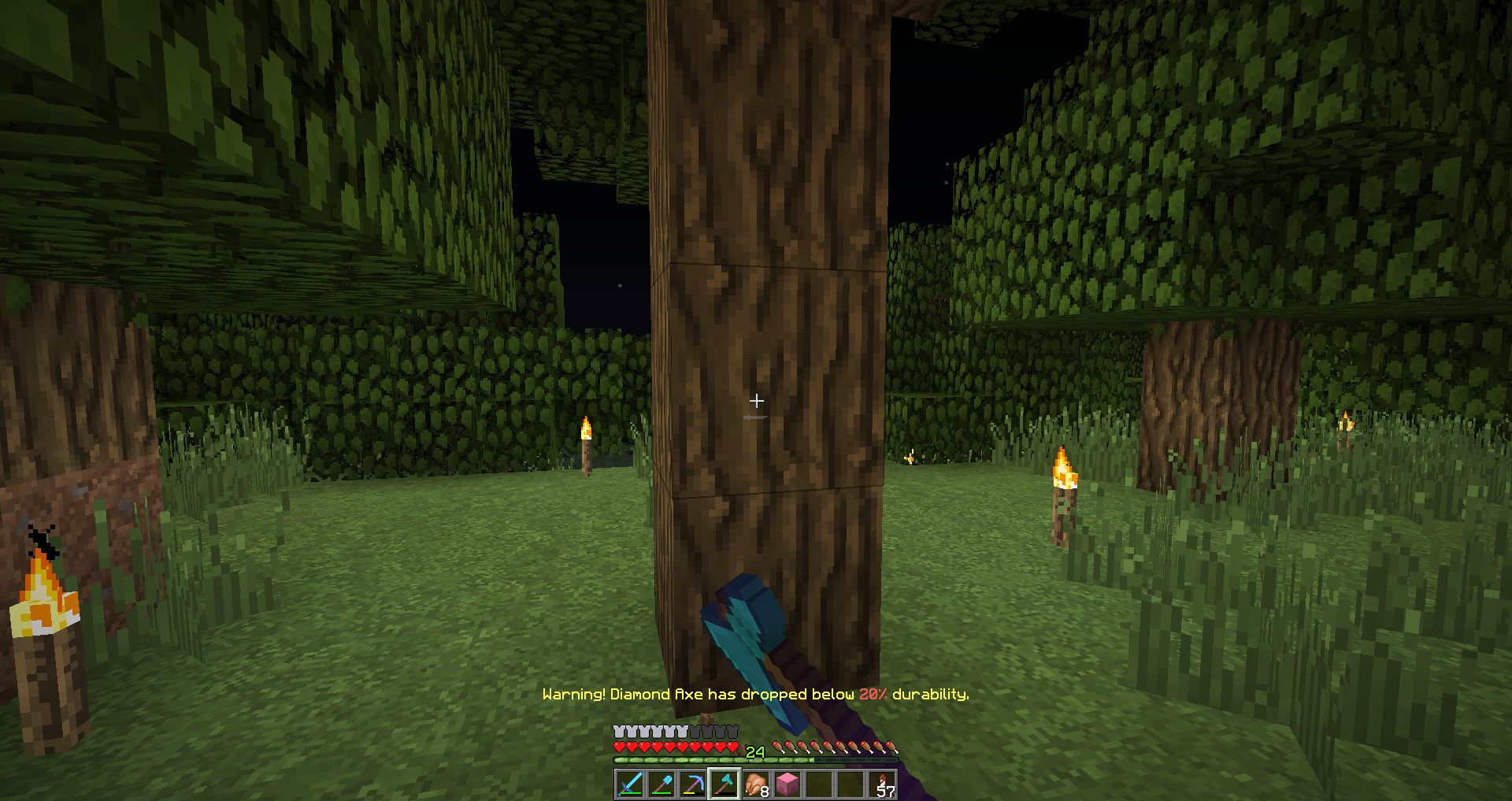 Vanilla Server Compatible
Versions
Files
Relations
Project Relations
More like this
Similar Mods
Suggestions use data such as tags, dependencies, dependents, descriptions, titles, and more to rank how much they overlap with this mod.
On ModDex
Community snapshot
By the numbers
Statistics
 (opens in a new tab)
Get it on
Available Platforms
On ModDex
Community snapshot
By the numbers