
Community listing page, reviews here may not be monitored by the author.

Community voices
Reviews
No reviews yet. Be the first to review this project!
Get it on
Available Platforms
Compatibility
Supported Environments
Must be installed on both the client and the server.
About
Project Details
For authors
Embed Badge
If you're the author of this project, you can embed a live badge anywhere that supports HTML or Markdown. It updates automatically whenever ratings change.
Use HTML for any page that supports it, or Markdown for README files and Markdown-based descriptions.
Identifiers
Platform IDs
Resources
External Links
About
Description
DynamicSkins
DynamicSkins is a Fabric mod that lets players use server-synchronized custom avatars instead of relying solely on Minecraft's default skin system.
Players can upload two avatar textures through an in-game editor:
- Idle texture
- Talking texture
Uploaded avatars are synchronized through the server, stored locally on the server, and automatically sent to other players. This allows multiplayer servers to provide consistent custom avatars without requiring resource packs or external skin services.
Features
- Server-synchronized custom player avatars
- Separate idle and talking textures
- In-game Avatar Editor
- PNG validation before upload
- Supports square PNG textures from 64×64 up to 4096×4096
- Maximum upload size: 2 MB per texture
- Slim (Alex) and Wide (Steve) player models
- Server-side avatar storage
- Client-side avatar caching
- Optional Plasmo Voice integration for talking animations
Preview
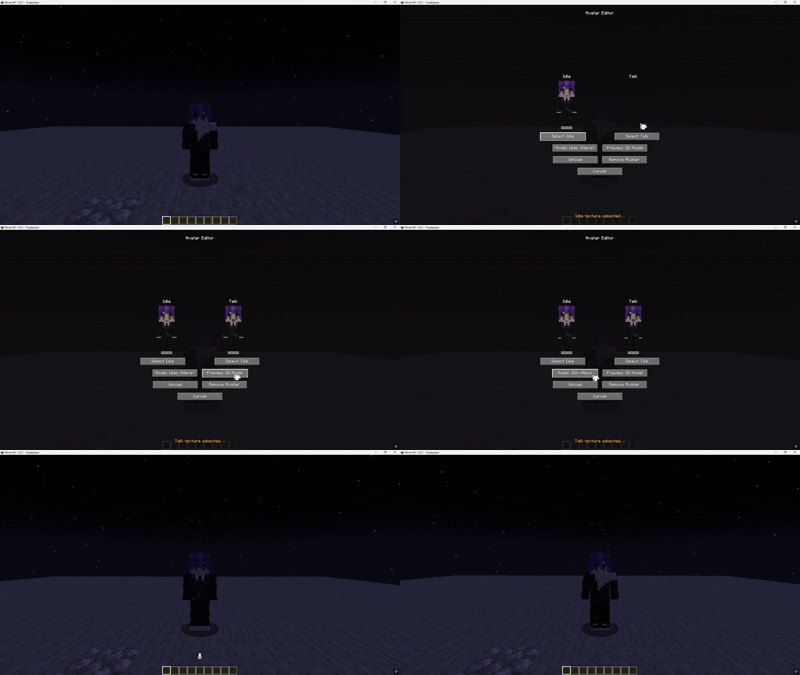
Supported Texture Sizes
DynamicSkins supports square PNG textures including:
- 64×64
- 128×128
- 256×256
- 512×512
- 1024×1024
- 2048×2048
- 4096×4096
Requirements:
- PNG format
- Square image
- Maximum file size: 2 MB
How to Use
- Install DynamicSkins on the server.
- Install DynamicSkins on each client.
- Join the server.
- Open the Avatar Editor using the configured keybind.
- Select an idle texture.
- Select a talking texture.
- Choose either:
- Slim (Alex)
- Wide (Steve)
- Click Upload.
Players can also remove their uploaded avatar directly from the Avatar Editor.
Talking Avatars
DynamicSkins can automatically switch to a talking avatar while the player is speaking.
This feature requires Plasmo Voice.
If Plasmo Voice is not installed, DynamicSkins continues to function normally as a synchronized custom avatar system, but talking-state textures will not be used.
Storage
Uploaded avatar textures are stored locally by the Minecraft server inside the DynamicSkins storage directory.
Clients automatically cache synchronized avatars for faster loading.
Compatibility
| Component | Version |
|---|---|
| Minecraft | 1.20.1 |
| Mod Loader | Fabric |
| Fabric Loader | 0.19.3+ |
| Fabric API | 0.92.9+1.20.1 |
| Java | 17 or 21 |
| Plasmo Voice | (1.20.1-2.1.13) |
Dependencies
Required
- Fabric Loader
- Fabric API
- Plasmo Voice (Talking avatar support)
Version
| Property | Value |
|---|---|
| Version | 1.0.6 |
| Minecraft | 1.20.1 |
| Loader | Fabric |
| Release Type | Required |
Screenshots
Gallery
-
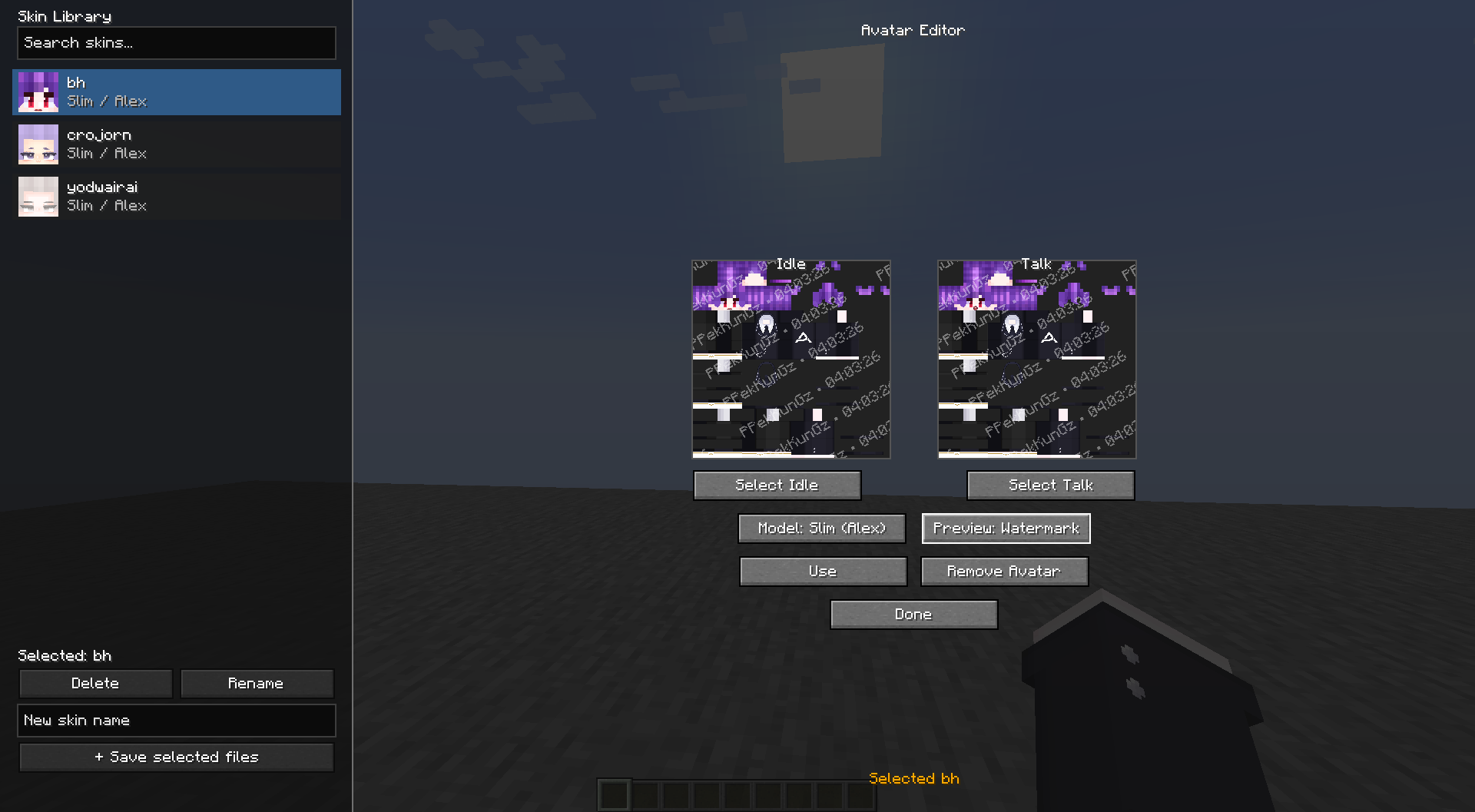 v1.1.5 Upload System add library upload system
 -
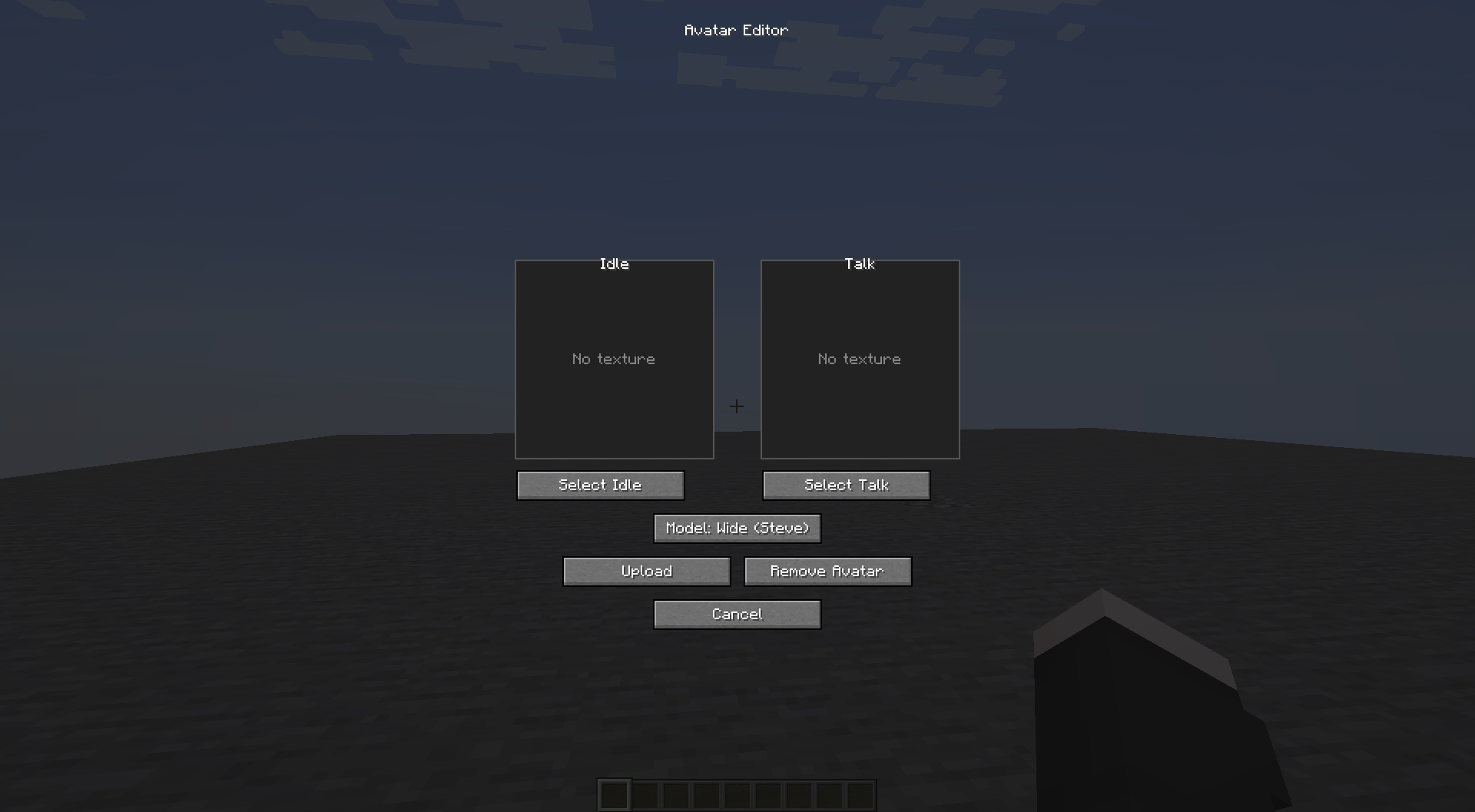 Upload Screen
 -
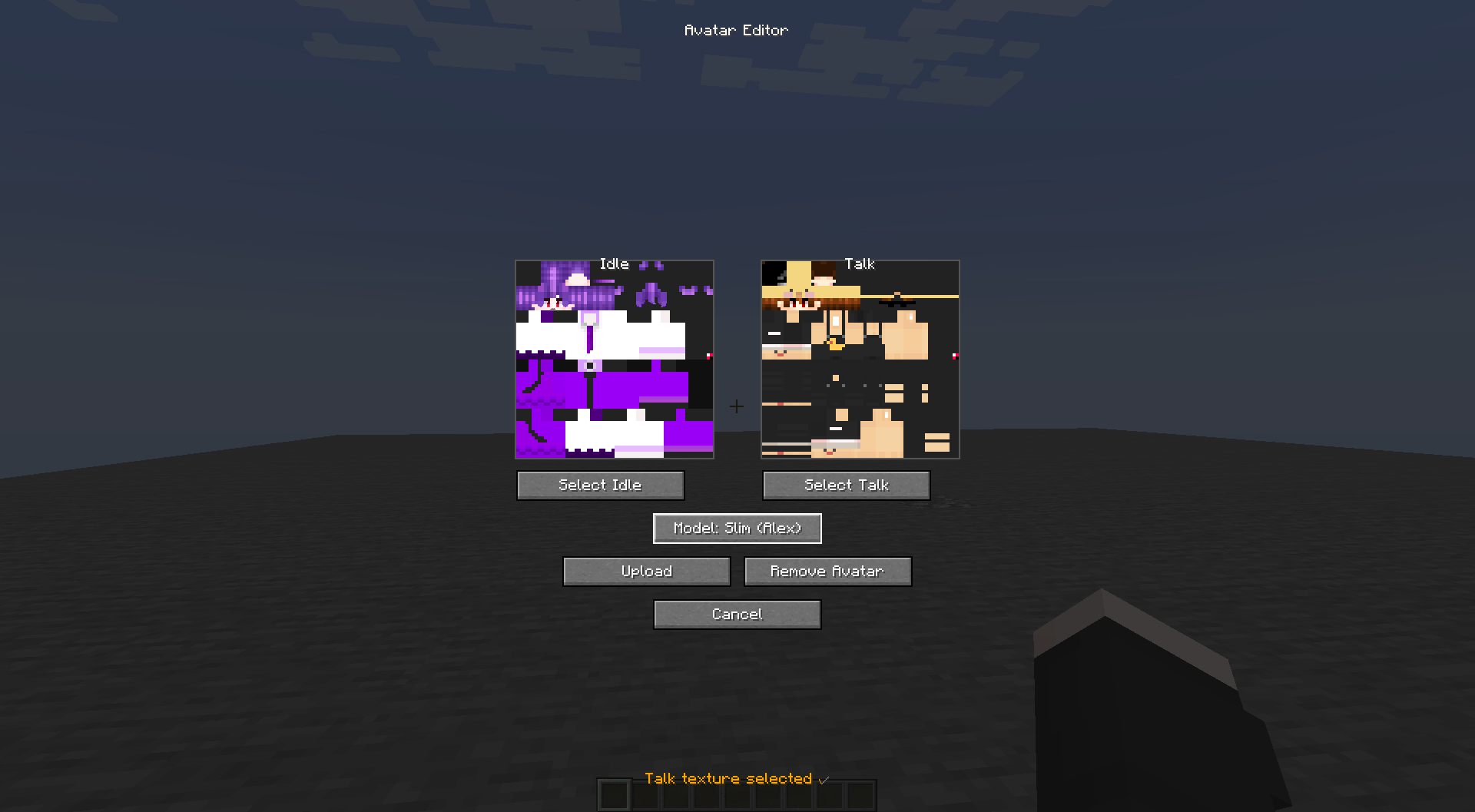 After Upload
 -
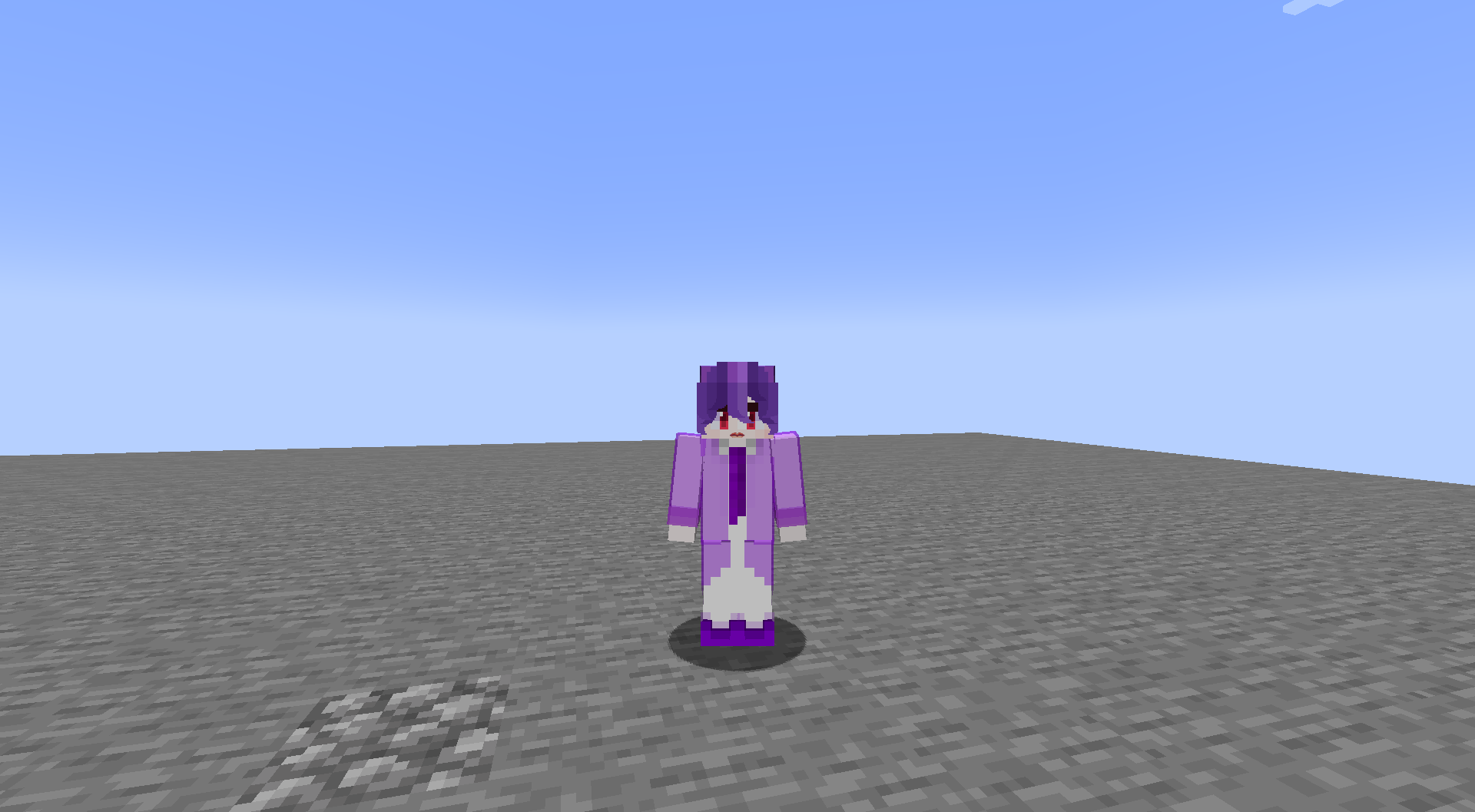 Success
 -
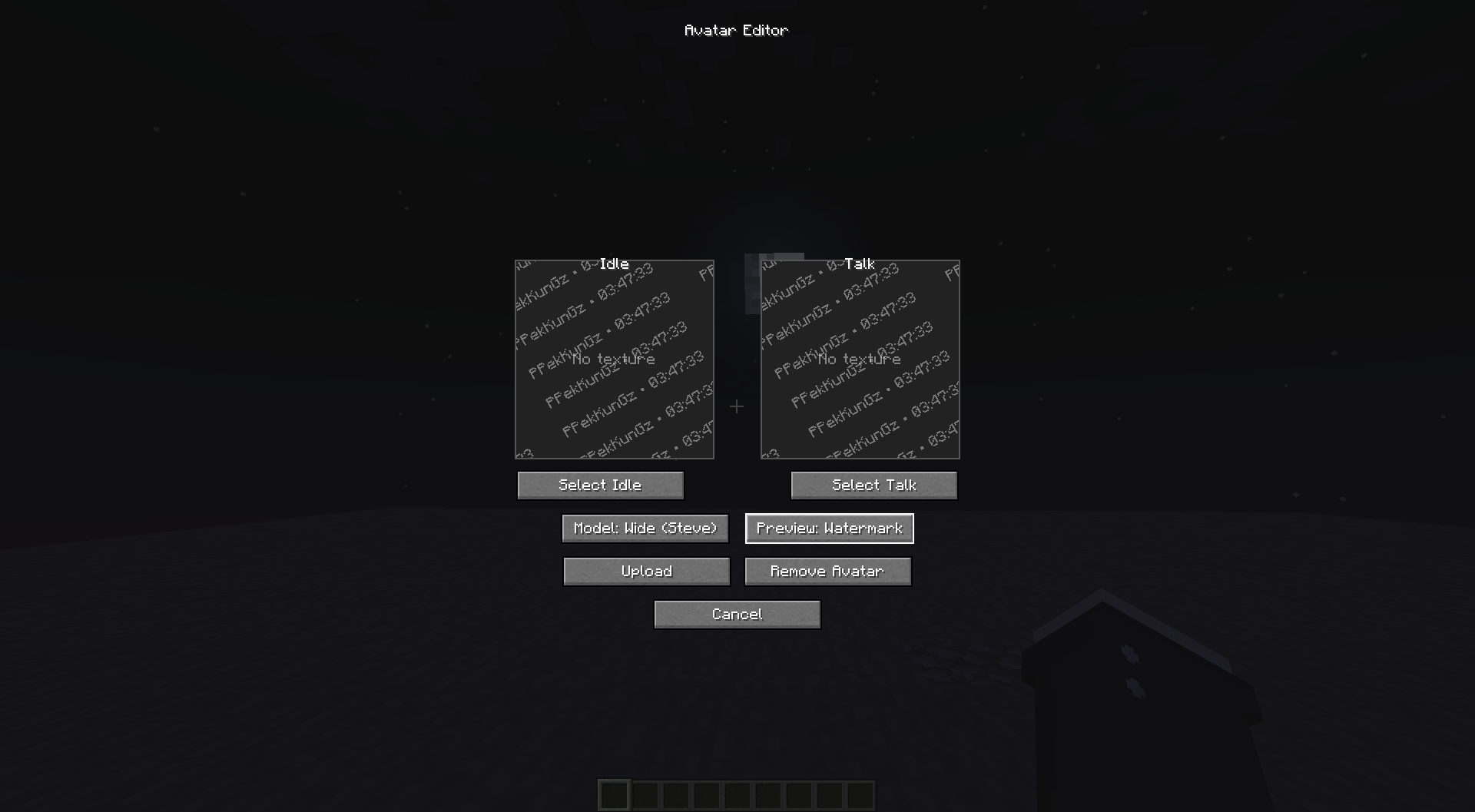 Streamer mode Watermark features for streamer can change this to 3d models
Versions
Files
Relations
Project Relations
More like this
Similar Mods
Suggestions use data such as tags, dependencies, dependents, descriptions, titles, and more to rank how much they overlap with this mod.
On ModDex
Community snapshot
By the numbers
Statistics

Want to reach Minecraft players?
We're looking for a server hosting partner to feature here and other parts of the site. Interested? Send us a message!
Get in touchGet it on
Available Platforms
On ModDex
Community snapshot
By the numbers
Statistics
Resources