
Equivalent Exchange
No reviews yet
Dirt to Diamonds and Diamonds to Dirt. This is the mod that started it all.
Forge is a popular mod loader for versions 1.1+ of Minecraft.
Community voices
Reviews
Click once to include, again to exclude, again to clear
No reviews yet. Be the first to review this project!
Get it on
Available Platforms
 Modrinth
Compatibility
Supported Environments
About
Project Details
For authors
Embed Badge
If you're the author of this project, you can embed a live badge anywhere that supports HTML or Markdown. It updates automatically whenever ratings change.
Use HTML for any page that supports it, or Markdown for README files and Markdown-based descriptions.
Identifiers
Platform IDs
Resources
External Links
About
Description

To summarize: this mod allows you to transmute tons of materials into other materials. It adds a lot of what is classified by many as "endgame content", to make you feel more godlike in your sandbox world. If this offends your Minecrafting sensibilities, this may not be the mod for you.
These items are psychotically expensive, so before you bash them, try acquiring the items legitimately. You'll find it's not exactly a cakewalk.
Dependencies
- v1.15, v2.08b: Risugami's ModLoader and AudioMod
- NOTE: v1.15 is a jarmod, install directly into the minecraft.jar, not in the /mods/ folder
- v3.53 (ItemSprite API): Risugami's ModLoader, AudioMod, ItemSprite API v1.2 by scokeev9
- v3.53+ (Forge): Risugami's ModLoader, ModLoader MP, AudioMod, Forge
Troubleshooting
My Klein Star doesn't provide fuel for ANYTHING / My Gem of Eternal Density doesn't condense stuff / I get pieces of the Klein Star when crafting the mod items!
Charge it up, turn it on.
When my [collector/condenser] finishes, the product disappears.
Look in the chest next to it.
Block/Item ID Conflicts
Note that this mod uses a properties file, [mod_EE.props] located in your .minecraft directory. This file contains all the IDs for everything in the mod, as well as your keyboard configuration. Your minecraft error log (modloader.txt) will tell you what is causing the conflict.
If you are upgrading from 1.7.3, but are starting new worlds only, you MUST delete your mod_EE.props file. If you are trying to use the old worlds from 1.7.3 with all your awesome stuff, you MUST follow the instructions above the Download links for 1.8.1 or you will bork your props file and your items will be wonky until you fix it.
My keyboard keys conflict between two of my favorite mods!
The keyboard keys are now back to be configurable in the mod_EE.props file.
In order to configure your keys, you will need to figure out what the number representing the key you want to use is, and to do that, you must go here.
BuildCraft Autocrafting Tables won't do recipes that use the Philosopher's Stone!
Make sure you have a chest beside your autocrafting table which also contains a Philosopher's Stone. If you're using a different recipe, such as one that uses the Evertide to make slimeballs, you will need to have the appropriate item in the chest.
Specific errors/FAQ -
java.lang.NoClassDefFoundError: IItemTexture
This means you either
- Don't have ItemSprite API or
- Have the wrong version. It also may mean you can't read.
How do I charge items? How do I [control item "x"]?
The default keys are as follows: Charge tools/items: V Release charge/use superpower: R Toggle the active effects of an item: G Open the Philosopher's Stone Crafting/Transmutation: C [Use it while charged to max to open the Transmutation Grid]
Does the Philosopher's Stone get used up in recipes?
No.
The "Groundstomp" ability of the Gravity Greaves isn't working.
Provided you have turned the movement abilities on there is something in Smart Moving and Player API which conflicts with the greave's sneaking-in-midair effect.
Archival notice
This mod is abandoned and has been uploaded for archival purposes. It was originally created Jun 6, 2011 by x3n0ph0b3. It has been uploaded to Modrinth under the ModrinthArchives account with permission from the original author.

Screenshots
Gallery
-
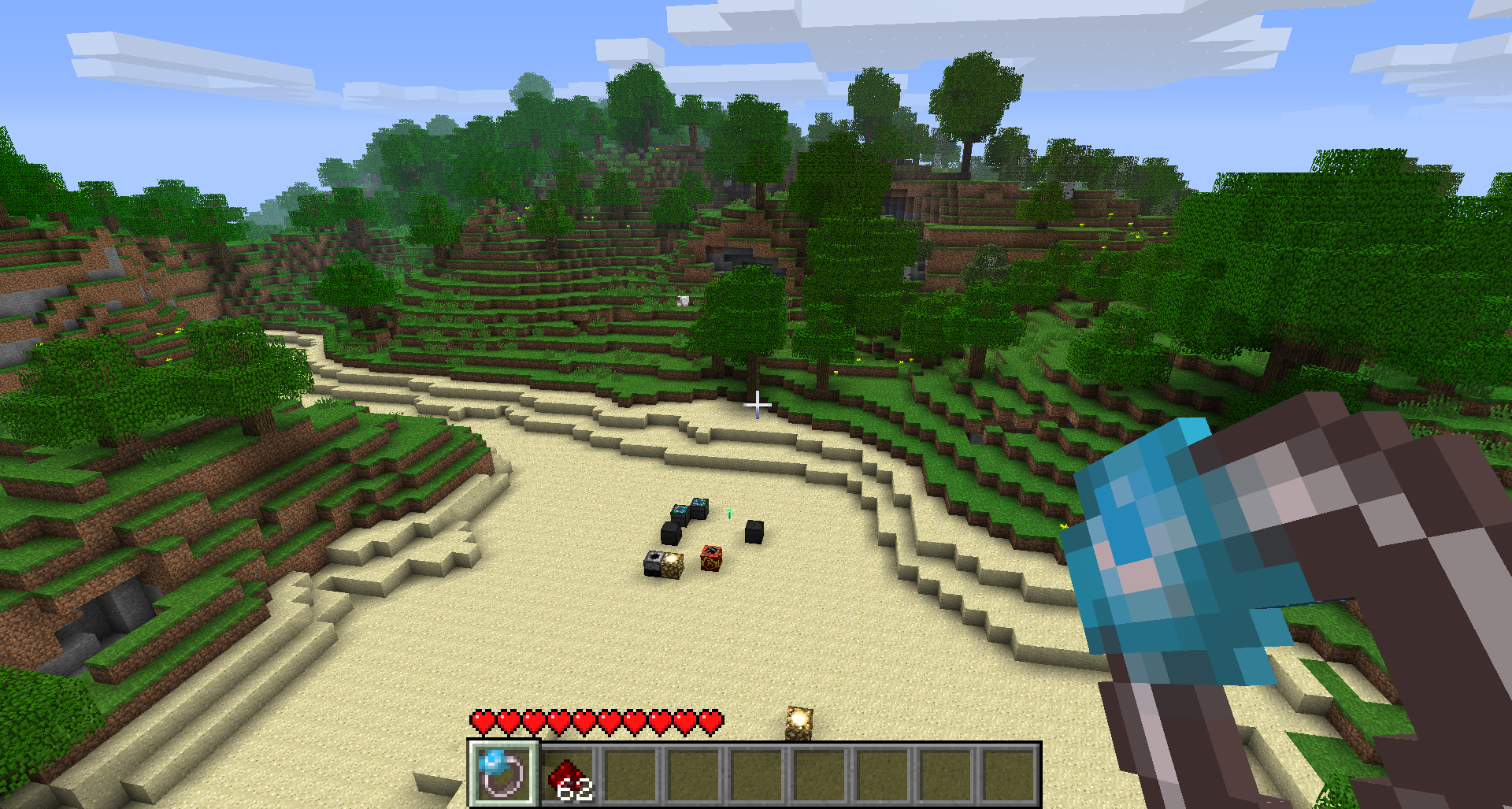 Flying Flying with Swiftwolf's Rending Gale, using Redstone Dust as fuel.
 -
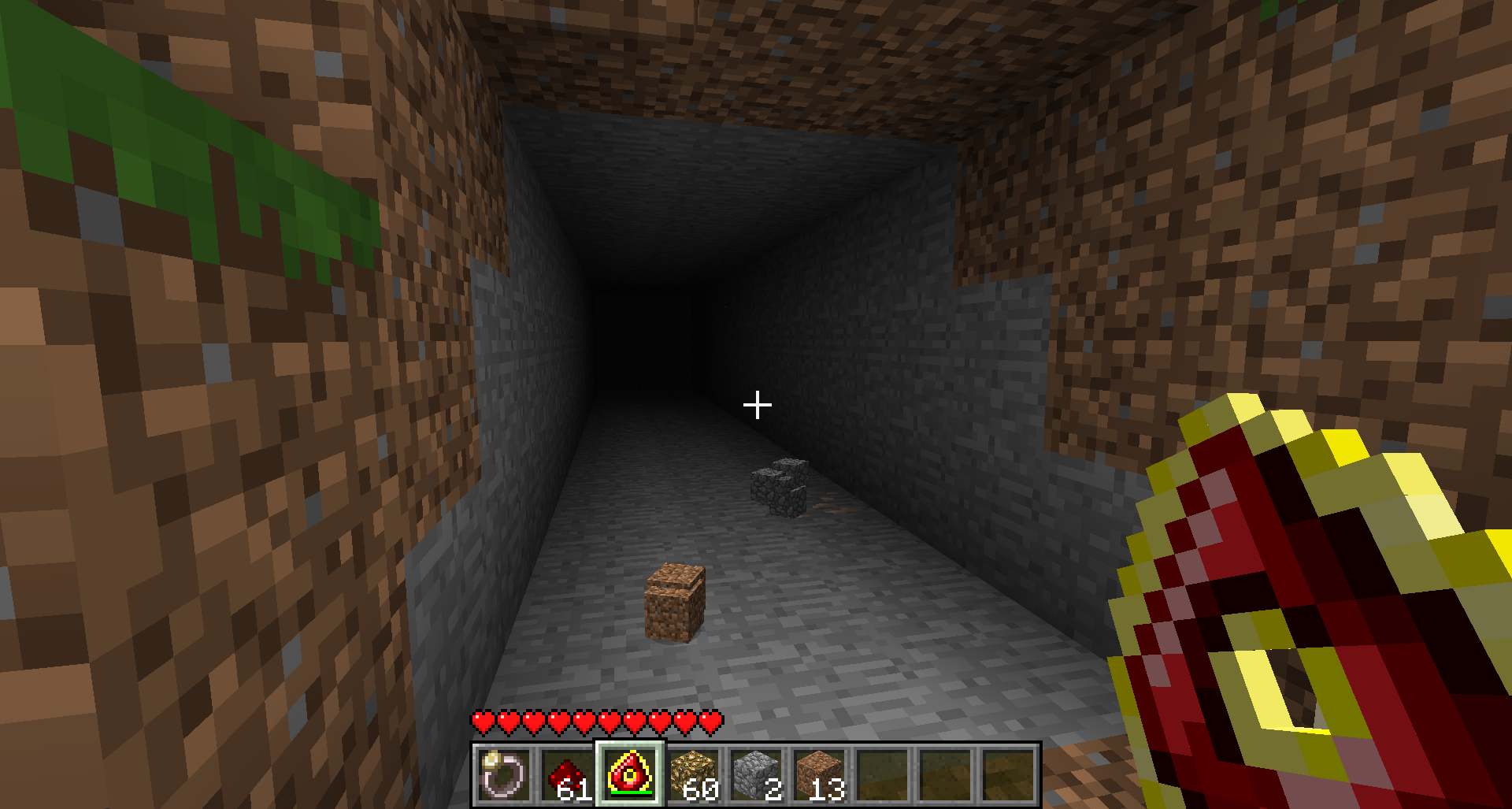 Mining Using a fully charged Destruction Catalyst to mine.
 -
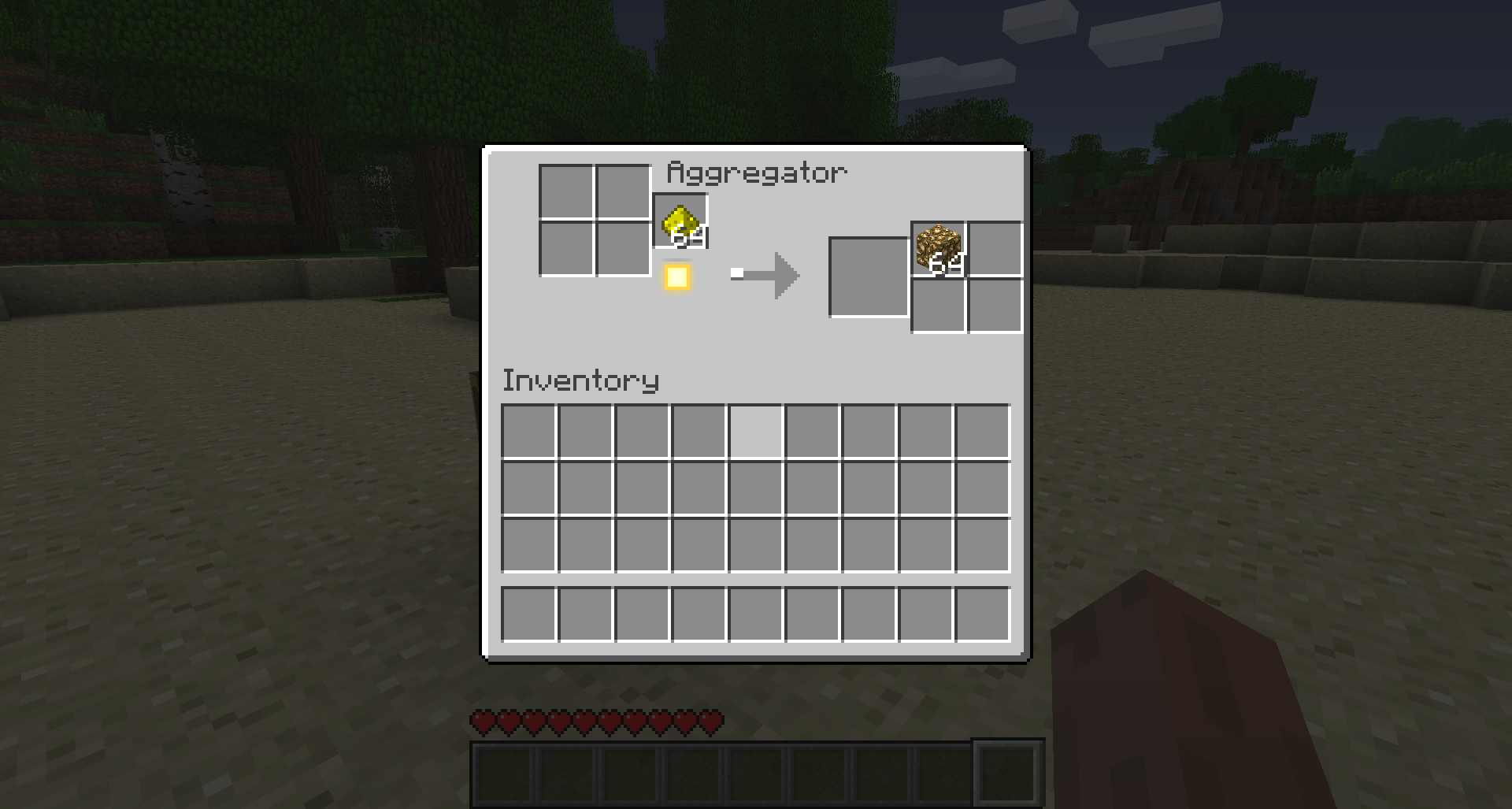 Glowstone Aggregator Using a Glowstone Aggregator to turn Glowstone Dust to Glowstone Blocks.
 -
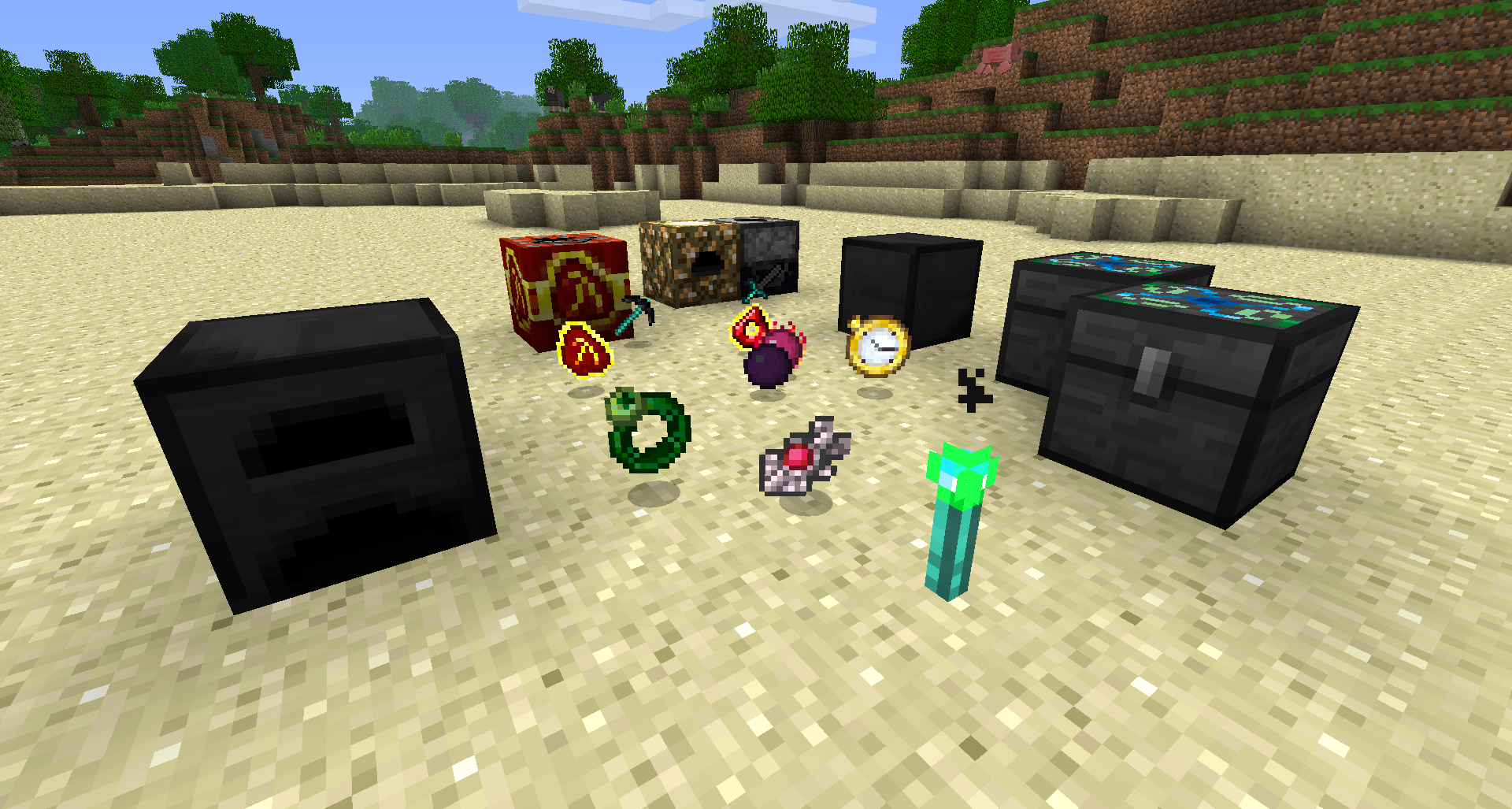 Blocks and Items Items and Blocks from EE1, specifically v3.55
Versions
Files
Relations
Project Relations
More like this
Similar Mods
Suggestions use data such as tags, dependencies, dependents, descriptions, titles, and more to rank how much they overlap with this mod.
On ModDex
Community snapshot
By the numbers
Statistics

Want to reach Minecraft players?
We're looking for a server hosting partner to feature here and other parts of the site. Interested? Send us a message!
Get in touchGet it on
Available Platforms
On ModDex
Community snapshot
By the numbers
Statistics
Resources