Community listing page, reviews here may not be monitored by the author.
Eggcat


No reviews yet
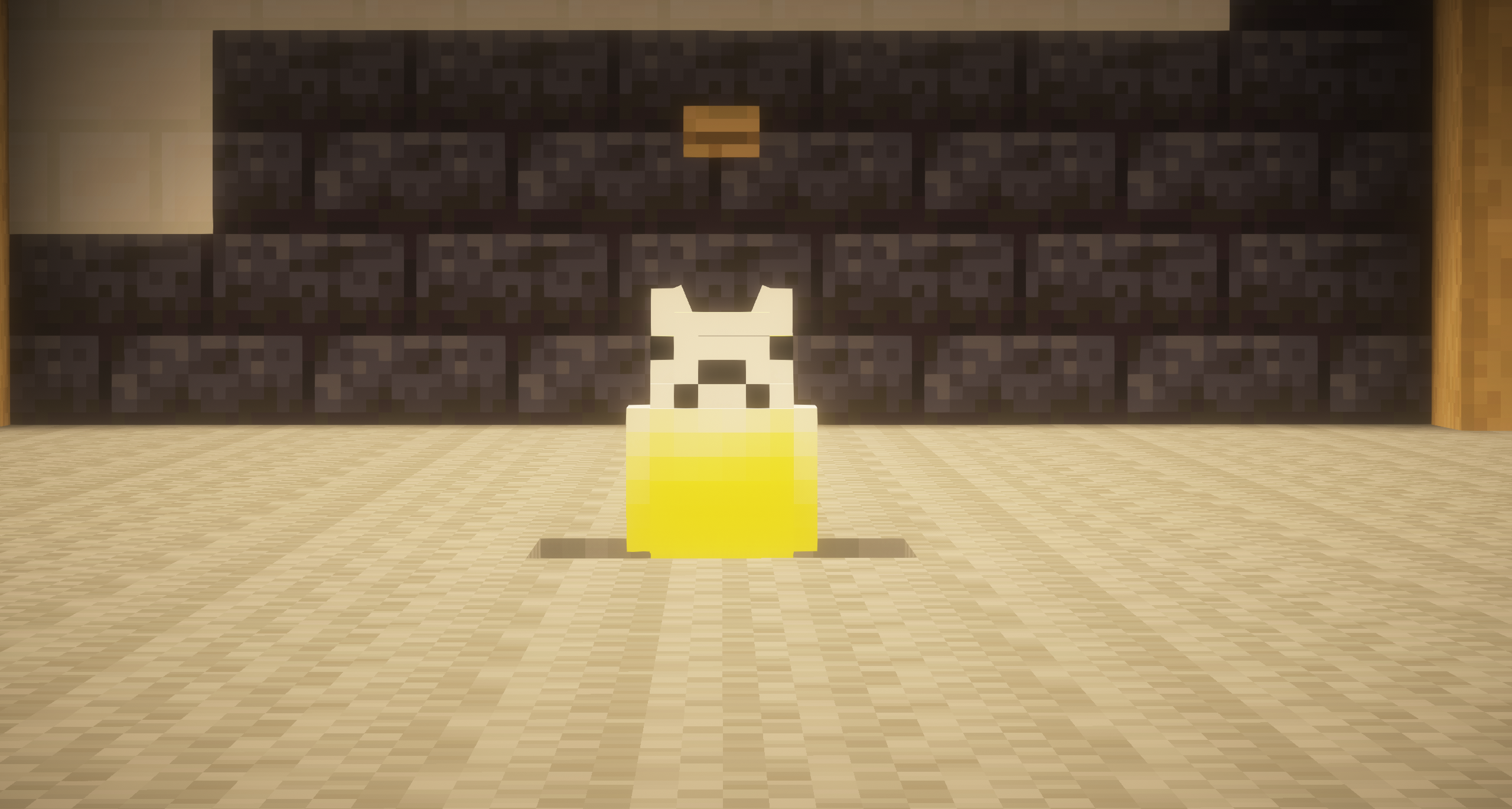
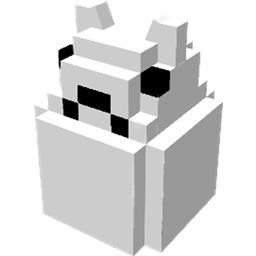
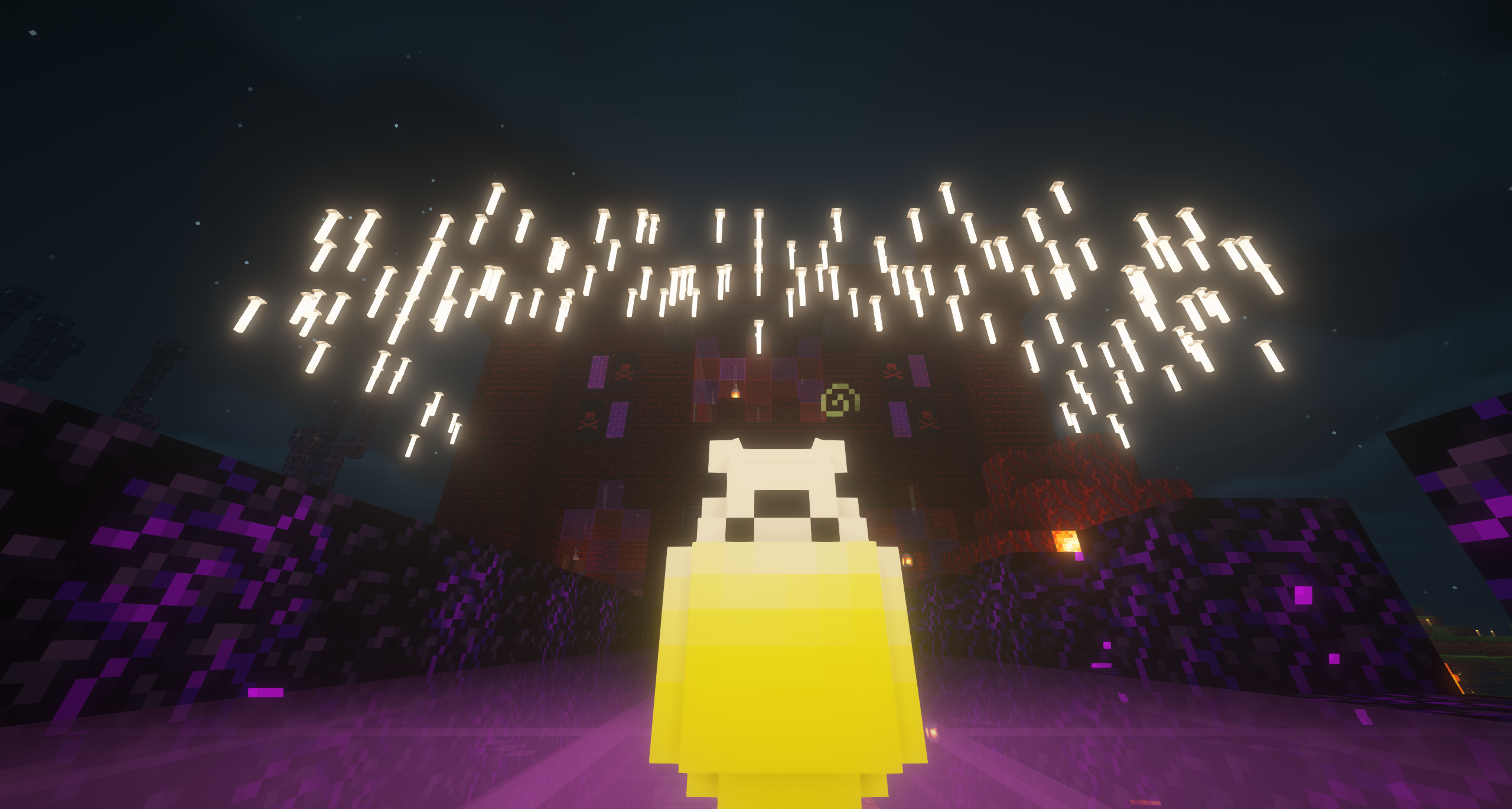
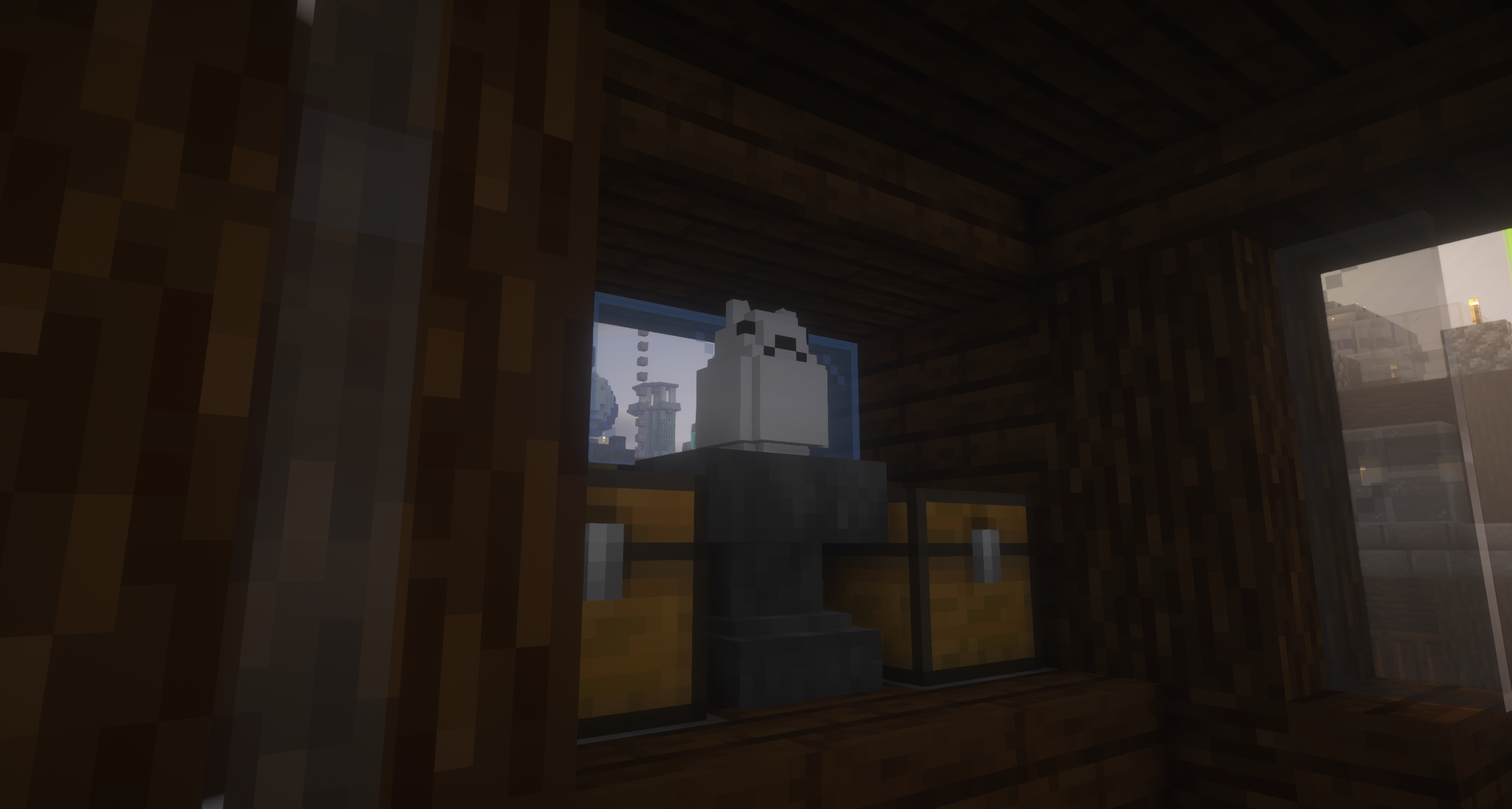
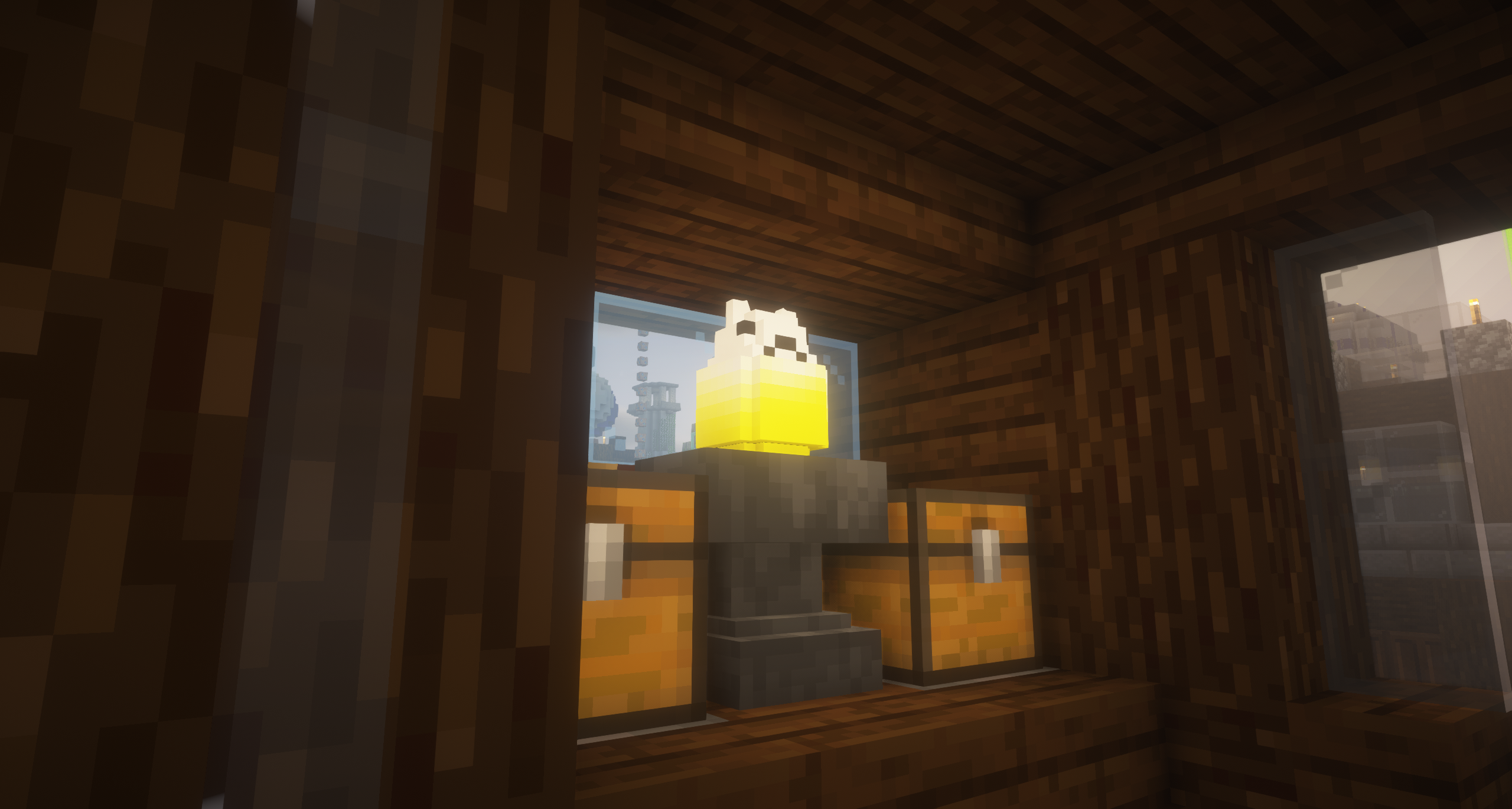
The Eggcat Mod is a simple Minecraft mod that adds a new decorative block to the game: the Eggcat. This block serves as a light source that can be turned on and off by clicking it.

Community voices
Reviews
No reviews yet. Be the first to review this project!
Get it on
Available Platforms
Compatibility
Supported Environments
Must be installed on both the client and the server.
About
Project Details
For authors
Embed Badge
If you're the author of this project, you can embed a live badge anywhere that supports HTML or Markdown. It updates automatically whenever ratings change.
Use HTML for any page that supports it, or Markdown for README files and Markdown-based descriptions.
Identifiers
Platform IDs
About
Description
Eggcat Mod
You can also find my mods on Modrinth! Not only will I be releasing early versions of all my mods on Modrinth before CurseForge, but Modrinth also supports us developers by sharing the ad revenue generated from the downloads. Link: https://www.curseforge.com/minecraft/mc-mods/eggcat
The Eggcat Mod is a simple Minecraft mod that adds a new decorative block to the game: the Eggcat. This block serves as a light source that can be turned on and off by clicking it.
Getting Started:
Prerequisites
To use the Eggcat Mod, you will need the following:
- Fabric Loader
- Fabric API
Installing
- Download and install Fabric Loader following the instructions on the Fabric website.
- Download the Eggcat Mod JAR file from the releases page or on Modrinth.
- Move the JAR file to the
modsfolder in your Minecraft installation directory. - Launch Minecraft with the Fabric profile.
Crafting the Eggcat Block
Once you have installed the mod, you can find the Eggcat block in the creative inventory or craft it in a crafting table like the pattern specified below:

To turn the light on or off, simply right-click the block.
Source Code
The source code can be found on GitHub under the CC-BY-NC 4.0 License. More information about the license can be found under the License section.
License
The Eggcat Mod is released under the CC-BY-NC 4.0 License. This license allows you to use, modify, and distribute the mod for non-commercial purposes, as long as you credit the original author and include a copy of the license in any redistributed versions.
Bugs and Feedback
Bug reports can be submitted either through the GitHub Issues page of the Eggcat Mod repository or by contacting me personally over Discord (WinterWolfSV#9577). Please provide as much information as possible, including steps to reproduce the issue, error messages, and any relevant screenshots or log files. Your feedback is greatly appreciated and will help improve the mod for all users.
Eggcat Mod
The Eggcat Mod is a simple Minecraft mod that adds a new decorative block to the game: the Eggcat. This block serves as a light source that can be turned on and off by clicking it.
Getting Started
Prerequisites
To use the Eggcat Mod, you will need the following:
- Fabric Loader
- Fabric API
Installing
- Download and install Fabric Loader following the instructions on the Fabric website.
- Download the Eggcat Mod JAR file from the releases page.
- Move the JAR file to the
modsfolder in your Minecraft installation directory. - Launch Minecraft with the Fabric profile.
Crafting the Eggcat Block
Once you have installed the mod, you can find the Eggcat block in the creative inventory or craft it in a crafting table like the pattern specified below:
   | |O| |
   |O|i|O|
   |O|O|O|

   O = Egg
   i = Redstone Torch
To turn the light on or off, simply right-click the block.
Source Code
The source code can be found on GitHub under the CC-BY-NC 4.0 License. More information about the license can be found under the License section.
License
The Eggcat Mod is released under the CC-BY-NC 4.0 License. This license allows you to use, modify, and distribute the mod for non-commercial purposes, as long as you credit the original author and include a copy of the license in any redistributed versions.
Bugs and Feedback
Bug reports can be submitted either through the GitHub Issues page of the Eggcat Mod repository or by contacting me personally over Discord (WinterWolfSV#9577). Please provide as much information as possible, including steps to reproduce the issue, error messages, and any relevant screenshots or log files. Your feedback is greatly appreciated and will help improve the mod for all users.
Screenshots
Gallery
Versions
Files
Relations
Project Relations
More like this
Similar Mods
Suggestions use data such as tags, dependencies, dependents, descriptions, titles, and more to rank how much they overlap with this mod.
On ModDex
Community snapshot
By the numbers
Statistics
 (opens in a new tab)
Get it on
Available Platforms
On ModDex
Community snapshot
By the numbers