Community listing page, reviews here may not be monitored by the author.
EiraIRC (Discontinued)

No reviews yet
Mod is no longer being developed.
Community voices
Reviews
No reviews yet. Be the first to review this project!
Get it on
Available Platforms
About
Project Details
For authors
Embed Badge
If you're the author of this project, you can embed a live badge anywhere that supports HTML or Markdown. It updates automatically whenever ratings change.
Use HTML for any page that supports it, or Markdown for README files and Markdown-based descriptions.
Identifiers
Platform IDs
About
Description
This mod connects Minecraft to IRC (Internet Relay Chat) channels. On a Minecraft client it acts like any other IRC client, on the server it turns into a bridge-bot. Configuration is highly customizable and the mod includes a few special features such as name colors, Twitch chat and screenshot upload.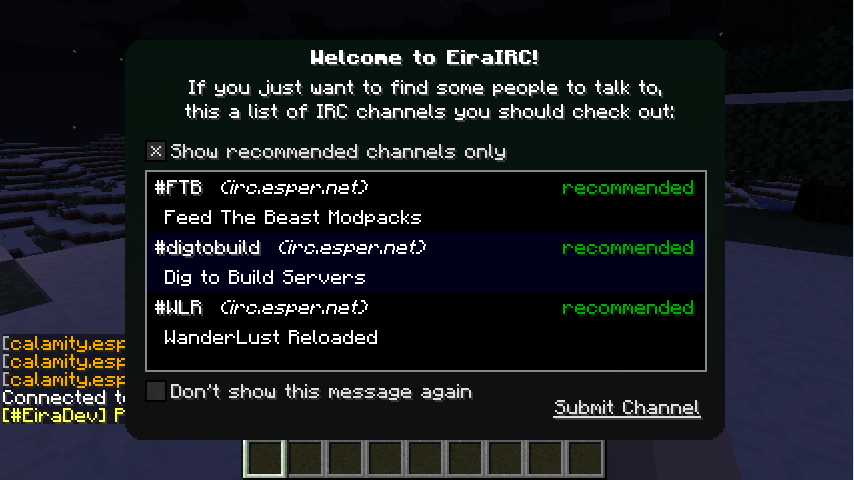
If you enjoy my mods, please help me out on Patreon.
Features
- IRC Client (supports multiple servers/channels)
- Bridge Bot (IRC for Servers - relays Minecraft Chat <=> IRC)
- Twitch Chat (Integrate Twitch Chat into Minecraft, including name colors and emotes)
- Screenshot Upload & Share (automatically upload taken screenshots and share them in Minecraft or IRC)
- Screenshot Gallery (sorted by time taken, supports favorites and easy upload)
- Configurable Bridge Bot Commands (run ingame commands using IRC, such as /forge tps)
- Server Control (authenticated users can be given permission to run Minecraft OP commands and vice-versa)
- NickServ, Private Messages, Name Colors, !who command
Useful Links
Getting Started / Compatibility
Future Plans & Issues on GitHub
Minecraft Forum Thread
EiraMoticons - get Twitch emotes and more for your Minecraft chat!
Installation Instructions
- Download and install the recommended Minecraft Forge for your Minecraft version.
- Download the latest EiraIRC version for your Minecraft version.
- Put the .jar file into the mods folder of your Minecraft installation.
- Start the game and use the GUI (default: I - or open chat and press Options in the corner) to set up your IRC connection
License
This mod along with it’s sourcecode is licensed under the MIT License:
Yes, you may redistribute it in your modpack.
Screenshots
Gallery
-
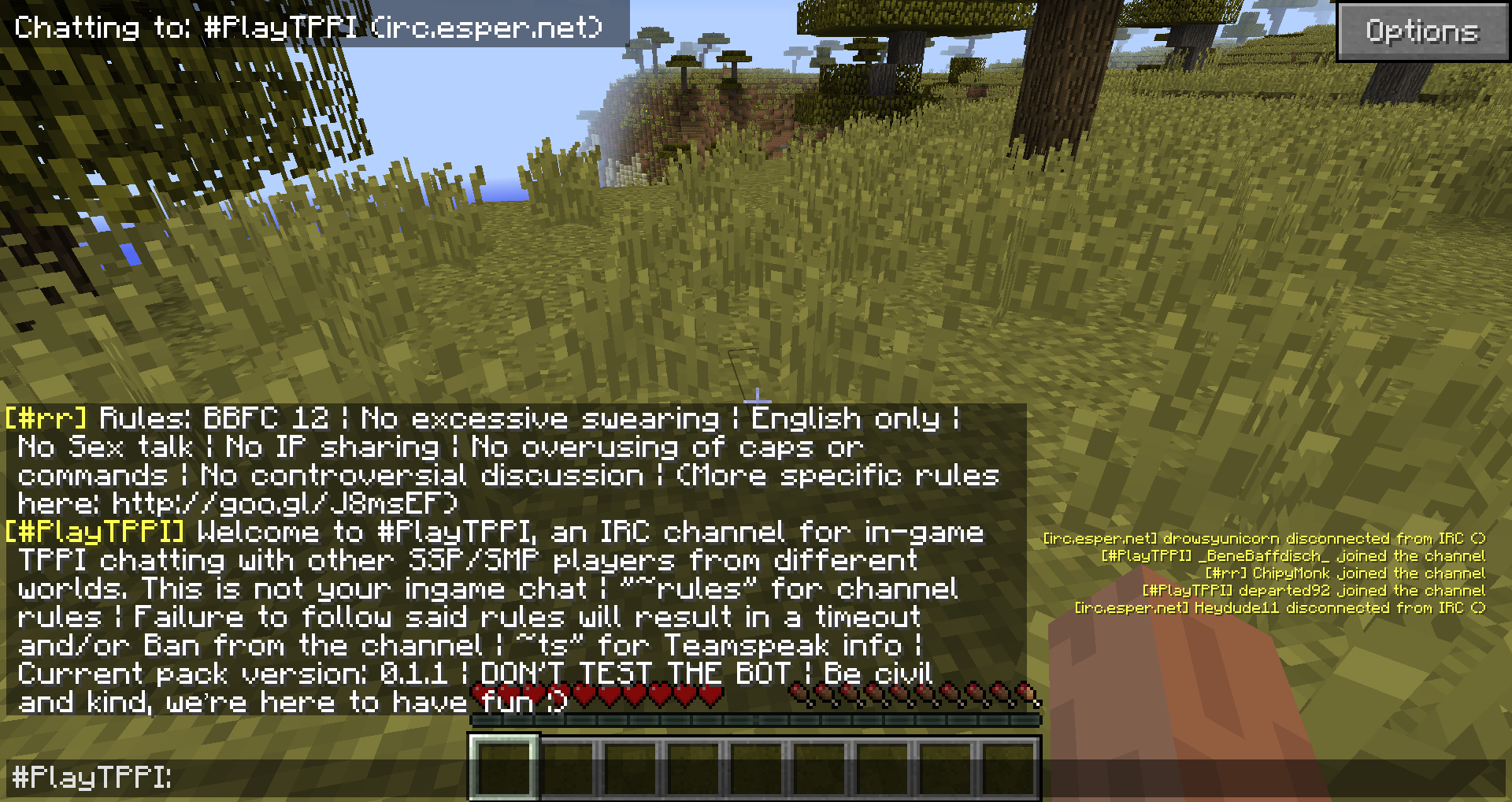 Terminal Style Input & Overlay
 -
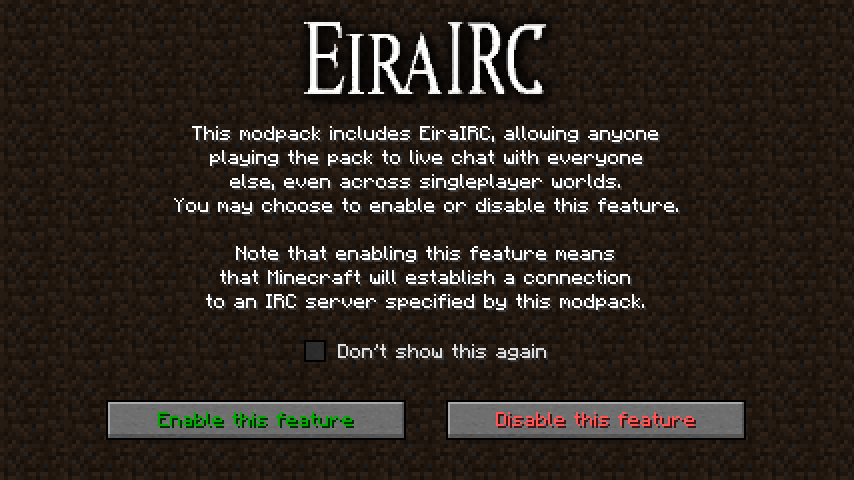 Modpack Confirmation Screen
 -
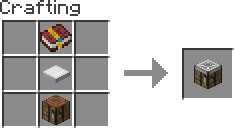 Crafting Recipe (Cooking Table)
 -
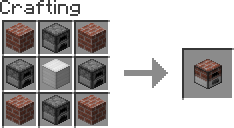 Crafting Recipe (Cooking Oven)
 -
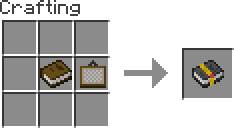 Crafting Recipe (Tier 0)
 -
Welcome Screen
-
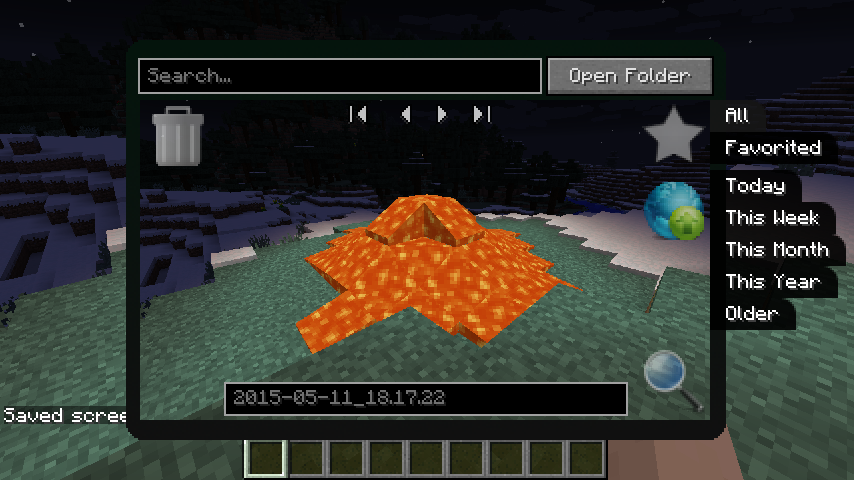 Screenshot Management
 -
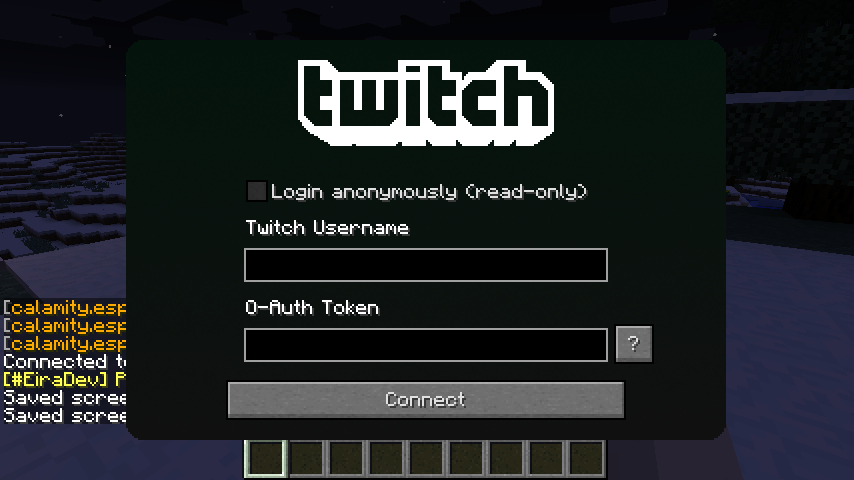 Twitch Integration
 -
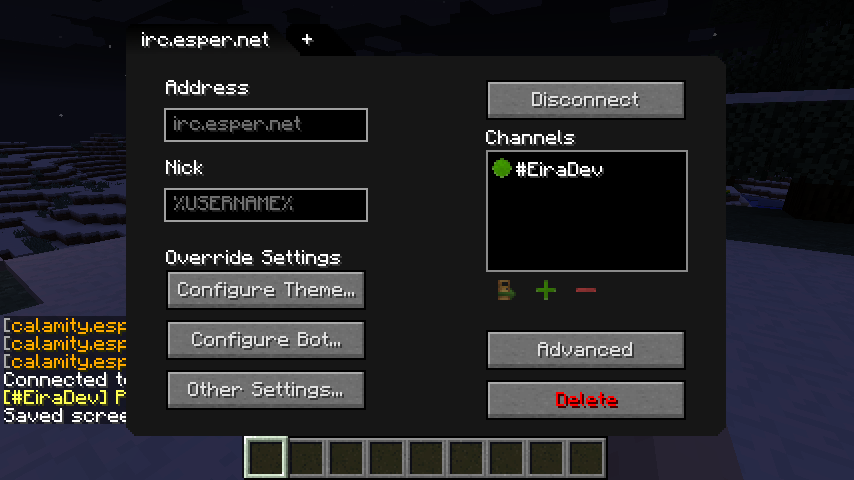 Server Configurations
 -
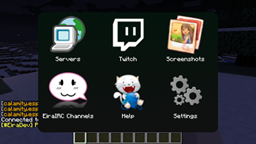
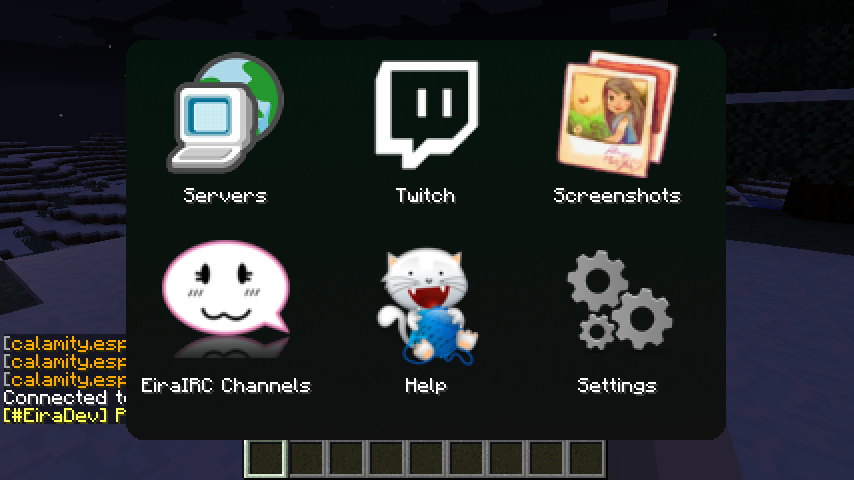 Main Menu
 -
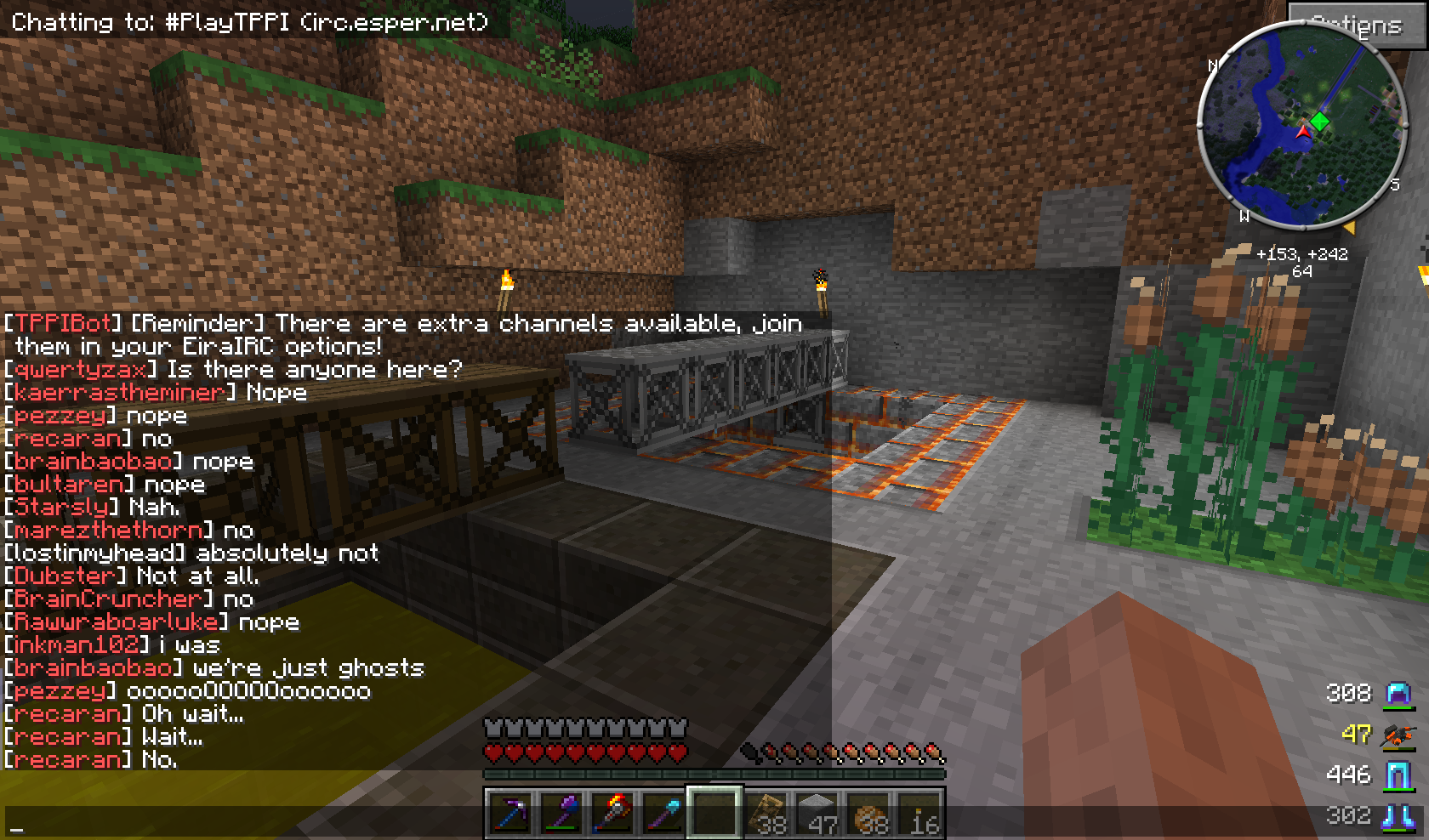 Social Times with EiraIRC The TPPI modpack is one of the packs that uses EiraIRC to connect all of it's players to one big, shared ingame chat. Thanks to 'revereddesecration' for posting this screenshot on reddit. I decided to sneakily steal it.
 -
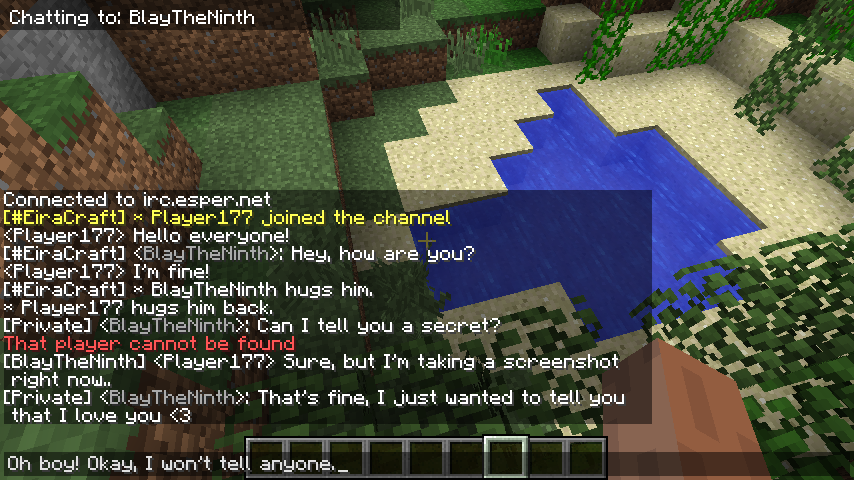 Chat with your loved ones
 -
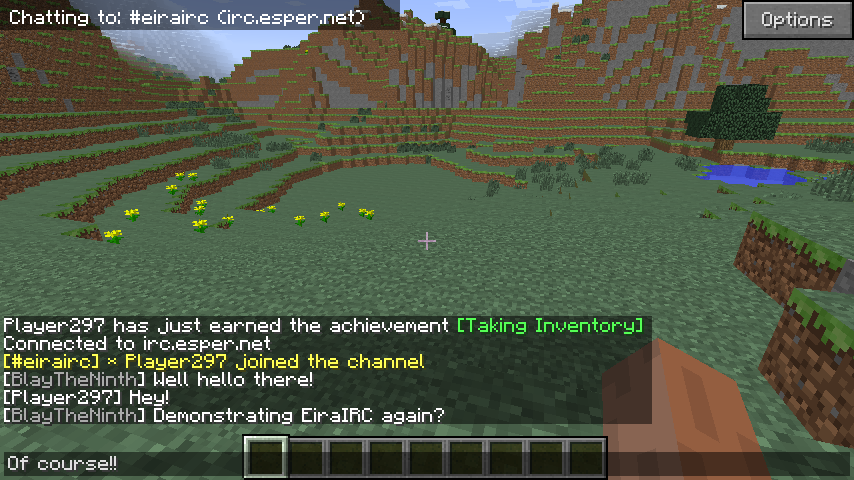 Chat with your friends
 -
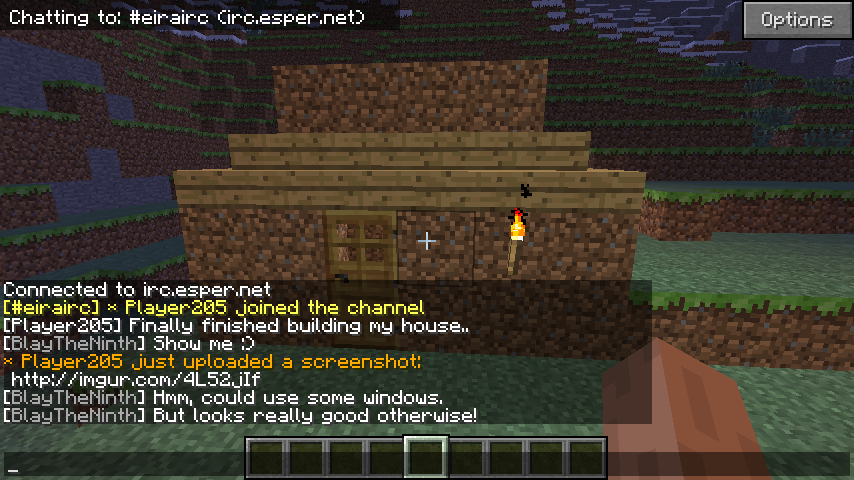 Share screenshots immediately
Versions
Files
Relations
Project Relations
More like this
Similar Mods
Suggestions use data such as tags, dependencies, dependents, descriptions, titles, and more to rank how much they overlap with this mod.
On ModDex
Community snapshot
By the numbers
Statistics
Want to reach Minecraft players?
We're looking for a server hosting partner to feature here and other parts of the site. Interested? Send us a message!
Get in touchGet it on
Available Platforms
On ModDex
Community snapshot
By the numbers