
Community listing page, reviews may not be monitored by the author.
End Network

No reviews yet
Link Ender Chests, Tanks and Pouches by color frequency to share items and fluids anywhere, with 8 upgradeable storage levels and personal locking.

Community voices
Reviews
No reviews yet. Be the first to review this project!
Get it on
Available Platforms
About
Project Details
For authors
Embed Badge
If you're the author of this project, you can embed a live badge anywhere that supports HTML or Markdown. It updates automatically whenever ratings change.
Use HTML for any page that supports it, or Markdown for README files and Markdown-based descriptions.
Identifiers
Platform IDs
Resources
External Links
About
Description
End Network
Share items and fluids anywhere in your world using color-coded Ender Chests, Ender Tanks and Ender Pouches.
Built for modern NeoForge with no library dependencies, and with a storage level system from Dirt to Netherite.
Features
Ender Chest
- Every Ender Chest with the same three colors and the same level shares one inventory, no matter where it is.
- Works with hoppers, pipes and comparators.
- Animated lid, with the three color buttons on top.
Ender Tank
- A shared fluid tank: tanks with the same colors and level hold the same fluid.
- Fill and empty it with buckets or pipes. Comparators read how full it is.
- The fluid is visible through the glass.
- Valve: switch between input and output. In output mode the tank pushes fluid into neighboring blocks. Redstone flips the valve, and clicking the valve inverts how redstone acts.
Ender Pouch
- Open an Ender Chest's inventory from anywhere.
- Sneak + right-click an Ender Chest to copy its colors.
- The pouch's trim color shows its level.
Frequencies
- Each chest, tank and pouch has a frequency of three colors.
- The wool used in the recipe sets the whole frequency: blue wool gives blue / blue / blue.
- Right-click one of the three buttons on top with a dye to change that color.
- Breaking the block keeps its frequency and level on the item.
Personal Storage
- Right-click the front of a chest or tank with a diamond to lock it to yourself.
- Only the owner can open it or change its colors, and personal frequencies are separate from public ones.
Storage Levels
Every chest, tank and pouch has its own level. Only blocks with the same colors, owner and level share contents.
| Level | Chest slots | Tank capacity | Upgrade material |
|---|---|---|---|
| Dirt | 1 | 1,000 mB | Dirt (from Normal) |
| Normal | 27 | 16,000 mB | Obsidian (from Dirt) |
| Copper | 45 | 24,000 mB | Copper Ingot |
| Iron | 54 | 32,000 mB | Iron Ingot |
| Gold | 81 | 64,000 mB | Gold Ingot |
| Emerald | 108 | 128,000 mB | Emerald |
| Diamond | 135 | 256,000 mB | Diamond |
| Netherite | 162 | 512,000 mB | 2 Netherite Ingots + 6 Obsidian |
Freshly crafted chests, tanks and pouches start at Normal.
How to upgrade
- In the crafting table: place the chest, tank or pouch in the center and surround it with 8 of the next level's material. For example, an Iron chest surrounded by 8 gold ingots becomes a Gold chest. Colors and owner are kept.
- In the world: craft an Upgrade item (8 material around an Ender Pearl) and right-click a placed chest or tank. For a pouch, hold it in your other hand and use the upgrade.
Upgrading moves the block to the new level's storage. Contents are not moved: they stay in the old level, still available to the other blocks of that level.
Configuration
Per-world config (endnetwork-synced.toml):
personalItem: the item used to lock storage (default:minecraft:diamond).anarchyMode: personal blocks lose their owner and drop the lock item when broken.
Requirements
- Minecraft 26.3
- NeoForge 26.3.0.95 or newer
- No other dependencies
Modpacks
You are free to include End Network in your modpacks on CurseForge. No need to ask for permission, but a link back to this page is always appreciated!
Credits
The chest, tank and pouch textures and the Ender Tank model come from EnderStorage (ChickenBones, covers1624), used under the MIT License: chest and pouch textures by Ecu, tank model by Rosethorns, tank texture by Soaryn. The per-level variants are recolors of these textures. All code in End Network was written from scratch.
The project logo was made with AI and is not an in-game screenshot. See the gallery for what the blocks actually look like in game.
End Network © 2026 AJG. All Rights Reserved.
Screenshots
Gallery
-
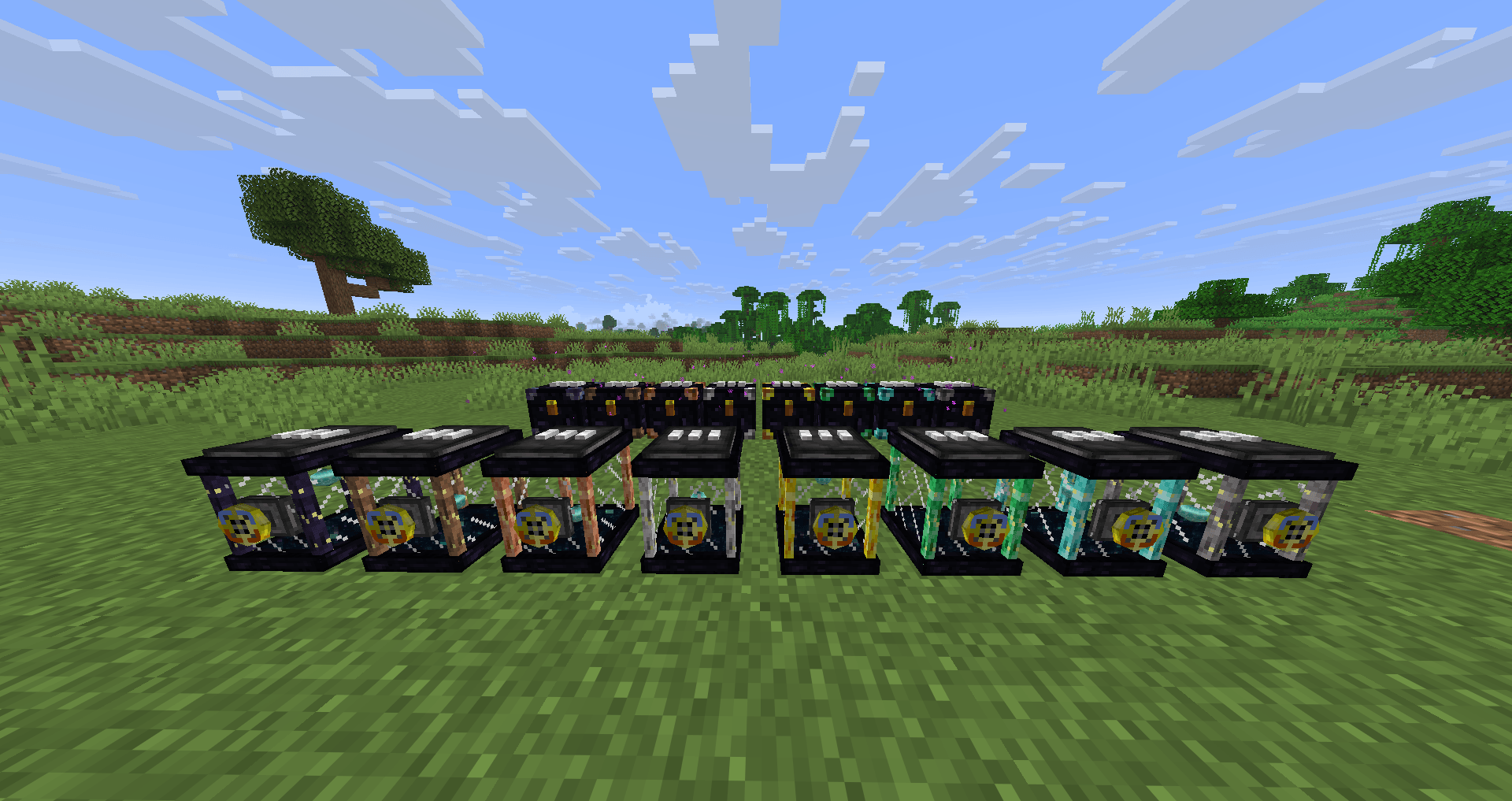 Chests and Tanks Chests and Tanks
 -
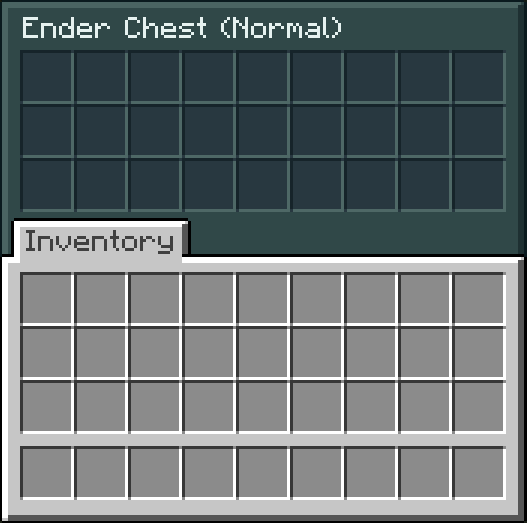 Ender Chest (Normal) Ender Chest (Normal) 27 Slots
 -
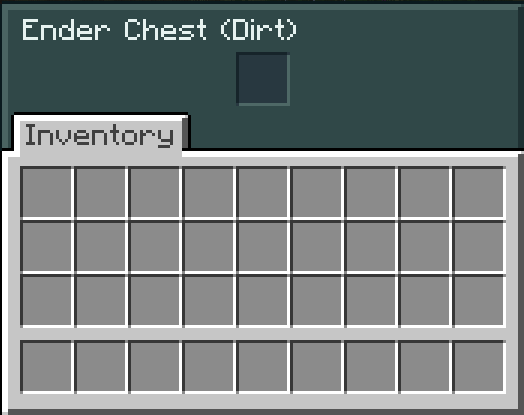 Ender Chest (Dirt) Ender Chest (Dirt) 1 Slot
 -
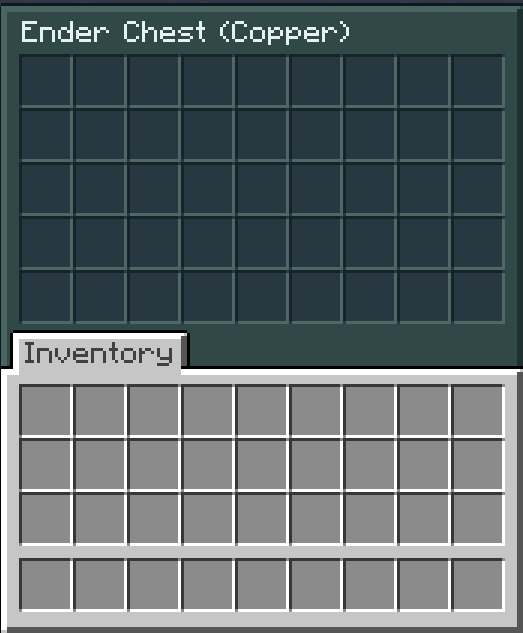 Ender Chest (Copper) Ender Chest (Copper) 45 Slots
 -
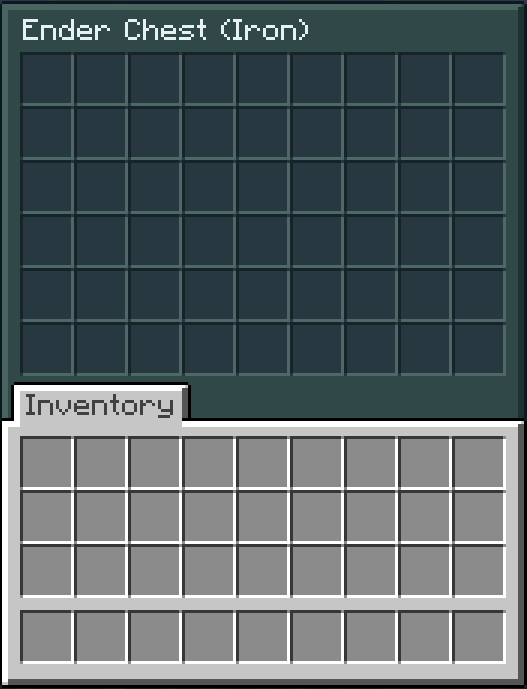 Ender Chest (Iron) Ender Chest (Iron) 54 slots
 -
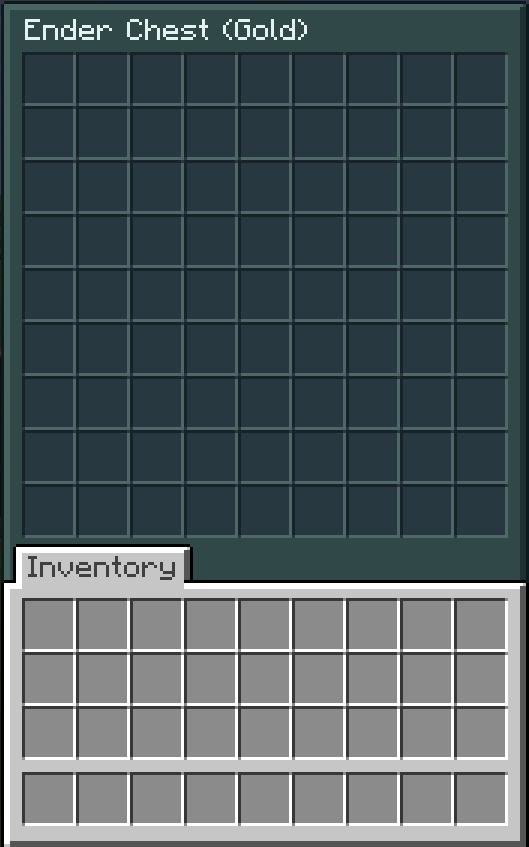 Ender Chests (Gold) Ender Chests (Gold) 81 Slots
 -
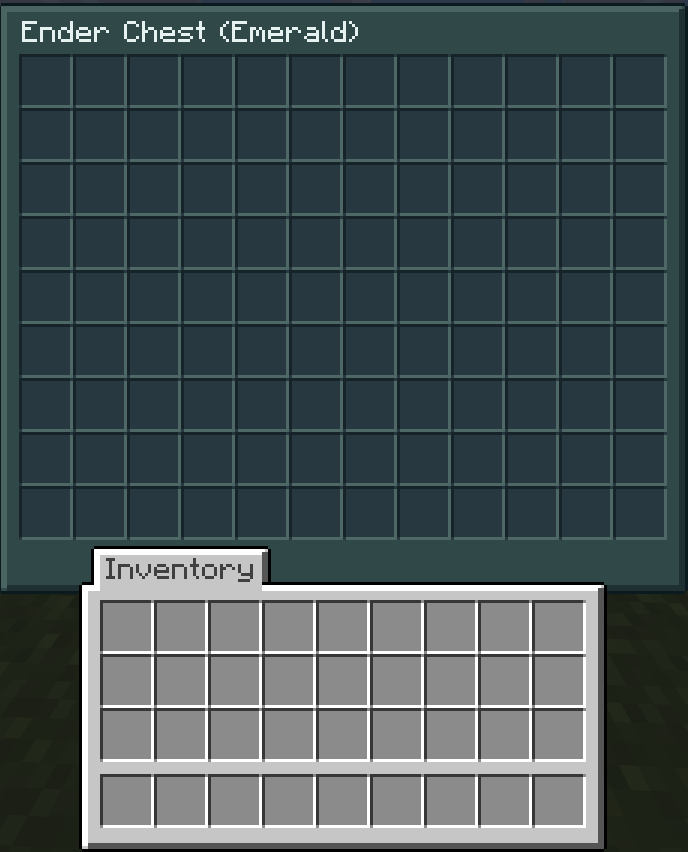 Ender Chest (Emerald) Ender Chest (Emerald) 108 Slots
 -
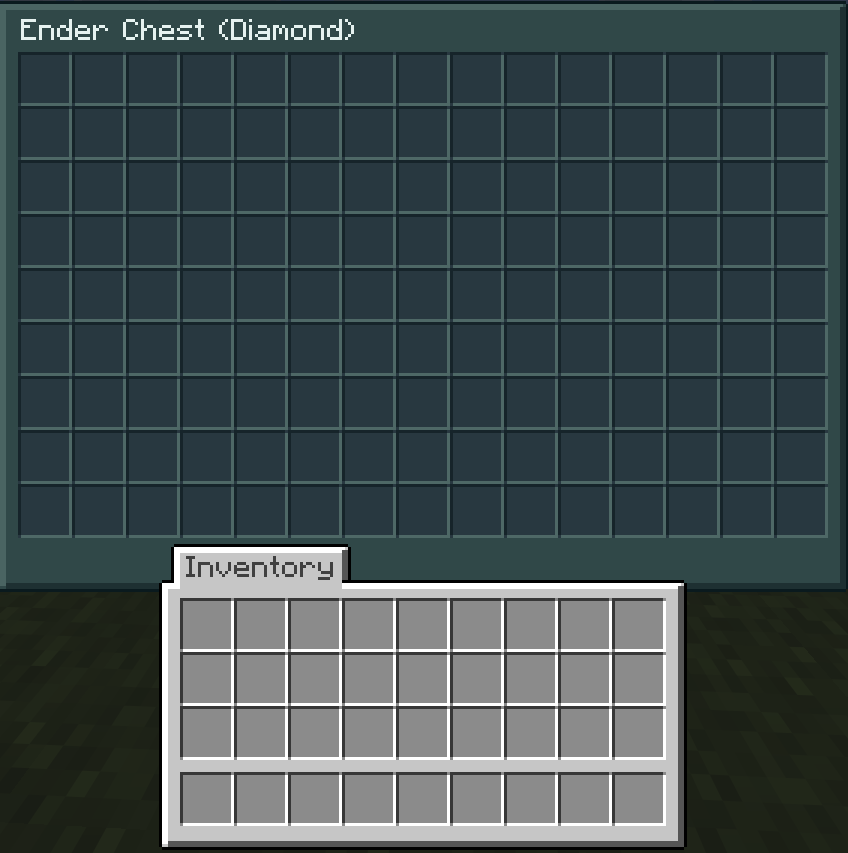 Ender Chest (Diamond) Ender Chest (Diamond) 135 Slots
 -
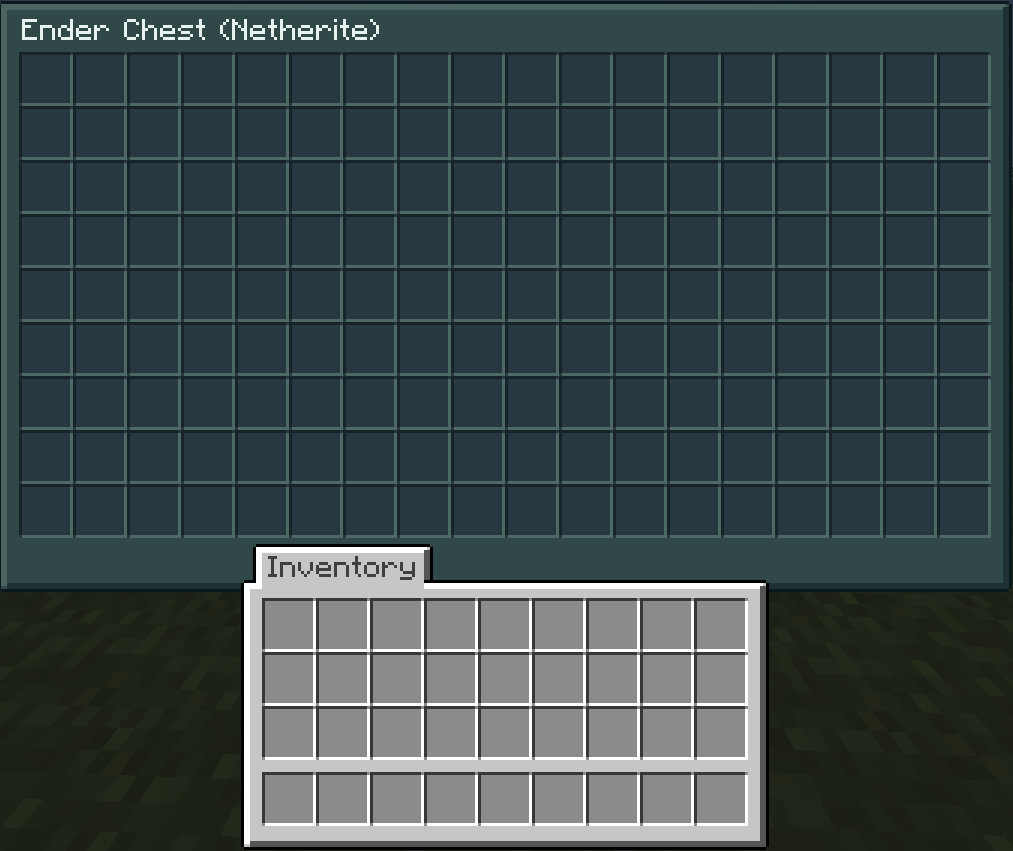 Ender Chest (Netherite) Ender Chest (Netherite) 162 Slots
Versions
Files
Relations
Project Relations
More like this
Similar Mods
Suggestions use data such as tags, dependencies, dependents, descriptions, titles, and more to rank how much they overlap with this mod.
On ModDex
Community snapshot
By the numbers
Statistics

Get it on
Available Platforms
On ModDex
Community snapshot
By the numbers
Statistics
Resources