
Community listing page, reviews here may not be monitored by the author.
Entity Dialogue

No reviews yet
A highly customizable NPC dialogue system: three dialogue modes, entity actions, portrait animations, cutscenes, and AI-powered conversations.
Community voices
Reviews
No reviews yet. Be the first to review this project!
Get it on
Available Platforms
About
Project Details
For authors
Embed Badge
If you're the author of this project, you can embed a live badge anywhere that supports HTML or Markdown. It updates automatically whenever ratings change.
Use HTML for any page that supports it, or Markdown for README files and Markdown-based descriptions.
Identifiers
Platform IDs
Resources
External Links
About
Description
# Entity Dialogue
A highly customizable NPC dialogue system for Minecraft that lets you genuinely *talk* to NPCs — story, interaction,
AI-powered free chat, entity actions, portrait animations, and scripted cutscenes.
## Features
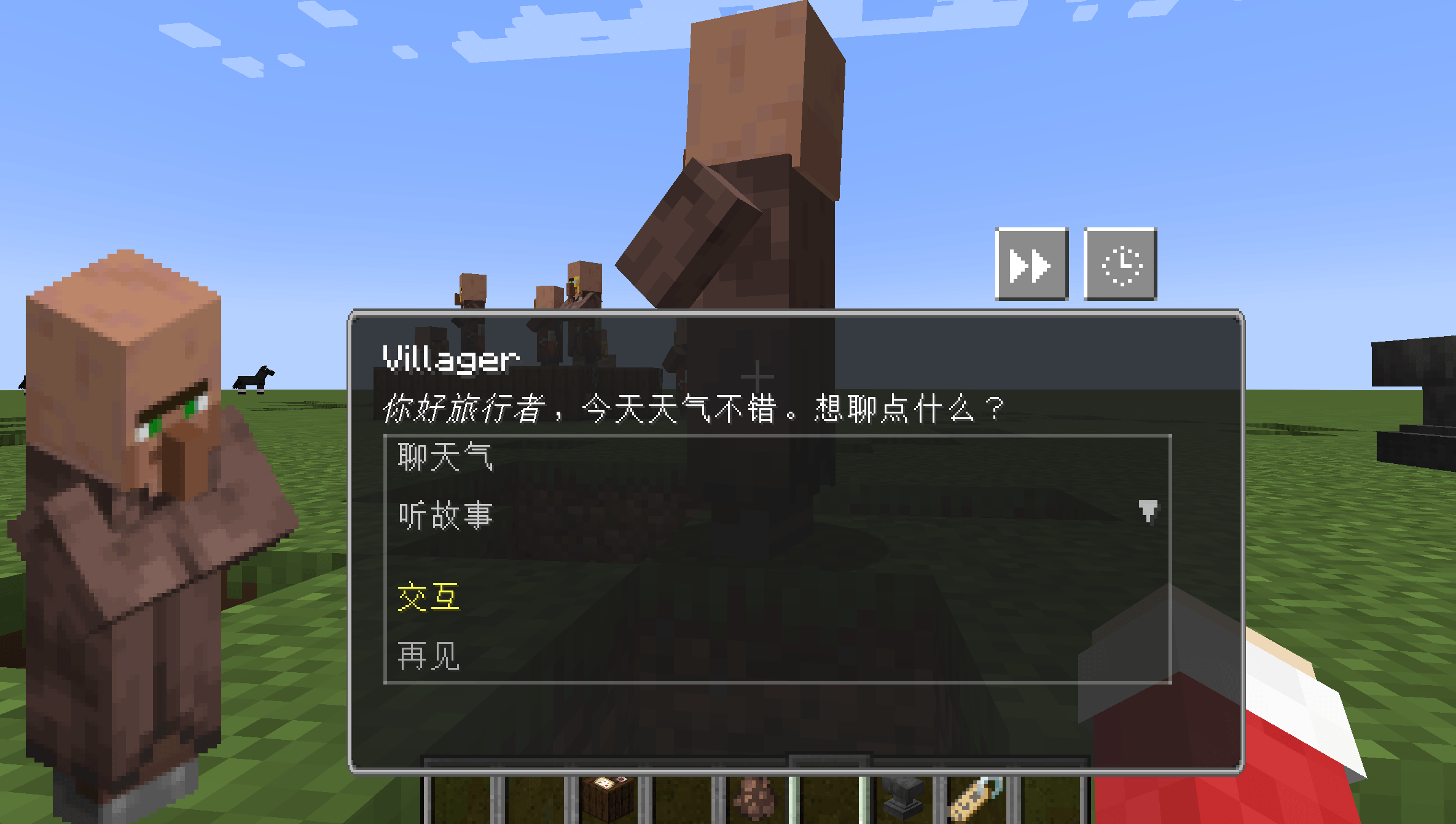
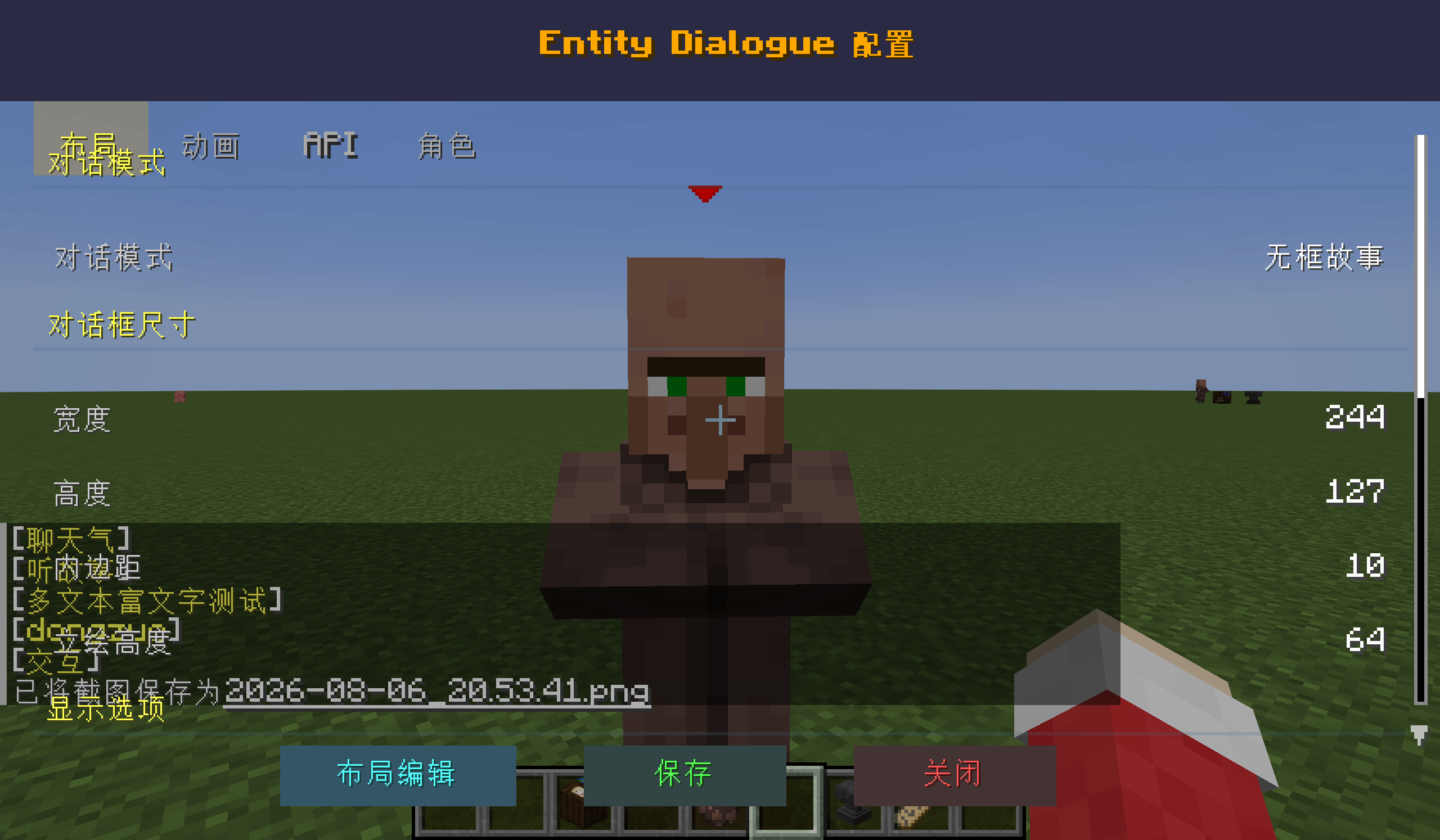
- **Three dialogue modes** (switch in-game via config):
- **Boxed**: visual-novel style story screen (dialogue trees / cutscenes / portraits)
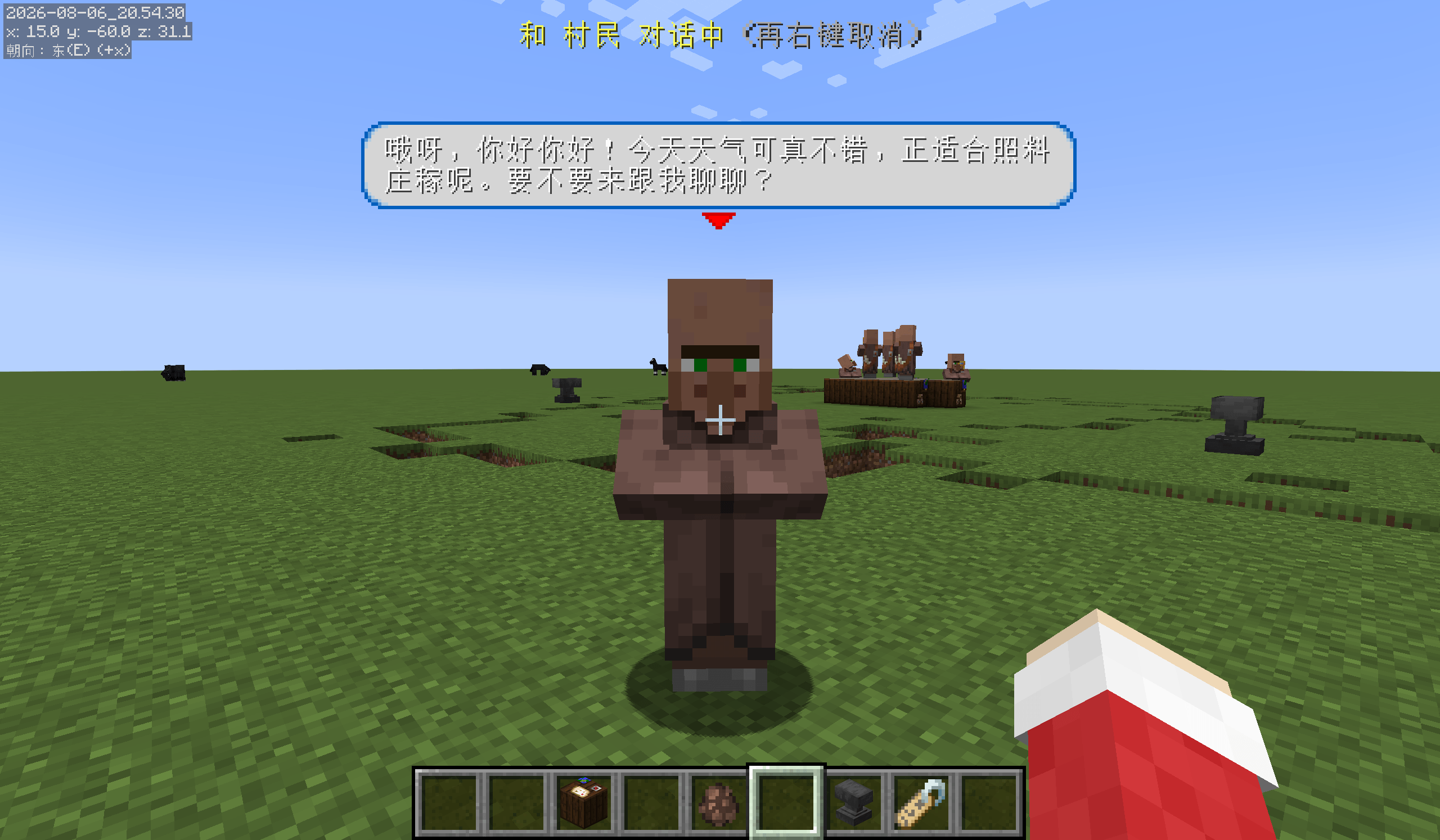
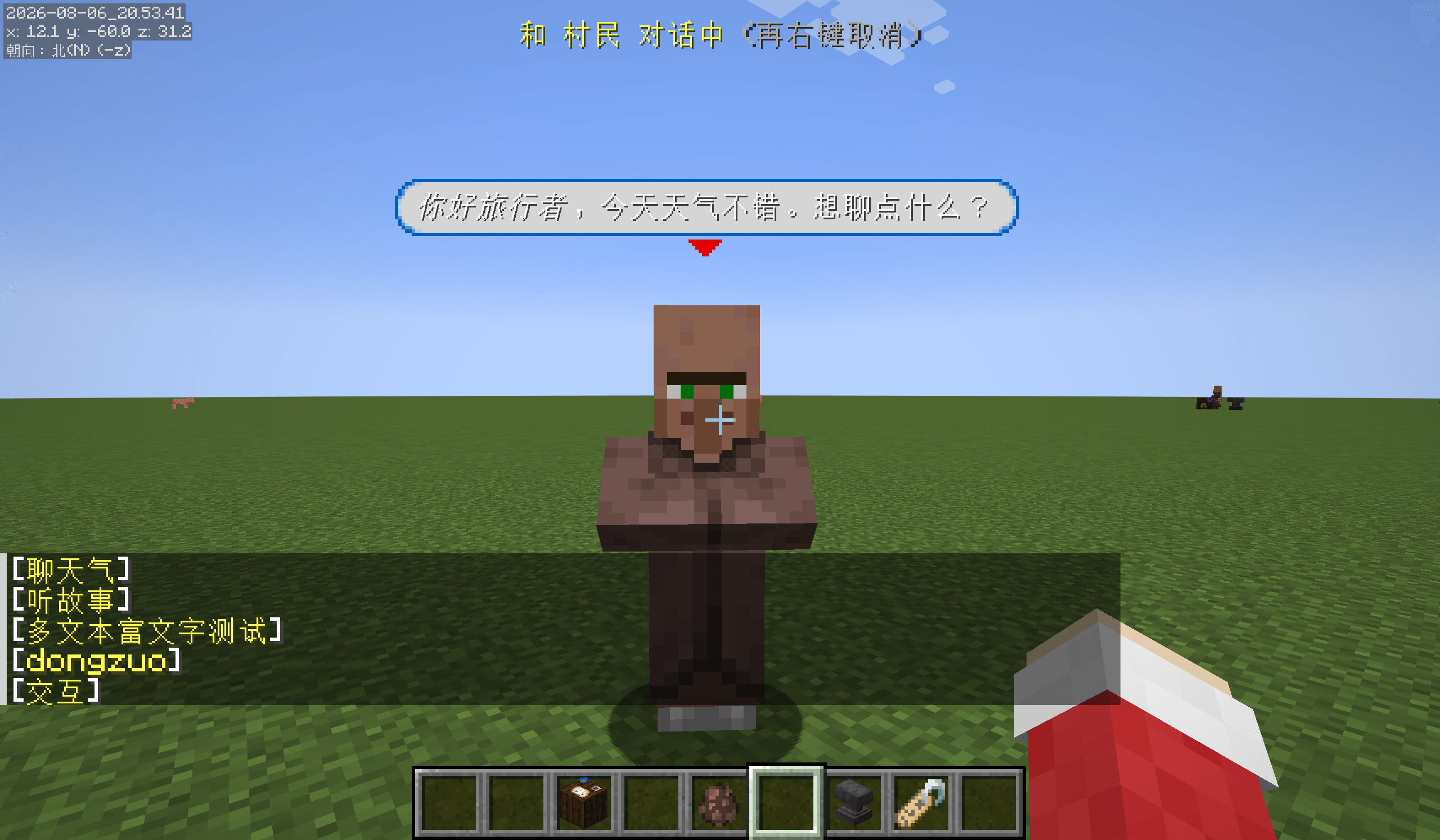
- **Frameless Story**: story dialogue as speech bubbles + clickable options in the chat
- **Frameless AI**: talk to NPCs like real people — right-click to select, chat to speak, AI replies in bubbles and
controls the NPC's behavior
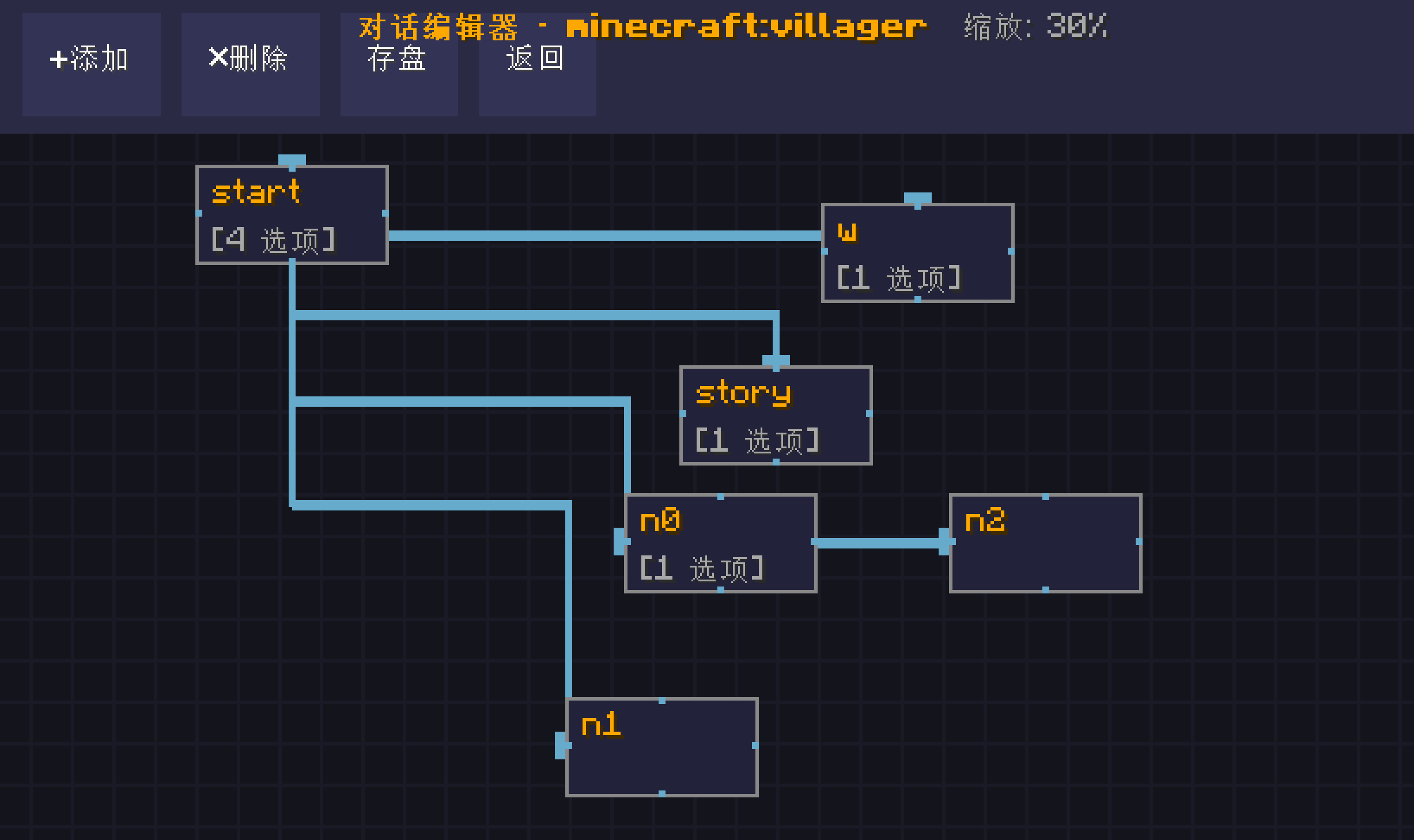
- **In-game dialogue tree editor**: visually build branching storylines
- **Entity action commands** `[act:...]`: jump, turn, walk to player, open trade, speak, particles, sounds, and more
- **Portrait animations** `[pf:...]`: 12 effects (fade, bounce, shake, heartbeat…)
- **Cutscene blocks** `[cutscene]`: run timed sequences of entity actions
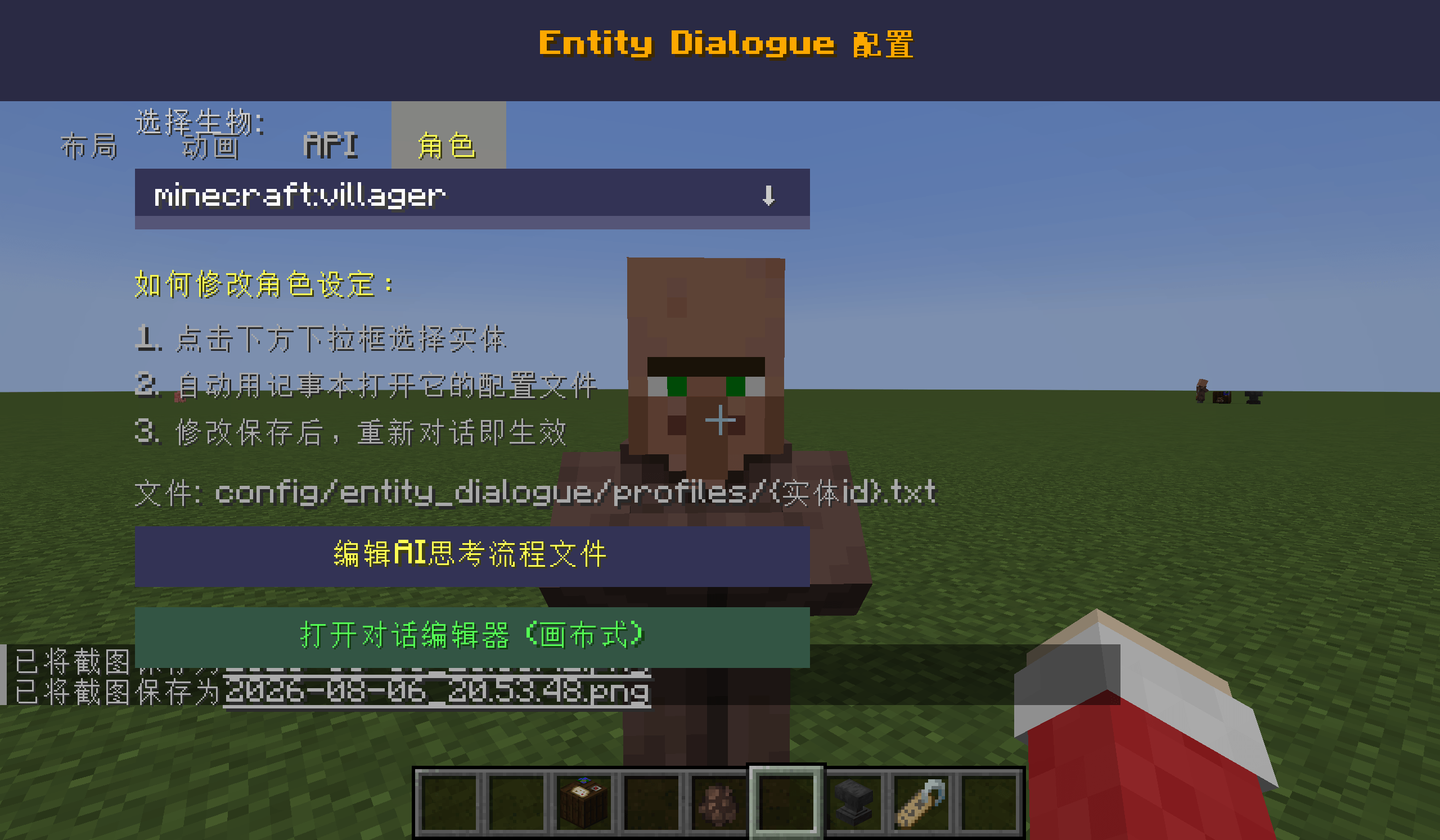
- **AI integration** (any OpenAI-compatible API, e.g. DeepSeek): the AI roleplays your NPC, reacts with emotions and
actions based on the conversation
- **Single-player friendly**: zero network packets, all local
## How to Use
1. Drop the jar into your `mods` folder (requires NeoForge 21.1.244+, Minecraft 1.21.1)
2. In-game, press `K+L` to open config → Layout tab → pick a **Dialogue Mode**
3. (Optional) Enable AI in the API tab and enter your API key for AI conversations
### Dialogue Modes
| Mode | Right-clicking a villager does | Best for |
|------|-------------------------------|----------|
| Boxed | Opens a story screen | Storytelling, cutscenes |
| Frameless Story | Shows speech bubbles + chat option buttons | Regular quests |
| Frameless AI | Selects the villager; chat to talk | Casual AI chat |
### In Frameless AI
Right-click a villager to select it (a red arrow marks it) → press `T` to open chat → type and send → the AI replies
in a bubble while the villager acts. Right-click again or press `ESC` to deselect.
## Commands (written in dialogue text, hidden at runtime)
**Entity actions** `[act:...]`:
[act:跳跃] jump
[act:看向] turn to face the player
[act:面向玩家] keep facing the player
[act:走向玩家] walk to the player
[act:离开] walk away
[act:交易] open the trade menu
[act:说话:你好] say something
[act:音效:minecraft:entity.villager.ambient] play a sound
[act:粒子:minecraft:heart] spawn hearts
**Portrait animations** `[pf:...]`:
`[pf:淡入] [pf:淡出] [pf:上滑] [pf:下滑] [pf:左滑] [pf:右滑] [pf:弹跳] [pf:下落] [pf:摇晃] [pf:放大] [pf:心跳]
[pf:浮动]`
**Cutscene blocks**:
[cutscene]
跳跃 0.3 ← after 0.3s, jump
看向 0.5 ← after another 0.5s, look
粒子 0.6 minecraft:heart
[cutscene_end]
## Requirements
- Minecraft 1.21.1
- NeoForge 21.1.244+ (no other dependencies)
Screenshots
Gallery
-
 e5e4a0f6e1c840a214fd0e9b22187b9a.png e5e4a0f6e1c840a214fd0e9b22187b9a.png
 -
 2026-08-06_20.54.30.png 2026-08-06_20.54.30.png
 -
 2026-08-06_20.53.49.png 2026-08-06_20.53.49.png
 -
 2026-08-06_20.53.48.png 2026-08-06_20.53.48.png
 -
 2026-08-06_20.53.41.png 2026-08-06_20.53.41.png
 -
 75069f66b66bd8b81277f69979426403.png 75069f66b66bd8b81277f69979426403.png
Versions
Files
Relations
Project Relations
More like this
Similar Mods
Suggestions use data such as tags, dependencies, dependents, descriptions, titles, and more to rank how much they overlap with this mod.
On ModDex
Community snapshot
By the numbers
Statistics
Want to reach Minecraft players?
We're looking for a server hosting partner to feature here and other parts of the site. Interested? Send us a message!
Get in touchGet it on
Available Platforms
On ModDex
Community snapshot
By the numbers
Statistics
Resources