
Community listing page, reviews here may not be monitored by the author.
Evergrowth Core

No reviews yet
This mod introduces expanded and new core features into base game.
Community voices
Reviews
No reviews yet. Be the first to review this project!
Get it on
Available Platforms
About
Project Details
For authors
Embed Badge
If you're the author of this project, you can embed a live badge anywhere that supports HTML or Markdown. It updates automatically whenever ratings change.
Use HTML for any page that supports it, or Markdown for README files and Markdown-based descriptions.
Identifiers
Platform IDs
Resources
External Links
About
Description

Hello everyone. Welcome to Evergrowth Core.
Evergrowth Core is a collection of Bedrock parity features, quality-of-life improvements, and vanilla-friendly enhancements for Minecraft Java Edition. Designed as the foundation of the Evergrowth mod series, it improves building, redstone, world interactions, and gameplay consistency while staying true to the vanilla experience.
Mod Features (Introduced in 3.0)
EvergrowthCore — Feature List
Signs, Banners & Item Frames
Phantom Membrane — Hide Structures Right-click a sign, banner, or item frame with a Phantom Membrane to make the physical structure invisible while keeping text and decorations fully visible. Right-click again to reveal it. Item frames use vanilla invisibility; signs and banners save the state to the world.
Honeycomb — Lock Signs & Item Frames Right-click a sign or item frame with a Honeycomb to lock it. Locked signs can't be edited and locked item frames can't be interacted with. Right-click again with another Honeycomb to unlock. Plays the wax-on/wax-off sounds. Lock state saves to the world (NBT-persisted).
Farming & Bone Meal
One-Shot Sugar Cane Growth Using bone meal on sugar cane instantly grows the entire column to height 3, skipping the one-block-at-a-time vanilla behavior.
Flower Spreading Using bone meal on a small flower scatters copies of that flower across a 5×5 area around it, with roughly a 50% chance per valid spot on grass.
Dispenser Bone Meal Dispensers firing bone meal now trigger all of the above custom behaviors — full sugar cane growth and flower spreading — in addition to all vanilla bone meal targets.
Tools & Enchantments
Silk Touch Dirt Path Mining a dirt path with a Silk Touch tool drops the dirt path item itself instead of dirt.
Crop Harvest XP Breaking a fully grown crop with your bare hand rewards 3 XP.
Fire Aspect Lighting Left-clicking a candle or campfire with a Fire Aspect weapon lights it immediately.
Impaling — Wet Target Bonus Impaling now deals its bonus damage to any mob that is in water or standing in rain, not just aquatic mobs. Aquatic mobs still receive the bonus from vanilla.
Loyalty Trident — Void Return A trident with Loyalty that falls below Y -100 teleports back to the owner and returns normally, preventing permanent loss in the void.
Tipped Arrow — Lingering Cloud When a tipped arrow hits a block, it spawns an area-effect cloud with its potion effects (radius 3, lasts 8 seconds), working like a poor-man's splash potion on impact.
Mobs & Name Tags
"Silent" Name Tag Applying a name tag named exactly Silent to any mob silences it completely — no sounds, no nameplate — and marks it as persistent so it never despawns, even when you go far away. Applying any other name tag to a silenced mob un-silences it.
Animal XP — Shearing & Milking Shearing a sheep or milking a cow rewards 1–3 XP per interaction.
Wither HP Scaling The Wither's health scales with world difficulty:
- Easy: 300 HP
- Normal: 450 HP
- Hard: 600 HP
- Hardcore: 800 HP
Building & Placement
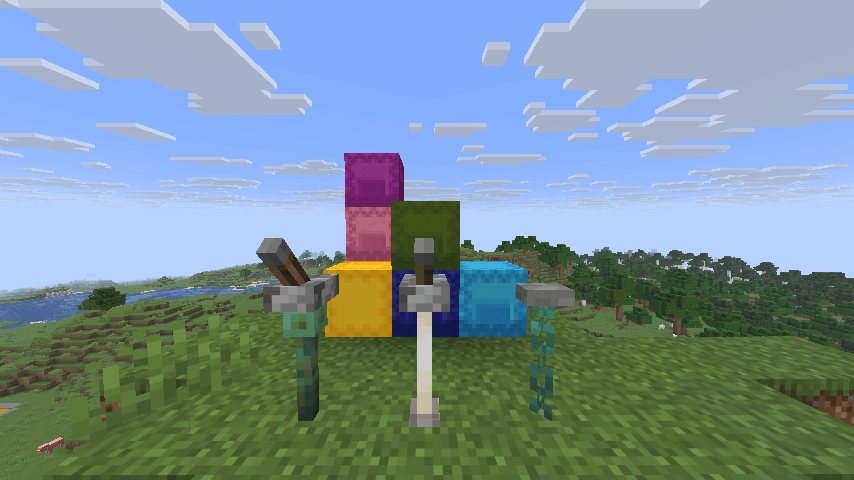
Levers & Buttons on Extended Surfaces Levers and buttons can now be placed on glass panes, iron bars, fences, walls, chains, lightning rods, and end rods — surfaces that normally reject them.
Ground Bridging While standing on the ground, right-clicking while holding any placeable block places it one step forward at floor level. Works like a simplified bridging mechanic — no crouching required.
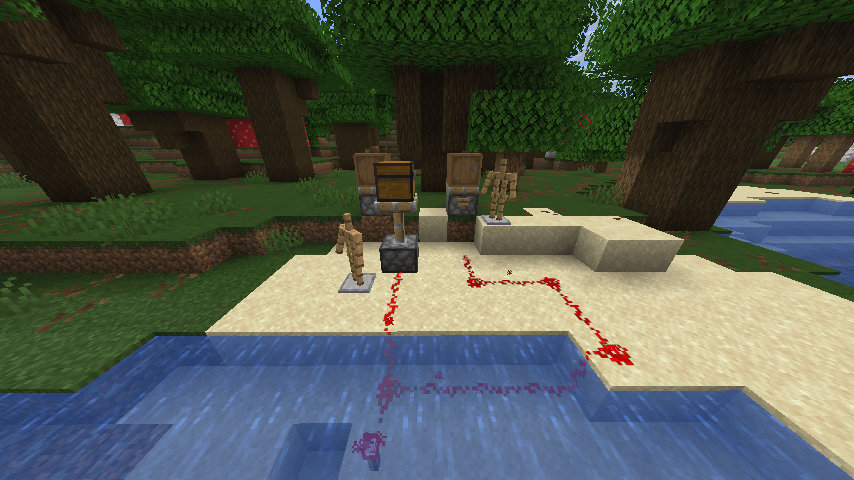
Redstone Waterlogging Redstone dust, buttons, levers, pressure plates, repeaters, comparators, redstone torches, tripwire hooks, and daylight detectors can all be placed in or flooded with water.
All Armor Stands Spawn with Arms Armor stands always generate with visible arms. Shift+right-click an armor stand to cycle through 6 preset poses.
Cake Stacks to 64 Cakes can now be stacked up to 64 in a single inventory slot.
Pistons
Pistons Move Block Entities Pistons can push (and sticky pistons pull) block entities — chests, furnaces, barrels, and more — while fully preserving their inventories and data. Grindstones, anvils, candles, lanterns, buttons, and levers can also be moved. Command blocks, structure blocks, and end gateways are excluded.
Cauldrons
Potion Cauldron Brewing Add up to 3 potions to any water cauldron to create a mixed brew. The water tints to match the combined potion color. Effects merge by amplifier — the strongest version of each effect is kept.
Scoop & Use Brews Scoop mixed potions out with an empty glass bottle to get a custom potion. Dip a full stack of arrows in a potion cauldron to tip all of them at once (drains the cauldron).
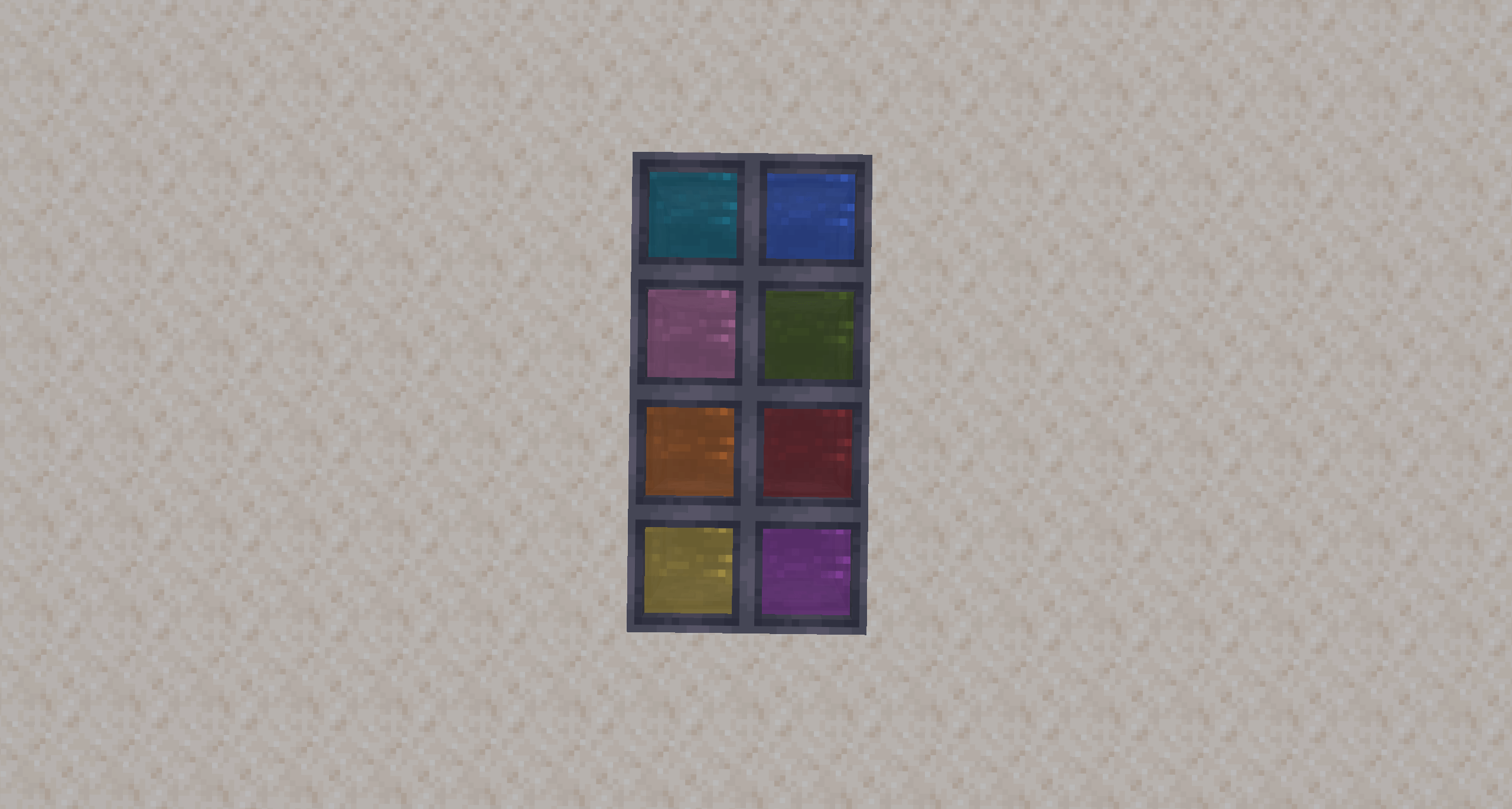
Dye the Water Right-click a water cauldron with a dye to tint the water that color. Multiple dyes blend together.
Dye Items with Colored Water Dip leather armor or other dyeable items into a colored water cauldron to apply that color to the item. Washing a colored item in a plain water cauldron strips the color and tints the water.
Clean Filled Maps Right-click a filled map on a water cauldron to reset it to a blank map (consumes one level of water).
Cauldron Decay Potion cauldrons slowly weaken over time — each effect loses one amplifier level every 20 minutes. Exhausted effects disappear; when all effects are gone the cauldron empties.
Bubble Particles Active potion cauldrons emit colored bubble particles above the surface, tinted to match the current brew.
Witch Hut Cauldrons Cauldrons inside witch huts now generate pre-filled with a random potion effect (healing, poison, swiftness, slowness, weakness, strength, water breathing, or fire resistance).
Fire & Snowballs
Burning Entities Light Blocks Any entity on fire that touches a candle or campfire lights it instantly.
Burning Snowballs Apply Fire Snowballs thrown by a burning entity deal fire damage on hit.
Dispensers
Dispenser Trident Launching Dispensers can fire tridents.
Dispenser Ender Pearl Launching Dispensers can fire ender pearls.
Screenshots
Gallery
-
 2026-06-22_12.48.17.png 2026-06-22_12.48.17.png
 -
 2026-06-22_12.10.39.png 2026-06-22_12.10.39.png
 -
 2026-06-18_12.30.06.png 2026-06-18_12.30.06.png
Versions
Files
Relations
Project Relations
More like this
Similar Mods
Suggestions use data such as tags, dependencies, dependents, descriptions, titles, and more to rank how much they overlap with this mod.
On ModDex
Community snapshot
By the numbers
Statistics
Want to reach Minecraft players?
We're looking for a server hosting partner to feature here and other parts of the site. Interested? Send us a message!
Get in touchGet it on
Available Platforms
On ModDex
Community snapshot
By the numbers
Statistics
Resources