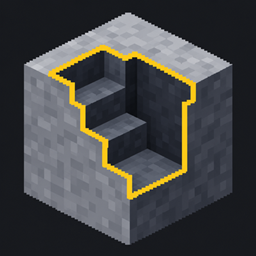
Community listing page, reviews may not be monitored by the author.
Excavation3D

No reviews yet
Area mining with your normal pickaxes, shovels and axes: tunnels, floors, stairs or custom 3D (Editor) Shapes with preview, quick wheel and bundled drops.

Community voices
Reviews
No reviews yet. Be the first to review this project!
Get it on
Available Platforms
About
Project Details
For authors
Embed Badge
If you're the author of this project, you can embed a live badge anywhere that supports HTML or Markdown. It updates automatically whenever ratings change.
Use HTML for any page that supports it, or Markdown for README files and Markdown-based descriptions.
Identifiers
Platform IDs
Resources
External Links
About
Description
Excavation 3D
Area mining for the tools you already have: give any pickaxe, shovel or axe a shape and mine a whole tunnel, floor or staircase with one swing. No new item, no recipe.
Features
- Works with normal tools - vanilla and modded pickaxes, shovels and axes.
- Ready-made shapes: Tunnel 1×2, Tunnel 3×3, Floor 5×5, Stairs.
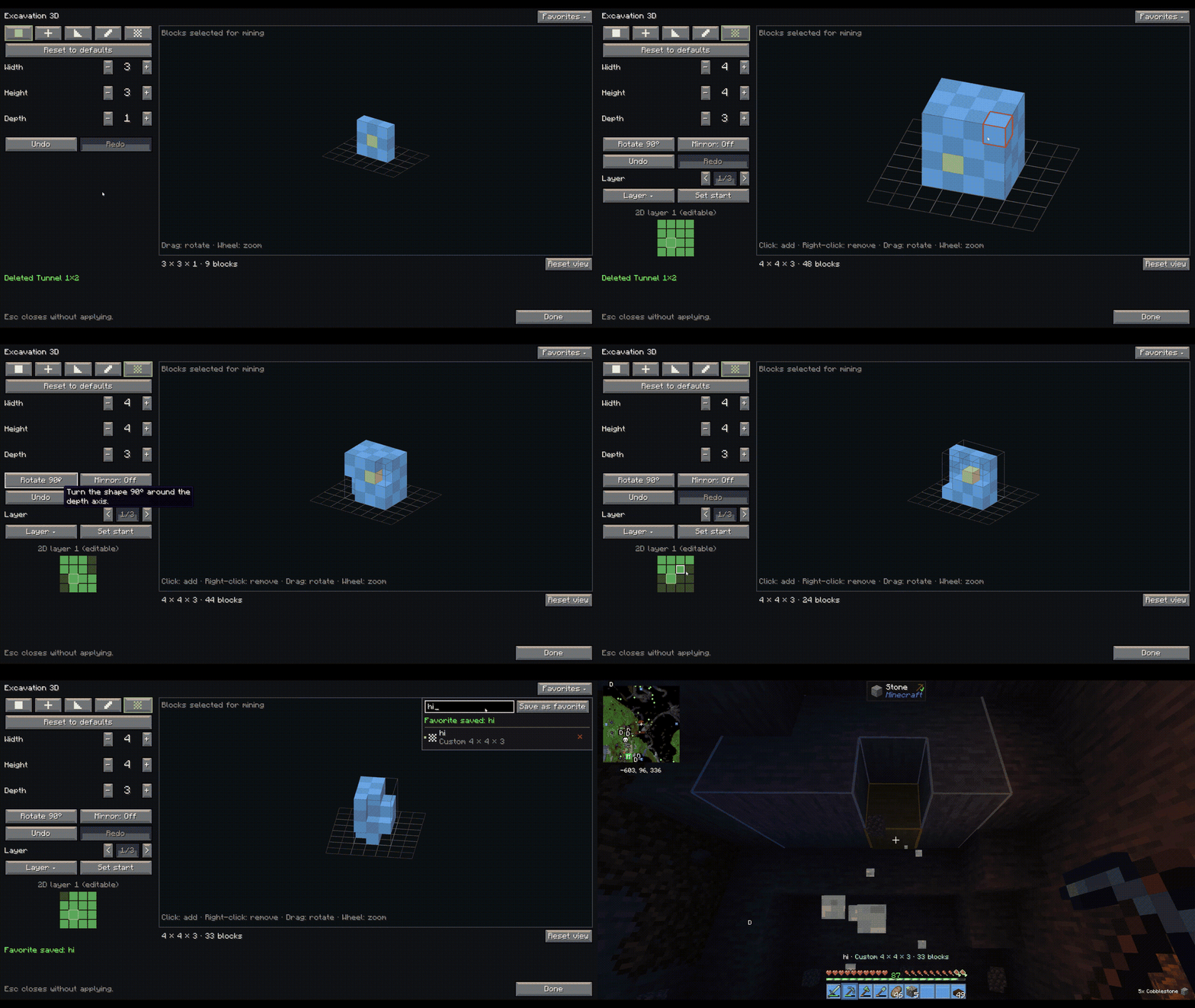
- Shape editor (tap KEY): Box, Plus, Stairs, Corridor and Custom shapes, 3D preview, click blocks to add/remove, Undo/Redo, Reset, Rotate/Mirror.
- Favorites: save, load, edit and delete your own shapes.
- Quick wheel (hold KEY): switch shape or turn it off instantly.
- World preview: an outline shows exactly what the next swing mines.
- Bundled drops: straight into your inventory, as one pile at the start block, or vanilla - your choice.
- Fair mining: only blocks the tool is meant for; Fortune, Silk Touch, durability and protection work as normal. Hold Shift for a single block.
- Server-friendly: size limits and per-tick budgets in the server config; drop mode can be forced.
- Custom key bindings: every key can be changed under Controls → Excavation 3D, plus optional keys for toggle shape, next/previous favorite, favorite 1-5, world preview and drop mode.
- Bundled drops: Inventory (default), Pile at start or Vanilla - switch in the editor or with a key.
Requirements
Minecraft 1.21.1 · NeoForge 21.1.229+ · install on client and server.
Issues: GitHub
Screenshots
Gallery
Versions
Files
Relations
Project Relations
More like this
Similar Mods
Suggestions use data such as tags, dependencies, dependents, descriptions, titles, and more to rank how much they overlap with this mod.
On ModDex
Community snapshot
By the numbers
Statistics

Get it on
Available Platforms
On ModDex
Community snapshot
By the numbers
Statistics
Resources