
Community listing page, reviews here may not be monitored by the author.

Community voices
Reviews
No reviews yet. Be the first to review this project!
Get it on
Available Platforms
Compatibility
Supported Environments
Runs entirely on the client. Works on vanilla servers.
About
Project Details
For authors
Embed Badge
If you're the author of this project, you can embed a live badge anywhere that supports HTML or Markdown. It updates automatically whenever ratings change.
Use HTML for any page that supports it, or Markdown for README files and Markdown-based descriptions.
Identifiers
Platform IDs
Resources
External Links
About
Description
✨ ExodusVisual — Ultimate Utility & Automation Client Welcome to ExodusVisual, a feature-rich utility mod designed to streamline your gameplay, enhance your user interface, and automate tedious tasks like inventory management. Whether you want to clean up your visual experience, boost your chat capabilities, or automate your chest organization, this client has you covered.
🚀 Key Features 🛠️ Interactive Client Menu Access everything you need in one place. Simply press Right Shift to open the main menu, which is divided into three intuitive tabs:
Visual: Customize and toggle various visual tweaks to perfect your game's appearance.
Main: Essential quality-of-life features, including built-in zoom, chat enhancements, and MouseTweaks.
Config: Personalize your experience by managing your friends list and customizing the client's theme.
🤖 Advanced Auto-Sort System Tired of messy storage rooms? The built-in Auto-Sorter automates chest organization with powerful keyword filtering:
Define the Area: Select your storage area using point-to-point selection. Hover over the first corner and press P1, then hover over the opposite corner and press P2.
Configure Chests: Hover over a specific chest, type a keyword or part of an item ID into the ItemID field (e.g., typing gol will target everything containing "gold"), and click Add Target.
Multi-Item Filtering: You can assign multiple item types to a single chest using a slash (e.g., diamond/ender_pearl or diamo/ende).
Run the Sorter: Click Start Sorter. Your character will automatically move items from the general selection into the correctly designated chests and double-check the placement.
Need a reset? Use ClearTargets to wipe all current chest configurations instantly.
⌨️ Powerful Macro System Automate your repetitive chat commands with ease using simple chat syntax:
\macro — Bind any command or text to a specific key.
\list — View all of your currently active macros.
\unmacro — Remove a specific macro binding.
📊 Customizable HUD & Controls Moveable HUD elements: Easily rearrange various HUD modules on your screen simply by opening the chat and dragging them wherever you like.
Intuitive UI Controls: Inside the client menus, use Left-Click (LMB) to instantly toggle functions on/off, and Right-Click (RMB) to dive deep into specific settings for that feature.
❓ Why choose ExodusVisual? Instead of installing dozens of separate mods for zoom, sorting, macros, and UI customization, this project combines them all into one highly optimized, cohesive package. It respects your time by eliminating storage management chores and gives you full control over your interface.
Screenshots
Gallery
-
 Big Head
 -
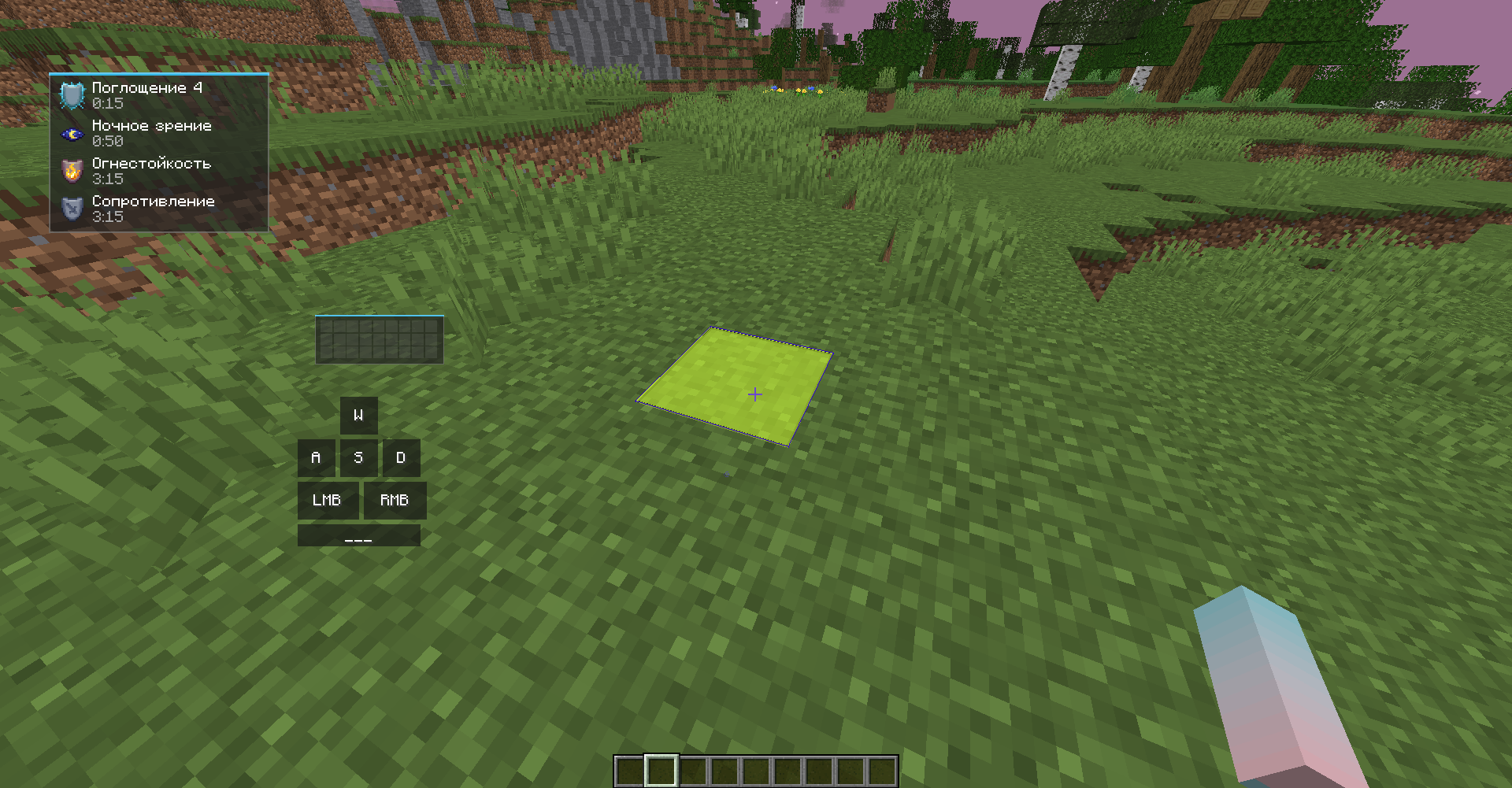 block overlay
 -
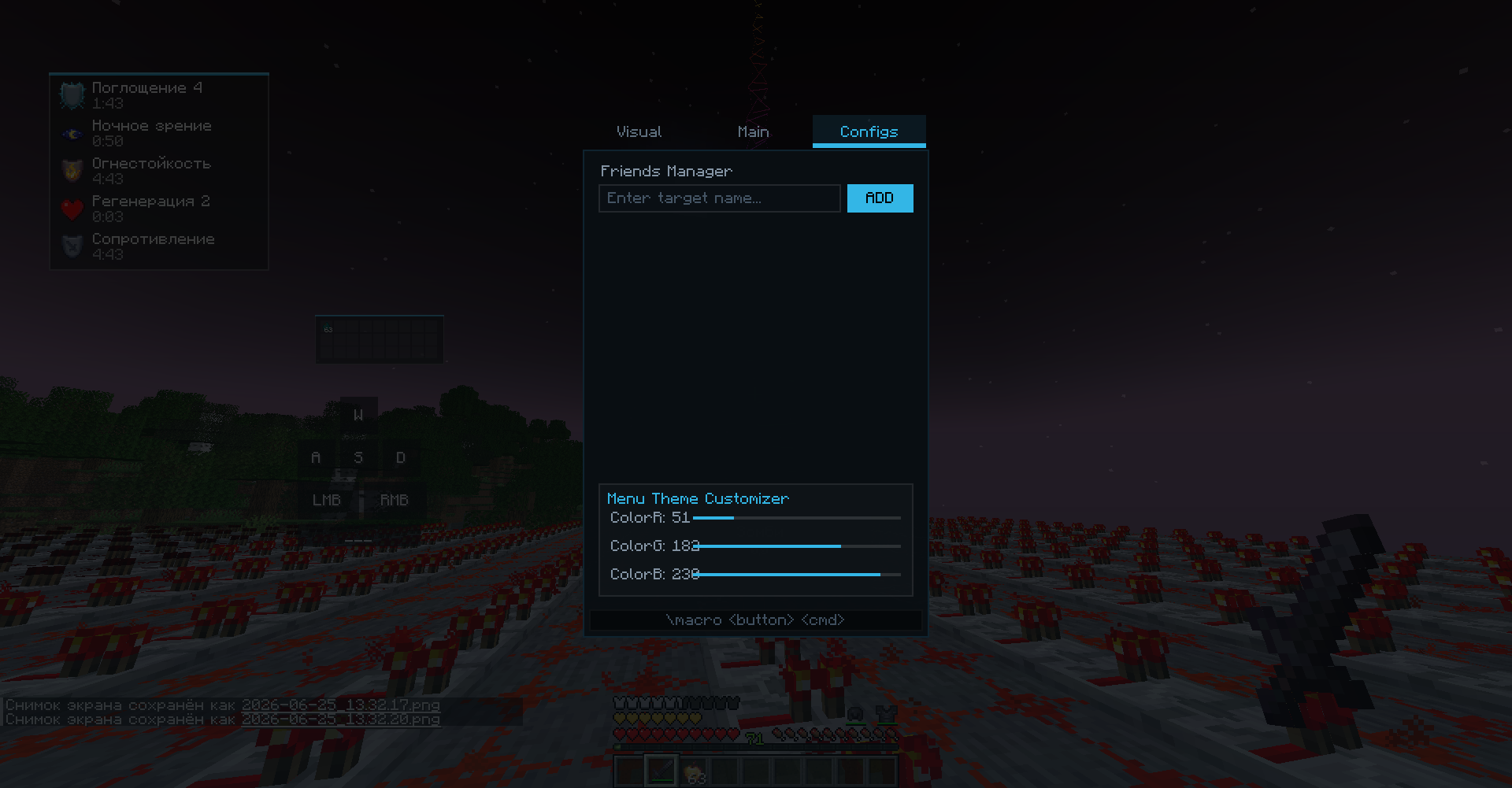 Config tab
 -
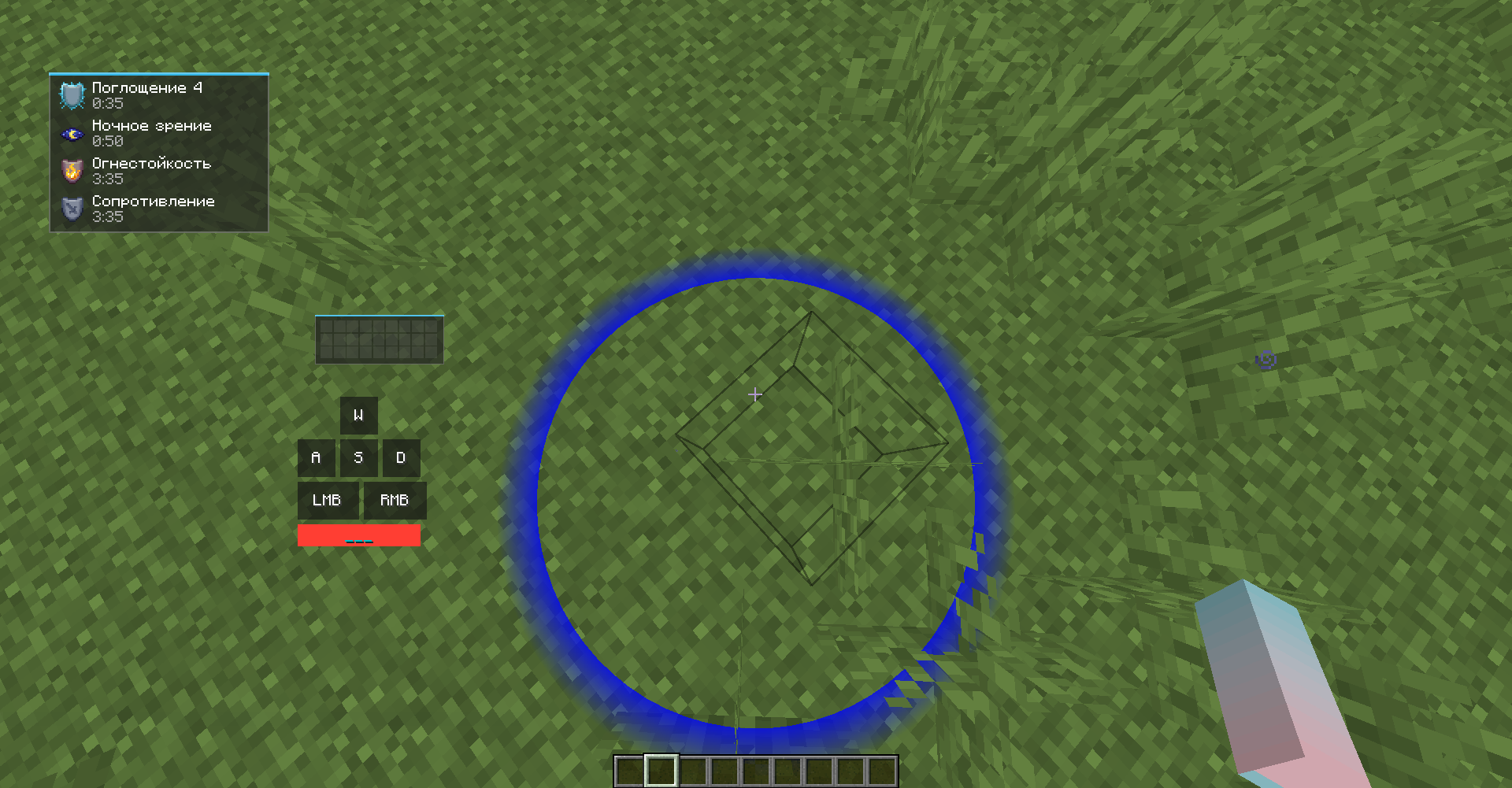 jump circles
 -
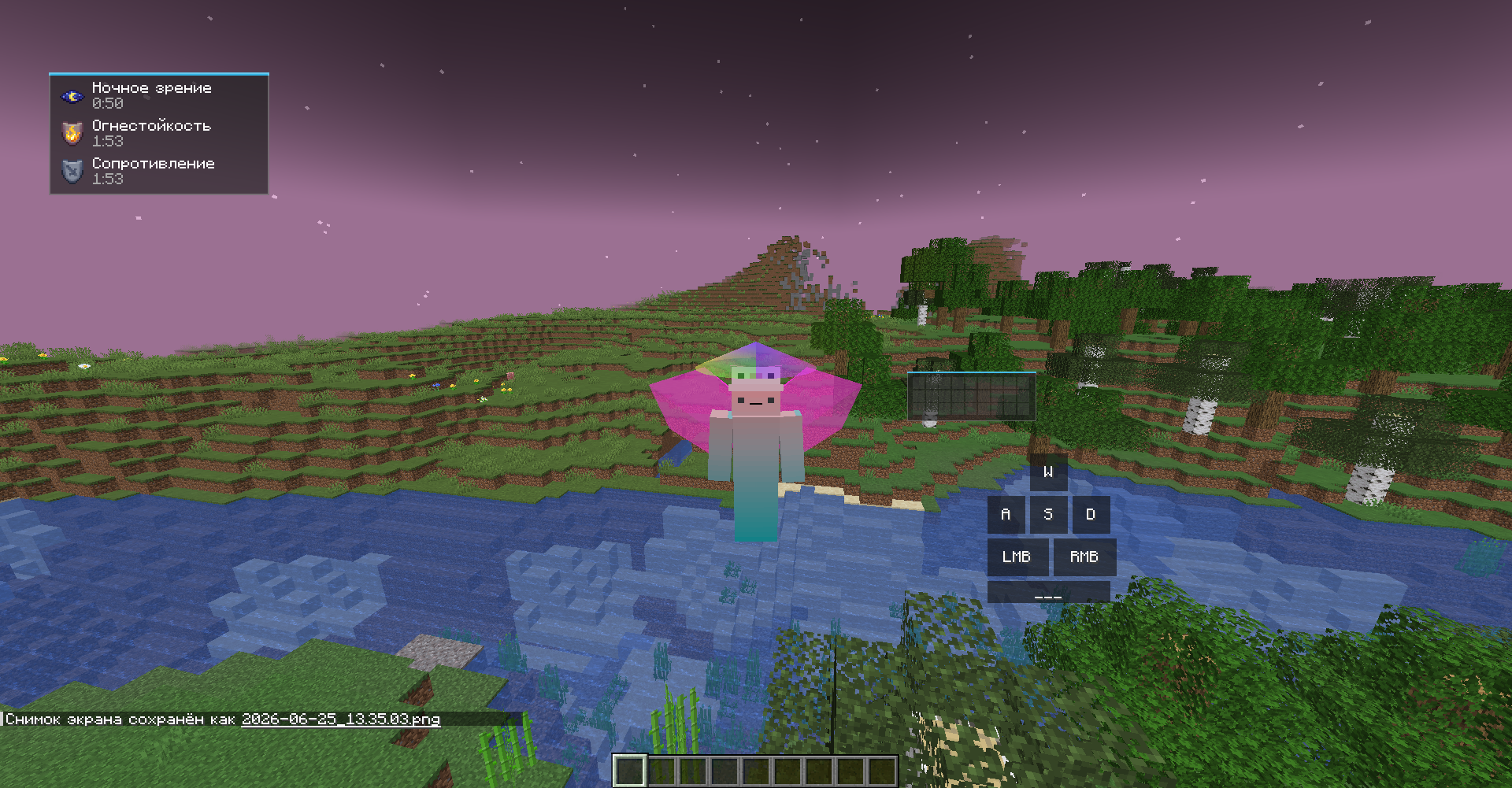 angel wings
 -
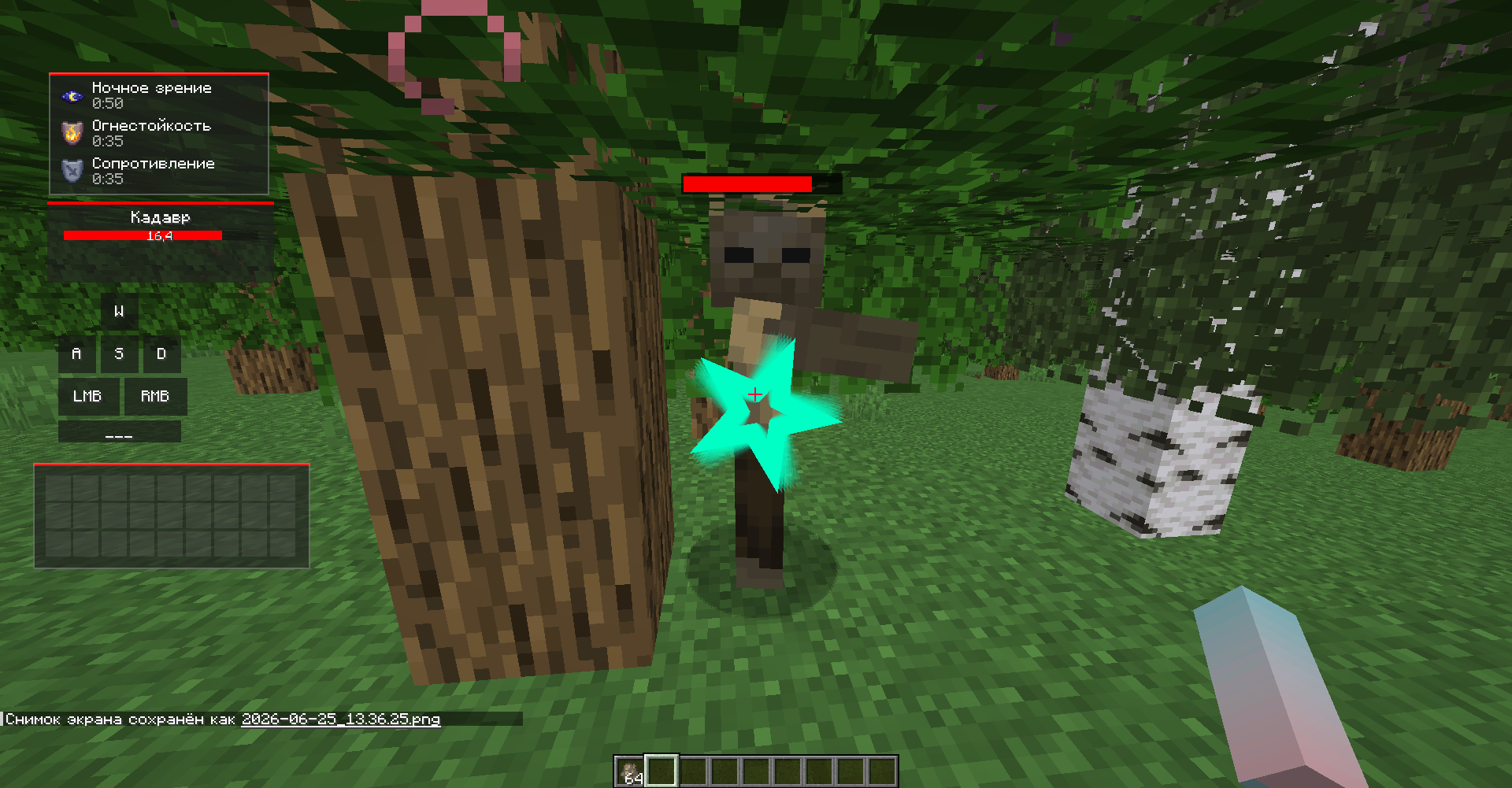 billiboard target select
 -
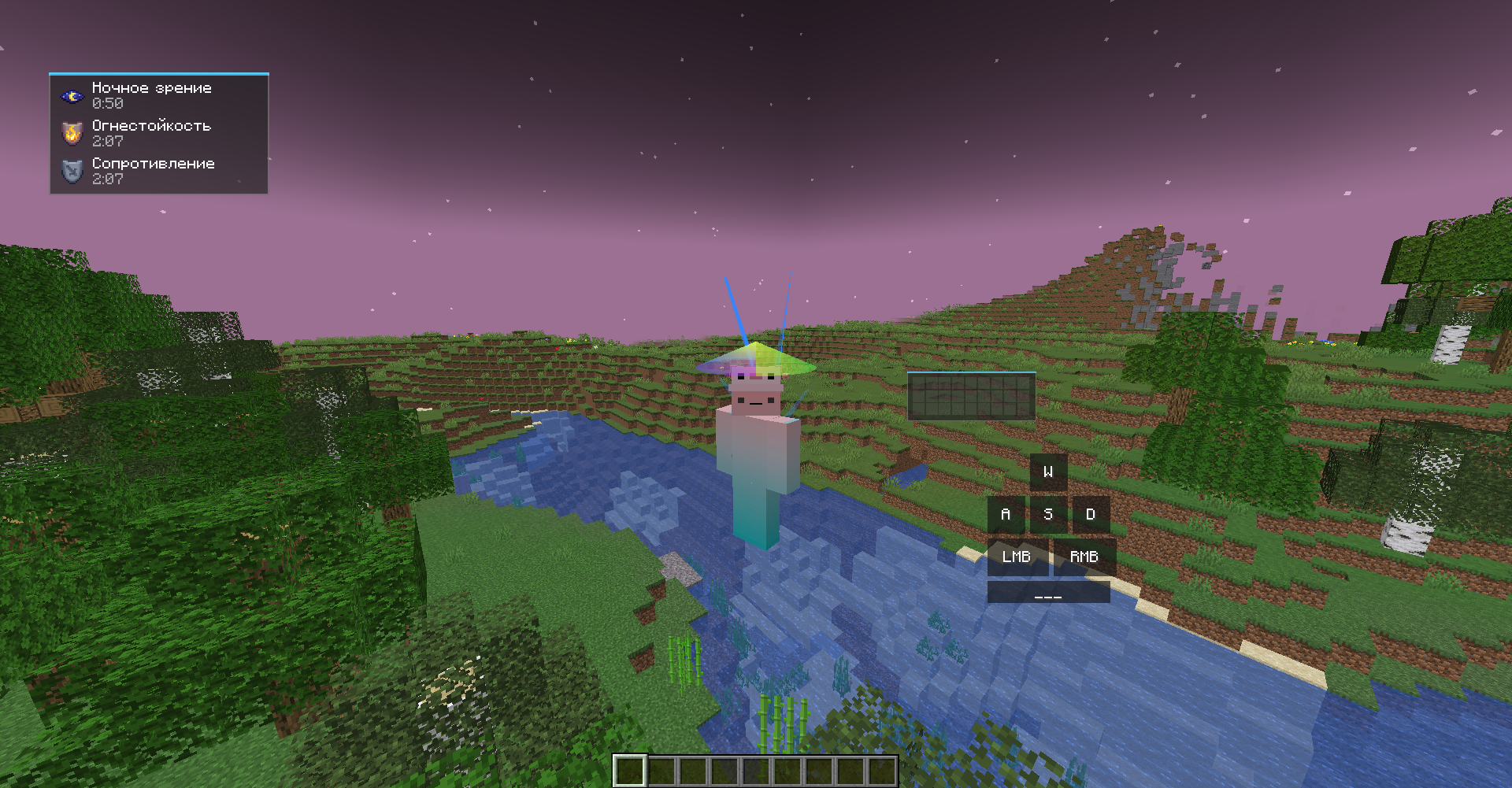 moskit wings
 -
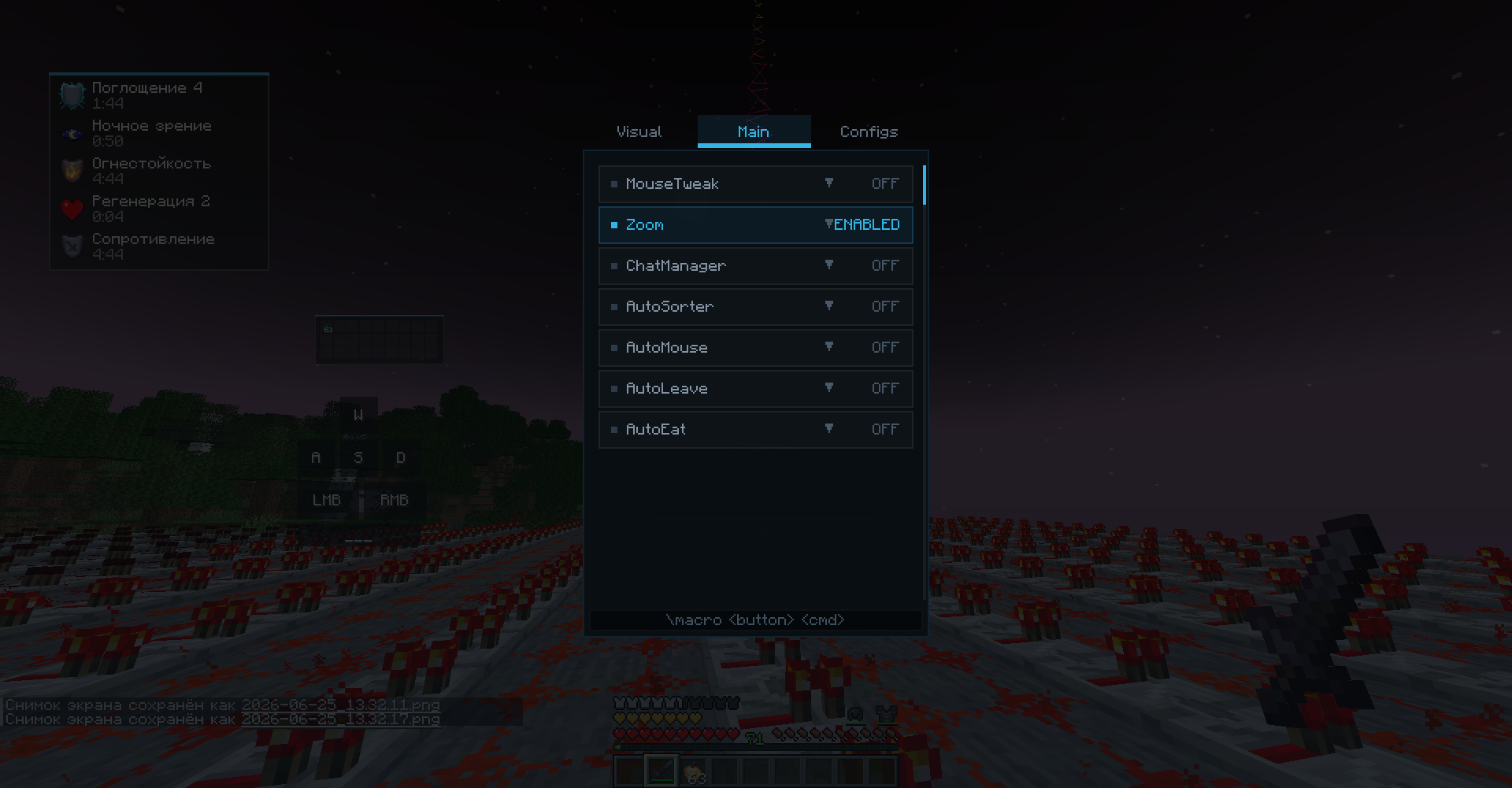 Main tab
 -
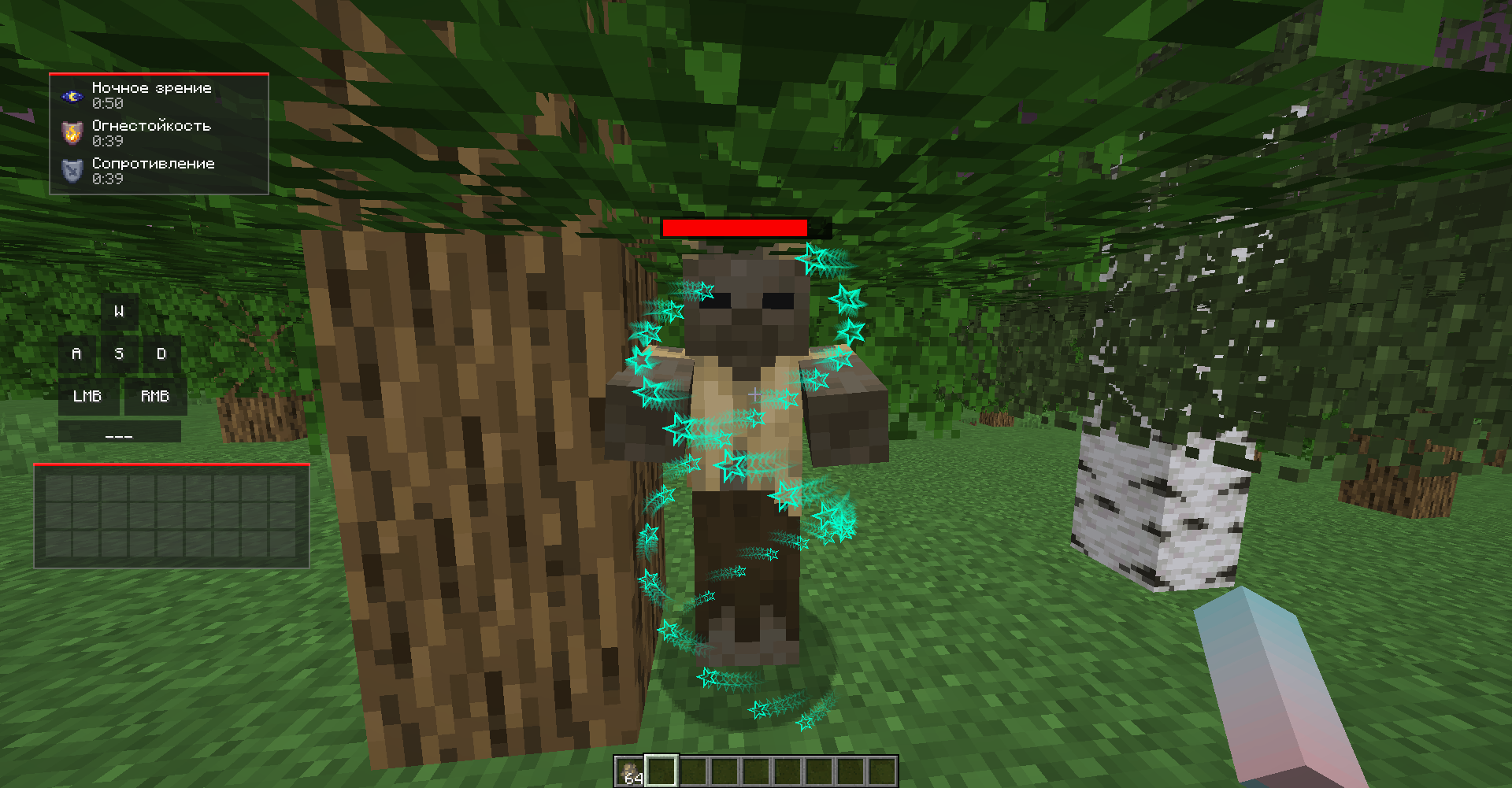 DNA target select
 -
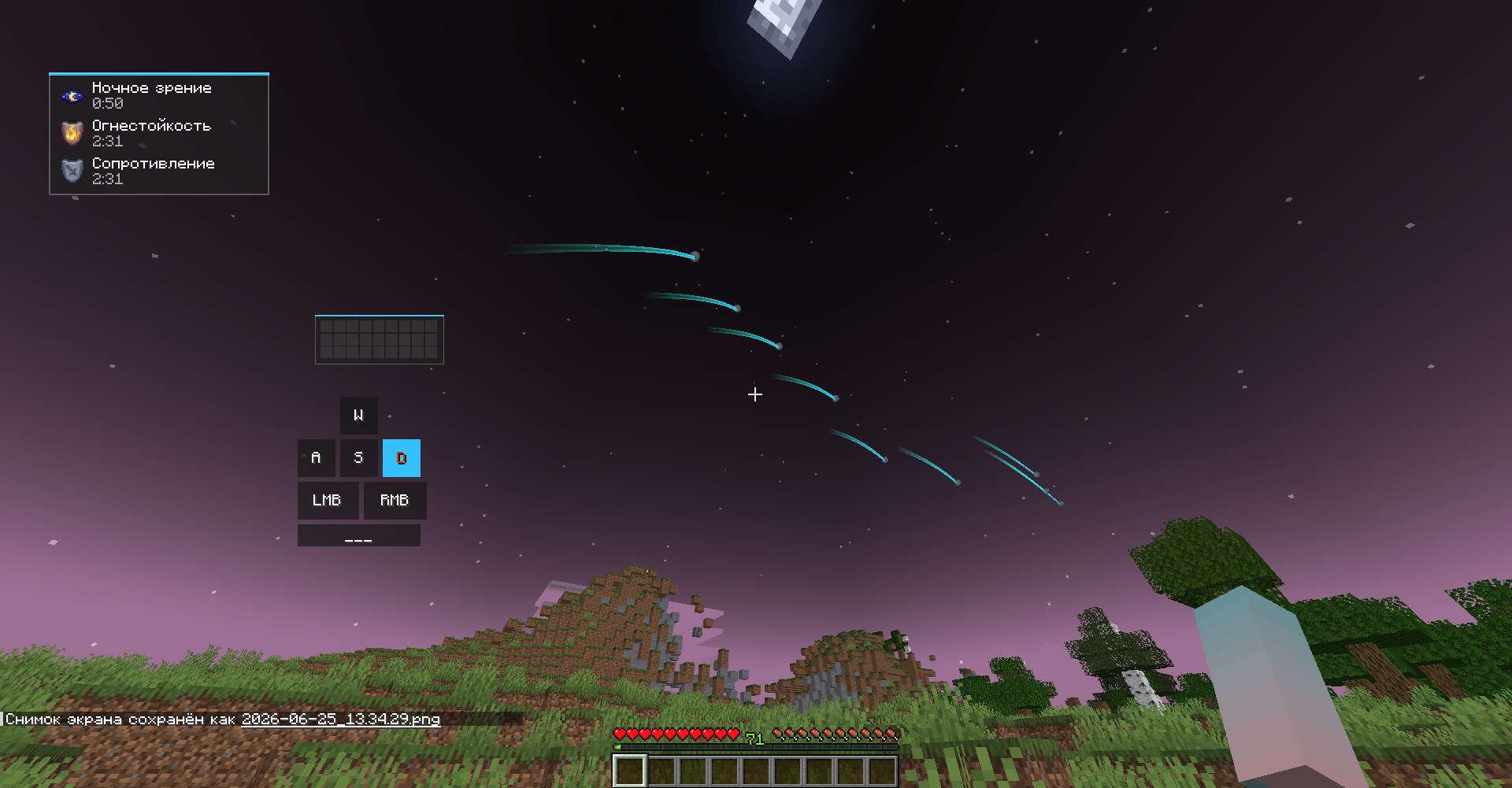 projectile trail 2
 -
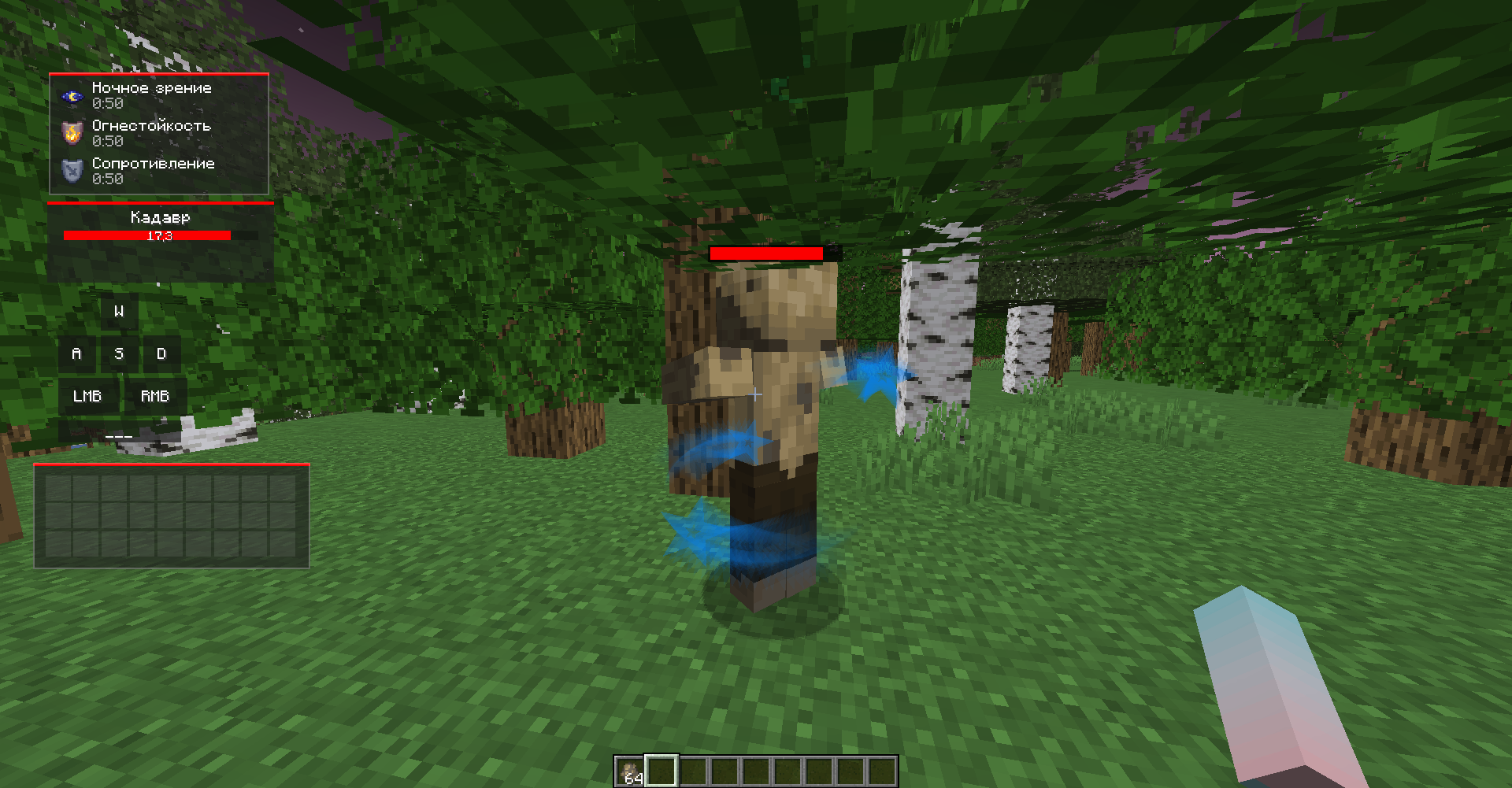 souls target select
 -
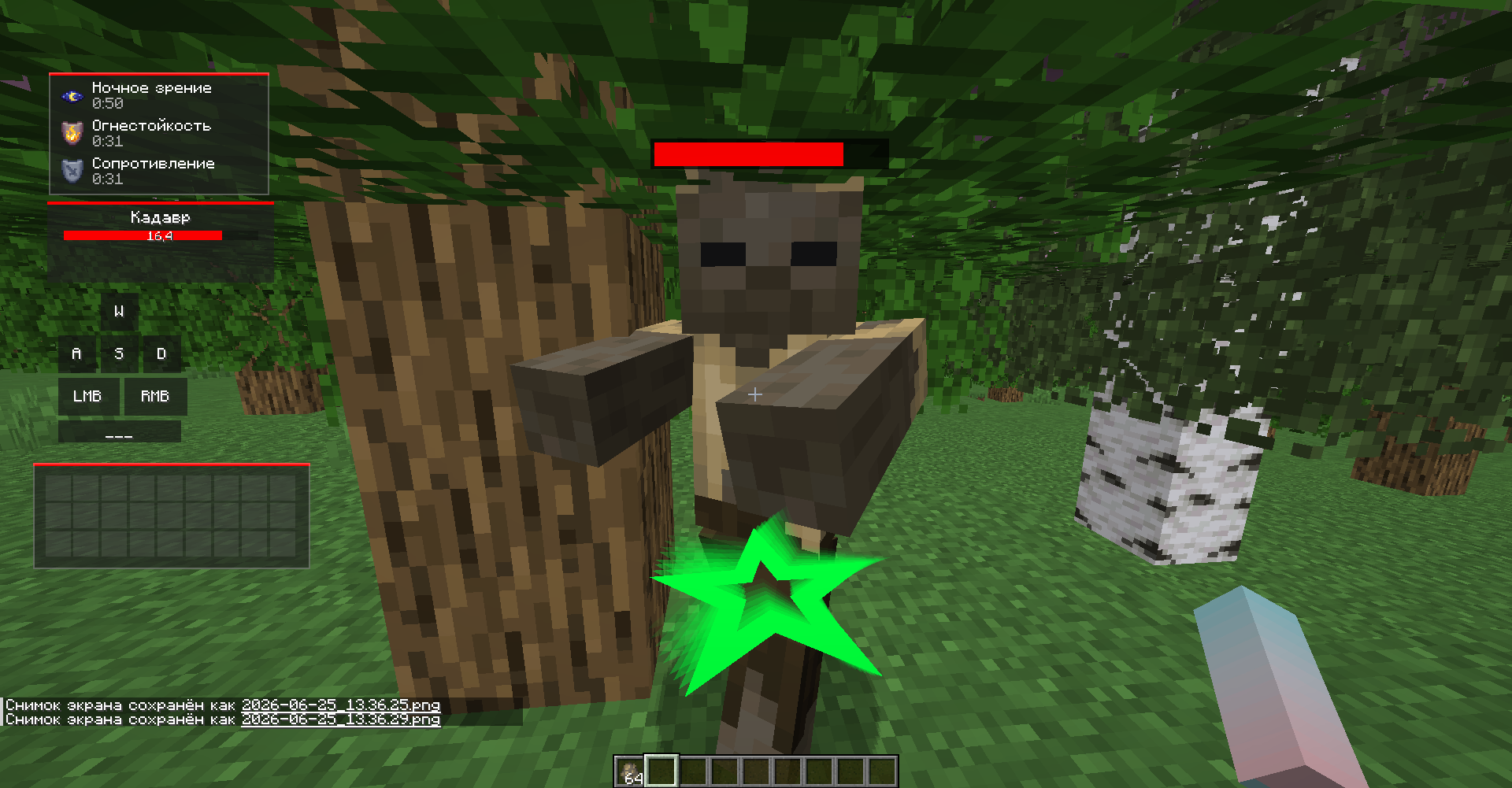 updown target select
 -
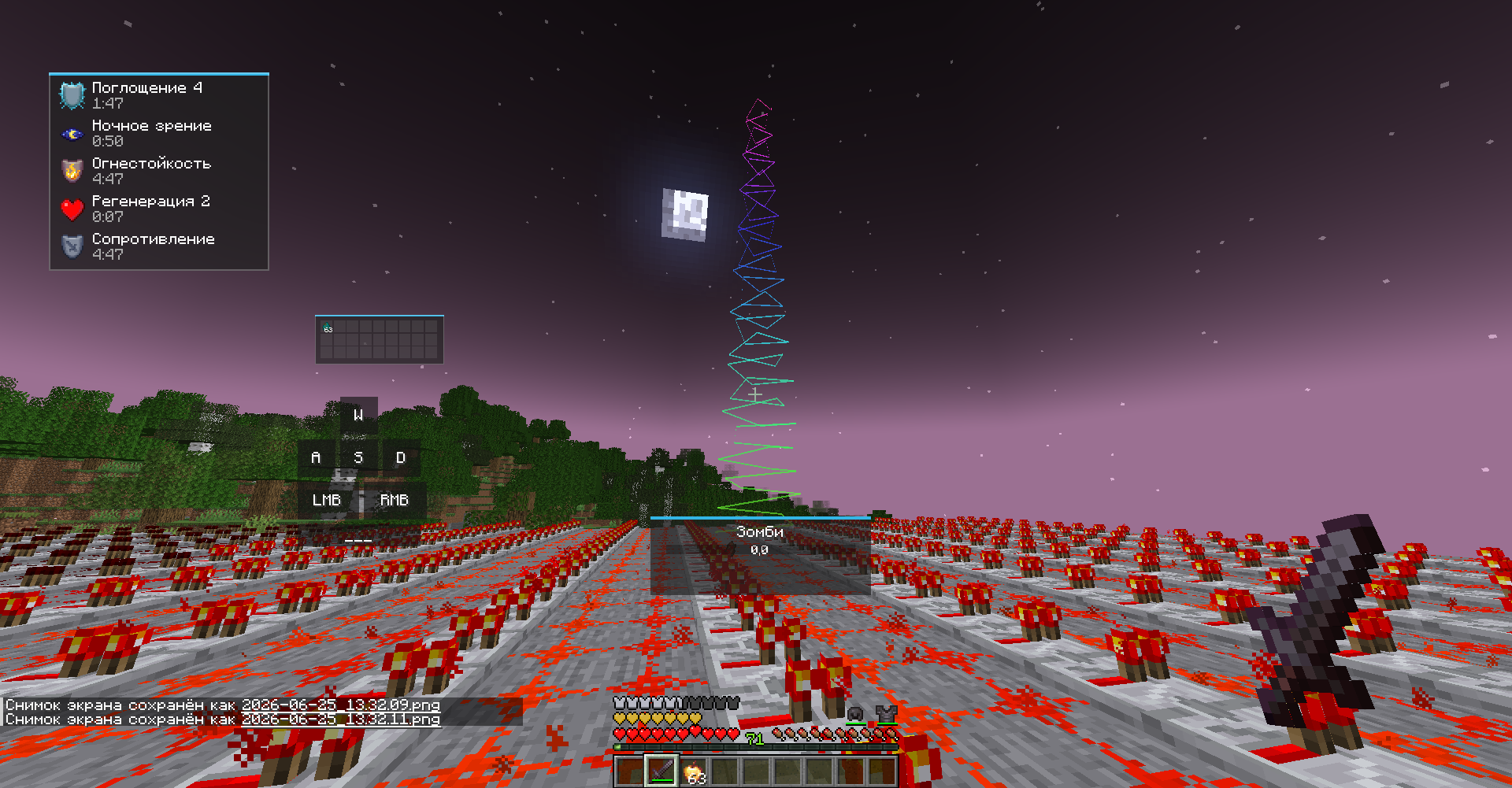 spiral effect
 -
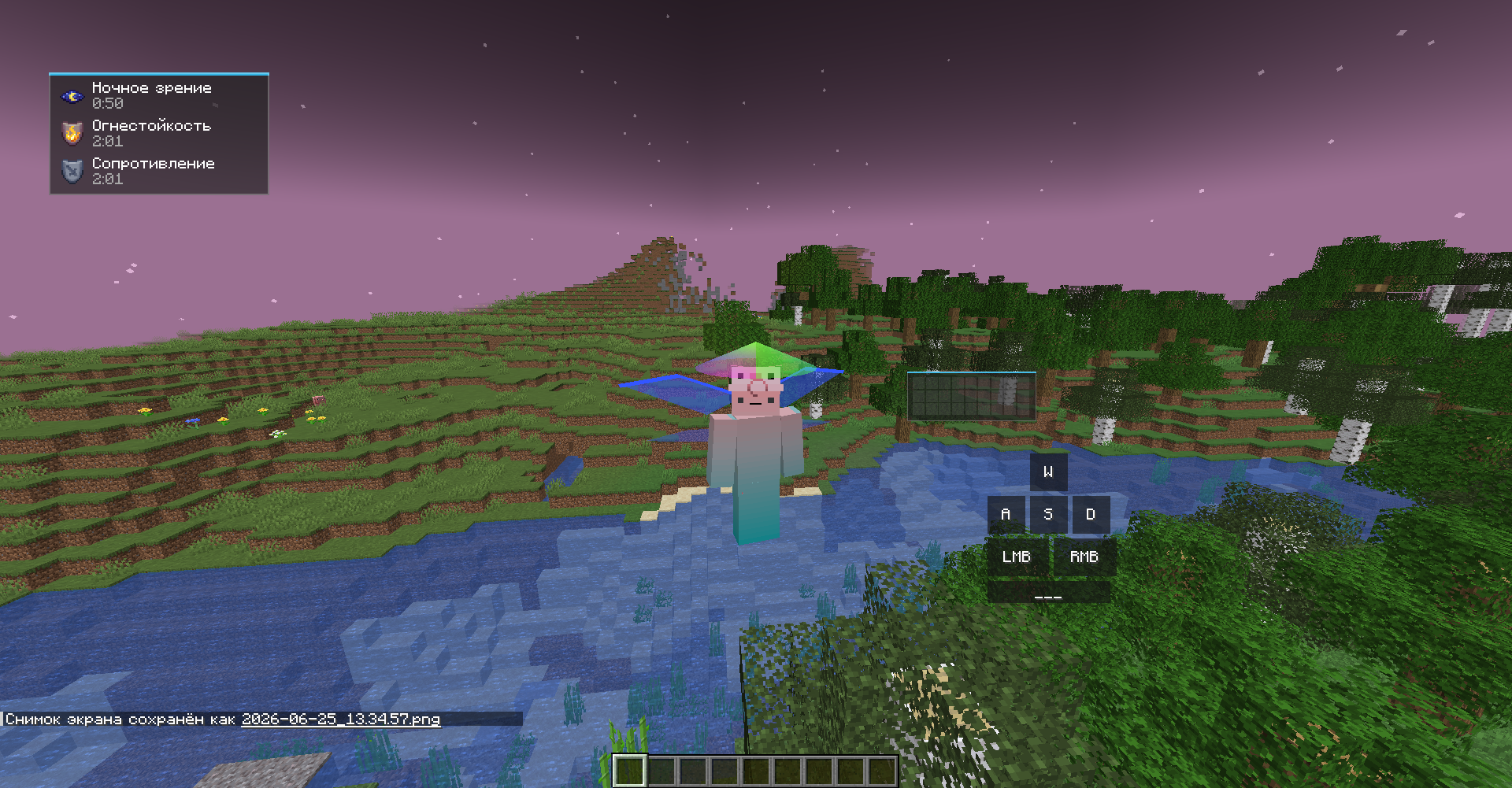 neon wings
 -
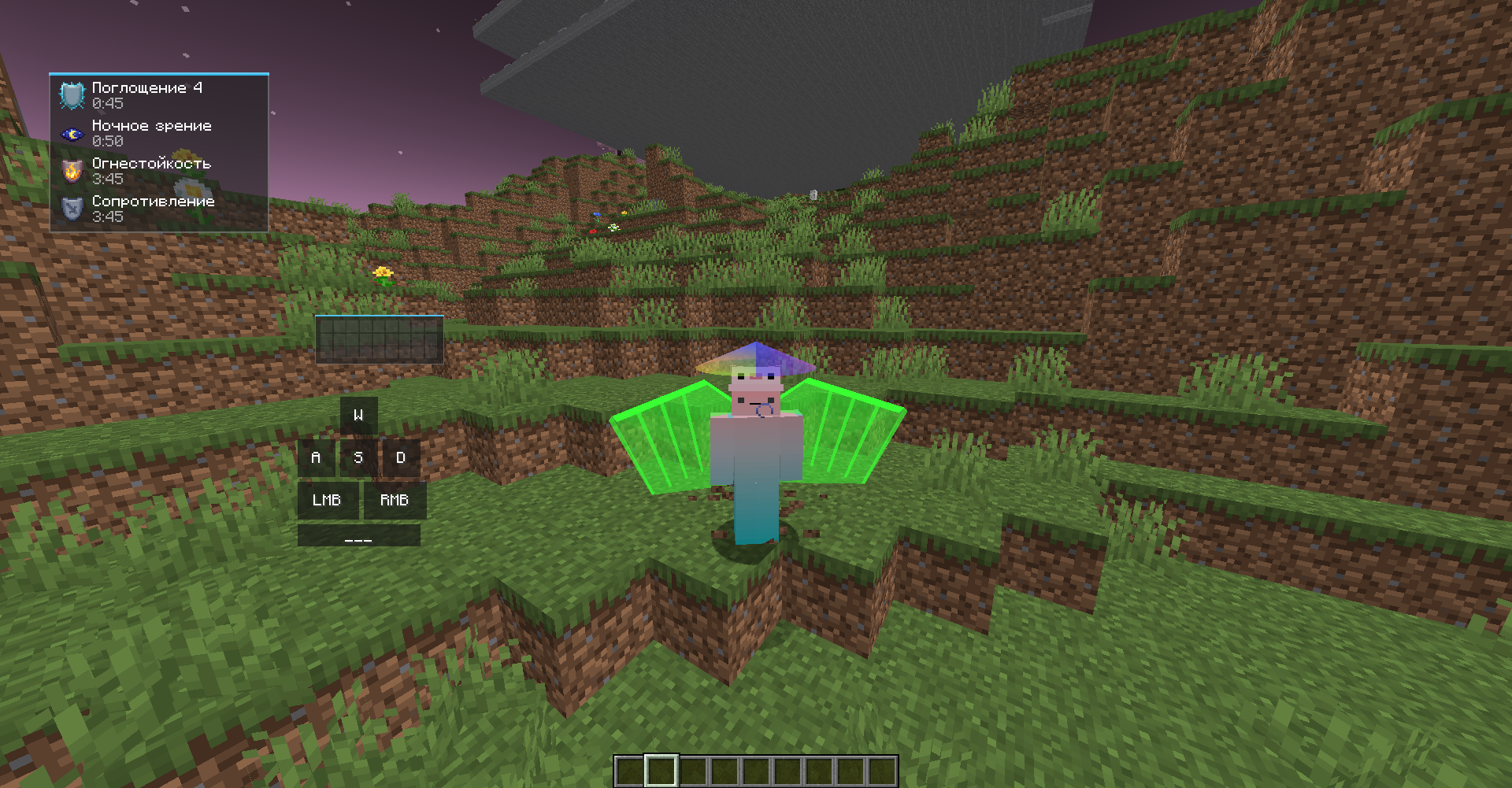
-
 projectile trail 1
 -
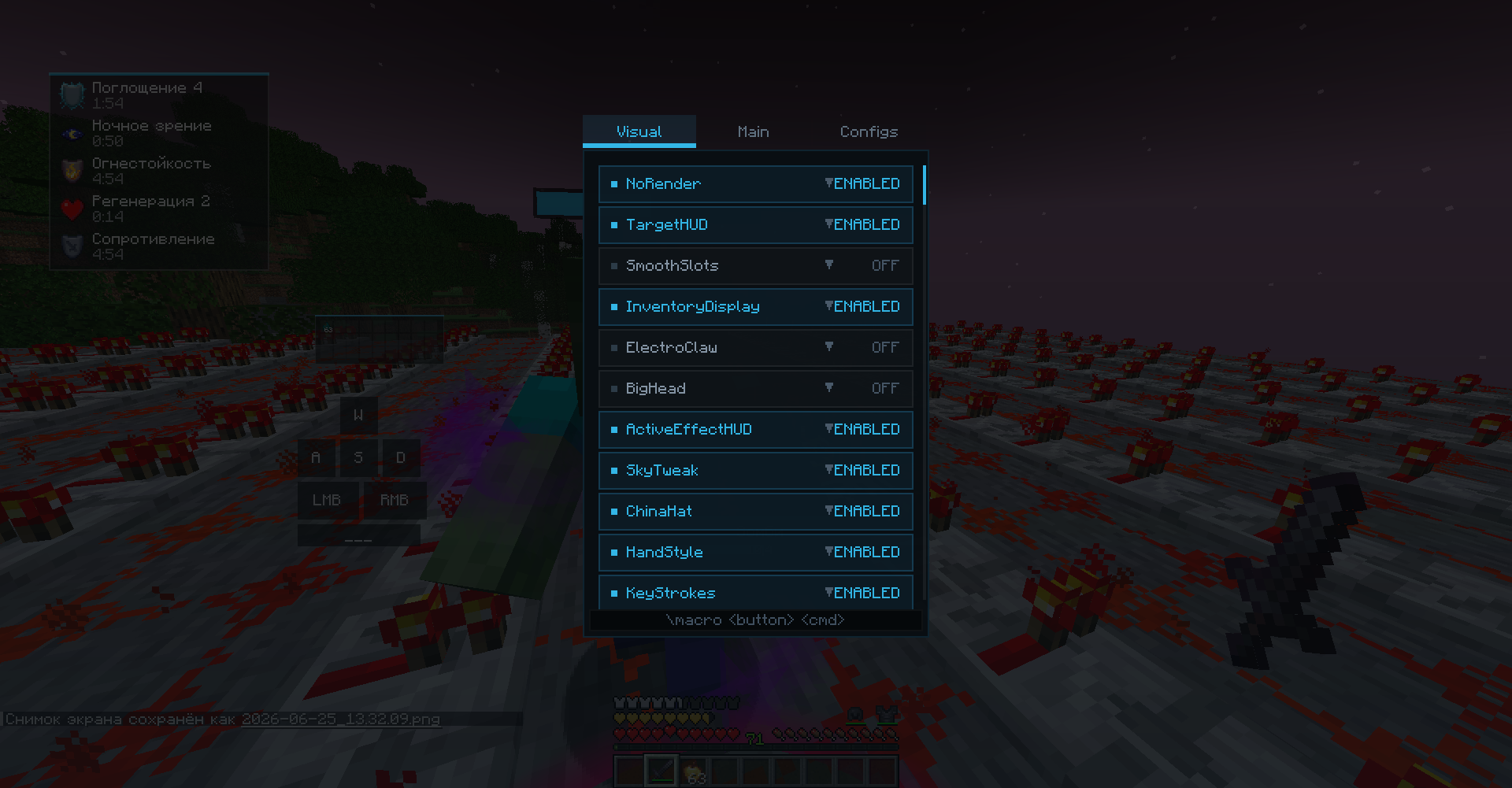 Visual tab
Versions
Files
Relations
Project Relations
More like this
Similar Mods
Suggestions use data such as tags, dependencies, dependents, descriptions, titles, and more to rank how much they overlap with this mod.
On ModDex
Community snapshot
By the numbers
Statistics

Want to reach Minecraft players?
We're looking for a server hosting partner to feature here and other parts of the site. Interested? Send us a message!
Get in touchGet it on
Available Platforms
On ModDex
Community snapshot
By the numbers
Statistics
Resources