
Community listing page, reviews may not be monitored by the author.
ExplosionVisualizer


No reviews yet
Use real-time 3D rendering to display various information about the explosion

Community voices
Reviews
No reviews yet. Be the first to review this project!
Get it on
Available Platforms
Compatibility
Supported Environments
Runs entirely on the client. Works on vanilla servers.
About
Project Details
For authors
Embed Badge
If you're the author of this project, you can embed a live badge anywhere that supports HTML or Markdown. It updates automatically whenever ratings change.
Use HTML for any page that supports it, or Markdown for README files and Markdown-based descriptions.
Identifiers
Platform IDs
About
Description
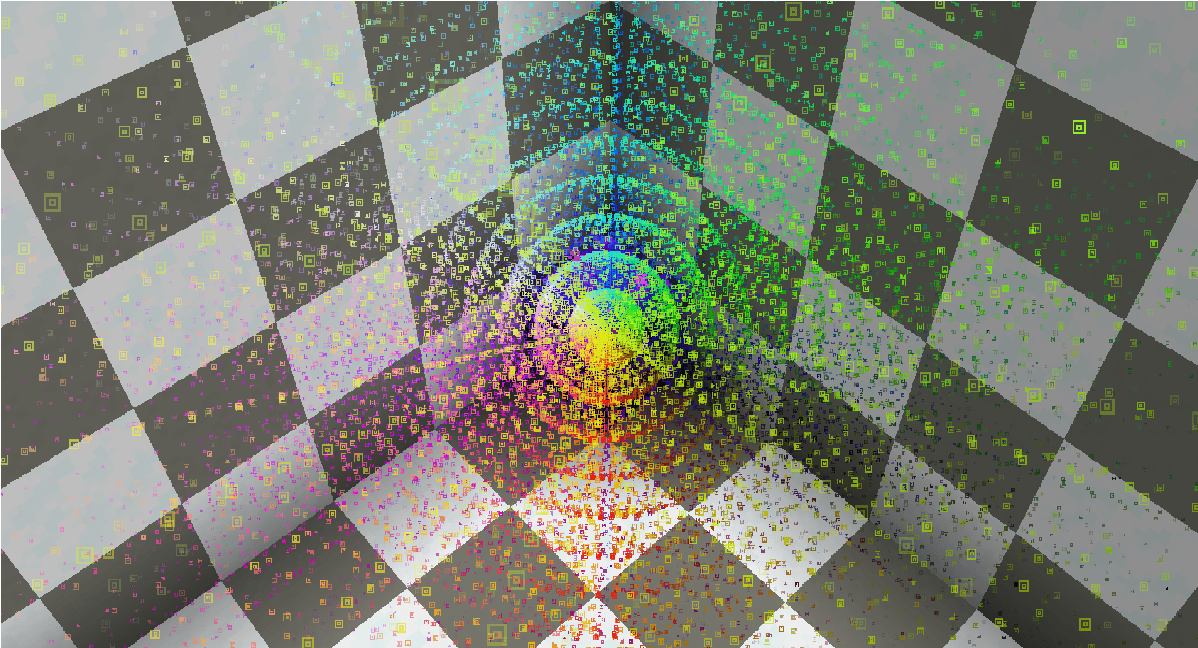
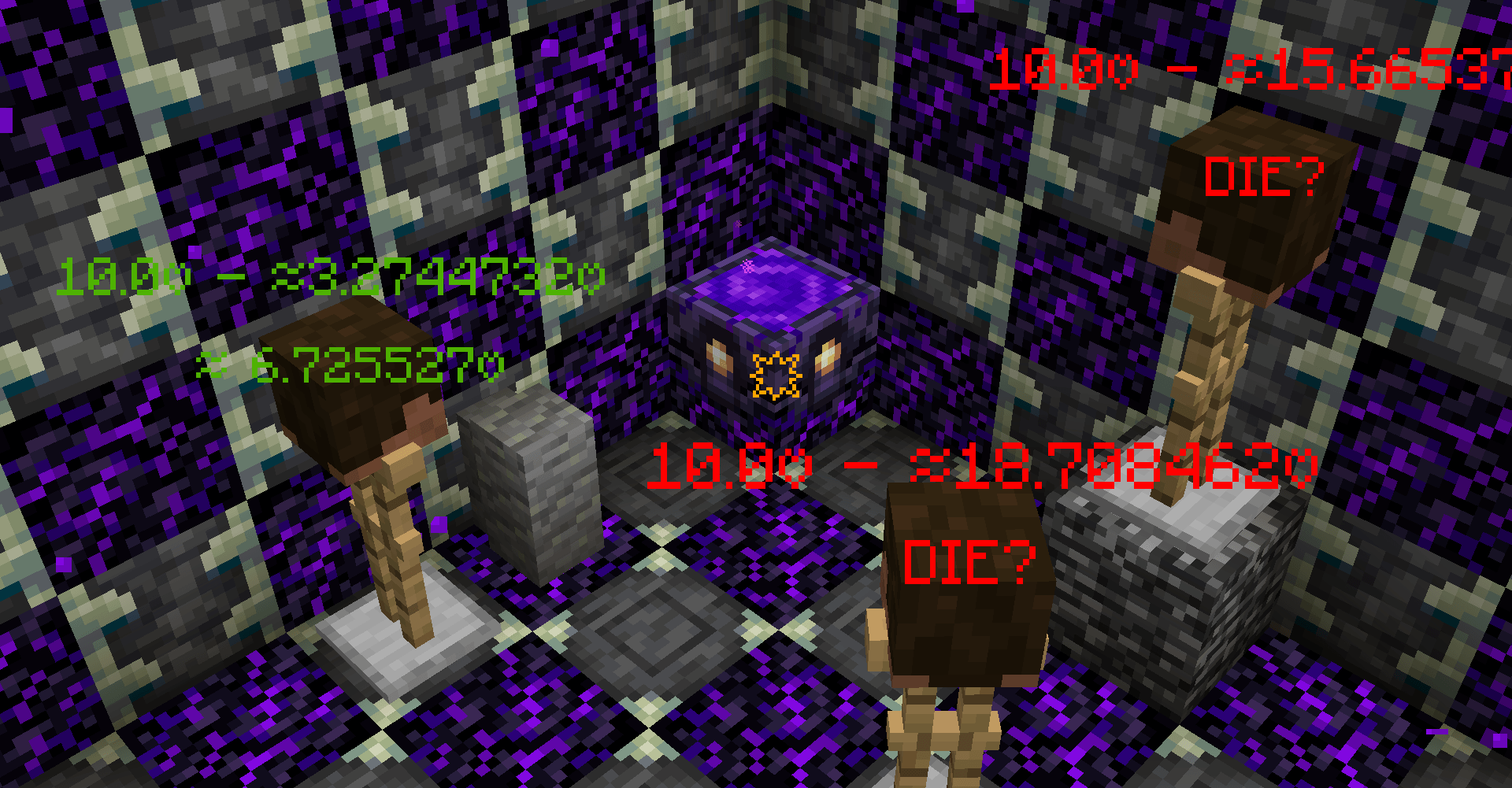
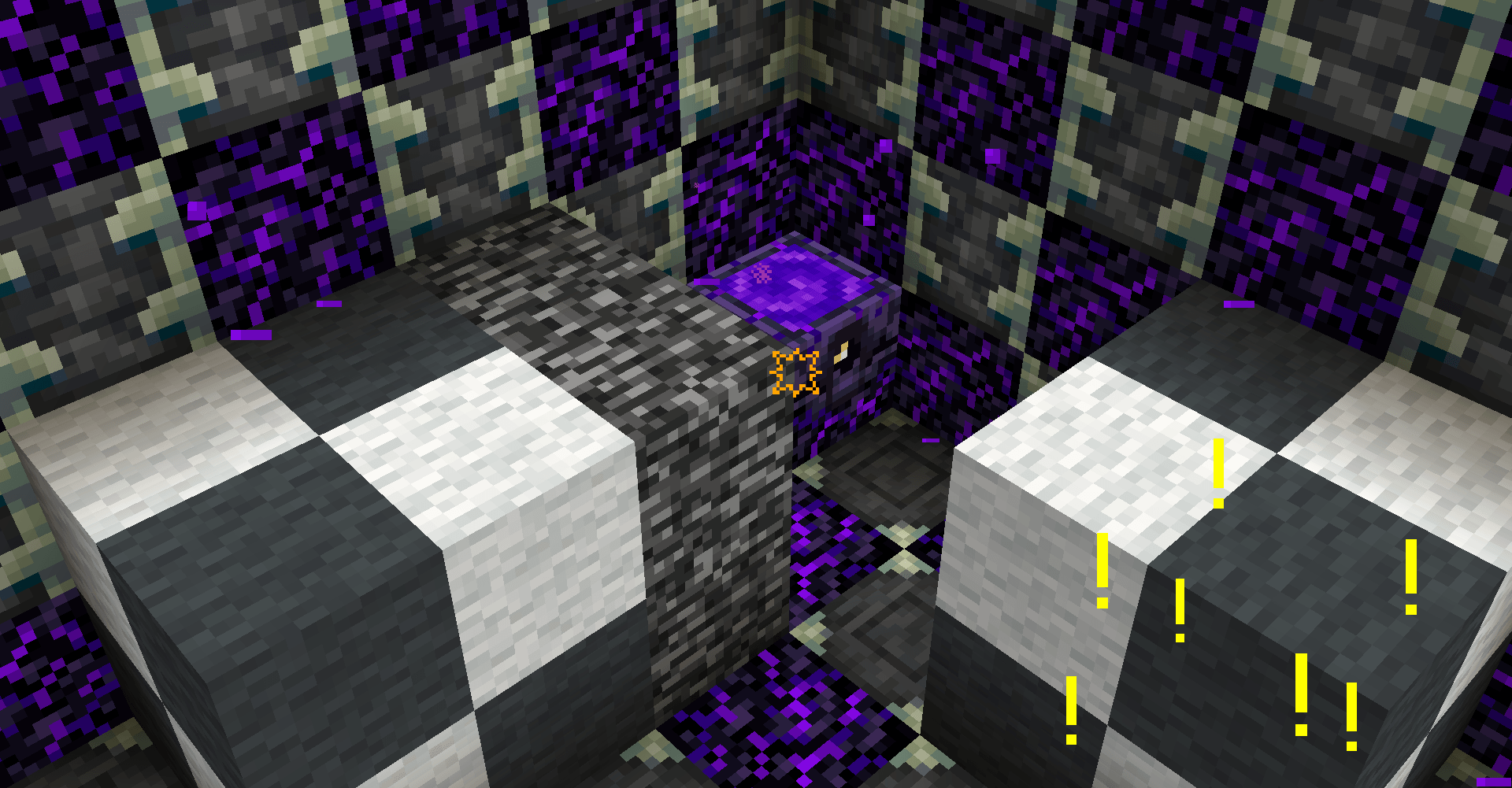
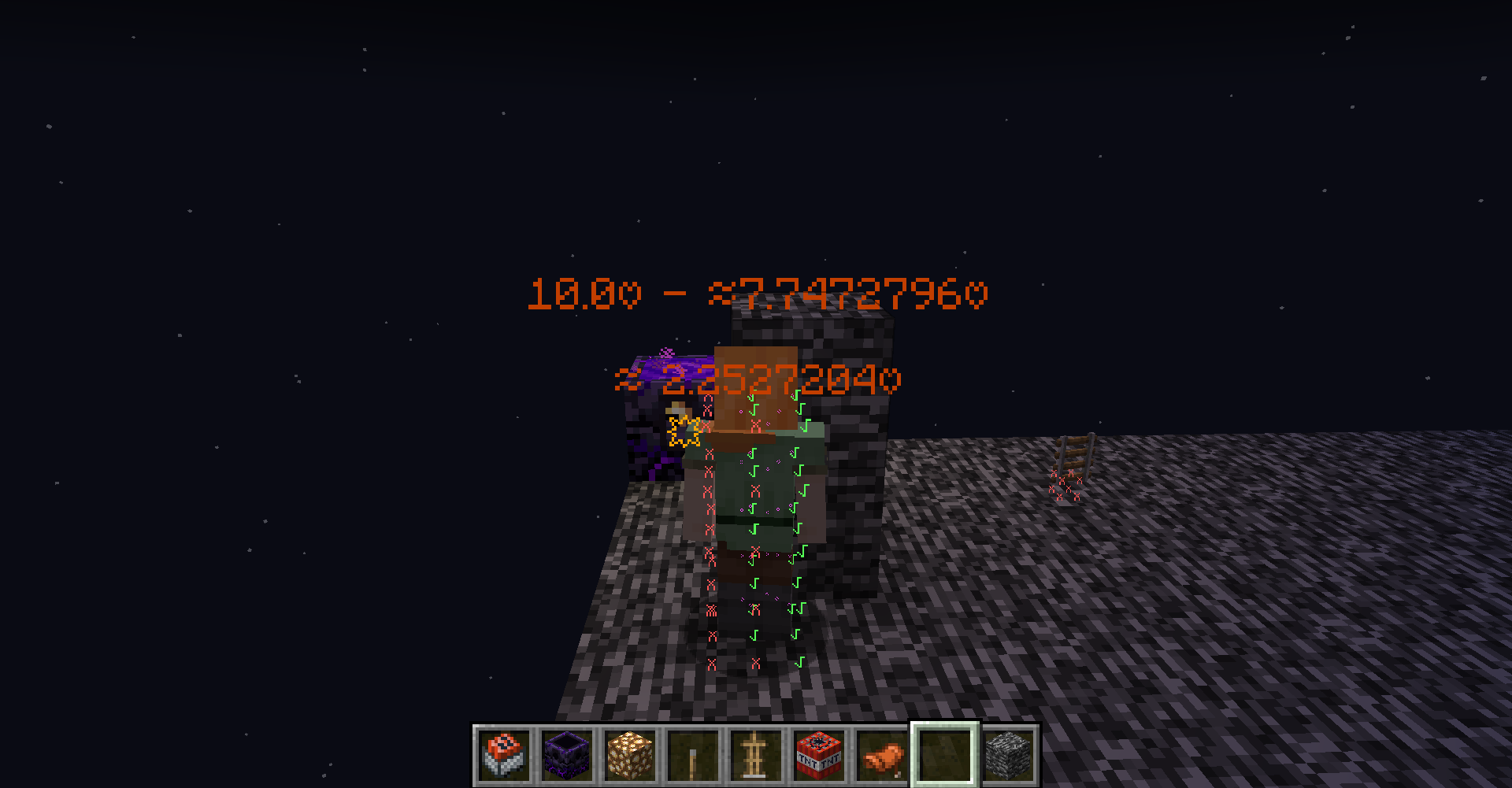
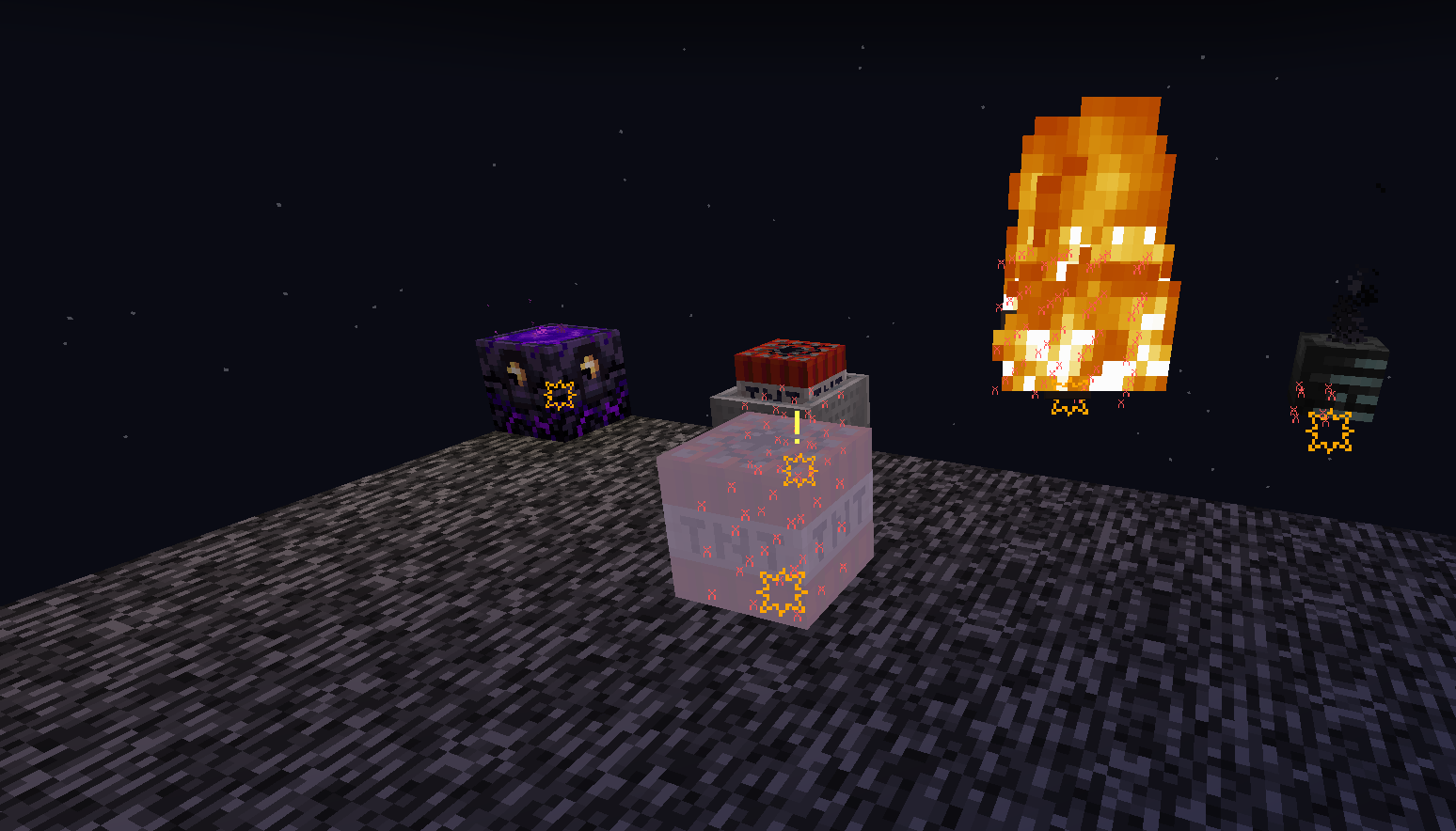
This mod is a powerful tool. It can simulate and display various details of explosions in real-time, including explosion rays, blocks that will be destroyed, the explosion center, estimated damage to nearby entities, and sample points of entities about to be affected. #IMPORTANT Please check the Changelog for the latest updates!
BASIC COMMANDS /explosionVisualizer mainRender <toggle> <- #Enable Rendering
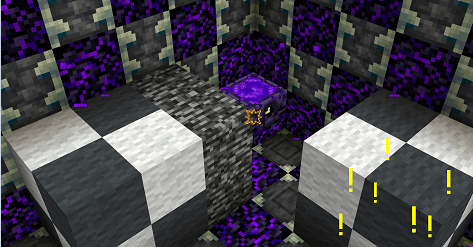
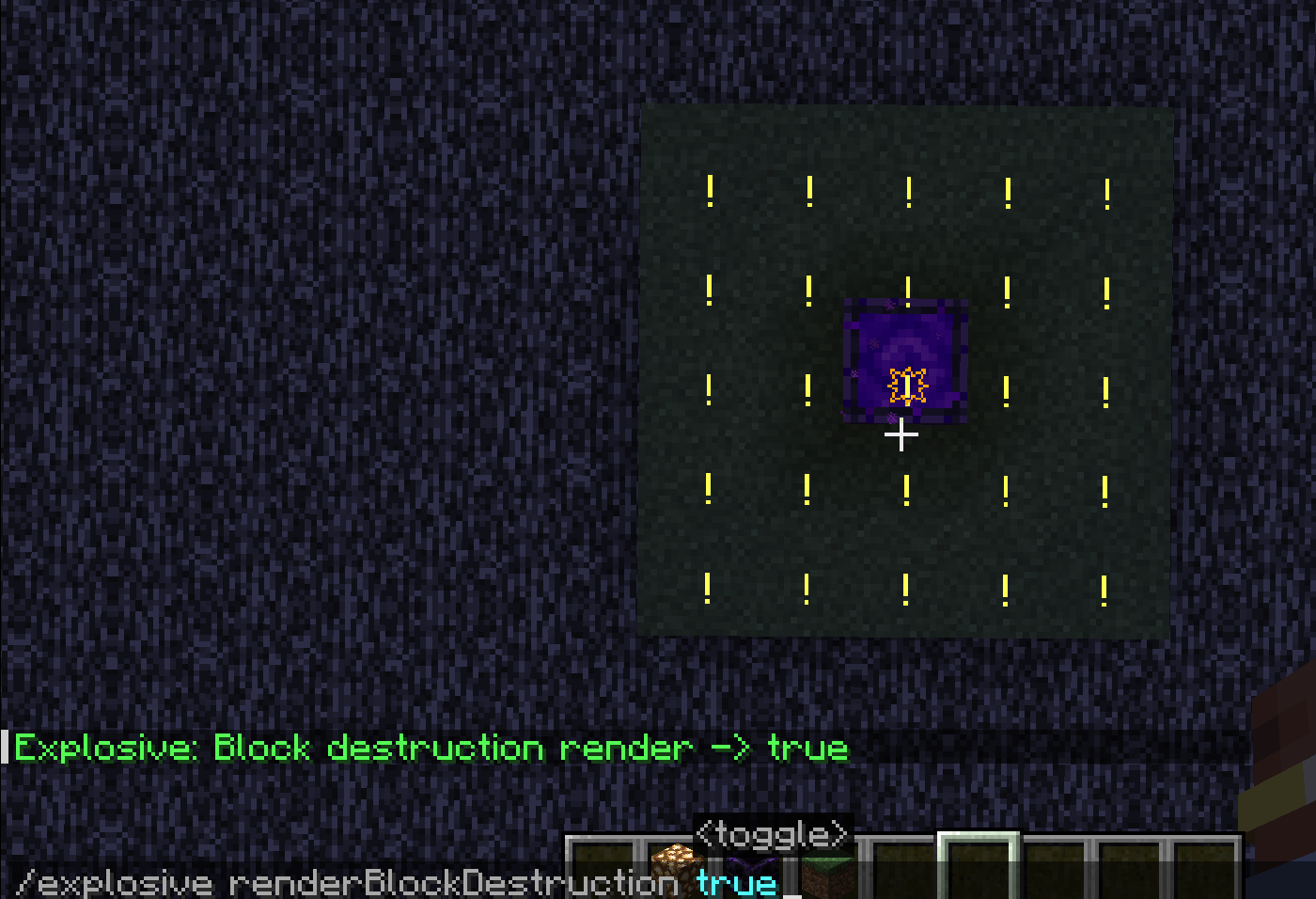
/explosionVisualizer renderBlockDestruction <toggle> <- #Enable block destruction projection rendering Block destruction projection
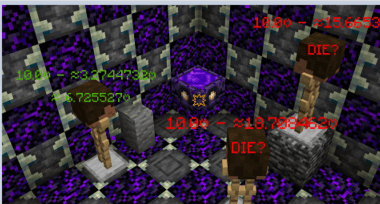
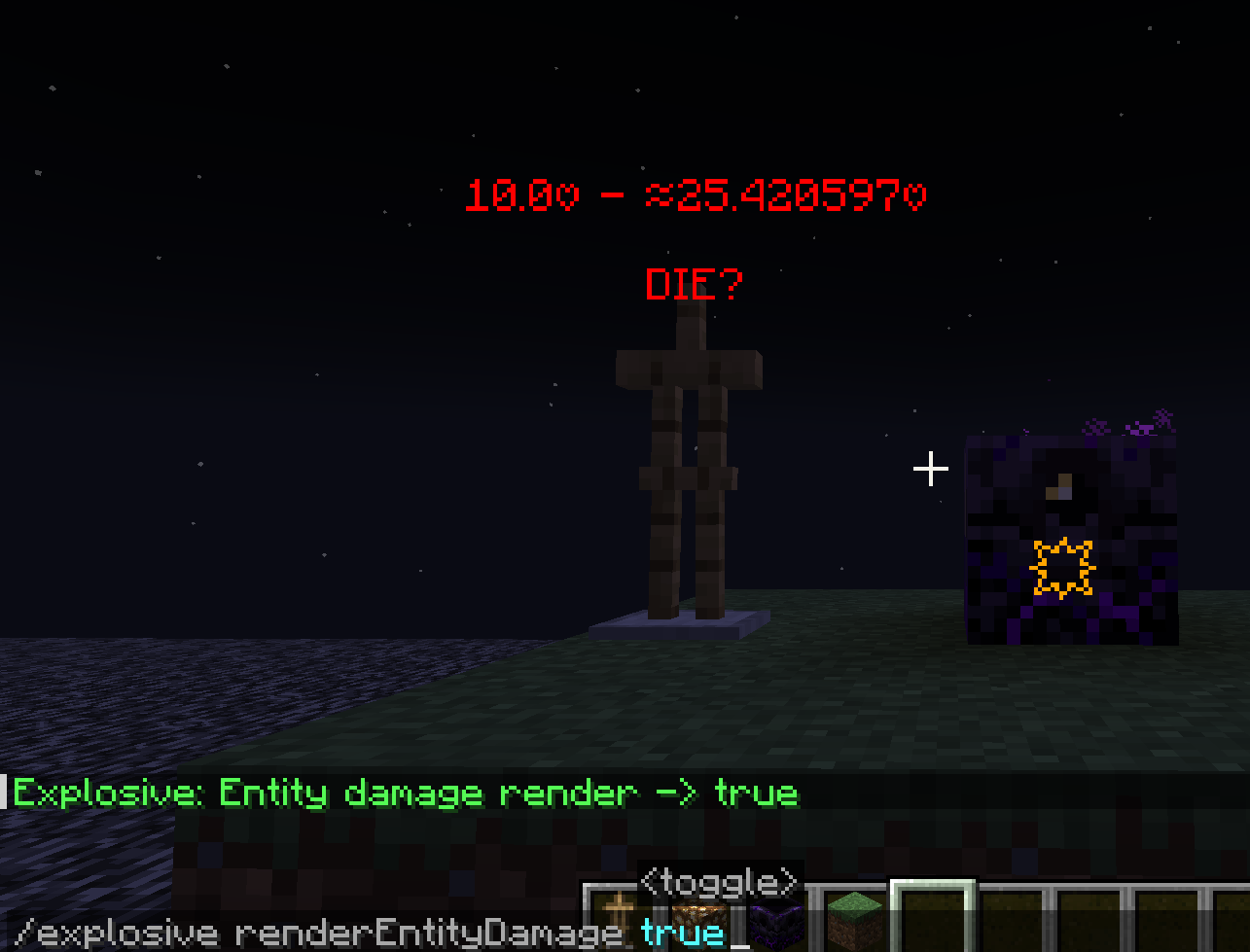
/explosionVisualizer rendererEntityDamage <toggle> <- #Enable entity damage projection rendering Replace this with a description
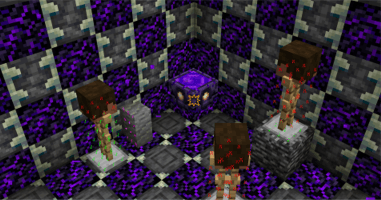
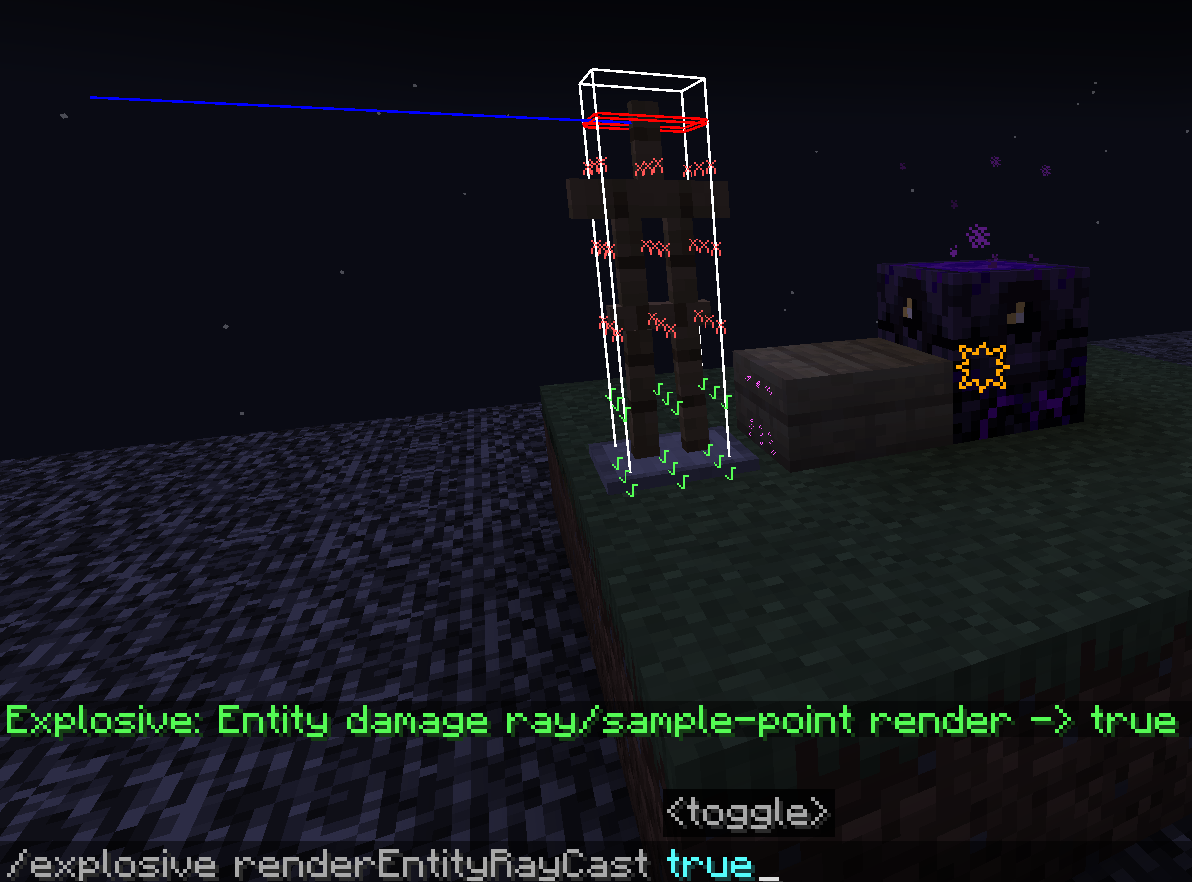
/explosionVisualizer rendererEntityRaycast <toggle> <- #Enable entity sample-points & raycast rendering Replace this with a description
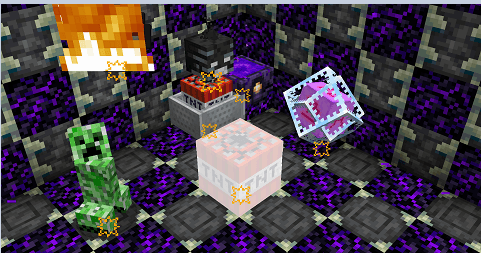
/explosionVisualizer renderExplosionBlockDetectionRay <toggle> <- #Enable explosion sample-points & raycast rendering Replace this with a description
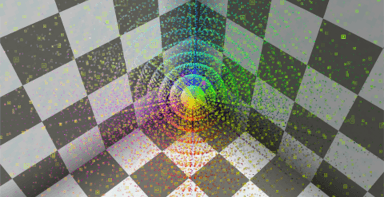
ADDITIONAL COMMANDS /explosionVisualizer fakeExplosion add <name> <x> <y> <z> <power> <IgnorBlockInSide(Boolean)> <-#create fake explosions Replace this with a description
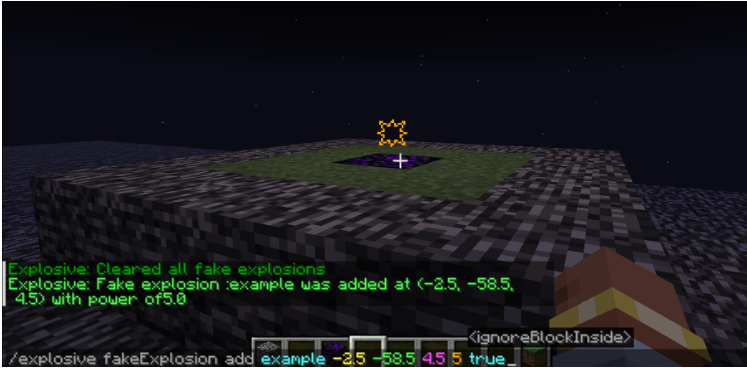
/explosionVisualizer fakeExplosion add <name> <x> <y> <z> <power> <IgnorBlockInside(Boolean)>
<name> : <String>(a name) <x> <y> <z> : <Float> <Float> <Float> (Explosion center's position) <power> : <Float> (Explosion power) <ignoreBlockInside> : <Boolean> (Sometimes the explosion center is inside a block, which affects the evaluation of the explosion. Enabling this option will ignore the block at the explosion center) /explosionVisualizer fakeExplosions remove <name> <-#remove the fake explosion by name
/explosionVisualizer fakeExplosions removeall <-#remove all the fake explosions Replace this with a description
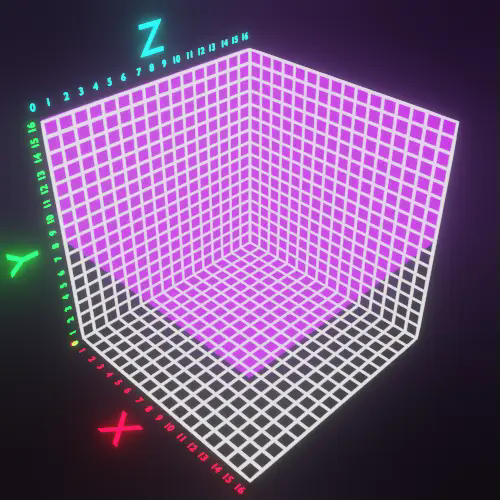
/explosionVisualizer blockDamageRayRendererSettings range <Xmax> <Xmin> <Ymax> <Ymin> <Zmax> <Zmin>
/explosionVisualizer blockDamageRayRendererSettings range <Xmax> <Xmin> <Ymax> <Ymin> <Zmax> <Zmin>
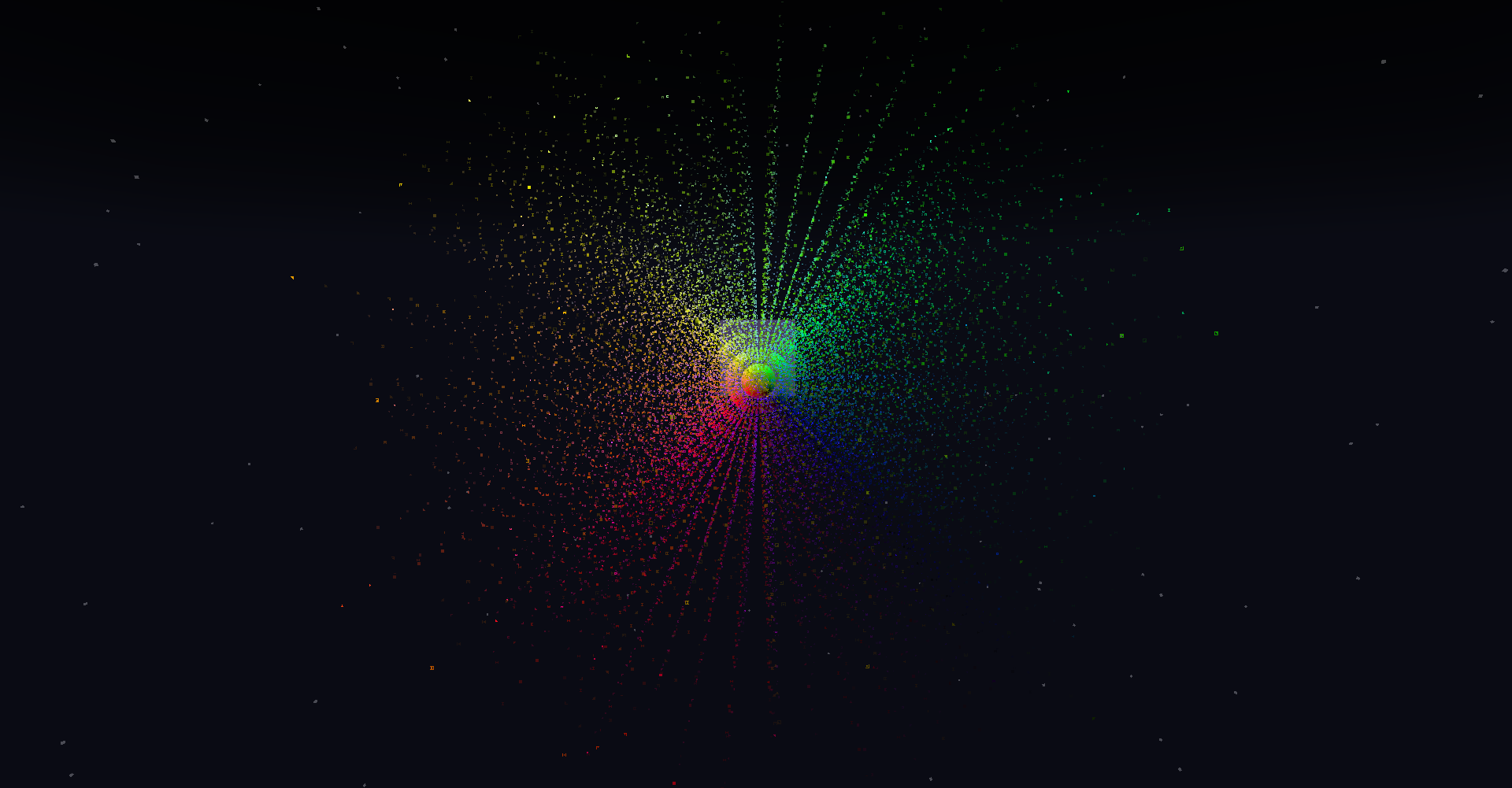
<Xmax> : <Int(0<sub>16)> <Xmin> : <Int(0</sub>16)> <Ymax> : <Int(0<sub>16)> <Ymin> : <Int(0</sub>16)> <Zmax> : <Int(0<sub>16)> <Zmin> : <Int(0</sub>16)> In Minecraft, 1532 rays are emitted from the center of the explosion towards the outermost layer of a 16x16x16 voxel grid surrounding the explosion center. (See" https://minecraft.fandom.com/wiki/Explosion" for details.)
Displaying them all together can look very cluttered. This command allows you to slice these rays for easier viewing.
<Xmax> : <Int(0<sub>16)> <Xmin> : <Int(0</sub>16)> <Ymax> : <Int(0<sub>16)> <Ymin> : <Int(0</sub>16)> <Zmax> : <Int(0<sub>16)> <Zmin> : <Int(0</sub>16)> are filters to limit the range. Here are some examples..
(0 16 0 16 88)
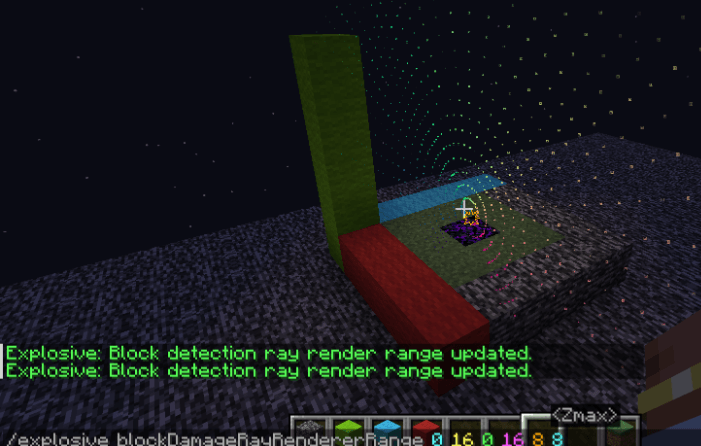
(0 7 5 16 6 16)
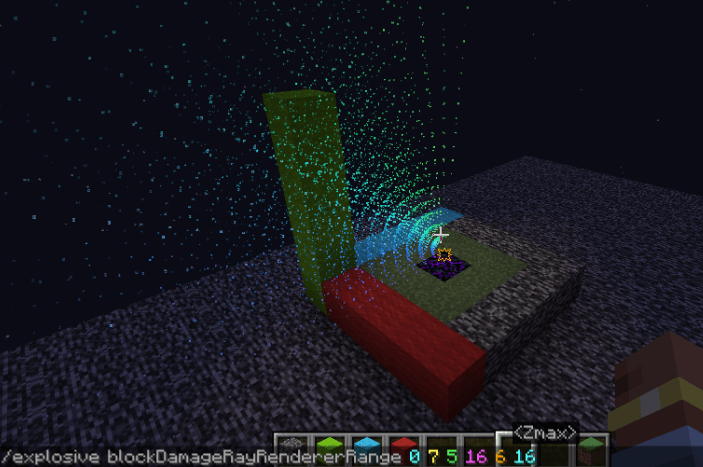
(0 16 8 16 0 16)
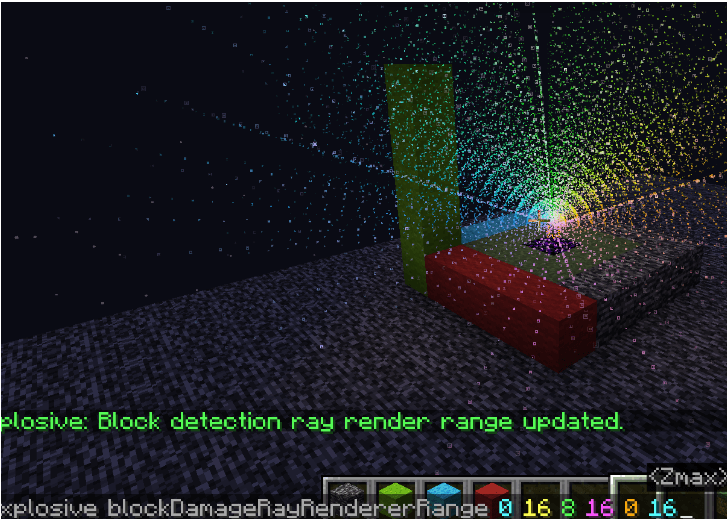
This mod has already been merged with Lucidity.
This mod is a powerful tool. It can simulate and display various details of explosions in real-time, including explosion rays, blocks that will be destroyed, the explosion center, estimated damage to nearby entities, and sample points of entities about to be affected. #IMPORTANT Please check the Changelog for the latest updates!
BASIC COMMANDS
/explosionVisualizer mainRender <- #Enable Rendering
/explosionVisualizer renderBlockDestruction <- #Enable block destruction projection rendering
/explosionVisualizer rendererEntityDamage <- #Enable entity damage projection rendering
/explosionVisualizer rendererEntityRaycast <- #Enable entity sample-points & raycast rendering
/explosionVisualizer renderExplosionBlockDetectionRay <- #Enable explosion sample-points & raycast rendering
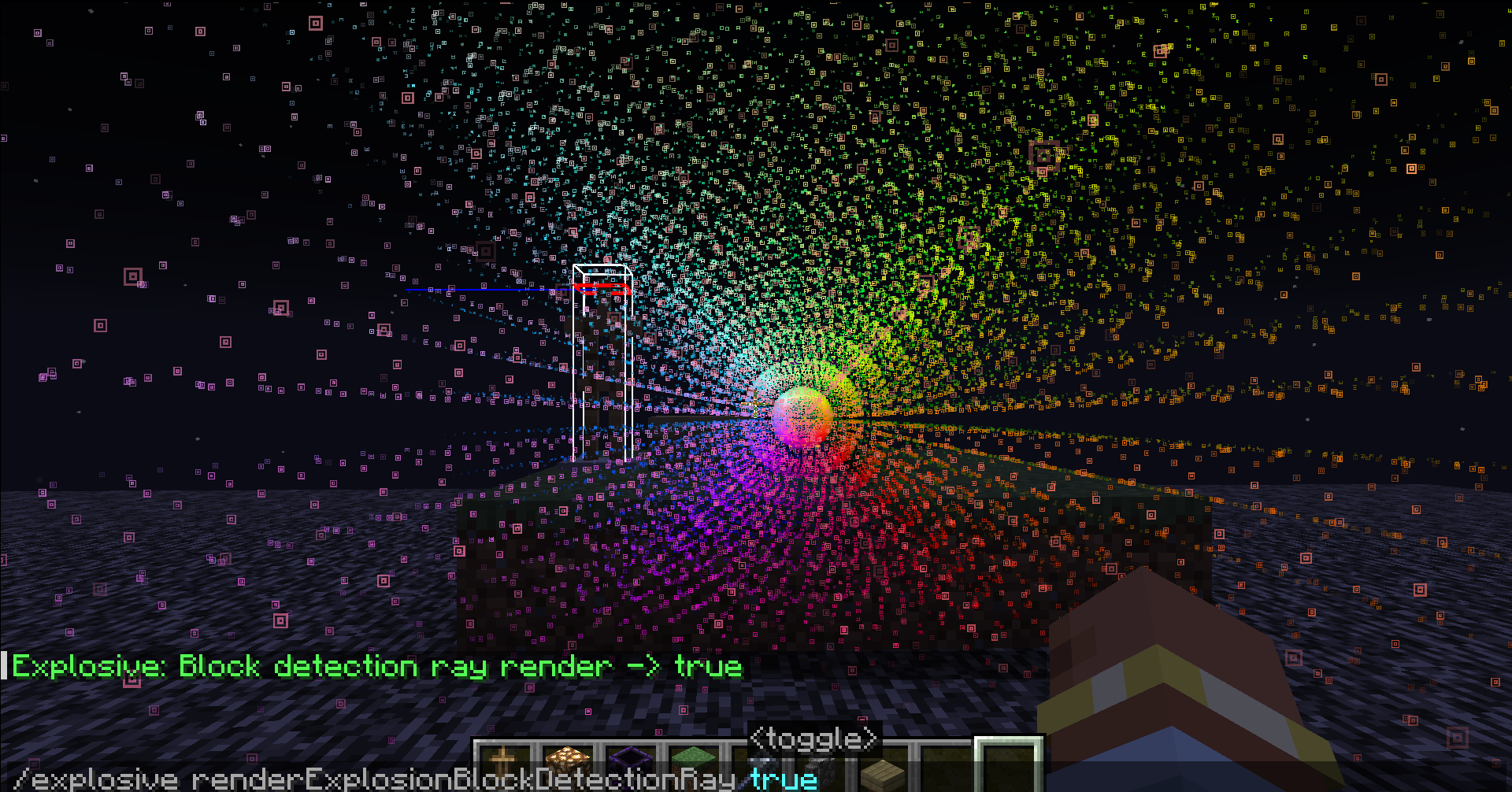
ADDITIONAL COMMANDS
/explosionVisualizer fakeExplosion add <IgnorBlockInSide(Boolean)> <-#create fake explosions
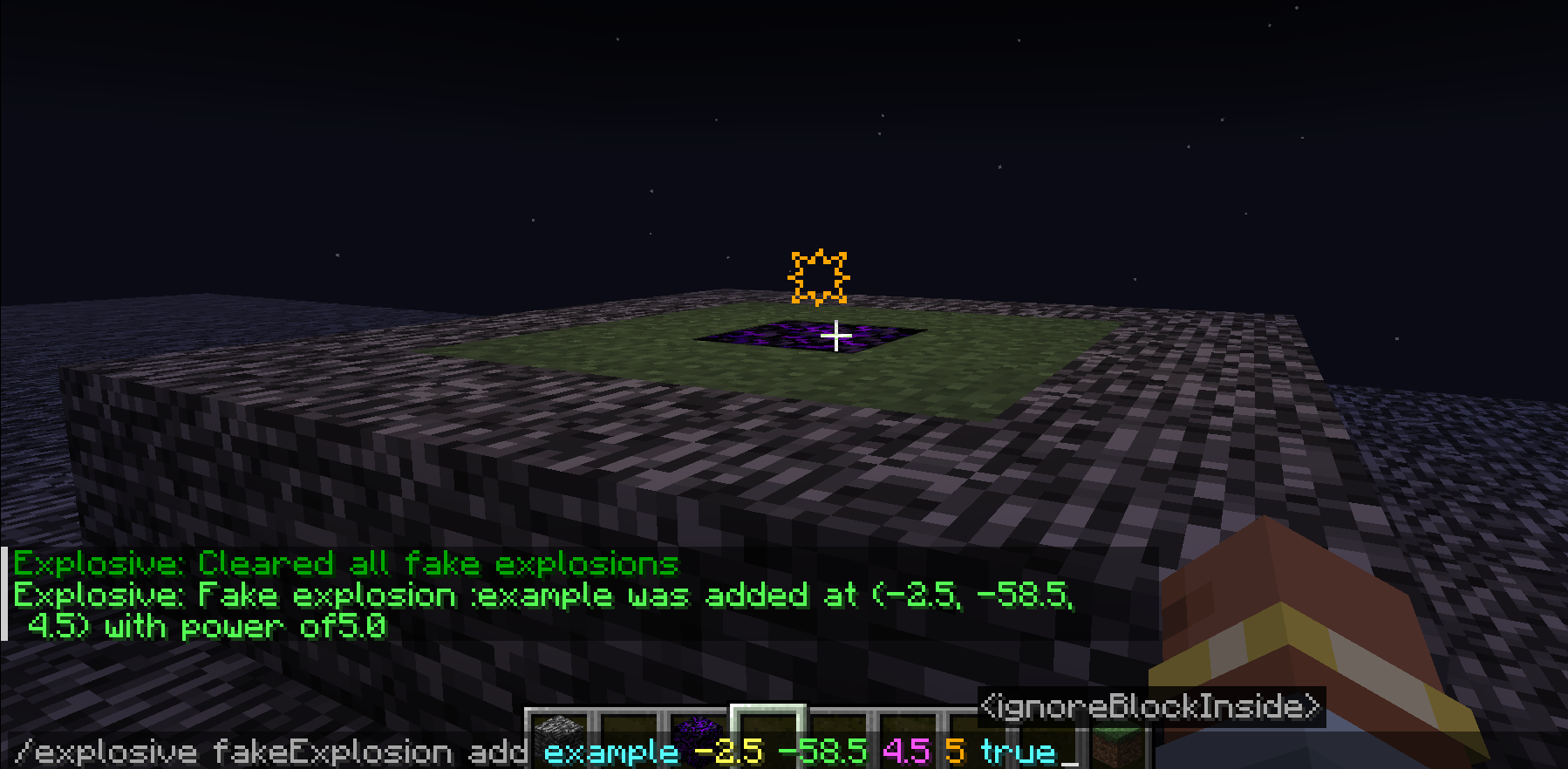
/explosionVisualizer fakeExplosion add <IgnorBlockInside(Boolean)>
- : (a name)
- : (Explosion center's position)
- : (Explosion power)
- : (Sometimes the explosion center is inside a block, which affects the evaluation of the explosion. Enabling this option will ignore the block at the explosion center)
/explosionVisualizer fakeExplosions remove <-#remove the fake explosion by name
/explosionVisualizer fakeExplosions removeall <-#remove all the fake explosions
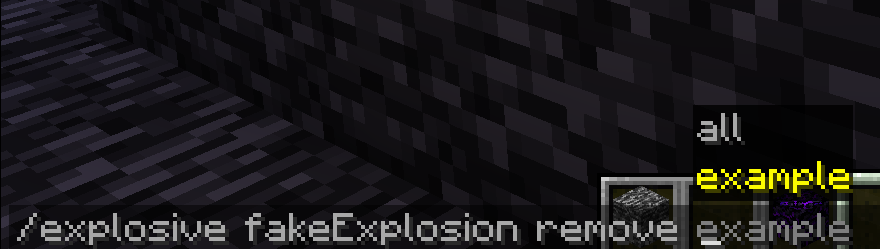
/explosionVisualizer blockDamageRayRendererSettings range
/explosionVisualizer blockDamageRayRendererSettings range
- : <Int(0~16)>
- : <Int(0~16)>
- : <Int(0~16)>
- : <Int(0~16)>
- : <Int(0~16)>
- : <Int(0~16)>
In Minecraft, 1532 rays are emitted from the center of the explosion towards the outermost layer of a 16x16x16 voxel grid surrounding the explosion center. (See" https://minecraft.fandom.com/wiki/Explosion" for details.)
Displaying them all together can look very cluttered. This command allows you to slice these rays for easier viewing.
- : <Int(0~16)>
- : <Int(0~16)>
- : <Int(0~16)>
- : <Int(0~16)>
- : <Int(0~16)>
- : <Int(0~16)> are filters to limit the range.
Here are some examples..
(0 16 0 16 88)
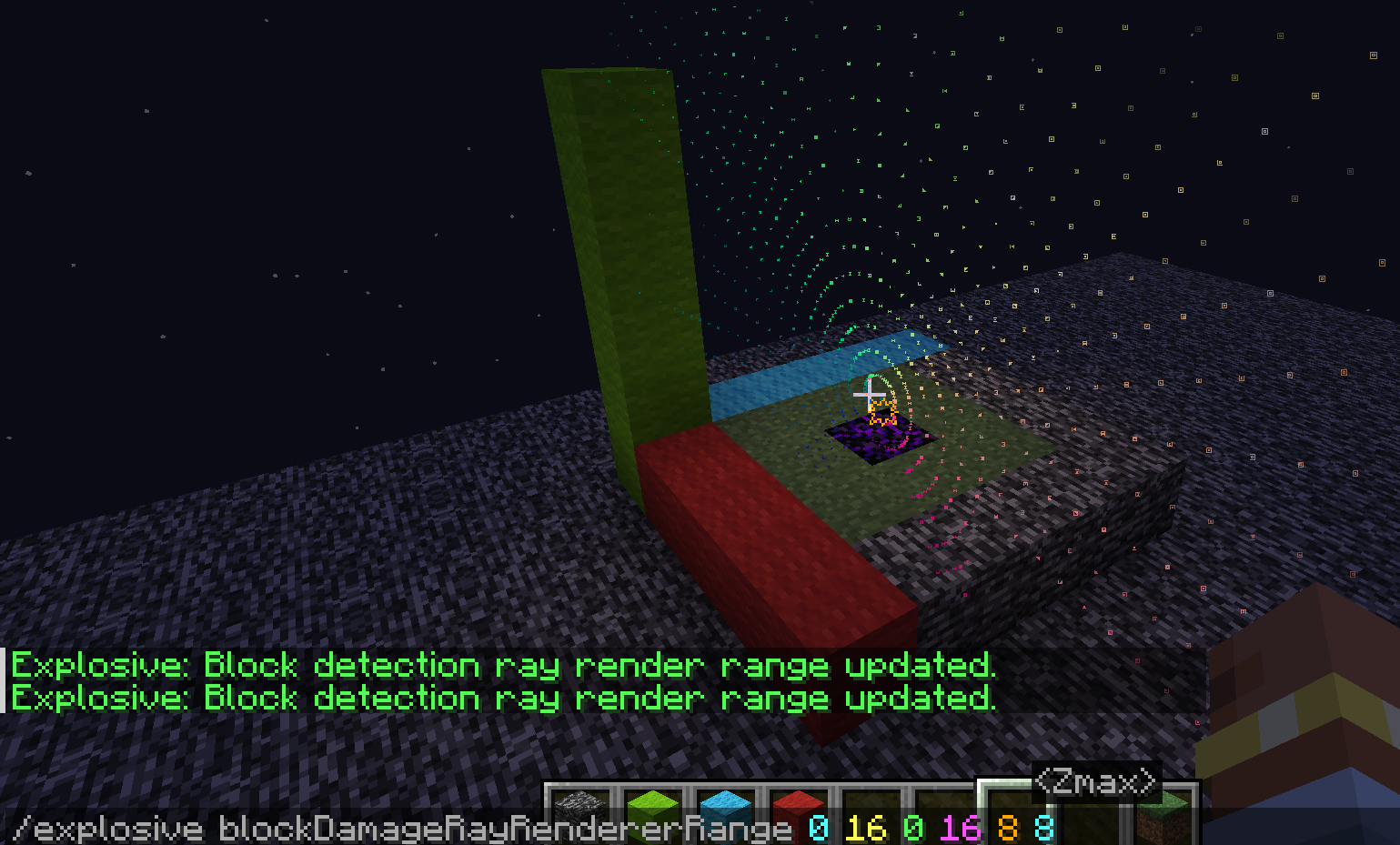
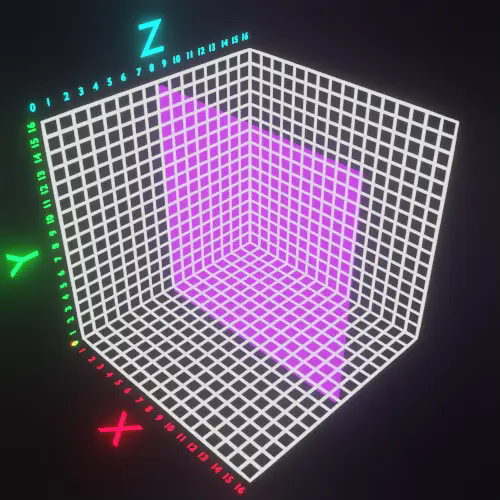
(0 7 5 16 6 16)
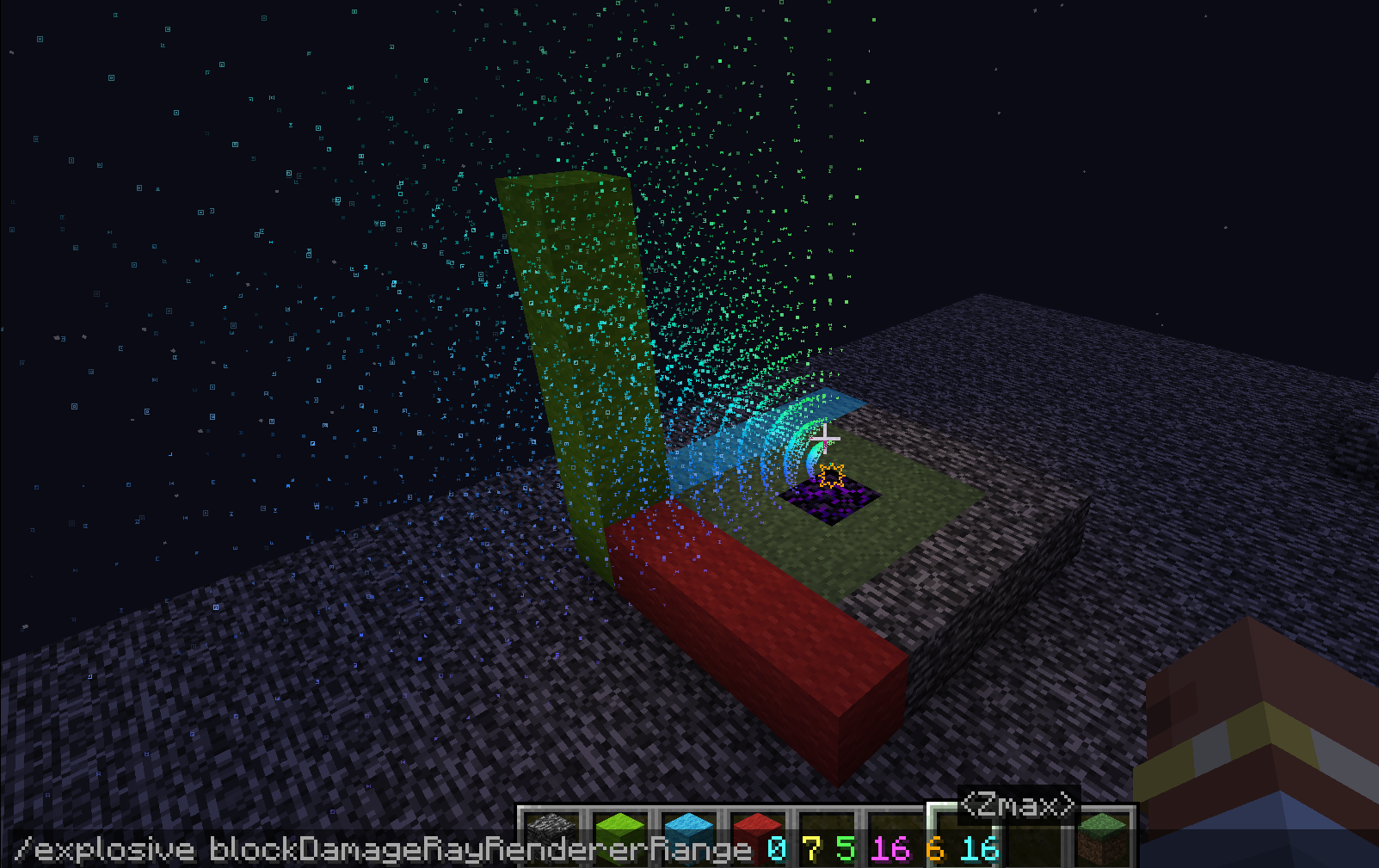
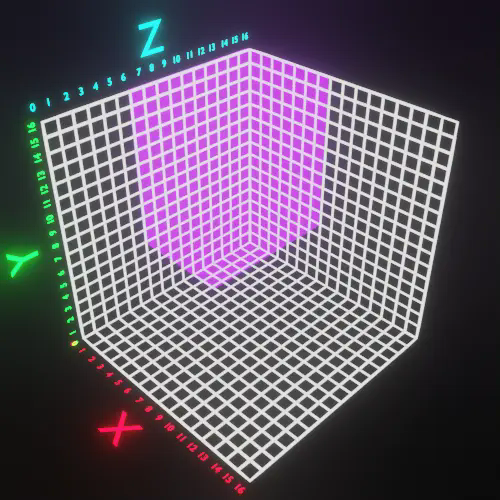
(0 16 8 16 0 16)
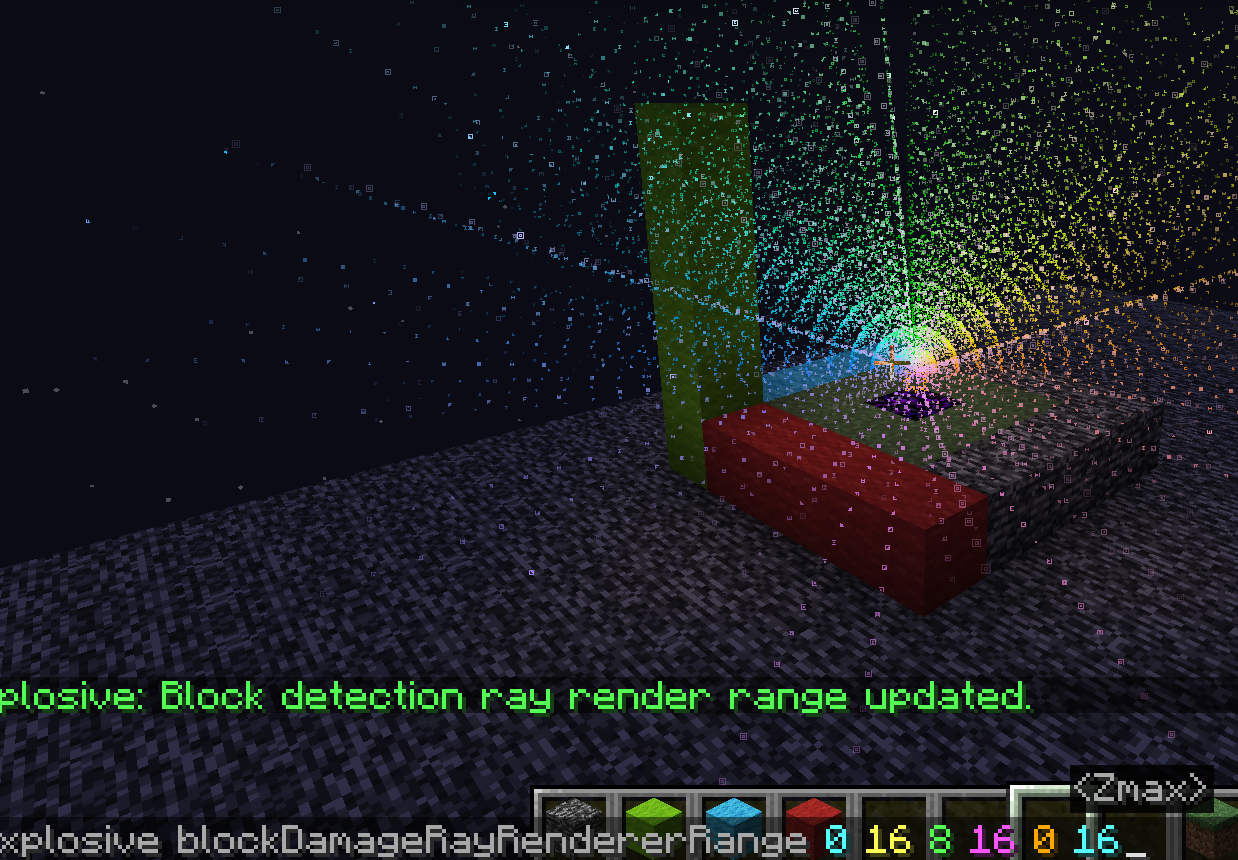
Screenshots
Gallery
-
 ray - Copy.png ray - Copy.png
 -
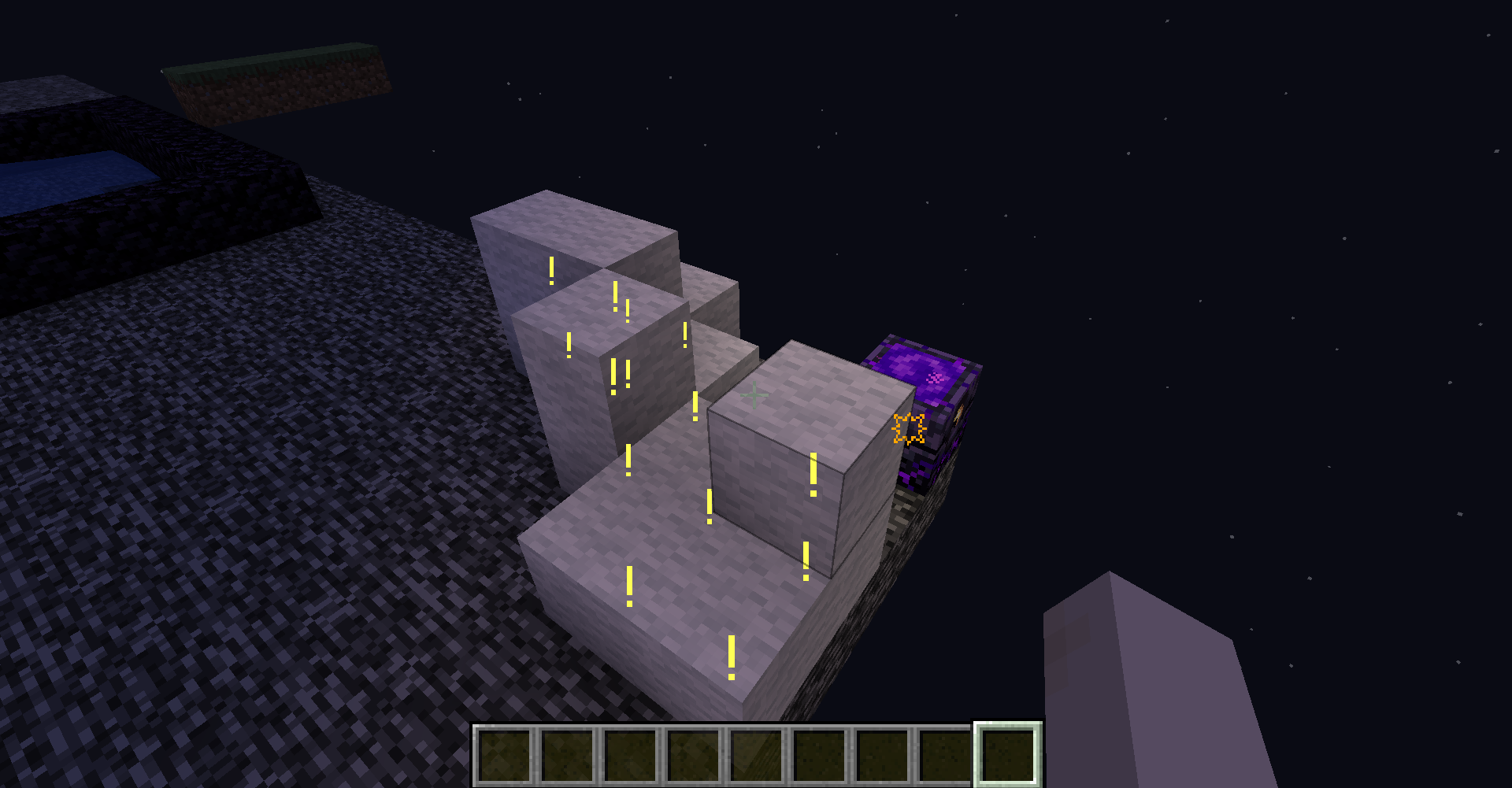
 damage.png damage.png
 -
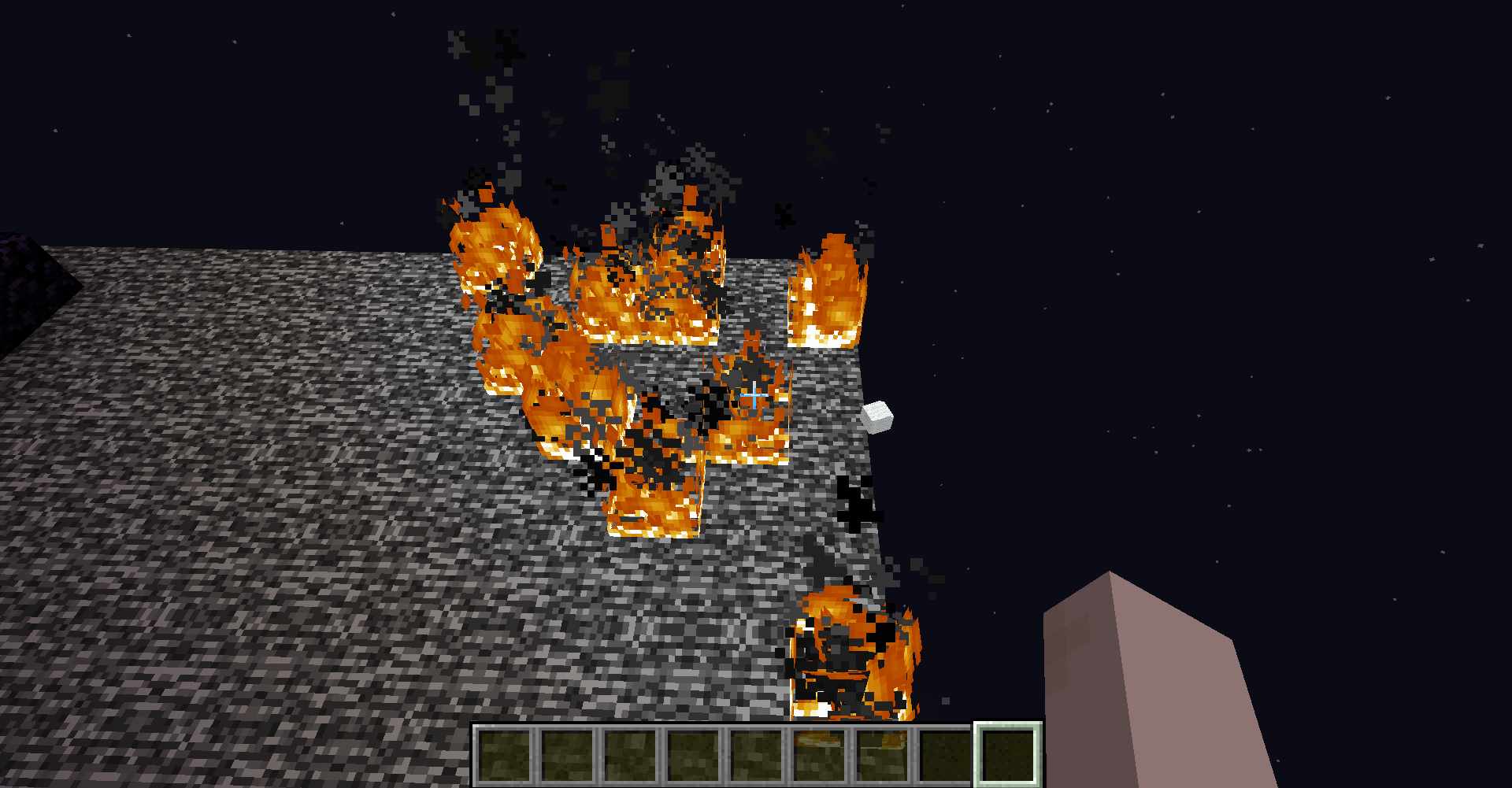
 block-destruction.png block-destruction.png
 -
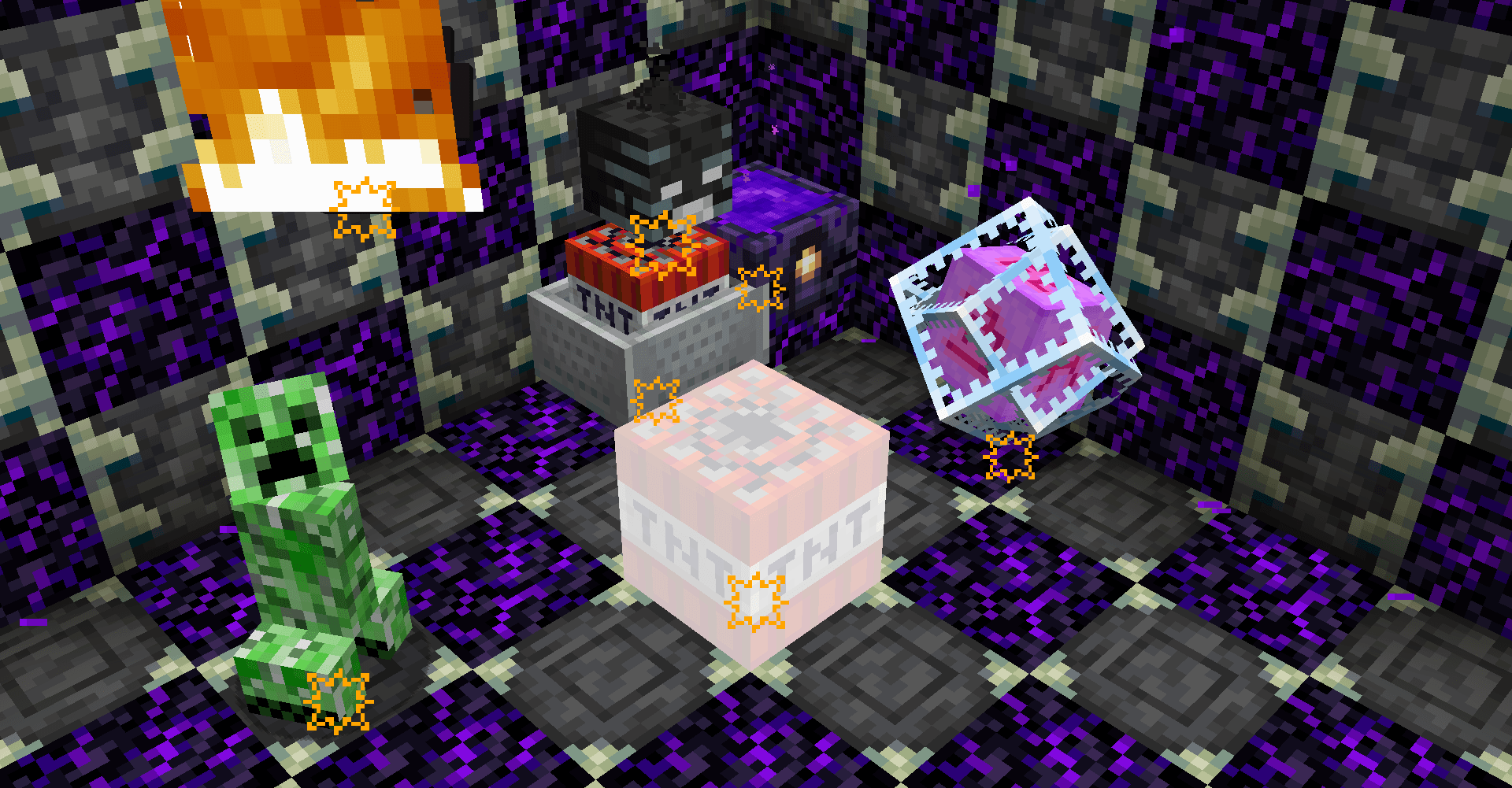 all-explosives.png all-explosives.png
Versions
Files
Relations
Project Relations
More like this
Similar Mods
Suggestions use data such as tags, dependencies, dependents, descriptions, titles, and more to rank how much they overlap with this mod.
On ModDex
Community snapshot
By the numbers
Statistics

Get it on
Available Platforms
On ModDex
Community snapshot
By the numbers