Community listing page, reviews here may not be monitored by the author.
Extended Inventory

No reviews yet
Backpacks! With convenient hotbar refilling.
Community voices
Reviews
No reviews yet. Be the first to review this project!
Get it on
Available Platforms
About
Project Details
For authors
Embed Badge
If you're the author of this project, you can embed a live badge anywhere that supports HTML or Markdown. It updates automatically whenever ratings change.
Use HTML for any page that supports it, or Markdown for README files and Markdown-based descriptions.
Identifiers
Platform IDs
Resources
External Links
About
Description
-- Disclaimer --
This mod is a new mod, and although I know there are other backpack mods, I tried to make this one unique. Any suggestions please write in the comment section (Located on curseforge.com, not curse.com), and issues in the Issues tab above. As well if any wording is unclear in the description below please suggest how I could better clarify it.
-- Mod Description --
Backpacks offer a convenient way to store extra blocks and items within your inventory. This comes in handy when building large structures and you need a lot of blocks, all you have to do is hold the backpack and then right click to open it.
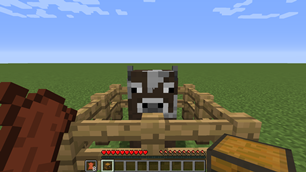
To begin with the mod, the first thing you'll want to do is befriend a cow. All the crafting within the mod is done via right clicking a cow while holding two objects, one in your main hand, in another in your off hand. The cow will then consume the crafting ingredients from your inventory and give you the result. Crafting a backpack comes first, you hold a chest in your main hand, and 8 leather in your off hand, right clicking the cow will consume the ingredients and give you a backpack. You can see all of the recipes listed below.
Visual Recipes
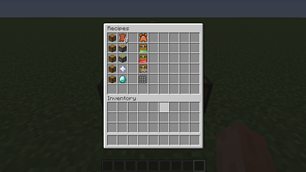
MAIN HAND + OFF HAND = RESULT.
Chest + 8 Leather = Backpack.
Chest + Piston = Export Module.
Chest + Sticky Piston = Import Module.
Chest + Nether Star = Chest Link.
Chest + Diamond = Hotbar Link.
Initially you can only use your backpack to store stuff. You will have to manually open the backpack whenever you would like to put items/blocks in it or retrieve from it. However this can be upgraded later on. The first upgrade is known as a "Hotbar Link" it is crafted by right clicking a cow while holding a chest in your main hand and a diamond in your off hand. Placing the Hotbar Link in one of the backpacks linking slots enables the backpack to auto-refill items/blocks in that slot. So placing a Hotbar Link in the first linking slot (Located between the backpack inventory and the player inventory) will enable the backpack to keep Hotbar Slot #1 filled. This way you can place cobblestone and it will be taken out of the backpack as you place it, keeping the stack at 64 until the backpack runs out.
Another nice feature of the mod is that you can name the backpacks by placing a name-tag in a dedicated slot. Simply rename the name-tag in an anvil and then place it in the slot.
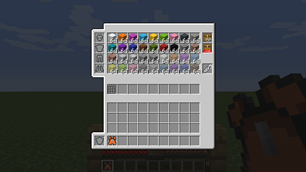
The next upgrade, a chest link can be extremely powerful, especially when combined with other mods. It allows the backpack to interact with another inventory in the world. The import module or export module require the chest link in order to function. Import modules take items from the linked inventory, and put them into the backpack. So long as there is one of the item in the backpack already. If you have dirt in a linked inventory, but no link dirt in your backpack, it will not fill the backpack with dirt, but if you place one piece of dirt in the backpack and link it to an inventory full of dirt, it will keep a stack at all times in the backpack. The opposite goes for the export module, it will keep the linked inventory supplied, in the same way, so long as there is at least one of the object in the inventory.
Screenshots
Gallery
-
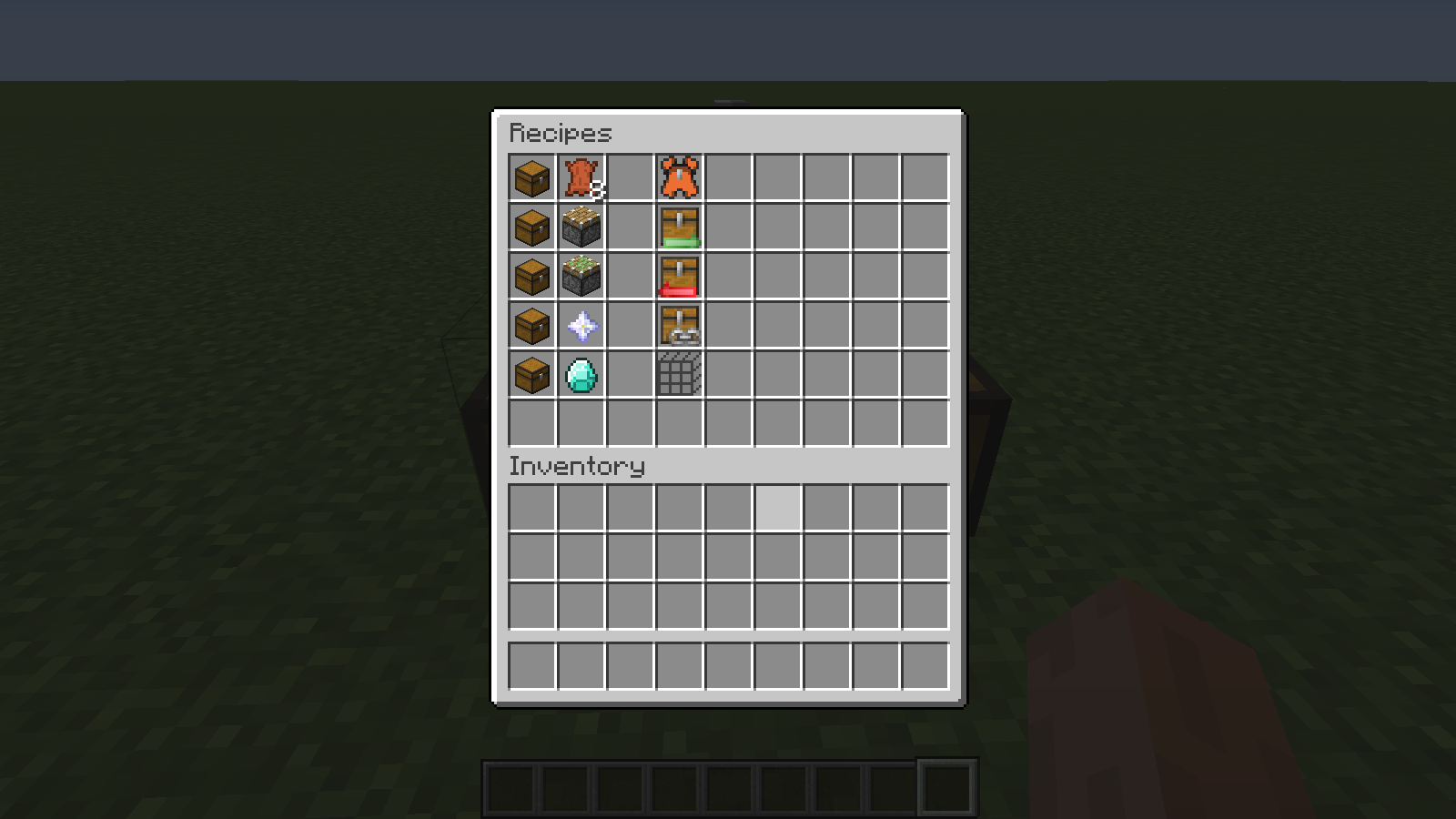 Crafting Recipes The various crafting recipes, hold the item stack on the left in your main hand, and the item stack in the middle in your off hand then right click a cow to craft the result (Item stack on the right)
 -
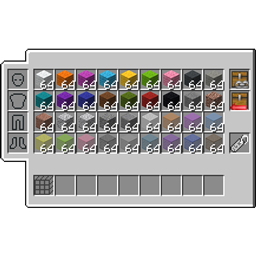
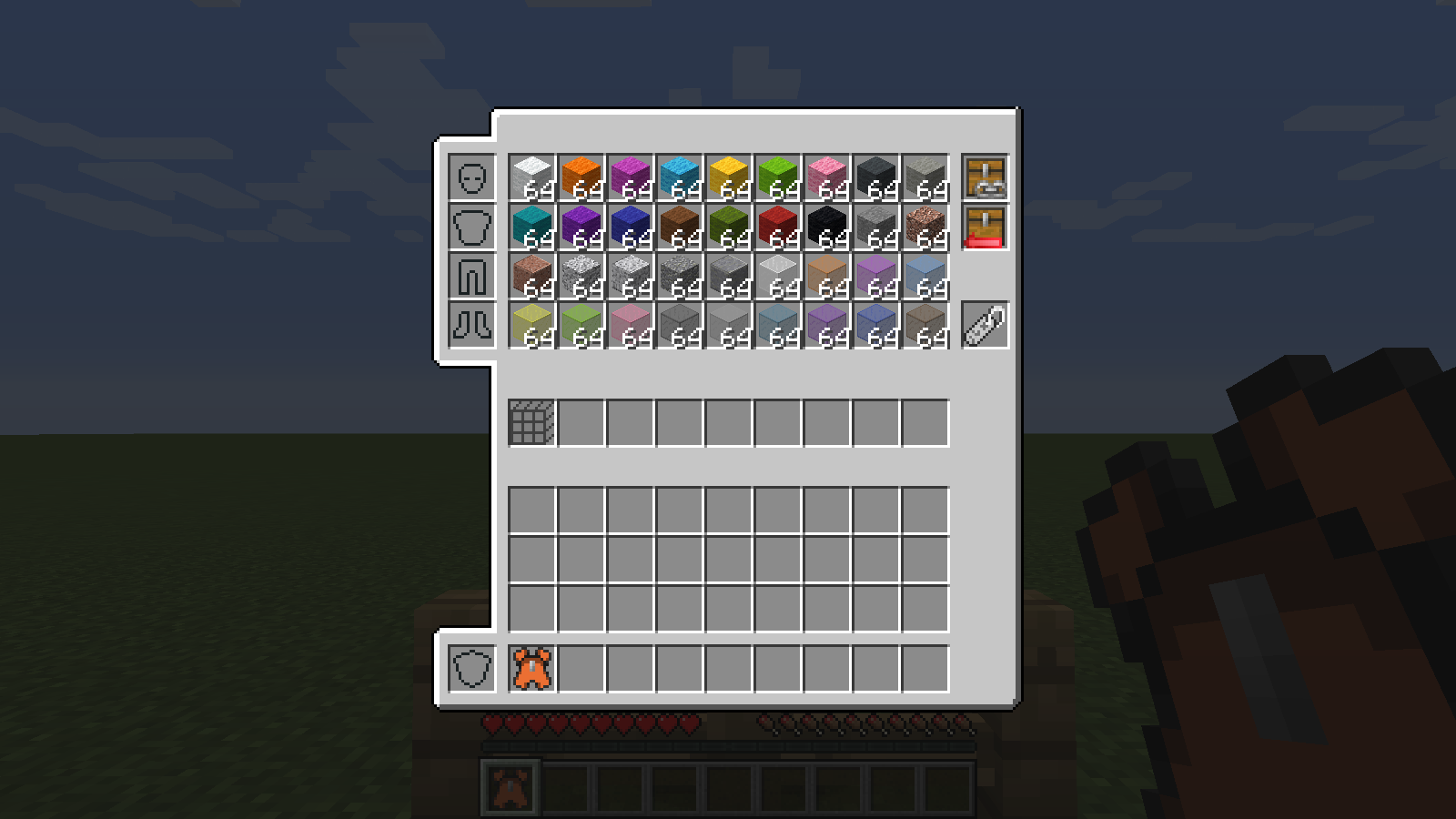 A full backpack A backpack full of building materials, contains a chest link, and a hotbar link for hotbar slot 1.
 -
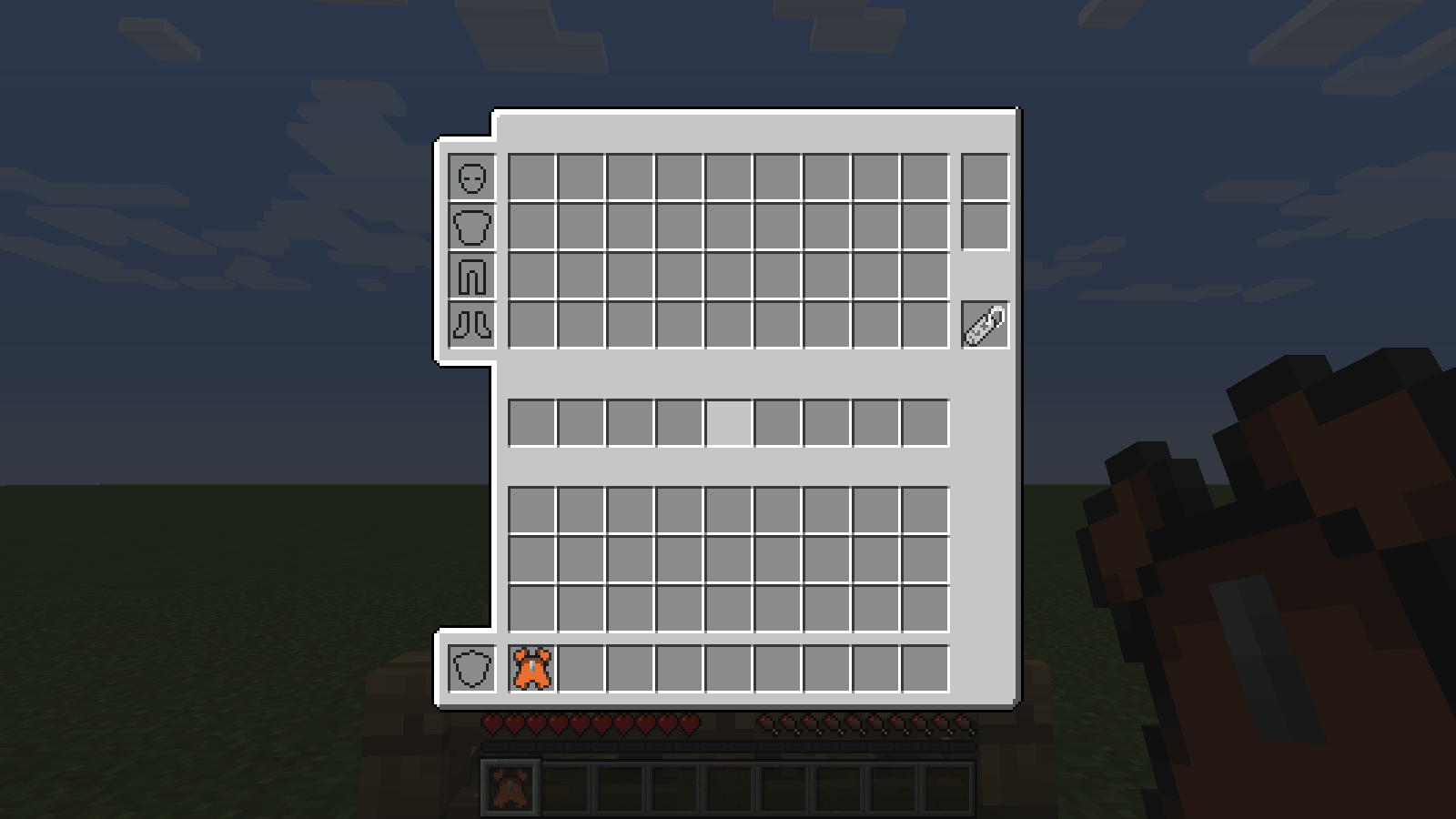 An Empty Backpack How the backpack looks once opened.
 -
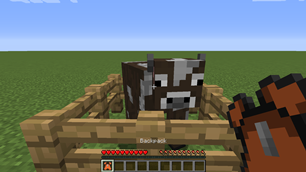
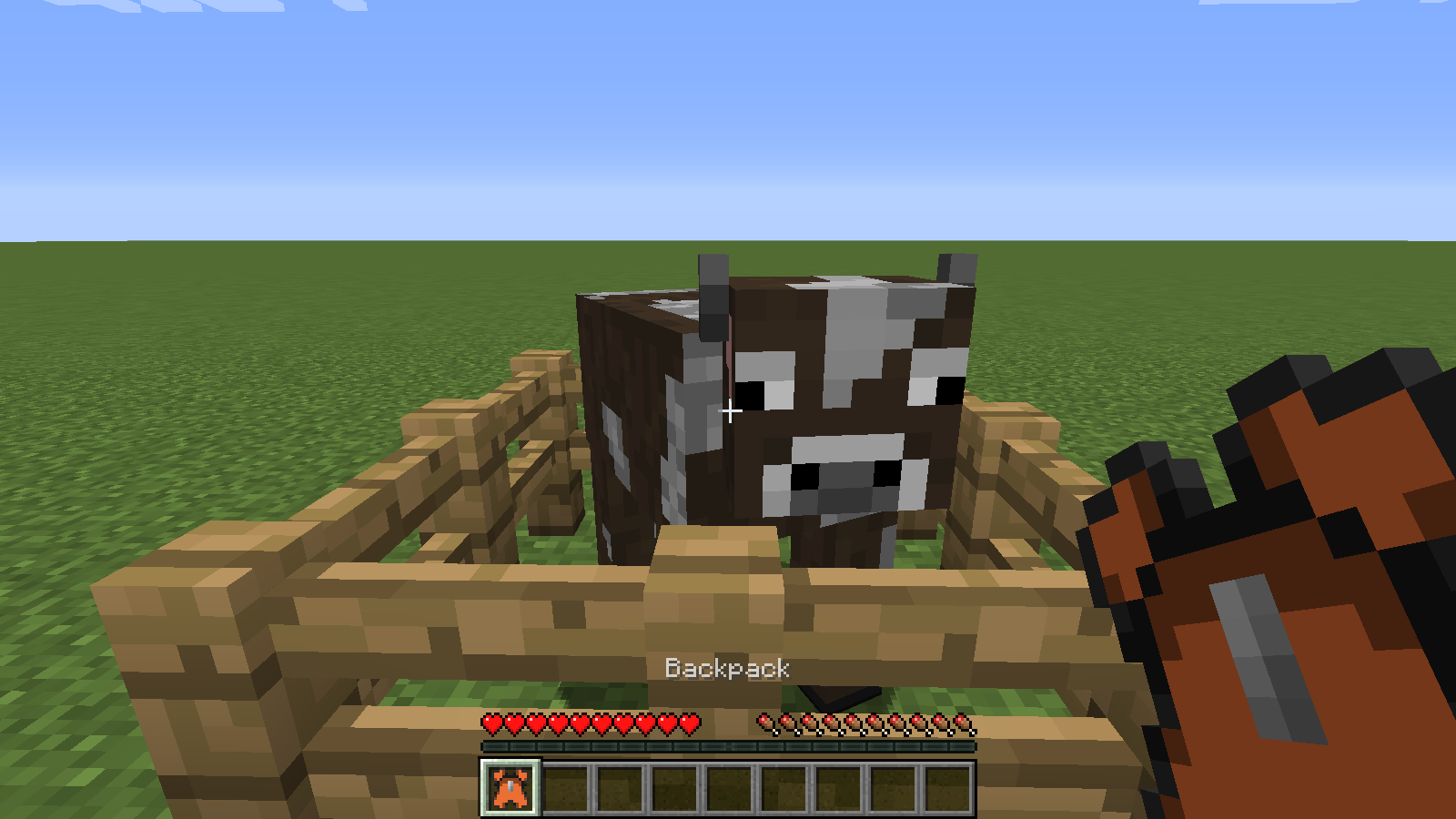 A Crafted Backpack After right clicking the cow, you will have a backpack.
 -
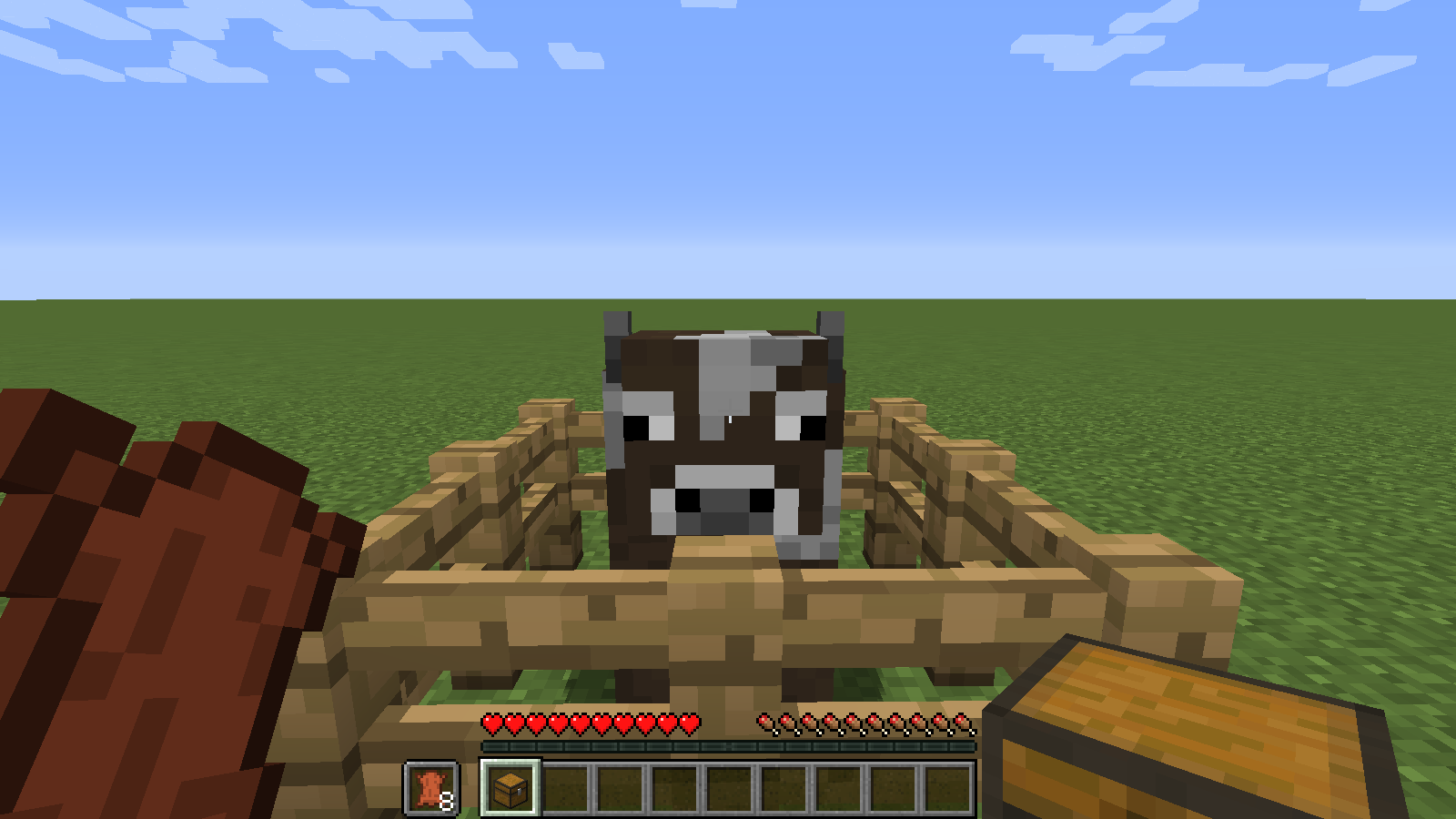 Starting Out Start out with a chest, eight leather and a cow.
Versions
Files
Relations
Project Relations
More like this
Similar Mods
Suggestions use data such as tags, dependencies, dependents, descriptions, titles, and more to rank how much they overlap with this mod.
On ModDex
Community snapshot
By the numbers
Statistics
Want to reach Minecraft players?
We're looking for a server hosting partner to feature here and other parts of the site. Interested? Send us a message!
Get in touchGet it on
Available Platforms
On ModDex
Community snapshot
By the numbers
Statistics
Resources