Community listing page, reviews here may not be monitored by the author.
EZ Extended

No reviews yet
Useful additions to EZ Storage
Community voices
Reviews
No reviews yet. Be the first to review this project!
Get it on
Available Platforms
About
Project Details
For authors
Embed Badge
If you're the author of this project, you can embed a live badge anywhere that supports HTML or Markdown. It updates automatically whenever ratings change.
Use HTML for any page that supports it, or Markdown for README files and Markdown-based descriptions.
Identifiers
Platform IDs
Resources
External Links
About
Description
EZ Extended is an addon for EZ Storage by zero__fall that has some neat stuff. It has access terminals which allow you to access your storage core from any point on the system, extra storage box sizes, blank boxes for simple extension, and the ability to secure your storage system against unwanted access on servers and shared worlds.
All aspects of the mod are configurable, too.
EZ Storage 2 is here for 1.9.4 and 1.10.X with these additions and more, so check it out!
Take a look!
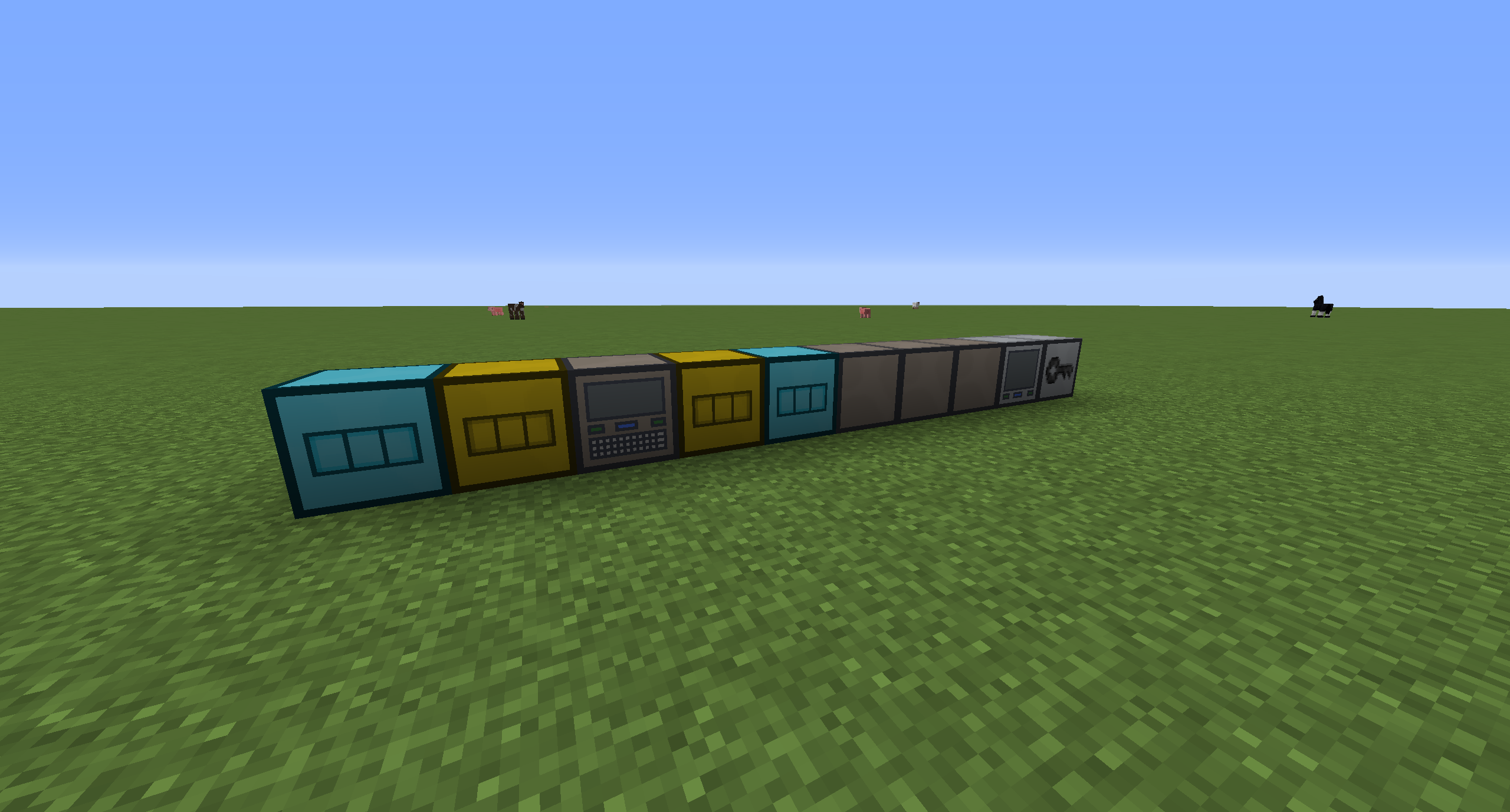
The access terminal:
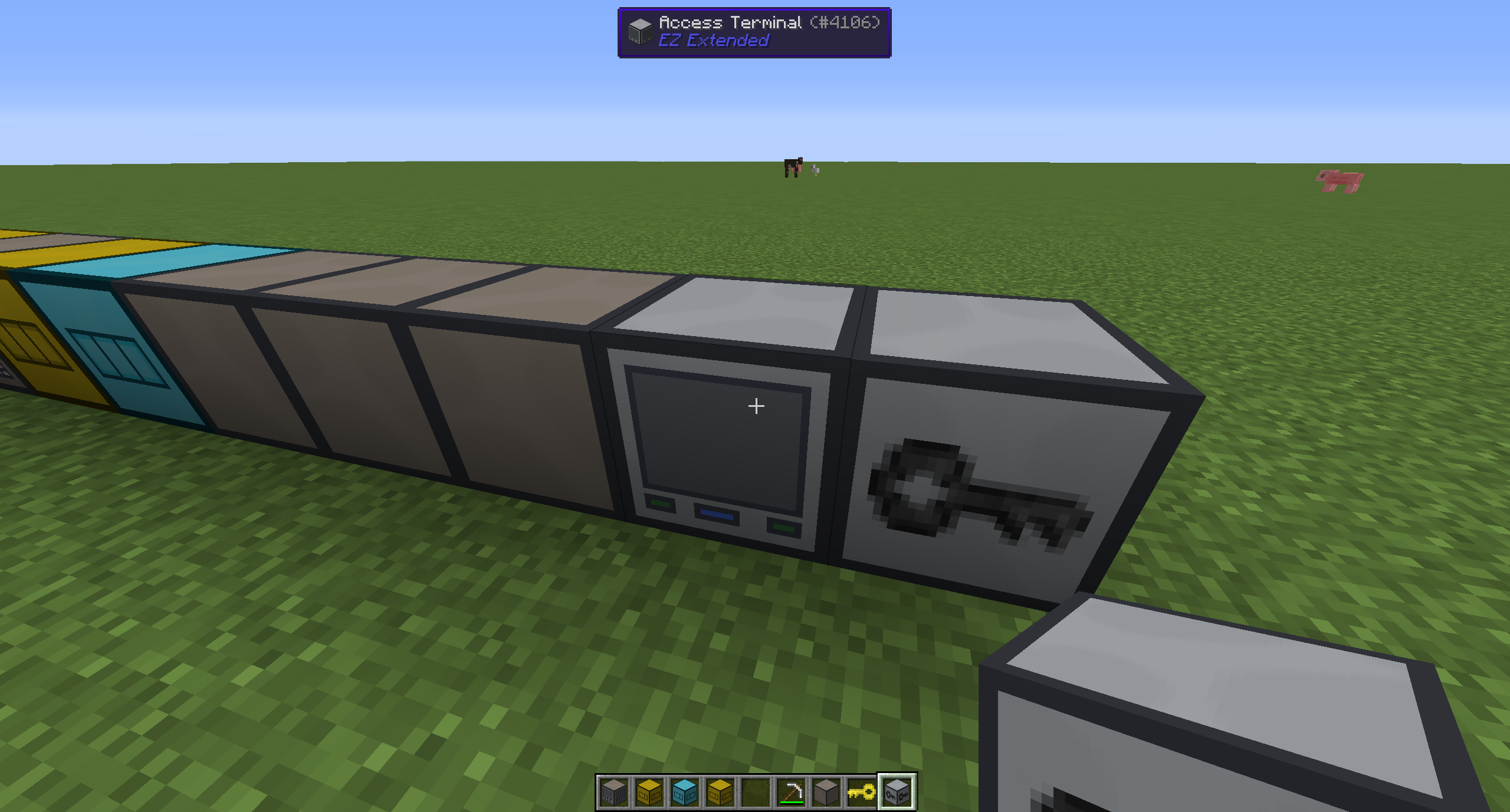
Right clicking it will make it as if you were right at the core!
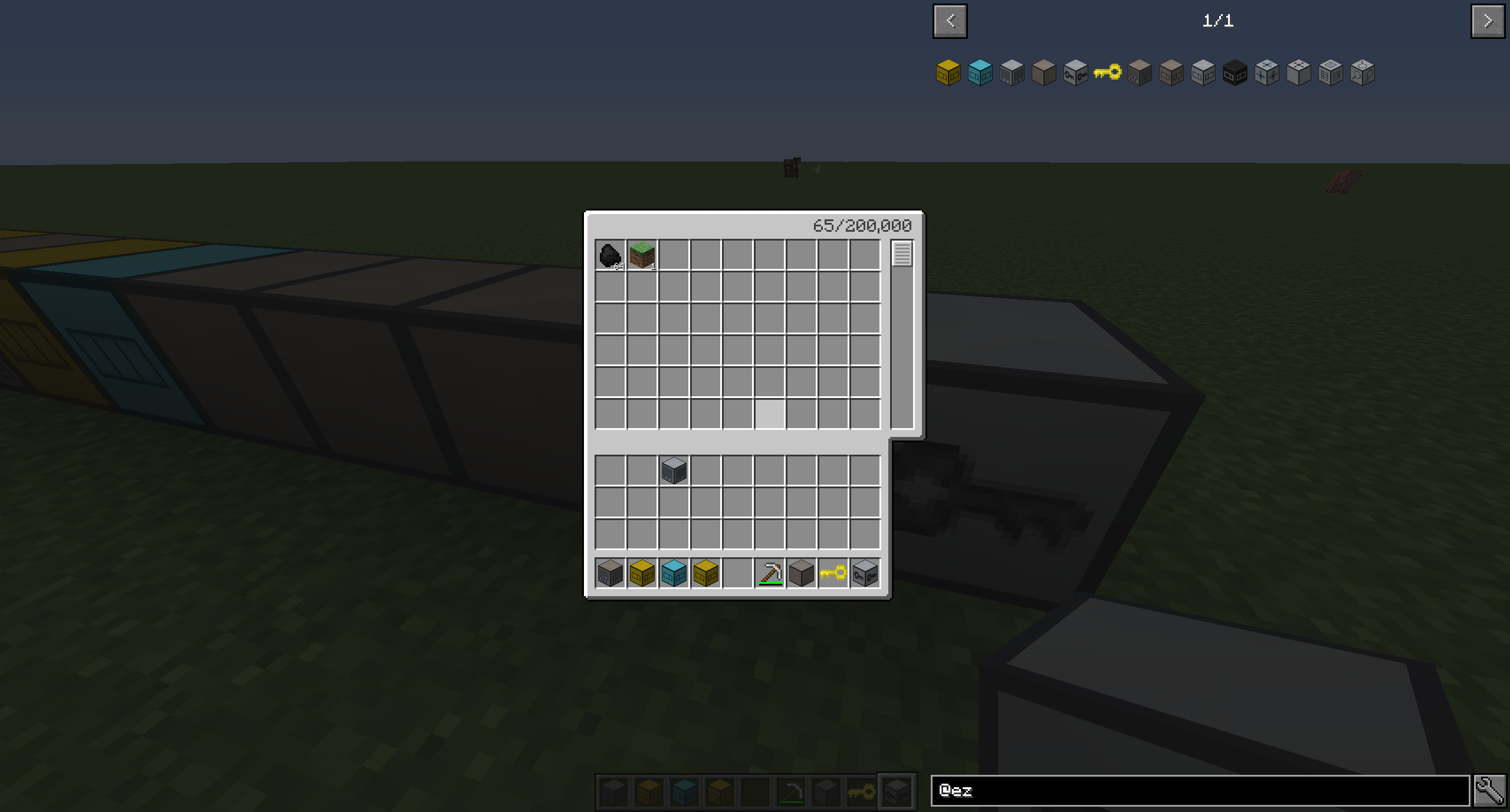
The security box:
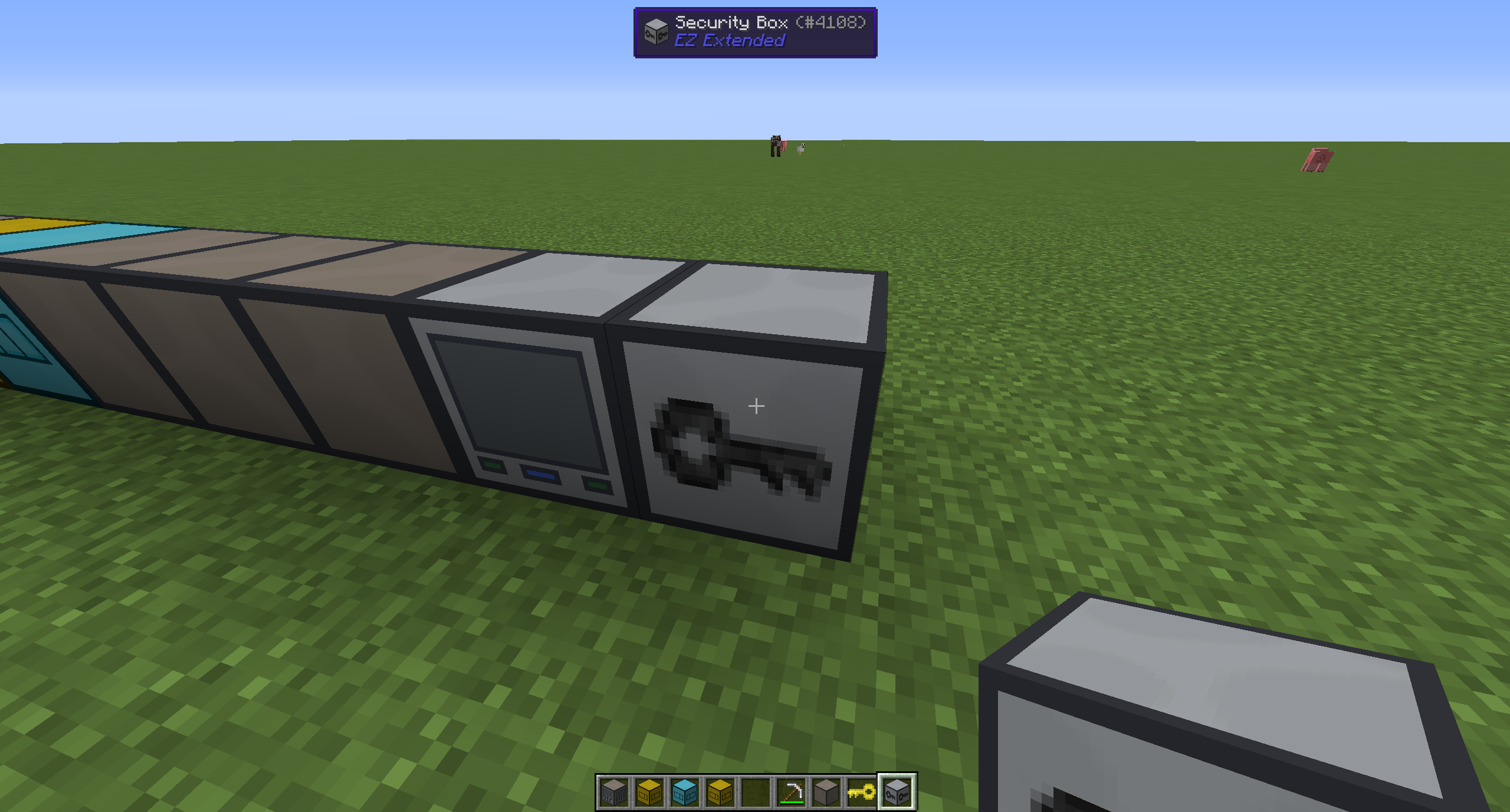
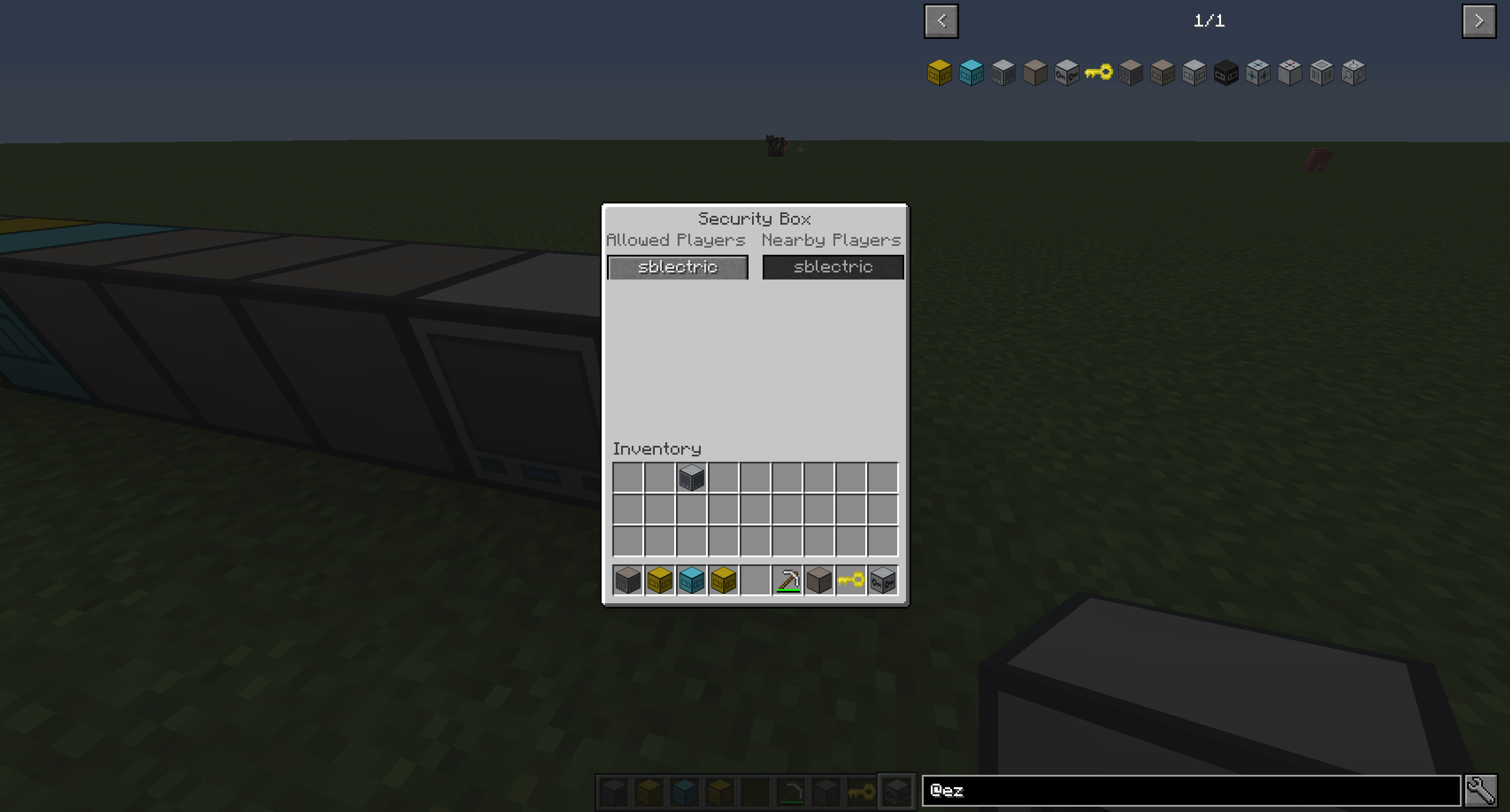
The GUI allows you to click to add/remove whitelisted players that can use the system. Players that aren't on the whitelist will not be able to interact with the entire system in any way.
To remove the security box, simply right click it with the EZ key.
Enjoy the mod!
If you enjoy this mod, be sure to check out my other projects here.
Also consider donating above.
Screenshots
Gallery
-
Security Box GUI
-
Security Box
-
Using the Terminal
-
Access Terminal
-
Sample Setup
Versions
Files
Relations
Project Relations
More like this
Similar Mods
Suggestions use data such as tags, dependencies, dependents, descriptions, titles, and more to rank how much they overlap with this mod.
On ModDex
Community snapshot
By the numbers
Statistics
Want to reach Minecraft players?
We're looking for a server hosting partner to feature here and other parts of the site. Interested? Send us a message!
Get in touchGet it on
Available Platforms
On ModDex
Community snapshot
By the numbers
Statistics
Resources