
Community listing page, reviews here may not be monitored by the author.
Fabis Chatfilter

No reviews yet
ChatFilter organizes your Minecraft chat into custom, rule-based tabs. Sort messages by sender, content, or origin to keep your chat clean, organized, and clutter-free.
Community voices
Reviews
No reviews yet. Be the first to review this project!
Get it on
Available Platforms
Compatibility
Supported Environments
Runs entirely on the client. Works on vanilla servers.
About
Project Details
For authors
Embed Badge
If you're the author of this project, you can embed a live badge anywhere that supports HTML or Markdown. It updates automatically whenever ratings change.
Use HTML for any page that supports it, or Markdown for README files and Markdown-based descriptions.
Identifiers
Platform IDs
Resources
External Links
About
Description
My ChatFilter automatically organizes incoming messages into dedicated tabs (e.g., Server, Private, Staff) instead of cluttering the default chat. Messages are saved in their respective tab histories and can be customized using specific filtering rules.
Key Features
- Multiple Chat Tabs: Create custom tabs with individual rule sets.
- Filter Types:
- CONTAINS: Matches specific keywords.
- STARTS WITH: Matches messages beginning with specific text.
- SENDER: Filters based on the player's name.
- REGEX: Advanced filtering using regular expressions.
- ORIGIN: Filter by source (Player / Private / Server).
- Unread Indicators: Notification counters for each tab.
Customization:
Set unique tab colors. Toggle tab-specific notifications (disabled by default). Flexible UI: Position tabs at the top or bottom; align them left, center, or right. Profile Management: Save, load, import, and export your configurations.
Quick Start Guide:
F10 Opens the settings menu.
Tab Menu: Edit rules individually for each tab. Navigation: Simply click a tab to switch views.
Rearrange: Right-click and drag the tab bar to move it horizontally.
Configuration & Profiles On Windows, you can find your exported profiles and settings in the Minecraft config folder:
%APPDATA%\.minecraft\config\chatfilter_mailboxes_export.json
%APPDATA%\.minecraft\config\chatfilter_profile_export.json
Individual profile files are stored in:
%APPDATA%\.minecraft\config\chatfilter_profiles\
Screenshots
Gallery
-
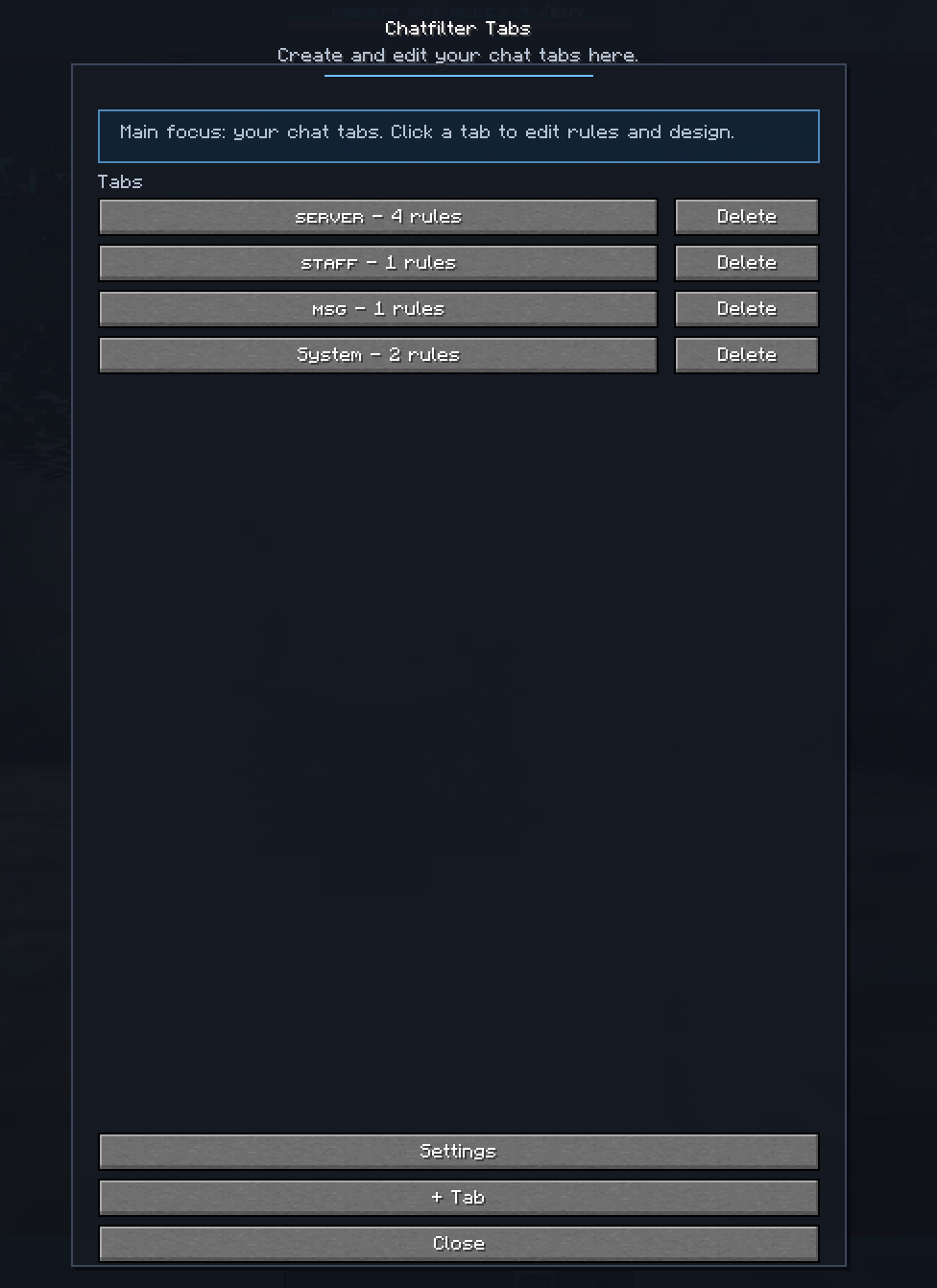 Settings
 -
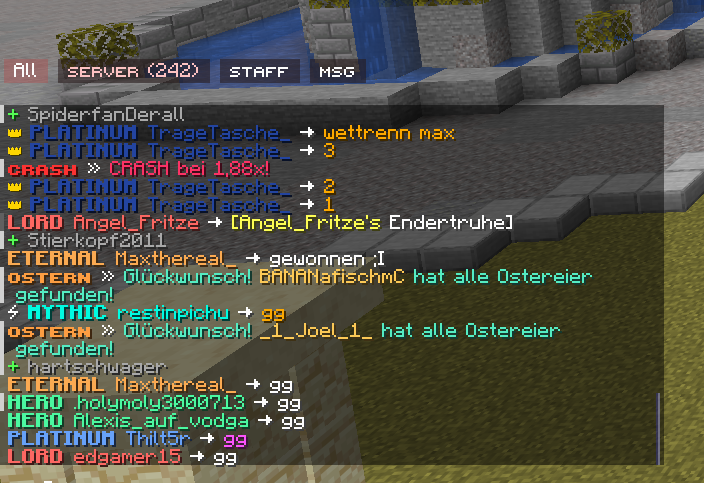 Design
Versions
Files
Relations
Project Relations
More like this
Similar Mods
Suggestions use data such as tags, dependencies, dependents, descriptions, titles, and more to rank how much they overlap with this mod.
On ModDex
Community snapshot
By the numbers
Statistics

Want to reach Minecraft players?
We're looking for a server hosting partner to feature here and other parts of the site. Interested? Send us a message!
Get in touchGet it on
Available Platforms
On ModDex
Community snapshot
By the numbers
Statistics
Resources