
Community listing page, reviews here may not be monitored by the author.
Fake FPS

No reviews yet
🚀 Our feature allows you to easily set up custom FPS for an optimized gaming experience
Community voices
Reviews
No reviews yet. Be the first to review this project!
Get it on
Available Platforms
About
Project Details
For authors
Embed Badge
If you're the author of this project, you can embed a live badge anywhere that supports HTML or Markdown. It updates automatically whenever ratings change.
Use HTML for any page that supports it, or Markdown for README files and Markdown-based descriptions.
Identifiers
Platform IDs
Resources
External Links
About
Description
Display Fake FPS! 🚀
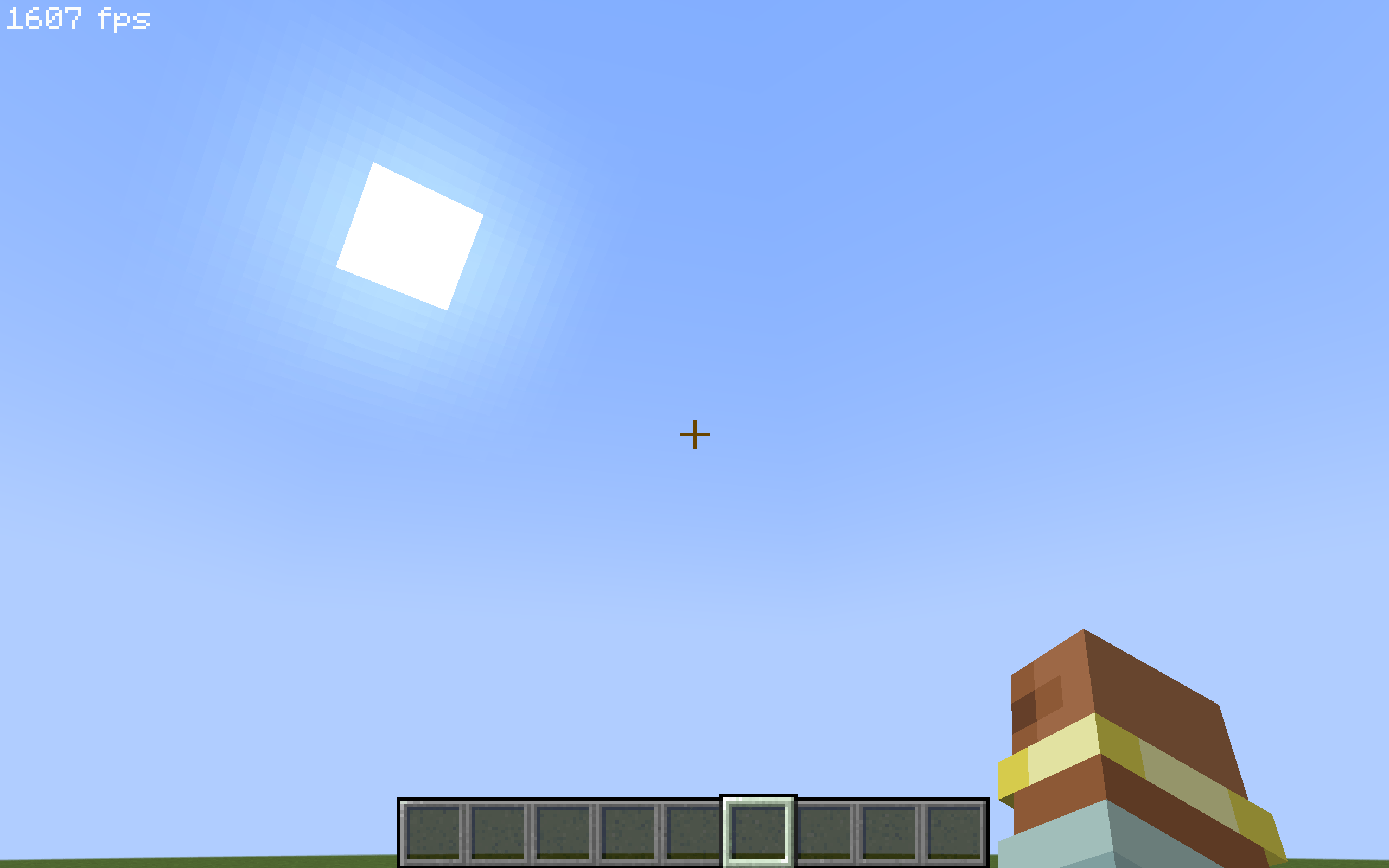
This client-side mod allows you to display a fake and customizable FPS counter at the top of your Minecraft screen! Ideal for fun, videos, or simply to prank your friends into believing you have 1000 FPS! 😉
⚙️ How does it work?
The "Fake FPS Mod" is a purely client-side mod, meaning it only needs to be installed on your Minecraft game, not on the server. Here's how it works:
- 📝 Configuration: When you launch the game for the first time with the mod, a configuration file named
fake_fps.jsonis created in theconfig/oas_work/folder. - 📖 Reading the configuration file: The mod reads this
fake_fps.jsonfile to determine:- ⏱️
fps_min: The minimum value of fake FPS to be displayed (by default, this value needs to be configured in thefake_fps.jsonfile). - 🚀
fps_mx: The maximum value of fake FPS to be displayed (by default, this value needs to be configured in thefake_fps.jsonfile). - ✅
activated: If the value istrue, the display of fake FPS is activated. Iffalse, it is deactivated (by default, to be configured in thefake_fps.jsonfile).
- ⏱️
- 🎲 Random Generation: The mod then generates a random FPS value every second, between the
fps_minandfps_mxvalues you have configured. - 📊 Display: This fake FPS value is displayed in the top left corner of your screen in-game.
🎮 How to use it?
- 🛠️ Configuration (recommended):
- 📂 Locate the configuration file: After launching Minecraft with the mod at least once, go to the
config/oas_work/folder in your Minecraft directory. Open thefake_fps.jsonfile with a text editor. - ✏️ Modify the settings:
"fps_min": ... ,: Replace...with the minimum value of fake FPS you want to display."fps_mx": ... ,: Replace...with the maximum value of fake FPS you want to display. Make surefps_mxis greater thanfps_min."activated": ...: Replace...withtrueto activate the display of fake FPS, orfalseto deactivate it.
- 💾 Save the
fake_fps.jsonfile. - 🔄 Restart your Minecraft game for the changes to take effect.
- 📂 Locate the configuration file: After launching Minecraft with the mod at least once, go to the
📌 Important Points:
- 💻 Client-Side ONLY: This mod is client-side only. It should not be installed on the server.
- ⚙️ Customizable Configuration: You can easily adjust the range of fake FPS displayed via the
fake_fps.jsonfile. - 📍 Configuration File: The
fake_fps.jsonfile is located in theconfig/oas_work/folder of your Minecraft installation. - ⚠️ Purely Visual: This mod does not modify your real FPS in any way. It just displays a fake value for the display.
Screenshots
Gallery
-
 33457422c124ed45c18b6deaccdf94f869967a08.png 33457422c124ed45c18b6deaccdf94f869967a08.png
Versions
Files
Relations
Project Relations
More like this
Similar Mods
Suggestions use data such as tags, dependencies, dependents, descriptions, titles, and more to rank how much they overlap with this mod.
On ModDex
Community snapshot
By the numbers
Statistics
Want to reach Minecraft players?
We're looking for a server hosting partner to feature here and other parts of the site. Interested? Send us a message!
Get in touchGet it on
Available Platforms
On ModDex
Community snapshot
By the numbers
Statistics
Resources