
Community listing page, reviews may not be monitored by the author.


Community voices
Reviews
No reviews yet. Be the first to review this project!
Get it on
Available Platforms
About
Project Details
For authors
Embed Badge
If you're the author of this project, you can embed a live badge anywhere that supports HTML or Markdown. It updates automatically whenever ratings change.
Use HTML for any page that supports it, or Markdown for README files and Markdown-based descriptions.
Identifiers
Platform IDs
Resources
External Links
About
Description
A client-side fake-time mod — provides a time slider on the ESC pause screen, allowing local adjustment of the world-time display without affecting server logic.
Purpose
- Screenshots / Photography: Freely drag the time bar to get the ideal sky color and lighting angle.
- Shader Debugging: Combined with shader mods like Oculus, observe lighting effects at different times in real time.
- Build Previews: Check the visual appearance of builds under specific lighting conditions without waiting for in-game time to pass naturally.
- Independent Time: Don't want to follow the server's day/night cycle? Drag the slider to enter independent mode, or lock onto a specific moment.
Usage
In the game, press the ESC key to open the pause menu; at this point, a Time button will appear in the top right corner of the screen, and clicking the Time button will open the FakeTime control panel.
Screenshots
Gallery
-
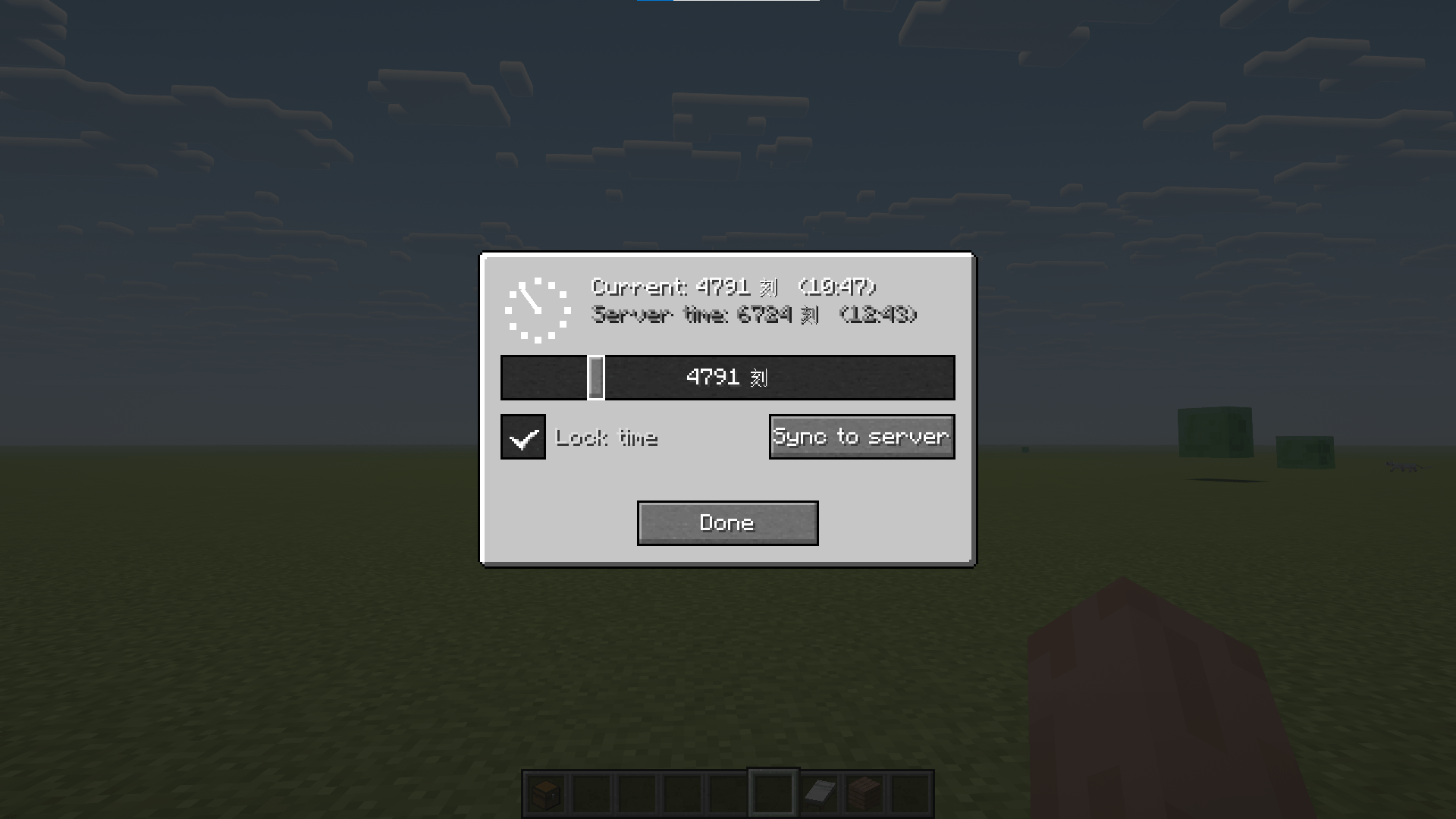 6b9afda0-7b07-4a83-a33b-31be6f5b6cde.png 6b9afda0-7b07-4a83-a33b-31be6f5b6cde.png
Versions
Files
Relations
Project Relations
More like this
Similar Mods
Suggestions use data such as tags, dependencies, dependents, descriptions, titles, and more to rank how much they overlap with this mod.
On ModDex
Community snapshot
By the numbers
Statistics

Get it on
Available Platforms
On ModDex
Community snapshot
By the numbers
Statistics
Resources