
Community listing page, reviews here may not be monitored by the author.
Fancy Lanterns


No reviews yet
Turn ordinary lanterns into powerful mini-beacons that grant helpful status effects to nearby players.
Community voices
Reviews
No reviews yet. Be the first to review this project!
Get it on
Available Platforms
Compatibility
Supported Environments
Must be installed on both the client and the server.
About
Project Details
For authors
Embed Badge
If you're the author of this project, you can embed a live badge anywhere that supports HTML or Markdown. It updates automatically whenever ratings change.
Use HTML for any page that supports it, or Markdown for README files and Markdown-based descriptions.
Identifiers
Platform IDs
About
Description
Fancy Lanterns
Turn ordinary lanterns into powerful mini-beacons that grant helpful status effects to nearby players.
Getting Started
Craft a Murky Lantern using:
- 1 Lantern
- 1 Water Bucket

Place the Murky Lantern, then right-click it with the matching item to relight it:
| Lantern | Relight Item |
|---|---|
| Healthy Lantern | Golden Apple |
| Strengthy Lantern | Iron Sword |
| Absorby Lantern | Gold Block |
| Speedy Lantern | Iron Boots |
| Jumpy Lantern | Rabbit Hide |
| Nighty Lantern | Soul Torch |
| Lucky Lantern | Rabbit Foot |
| Hasty Lantern | Iron Pickaxe |
| Saturaty Lantern | Apple |
| Fiery Lantern | Flint and Steel |
| Breathy Lantern | Nautilus Shell |

Lantern Tiers
Each effect lantern has four tiers. Higher tiers provide a larger effect radius and stronger effects.
- Tier 1: 2-block radius
- Tier 2: 4-block radius
- Tier 3: 8-block radius
- Tier 4: 16-block radius and permanent operation
Upgrade a placed lantern by right-clicking it with the required material:
- Tier 1 → Tier 2: Iron Ingot
- Tier 2 → Tier 3: Gold Ingot
- Tier 3 → Tier 4: Netherite scrap
Sneak-right-click a lantern with an empty hand to preview its effect radius.

Fizzling and Relighting
Tiers 1–3 have limited uses. Once their uses run out, they fizzle into a Murky Lantern.

Relight the lantern with its matching item to restore its effect. The lantern keeps its tier when it fizzles.
Tier 4 lanterns are permanent and do not fizzle out.
Muting Lanterns
Right-click a placed lantern with any wool to mute it.
- One wool is consumed.
- Particles and sounds are disabled.
- The status effect continues by default.

Also included JEI support and custom config file for modifying range, duration… All relight materials can be changed in the resources/data files (including upgrade materials).
Fancy Lanterns
Turn ordinary lanterns into powerful mini-beacons that grant helpful status effects to nearby players.
Getting Started
Craft a Murky Lantern using:
- 1 Lantern
- 1 Water Bucket
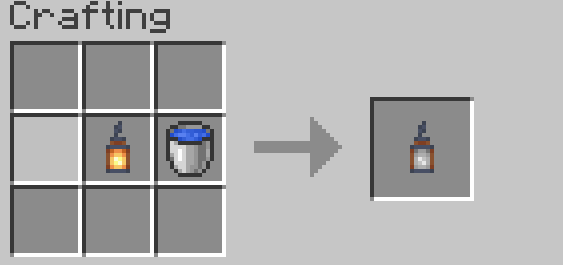
Place the Murky Lantern, then right-click it with the matching item to relight it:
| Lantern | Relight Item |
|---|---|
| Healthy Lantern | Golden Apple |
| Strengthy Lantern | Iron Sword |
| Absorby Lantern | Gold Block |
| Speedy Lantern | Iron Boots |
| Jumpy Lantern | Rabbit Hide |
| Nighty Lantern | Soul Torch |
| Lucky Lantern | Rabbit Foot |
| Hasty Lantern | Iron Pickaxe |
| Saturaty Lantern | Apple |
| Fiery Lantern | Flint and Steel |
| Breathy Lantern | Nautilus Shell |
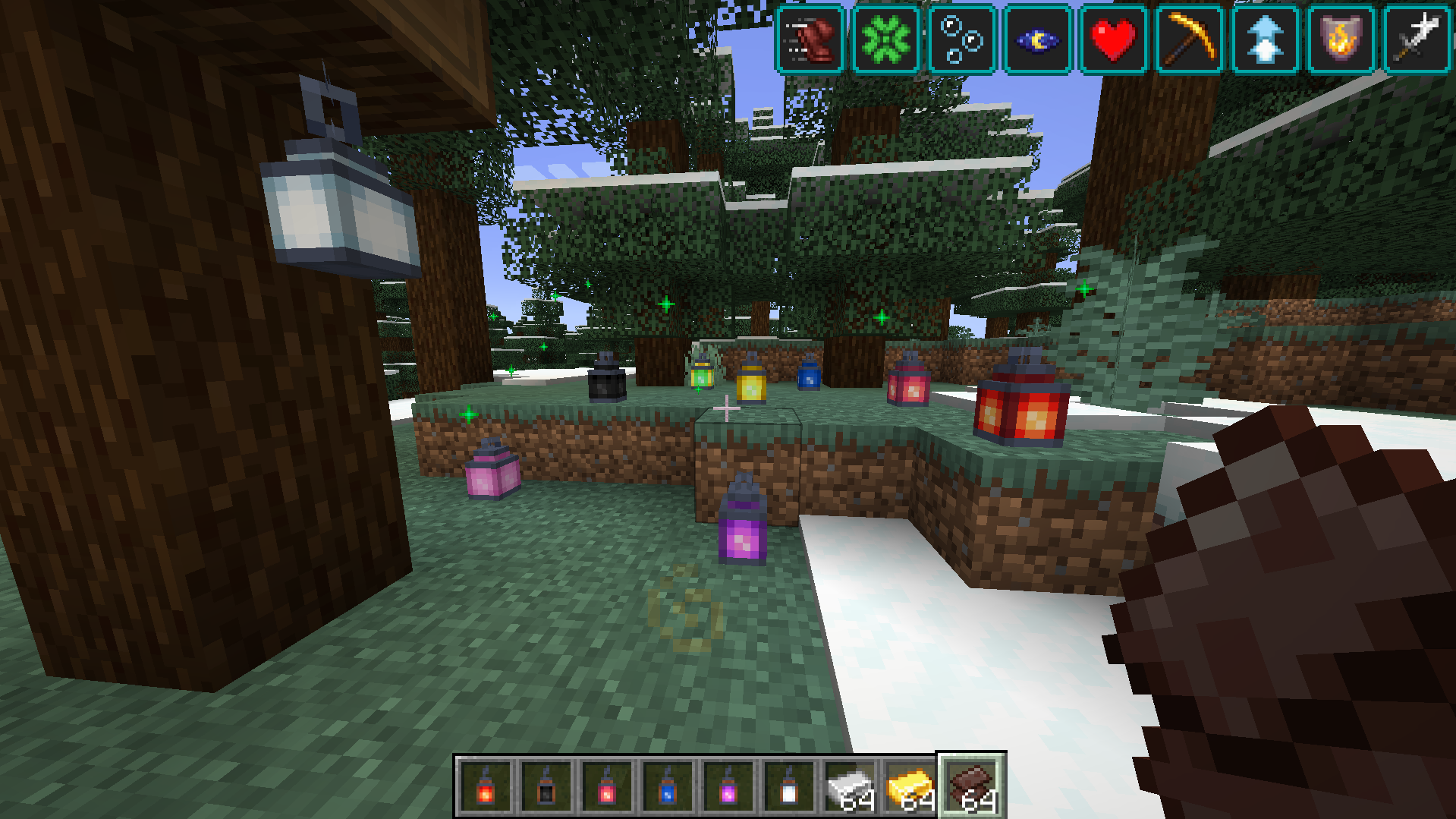
Lantern Tiers
Each effect lantern has four tiers. Higher tiers provide a larger effect radius and stronger effects.
- Tier 1: 2-block radius
- Tier 2: 4-block radius
- Tier 3: 8-block radius
- Tier 4: 16-block radius and permanent operation
Upgrade a placed lantern by right-clicking it with the required material:
- Tier 1 → Tier 2: Iron Ingot
- Tier 2 → Tier 3: Gold Ingot
- Tier 3 → Tier 4: Netherite scrap
Sneak-right-click a lantern with an empty hand to preview its effect radius.
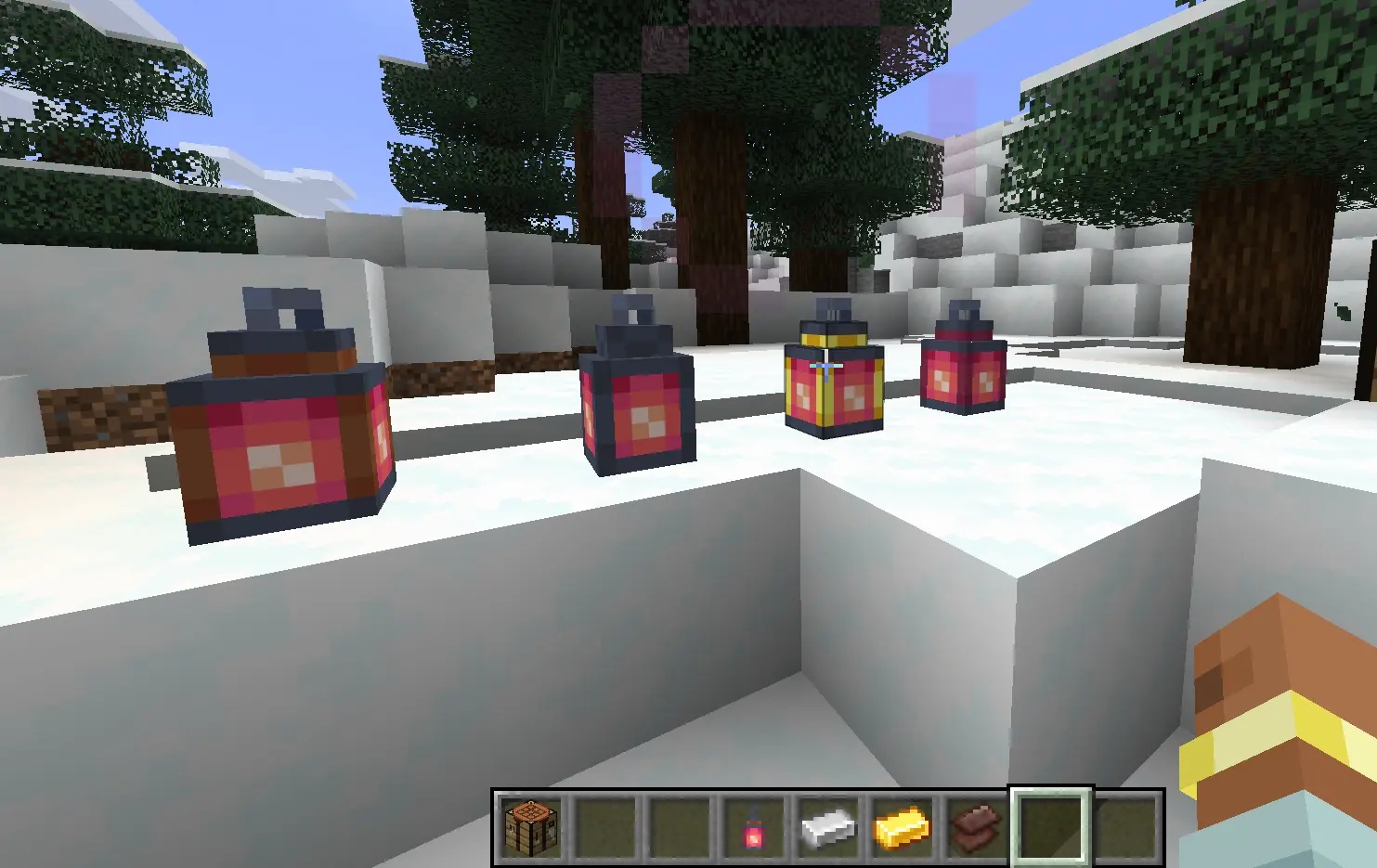
Fizzling and Relighting
Tiers 1–3 have limited uses. Once their uses run out, they fizzle into a Murky Lantern.
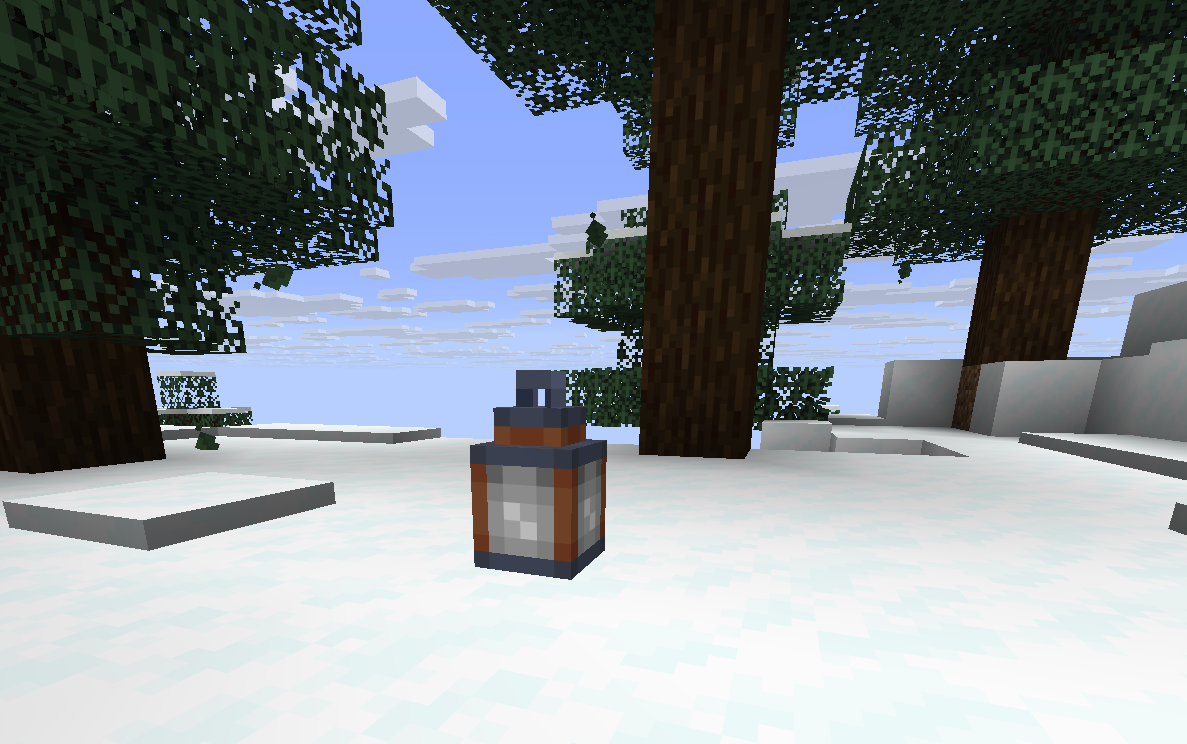
Relight the lantern with its matching item to restore its effect. The lantern keeps its tier when it fizzles.
Tier 4 lanterns are permanent and do not fizzle out.
Muting Lanterns
Right-click a placed lantern with any wool to mute it.
- One wool is consumed.
- Particles and sounds are disabled.
- The status effect continues by default.
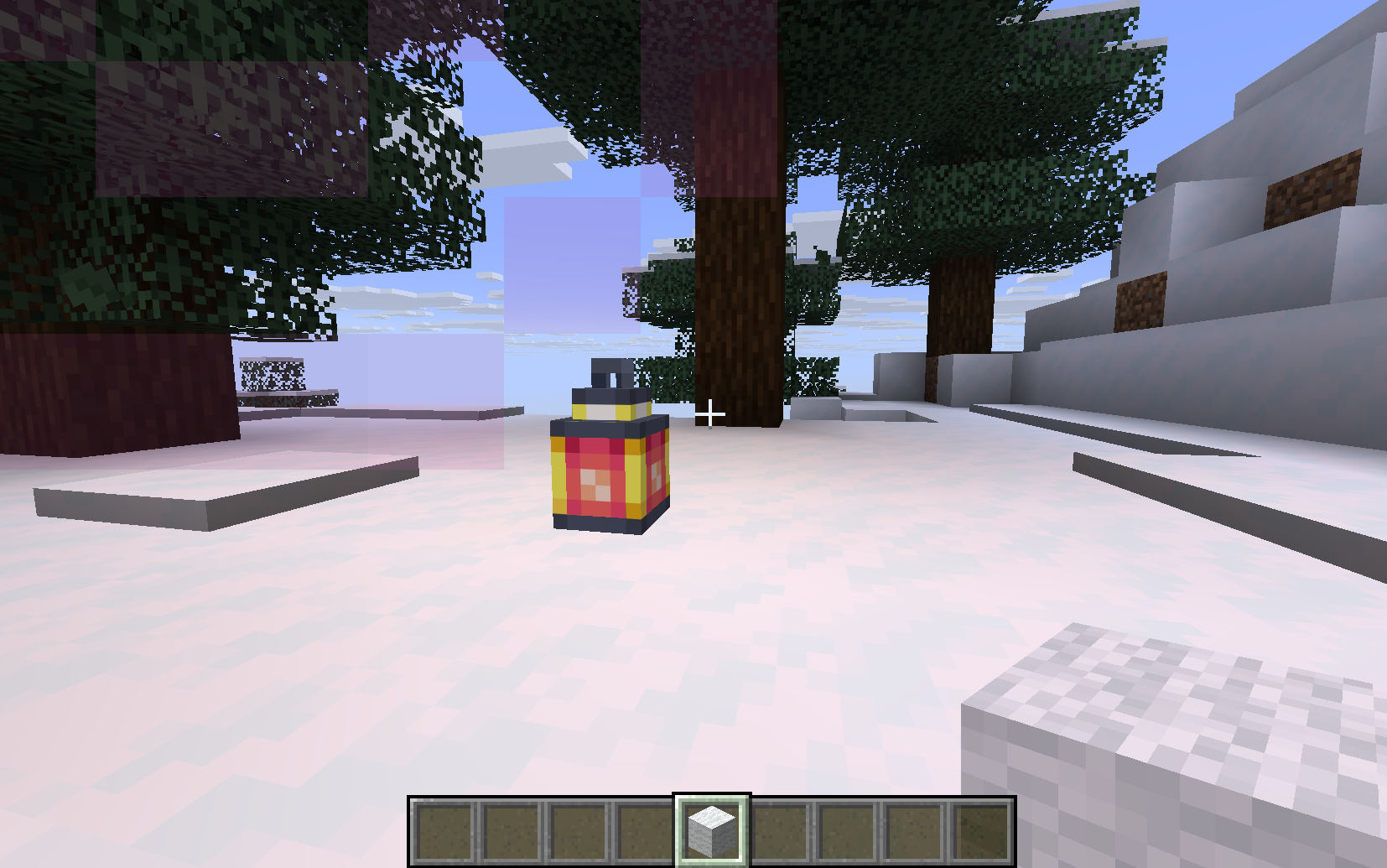
Also included JEI support and custom config file for modifying range, duration... All relight materials can be changed in the resources/data files (including upgrade materials).
Screenshots
Gallery
-
 e3a05c62aa69dcea17887f2a9913d115647c2110.png e3a05c62aa69dcea17887f2a9913d115647c2110.png
 -
 1d7dd35b6f6a382bd105fbdfcde9cfd9d191b460.png 1d7dd35b6f6a382bd105fbdfcde9cfd9d191b460.png
 -
 7f28f23b68bbad001b7da31cae7a6f17bfc8a81e.png 7f28f23b68bbad001b7da31cae7a6f17bfc8a81e.png
 -
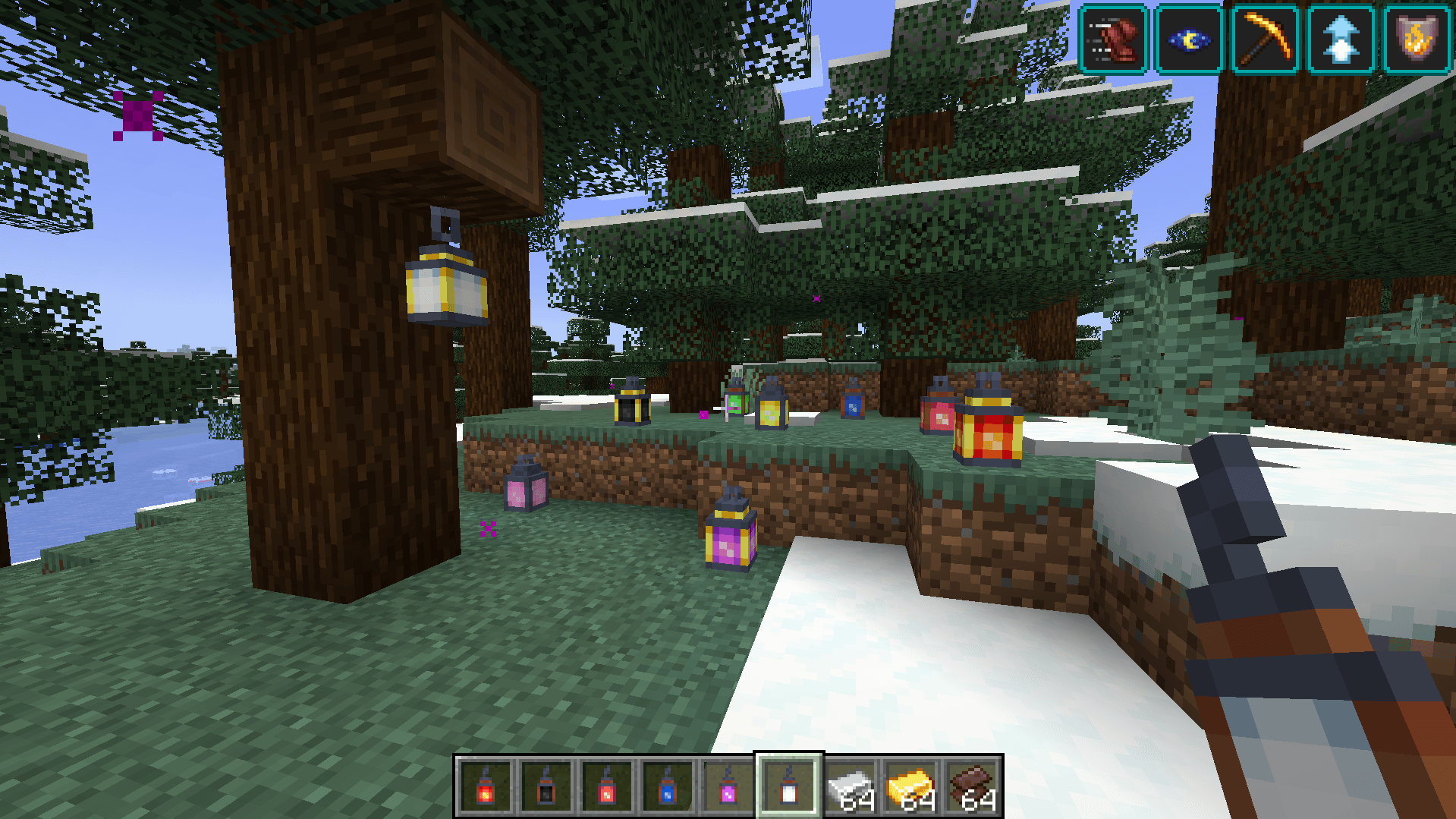 164beb8451af6cdac761e1458f9b0d91bda7a3f3.png 164beb8451af6cdac761e1458f9b0d91bda7a3f3.png
 -
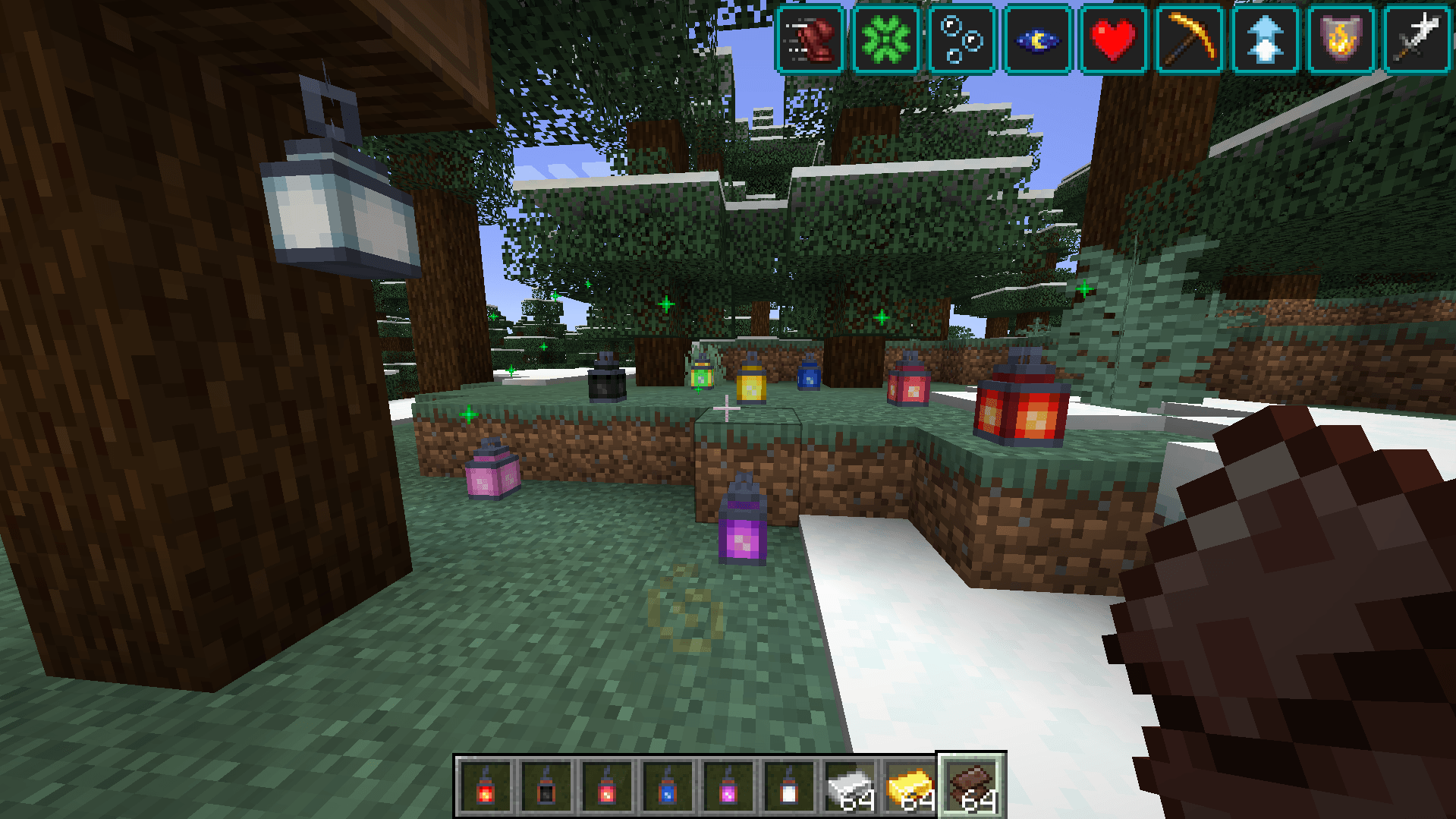 ff6525c2aaa8c62266a463015f65b68bce3ac662.png ff6525c2aaa8c62266a463015f65b68bce3ac662.png
 -
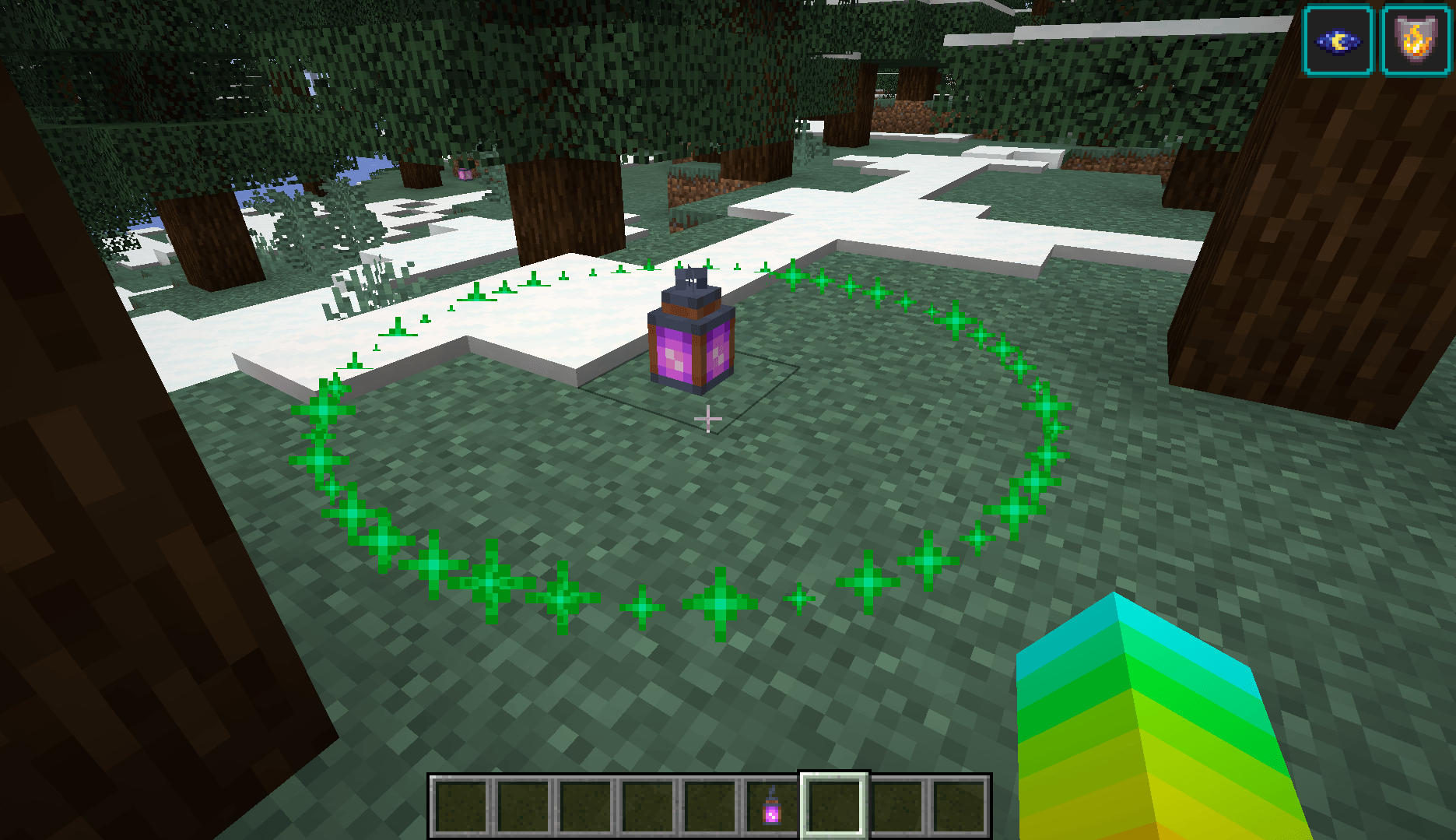 d3c6b22157fa0c89520c7dd9a9ed9aa40024c94c.png d3c6b22157fa0c89520c7dd9a9ed9aa40024c94c.png
 -
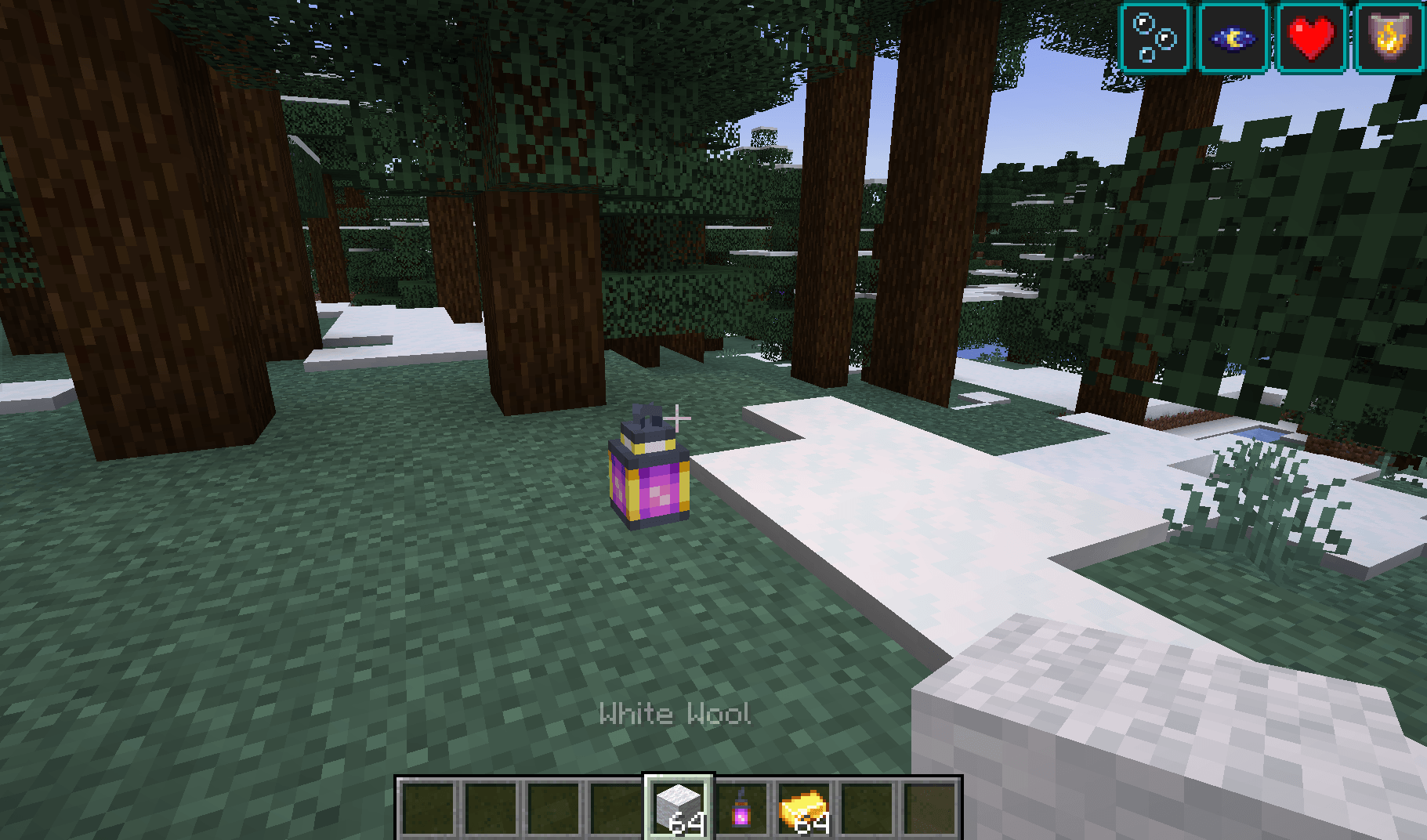 3c72111a604577e2dee4321cee27adc2862799b6.png 3c72111a604577e2dee4321cee27adc2862799b6.png
-
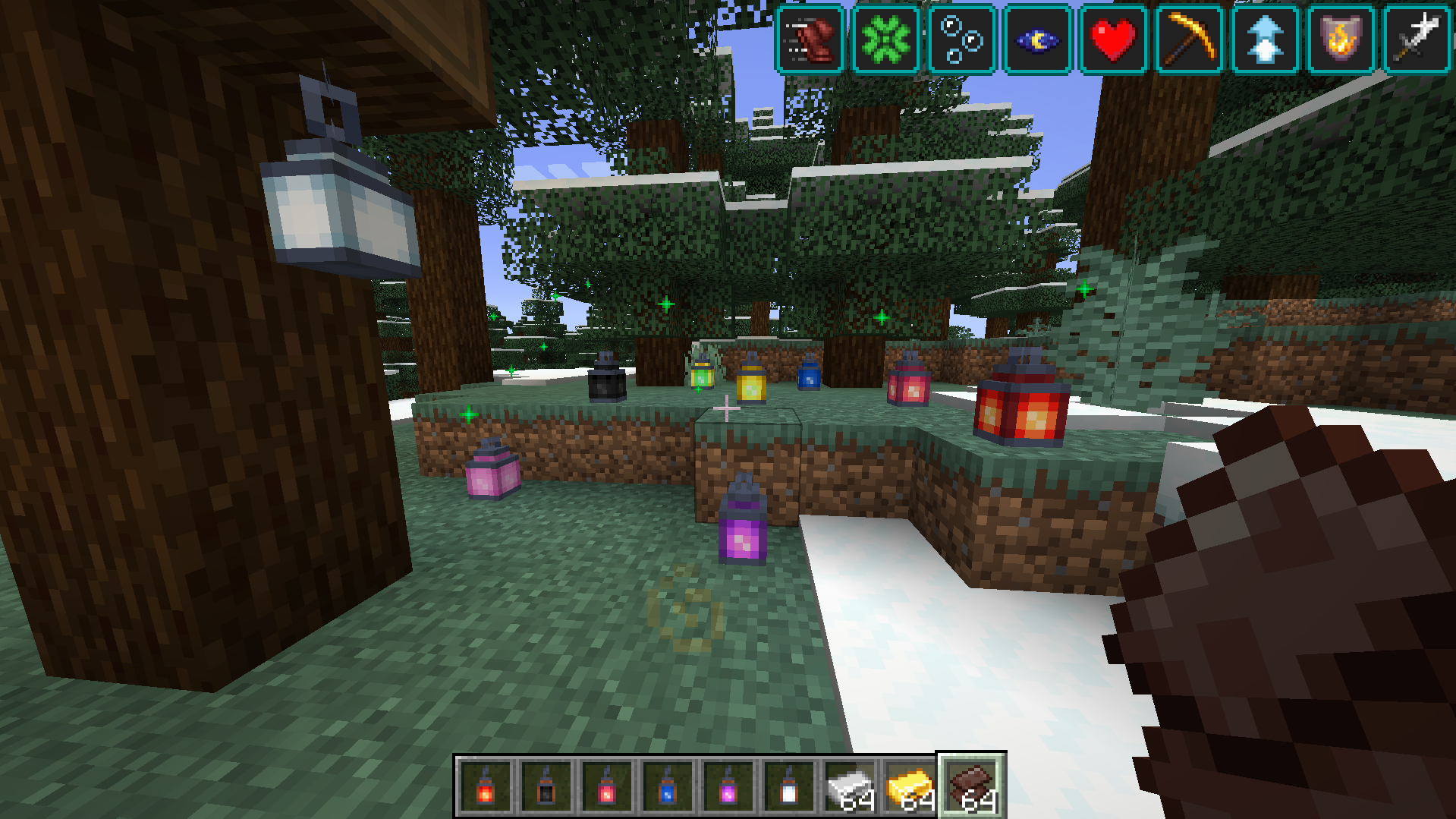 Tier 4 / Permanent lanters
 -
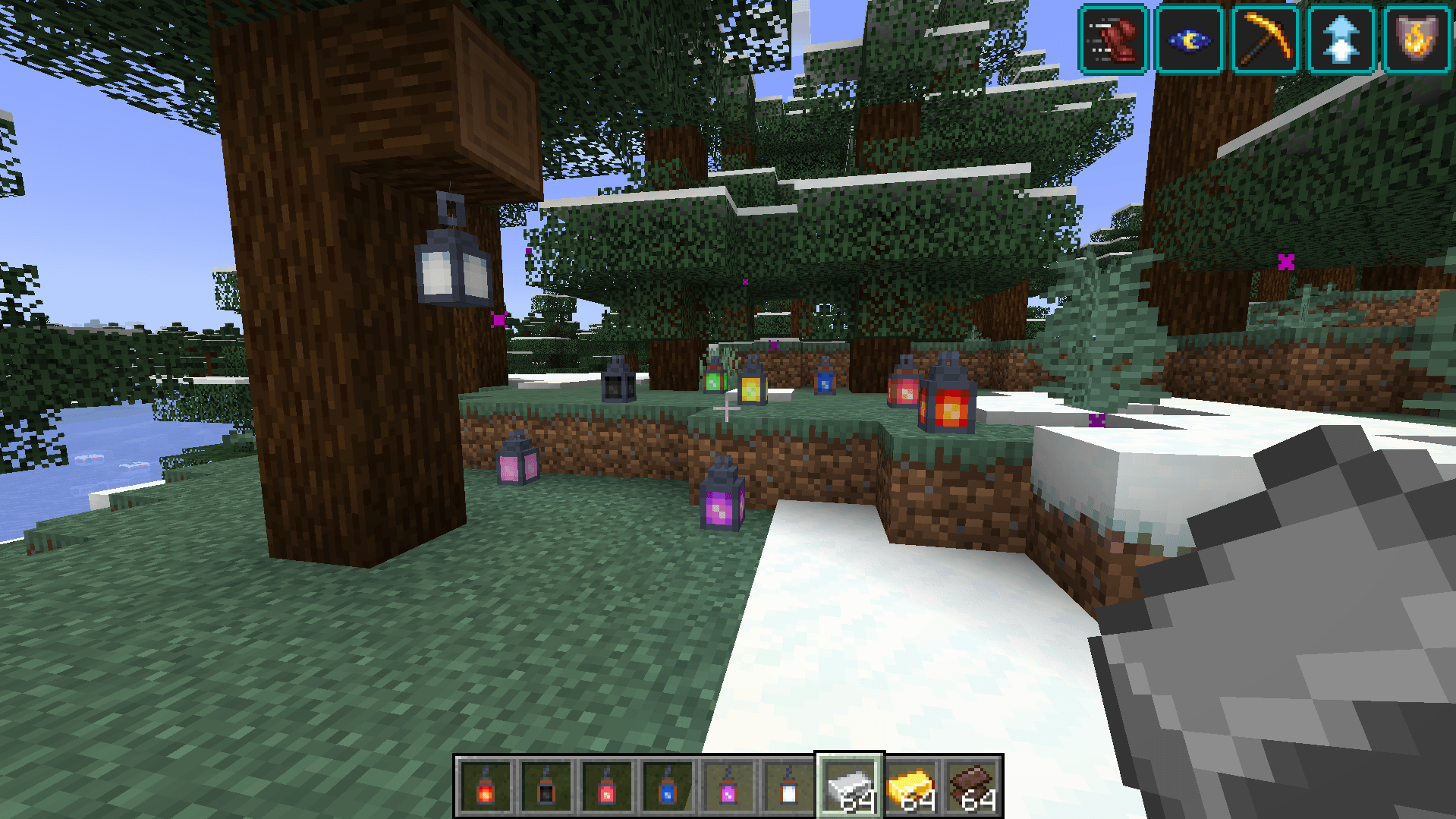
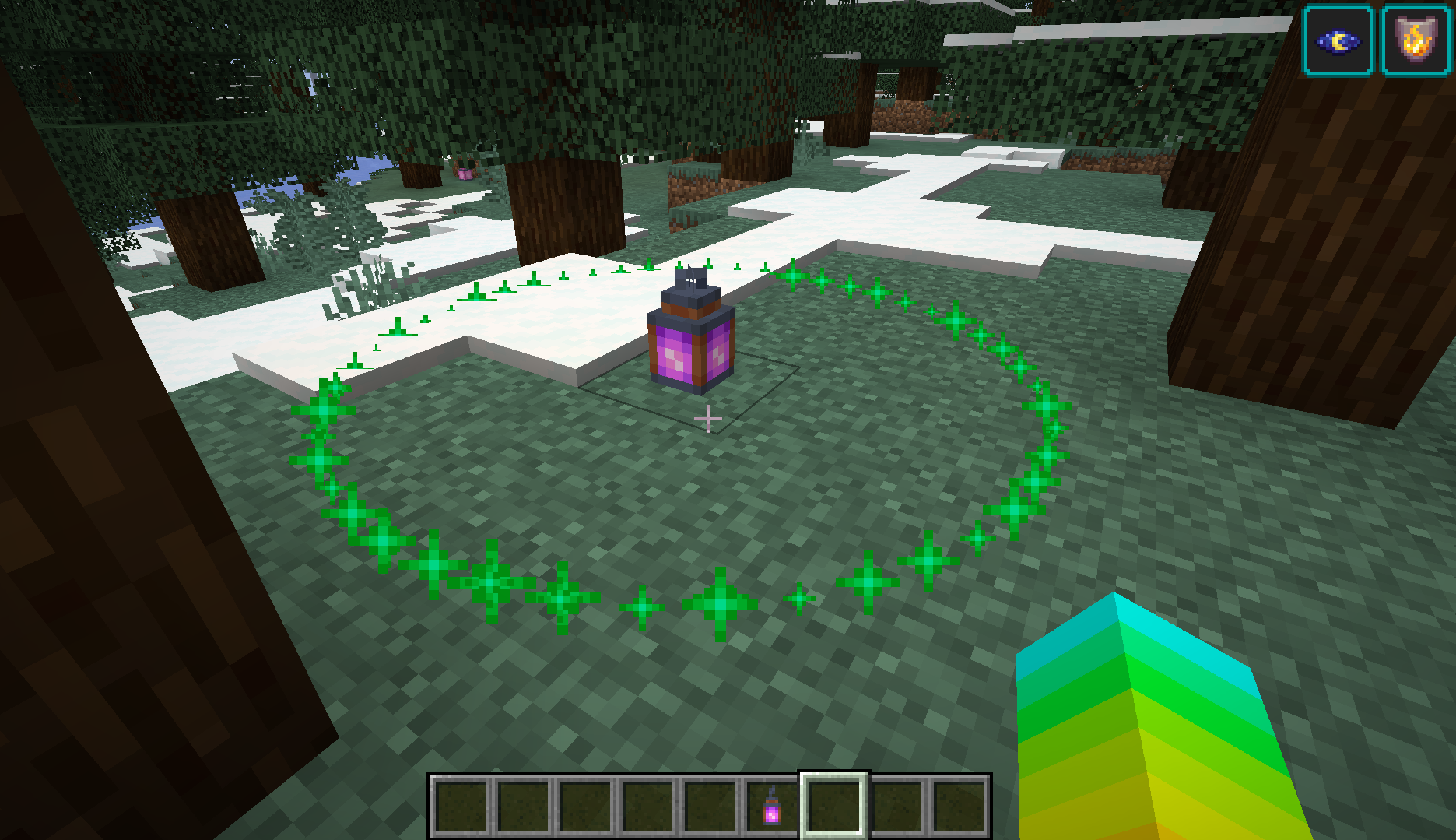 Lantern range Shift-Right click the lantern to show its range.
 -
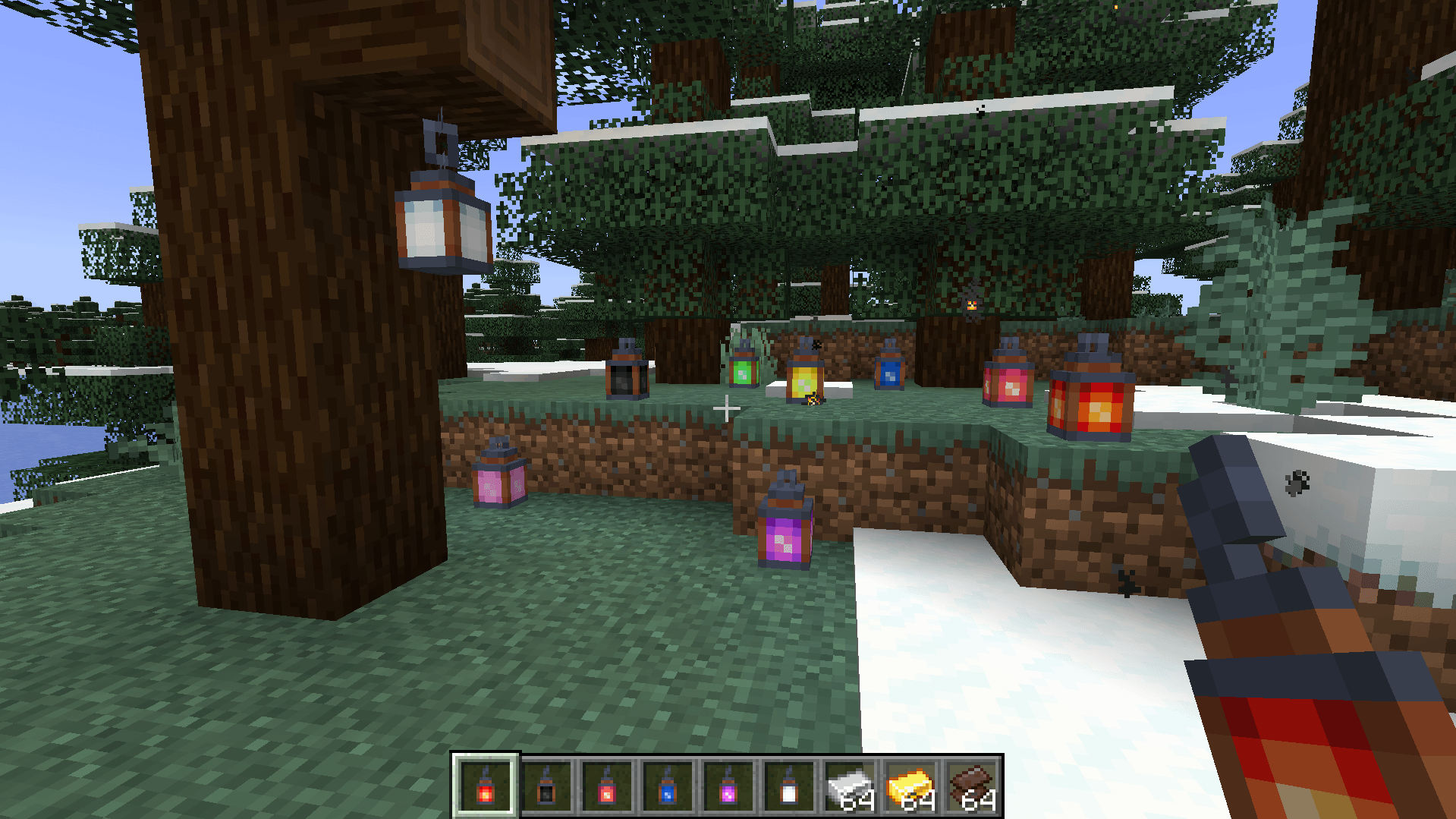
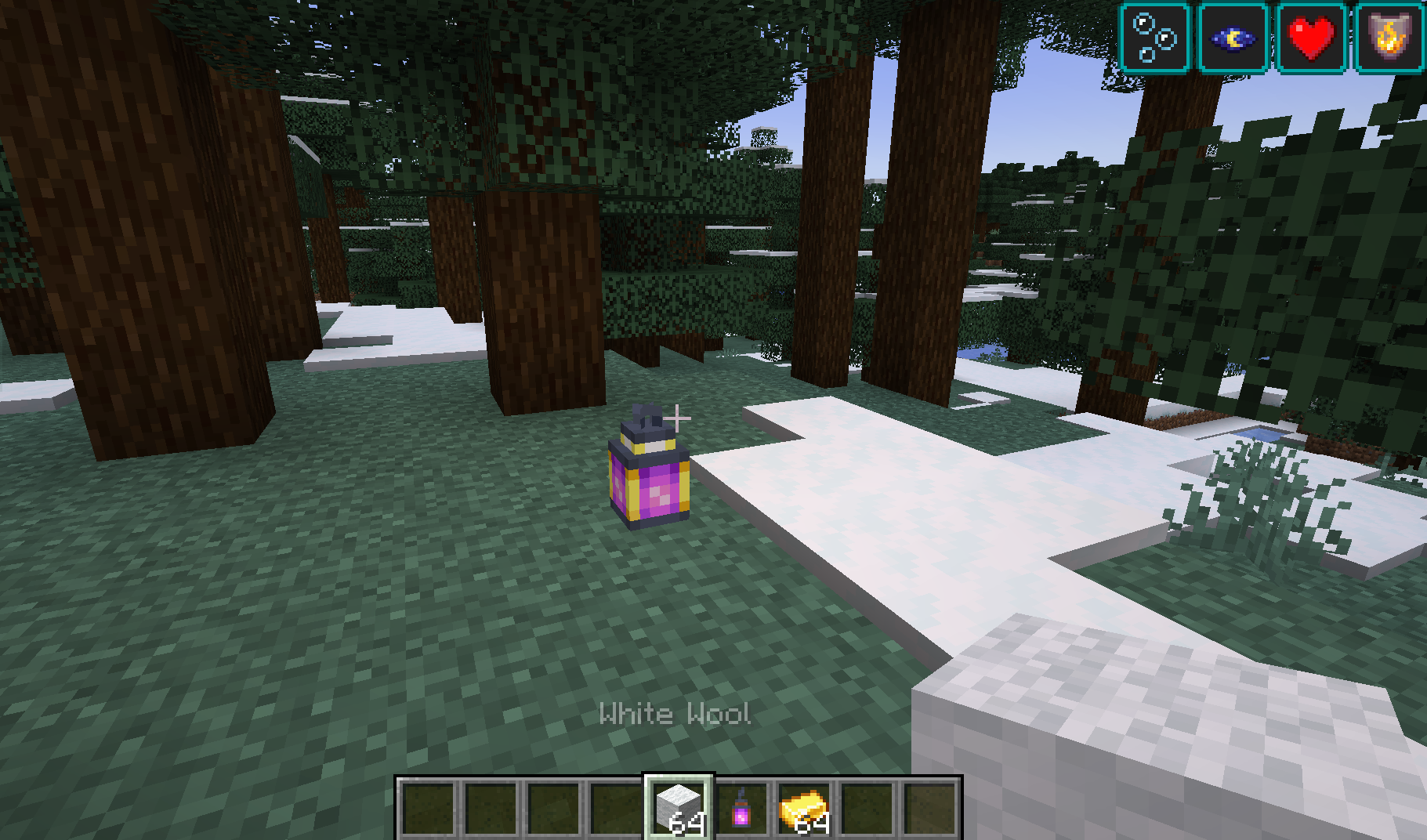 Muted lantern Right click the lantern with a piece of wool. Mute it.
 -
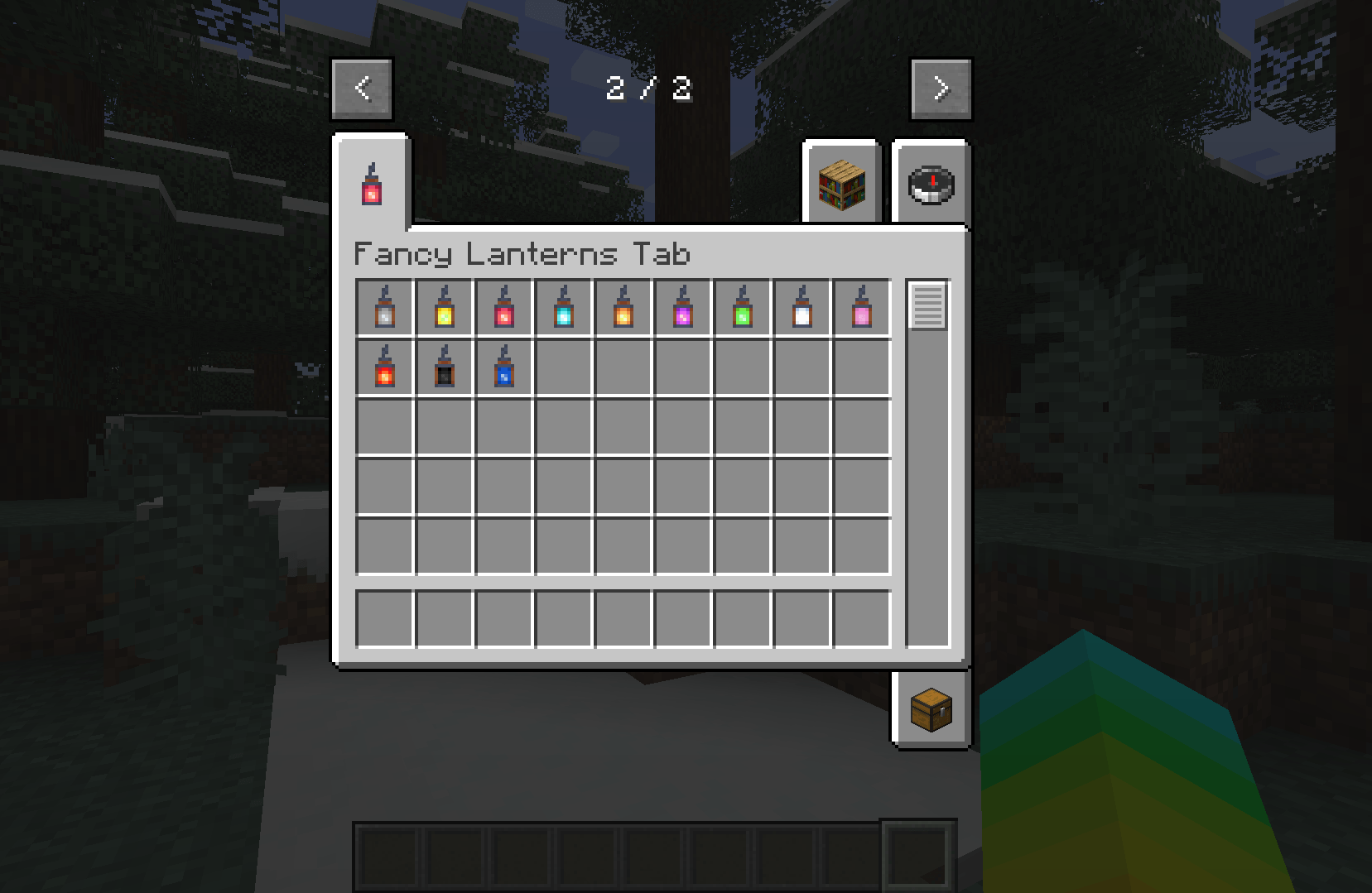
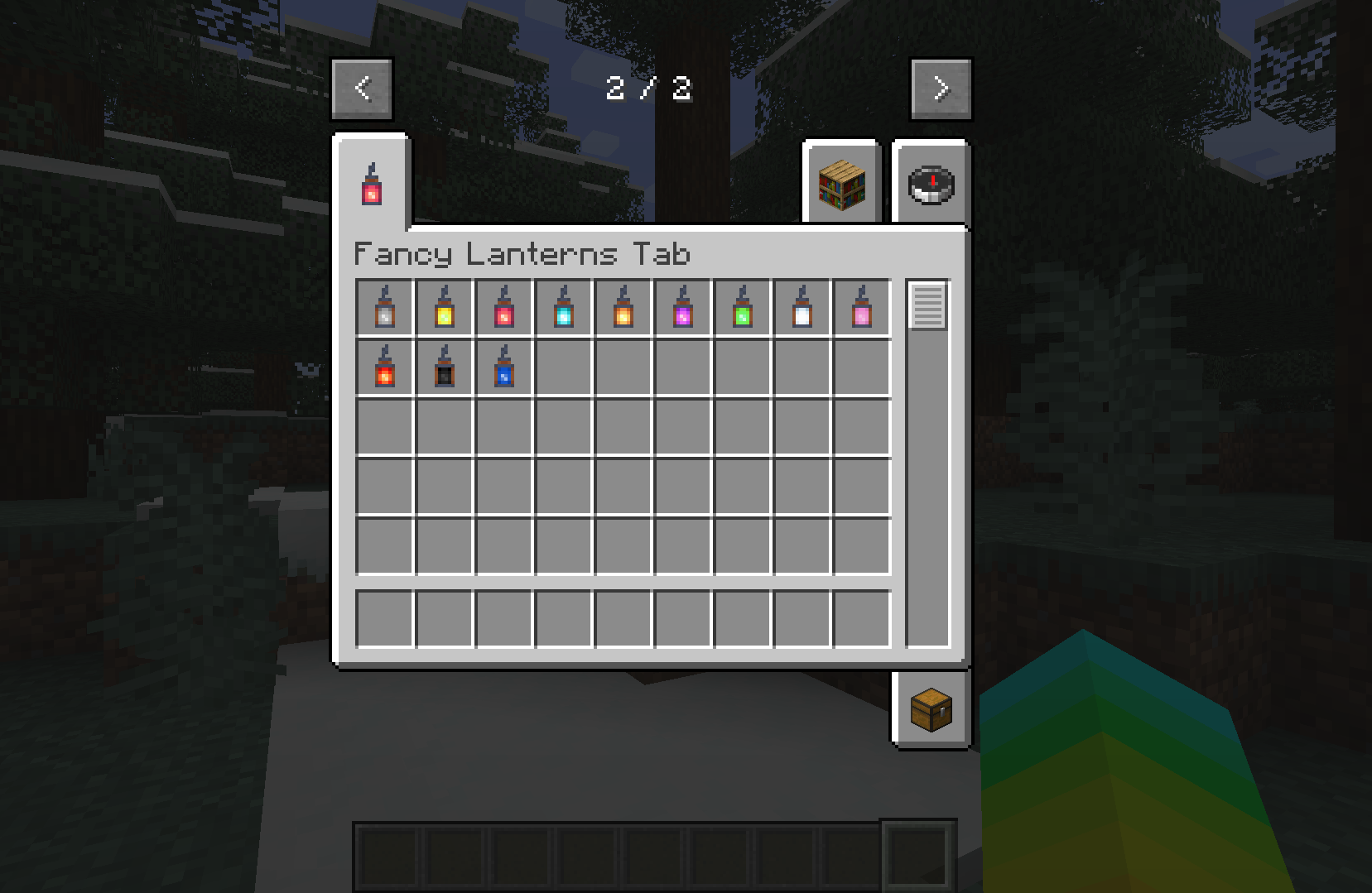 Fancy Lanters Every lantern block in the mod!
 -
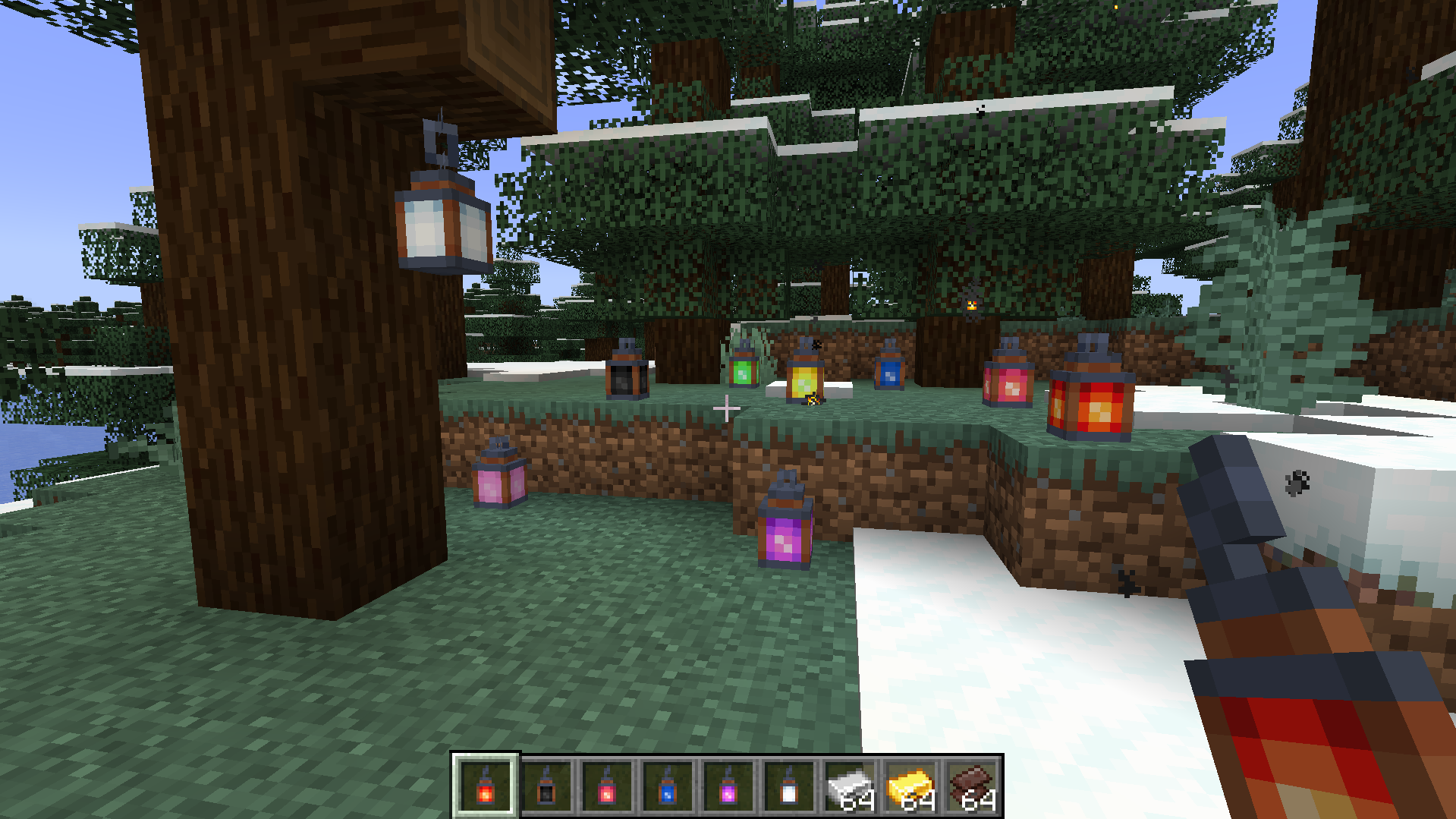 Tier 1 lanters
 -
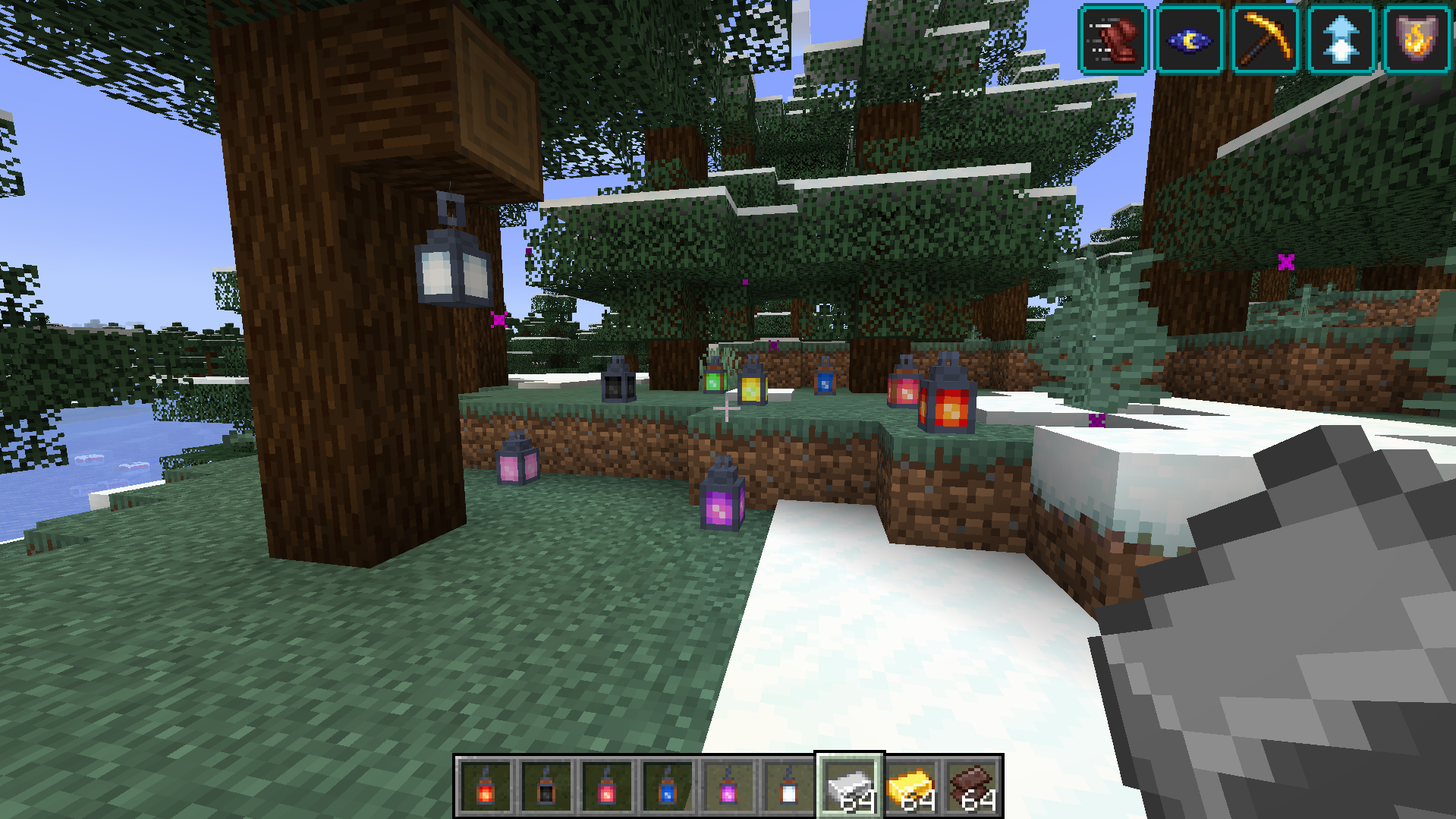 Tier 2 lanters
 -
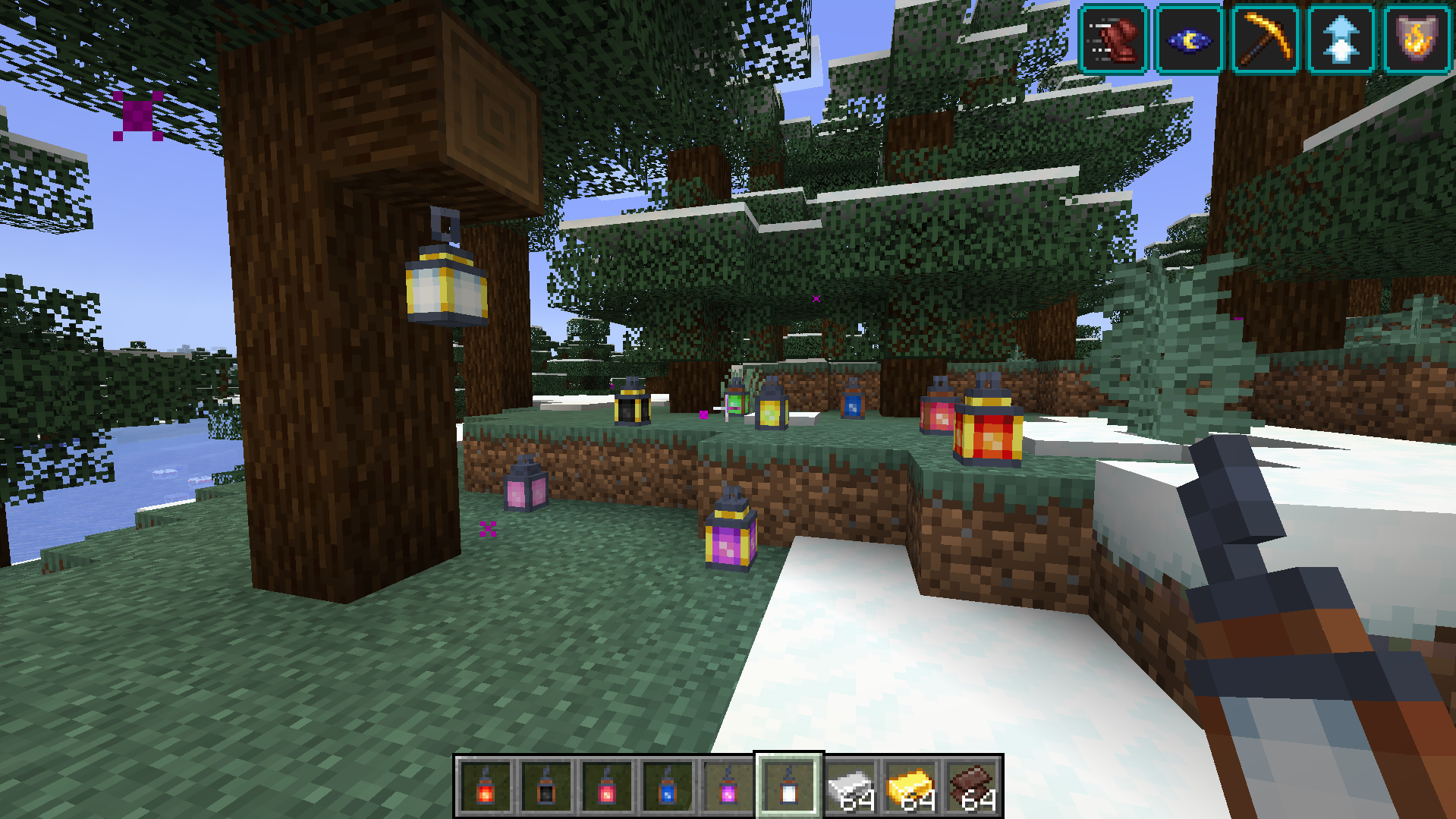 Tier 3 lanterns
Versions
Files
Relations
Project Relations
More like this
Similar Mods
Suggestions use data such as tags, dependencies, dependents, descriptions, titles, and more to rank how much they overlap with this mod.
On ModDex
Community snapshot
By the numbers
Statistics
Want to reach Minecraft players?
We're looking for a server hosting partner to feature here and other parts of the site. Interested? Send us a message!
Get in touchGet it on
Available Platforms
On ModDex
Community snapshot
By the numbers