
Community listing page, reviews here may not be monitored by the author.

Community voices
Reviews
No reviews yet. Be the first to review this project!
Get it on
Available Platforms
Compatibility
Supported Environments
Runs entirely on the client. Works on vanilla servers.
About
Project Details
For authors
Embed Badge
If you're the author of this project, you can embed a live badge anywhere that supports HTML or Markdown. It updates automatically whenever ratings change.
Use HTML for any page that supports it, or Markdown for README files and Markdown-based descriptions.
Identifiers
Platform IDs
About
Description
FancySprites
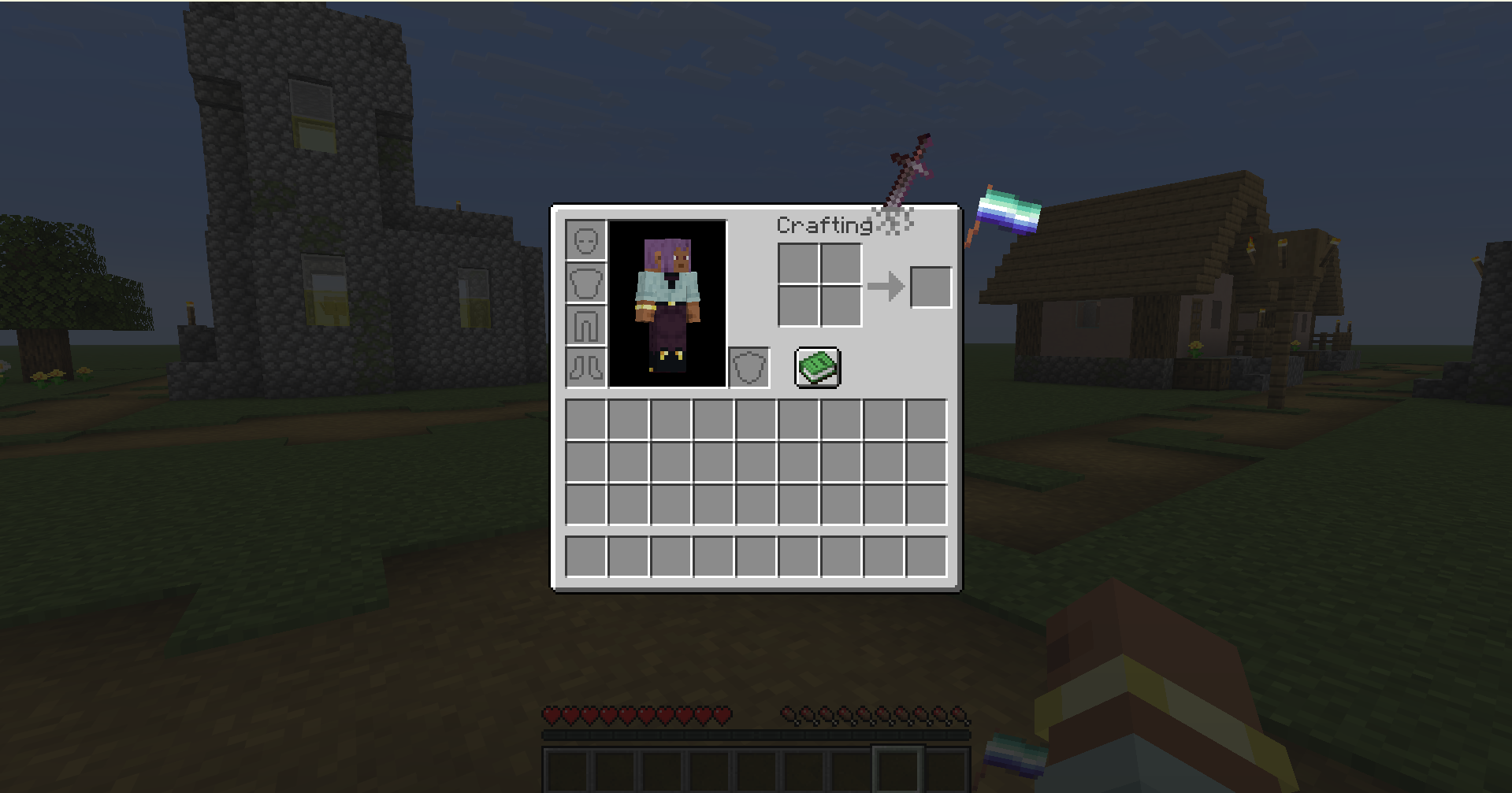
A mod that lets you place sprites on containers (inventory) on the HUD and GUI—to put it simply
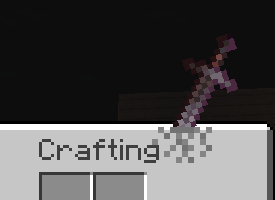
fsprites/sword.mcmeta
{
  "enabled": true,
  "description": "Example of a sword-themed sprite - Log :3",
  "id": "sword",
  "gui": ["minecraft:inventory"],
  "anchor": "top_right",
  "z_index": 1,
  "pos": [200, -35],
  "scale": 0.22
}
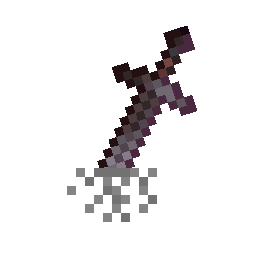
and in fsprites/sword, the image 0.png
There are many parameters:
| Property | Type | Default | Description |
|---|---|---|---|
enabled |
bool | - | Required. Set to true to load the sprite (but the sprite can be enabled or disabled in the menu) |
id |
string | - | Required. ID, also used as the name |
visible |
bool | true |
Sprite visibility |
gui |
string or array of strings | minecraft:* |
Target GUIs; exact identifiers, wildcards, and negation are supported, e.g., “!minecraft:game” |
anchor |
string | top_left |
Positioning anchor point |
pos |
[x, y] | [0, 0] | Position offset from anchor |
rot |
int | 0 |
Rotation in degrees |
scale |
float | 1.0 |
Scaling factor |
opacity |
float | 1.0 |
Transparency (0.0–1.0) |
z_index |
int | 0 |
Layer (positive=above, negative=below) |
blend |
string | normal |
Blend mode |
fit |
string | stretch |
Texture scaling mode |
width |
int/auto | auto |
Sprite width |
height |
int/auto | auto |
Sprite height |
origin |
[x, y] | [0, 0] | Rotation/scale center |
screen_space |
bool | false |
Use screen coordinates instead of GUI-relative coordinates |
animation |
object | - | Animation configurations |
For anchor
top_left     top     top_right
  left      center     right
bottom_left  bottom  bottom_right
For gui
minecraft:inventory              minecraft:chest
minecraft:creative_inventory     minecraft:large_chest
minecraft:furnace                minecraft:crafting_table
minecraft:anvil                  minecraft:enchanting_table
minecraft:beacon                 minecraft:brewing_stand
minecraft:dispenser              minecraft:hopper
minecraft:shulker_box            minecraft:barrel
minecraft:villager               minecraft:horse
minecraft:game                   minecraft:* (all screens)
For blend
normal- Стандартное альфа-смешивание графического интерфейса Minecraft- Еще и
additivemultiplyscreen
Animation Easing
none,linear,ease_in,ease_out,ease_in_outbounce,elastic,step,smooth
In ESC, there is a FancySprites button in the lower-right corner to open the mod menu
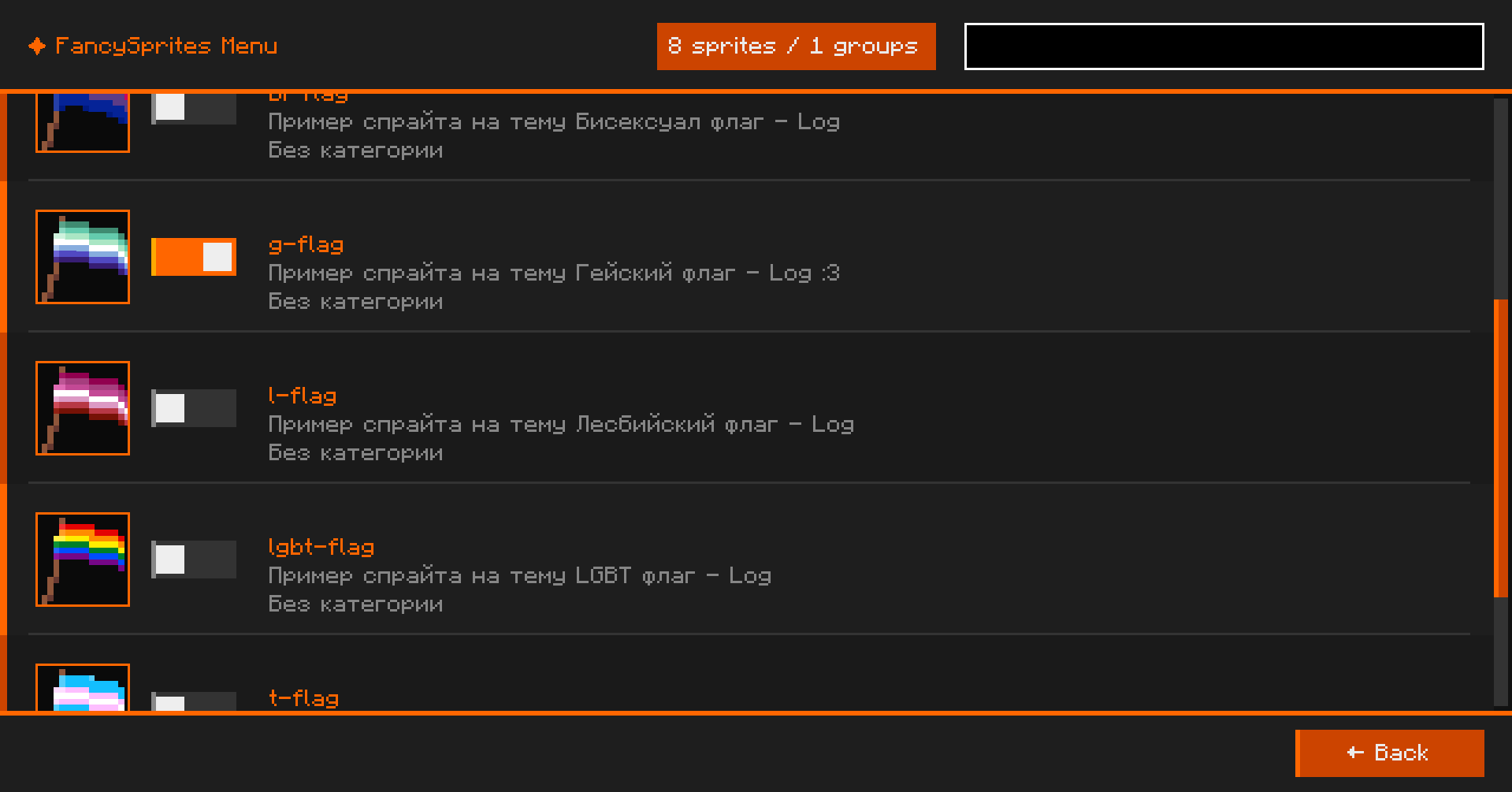 здесь можно включать и выключать спрайты которые сделали
Examples of sprites in a RAR archive
Move all the sprites inside to the fsprites/ directory
Screenshots
Gallery
-
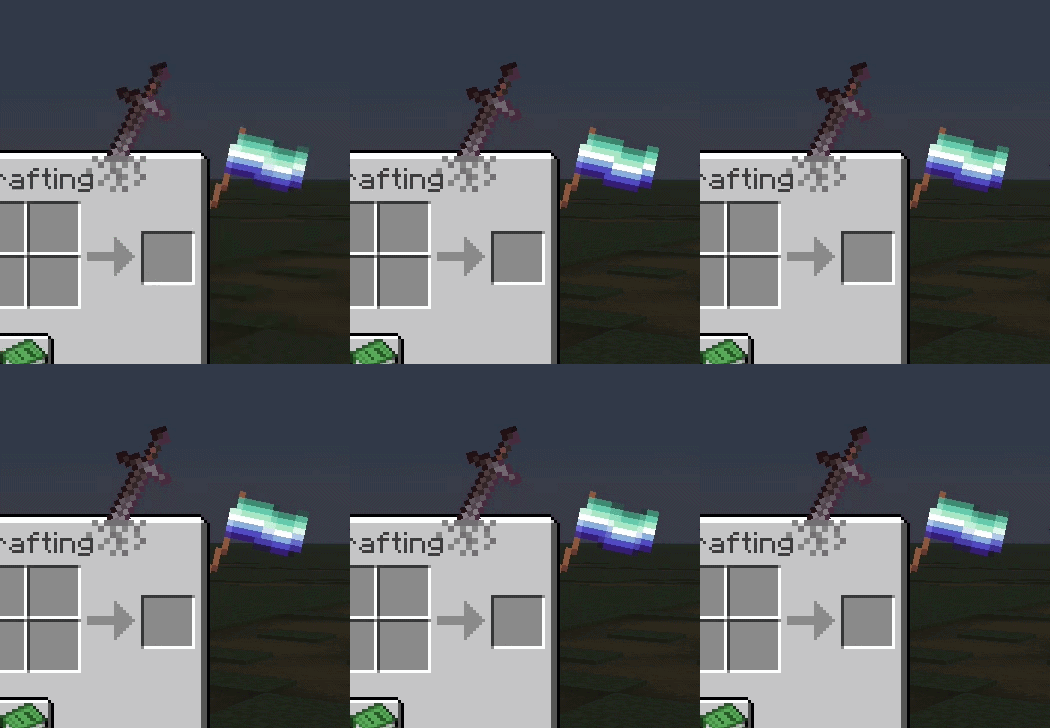 Example
 -
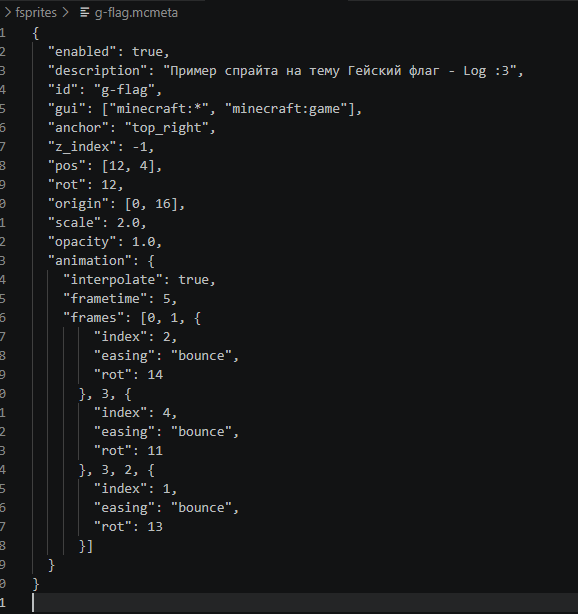 MCMETA example file
 -
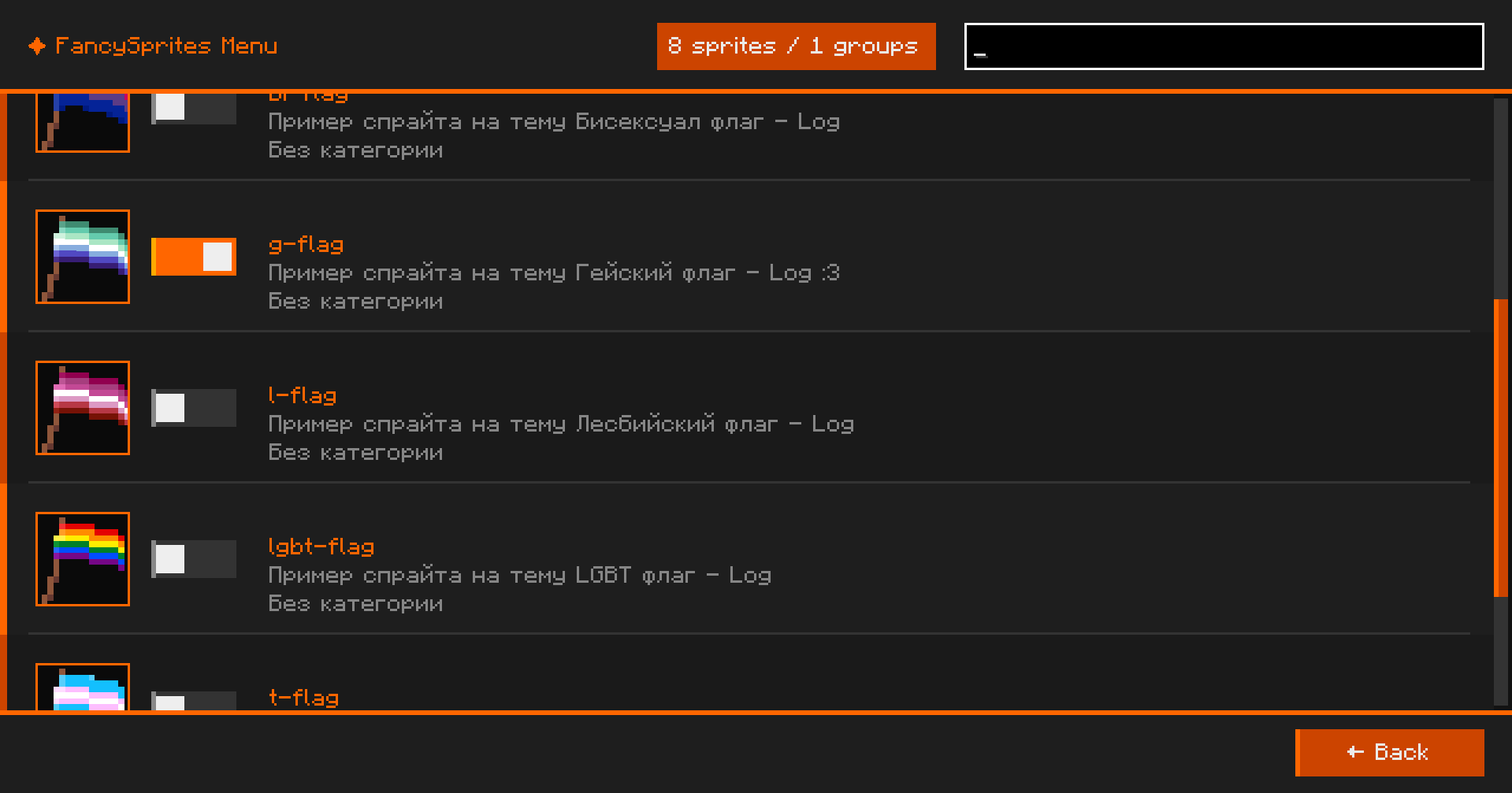 Mod menu
 -
-
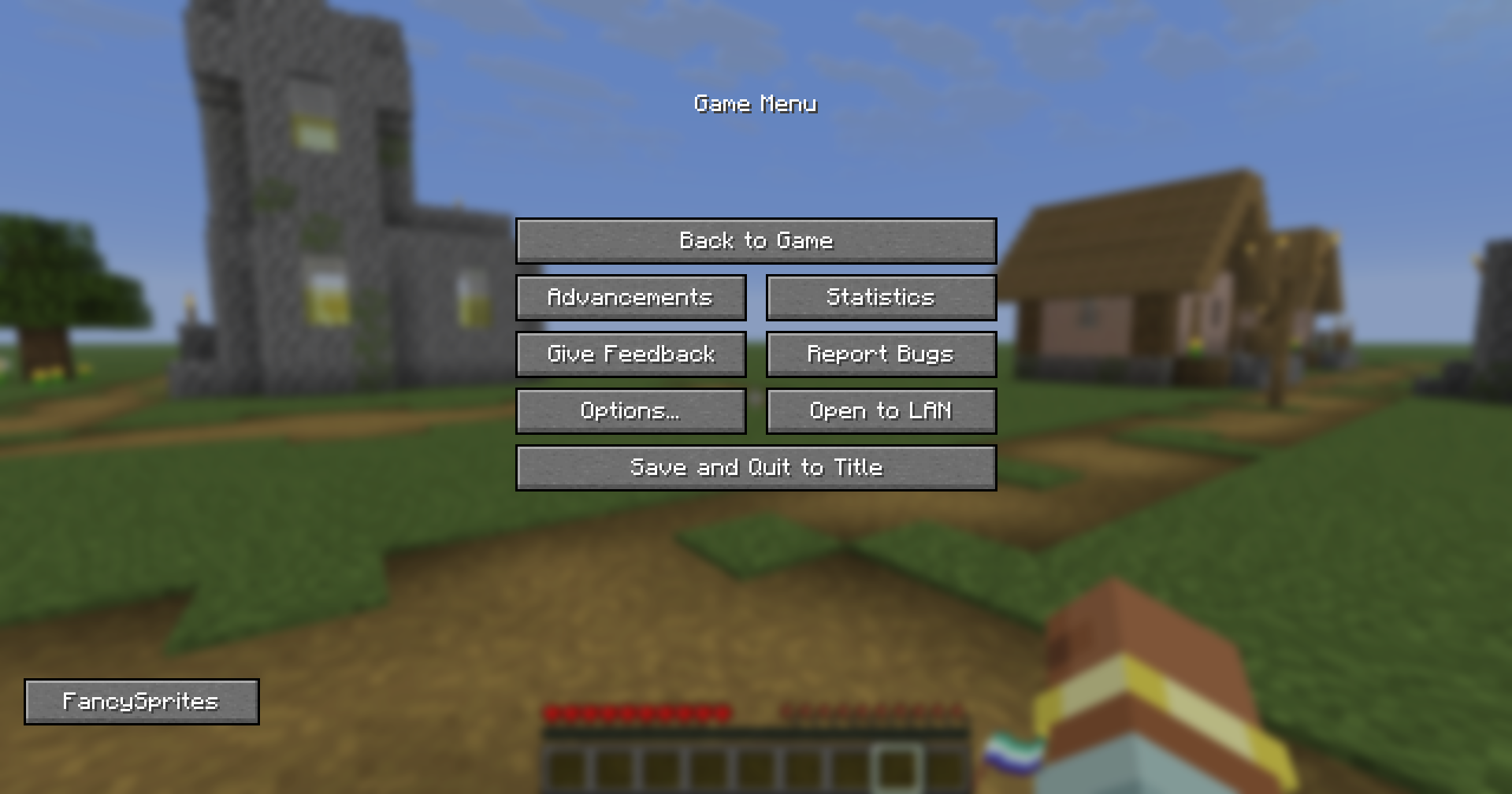 Location of the button to open the mod menu
Versions
Files
Relations
Project Relations
More like this
Similar Mods
Suggestions use data such as tags, dependencies, dependents, descriptions, titles, and more to rank how much they overlap with this mod.
On ModDex
Community snapshot
By the numbers
Statistics

Want to reach Minecraft players?
We're looking for a server hosting partner to feature here and other parts of the site. Interested? Send us a message!
Get in touchGet it on
Available Platforms
On ModDex
Community snapshot
By the numbers