
Community listing page, reviews here may not be monitored by the author.


Community voices
Reviews
No reviews yet. Be the first to review this project!
Get it on
Available Platforms
About
Project Details
For authors
Embed Badge
If you're the author of this project, you can embed a live badge anywhere that supports HTML or Markdown. It updates automatically whenever ratings change.
Use HTML for any page that supports it, or Markdown for README files and Markdown-based descriptions.
Identifiers
Platform IDs
Resources
External Links
About
Description
Commands:
(All command used in chat box without "/")
To enable smart HUD write: Jarvis enable smart hud (without "/") in the chat box
To disable write: Jarvis disable smart hud
To change Ai name write: ai name (the name you choose).
example: ai name Ultron
Than you can enable and disable smart HUD using the name you choose; example: Ultron enable smart hud
To enable/disable text box type: (The name you set) enable text box / (The name you set) disable text box.
Display your coordinates using: Jarvis(or the name you set) where am i
Navigation system: Jarvis get me to (X,Z, coordinates your want to travel to) (no Y coordinate needed)
Cancel navigation system: Jarvis(or name you set) cancel trip
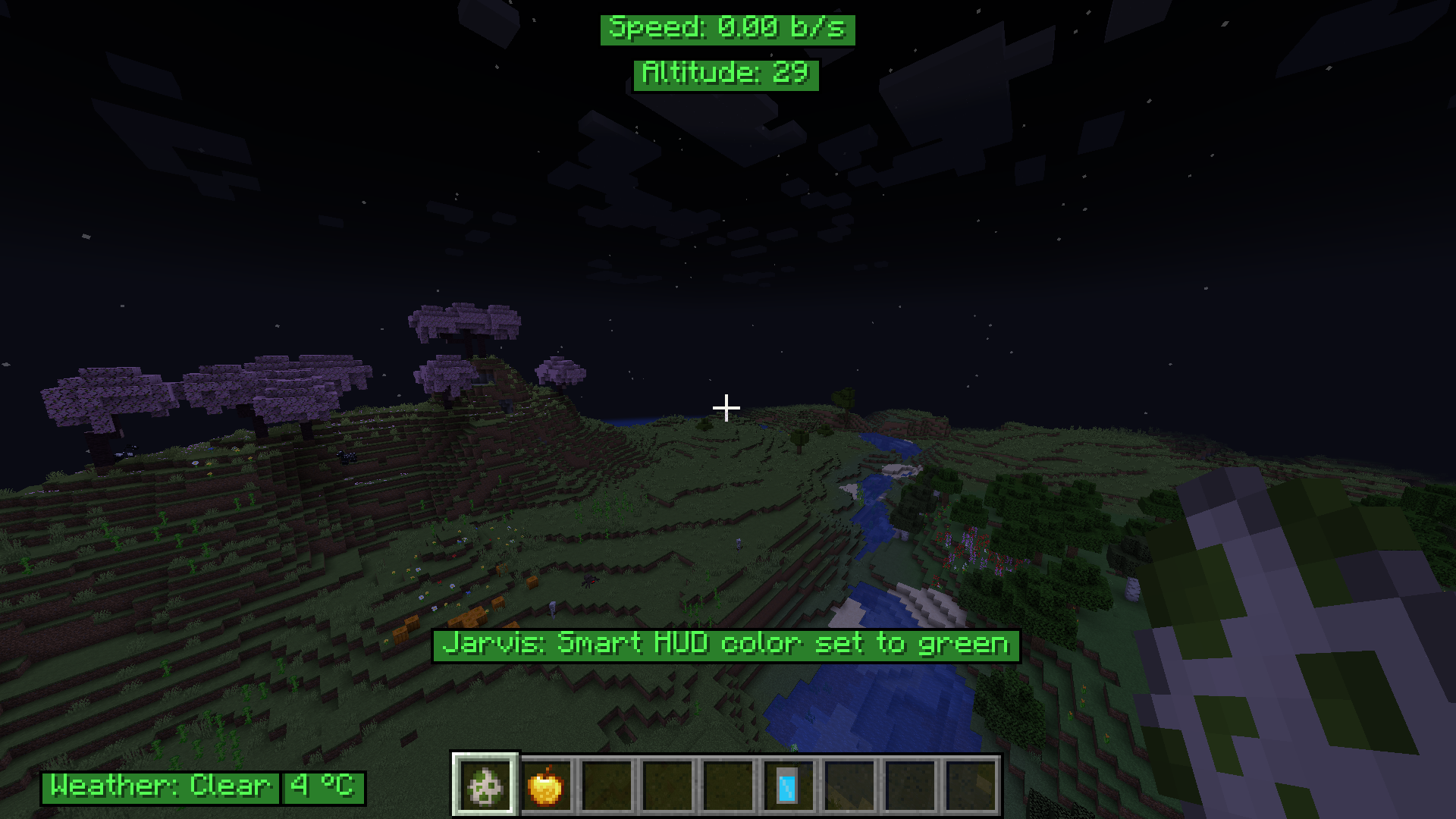
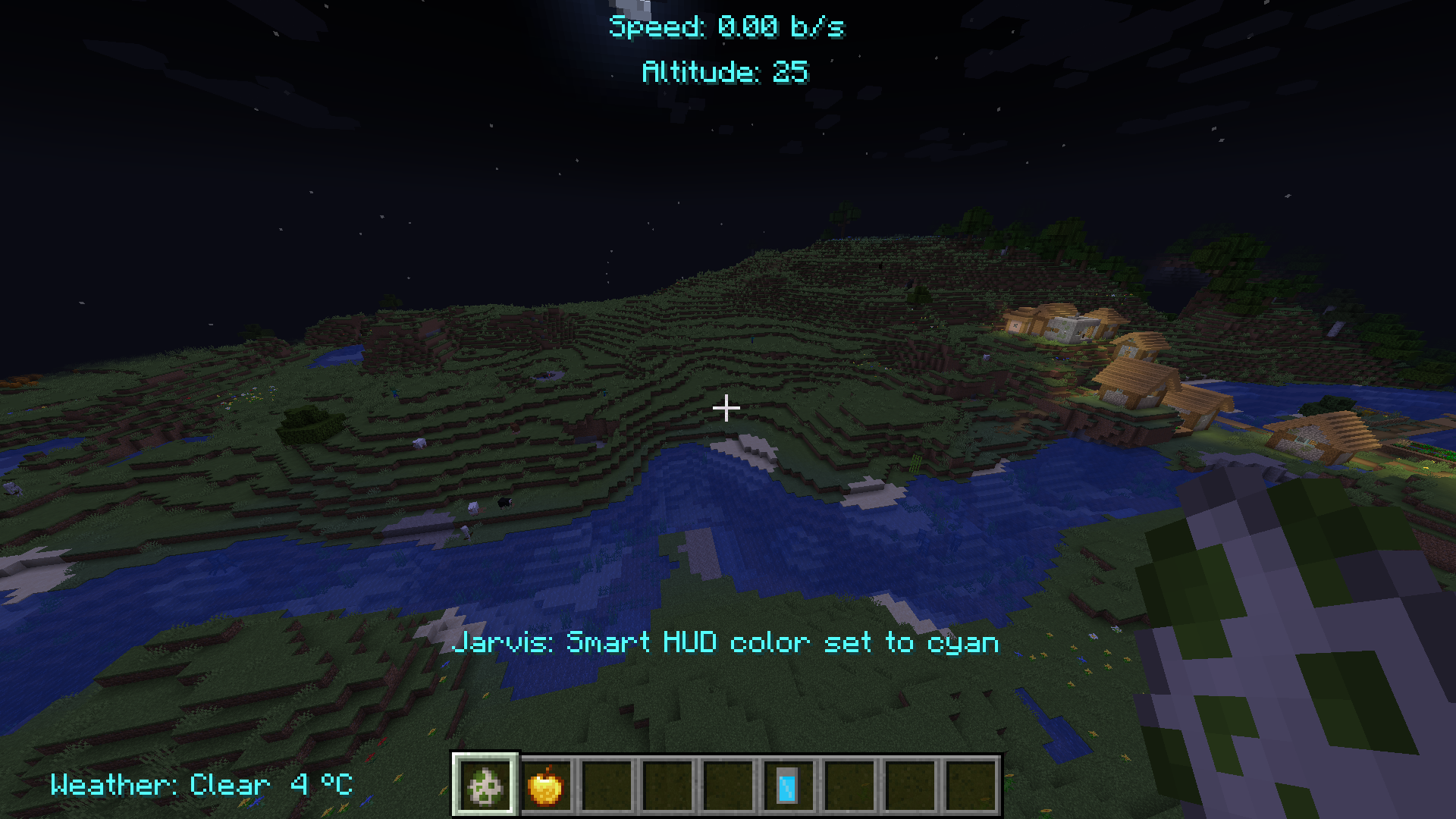
You can configure the color of the HUD using the chat box, type: smart hud color (than the color you want)
Colors: white, black, red, blue, green, yellow, aqua/cyan, pink, purple, magenta, orange, gray, grey, lightgray, lightgrey, lime, teal, gold.
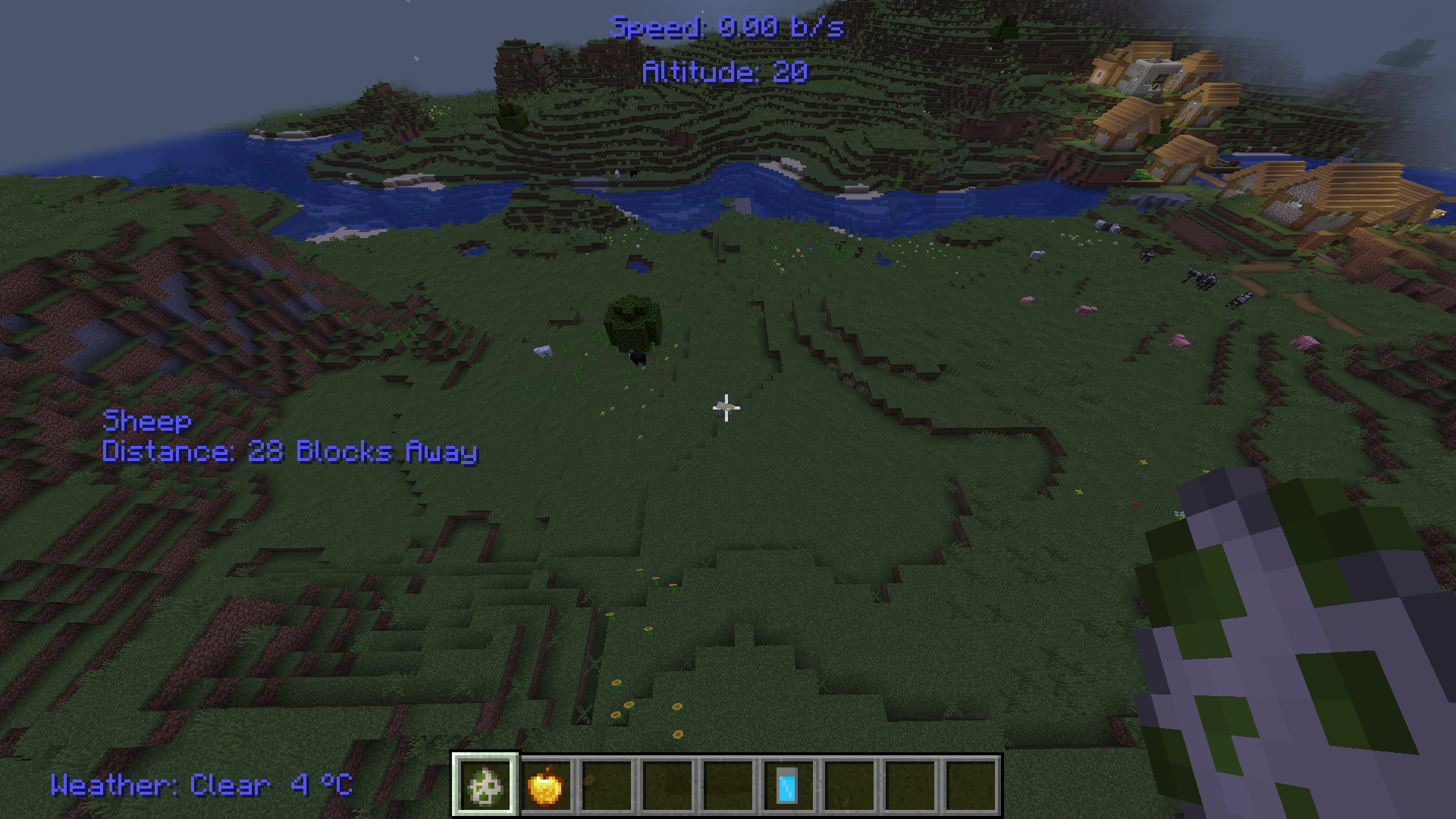
What this mod does: It gives you a dynamic HUD, similar to iron man's, which can display:
Speed
Altitude
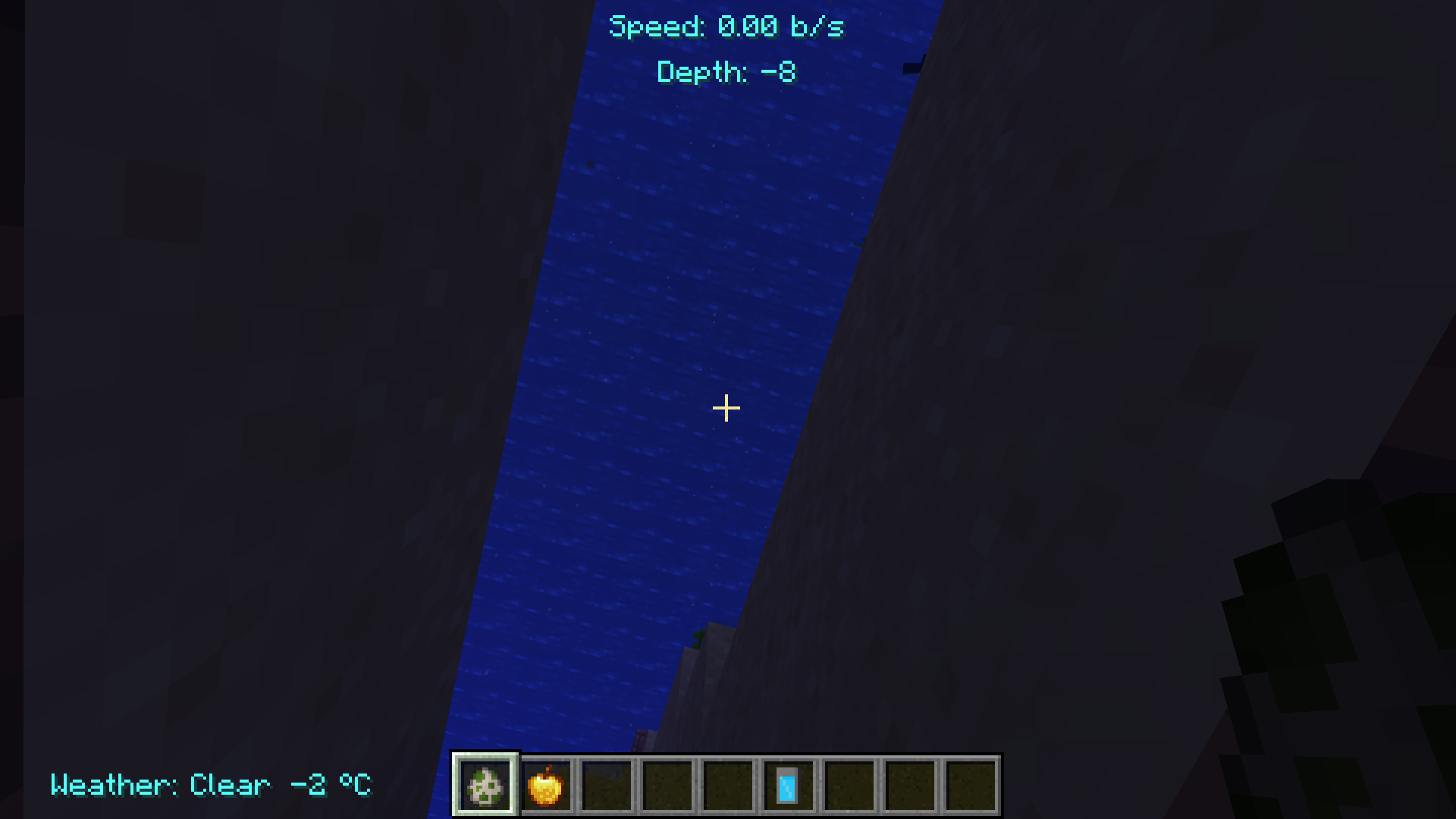
Depth (if underwater)
Weather + Temperature
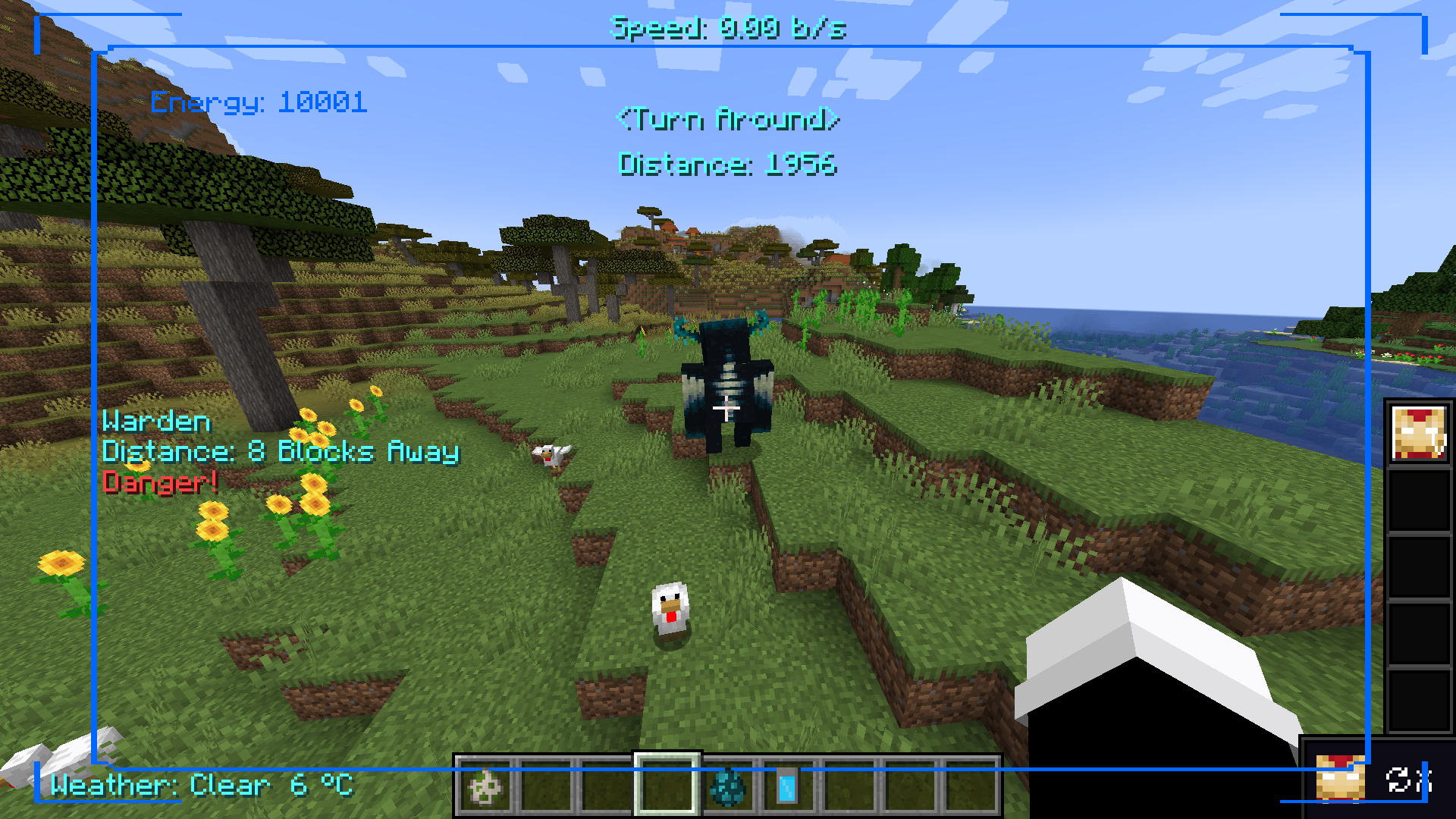
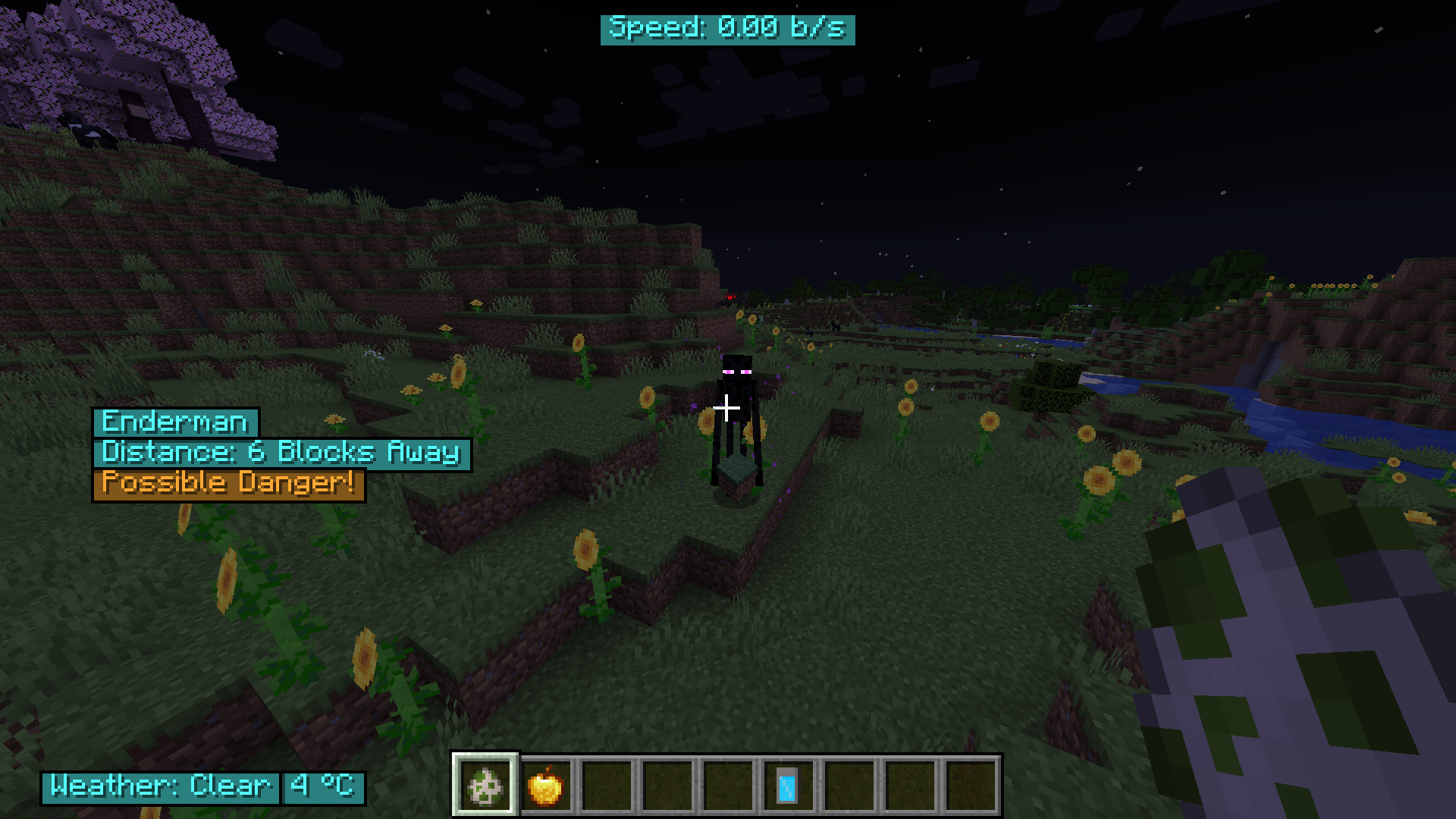
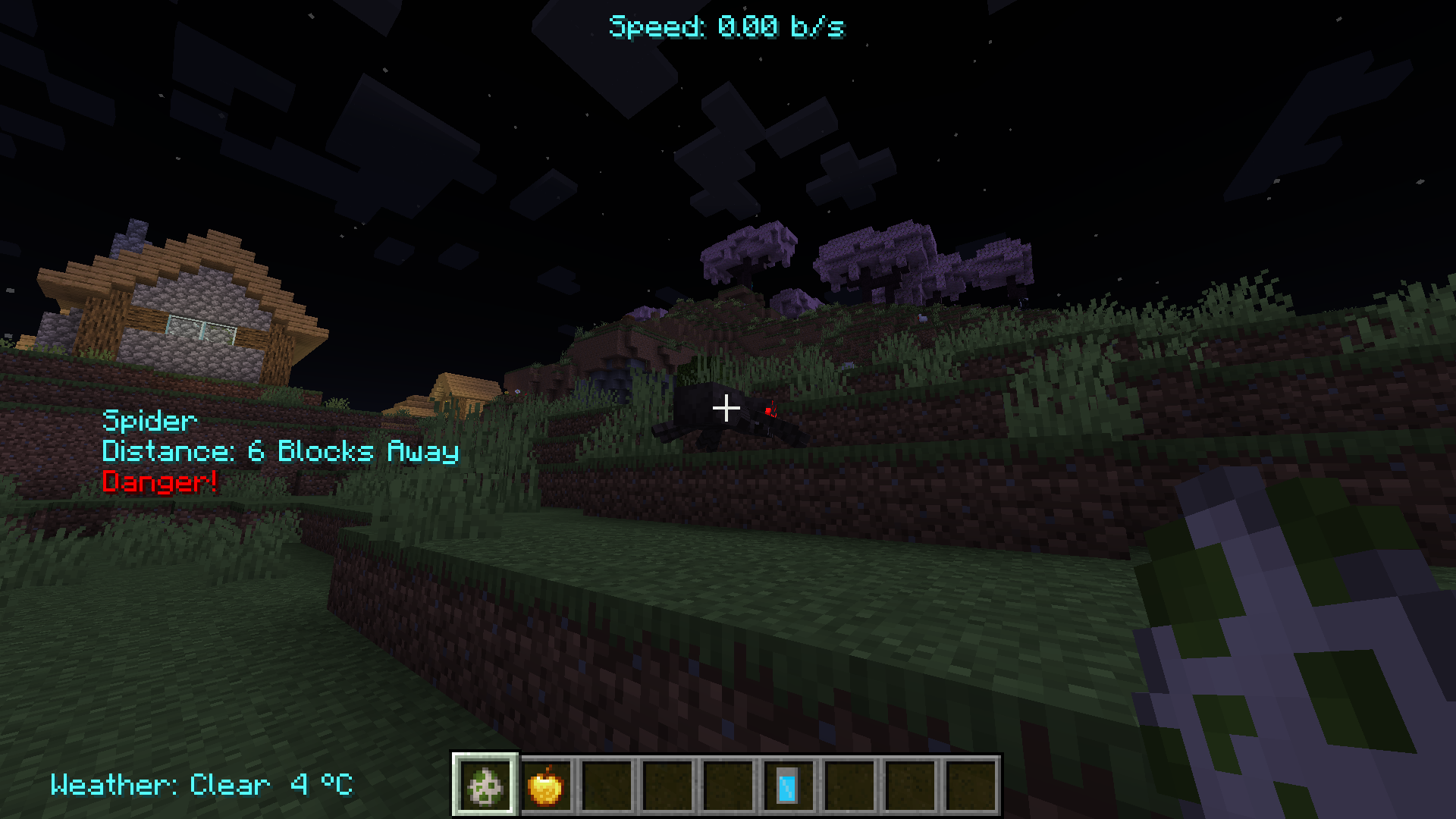
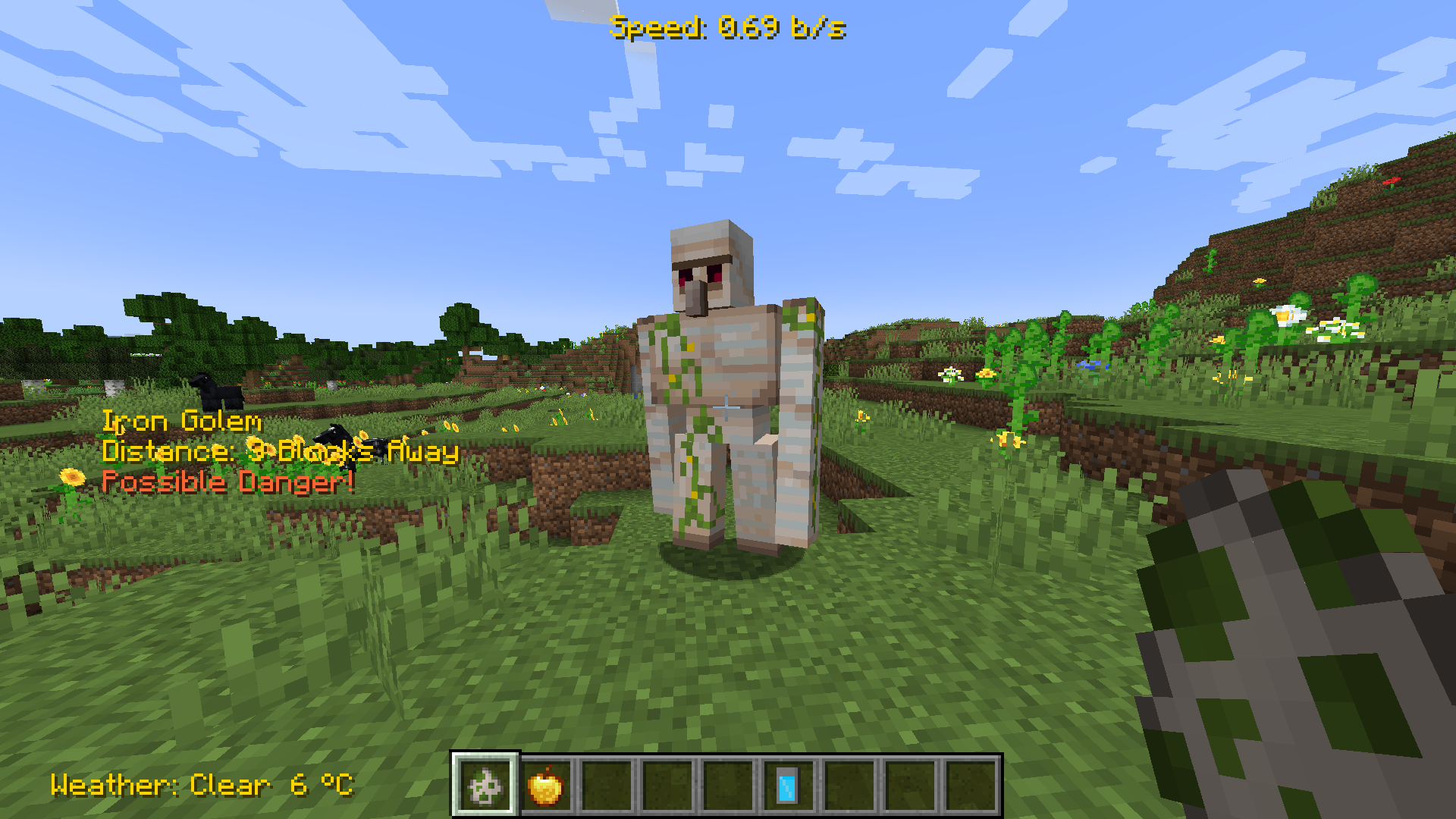
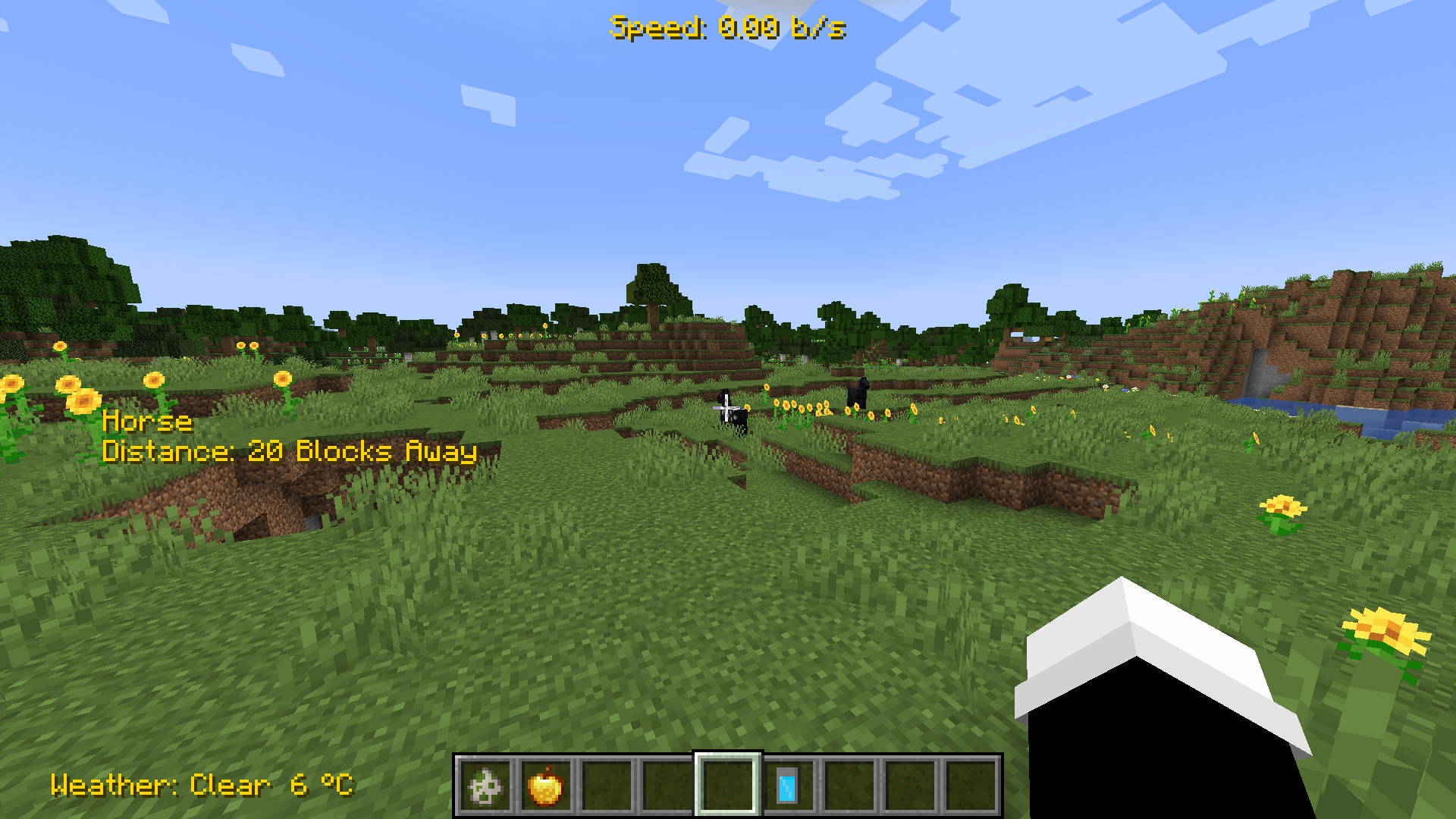
Mob Info
Shows mob name and "Distance: X Blocks Away" when looking at an entity within 40 blocks.
Danger, if mob is hostile
Possible Danger if mob can get angry at player. (This changes to Danger, if mob actively trying to kill the player)
!!Vitals Low!! if player health is below 5 hearts
!!Oxygen!! if oxygen level is below or equal 4
This mod basically aim's to give you a HUD similar to Iron Man, when he has a helmet on.
Recommend using it with Satsu's Iron Man Addon https://www.curseforge.com/minecraft/mc-mods/satsu-iron-man-addon
SOME COLORS DONT LOOK TO NICE: ex: Black
Test to see which works best for you!
Screenshots
Gallery
-
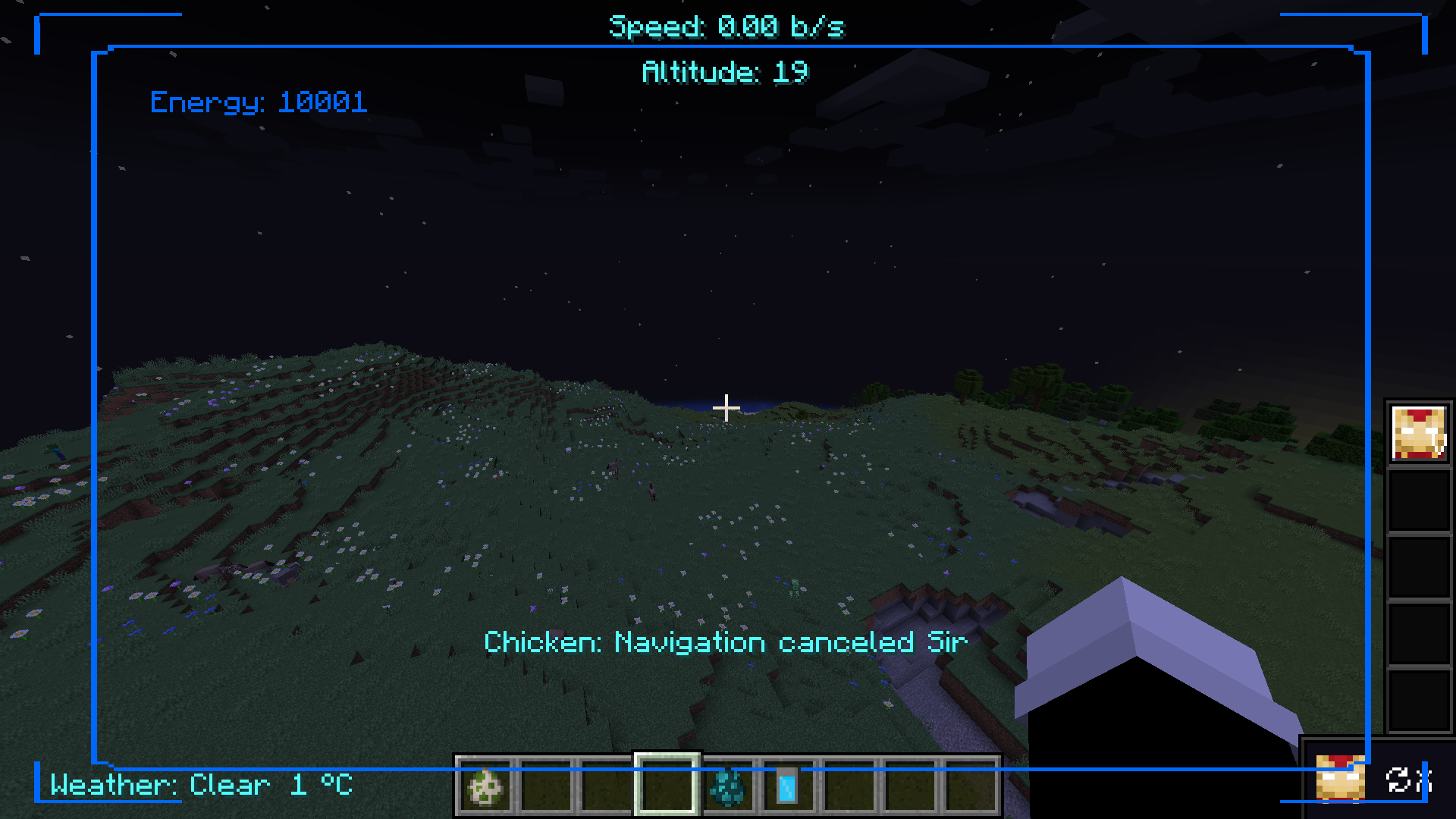 Navigation canceled
 -
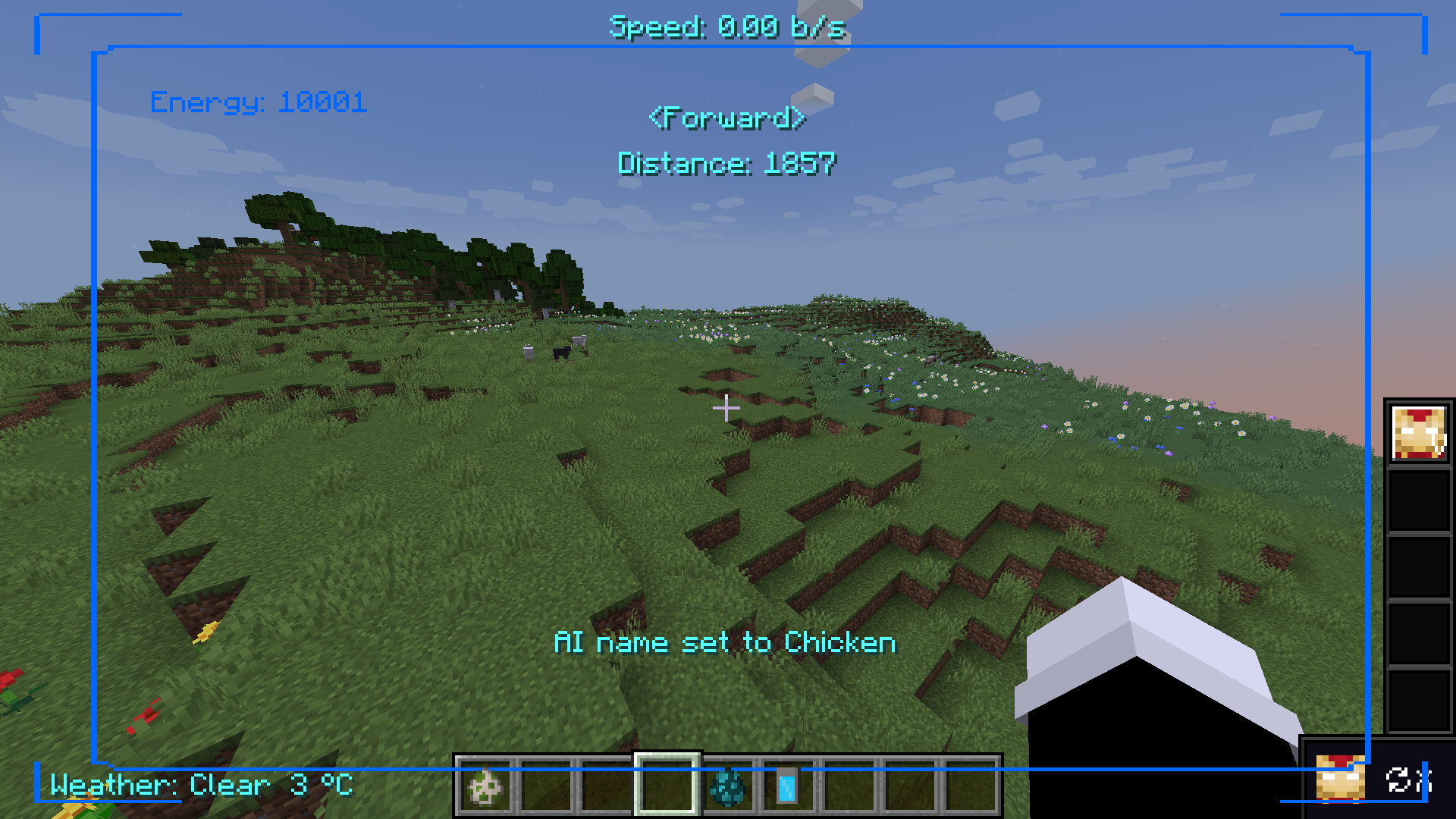 Ai name set to Chicken
 -
 image
image -
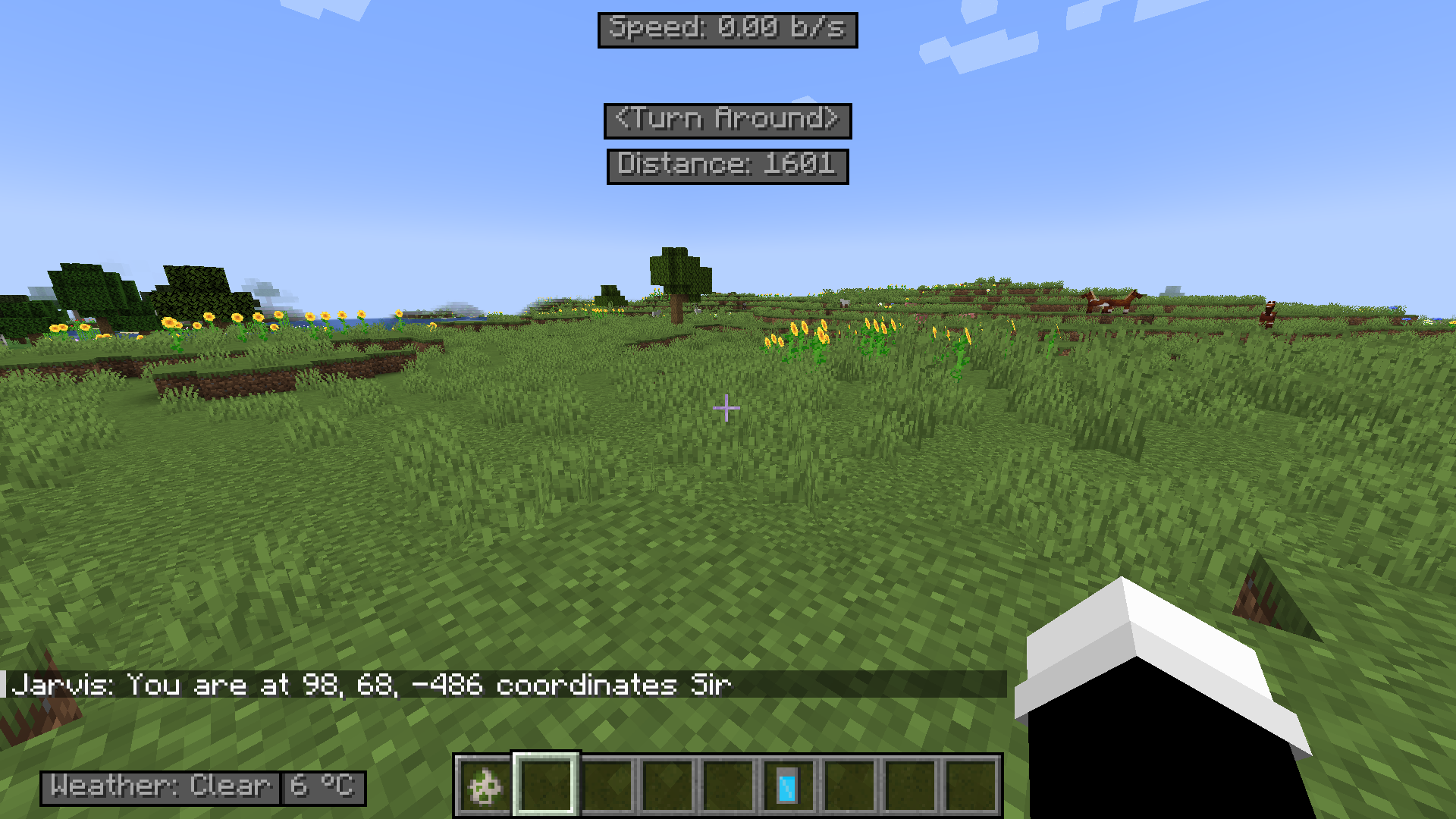 Jarvis where am I
 -
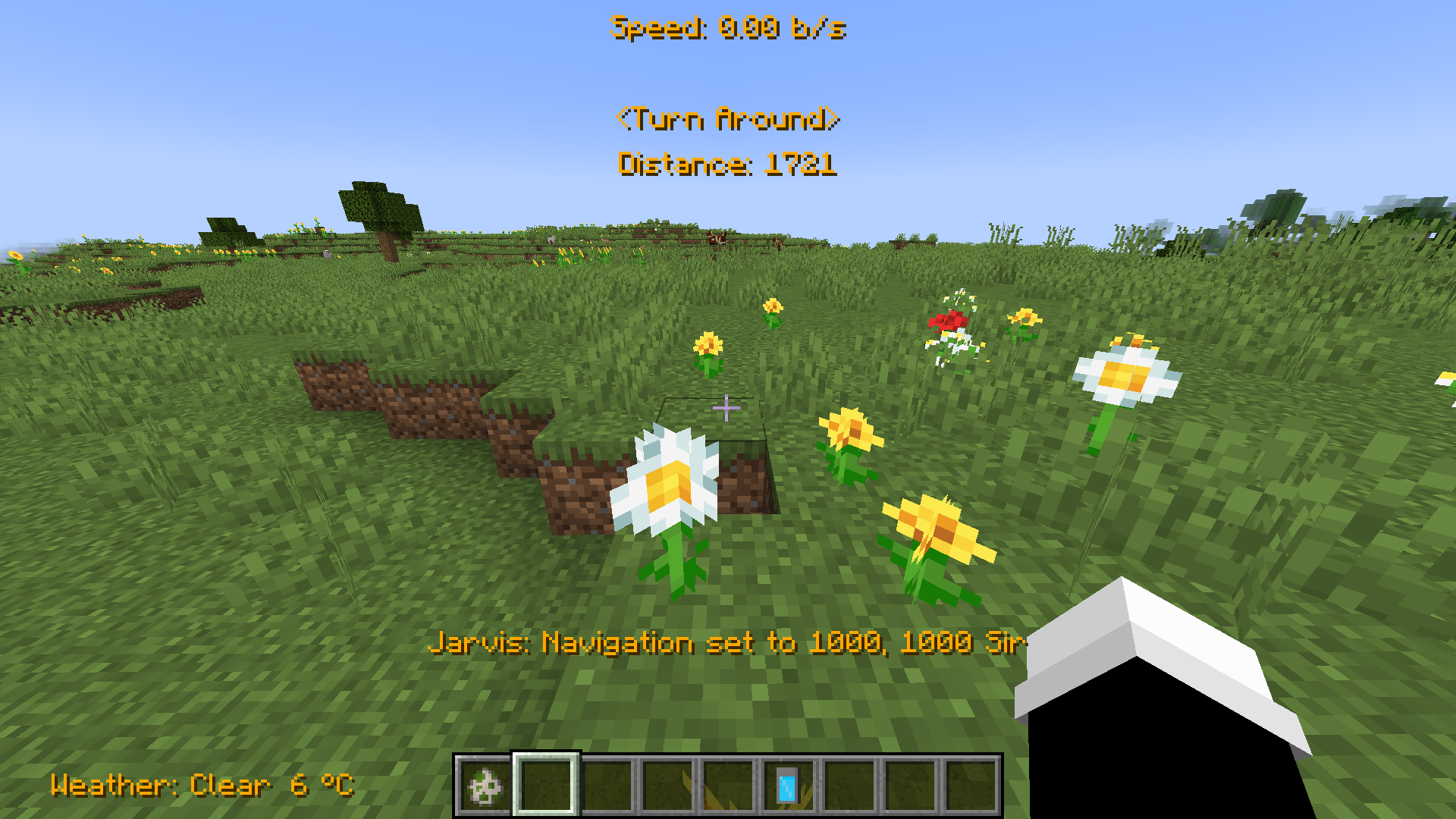 Navigation System
 -
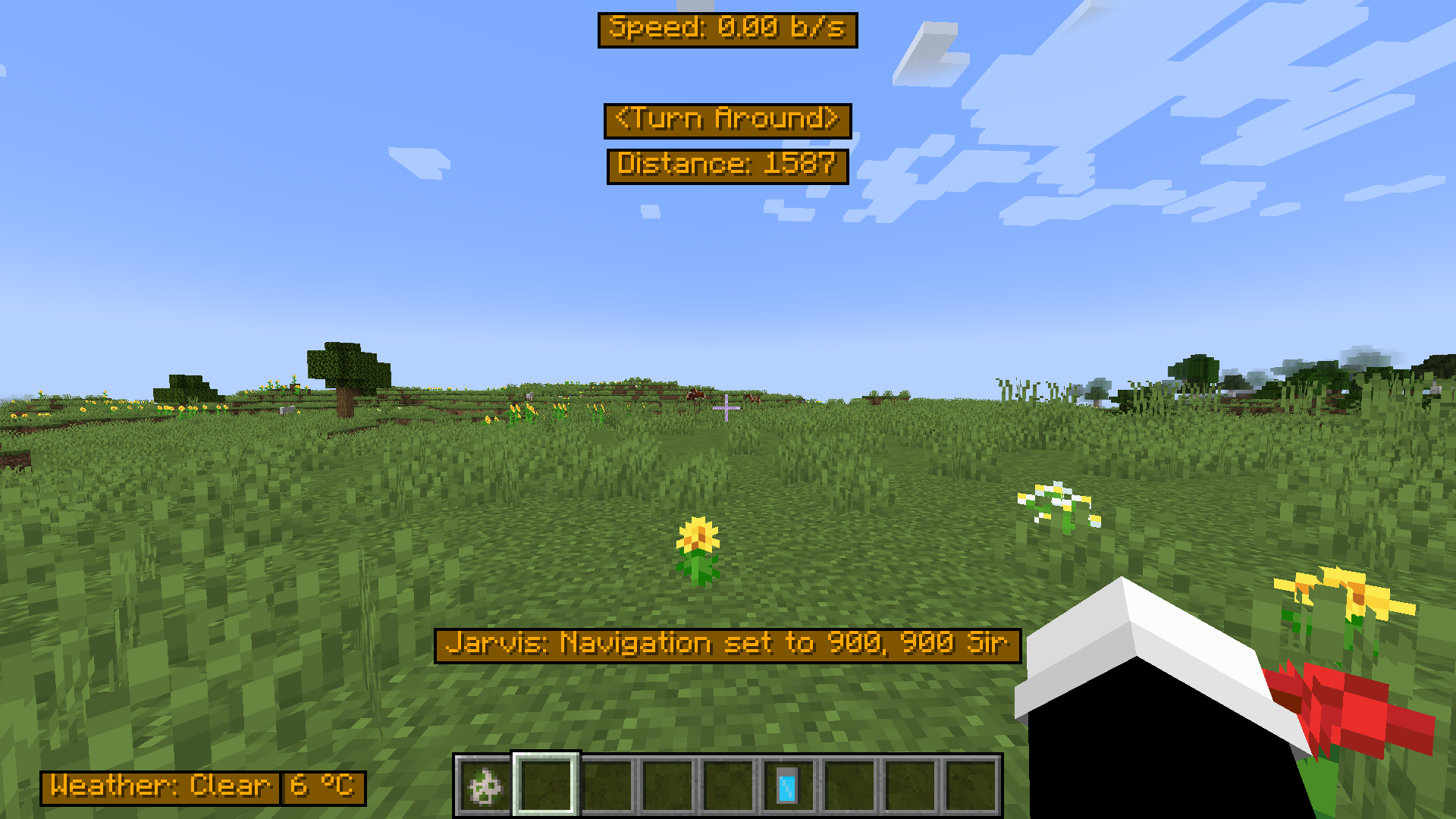 Navigation System
 -
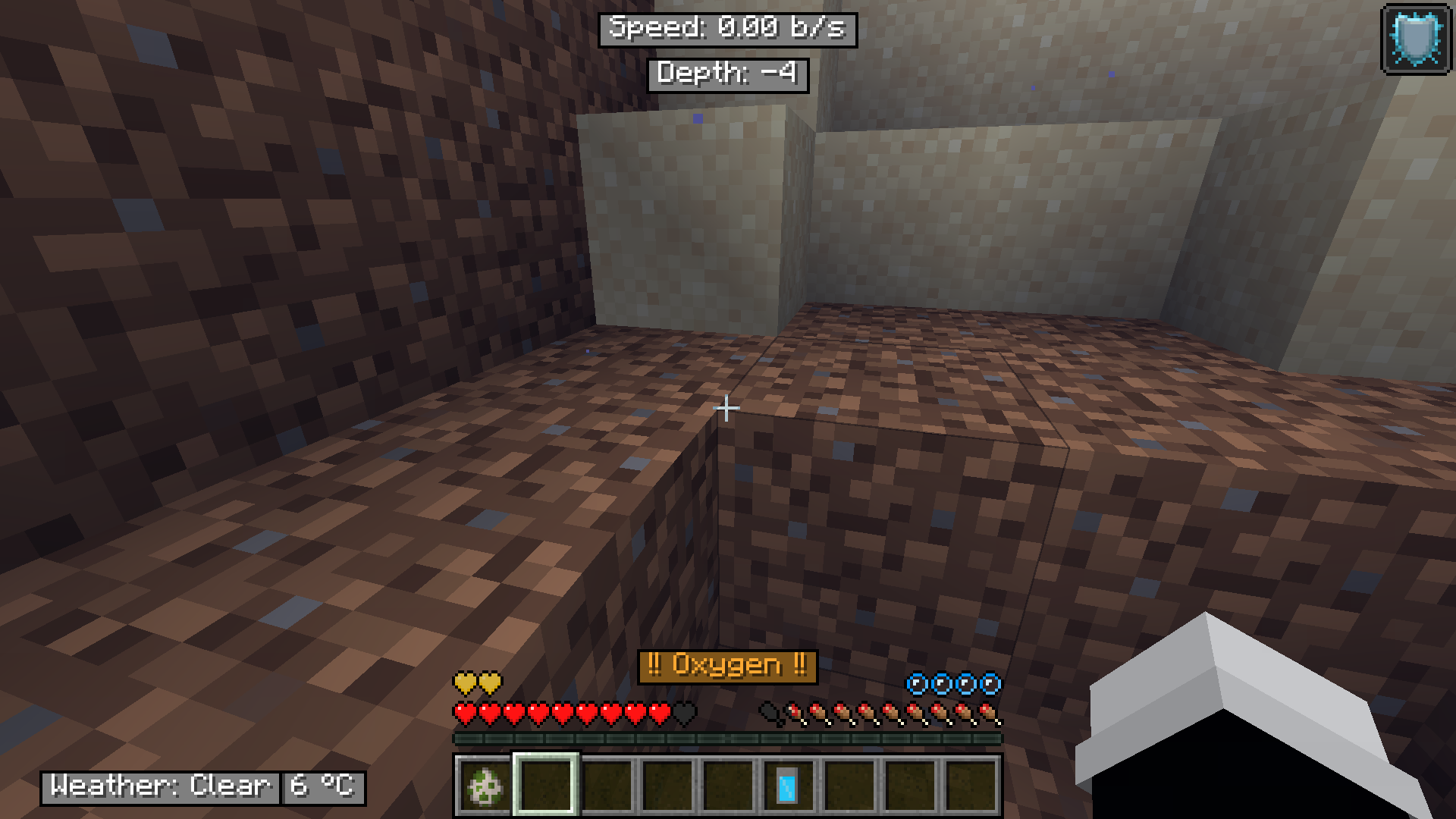 Oxygen Low
 -
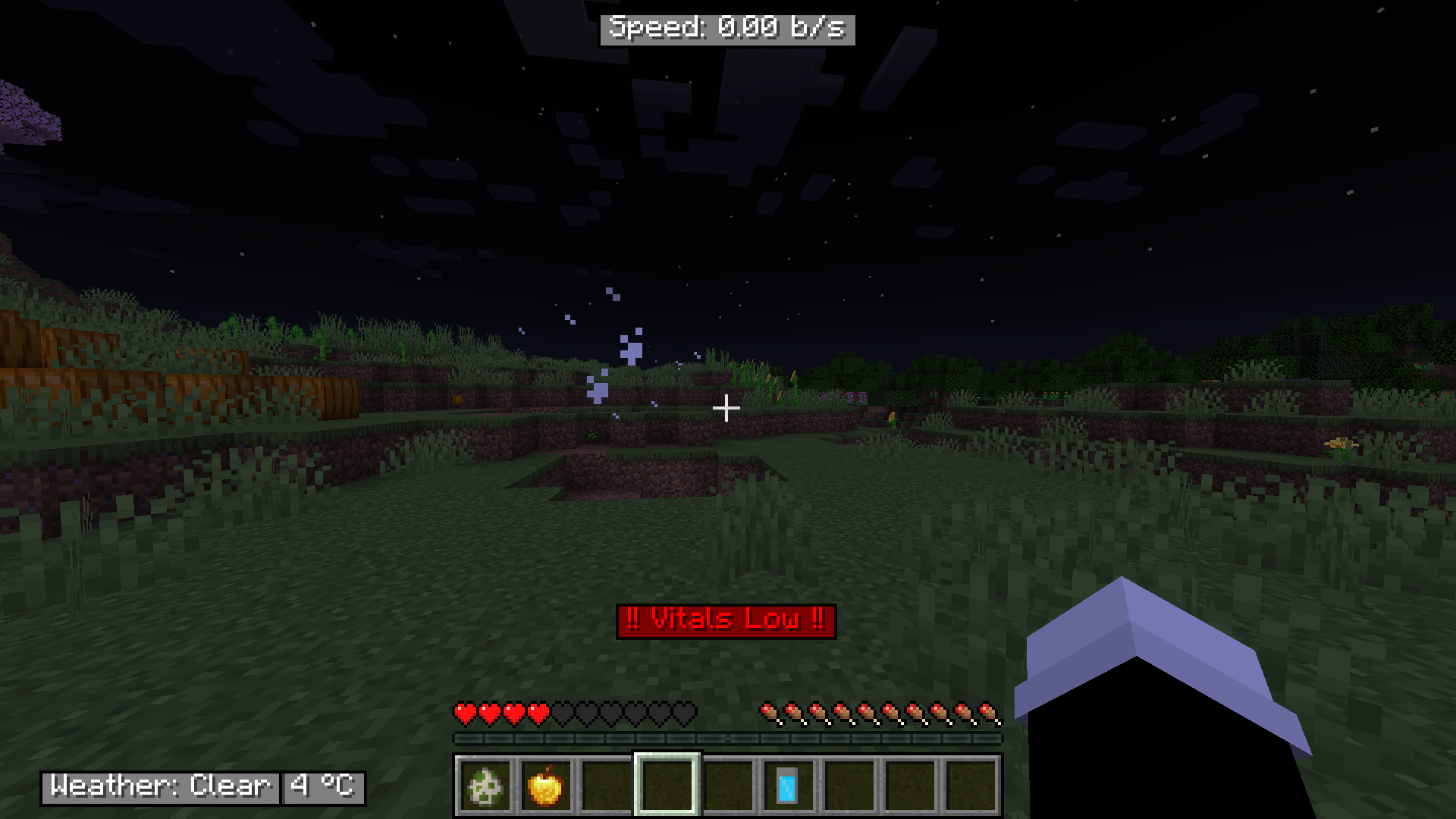 Vitals Low
 -
 image
image -
 image
image -
 image
image -
 image
image -
 image
image -
 image
image -
 image
image -
 image
image
Versions
Files
Relations
Project Relations
More like this
Similar Mods
Suggestions use data such as tags, dependencies, dependents, descriptions, titles, and more to rank how much they overlap with this mod.
On ModDex
Community snapshot
By the numbers
Statistics
 (opens in a new tab)
Get it on
Available Platforms
On ModDex
Community snapshot
By the numbers
Statistics
Resources