
Community listing page, reviews here may not be monitored by the author.
Flashbangs & Smokes

No reviews yet
Adds craftable Flashbang and Smoke grenades inspired by CS2!
Community voices
Reviews
No reviews yet. Be the first to review this project!
Get it on
Available Platforms
Compatibility
Supported Environments
Must be installed on both the client and the server.
About
Project Details
For authors
Embed Badge
If you're the author of this project, you can embed a live badge anywhere that supports HTML or Markdown. It updates automatically whenever ratings change.
Use HTML for any page that supports it, or Markdown for README files and Markdown-based descriptions.
Identifiers
Platform IDs
Resources
External Links
About
Description
Adds Flashbangs and Smokes inspired by Counter Strike.
Requires the Datapack for Craftings and Smokes.
Requires the Resourcepack for Item Textures and Flashbangs.
They are obtained either from crafting or renaming a snowball in an anvil (to either "Flash","Flashbang" or "Smoke").
Flashbang Grenade Recipe:
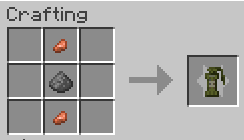
Smoke Grenade Recipe:
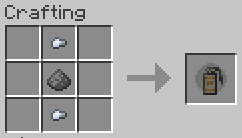
Flashbangs:
Explode 1.5s after being thrown and utilise the new /posteffect command.
Looking away from a flashbang nullifies the effect.
Walls block them.
The further away you stand the less blinded you get (up to 64 blocks).
Smokes:
Create particles for 20s in a circle of around 6 blocks of diameter.
Detonate after 2s after landing on the ground.
Both grenades work with dispensers and allow for automation!
The data pack is safe to uninstall. But it's ideal to not do it right after throwing a grenade.
If you don't want to install for Fabric, here is how to install the data pack (in that case you need both the data pack and the texture pack):
Install the texture pack
Download the .ZIP, then either drag and drop the file into the game's resource pack screen or click on the button to open the folder and drop it there.Install the data pack
Download the .ZIP, then put it in .minecraft/saves//datapacks/
On Windows just click Windows+R, type %appdata%, go to Roaming, then .minecraft
If you aren't using the official launcher, Minecraft's folder might be diffrent.
In that case open the resouce pack selector from the settings, click "Open Pack Folder" and go 1 folder up.
Screenshots
Gallery
-
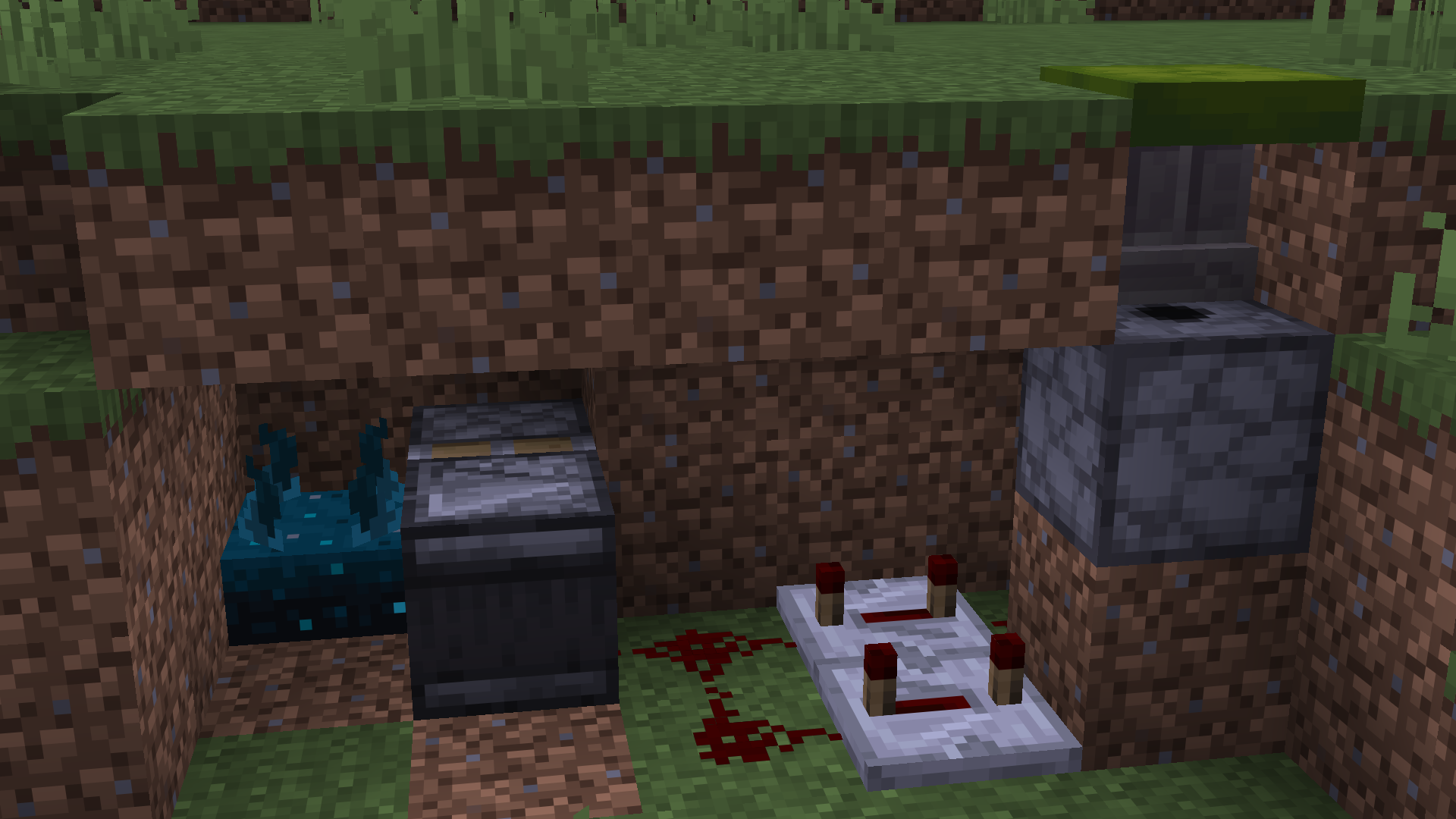 A simple repeated flashbang trap Make sure the dispenser is full :)
 -
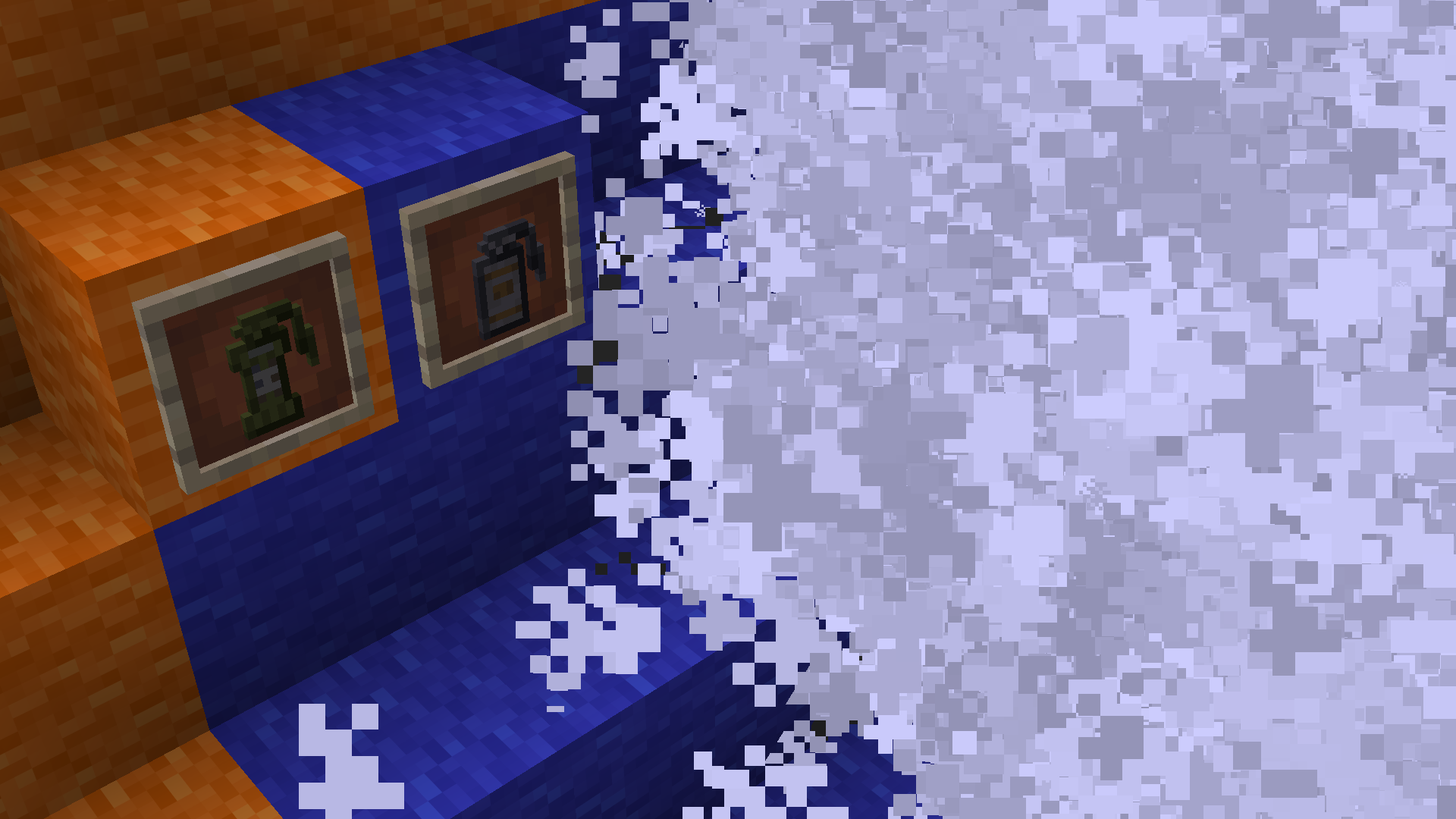 Banner
 -
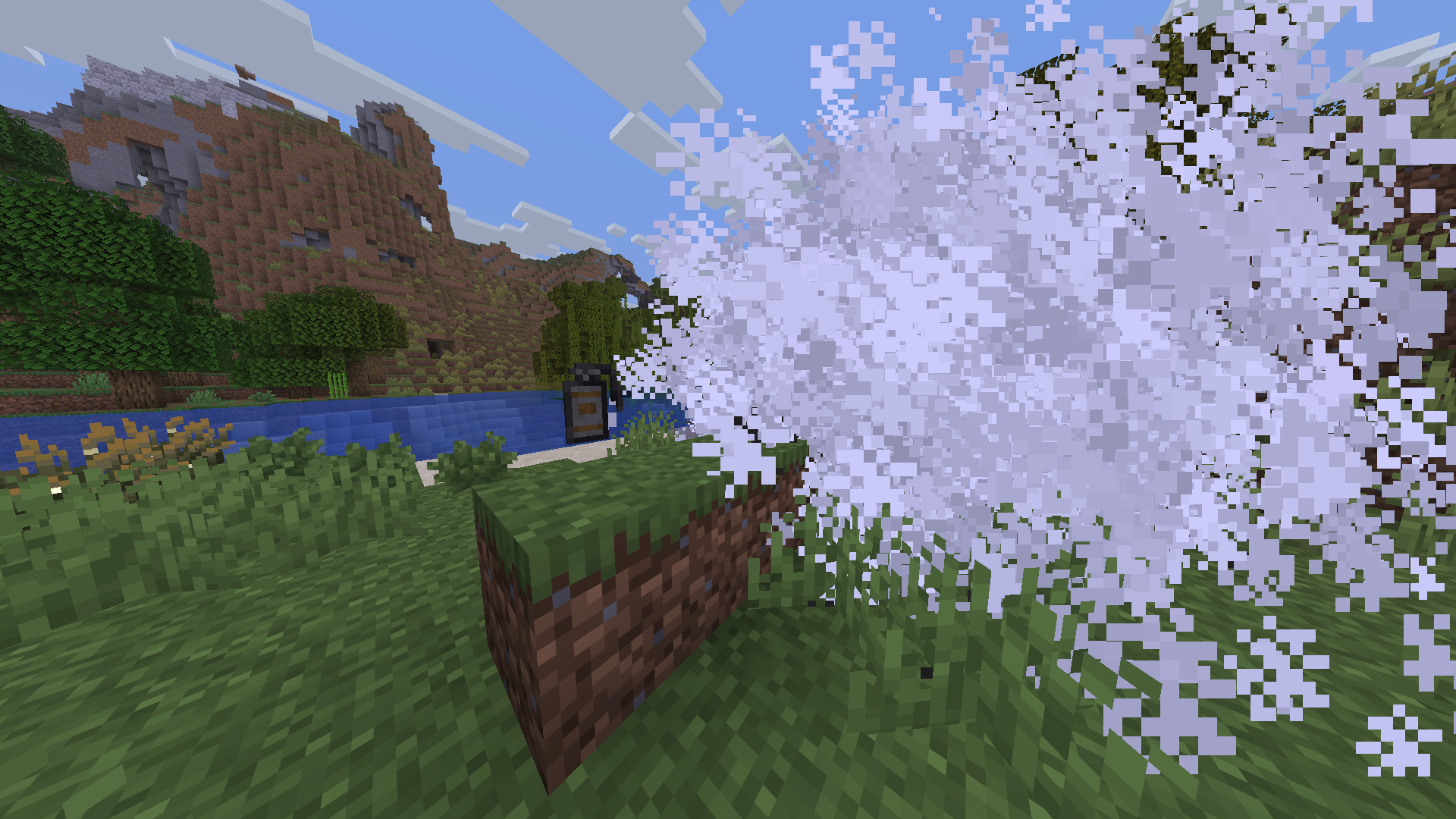 Smoke Grenade
 -
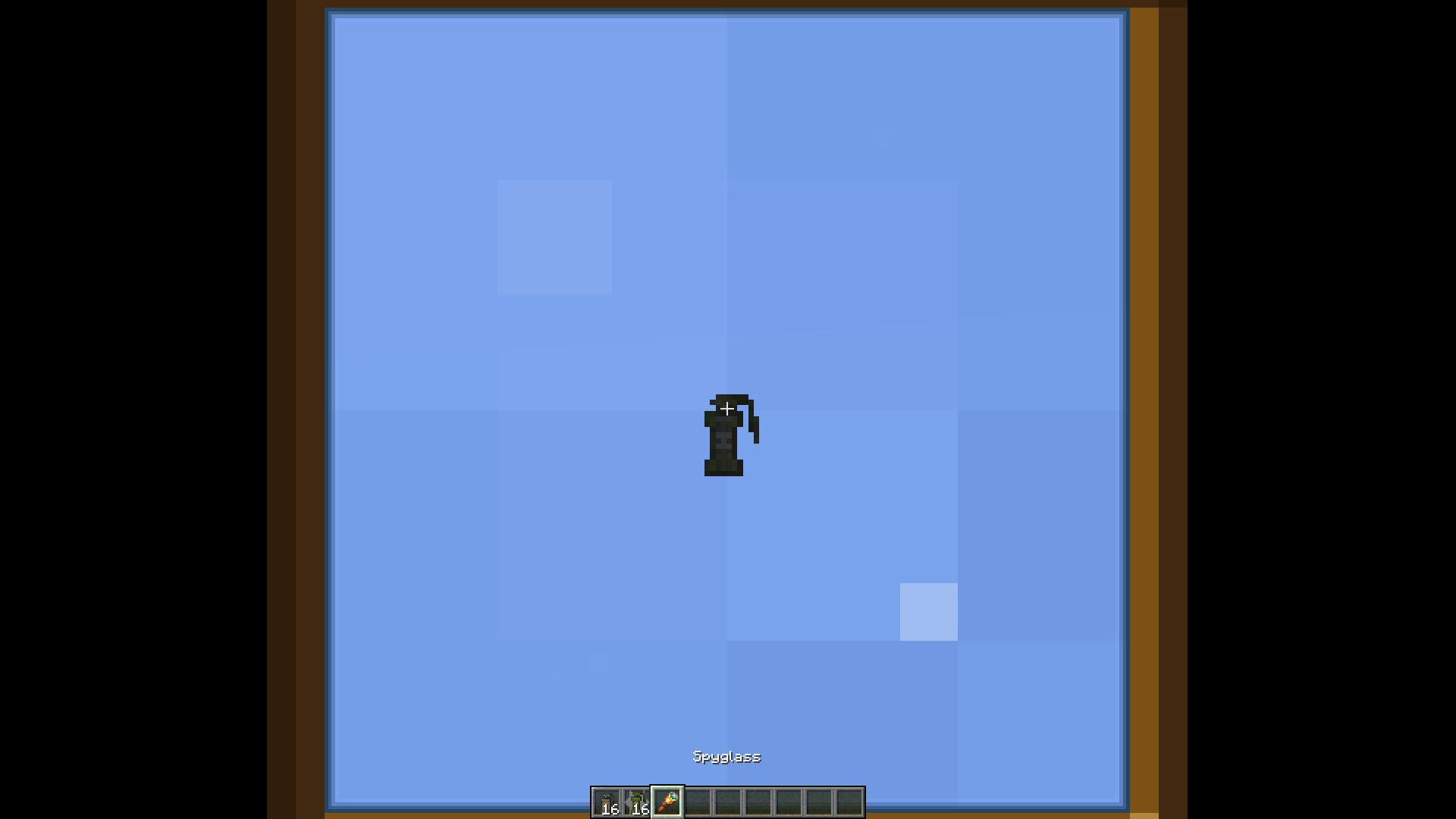 Flash thrown
 -
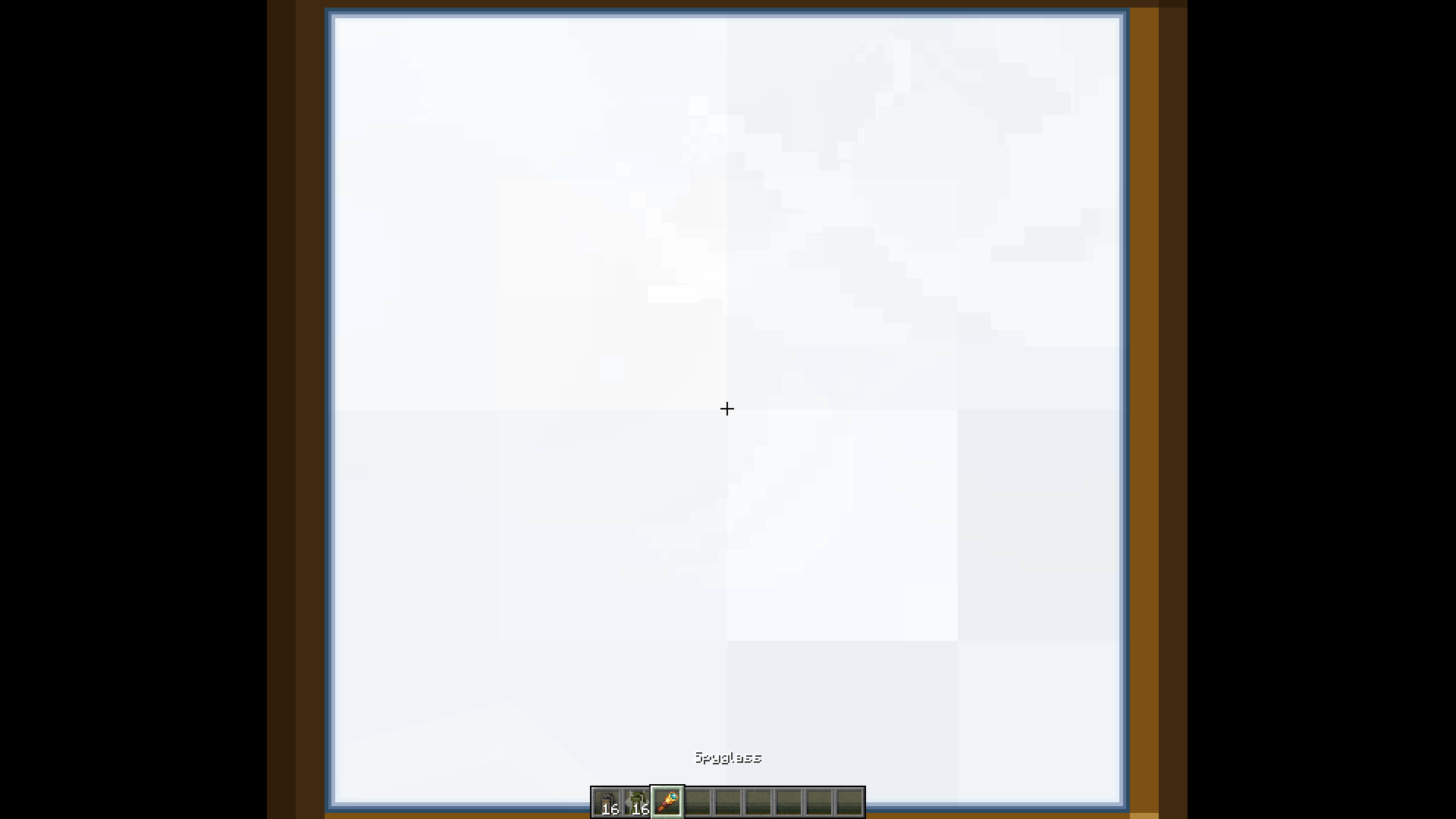 Flash Effect
 -
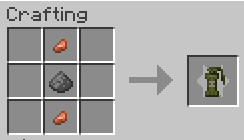 Flashbang Grenade Recipe
 -
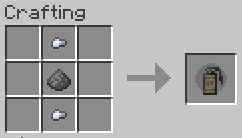 Smoke Grenade Recipe
 -
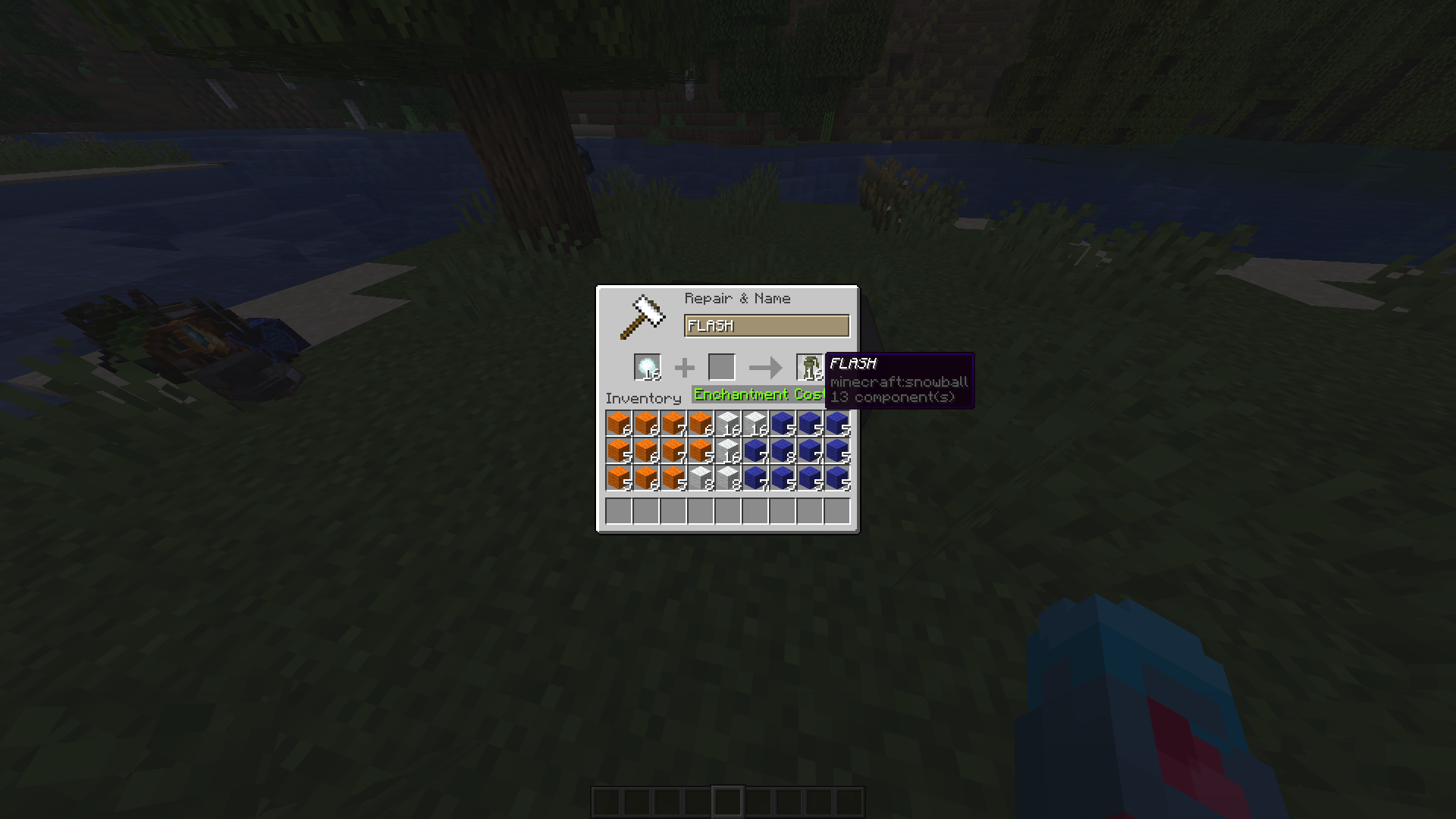 Alternative way of obtaining
 -
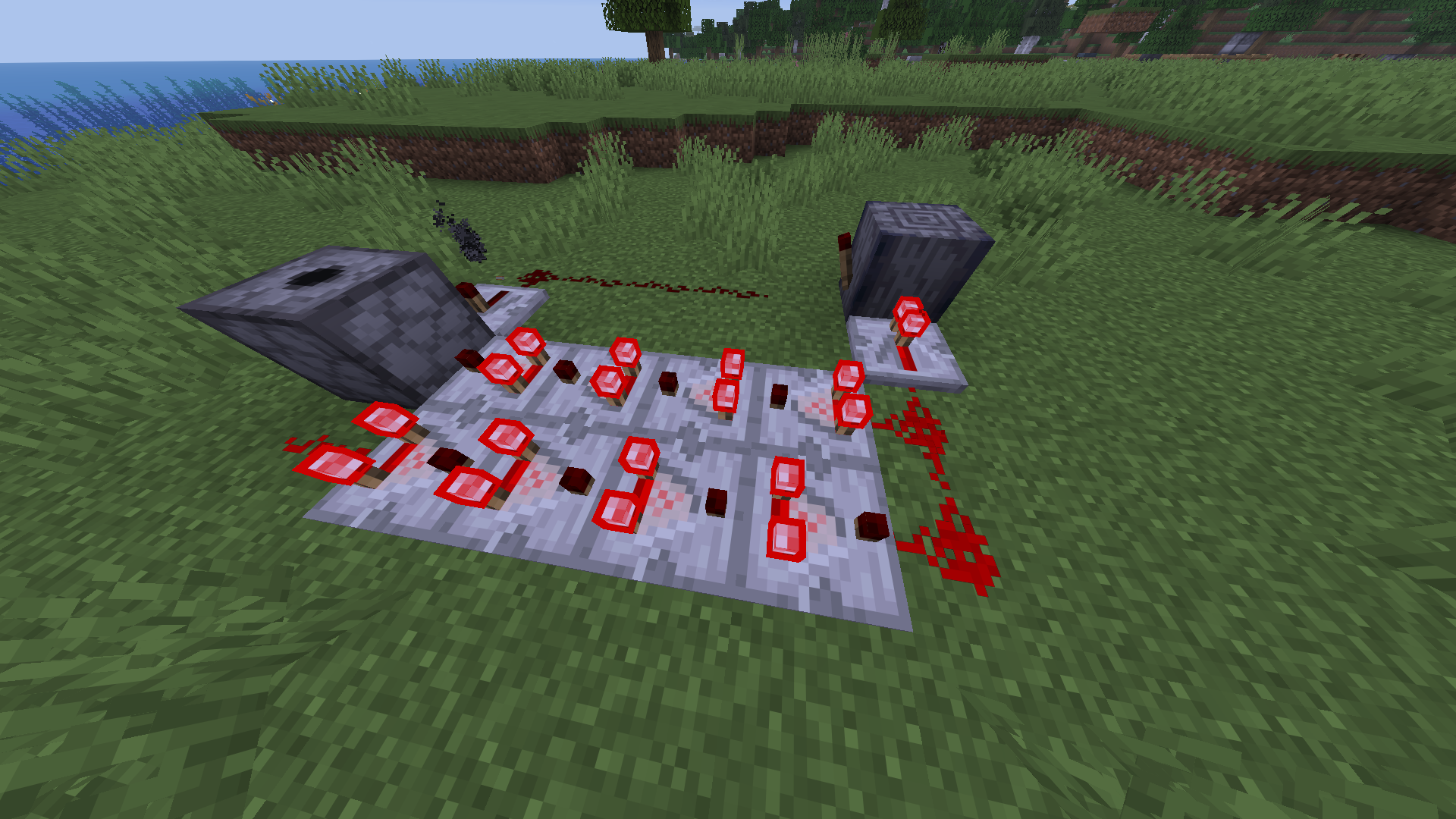 A simple clock for repeated smokes/flashes
Versions
Files
Relations
Project Relations
More like this
Similar Mods
Suggestions use data such as tags, dependencies, dependents, descriptions, titles, and more to rank how much they overlap with this mod.
On ModDex
Community snapshot
By the numbers
Statistics

Want to reach Minecraft players?
We're looking for a server hosting partner to feature here and other parts of the site. Interested? Send us a message!
Get in touchGet it on
Available Platforms
On ModDex
Community snapshot
By the numbers
Statistics
Resources