Community listing page, reviews may not be monitored by the author.
Freerunner

No reviews yet
First-person freerunning: build momentum, wall-run, vault, climb, slide, roll and flip across your world, fully animated.

Community voices
Reviews
No reviews yet. Be the first to review this project!
Get it on
Available Platforms
About
Project Details
For authors
Embed Badge
If you're the author of this project, you can embed a live badge anywhere that supports HTML or Markdown. It updates automatically whenever ratings change.
Use HTML for any page that supports it, or Markdown for README files and Markdown-based descriptions.
Identifiers
Platform IDs
Resources
External Links
About
Description
Freerunner turns Minecraft's movement into first-person parkour. Build up speed, run along walls, vault over obstacles, climb up to ledges, slide under gaps, roll out of drops and flip through the air. Every move keeps your momentum flowing into the next one. The vanilla player model is kept and animated, so you still look like yourself.
Moves
| Move | How |
|---|---|
| Momentum | Sprint to build speed over about 8 seconds. Chained jumps, vaults, wall-runs and wall jumps push it even further. |
| Vault | Run at a block, fence or wall up to 1.5 blocks high and press Jump. You go over in one smooth arc without losing speed. At high speed it becomes a kong vault. |
| Wall-run | Jump at a wall at a shallow angle while holding Jump + Forward. Fast enough, and it becomes a wall ride. Press Jump again to wall jump. |
| Wall-climb | Jump straight at a wall while holding Jump + Forward to run up it and grab the ledge. |
| Ledges | Hang, shimmy with Left/Right, and climb up with Forward. Turn and jump to leap off. |
| Slide | Press Sneak while sprinting. Fits under 1-block gaps and speeds up downhill. |
| Roll | Drops of 2 to 10 blocks are rolled automatically, with no damage. For higher falls, tap Sneak just before landing. |
| Flips | Press R to flip, and hold a direction for a front flip, backflip, side flip or (with Sneak) a 360° spin. Run at a wall and press R for a wall flip. |
| Double jump | Press Jump again in the air after a jump. It flips in the direction you hold. |
| Quick turn | Z turns you around 180°. It also turns you away from a wall so you can kick off it. |
Feel
- In first person, your hands grip ledges, reach up walls, plant on vaults and trail on slides.
- The camera tilts on wall-runs, leans into fast turns, dips on landings and spins through rolls and flips.
- Your field of view widens with speed, and a rush of wind rises as you go faster.
- In third person (and for other players), your character hangs, climbs, vaults, slides, rolls, flips, leans into runs and braces on hard landings.
Settings
Everything can be adjusted in game: auto-roll heights, double jump timing, camera tilt, flip camera, speed FOV, hands, animations and wind volume. Open the settings with Mod Menu's Configure button on Fabric, the mod list's Config button on NeoForge and Forge, or bind a key under Options → Controls → Freerunner. All keys can be rebound there.
Versions
| Minecraft | Loaders |
|---|---|
| 26.3, 26.2, 26.1 – 26.1.2 | Fabric, NeoForge |
| 1.21 – 1.21.11 | Fabric, NeoForge |
| 1.20.3 – 1.20.6 | Fabric, NeoForge |
| 1.20 – 1.20.1 | Fabric, Forge |
Download the file for your Minecraft version and loader. Fabric needs Fabric API; Mod Menu is optional.
Multiplayer
Install it on the server as well. The server needs it for rolls to prevent fall damage, for the slide's low pose, and to show your animations to other players. On a server without it, the moves still work, but rolls don't protect you and others see vanilla poses.
Credits
The movement timings follow public community documentation of how Mirror's Edge (2008) handles running, wall-runs, vaults and landings, converted to Minecraft's blocks and ticks. This mod contains no files or code from that game.
Screenshots
Gallery
-
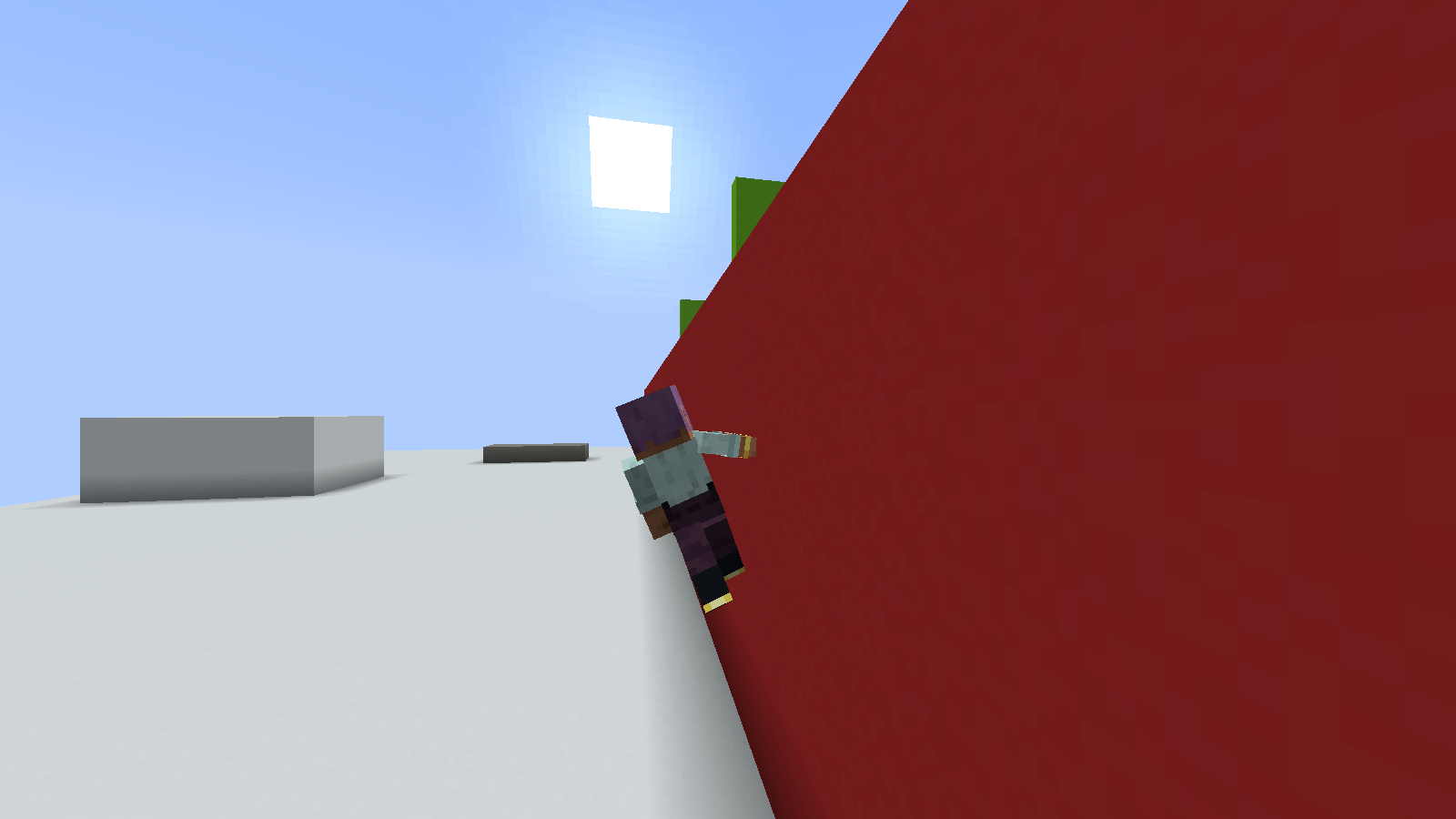 Wall Ride
 -
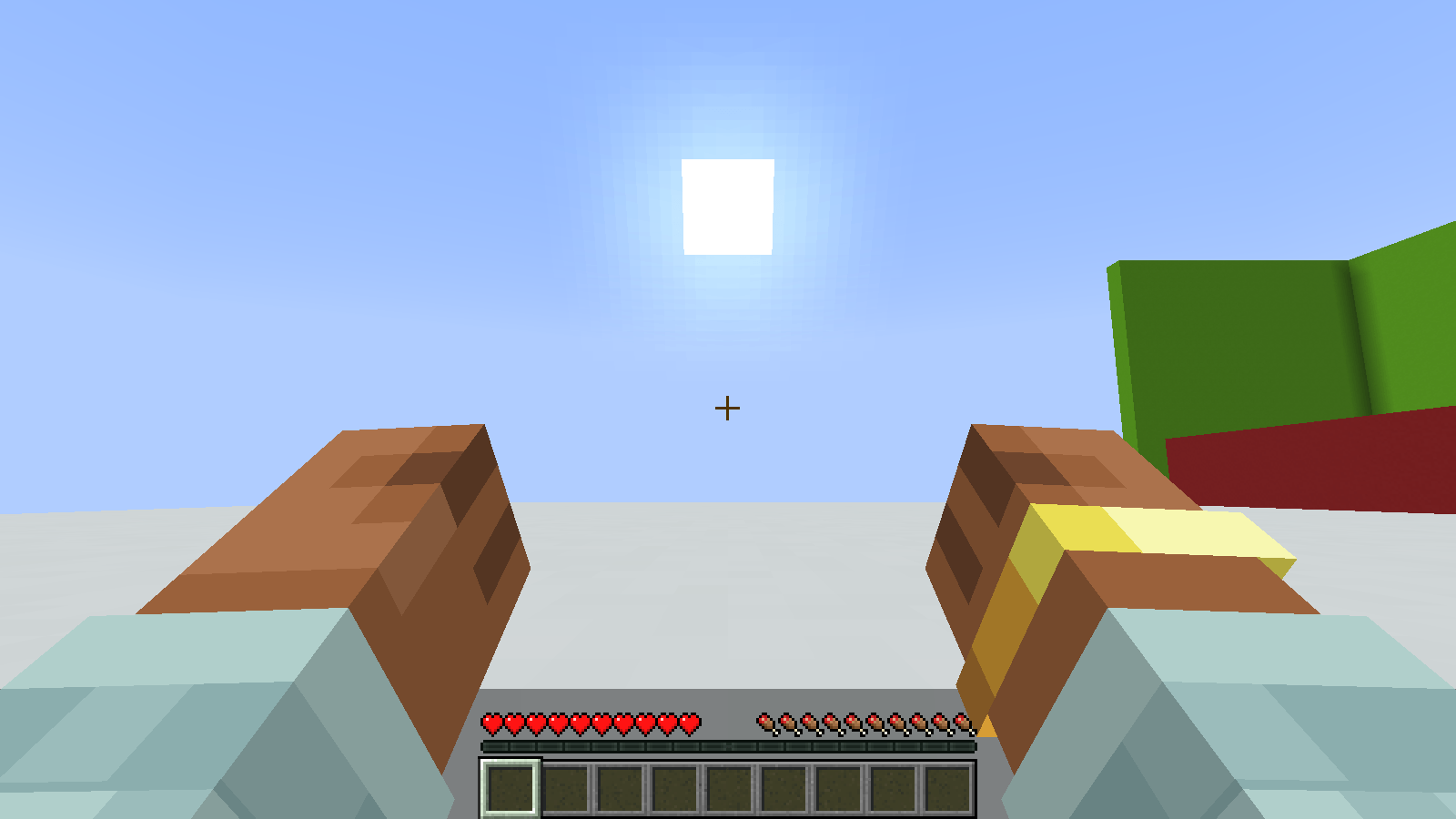 Ledge hang
 -
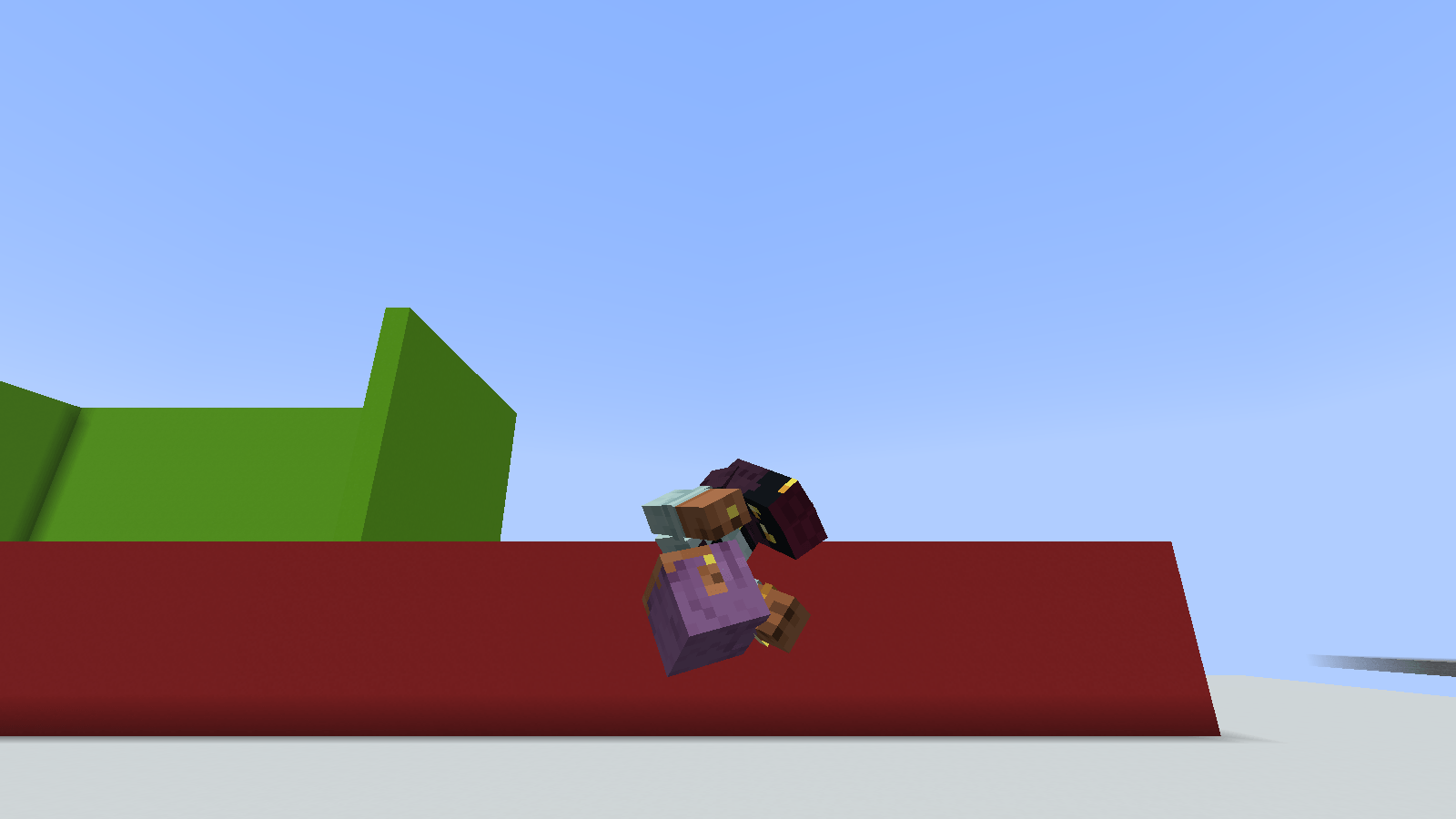 Sick side-flip (steeeeezy)
 -
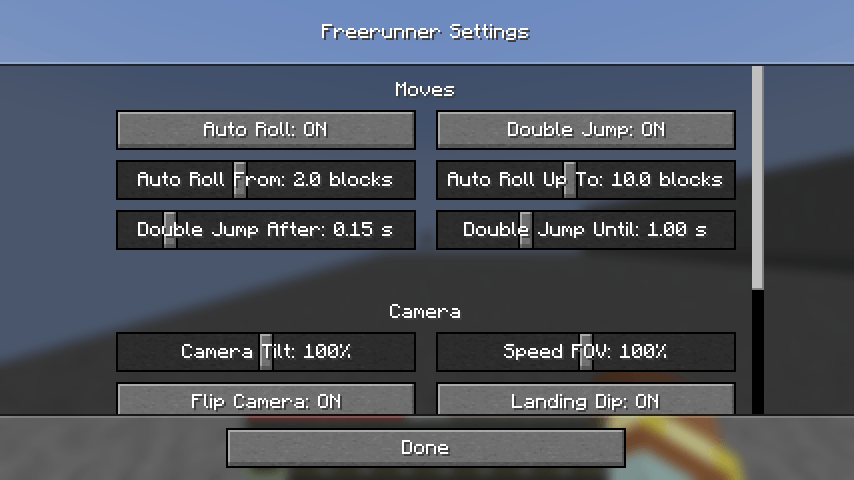 Settings
 -
Banner
Versions
Files
Relations
Project Relations
More like this
Similar Mods
Suggestions use data such as tags, dependencies, dependents, descriptions, titles, and more to rank how much they overlap with this mod.
On ModDex
Community snapshot
By the numbers
Statistics

Get it on
Available Platforms
On ModDex
Community snapshot
By the numbers
Statistics
Resources