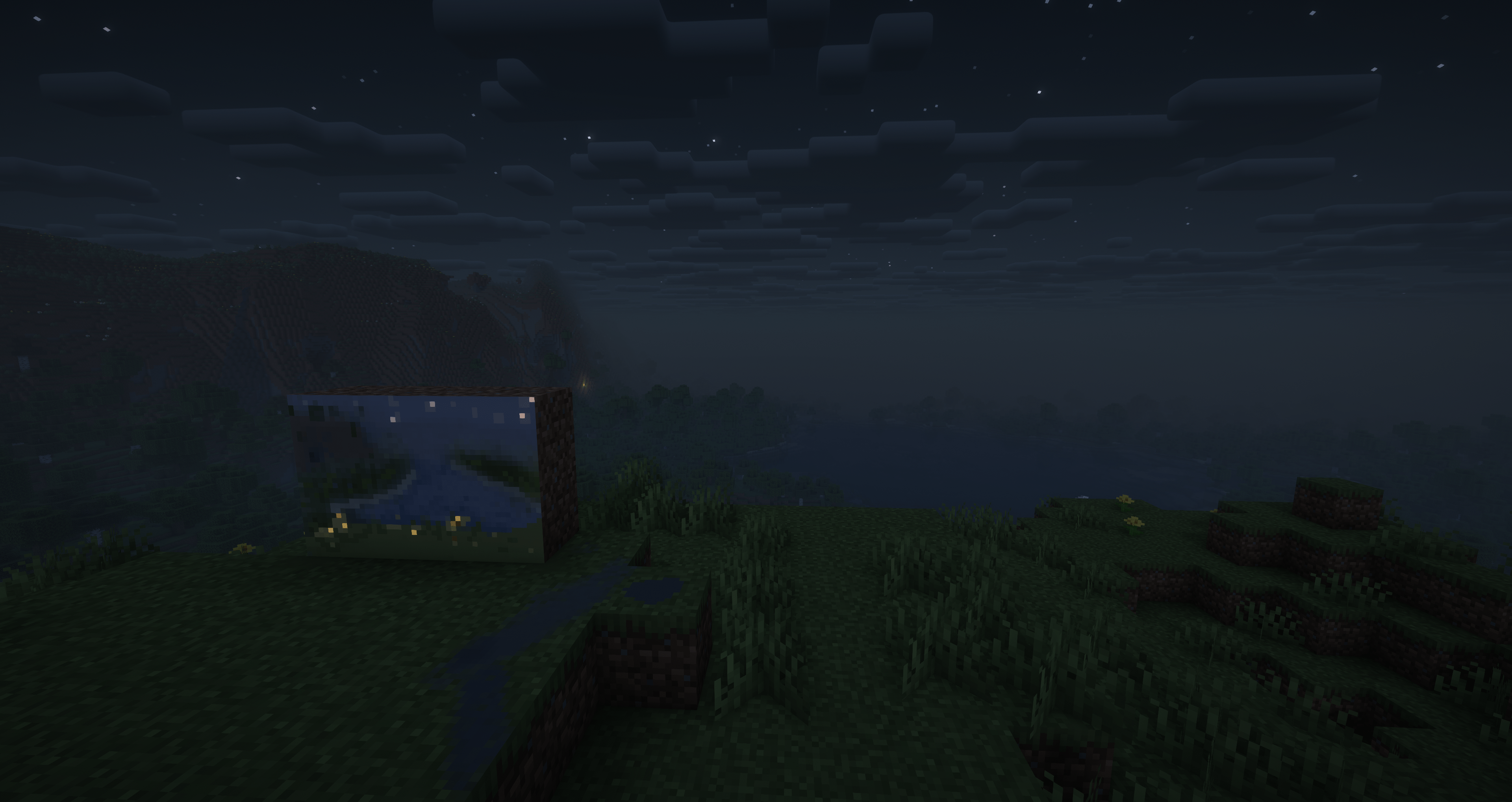

Community listing page, reviews here may not be monitored by the author.
Fresco

No reviews yet
basing on pigmentum API, add more tools
Community voices
Reviews
No reviews yet. Be the first to review this project!
Get it on
Available Platforms
Compatibility
Supported Environments
Must be installed on both the client and the server.
About
Project Details
For authors
Embed Badge
If you're the author of this project, you can embed a live badge anywhere that supports HTML or Markdown. It updates automatically whenever ratings change.
Use HTML for any page that supports it, or Markdown for README files and Markdown-based descriptions.
Identifiers
Platform IDs
About
Description
Fresco
A NeoForge content mod for Minecraft 1.21.1, built on top of the Pigmentum canvas API. Fresco adds a set of brush-like tools — paintbrushes, stamps, spray cans, and cloths — that let players paint, copy, spray, and blend pixels on any block surface.
Requirements
- Minecraft 1.21.1
- NeoForge 21.1.228+
- Pigmentum 0.5.6.9beta+
Items
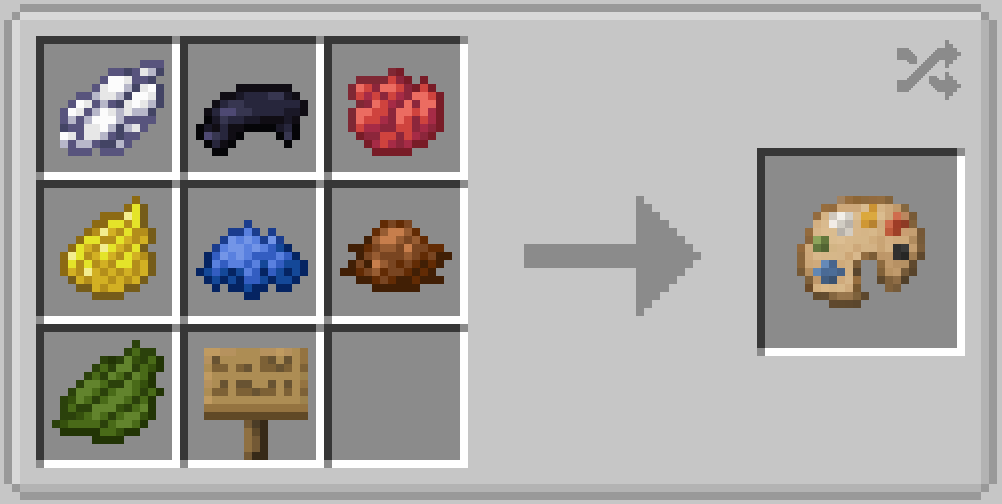
Palette
Pick a color from the world. With the palette in your offhand, press the pick-key to grab the pixel color under your crosshair. The palette stores a single ARGB color and can be used by other tools as a color source.
Recipe:
Paintbrush
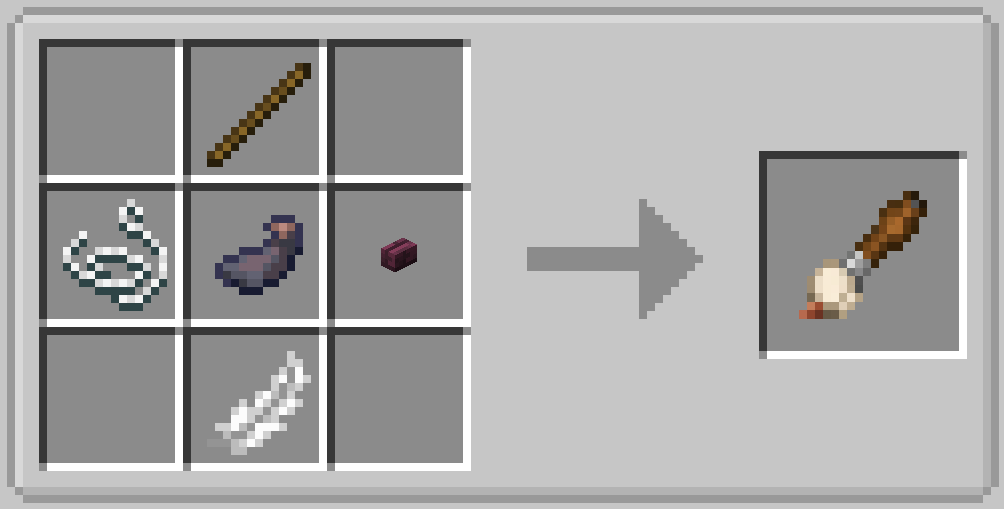
A circular brush that paints with the color from your offhand item:
- Dye items → that dye's color
- Ink Sac → black
- Palette → the palette's stored color
- Other / empty → white
Shift + right-click opens a config screen where you can adjust brush size, opacity, and blend mode (overwrite / add / multiply / erase).
Recipe:
Glow Paintbrush
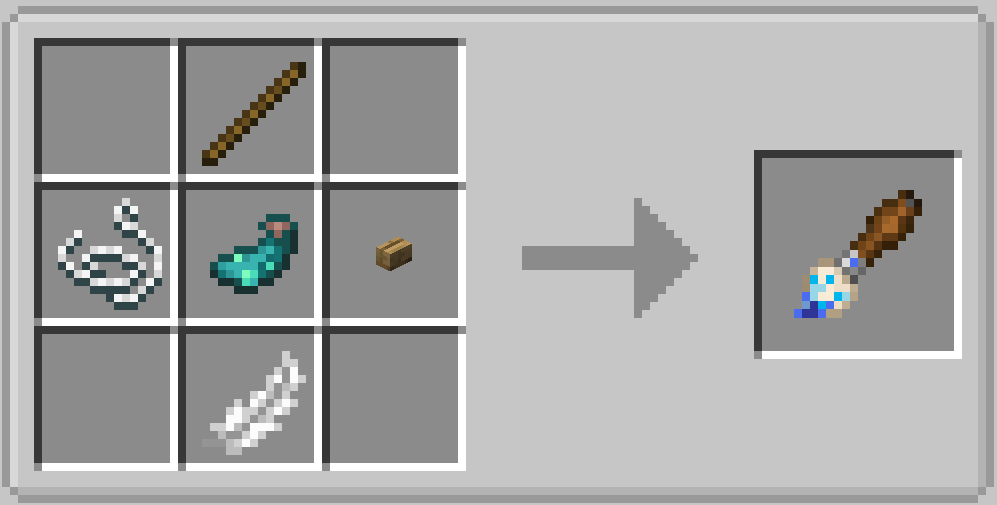
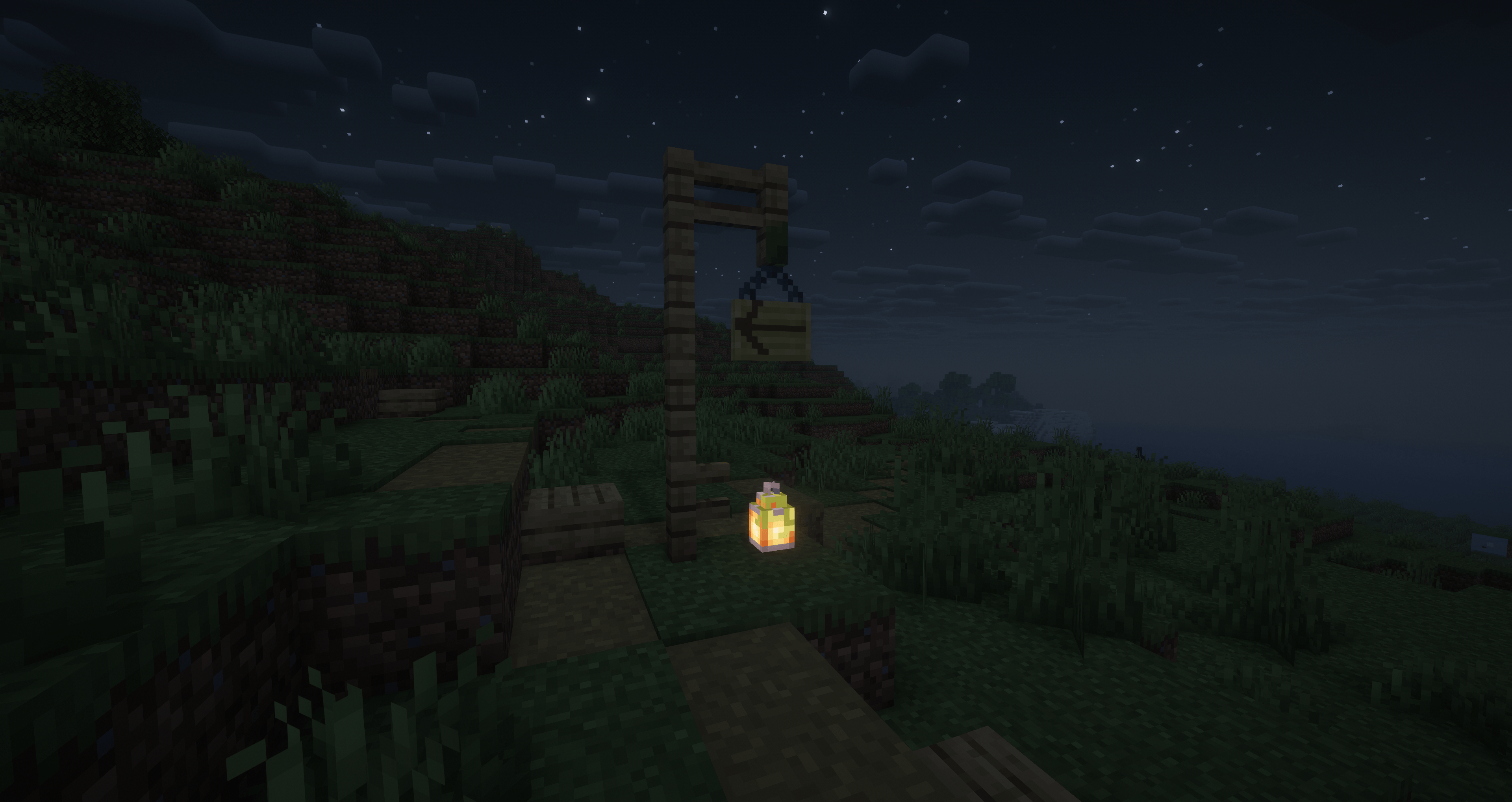
Inherits the Custom Paintbrush's circular pattern and config screen, but additionally writes a glow effect layer to every painted pixel. The glow pipeline (BlendFunction → CanvasImageProvider → CanvasPixelRenderer) renders with full brightness, producing an emissive night-glow effect.
Recipe:
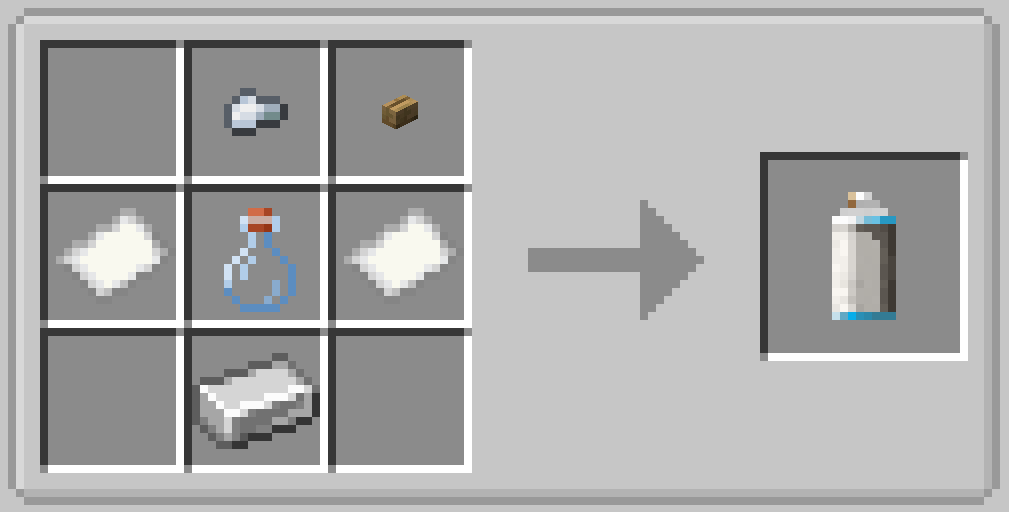
Spray Can
A circular spray brush with adjustable feather, density (random pixel skipping), opacity, and size. Blend mode is fixed to add. The spray size increases and opacity decreases based on distance from the target (1 block → ×1.0 size, 4 blocks → ×1.5 size / ×0.5 opacity).
Right-click with a dye in your offhand to tint the spray can. When tinted, density-skipped pixels are filled with a brightness-varied version of the tint color instead of being empty. The tinted dye is stored in the spray can's internal container and can be retrieved.
Shift + right-click opens the config screen.
Recipe:
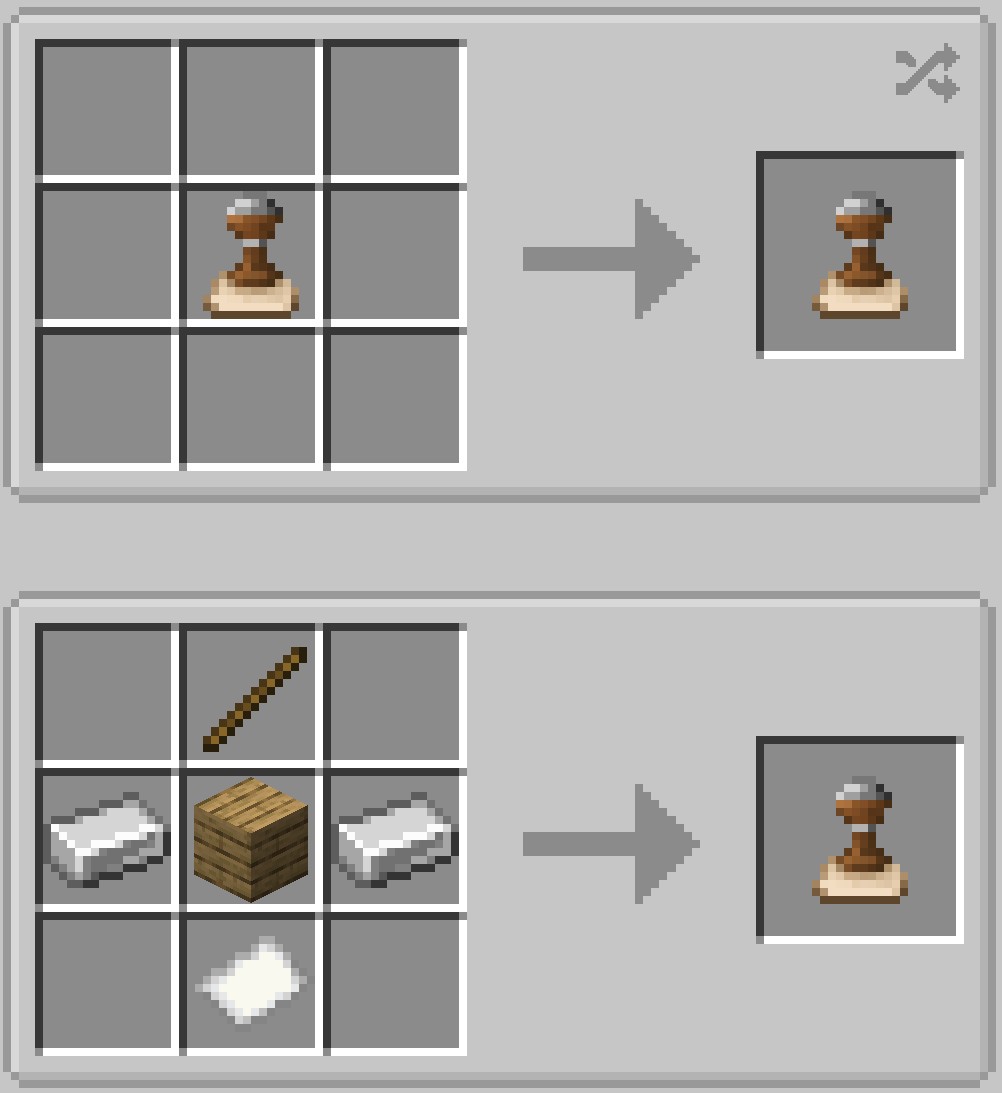
Stamp
Copies pixel data from a canvas face and replaces it elsewhere. Two modes, toggled by shift + right-click on air:
- Default — copies only the canvas pixel data
- Background — captures the block face texture + overlays canvas pixels
Shift + right-click a block to store pixels. The stored face is preserved (non-destructive) and can be placed multiple times. Craft stamps to clear stored data.
Recipe:
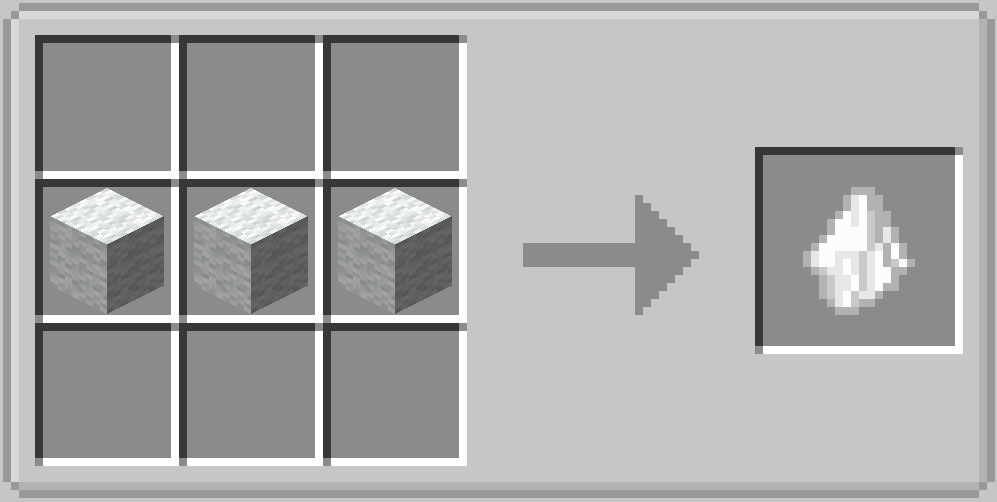
Cloth
A blending cloth — like smudging charcoal on paper. Drag it over painted canvas to soften edges and blend adjacent colors together. As you use it, the cloth picks up a bit of every color it touches, gradually staining itself. The more stained it gets, the more it tints everything you blend.
Shift + right-click opens the config screen (size, opacity, feather, reset tint).
Recipe:
New items on 1.0.4
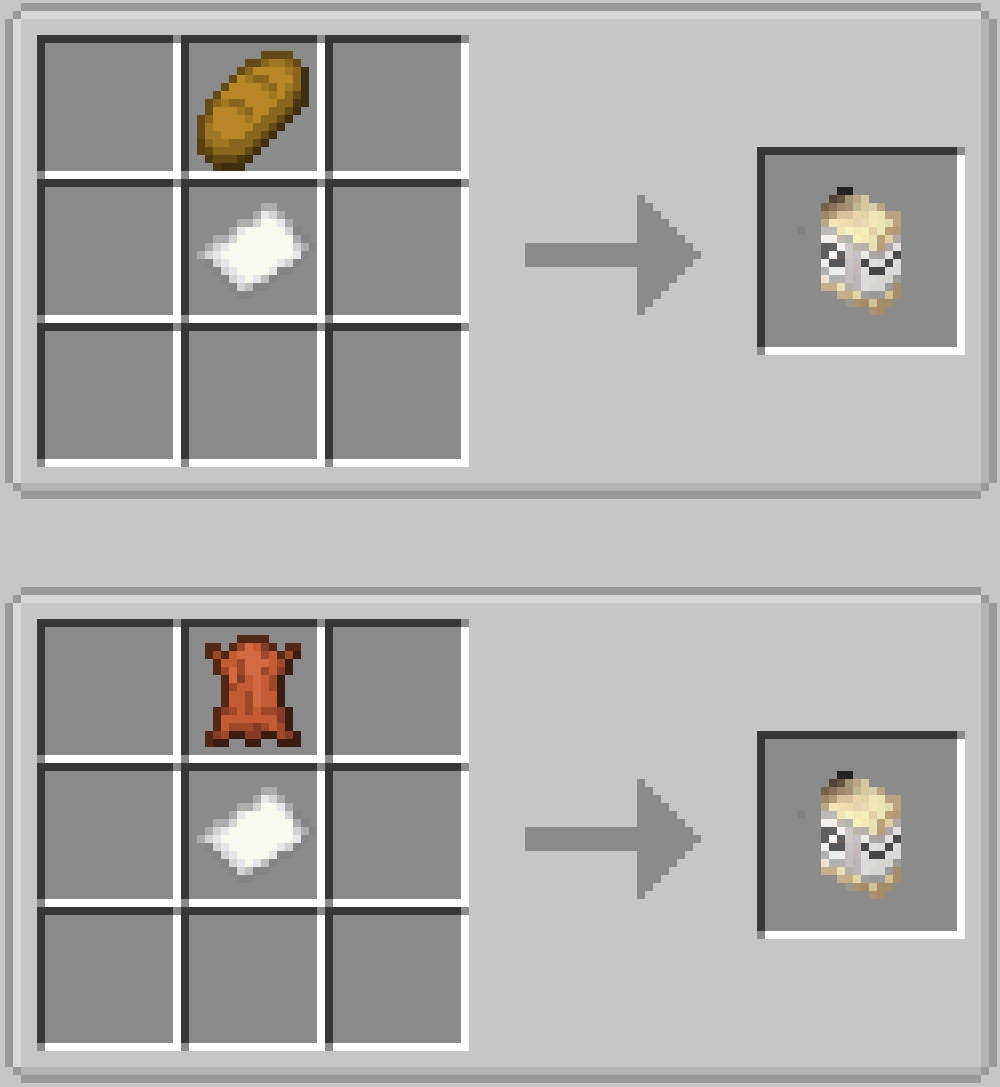
Eraser
Erases paint — like a real eraser, but for your canvas. Right-click and drag over painted areas to fade them out. The pixels keep their color, only becoming more and more transparent with each pass. Works as a circular brush with adjustable size, strength, and edge softness.
Shift + right-click to open the config screen (size, opacity, feather).
Recipes:
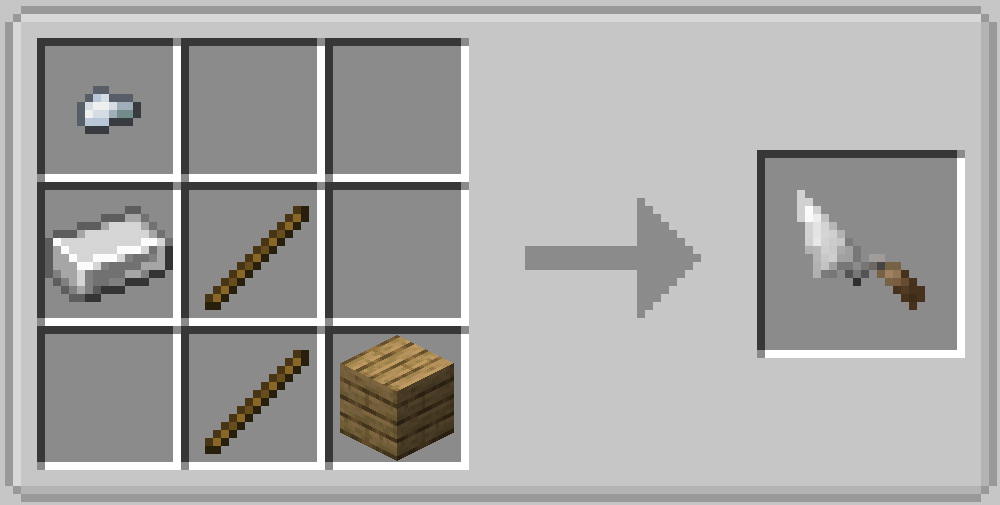
Scraper
A painter's palette knife. Picks up color from your offhand and lays it down in a triangular stroke. As you drag over already-painted areas, the knife picks up the underlying color — like smearing wet paint on a real canvas. The harder you press (higher thickness), the less the knife's own color is affected by what's underneath.
Shift + right-click opens the config screen where you can adjust blade size, thickness (how easily it picks up color), and lock the triangle's angle as you paint.
Shift + right-click opens a config screen with size, thickness, and angle mode controls.
Recipe:
Dependencies
- Pigmentum — the underlying canvas API that enables painting on block surfaces
License
MIT Lisence
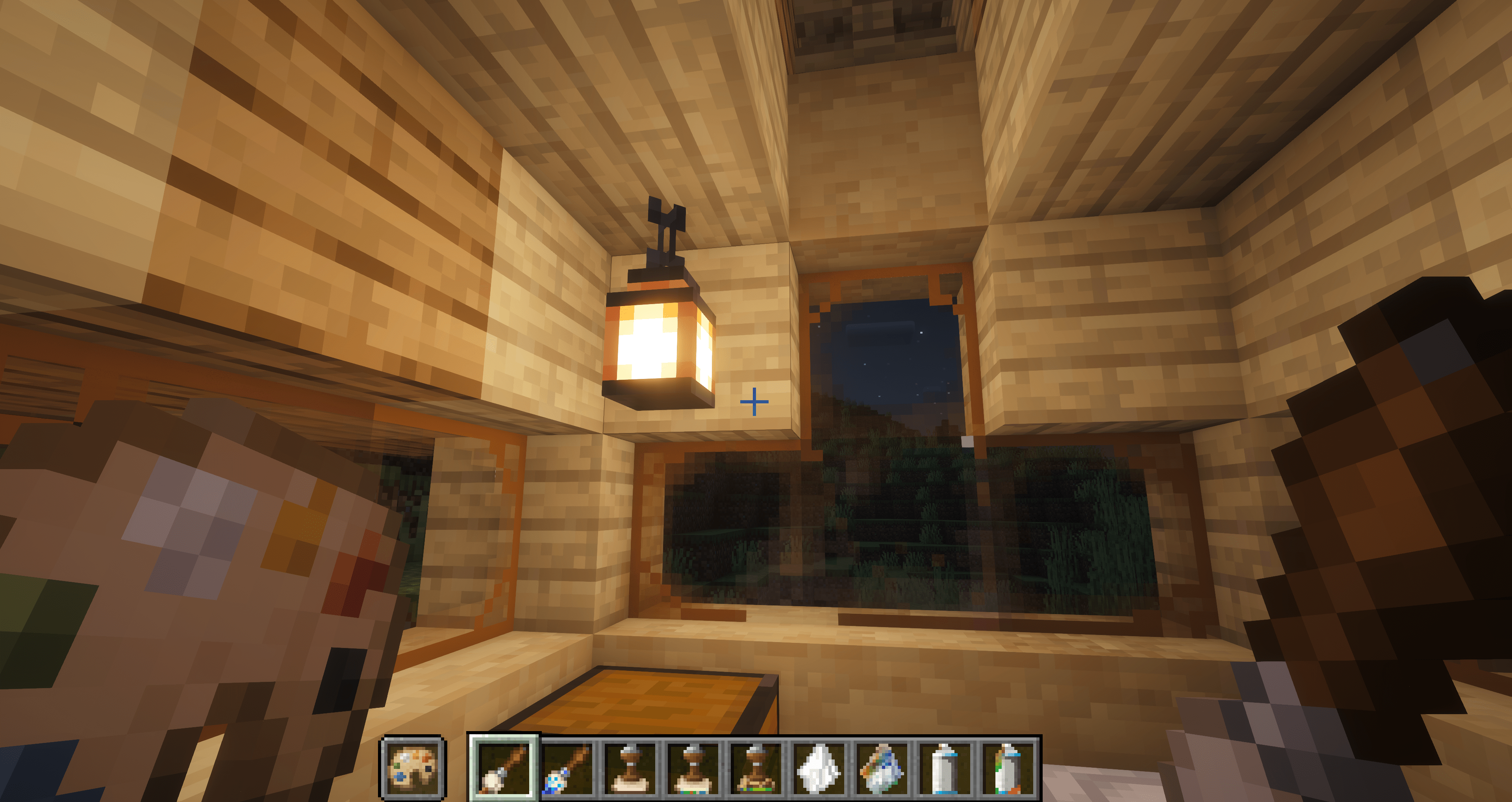
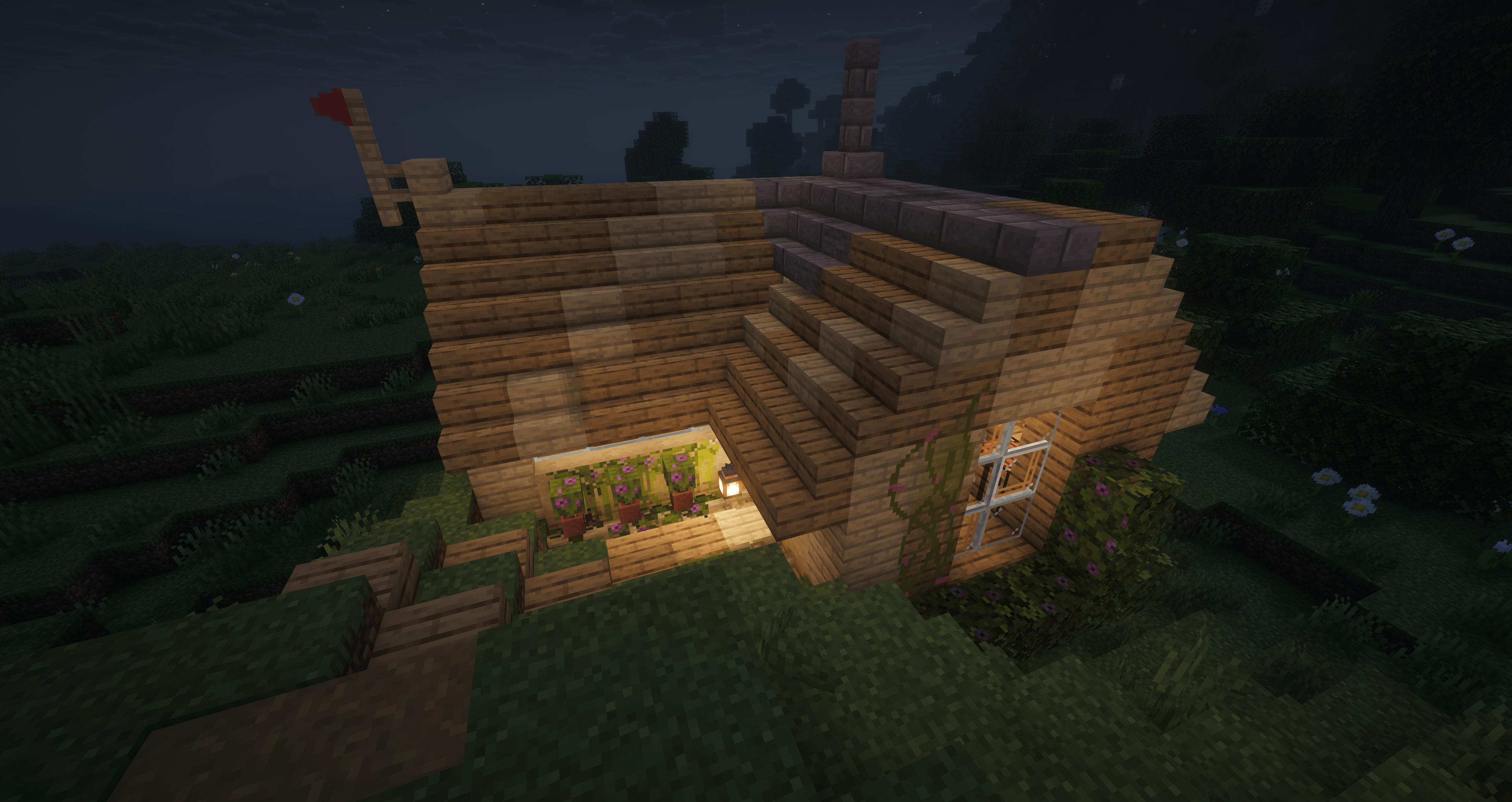
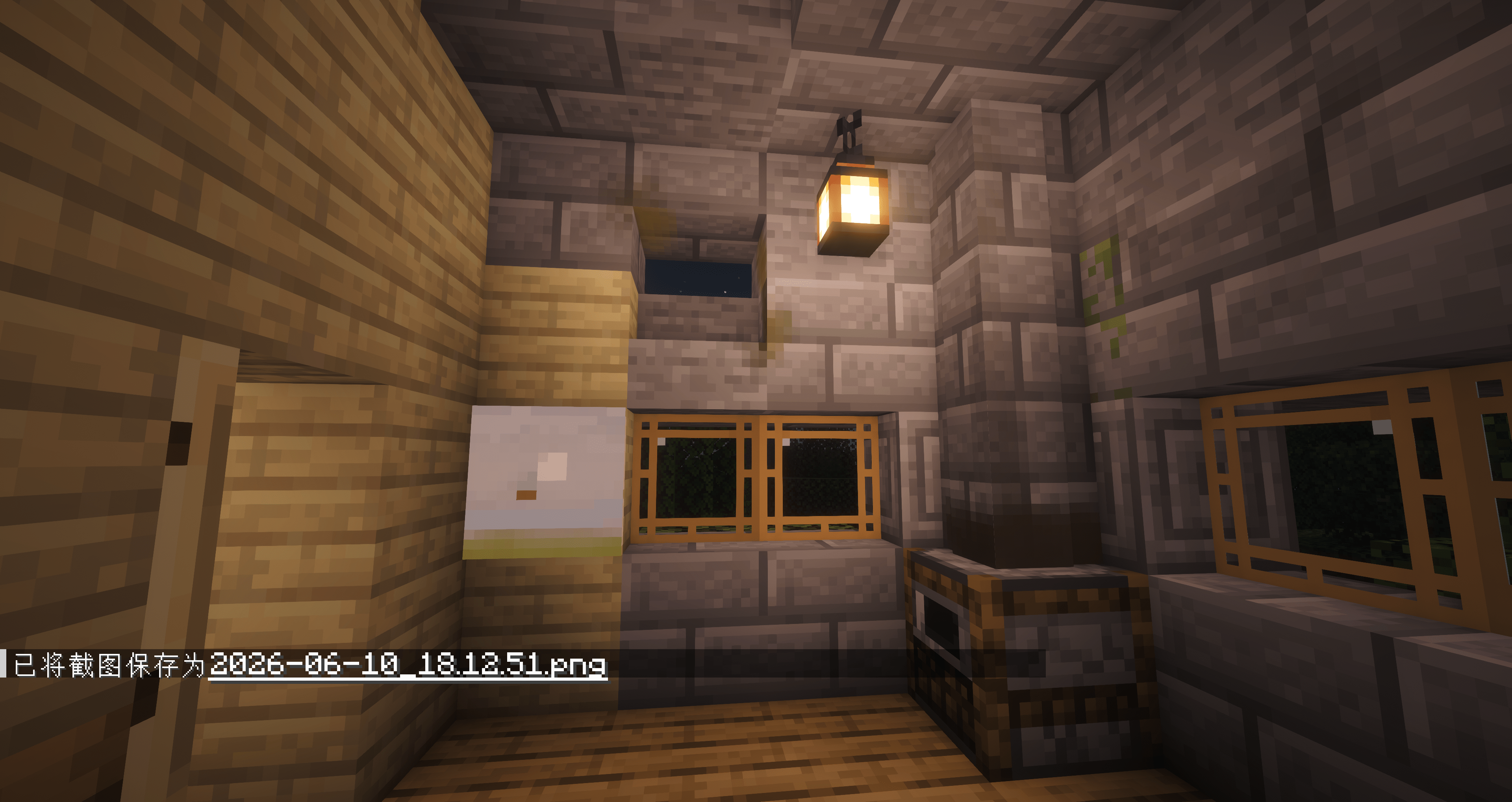
Screenshots
Gallery
Versions
Files
Relations
Project Relations
More like this
Similar Mods
Suggestions use data such as tags, dependencies, dependents, descriptions, titles, and more to rank how much they overlap with this mod.
On ModDex
Community snapshot
By the numbers
Statistics

Want to reach Minecraft players?
We're looking for a server hosting partner to feature here and other parts of the site. Interested? Send us a message!
Get in touchGet it on
Available Platforms
On ModDex
Community snapshot
By the numbers