
Community listing page, reviews may not be monitored by the author.
Galactical Universe


No reviews yet
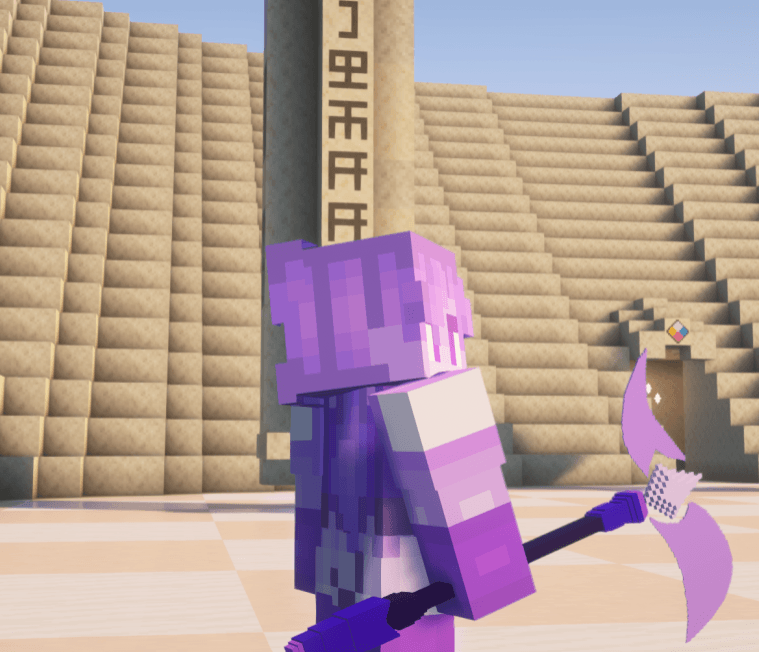
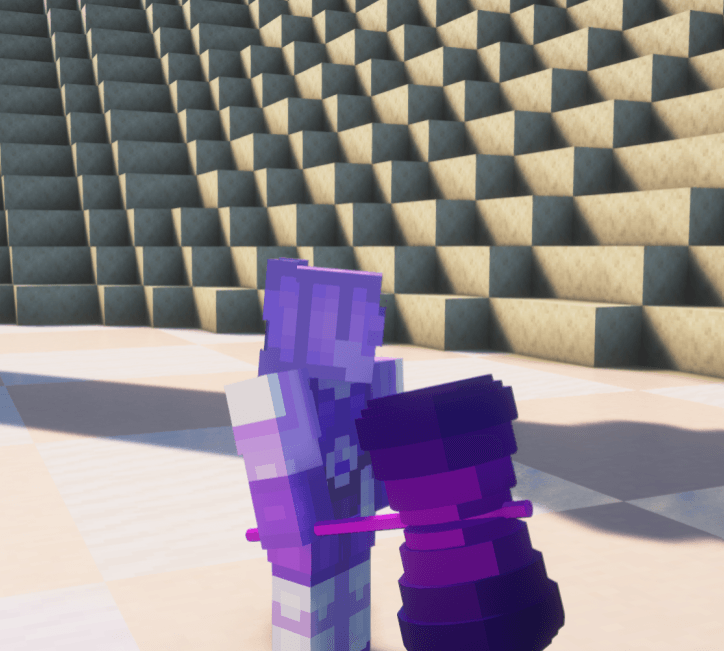
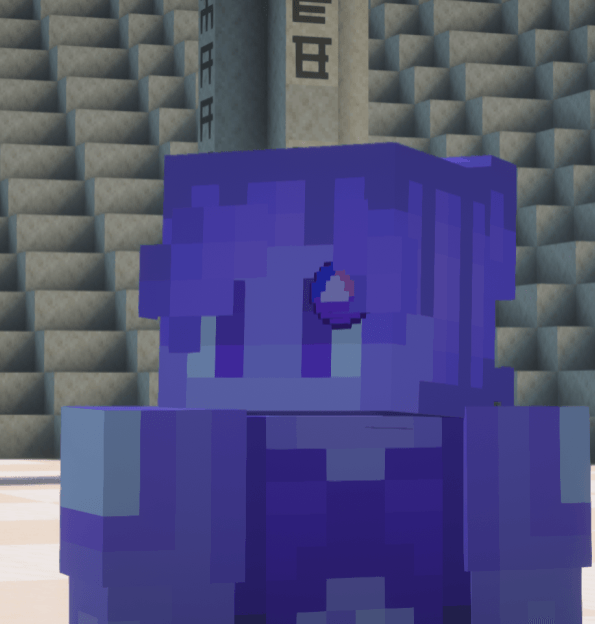
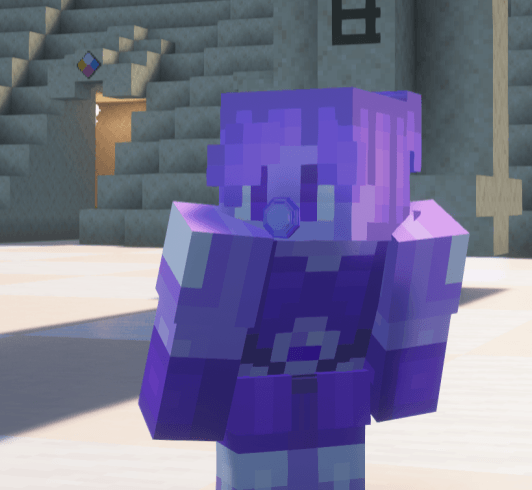
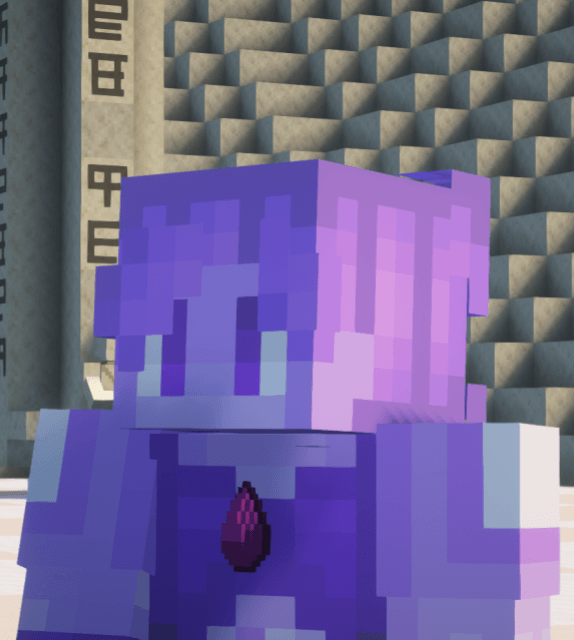
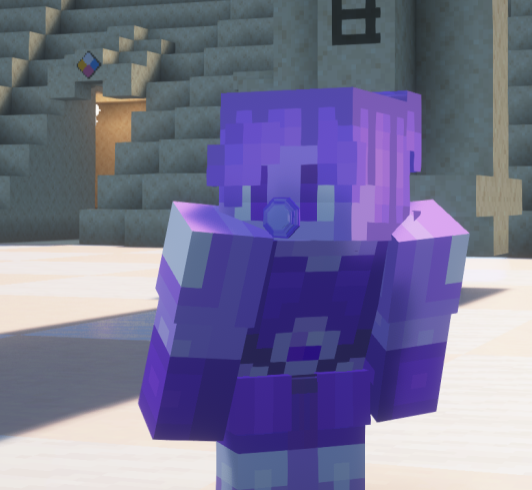
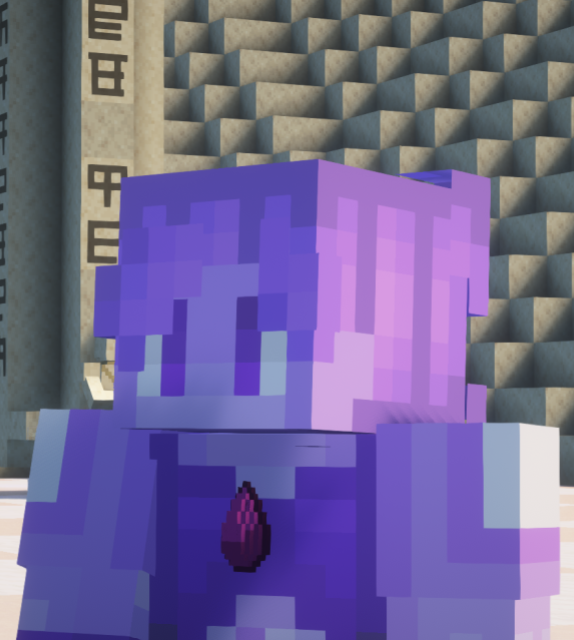
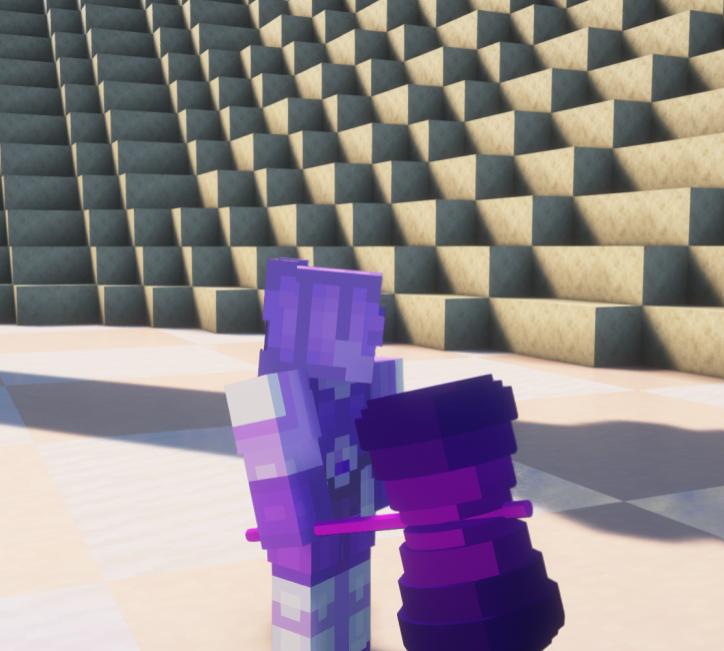
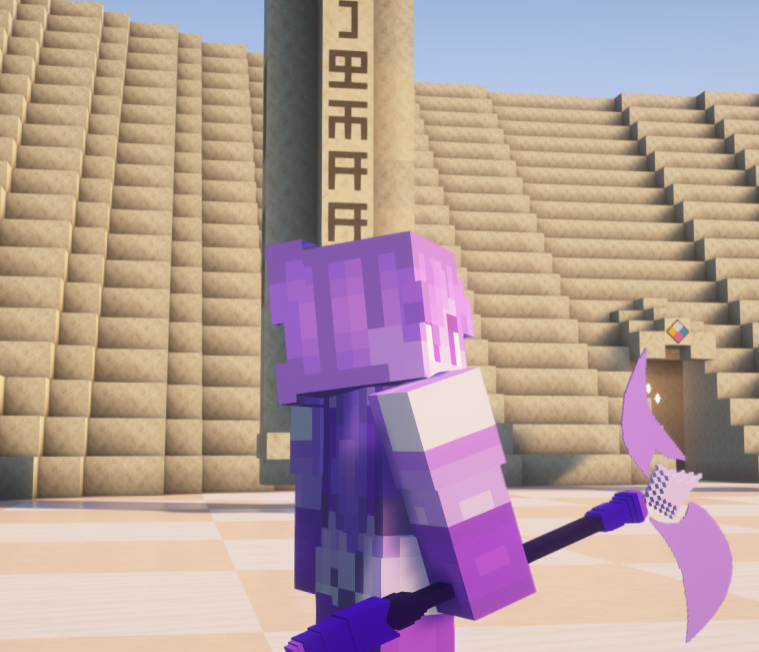
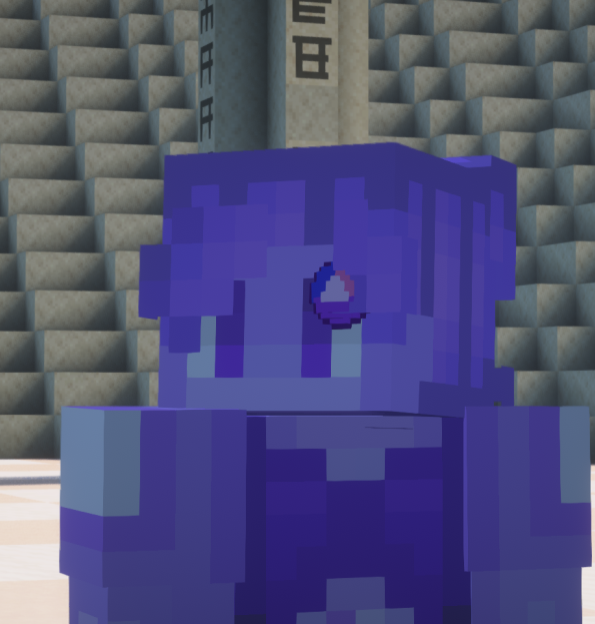
This is a mod based off of Steven Universe! Adding a way for players to fuse with each other in Minecraft!

Community voices
Reviews
No reviews yet. Be the first to review this project!
Get it on
Available Platforms
Compatibility
Supported Environments
Runs on a dedicated server only; does not work in singleplayer.
About
Project Details
For authors
Embed Badge
If you're the author of this project, you can embed a live badge anywhere that supports HTML or Markdown. It updates automatically whenever ratings change.
Use HTML for any page that supports it, or Markdown for README files and Markdown-based descriptions.
Identifiers
Platform IDs
Resources
External Links
About
Description
✦ Galactical Universe ✦
> A remake of the fusion mod we made in 2024, revamped and brand new!!
How to Fuse
> First you'll need a **Fusion Crystal**. Right-clicking it while idle opens the **Fusion Customization Menu** where you can set your fusion name, color, height and skin before fusing.
> To fuse, both players must perform a synchronized dance sequence together — **R+Crouch, R+Jump, then R. Once both complete the sequence the fusion triggers automatically after a short countdown. If you take too long between steps the sequence resets!
Leader and Passenger
> After fusing the game randomly picks who becomes the **Fusion Leader** — a 50/50 chance every time. The leader becomes the visible fused form with boosted stats, the fusion skin and name, and full movement control. The **Passenger** merges silently into the fusion becoming invisible until it ends.
Fusion Stability and Defusion
A **Fusion Stability** bar at the top of your screen gradually drains over time. Taking damage drains it faster. You can use **Fusion Focus** (K) to regain stability.
>
> Press **I** to defuse at any time — the passenger reappears beside the leader. If stability hits zero both players get launched apart in a **Combat Defusion**. Either way both players enter a cooldown before fusing again!
Fusion Customization
> Right-click the Fusion Crystal while idle to open the customization menu. Set your fusion name, aura color, height and skin.
Dependencies
**SkinChanger** https://www.curseforge.com/minecraft/mc-mods/skinchanger
**FakeName**
https://www.curseforge.com/minecraft/mc-mods/fakename
**Pehkui** — https://www.curseforge.com/minecraft/mc-mods/pehkui
**SU Gems** - https://www.curseforge.com/minecraft/mc-mods/su-gems
✦ Galactical Universe ✦
A remake of the fusion mod we made in 2024, revamped and brand new!!
How to Fuse
First you'll need a Fusion Crystal. Right-clicking it while idle opens the Fusion Customization Menu where you can set your fusion name, color, height and skin before fusing.
To fuse, both players must perform a synchronized dance sequence together — **R+Crouch, R+Jump, then R. Once both complete the sequence the fusion triggers automatically after a short countdown. If you take too long between steps the sequence resets!
Leader and Passenger
After fusing the game randomly picks who becomes the Fusion Leader — a 50/50 chance every time. The leader becomes the visible fused form with boosted stats, the fusion skin and name, and full movement control. The Passenger merges silently into the fusion becoming invisible until it ends.
Fusion Stability and Defusion
A Fusion Stability bar at the top of your screen gradually drains over time. Taking damage drains it faster. You can use Fusion Focus (K) to regain stability.
Press I to defuse at any time — the passenger reappears beside the leader. If stability hits zero both players get launched apart in a Combat Defusion. Either way both players enter a cooldown before fusing again!
Fusion Customization
Right-click the Fusion Crystal while idle to open the customization menu. Set your fusion name, aura color, height and skin.
Dependencies
SkinChanger https://www.curseforge.com/minecraft/mc-mods/skinchanger
FakeName https://www.curseforge.com/minecraft/mc-mods/fakename
Pehkui — https://www.curseforge.com/minecraft/mc-mods/pehkui
SU Gems https://www.curseforge.com/minecraft/mc-mods/su-gems
Screenshots
Gallery
-
 Screenshot 2024-09-24 192543.png Screenshot 2024-09-24 192543.png
 -
 Screenshot 2024-09-24 192702.png Screenshot 2024-09-24 192702.png
 -
 Screenshot 2024-09-24 192836.png Screenshot 2024-09-24 192836.png
 -
 Screenshot 2024-09-24 192941.png Screenshot 2024-09-24 192941.png
 -
 Screenshot 2024-09-24 193007.png Screenshot 2024-09-24 193007.png
 -
 image.png image.png
Versions
Files
Relations
Project Relations
More like this
Similar Mods
Suggestions use data such as tags, dependencies, dependents, descriptions, titles, and more to rank how much they overlap with this mod.
On ModDex
Community snapshot
By the numbers
Statistics
 (opens in a new tab)
Get it on
Available Platforms
On ModDex
Community snapshot
By the numbers
Statistics
Resources