
Community listing page, reviews here may not be monitored by the author.
GameInfo

No reviews yet
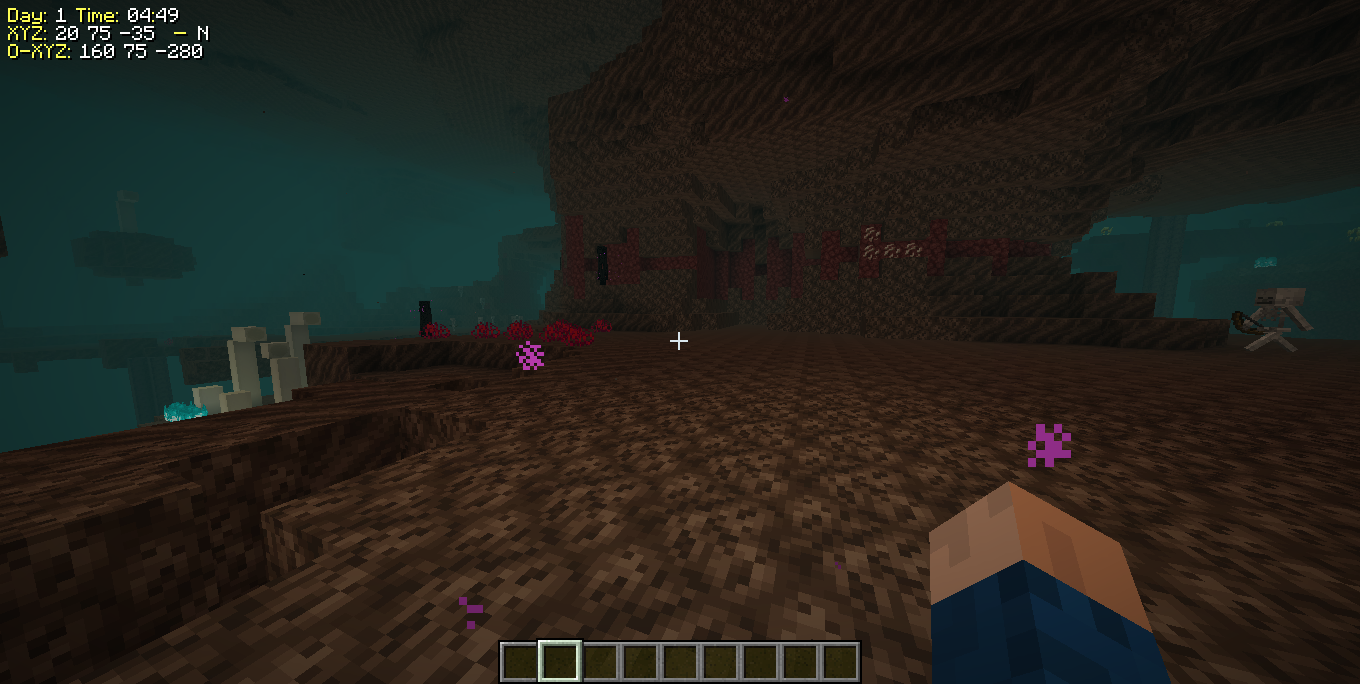
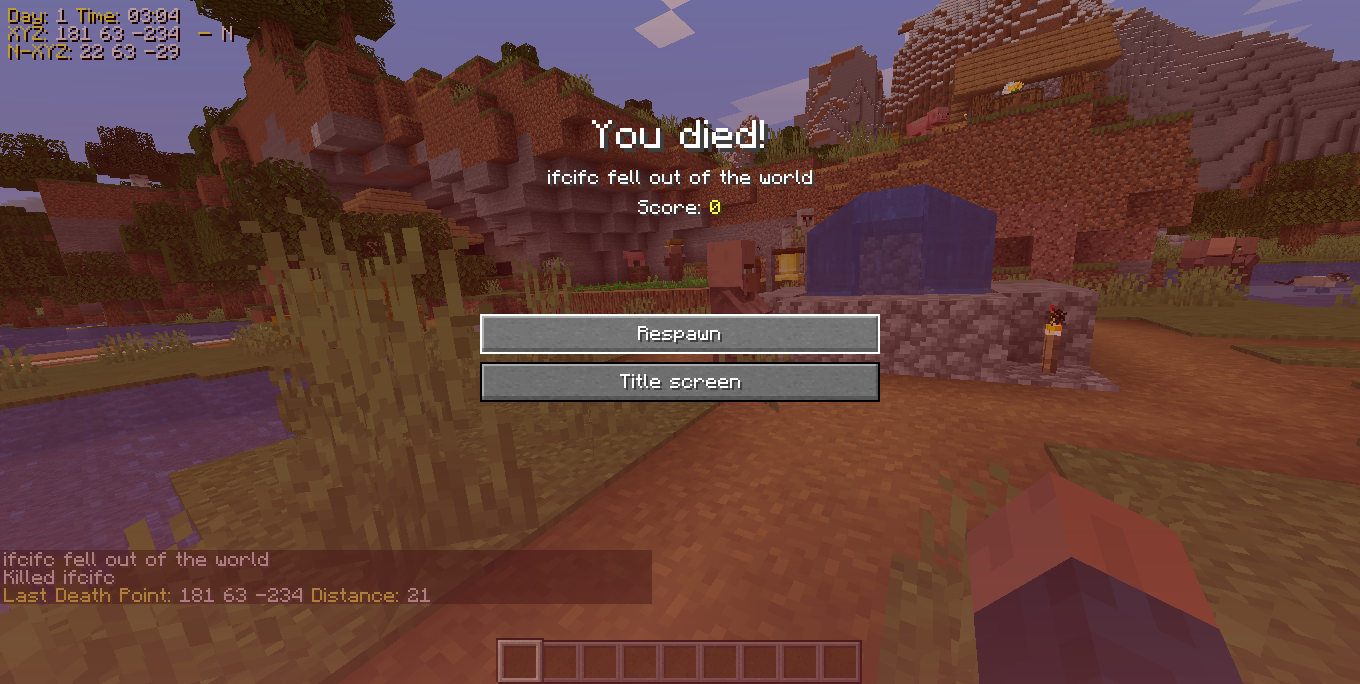
It shows information on the game screen, player position, nether/overworld coordinate conversion, address you are viewing, disable auto jump, game time and sends you a chat message with the coordinates of the last death point.
Community voices
Reviews
No reviews yet. Be the first to review this project!
Get it on
Available Platforms
About
Project Details
For authors
Embed Badge
If you're the author of this project, you can embed a live badge anywhere that supports HTML or Markdown. It updates automatically whenever ratings change.
Use HTML for any page that supports it, or Markdown for README files and Markdown-based descriptions.
Identifiers
Platform IDs
Resources
External Links
About
Description
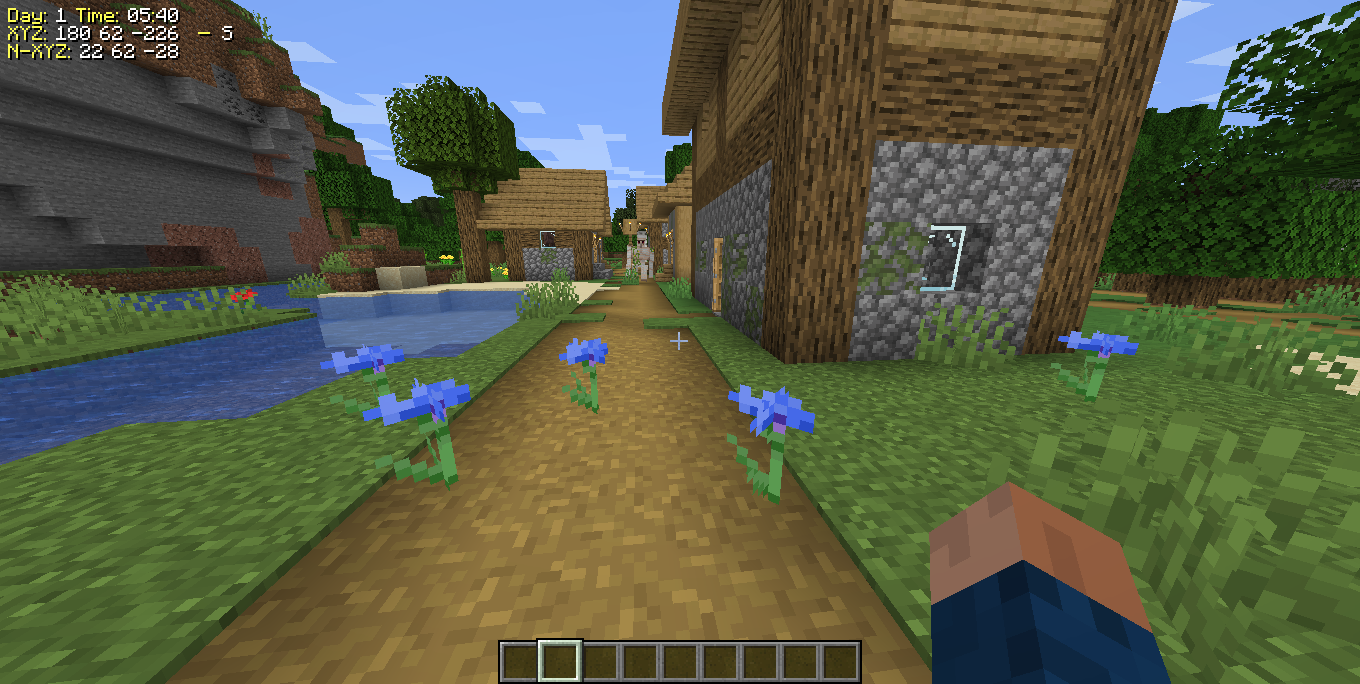
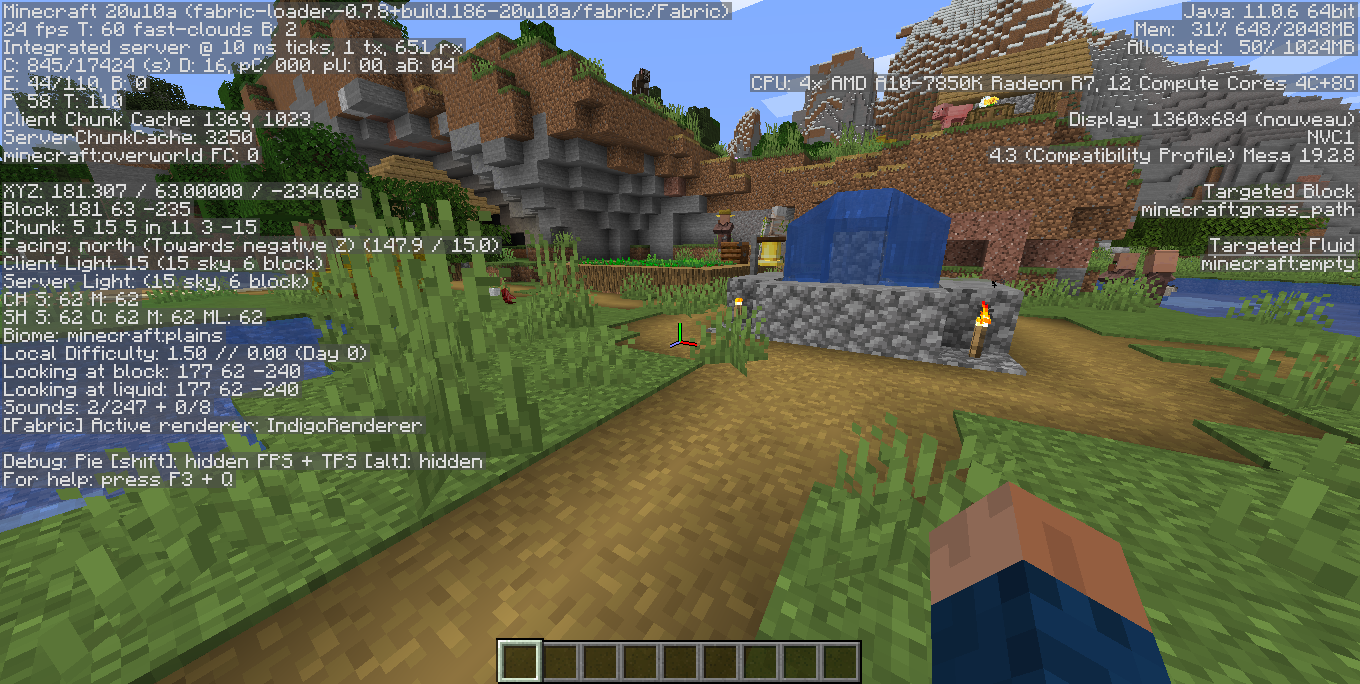
It shows information on the game screen.
- Player position,
- Nether/Overworld coordinate conversion,
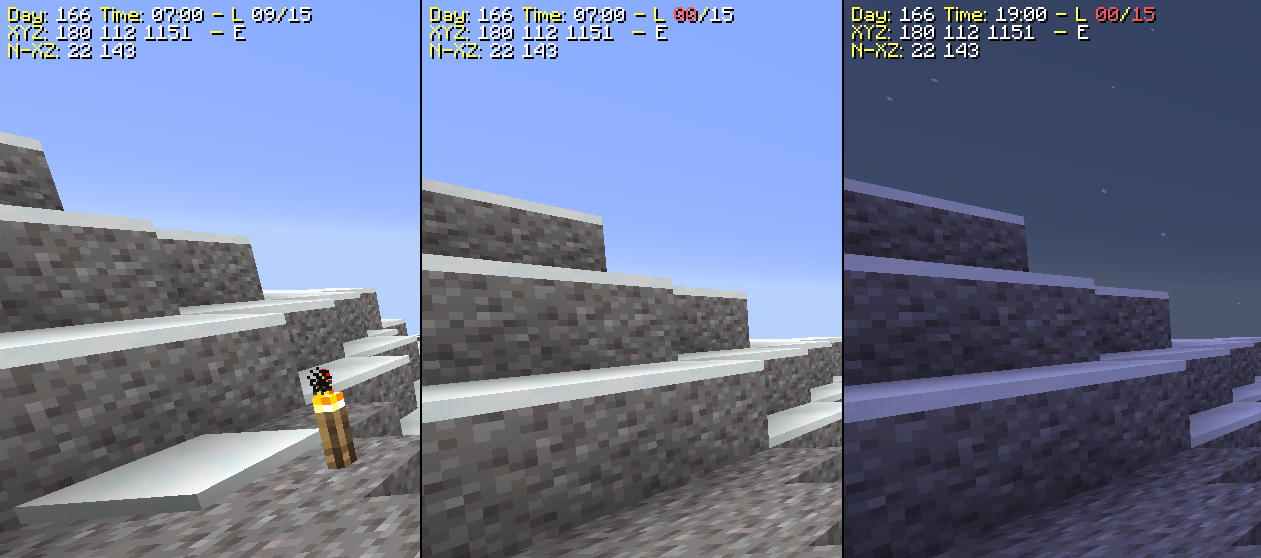
- Light level
- Address you are viewing,
- Diasable default auto jump,
- Game time
- Sends you a chat message with the coordinates of the last death point.
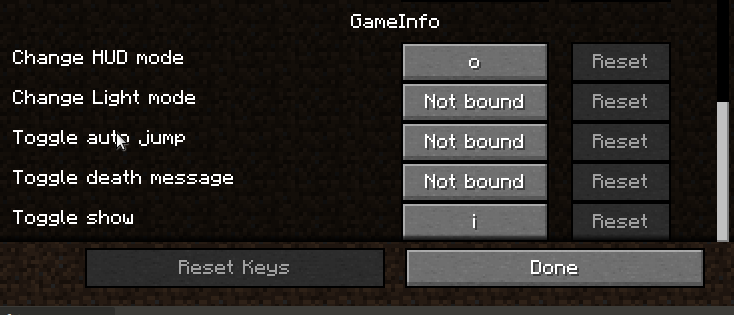
from 1.16.4, you must configure the keys binds from the configuration menu
Change mod settings press the keys 'I','O','P' or with command "/gameinfo"
It depends https://www.curseforge.com/minecraft/mc-mods/fabric-api
New in 2.0.1
-Add Show biome in the hud (Disable default)
-Add Round Coords modes
-Add Commands settings, only singleplayer
-Add "Order by width" option
-Add "Reverse order" option
-Add "Position Hud" option
-Add "Edit HUD" option
-Add "HUDFILE" option
-Add Translated Text
-Fix Day
-Add HUD Editor
HUD files in ".minecraft/gameinfo-resource"
The mod was almost completely rewritten
Many internal changes
New in 1.5.4
-Fix alert light level
-Fix show days in server
-Delay sound alert
-Add disable toast alert setting
New in 1.5.2
-Fix Slime Chunk Detector
New in 1.5.1
-Fix Update Setting File
New in 1.5.0
-Update to 20w21a
-Add light low level alert(Disable default)
New in 1.4.2
-Update to 20w17a
-Add FPS and Tick Server to HUD (Disable default).
-Fix Translate text.
-Fix World Name in deathpoints.
New in 1.4.1
-Update to 20w16a
-Add Slime Chunk indicator (Disable default).
New in 1.4.0
-Add Mod Menu support.
-Add key "p" for open setting menu.
New in 1.3.5
-Update to 20w14a
-Fix calc world time in server
-Fix Hud Light color
-Death points save in ".minecraft/deathpoints" folder.
New in 1.3.3
-Update to 20w13b
-Add command "gameinfo" to change the settings of the mod in the game.
-Death logs are stored in the folder of the world. Save death point in file ".minecraft/saves/WOLD_NAME/deathPoints.txt".
New in 1.3.1
-Update to 20w12a.
-Add file death points log in ".minecraft/deathPoints.txt".
-Add keys for toggle light level in the hud.
New in 1.3.0
-Add load/save settings.
-Add Light level in the HUD.
-Add file settings in the ".minecraft/config/gameinfo.json"
-Enable default autojump disable on game start.

New in 1.2.0
-Update Minecraft version to 20w11a
-Eliminate Spinnery dependence
-Add mixin to render hud
-Add HudStaticText class for rendering text

New in 1.1.2
-Add keybinding
-Add key toggle Show/Hidden Info
-Add key toggle Show/Hidden Death Message
-Add key toggle Auto Jump Killer
-Add key toggle Mode to show info

Screenshots
Gallery
-
Controls Controls
-
Light in HUD Light in HUD
-
HUD Modes HUD Modes
-
photo4 photo4
-
photo3 photo3
-
photo2 photo2
-
photo1 photo1
Versions
Files
Relations
Project Relations
More like this
Similar Mods
Suggestions use data such as tags, dependencies, dependents, descriptions, titles, and more to rank how much they overlap with this mod.
On ModDex
Community snapshot
By the numbers
Statistics
Want to reach Minecraft players?
We're looking for a server hosting partner to feature here and other parts of the site. Interested? Send us a message!
Get in touchGet it on
Available Platforms
On ModDex
Community snapshot
By the numbers
Statistics
Resources