Community listing page, reviews here may not be monitored by the author.
Immersive Aircraft: Controller Support

No reviews yet
Native controller support for Immersive Aircraft with smooth analog flight controls, trigger-based throttle, precision taxiing, Steam Deck compatibility, and optional addon integrations.
Community voices
Reviews
No reviews yet. Be the first to review this project!
Get it on
Available Platforms
About
Project Details
For authors
Embed Badge
If you're the author of this project, you can embed a live badge anywhere that supports HTML or Markdown. It updates automatically whenever ratings change.
Use HTML for any page that supports it, or Markdown for README files and Markdown-based descriptions.
Identifiers
Platform IDs
Resources
External Links
About
Description
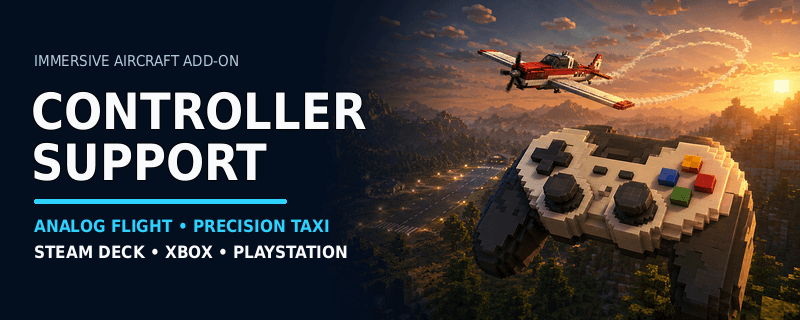
Controller Support for Immersive Aircraft
Immersive Aircraft: Controller Support adds analog gamepad controls to Immersive Aircraft.
It supports fixed-wing aircraft and rotorcraft with analog movement, gradual throttle control, precision taxiing, configurable aircraft handling, and a compact input HUD.
Required: Immersive Aircraft must also be installed. Fabric users must install Fabric API.
Features
- Analog pitch, roll, turning, movement, and throttle input
- Separate handling for fixed-wing aircraft and rotorcraft
- Trigger-controlled throttle, climb, and descent
- Precision taxi mode for reduced steering and throttle response
- Global and per-aircraft sensitivity settings
- Automatic controller connection and reconnection detection
- Keyboard controls remain available as a fallback
- Compact fading HUD for live controller input
- Optional controls for Homing Missiles and Camera Zoom
Unlike general controller mods that map gamepad buttons to keyboard keys, this addon sends analog input directly to the aircraft control system.
Supported controllers
- Xbox controllers — standard GLFW/XInput layout
- PlayStation controllers — supported when detected as a standard gamepad
- Steam Deck and Steam Controller — supported through Steam Input
- Other gamepads — may work when they provide a standard GLFW gamepad mapping
Raw DirectInput joysticks, flight sticks, HOTAS layouts, and controller vibration are not supported in version 1.0.0.
Default controls
Fixed-wing aircraft
- Left stick — pitch, roll, coordinated flight turning, and ground steering
- Right trigger — increase throttle
- Left trigger — decrease throttle
- Right stick — camera movement where supported
Rotorcraft
- Left stick — forward, backward, and lateral movement
- Right trigger — climb
- Left trigger — descend
- Right stick — camera and aircraft-facing control where supported
Buttons
| A / Cross | Boost |
| B / Circle | Dismount |
| Back / Create | Toggle precision taxi mode |
| RB / R1 | Fire installed aircraft weapon |
All controls can be changed or disabled in the configuration file.
Optional addon controls
Additional shortcuts become available when the matching addon is installed:
- Homing Missiles — target cycling, seeker selection, smart defense, flares, and chaff
- Camera Zoom — increase or decrease third-person camera distance
These controls remain inactive when the corresponding addon is not installed.
Installation
- Install Immersive Aircraft for your Minecraft version.
- Install Fabric API when using Fabric.
- Download the Controller Support file matching your Minecraft version and mod loader.
- Remove older Immersive Controls alpha files.
- Place the downloaded file in your Minecraft
modsfolder.
The controller can be connected before or after Minecraft starts.
Configuration file: config/gamepad-immersive-aircraft.properties
Settings from config/immersive-controls.properties are imported automatically when upgrading from an alpha version.
Compatibility
- Minecraft 1.20.1: Fabric and Forge
- Minecraft 1.21.1: Fabric and NeoForge
- Minecraft 1.21.11: Fabric and NeoForge
- Java: Java 17 for Minecraft 1.20.1; Java 21 or newer for Minecraft 1.21.x
- Environment: Client-side
Version 1.0.0 was tested with:
- Immersive Aircraft 1.4.1 on Minecraft 1.20.1
- Immersive Aircraft 1.4.6 on Minecraft 1.21.1
- Immersive Aircraft 1.4.7 on Minecraft 1.21.11
This addon can be used alongside a general controller mod for menus, inventory navigation, and normal player movement. Avoid assigning the same aircraft actions in both mods.
Other Immersive Aircraft add-ons
HOMING MISSILES →
Guided missiles, targeting, warnings, flares, and chaff.
CAMERA ZOOM →
Adjustable third-person camera distance for aircraft.
REALISTIC LANDING →
Adaptive approach, touchdown scoring, and runway rollout.
REALISTIC TAKEOFF →
Runway acceleration, rotation, liftoff, and initial climb.
Modpacks
You may include Immersive Aircraft: Controller Support in public or private modpacks with credit.
Bug reports
Include your controller model, connection method, operating system, Minecraft version, mod loader, Immersive Aircraft version, tested aircraft, other controller mods, and edited configuration settings.
Discord: crabban1337
Credits
Created by Crabb4n.
Special thanks to the Immersive Aircraft team for the original mod.
Screenshots
Gallery
-
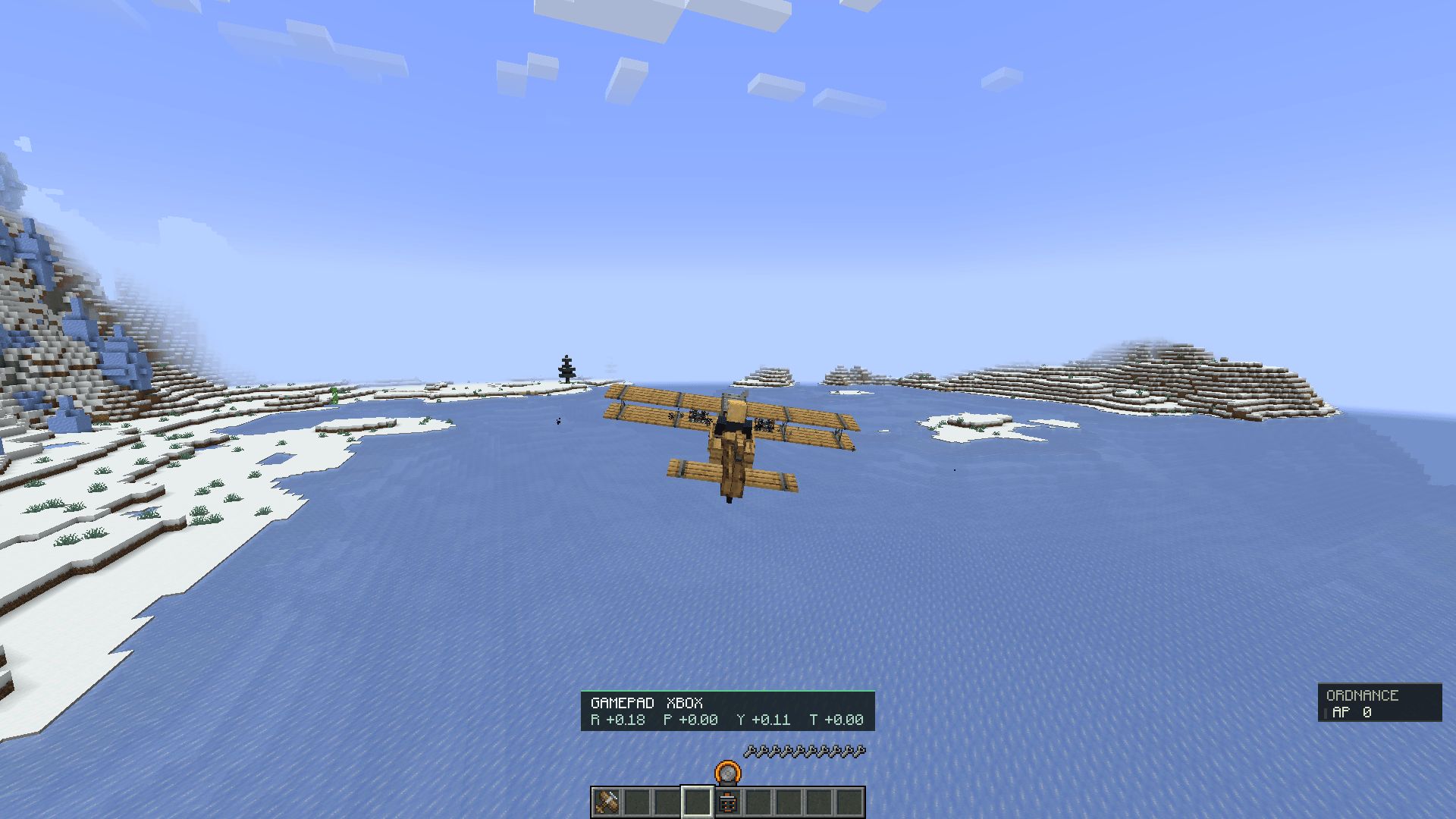 Using Xbox controller 2026-07-28_11.00.24.png
Versions
Files
Relations
Project Relations
More like this
Similar Mods
Suggestions use data such as tags, dependencies, dependents, descriptions, titles, and more to rank how much they overlap with this mod.
On ModDex
Community snapshot
By the numbers
Statistics
Want to reach Minecraft players?
We're looking for a server hosting partner to feature here and other parts of the site. Interested? Send us a message!
Get in touchGet it on
Available Platforms
On ModDex
Community snapshot
By the numbers
Statistics
Resources