
Community listing page, reviews here may not be monitored by the author.
GhostTap

No reviews yet
A lightweight client-side Fabric mod that lets you click through item frames, signs, banners, wall torches and other thin decorations to interact with blocks behind them.
Community voices
Reviews
No reviews yet. Be the first to review this project!
Get it on
Available Platforms
Compatibility
Supported Environments
Runs entirely on the client. Works on vanilla servers.
About
Project Details
For authors
Embed Badge
If you're the author of this project, you can embed a live badge anywhere that supports HTML or Markdown. It updates automatically whenever ratings change.
Use HTML for any page that supports it, or Markdown for README files and Markdown-based descriptions.
Identifiers
Platform IDs
Resources
External Links
About
Description
GhostTap
Hi :) GhostTap is a small client-side Fabric mod that lets you interact with blocks hidden behind thin decorations.
Ever placed an item frame, sign, banner, or wall torch in front of a chest, and then had to carefully aim around it just to open the chest?
GhostTap fixes that.
With GhostTap, you can right-click the decoration, and the mod will try to interact with the usable block behind it.
Hold Shift to use normal vanilla behavior.
What can I use it for?
GhostTap is useful for cleaner builds, hidden storage, decorative walls, compact rooms, and bases where you want things to look good without making them annoying to use.
Examples:
- Open a chest behind an item frame
- Open a barrel behind a wall sign
- Use a container hidden behind a banner
- Interact through a wall torch
- Keep decorative blocks in place without breaking them
- Build cleaner storage rooms and hidden utility walls
Enabled by default
These objects work with GhostTap right out of the box:
- Item frames
- Glow item frames
- Wall signs
- Wall banners
- Wall torches
Supported target blocks
GhostTap works with many normal usable blocks behind supported decorations, including:
- Chests
- Trapped chests
- Barrels
- Shulker boxes
- Furnaces
- Blast furnaces
- Smokers
- Hoppers
- Droppers
- Dispensers
- Brewing stands
- Other compatible blocks with normal right-click interaction
Special interactions
Some blocks need special handling because their behavior depends on the held item or block state.
GhostTap includes dedicated support for:
- Cauldrons
- Composters
- Bee nests
- Beehives
- Jukeboxes
- Decorated pots
- Respawn anchors
- Note blocks
- Campfires
- Bells
Risky options
GhostTap also has optional support for more sensitive click-through objects:
- Paintings
- Wall heads / skulls
- Ladders
- Vines
- Glow lichen
- Sculk veins
- Wall coral fans
⚠️ These options are disabled by default.
They may be unwanted or disallowed on some multiplayer servers. Before enabling risky options, check the server rules or ask the server staff/admins first.
Use risky options at your own responsibility.
Config
GhostTap creates a config file automatically on first launch:
.minecraft/config/ghosttap.json
You can edit it with any text editor.
Main options:
{
  "enabled": true,
  "riskyThroughObjects": false,
  "specialInteractions": true
}
If Mod Menu is installed, GhostTap also provides an in-game configuration screen.
Changes made through the in-game config screen apply after saving. If you edit the JSON file manually, restart the game after changing the config.
Compatibility
GhostTap is client-side only.
If another mod with similar click-through functionality is detected, GhostTap disables itself to avoid conflicts and shows a warning to the local player.
🔒 The warning is only shown to you. It is not sent to server chat.
Localization
GhostTap includes localized text for the configuration screen, Mod Menu description, and compatibility warning messages.
Supported languages:
English, Russian, Ukrainian, Simplified Chinese, Traditional Chinese, Japanese, Korean, German, French, Spanish, Brazilian Portuguese, Italian, Polish, Turkish, Arabic.
Requirements
- Minecraft 1.21.4
- Fabric Loader 0.16.0 or newer
- Java 21
- Fabric API 0.110.5 or newer
Optional:
- Mod Menu 13.0.0 or newer
Mod Menu is only needed for the in-game configuration screen. GhostTap can still work without Mod Menu.
Permissions
You may use GhostTap in modpacks, videos, streams, reviews, articles, screenshots, and tutorials, provided that Redocean Studio / VictorAsh is credited and the official project page is linked when possible.
Reuploads, modified versions, ports, redistribution, selling, claiming GhostTap as your own, or using GhostTap code, assets, or project files in other projects require explicit written permission from VictorAsh.
Built by Redocean Studio · VictorAsh
Screenshots
Gallery
-
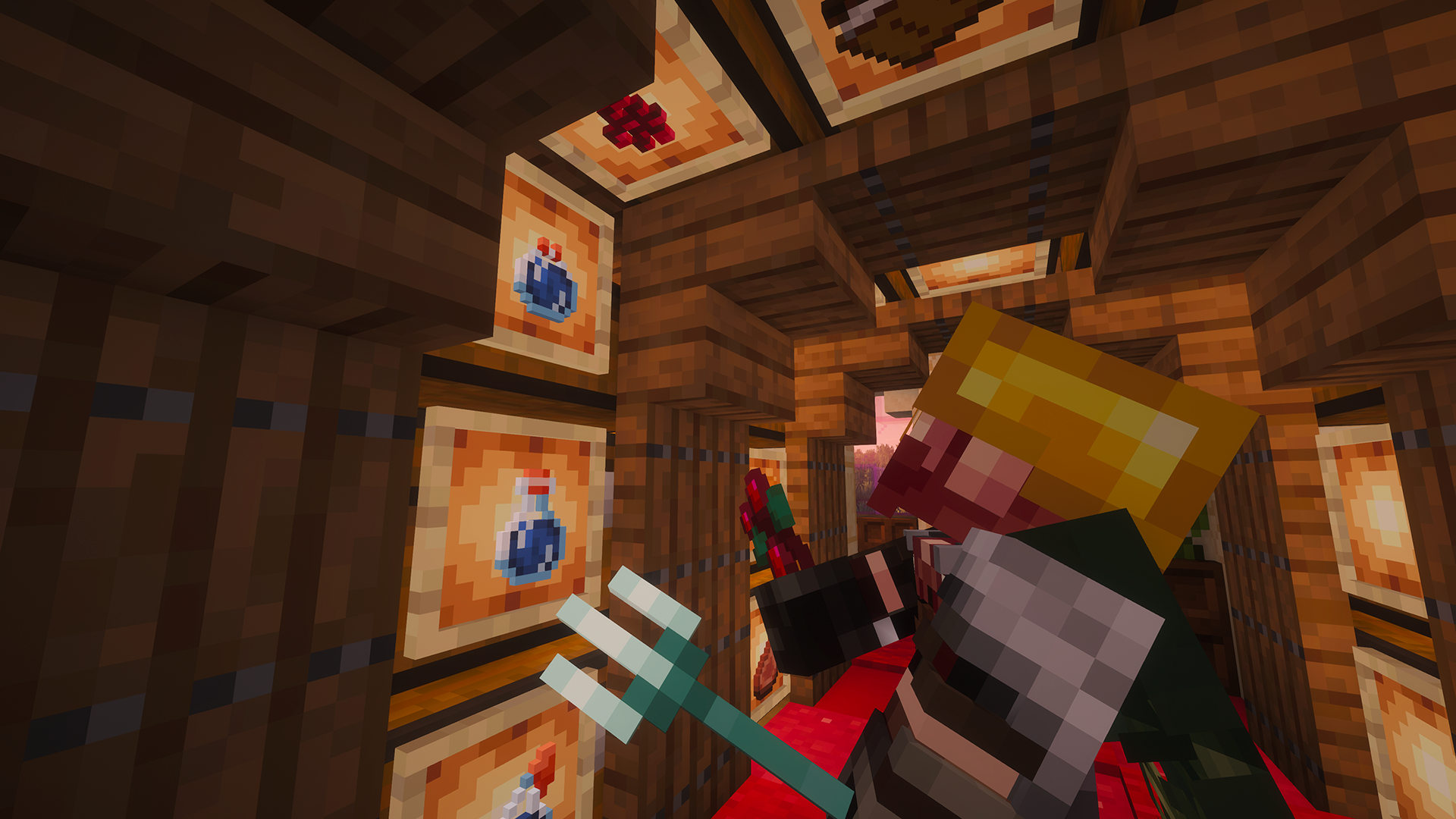 Glow item frame click-through GhostTap lets you interact with usable blocks hidden behind glow item frames without breaking decorative storage walls.
 -
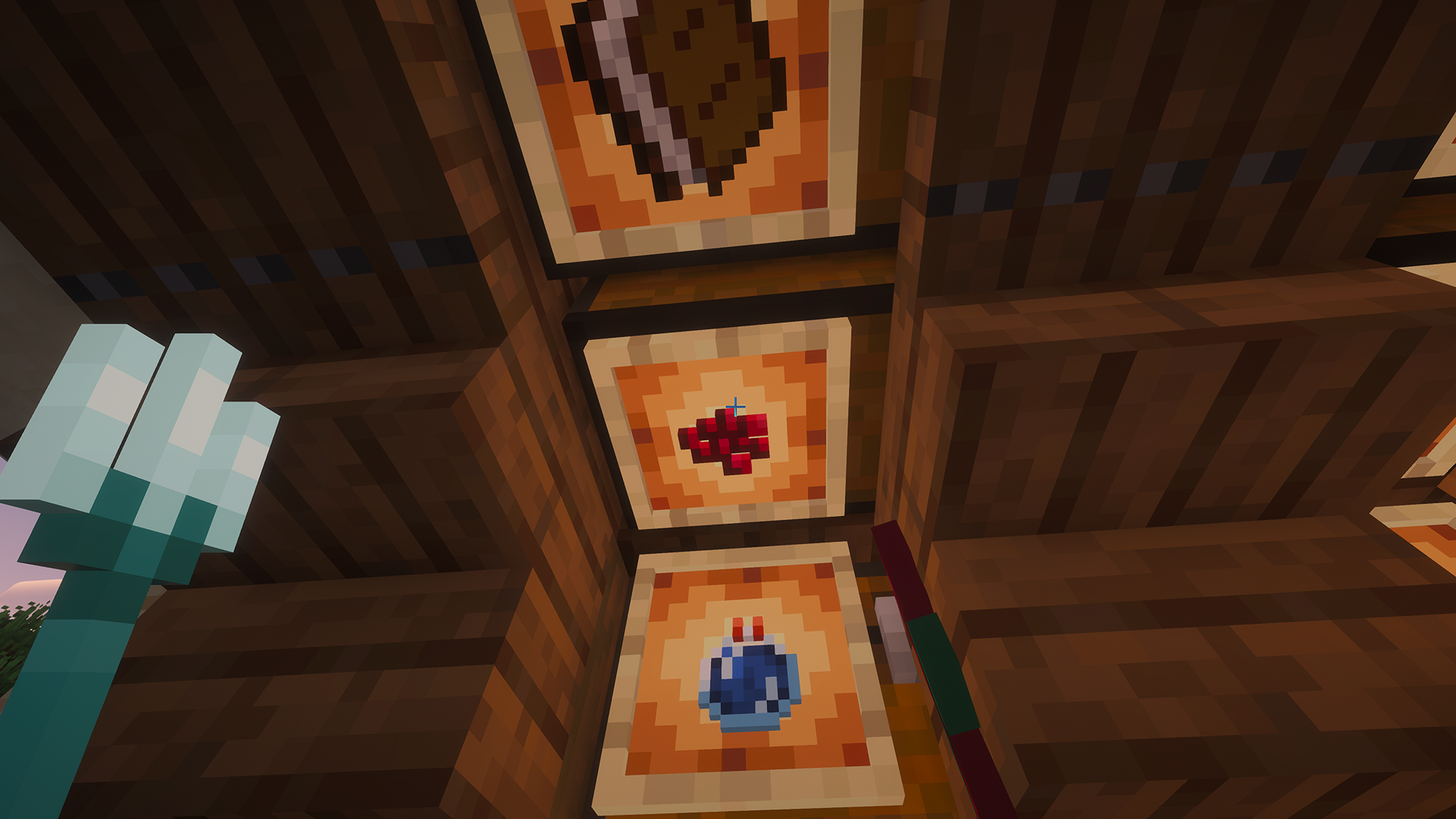 Decorative storage stays usable Use glow item frames to mark your storage while GhostTap keeps the blocks behind them easy to open.
 -
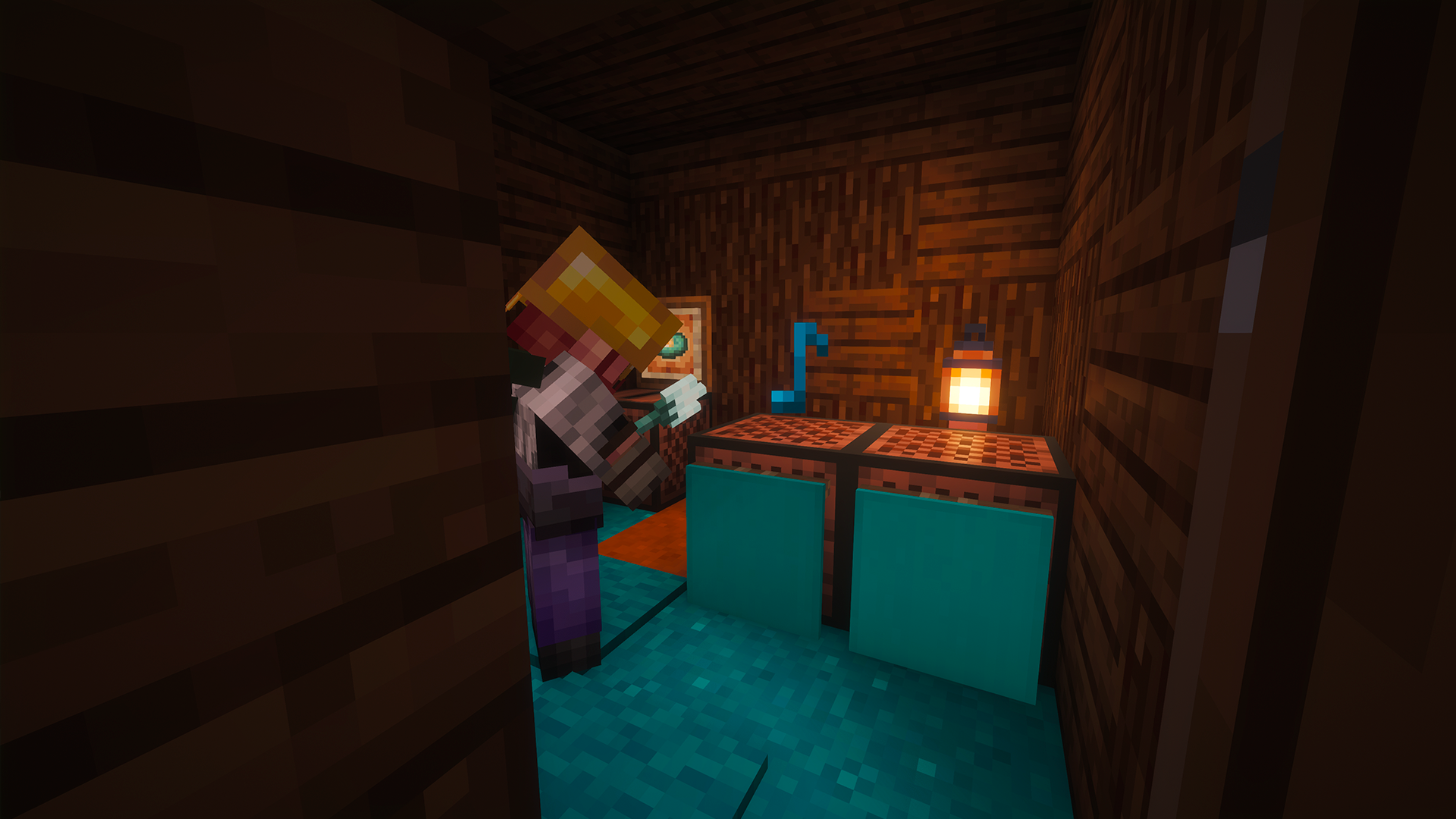 Wall banner note block interaction GhostTap lets you activate note blocks hidden behind wall banners without removing or moving the decoration.
 -
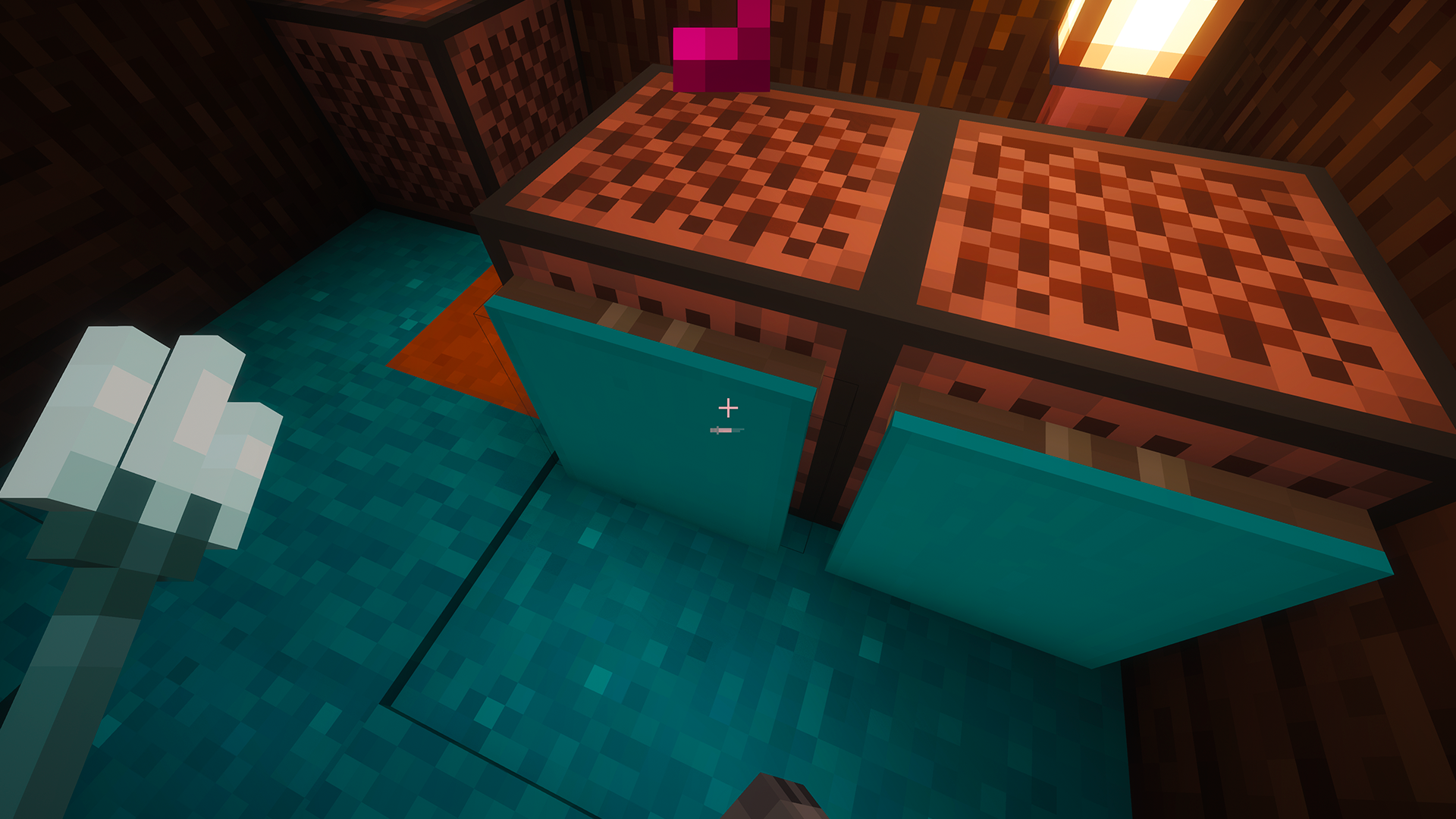 Hidden note blocks stay usable Use wall banners to hide note blocks inside decorative builds while GhostTap keeps them playable with a simple right-click.
 -
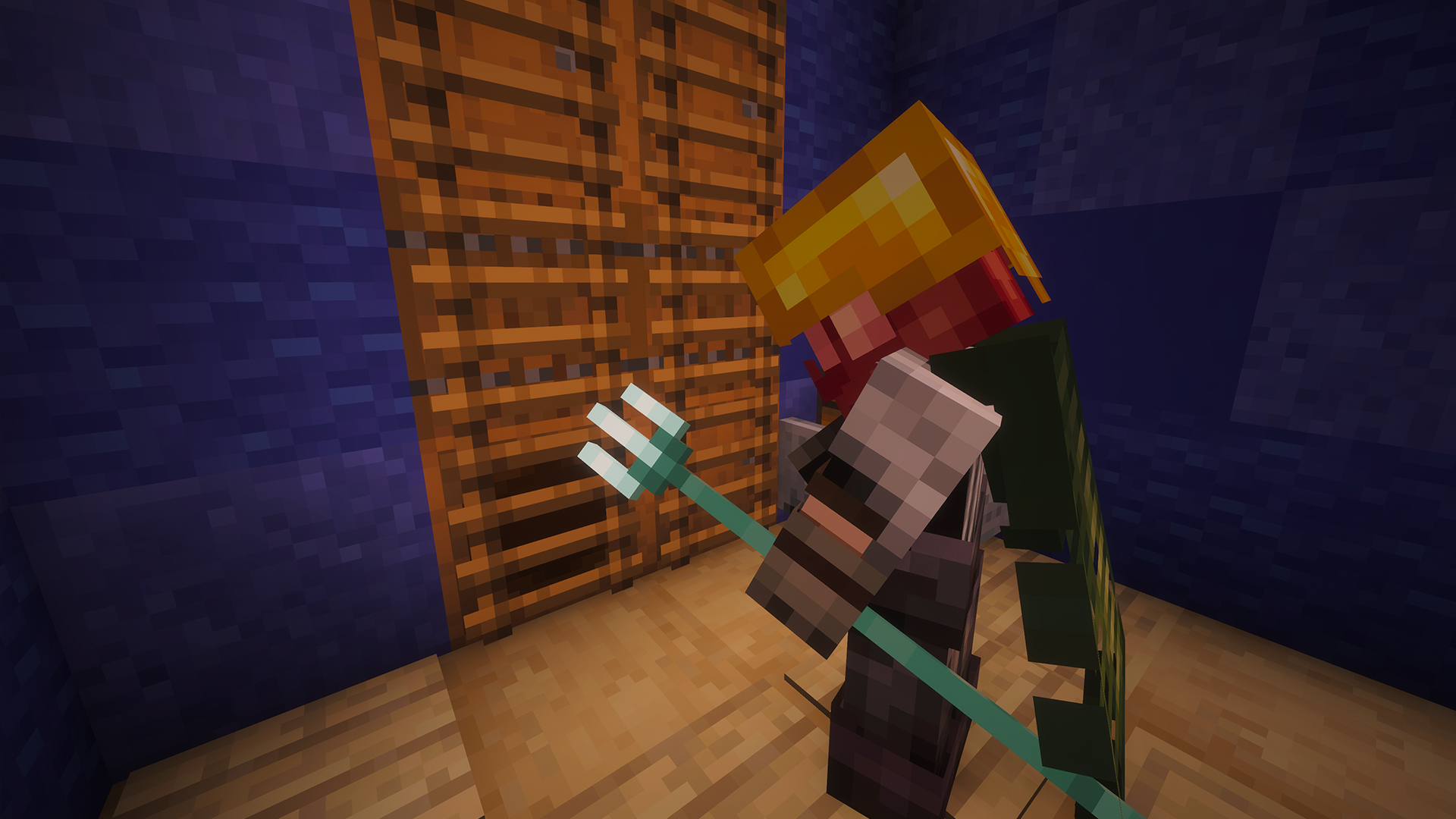 Risky ladder click-through GhostTap can optionally interact with usable blocks hidden behind ladders when risky options are enabled in the config.
 -
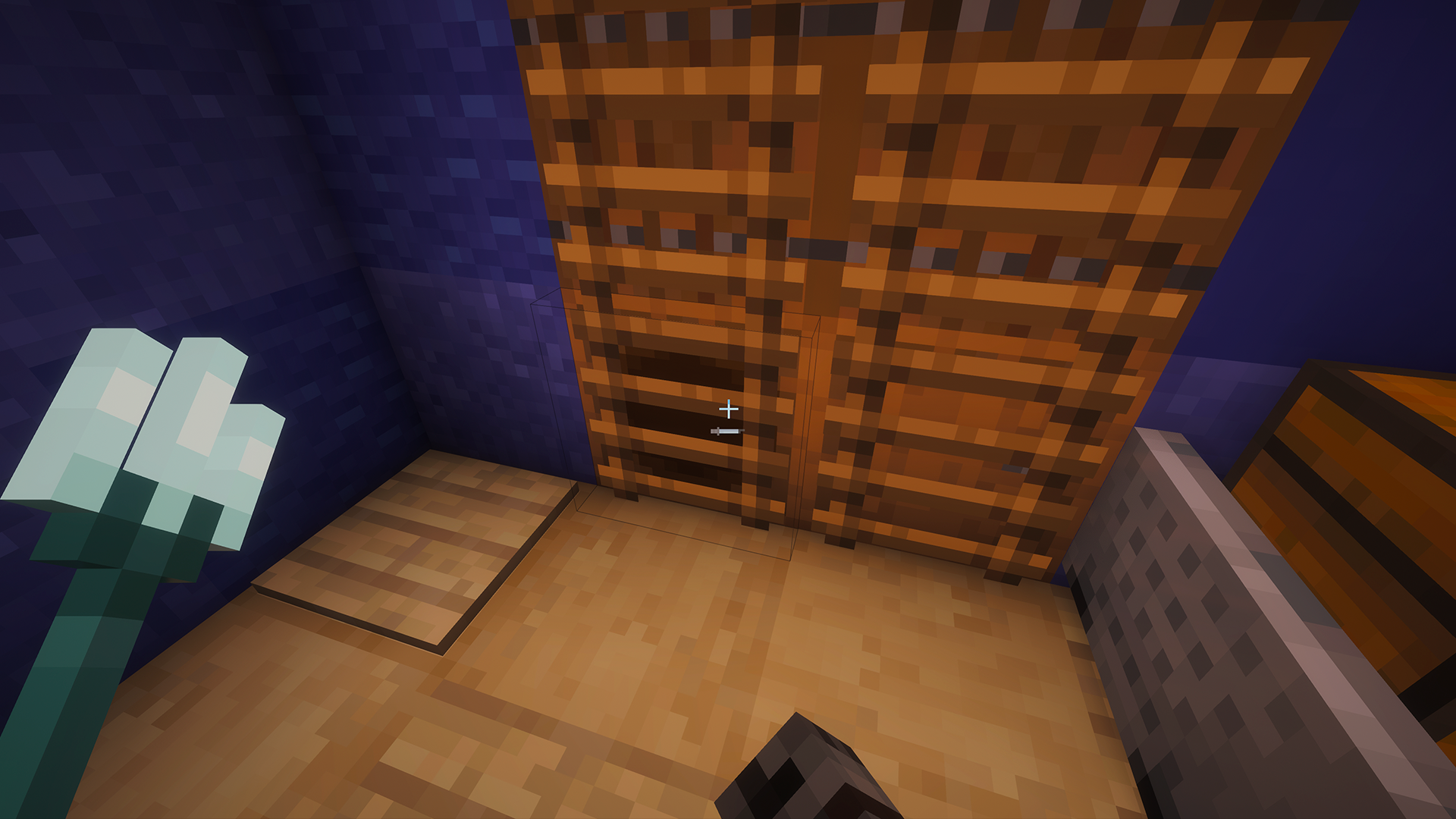 Optional risky feature Ladder click-through is disabled by default. On multiplayer servers, enable it only at your own risk and only if allowed by the server rules.
Versions
Files
Relations
Project Relations
More like this
Similar Mods
Suggestions use data such as tags, dependencies, dependents, descriptions, titles, and more to rank how much they overlap with this mod.
On ModDex
Community snapshot
By the numbers
Statistics

Want to reach Minecraft players?
We're looking for a server hosting partner to feature here and other parts of the site. Interested? Send us a message!
Get in touchGet it on
Available Platforms
On ModDex
Community snapshot
By the numbers
Statistics
Resources