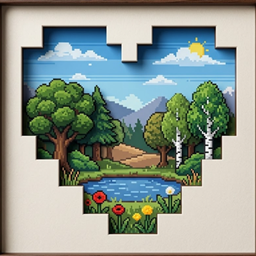
Community listing page, reviews here may not be monitored by the author.
GifScreen

No reviews yet
Add custom PNG, JPG and GIF screens to your Minecraft world with adjustable size, offsets, rotation and multiplayer sync.

Community voices
Reviews
No reviews yet. Be the first to review this project!
Get it on
Available Platforms
About
Project Details
For authors
Embed Badge
If you're the author of this project, you can embed a live badge anywhere that supports HTML or Markdown. It updates automatically whenever ratings change.
Use HTML for any page that supports it, or Markdown for README files and Markdown-based descriptions.
Identifiers
Platform IDs
Resources
External Links
About
Description
GifScreen adds custom media screens to Minecraft.
This mod lets you place PNG, JPG and GIF images directly in the world. You can change screen size, move it with offsets, rotate it on different axes and use a glow option for bright rendering.
Features:
- Place PNG, JPG and GIF screens
- Adjustable width and height
- X, Y and Z offset controls
- X, Y and Z rotation controls
- Glow option
- Multiplayer sync support
- Chunked upload for larger files
How to use:
1. Place the Media Screen block
2. Open the configuration screen
3. Choose a PNG, JPG or GIF file
4. Adjust size, offsets and rotation
5. Press Apply
Tested on Minecraft Forge 1.20.1.
Screenshots
Gallery
-
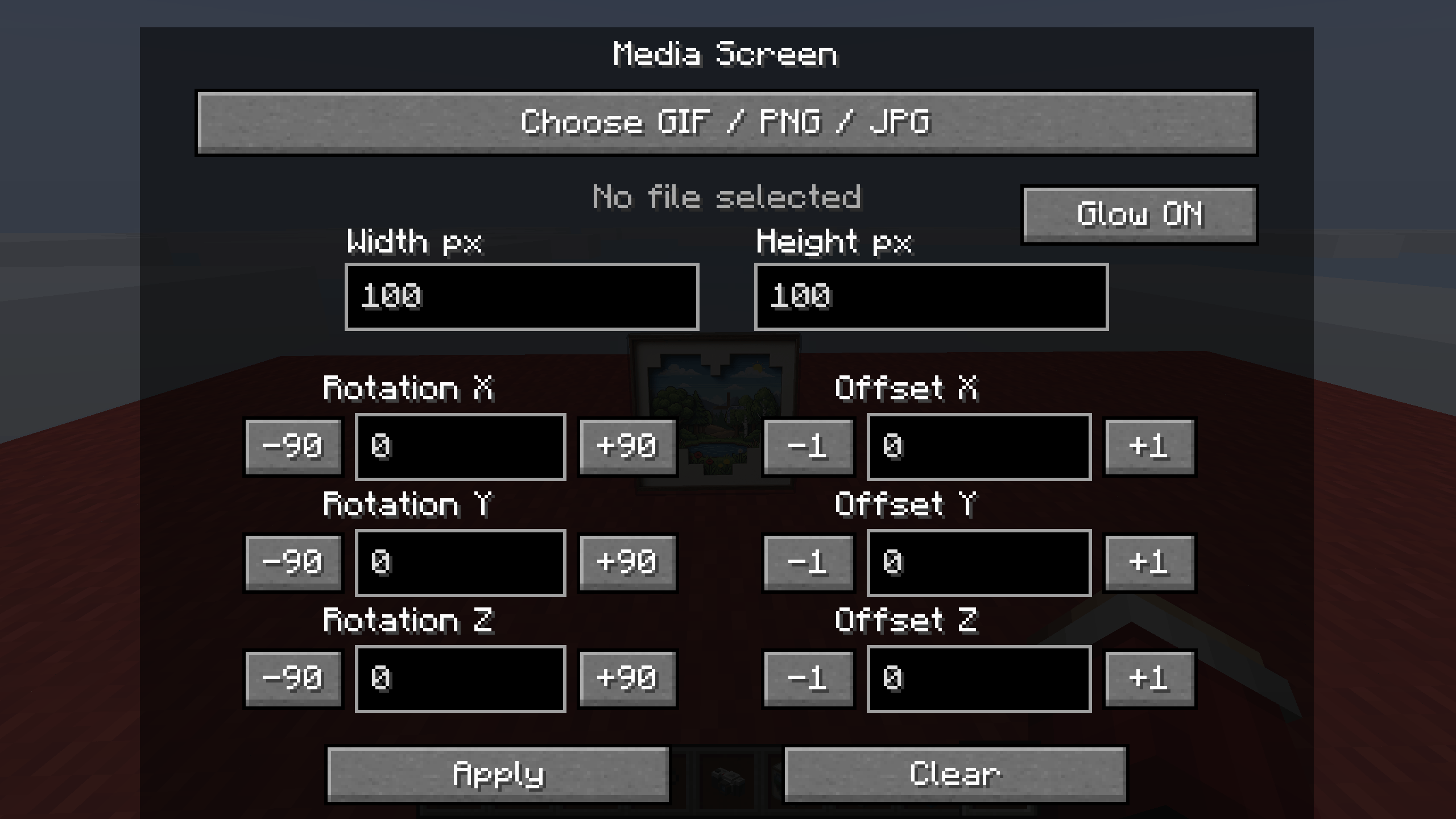 2026-04-22_18.28.36.png 2026-04-22_18.28.36.png
 -
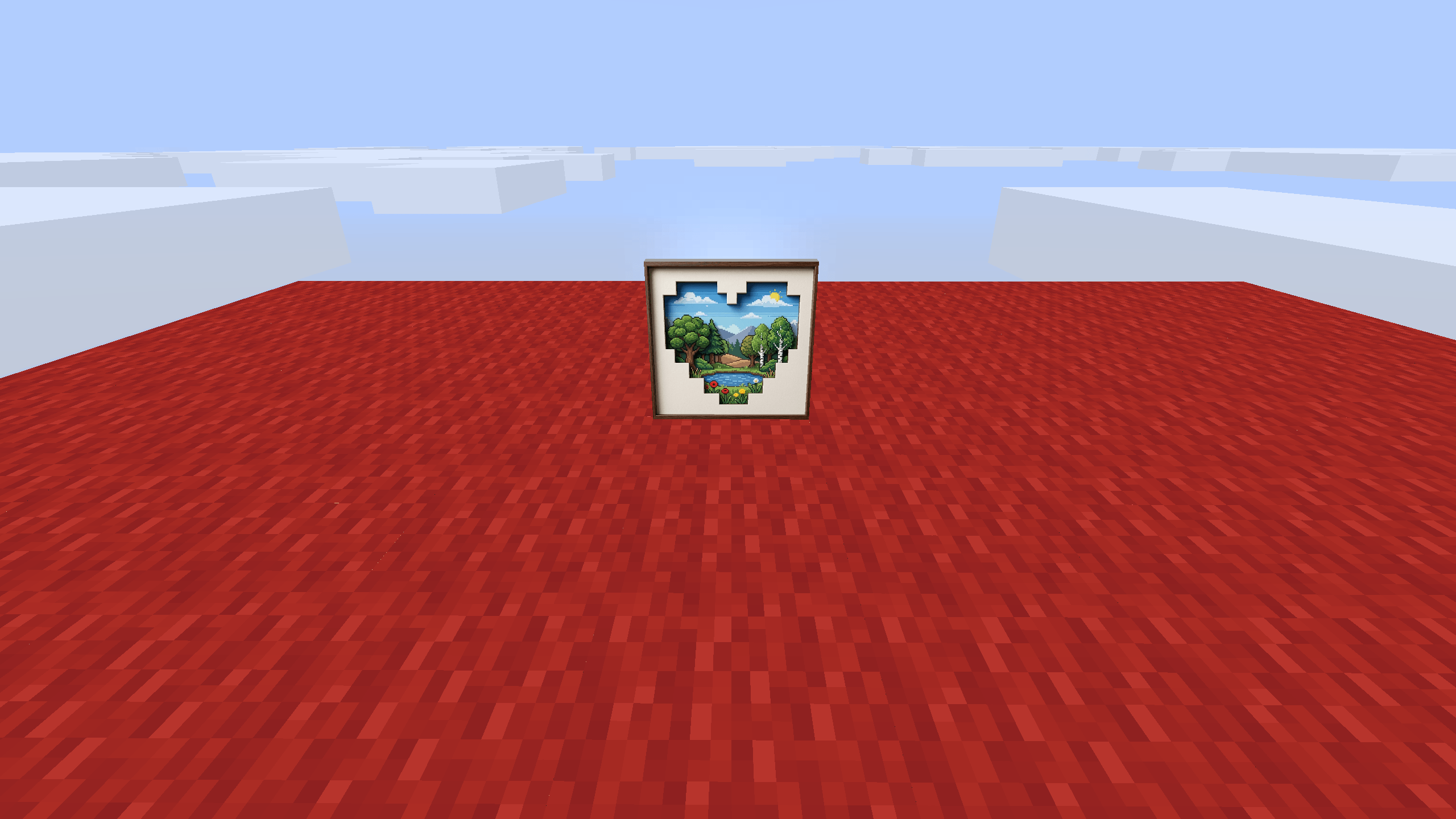 2026-04-22_18.28.33.png 2026-04-22_18.28.33.png
Versions
Files
Relations
Project Relations
More like this
Similar Mods
Suggestions use data such as tags, dependencies, dependents, descriptions, titles, and more to rank how much they overlap with this mod.
On ModDex
Community snapshot
By the numbers
Statistics
 (opens in a new tab)
Get it on
Available Platforms
On ModDex
Community snapshot
By the numbers
Statistics
Resources