
Community listing page, reviews here may not be monitored by the author.
GitMC

No reviews yet
GitMC brings full Git version control into your Minecraft singleplayer worlds, commit snapshots, create branches, switch between them, and back everything up to GitHub, all from in-game chat commands without any external tools.
Community voices
Reviews
No reviews yet. Be the first to review this project!
Get it on
Available Platforms
Compatibility
Supported Environments
Works in singleplayer only; does not function in multiplayer.
About
Project Details
For authors
Embed Badge
If you're the author of this project, you can embed a live badge anywhere that supports HTML or Markdown. It updates automatically whenever ratings change.
Use HTML for any page that supports it, or Markdown for README files and Markdown-based descriptions.
Identifiers
Platform IDs
Resources
External Links
About
Description
Ever demolished a build you immediately regretted? Wanted to try a completely different base layout without risking your current world? GitMC gives your Minecraft world a full Git repository - the same technology developers use to manage code - so you can save snapshots, experiment freely, and always go back.
No terminal. No external apps. Just type /git save "my message" and you're covered.
What you can do
📸 Save snapshots
Run /git save "Built the nether hub" to checkpoint your world at any moment. Every snapshot stores exactly what your world looked like — blocks, structures, terrain changes.
🌿 Branch your world Create a separate branch to experiment with a mega-build or a new base layout, while your "main" world stays untouched. Switch between them with a single command — GitMC auto-saves before switching and reloads the world automatically.
⏪ Travel through time — and back
Use /git log to see your history and /git checkout <hash> to jump back to any past state. Your position is restored after the reload so you land right where you were. Done exploring? /git latest brings you straight back to the newest commit - no need to remember which branch you came from.
🔄 Auto-commit Configure GitMC to save automatically every X minutes, when you sleep in a bed, or when you leave the world. You'll never lose a session of progress again.
☁️ Back up to GitHub Push your entire world history - all branches, all commits - to a private GitHub repository. Pull it back on any machine. Your world, in the cloud, forever.
🗂️ Restore individual chunks
Accidentally corrupted a region or blew up the wrong thing? Restore specific .mca chunk files from any past commit without touching the rest of your world.
How it works
GitMC embeds JGit directly - no Git installation needed on your system. Each world gets its own .git folder inside its save directory. A .gitignore is automatically created and kept up to date, so only meaningful world data is tracked (no session locks, no per-tick noise, no player inventory spam).
All feedback is non-intrusive: quick operations show a small toast notification in the corner, slow network operations (push/pull) show a progress bar that disappears when done.
Quick start
/git init
/git save "My first snapshot"
/git branch create experiment
/git switch experiment
/git switch main
Screenshots
Gallery
-
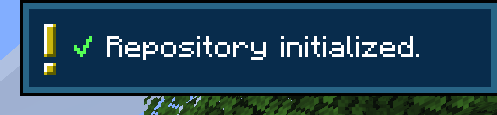 Repo initialization after /git init
 -
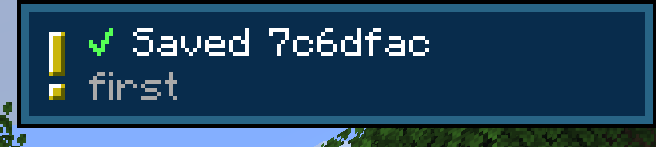 commit after /git commit <message> or /git save <message>
 -
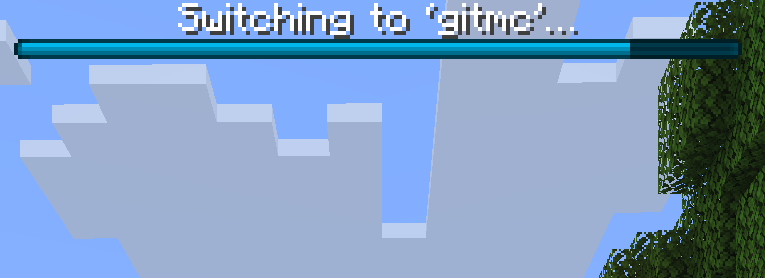 Switching Branches after /git switch <branch> or /git checkout <branch>
 -
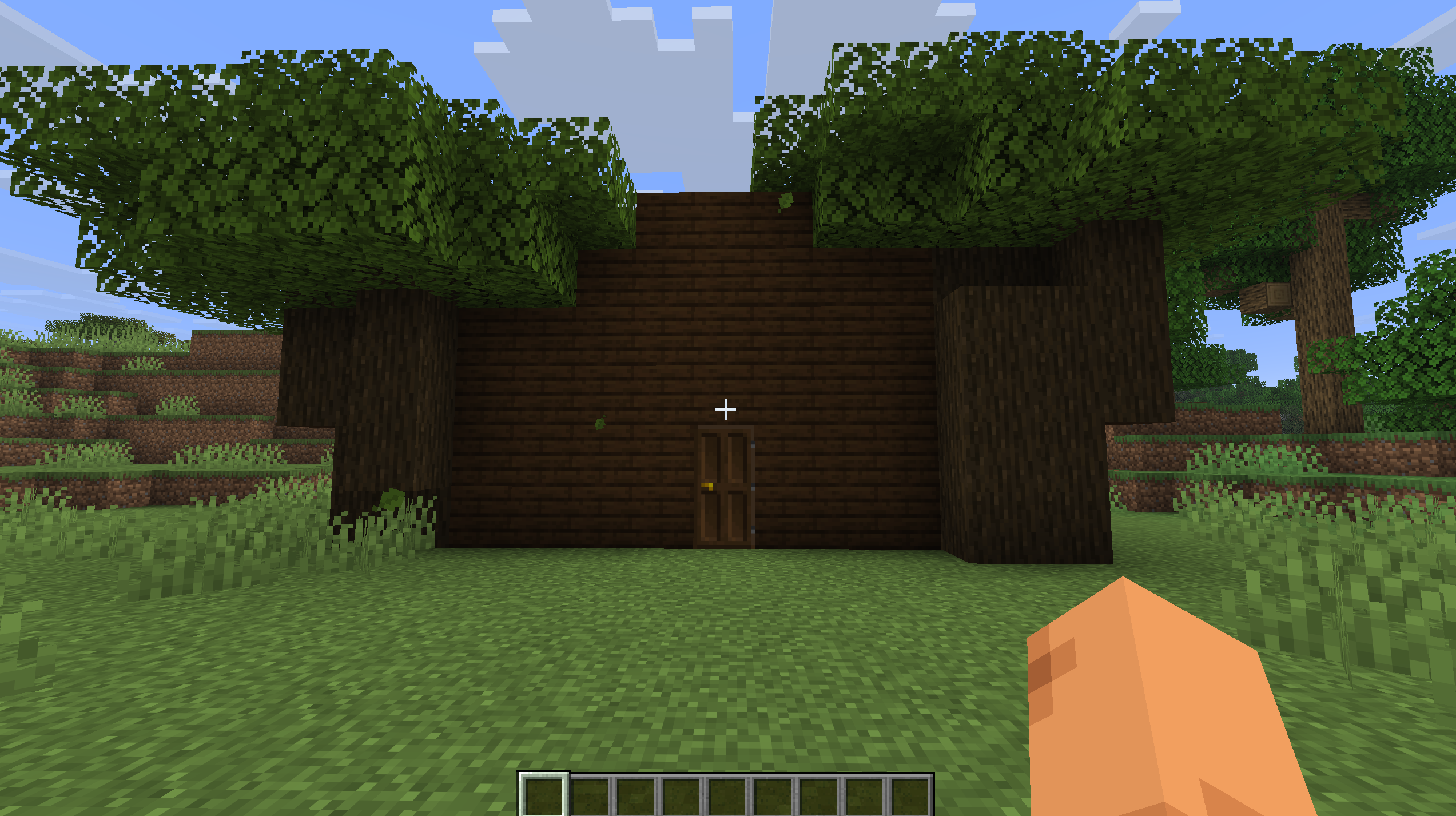 Build before switching Branch back to main
 -
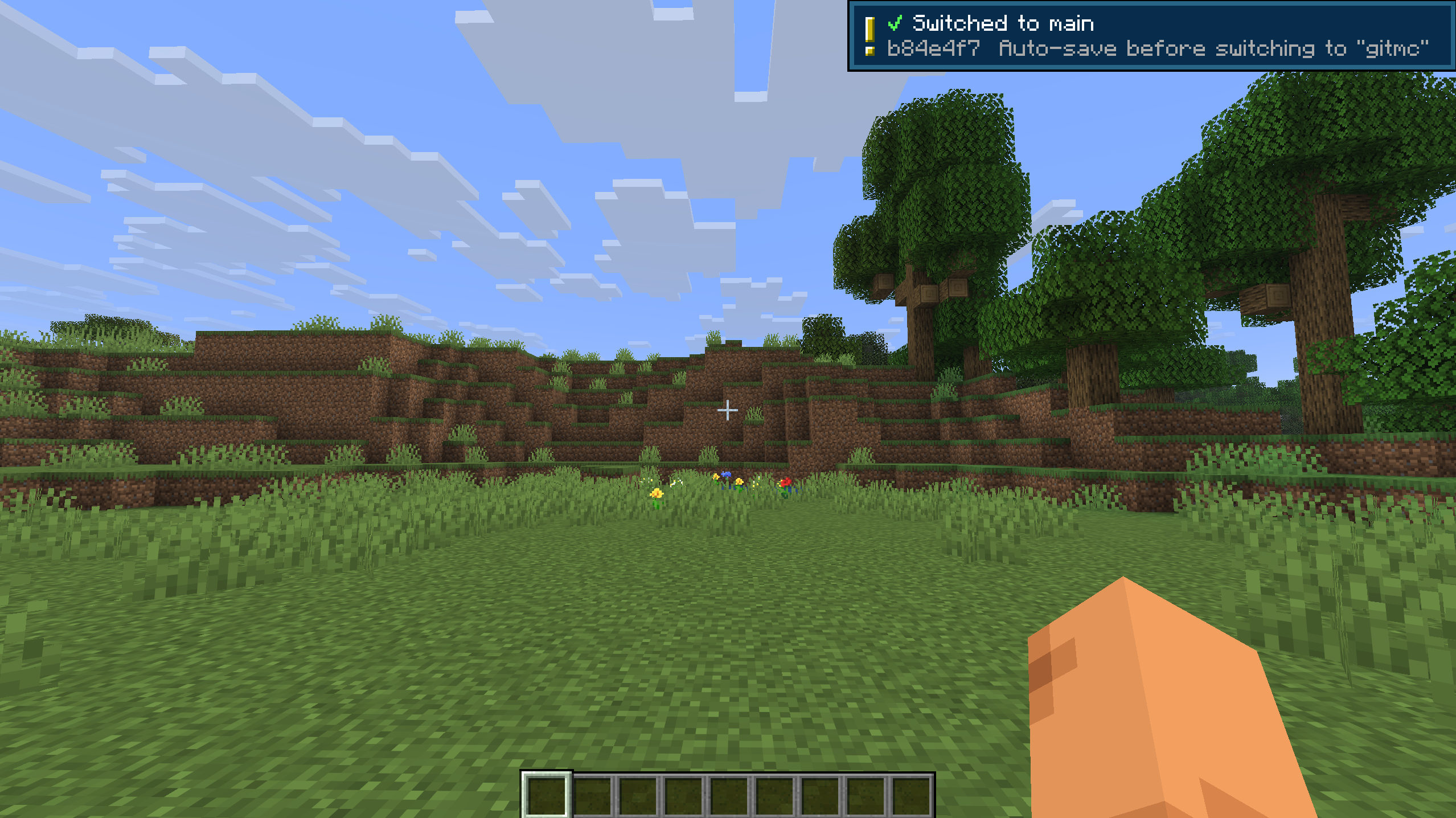 Switched back to main build not visible anymore after branch switch
Versions
Files
Relations
Project Relations
More like this
Similar Mods
Suggestions use data such as tags, dependencies, dependents, descriptions, titles, and more to rank how much they overlap with this mod.
On ModDex
Community snapshot
By the numbers
Statistics

Want to reach Minecraft players?
We're looking for a server hosting partner to feature here and other parts of the site. Interested? Send us a message!
Get in touchGet it on
Available Platforms
On ModDex
Community snapshot
By the numbers
Statistics
Resources