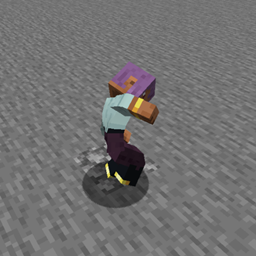
Epic Fight - Give Me An Infernal Gainer
No reviews yet
Allows you to use "Infernal Gainer By Reascer" moveset in the 1.20.1
Community voices
Reviews
Click once to include, again to exclude, again to clear
No reviews yet. Be the first to review this project!
Get it on
Available Platforms
 CurseForge
About
Project Details
For authors
Embed Badge
If you're the author of this project, you can embed a live badge anywhere that supports HTML or Markdown. It updates automatically whenever ratings change.
Use HTML for any page that supports it, or Markdown for README files and Markdown-based descriptions.
Identifiers
Platform IDs
Resources
External Links
About
Description
This small mod allows you to use the "Epic Fight - Infernal Gainer by Reascer" moveset in Epic Fight 1.20.1 in the versions of Epic Fight where it is incompatible.
Important:
- "Legacy" is now for Epic Fight 20.9.7↓ and those without that prefix are for Epic Fight 20.10.2↑
- the file name is "gma_infernal_gainer" it is for Epic Fight 20.12.4↑
- If it ends in "universal" it is compatible with EF9, 10, 11 and 12.
Usage (Information valid only for Lazy Utilities 2.5 or higher):
You need to create the folder in your .minecraft "lazy_utilities/epicfight" or let this mod create it. (.minecraft/lazy_utilities/epicfight)
Add the "Epic Fight - Infernal Gainer" mod by Reascer there...
If you decided to add the file after the folder was created automatically, you will have to restart the game, so it is better to create the folder and add the file there.
After all that, this will allow THIS MOD (Lazy Utilities) to use it as a portable library. If you DON'T, this mod (GMA: Infernal Gainer) will not work correctly although you can still use it.
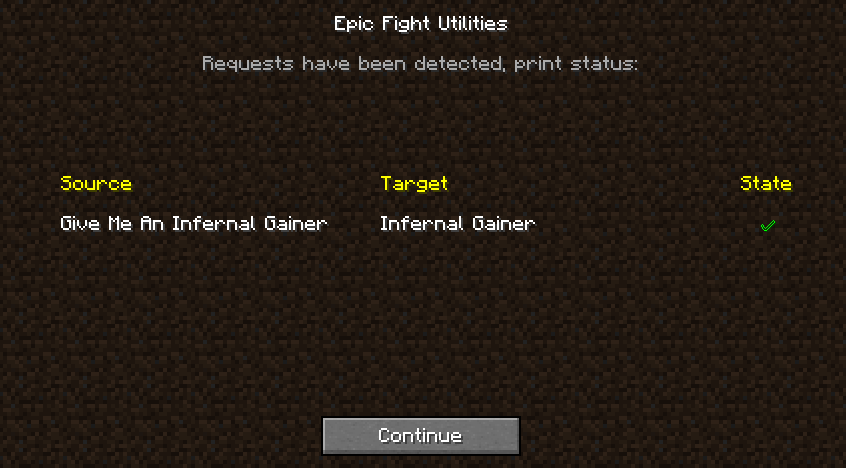
After this, a screen similar to the previous versions will appear, only now there are only 2, when everything is fine or when the file is missing.
When everything is going well: This means that everything SHOULD work fine!
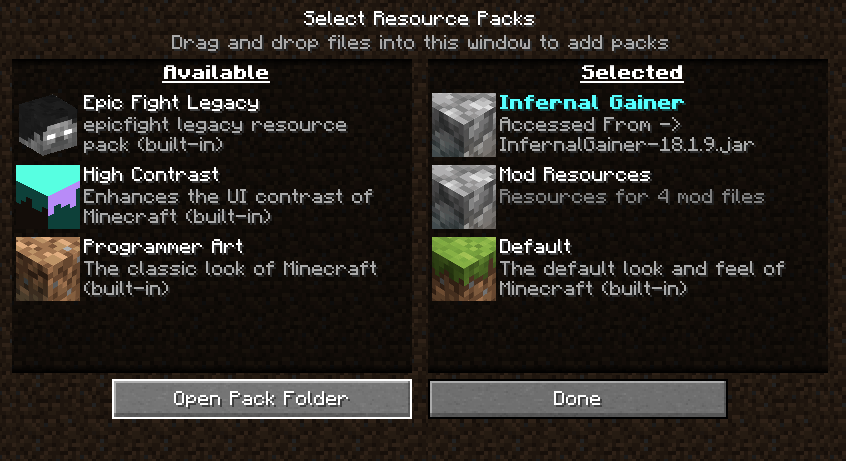
After this, it's always good to confirm that everything is okay. Look at your resources and you should see something like this:
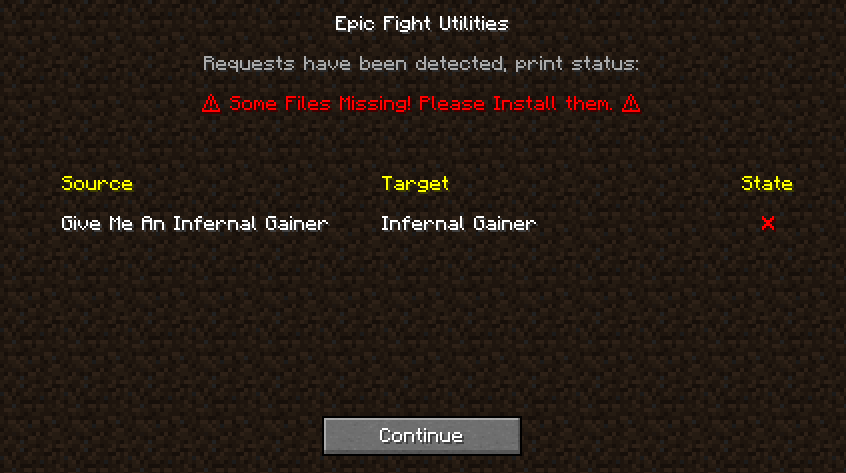
When you are missing a file: This screen will appear if you haven't installed the corresponding file.
Or if you've changed the file extension, modified internal files, and, if it's a .jar file, deleted the mods.toml file.
This indicates that the file to be manipulated doesn't exist or wasn't recognized, and therefore the mod won't be able to perform its functions or run animations.
remember the portable dependency goes in ".minecraft/lazy_utilities/epicfight" folder
Usage (Information valid only for Lazy Utilities 2.1.6 or higher and less than or equal to 2.4):
As these functions are legacy, expand here to see more.
Once this mod and its "Lazy Utilities" dependency are installed, a folder will be created in your "mods" folder.
"Lazy Utilities/epicfight"
Add the "Epic Fight - Infernal Gainer" mod by Reascer there...
This will allow THIS MOD (Lazy Utilities) to use it as a portable library. If you DON'T, this mod (Give Me An Infernal Gainer) will not work correctly although you can still use it.
You can add the file to the (mods\Lazy Utilities\epicfight) folder even within the game; just remember to run the corresponding command to restart the mod, but be aware that this can be performance-intensive and ineffective in some cases.
Once you start the game: If this is your first time loading the mod or the mod's configuration has changed because you've added or removed files, you'll see this tab. Let me explain what each one does...
When everything is going well: This means that everything SHOULD work fine, if it fails the problem is beyond my control, but there are solutions, just look below...
Since "everything is fine," it's a good idea to confirm the loading order of the resource packs, as if they are incorrect, this mod won't work properly.
Since there are two ways to operate, here is an example of what the order should be.
| Incorrect | Correct |
|---|---|
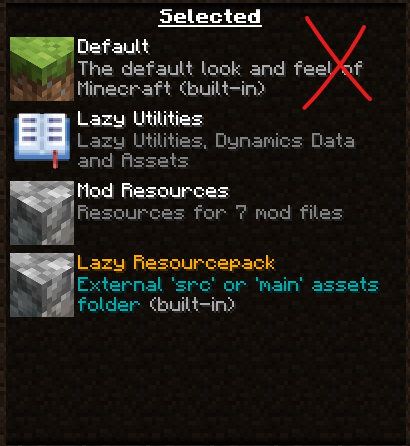 |
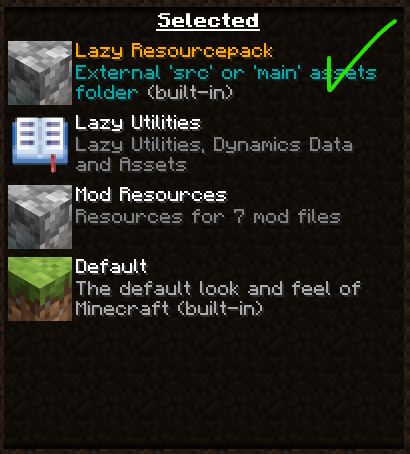 |
| Incorrect | Correct |
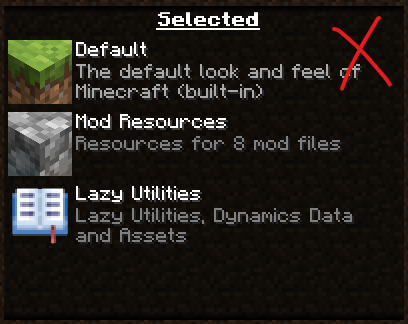 |
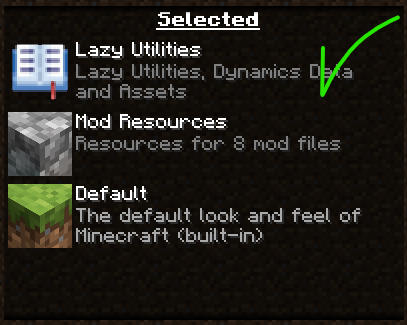 |
And the mod should look like this, in the mods tab...
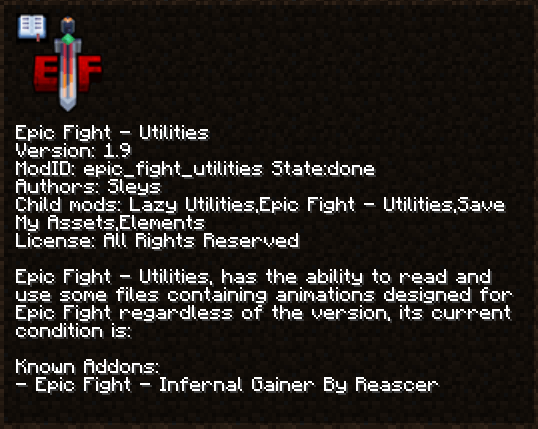
When you are missing a file: This screen will appear if you haven't installed the corresponding file.
Or if you've changed the file extension, modified internal files, and, if it's a .jar file, deleted the mods.toml file.
This indicates that the file to be manipulated doesn't exist or wasn't recognized, and therefore the mod won't be able to perform its functions or run animations.
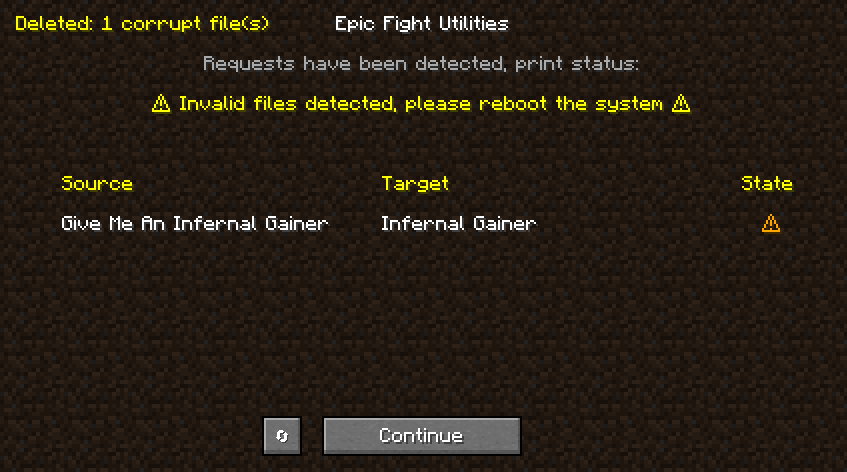
When it fails, but can be fixed: This screen appears if a file is invalid due to being written incorrectly. Typically, when a write fails, the file is emptied and deleted. If you click the button on the left, it will allow you to restart the builder. This allows you to rewrite the files, including the empty file and ignoring previously written files, making the restart process take less time than the initial load.
This error usually occurs if something is compromising your disk's write speed.
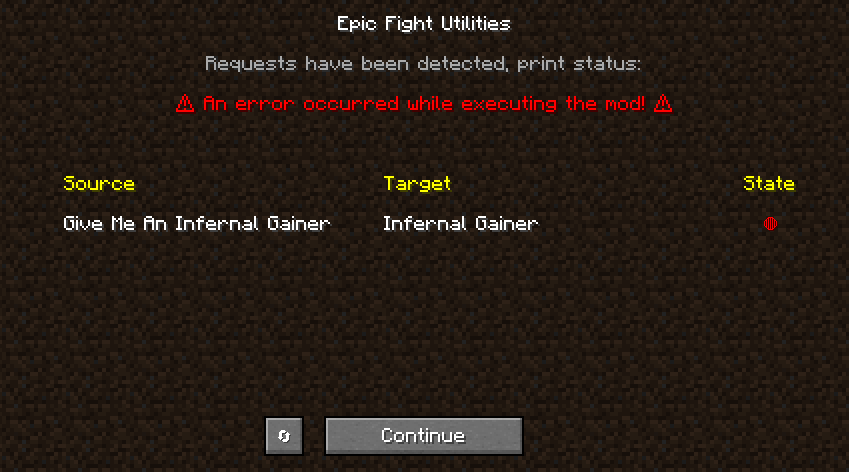
When the mod fails, serious: This means that during the execution process of the mod the system failed, this is usually accompanied by an Exception, therefore the continue button will not appear to you because the game has crashed during loading, in this case I am simply testing that is why the button appears.
Additional concepts: If you choose to add the file before opening the game, nothing happens. You can run the following command:
"/lazy-utilities epicfight-utilities addons-client build"
If you want, you can run this command, which is more precise: "/lazy-utilities epicfight-utilities addons-client rebuild"
This will relaunch the mod once the process completes and the resources haven't been reloaded. Do this yourself using F3+T.
Use and testing:
Additions:
This mod adds the following categories, moveset y innate skills
- Ef Infernal: Adds the "Infernal" moveset which has several combos between hand attacks and kicks, its ultimate ability is "Infernal Shoryuken" it will execute "magmadookie" launching a projectile that will burn the enemies hit, if the player is running it will execute "Shoryuken" launching a devastating blow to its enemy.
The Developer speaks:
Is this mod a Port?
No, this mod does not qualify as a port because:
-It does not reuse or modify the original source code.
-It does not rely on the original animations or assets internally.
-It does not distribute any code/assets from the original work.
-It requires the original file as a dependency (as a portable library if it exists on your system).
What it actually does:
-Reads resources dynamically only if the original file is present on the system.
-Wraps/adapts those resources without embedding them.
-Executes its own independent code (no direct inheritance from the original).
Why when I put the item in my hand, do I have the fist's moveset and skill?
This moveset is two-handed, so the item must be placed in both the Offhand and Mainhand for it to work
I want to change the flame type, how can I do it?
You can change the fire type of some attacks or dashes with tags, if you use the tag "get_soulfire_*" the latter being * whatever you want, and the item has it, it will use blue fire. This also applies to the trail left by the innate skill projectile.
Example: "data/infernal_config/tags/items/get_soulfire_items.json"
I don't like the fire, I want to turn it off! How can I do it?
Using tags on the item you want to disable fire particles, in this case it is "get_banned_fire_*" where * is what you want.
Example: "data/infernal_config/tags/items/get_banned_fire_items.json"
Screenshots
Gallery
-
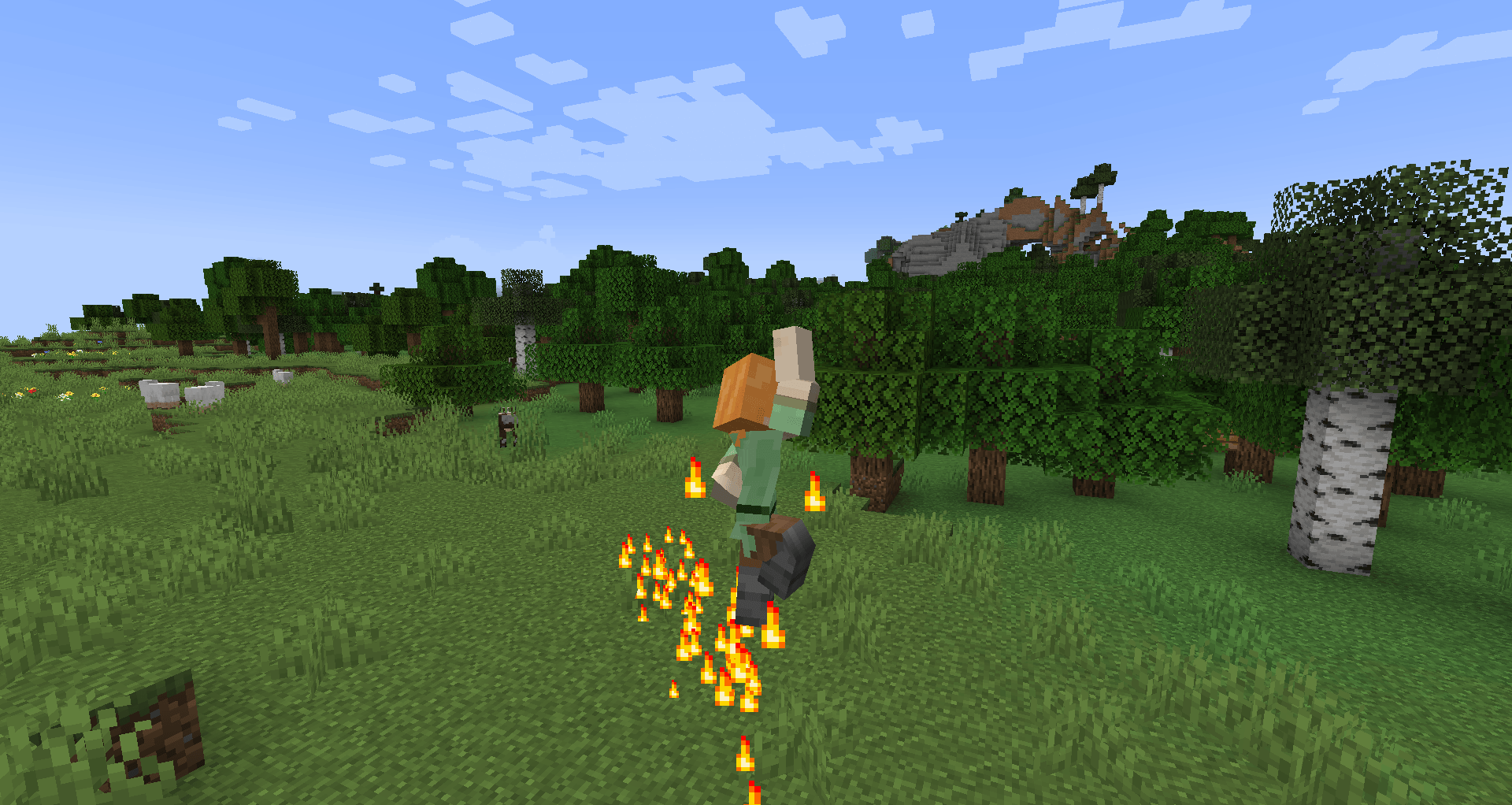 Infernal Gainer - Skill Shoryuken.png Infernal Gainer - Skill Shoryuken.png
 -
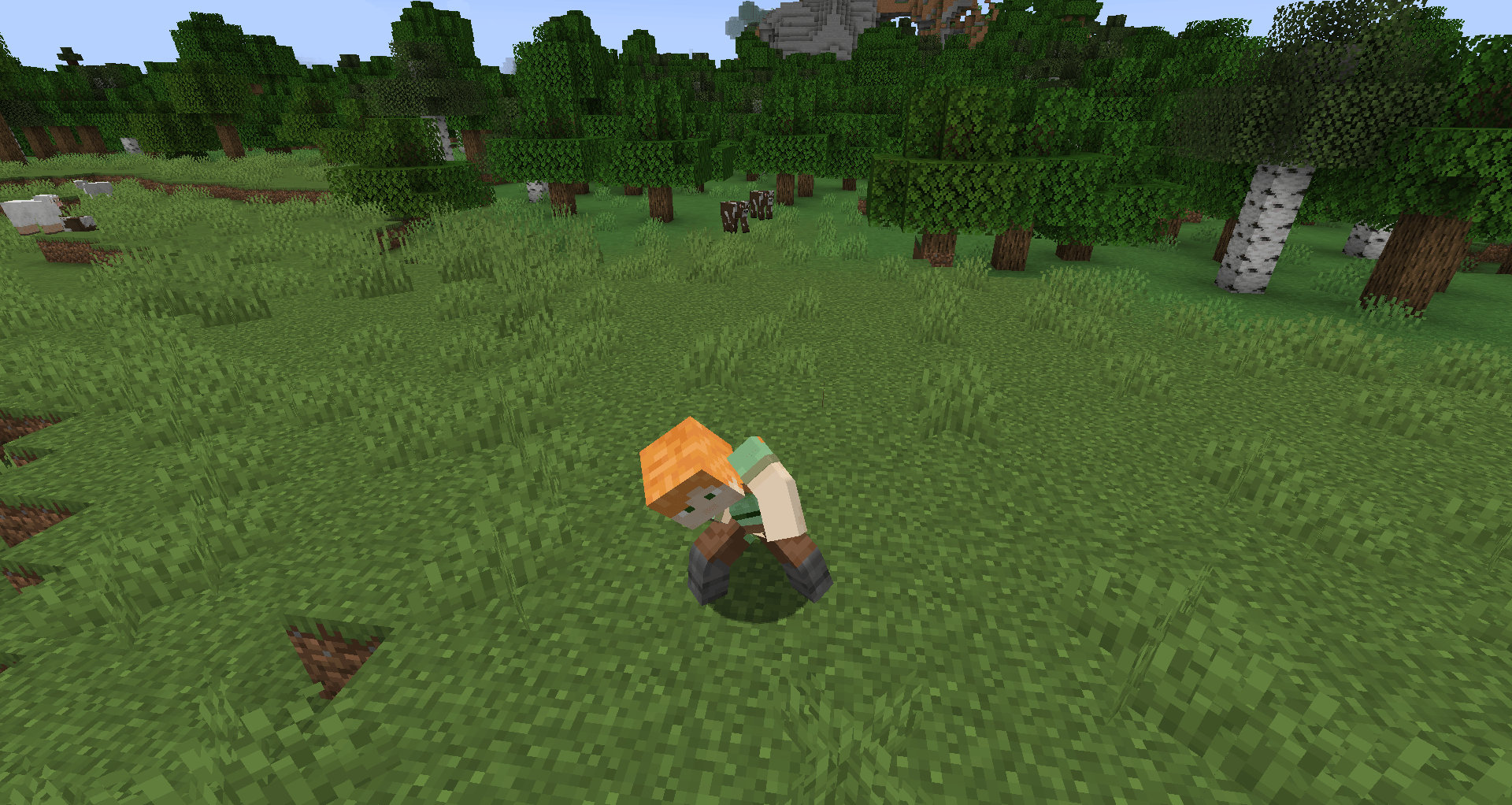 Infernal Gainer - Skill Magmadookie.png Infernal Gainer - Skill Magmadookie.png
 -
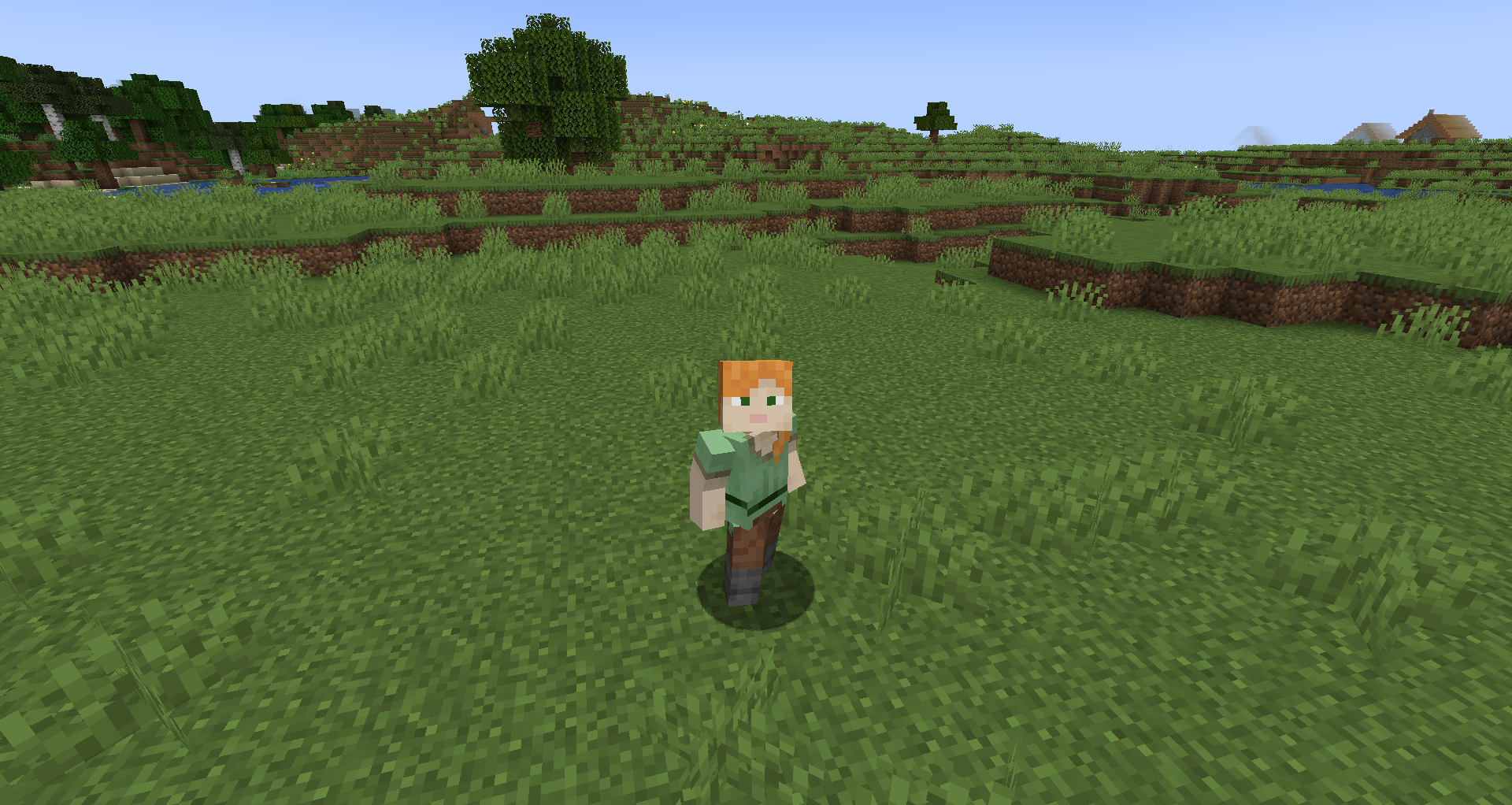 Infernal Gainer - Idle.png Infernal Gainer - Idle.png
 -
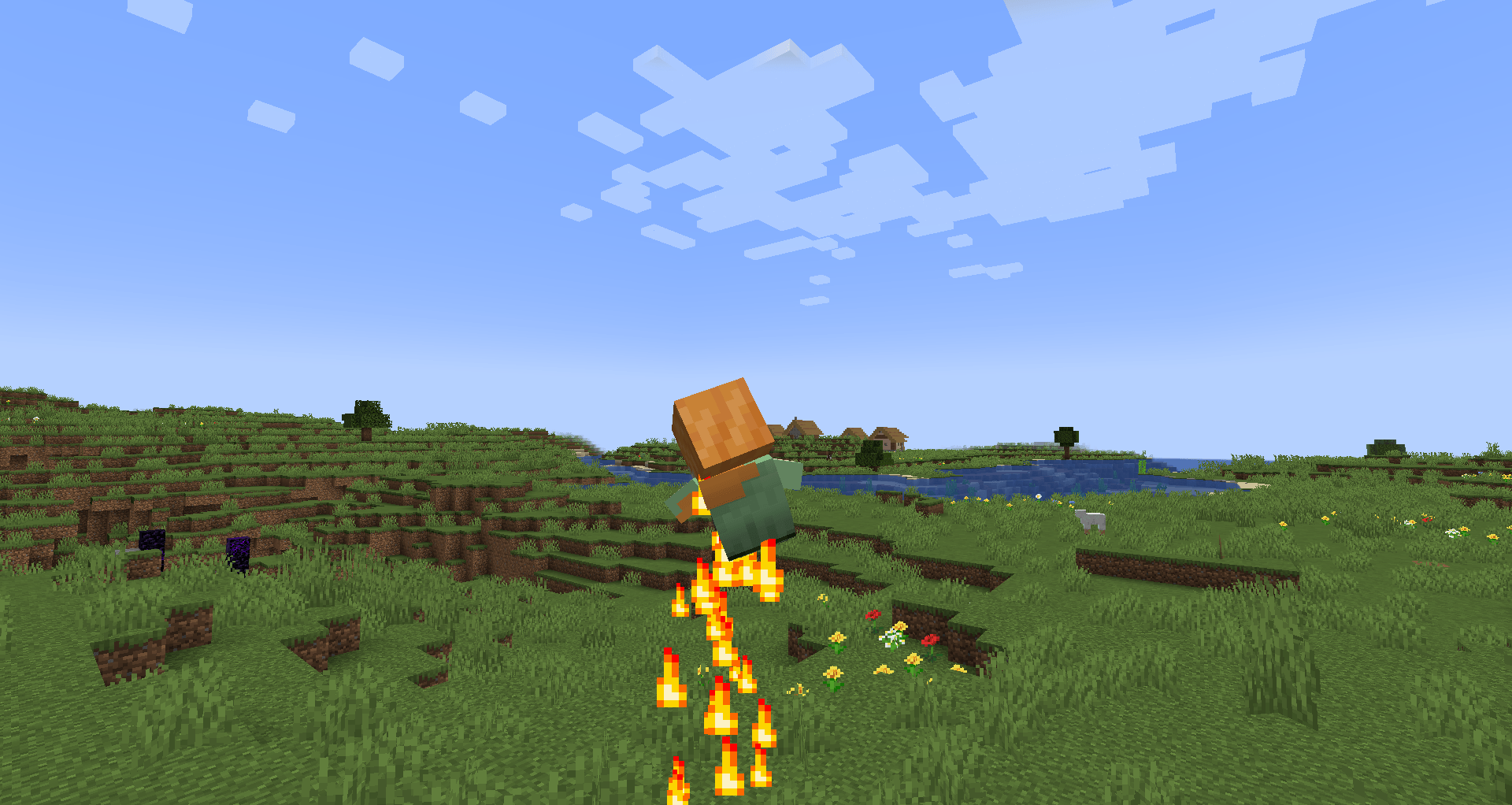 Infernal Gainer - Full House.png Infernal Gainer - Full House.png
 -
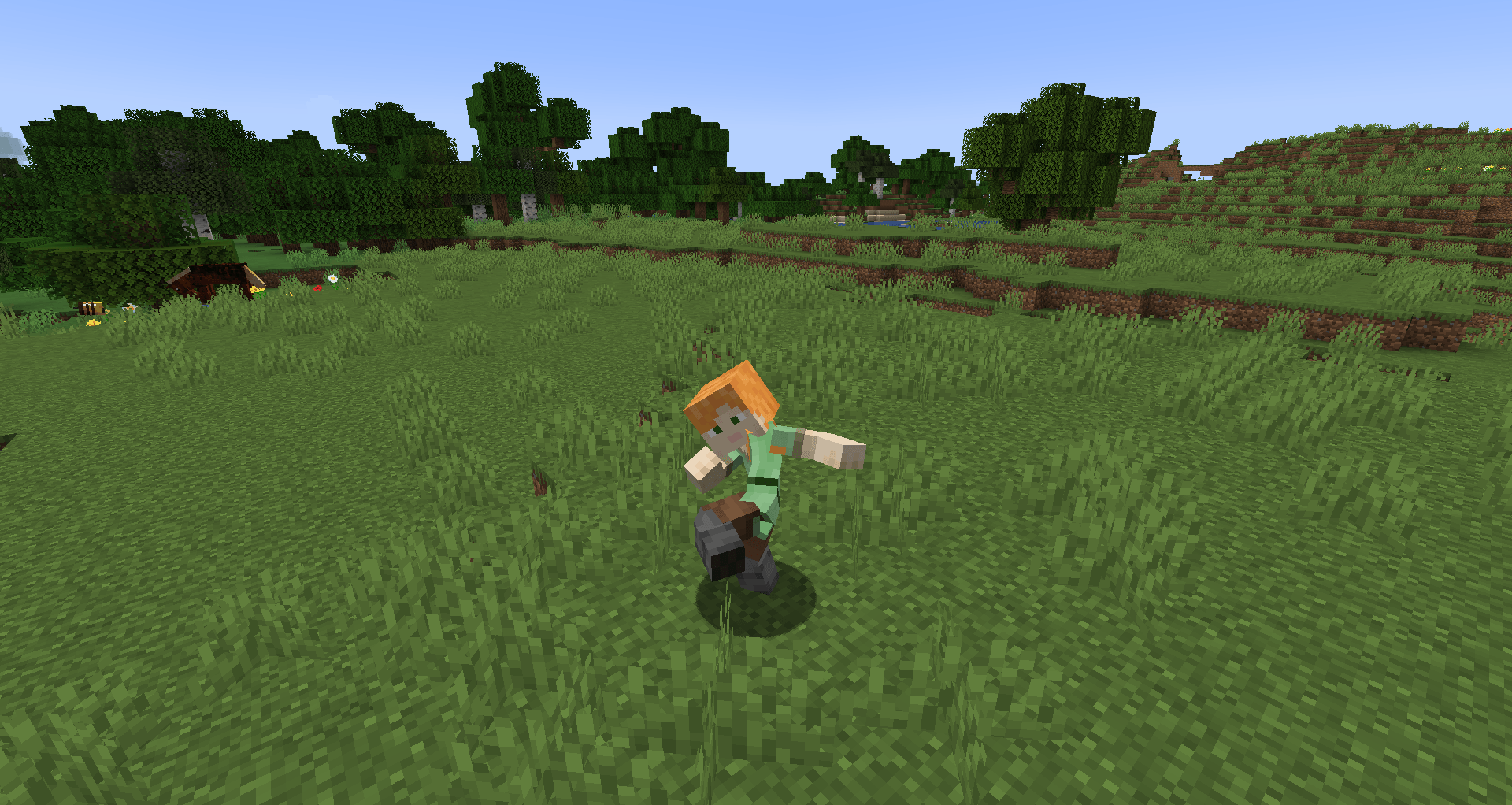 Infernal Gainer - Attack.png Infernal Gainer - Attack.png
Versions
Files
Relations
Project Relations
More like this
Similar Mods
Suggestions use data such as tags, dependencies, dependents, descriptions, titles, and more to rank how much they overlap with this mod.
On ModDex
Community snapshot
By the numbers
Statistics
Want to reach Minecraft players?
We're looking for a server hosting partner to feature here and other parts of the site. Interested? Send us a message!
Get in touchGet it on
Available Platforms
On ModDex
Community snapshot
By the numbers
Statistics
Resources