
Glamour Table
No reviews yet
An in-game texture editor for tools and canvases.
Data Packs were introduced to vanilla Minecraft in version 1.13 and allow the server to modify data about the game, or run commands. Data Packs are compatible with all mod loaders.
Forge is a popular mod loader for versions 1.1+ of Minecraft.
Neoforge is a fork of the Minecraft Forge available for versions 1.20.1+ of Minecraft. Many Forge mods are compatible with Neoforge and vice versa.
Fabric is a mod loader for versions 1.14+ of Minecraft, particularly popular for client side and optimization mods.
Quilt is a fork of the Fabric mod loader. Many Fabric mods are compatible with Quilt and vice versa.
Community voices
Reviews
Click once to include, again to exclude, again to clear
No reviews yet. Be the first to review this project!
Get it on
Available Platforms
 Modrinth
Compatibility
Supported Environments
About
Project Details
For authors
Embed Badge
If you're the author of this project, you can embed a live badge anywhere that supports HTML or Markdown. It updates automatically whenever ratings change.
Use HTML for any page that supports it, or Markdown for README files and Markdown-based descriptions.
Identifiers
Platform IDs
About
Description
Resource Pack Info
This datapack requires the included resource pack to function! The resource pack is included as GlamourRP.zip in the root directory of the datapack. You can also download the resource pack on its own from the page for the specific version here on Modrinth. Regardless of how you download it, make sure it's added to your Minecraft resources directory and enabled in game!
Introduction
This datapack adds a two new utility blocks to Minecraft - the Painting Table and the Glamour Table. The painting table can be used to create 1x1 custom paintings that can be hung in item frames. The glamour table can be used to change the appearance of tools. Both tables use paintbrushes to edit textures entirely in game.
Recipes
The painting table can be crafted using planks, a bowl, and a brush:
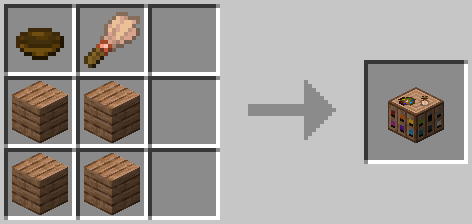
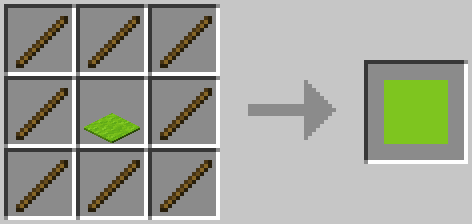
To use a painting table, you'll need to create canvases using sticks and a carpet. The color of carpet used will determine the base color of the canvas:
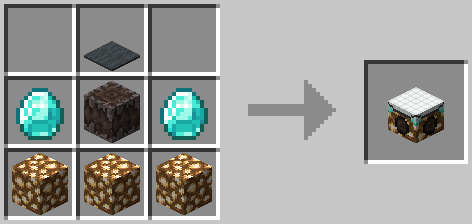
The glamour table can be crafted using glowstone, a creaking heart, diamonds, and any carpet:
To use the glamour table, you'll need to prepare your tools in a smithing table. Add an eye of ender and a piece of glowstone, and your tool's texture will be updated to an outline.

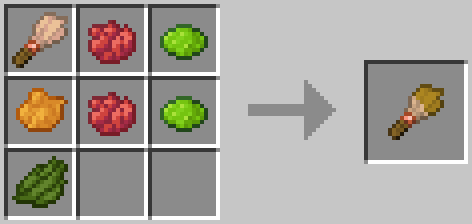
To create paint brushes, add dye to brushes in a crafting table. The final color of the paint brush is determined using the same formula as dyed armor:
Editing Textures
Right click the glamour or paint table with the item you'd like to edit to place it. Paint tables can only edit canvases, and glamour tables can only edit items.
To edit the item's texture, you can either use dyes directly, or use a paintbrush. Just right click the pixel you want to edit with the dye or brush! You can also right click with a slime ball to remove a pixel.
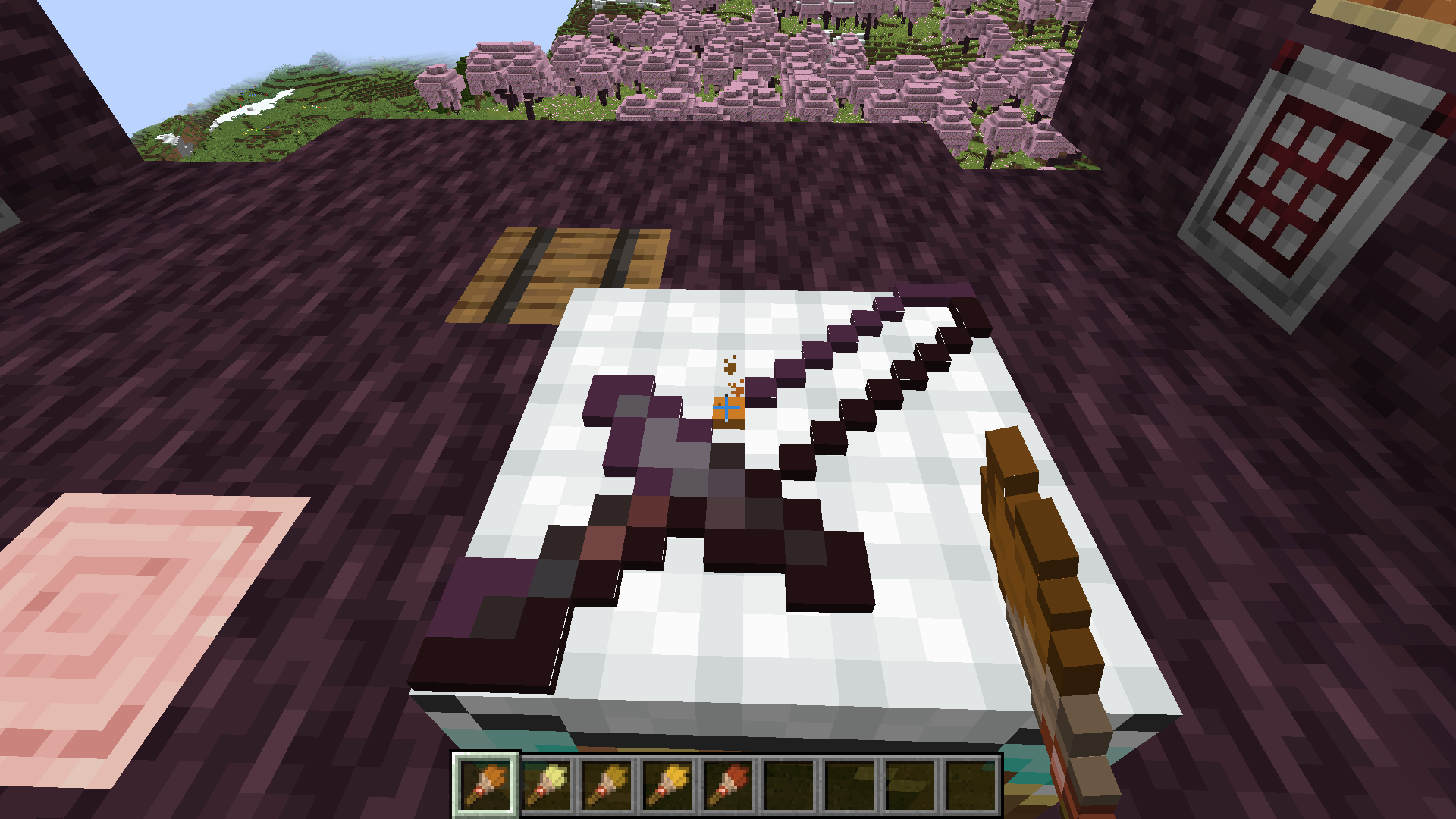
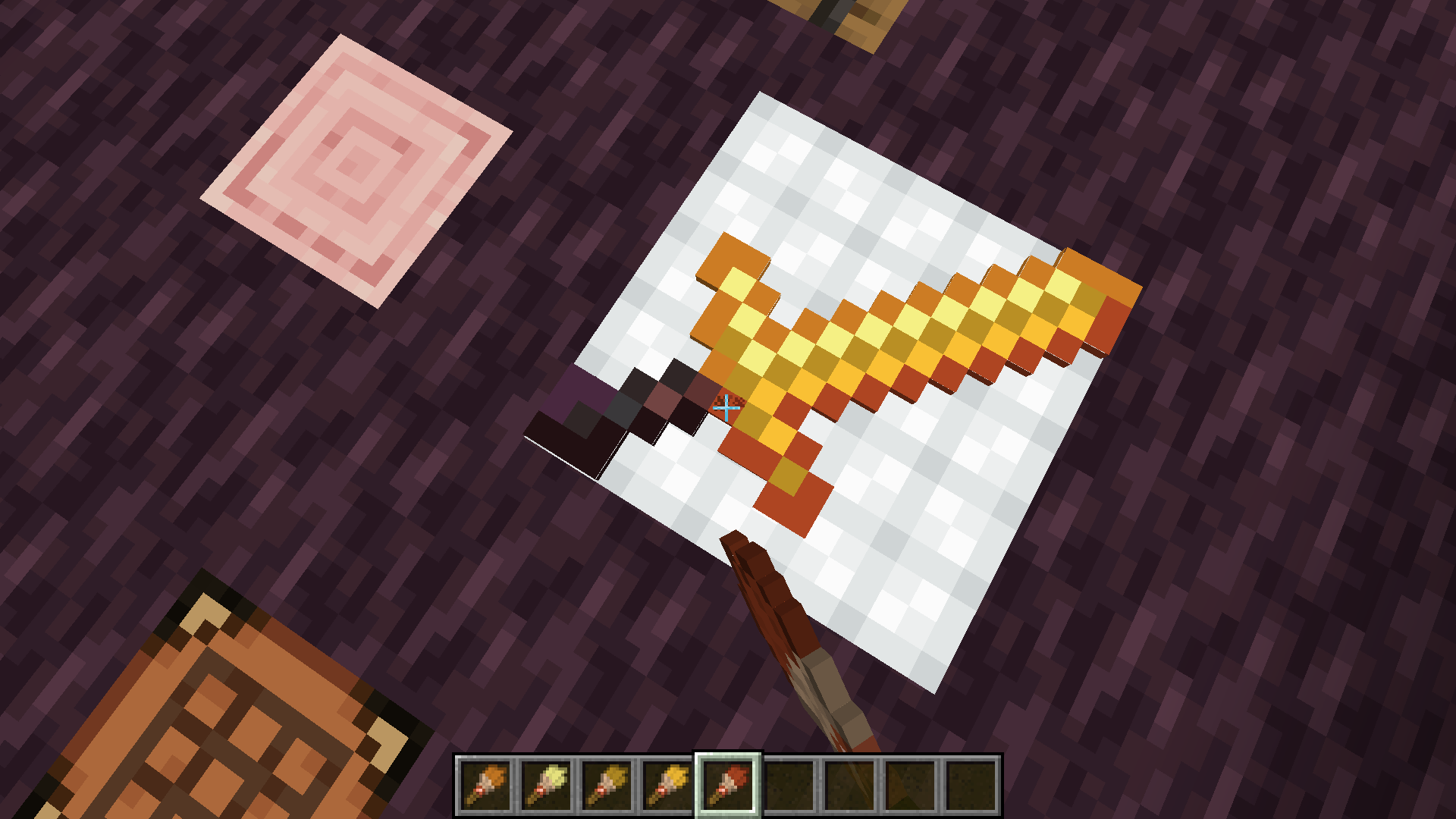
Once you're satisfied with the updated texture, just right click with an empty hand to retrieve your tool!
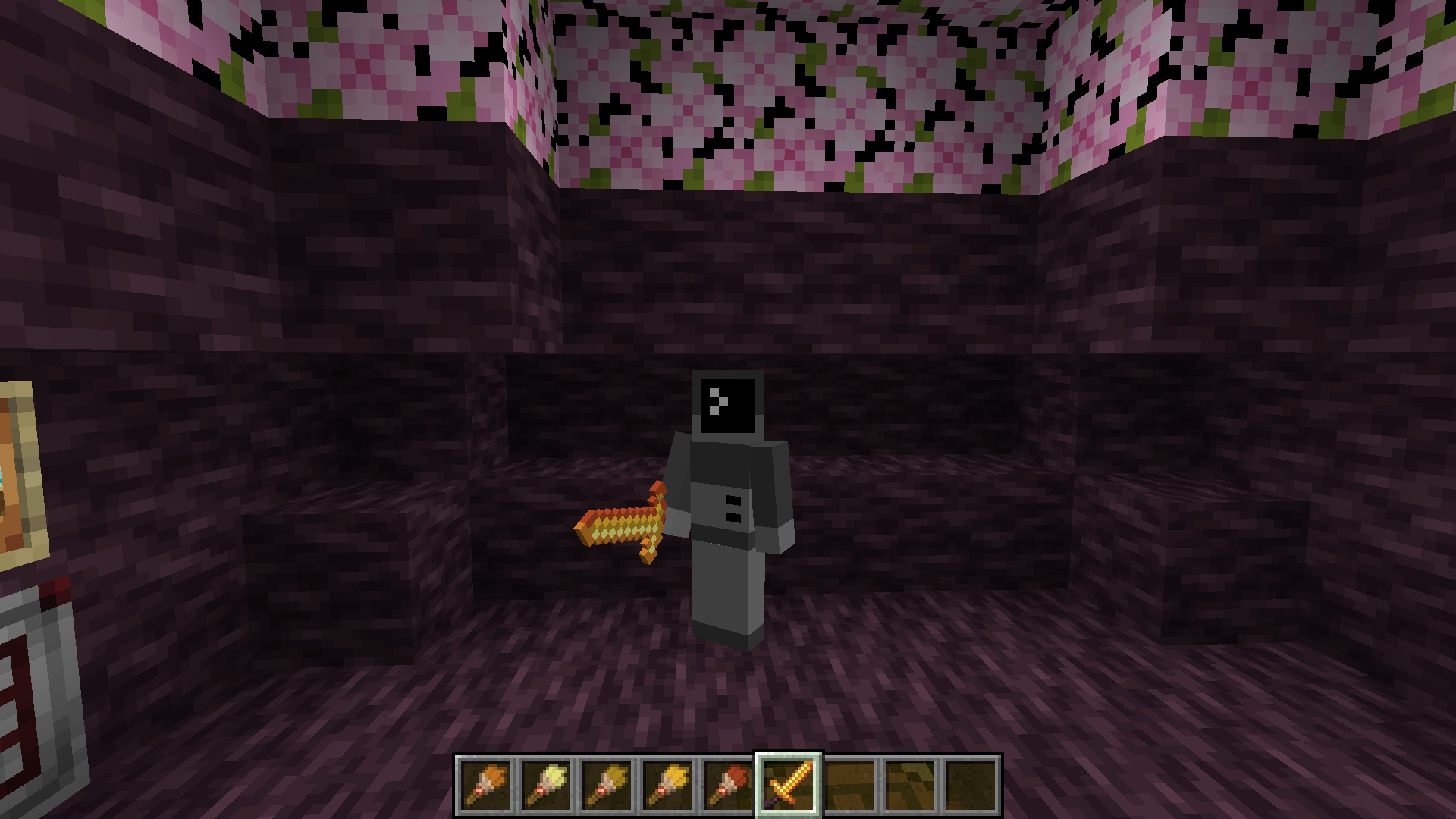
If you want to remove the texture from a tool, place it on the glamour table and right click with a wet sponge. The custom texture will be removed from your item.
Items that can have glamours applied include:
- All pickaxes, axes, shovels, hoes, and swords.
- Maces
Texture Helper Tool
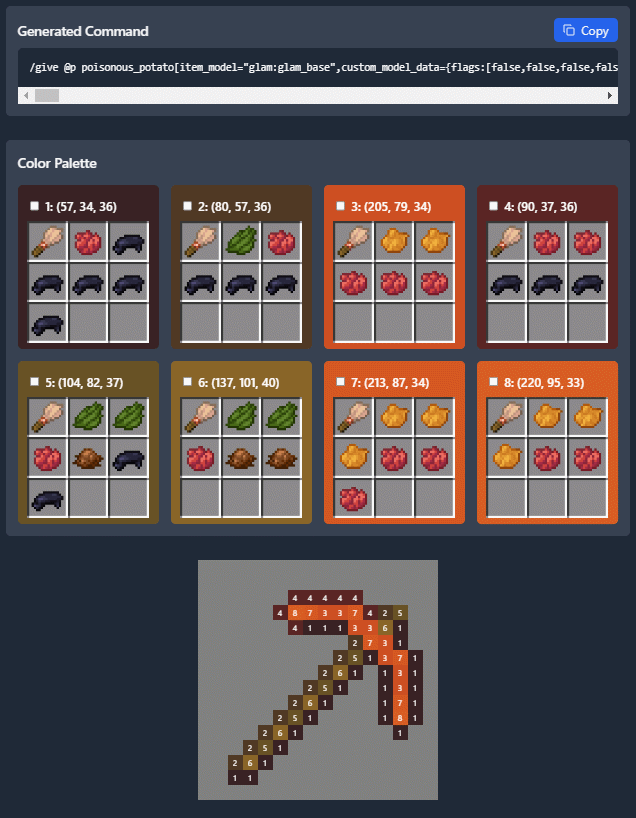
With some help from Arubik, I've put together a webapp to help create items compatible with this resource pack. This tool can either generate a give command for an item with exact RGB values for each pixel, or reduce the colors in the texture to those obtainable by dyes and generate a paint-by-number template to create the texture in survival.
The tool can be accessed here: https://dqwertyc.github.io/glamour-table/
Screenshots
Gallery
-
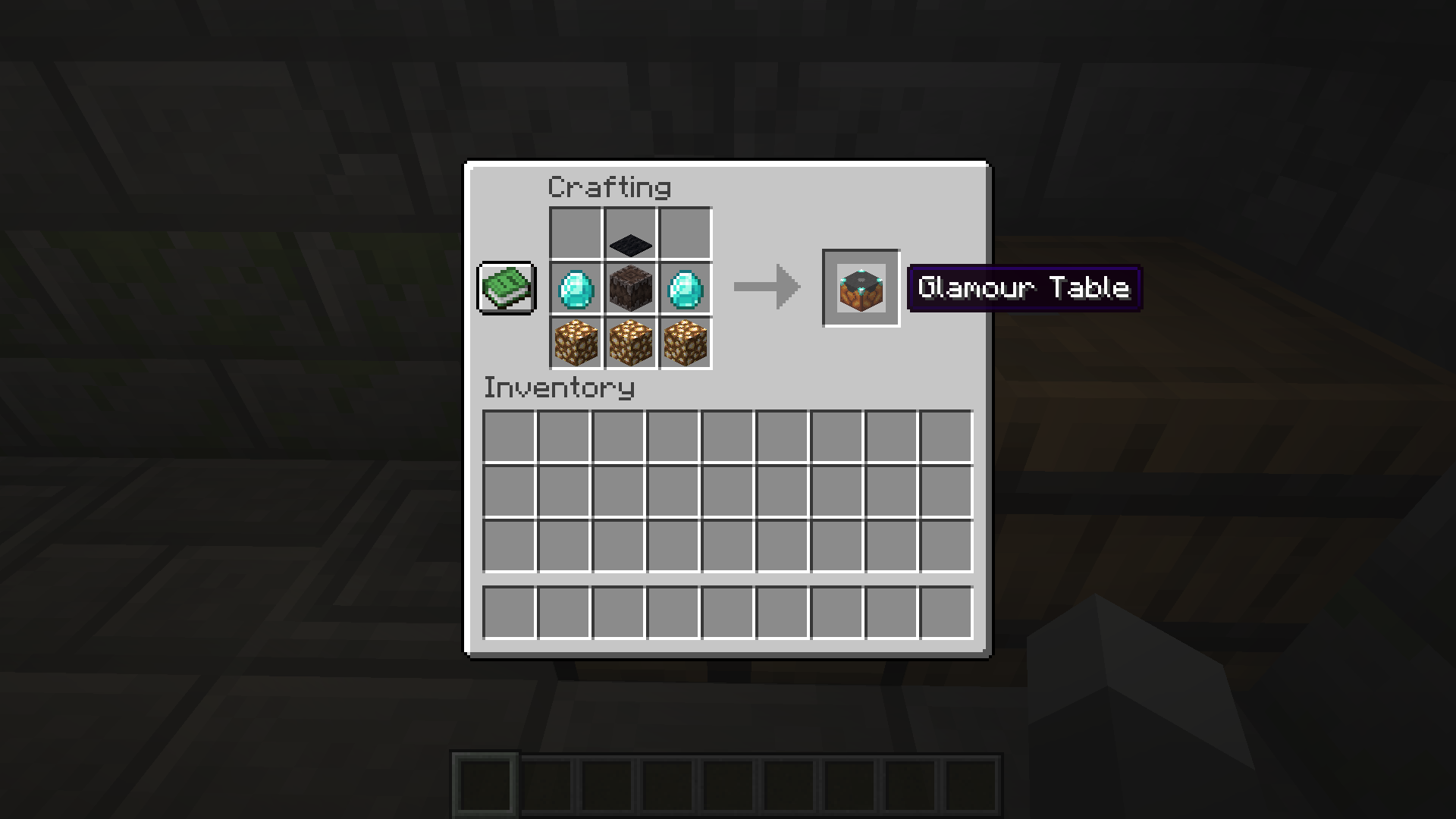 Glamour Table Recipe
 -
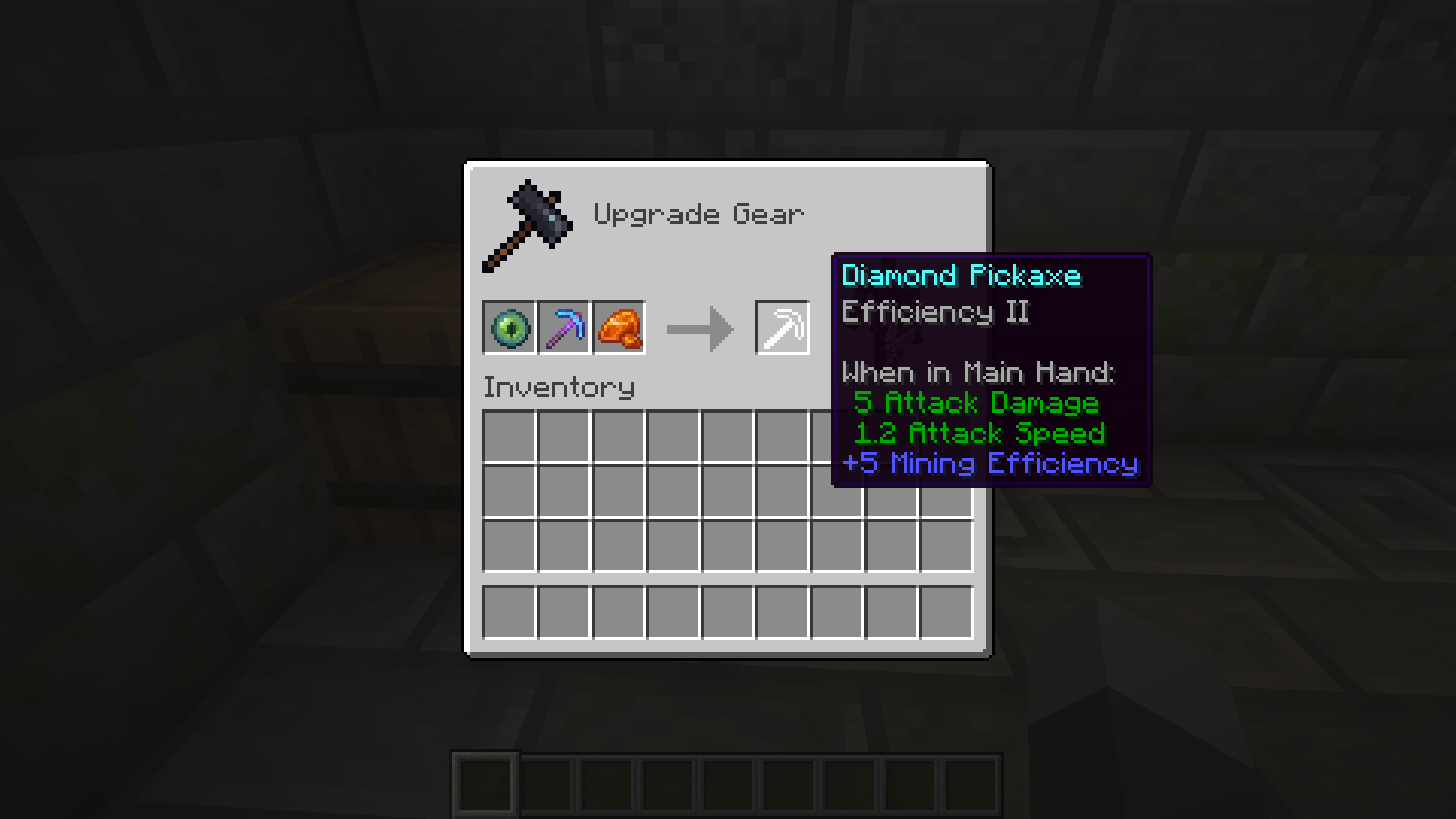 Item Preparation
 -
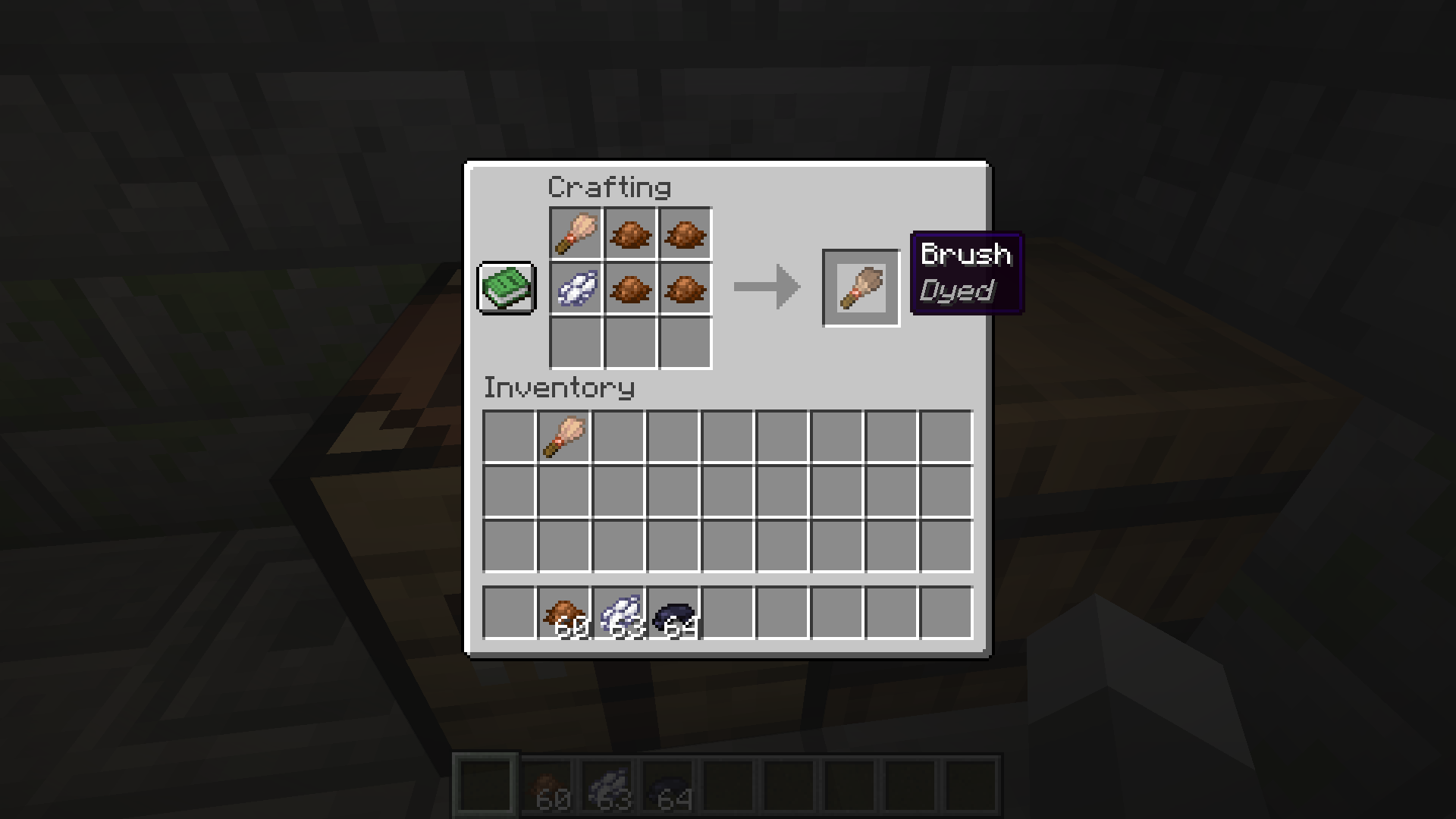 Paintbrush Recipt
 -
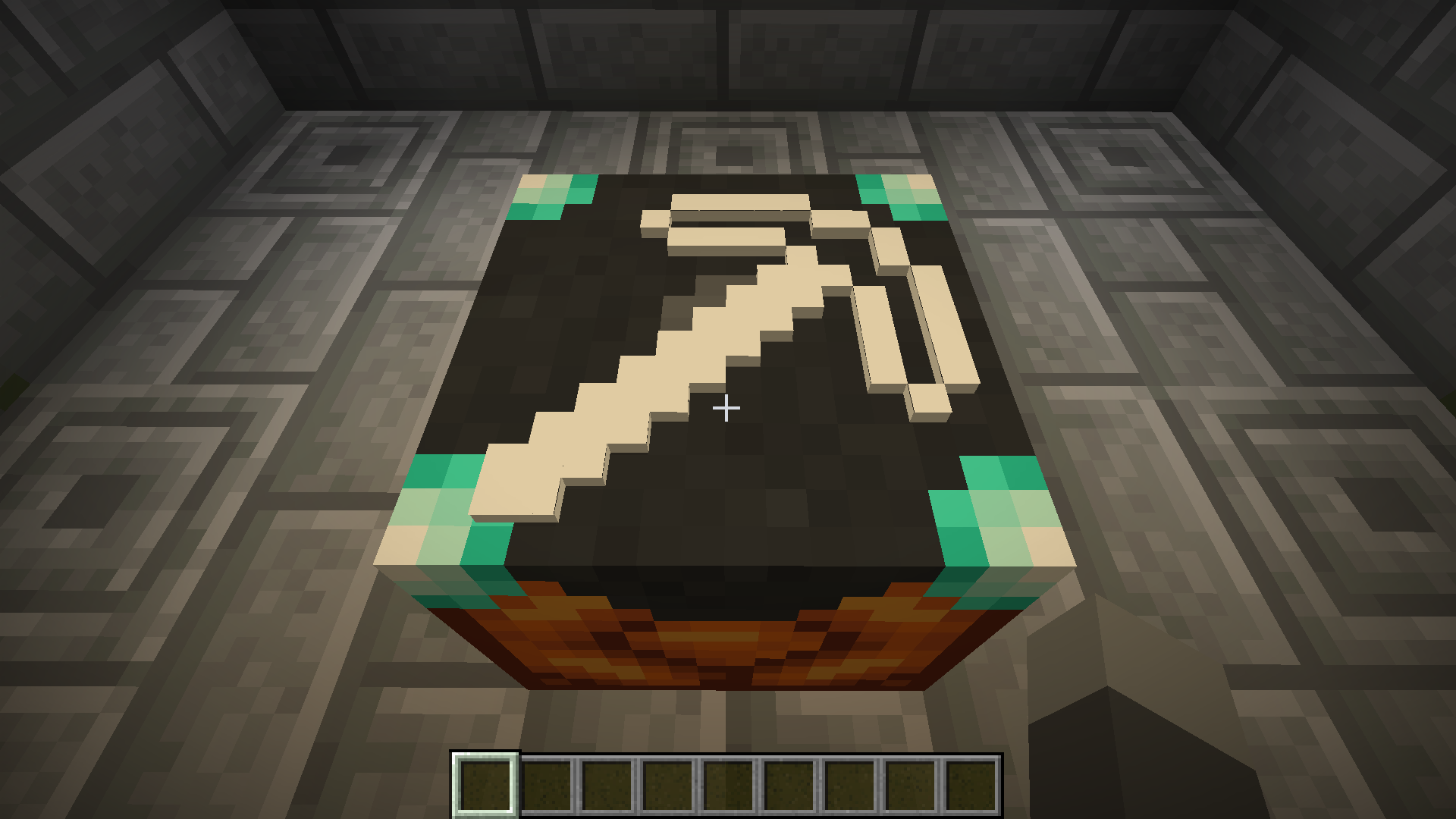 Item on Table
 -
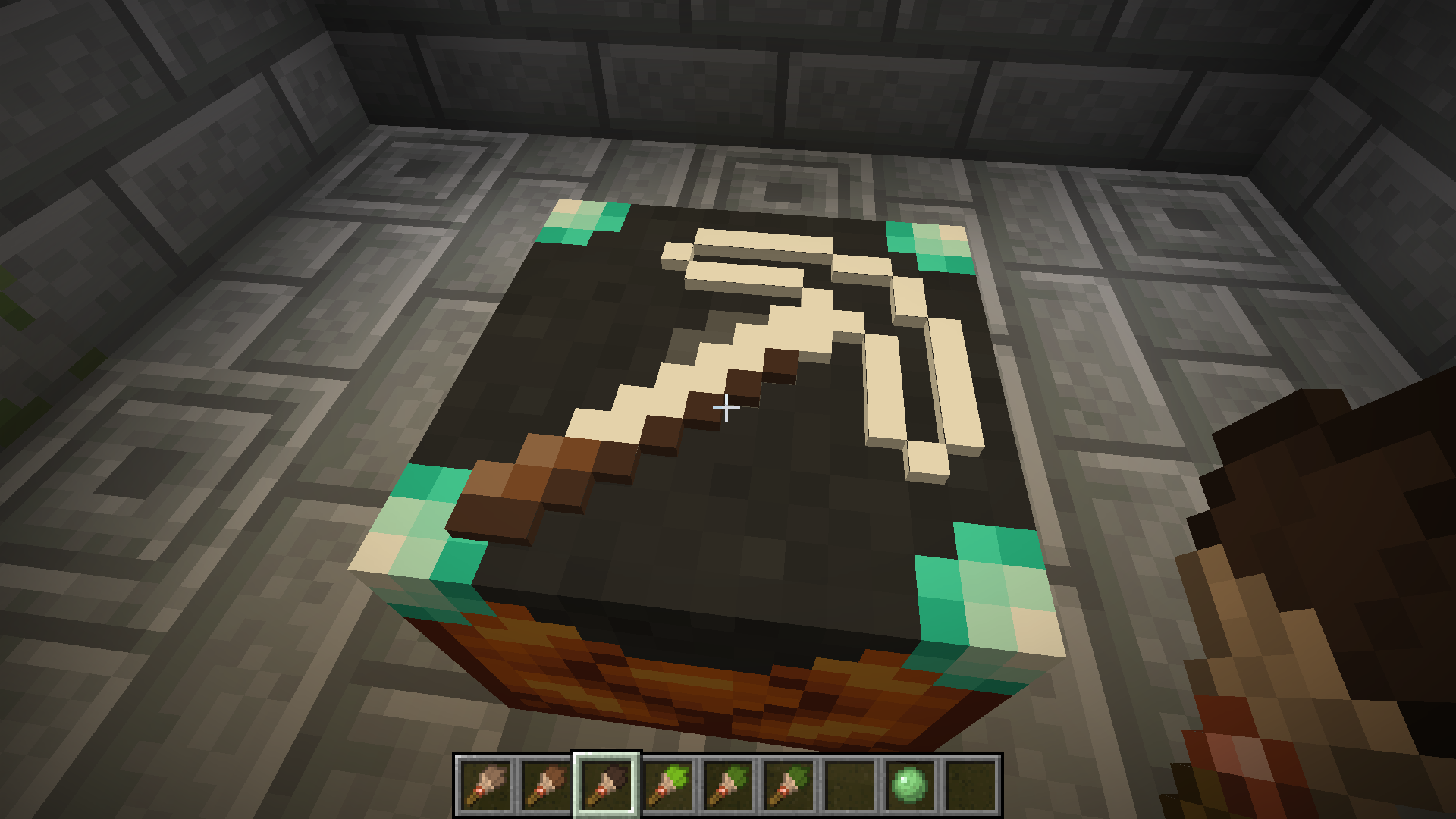 Painting
 -
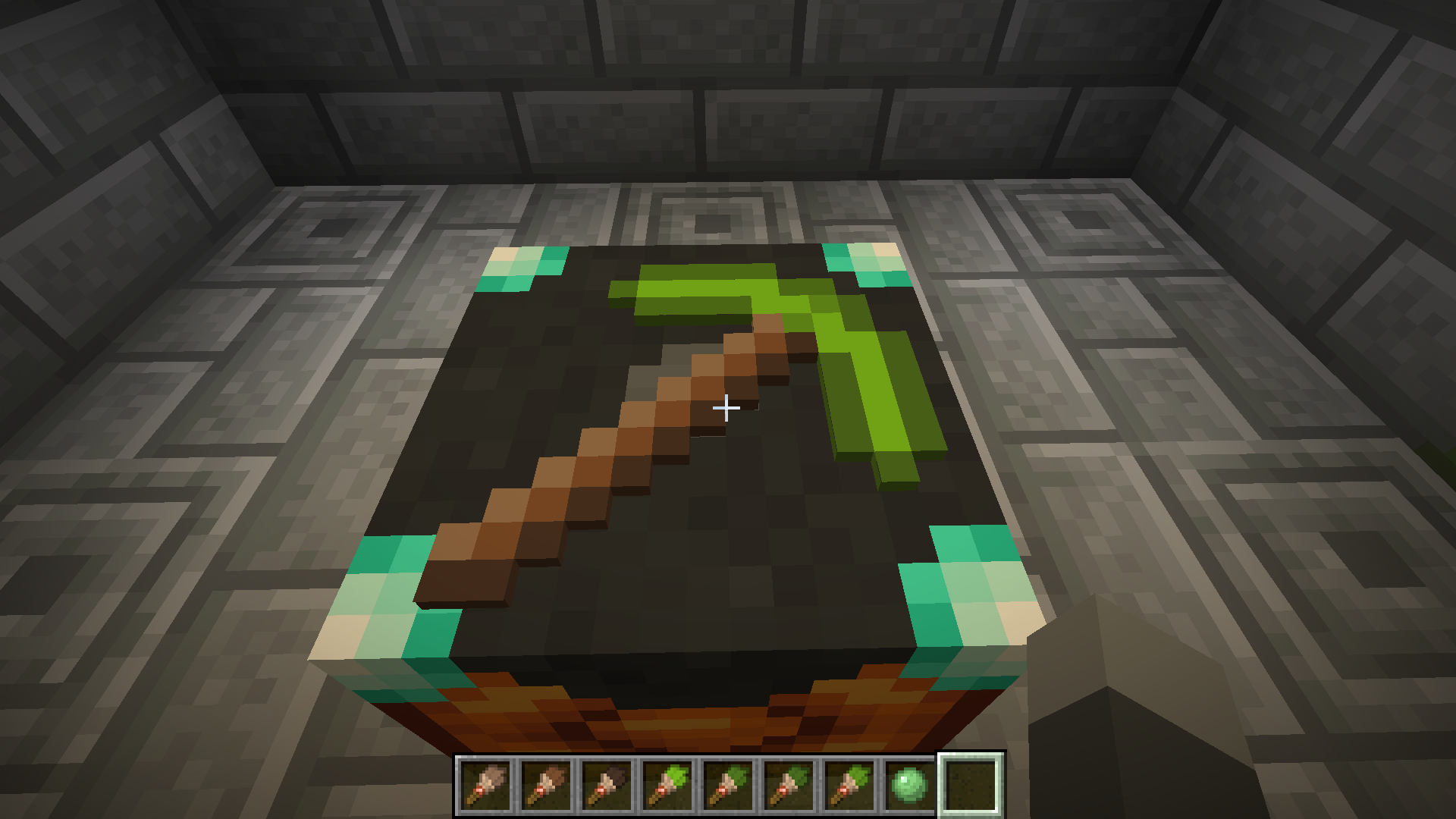 Finished 5
 -
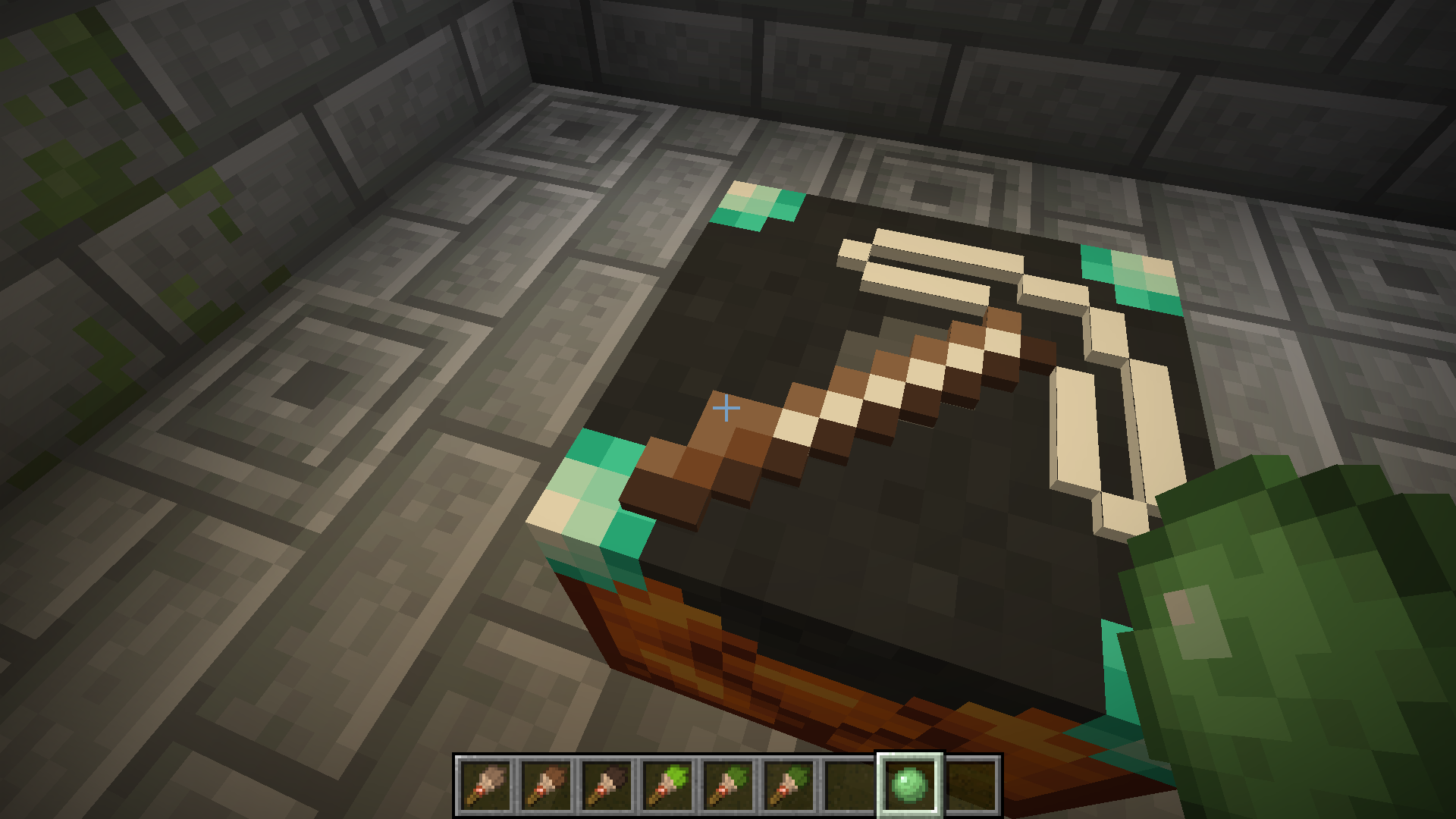 Erasing
 -
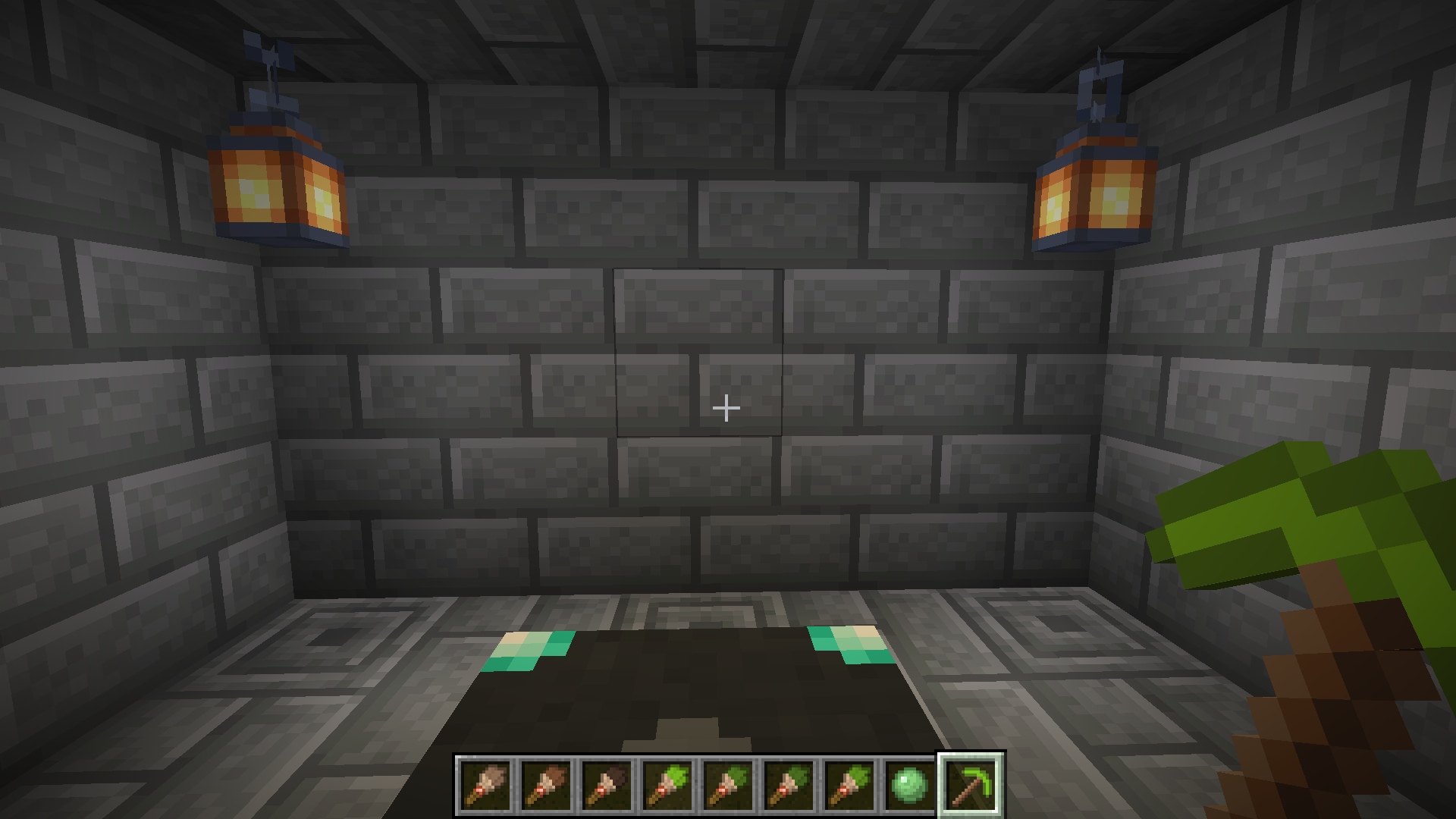 In Hand
 -
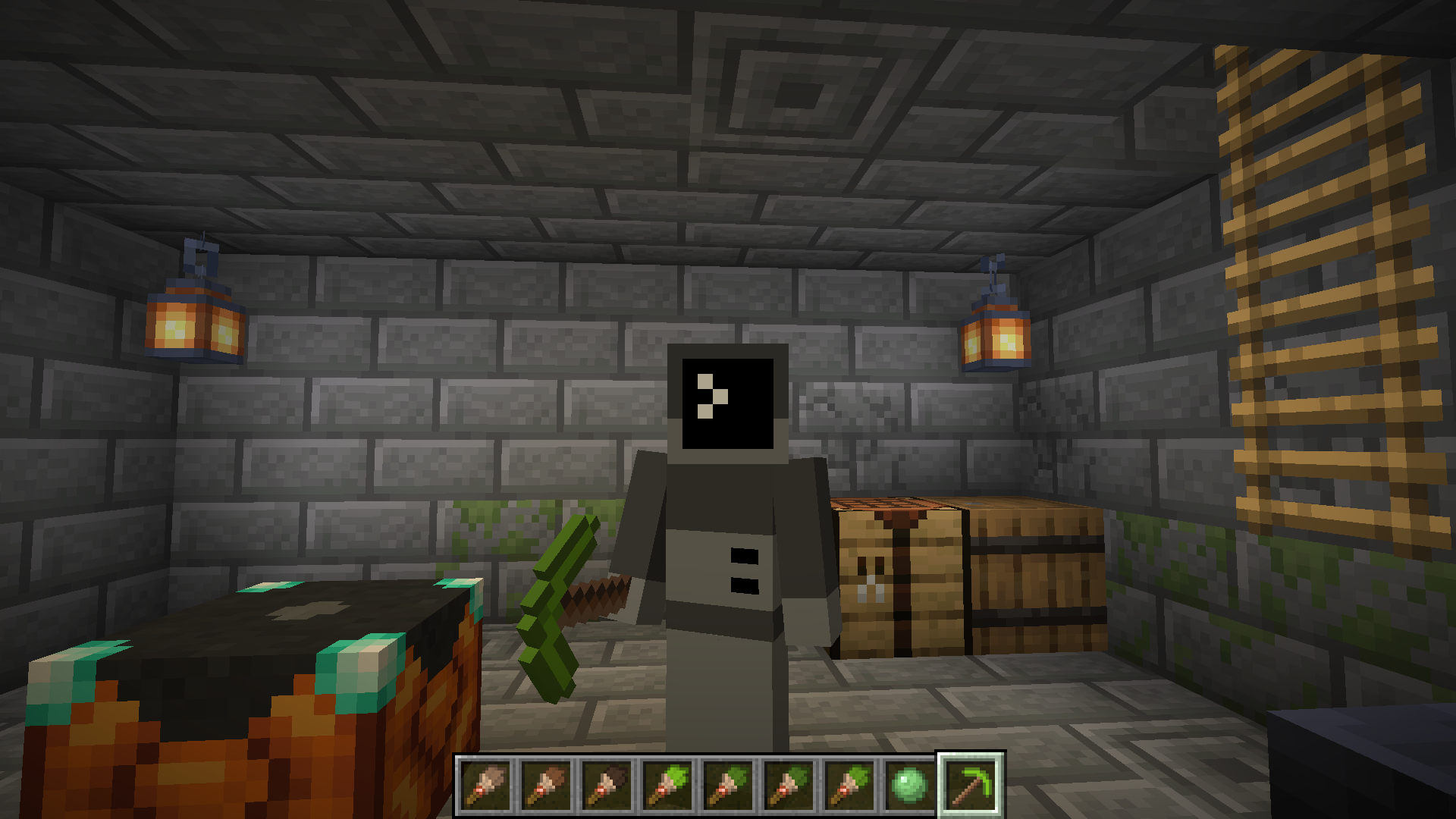 Final Result
 -
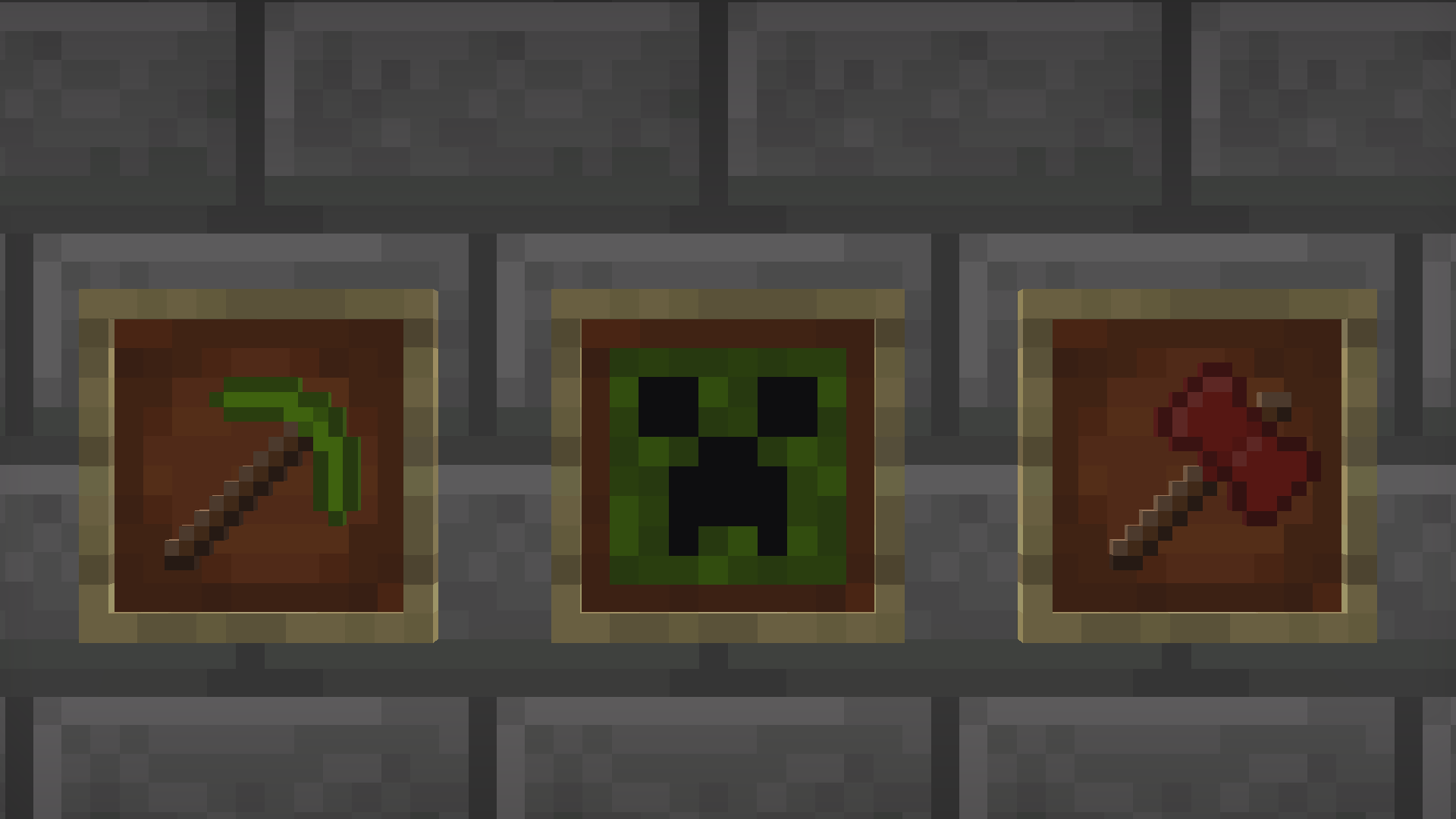 A Few Painted Objects From left to right, a diamond pickaxe, a piece of paper, and a netherite axe
Versions
Files
Relations
Project Relations
More like this
Similar Mods
Suggestions use data such as tags, dependencies, dependents, descriptions, titles, and more to rank how much they overlap with this mod.
On ModDex
Community snapshot
By the numbers
Statistics

Want to reach Minecraft players?
We're looking for a server hosting partner to feature here and other parts of the site. Interested? Send us a message!
Get in touchGet it on
Available Platforms
On ModDex
Community snapshot
By the numbers