
goPaintAdvanced
No reviews yet
The ultimate painting tool for Minecraft
Centers around fantasy elements such as spells, rituals, and magical energies, often involving personal empowerment and magical automation.
General improvements to world generation, such as bug fixes, aesthetic overhauls, or misc additions.
Paper is a fork of Spigot that adds its own plugin API on top of the Bukkit API. All Spigot plugins are compatible with paper, not all paper plugins are compatible with Spigot.
Community voices
Reviews
Click once to include, again to exclude, again to clear
No reviews yet. Be the first to review this project!
Get it on
Available Platforms
 Modrinth
Compatibility
Supported Environments
About
Project Details
For authors
Embed Badge
If you're the author of this project, you can embed a live badge anywhere that supports HTML or Markdown. It updates automatically whenever ratings change.
Use HTML for any page that supports it, or Markdown for README files and Markdown-based descriptions.
Identifiers
Platform IDs
About
Description

goPaintAdvanced is a modern and maintained drop-in replacement for goPaint. It offers huge performance improvements and bug fixes. We aim to be always up to date and use new technology instead of hanging on to old and dead code.
The primary focus of goPaintAdvanced is to drastically improve performance by leveraging a multithreaded architecture, ensuring smoother and faster brush operations, even in demanding environments.
Major Changes
- Fully asynchrone — No lags whatsoever
- 100% customizable messages
- Keep data of existing blocks (e.g., rotation)
- Better WorldEdit integration
- Survival Support
- New brushes
- More commands
- Improved configuration file
- Improved and faster algorithms
- No legacy code or dependencies
- Hangar and Modrinth auto deployment
Overview
goPaintAdvanced's default brush is the Feather.
Left-click with the Feather to open the GUI, where you can customize, import, and export brushes.
Right-click with any brush to use it in the direction you're facing.
Importing and Exporting Brushes
Exporting a brush allows you to save and store multiple brushes, similar to how WorldEdit handles brushes. This means you can easily switch between brushes, giving you the flexibility to work with as many brushes as you need simultaneously.
Importing a brush into the GUI lets you customize that specific brush without having to re-enter all the settings, streamlining the process for quick adjustments.
Export a brush: Click an item on the toggle in the GUI.
Import a brush: Click the item on the toggle again to import it.
Advanced Features
For more advanced users, goPaintAdvanced offers command access to control nearly all brush settings and features.
/gopaint size <size> - change the size of your brush
/gopaint menu - opens the brush menu
/gopaint brush <brush> - change your brush
/gopaint wand - gives you the brush item
/gopaint export - export your brush to your current item
/gopaint import - import your current brush item to the gui
/gopaint toggle - enable or disable your brush
/gopaint reload - reload the config
Permissions
gopaint.use - grants access to using all painting related commands and tools as well as the interface
gopaint.admin - the admin permission to reload the plugin
gopaint.world.bypass - allows users to bypass world restrictions
Links
Building
Gradle is the recommended way to build the project. Use ./gradlew shadowJar in the main project directory to build the
project.
Suggestions
Suggestions are welcome! We have a separate issue form for suggestions, that can be found here.
Screenshots
Gallery
-
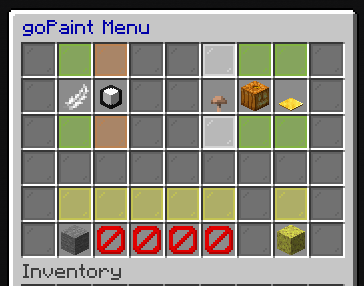 Main Menu open the main menu with '/gopaint menu' or by using the default brush item (feather)
 -
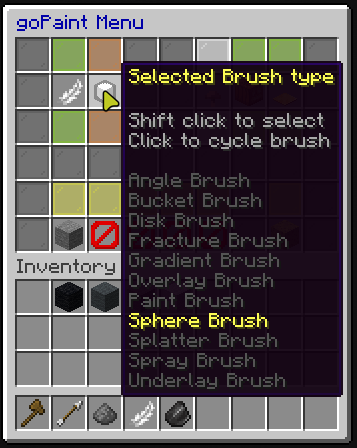 Brush Selection select a brush by cycling them through the main menu or by using '/gopaint brush <brush>'
 -
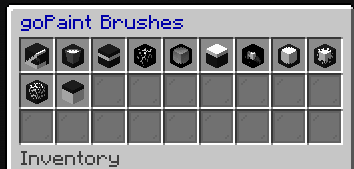 Brushes Menu Open the brushes' menu by shift clicking the brush selection in the main menu
 -
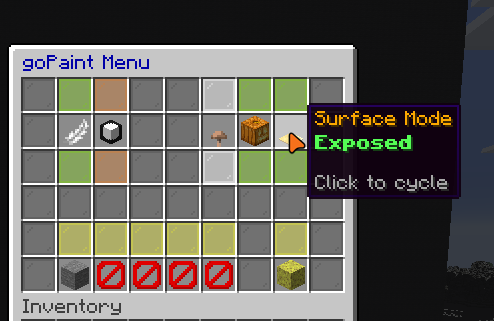 Surface Mode: Exposed Only paint blocks that are exposed to air
 -
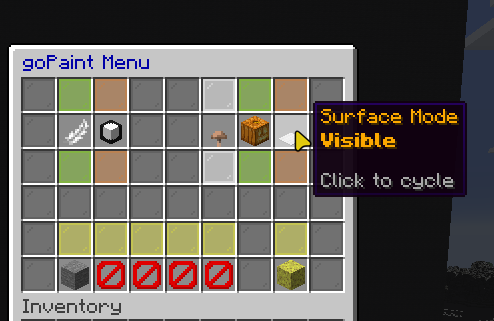 Surface Mode: Visible Only paint blocks that are in your line of sight
 -
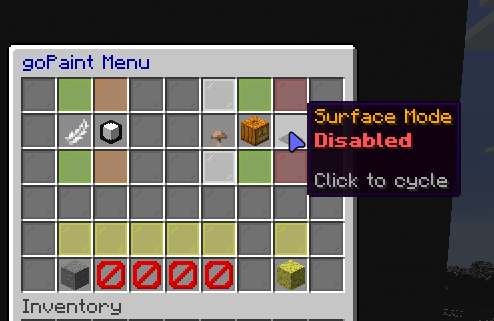 Surface Mode: Disabled Paint any blocks in the radius of your brush
 -
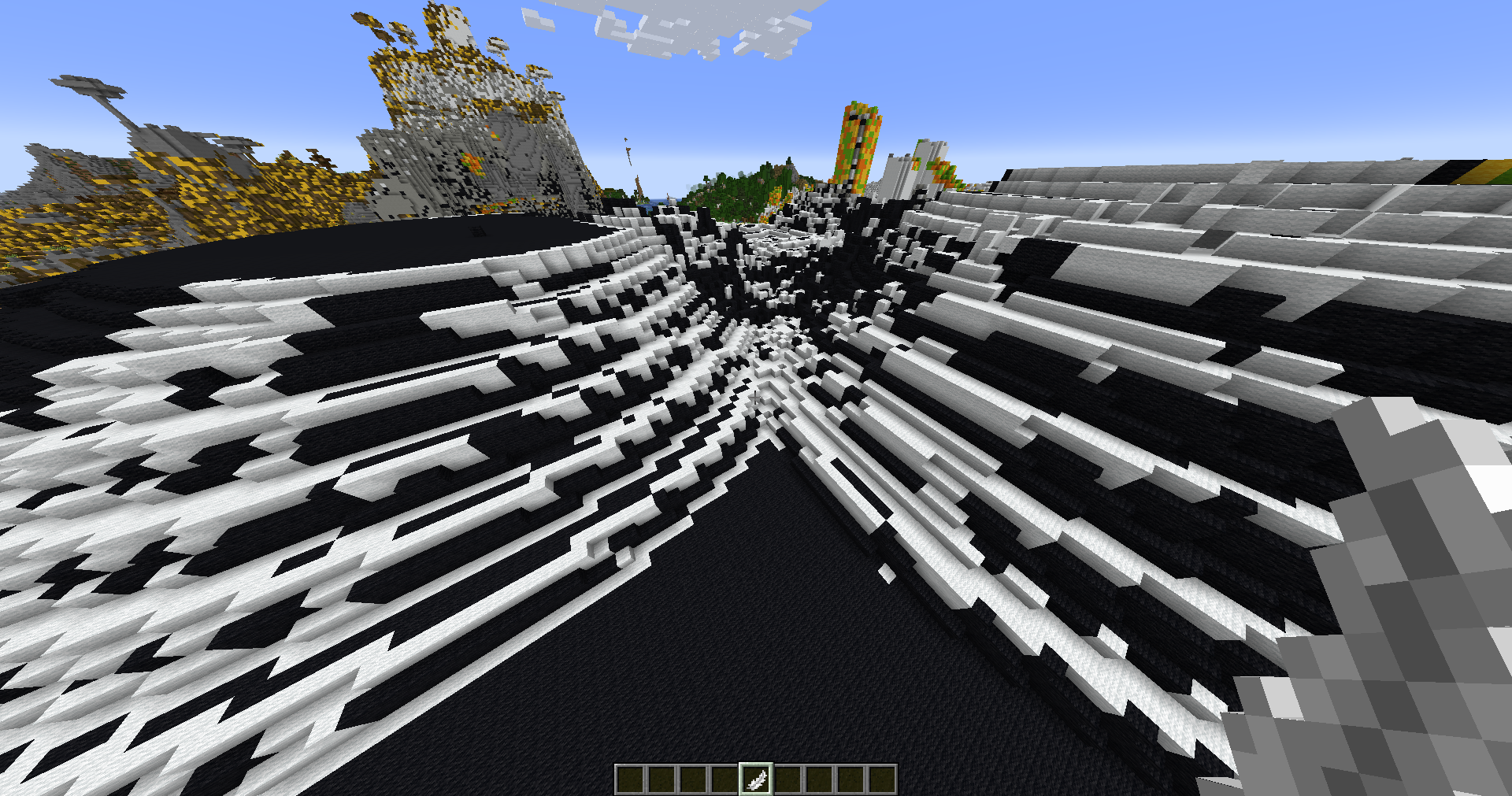 Angle Brush Paints blocks in specific angles
 -
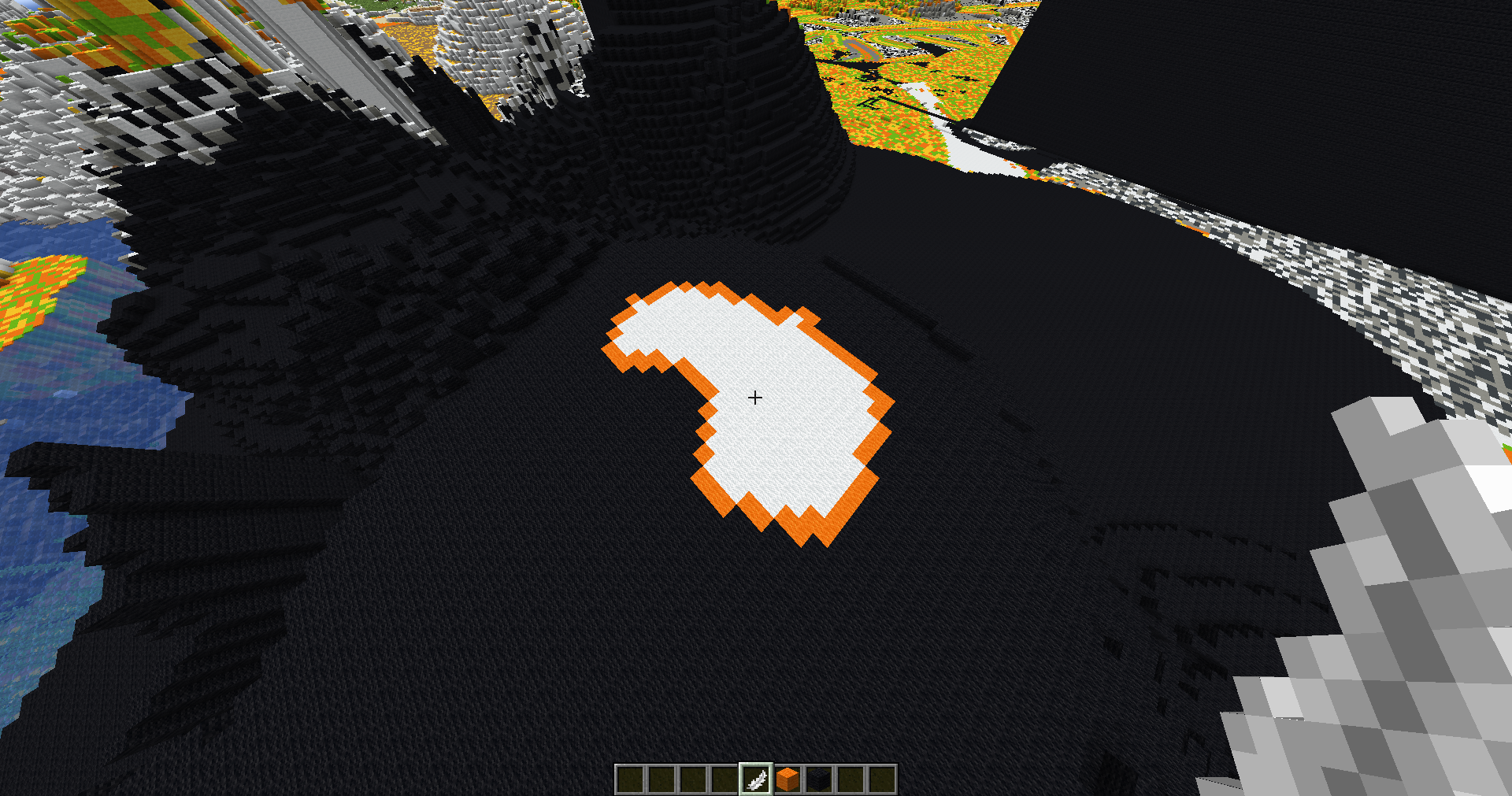 Bucket Brush Paints connected blocks of the same type
 -
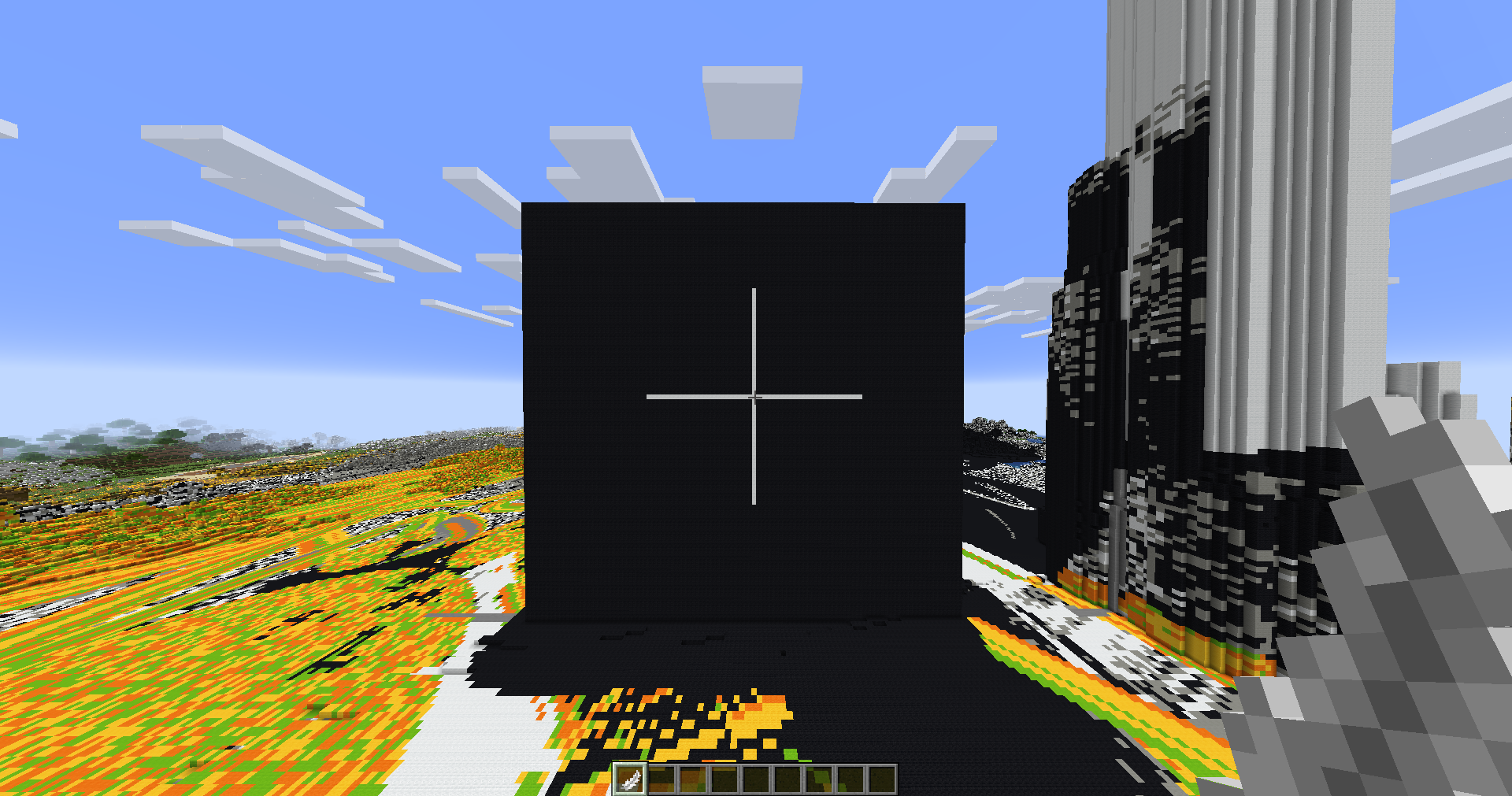 Disk Brush Paints blocks in the same selected axis from the block you clicked
 -
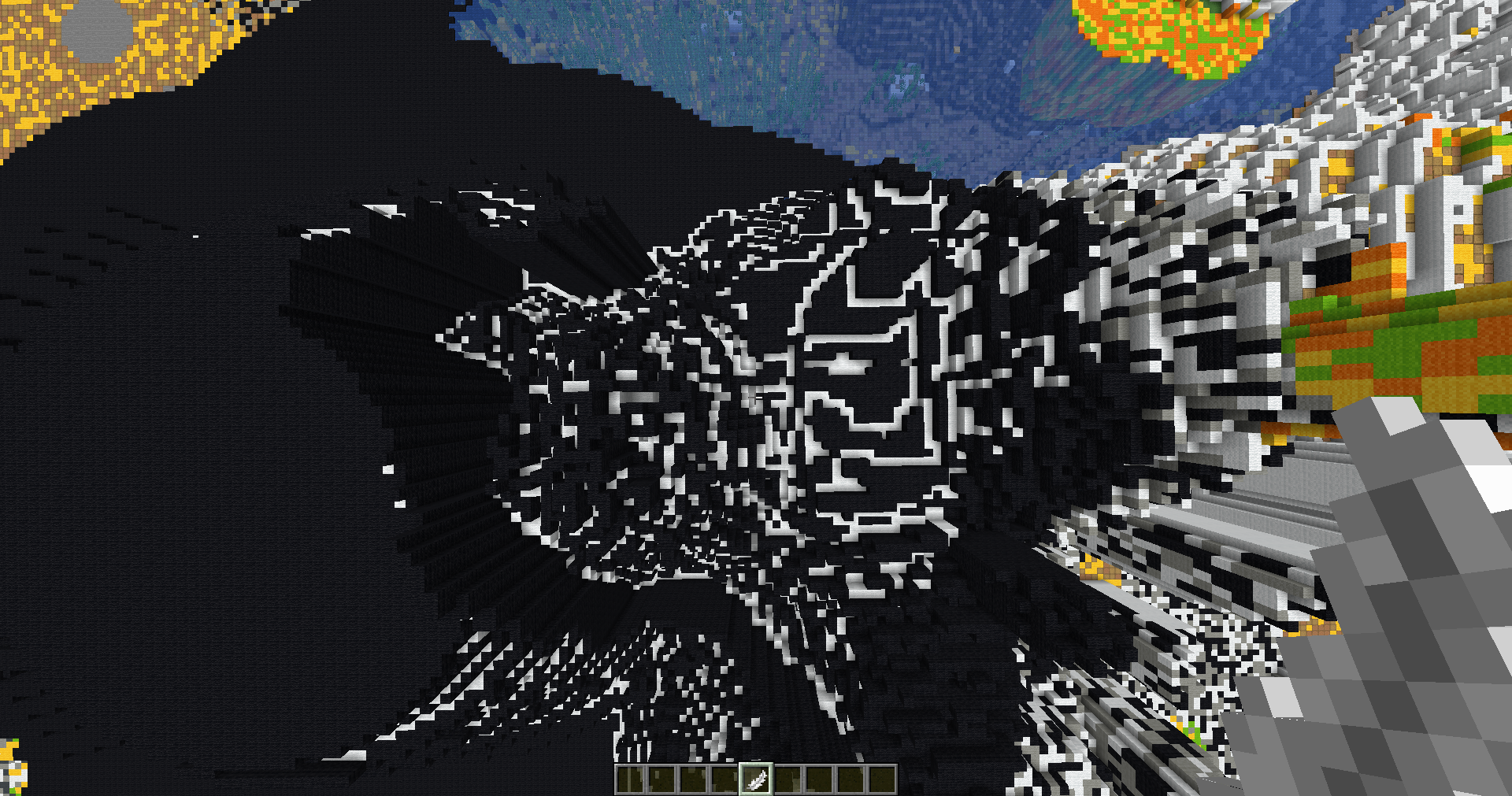 Fracture Brush Places blocks in cracks and fissures
 -
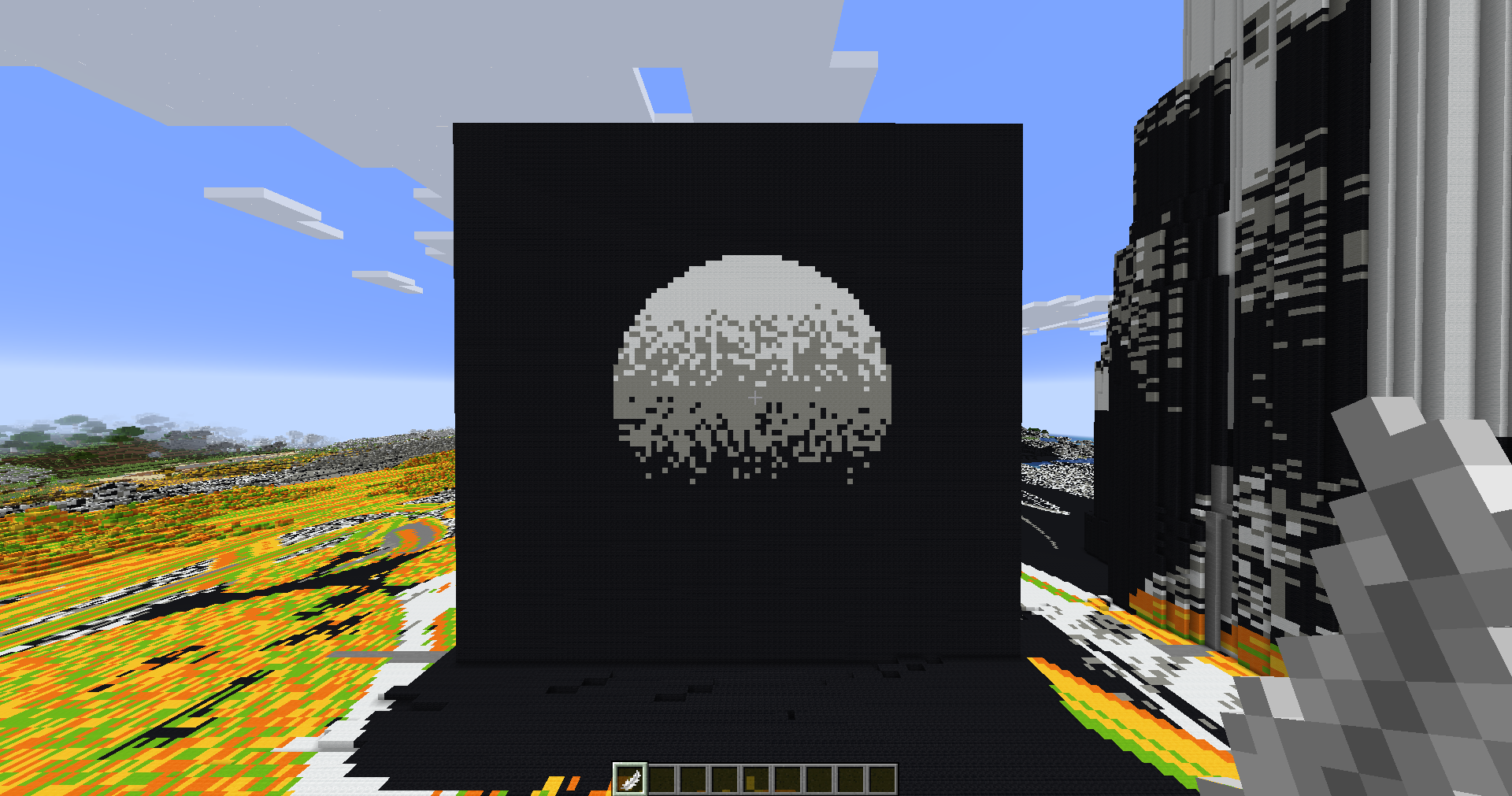 Gradient Brush Creates gradients
 -
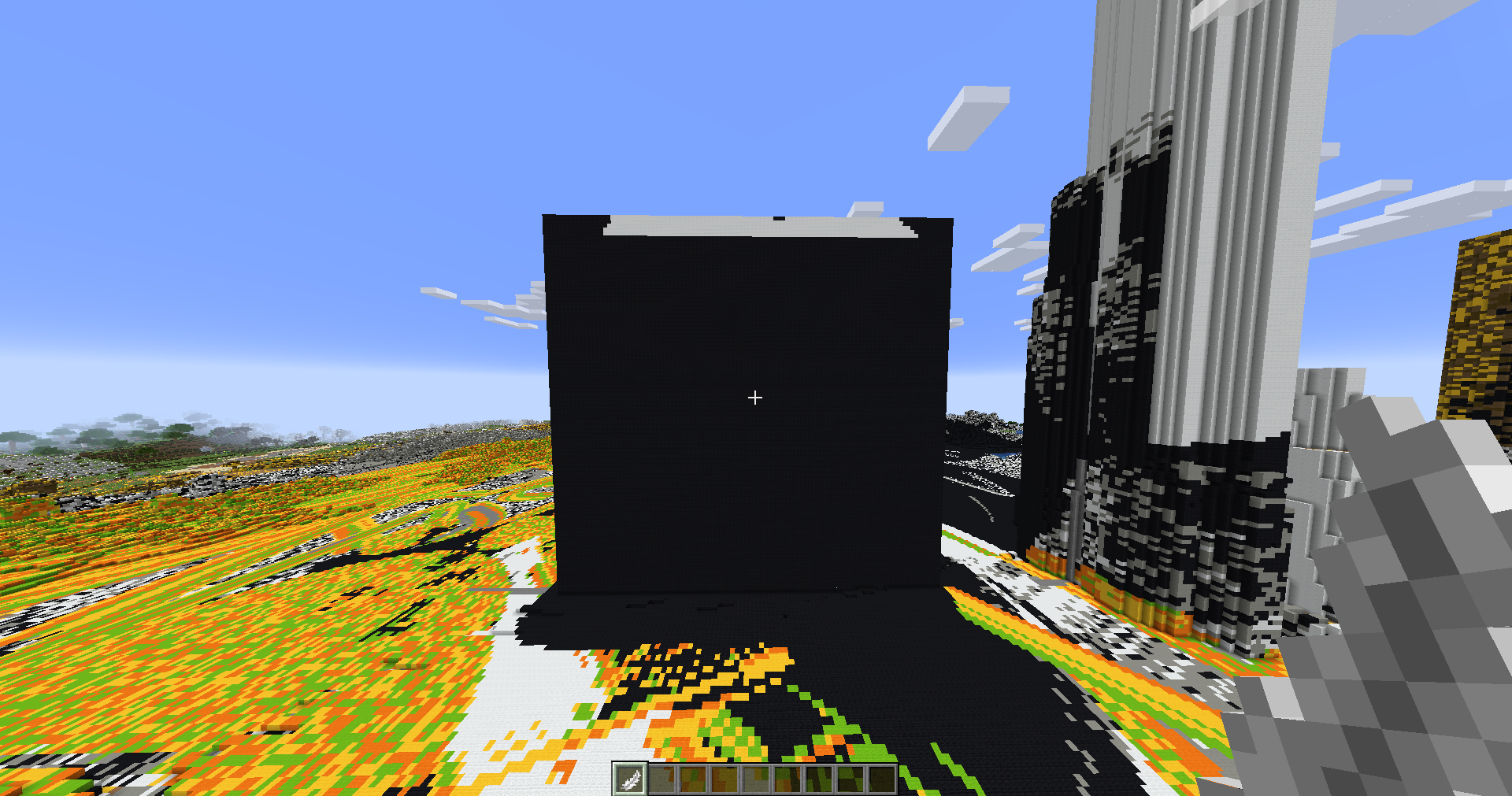 Overlay Brush Only paints blocks that have air above it
 -
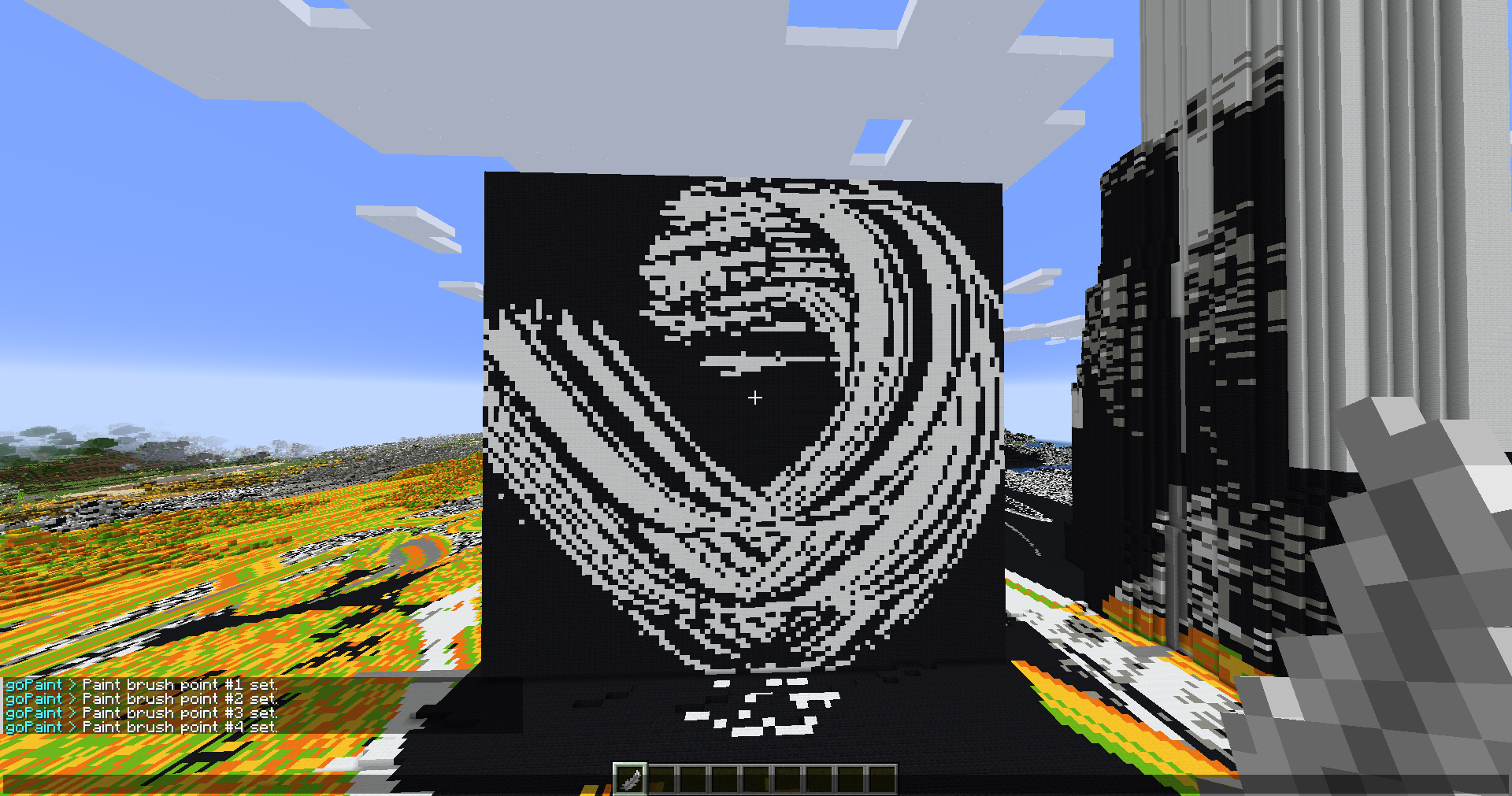 Paint Brush Paints strokes (Sneak + Right click to draw)
 -
 Sphere Brush Regular sphere brush
 -
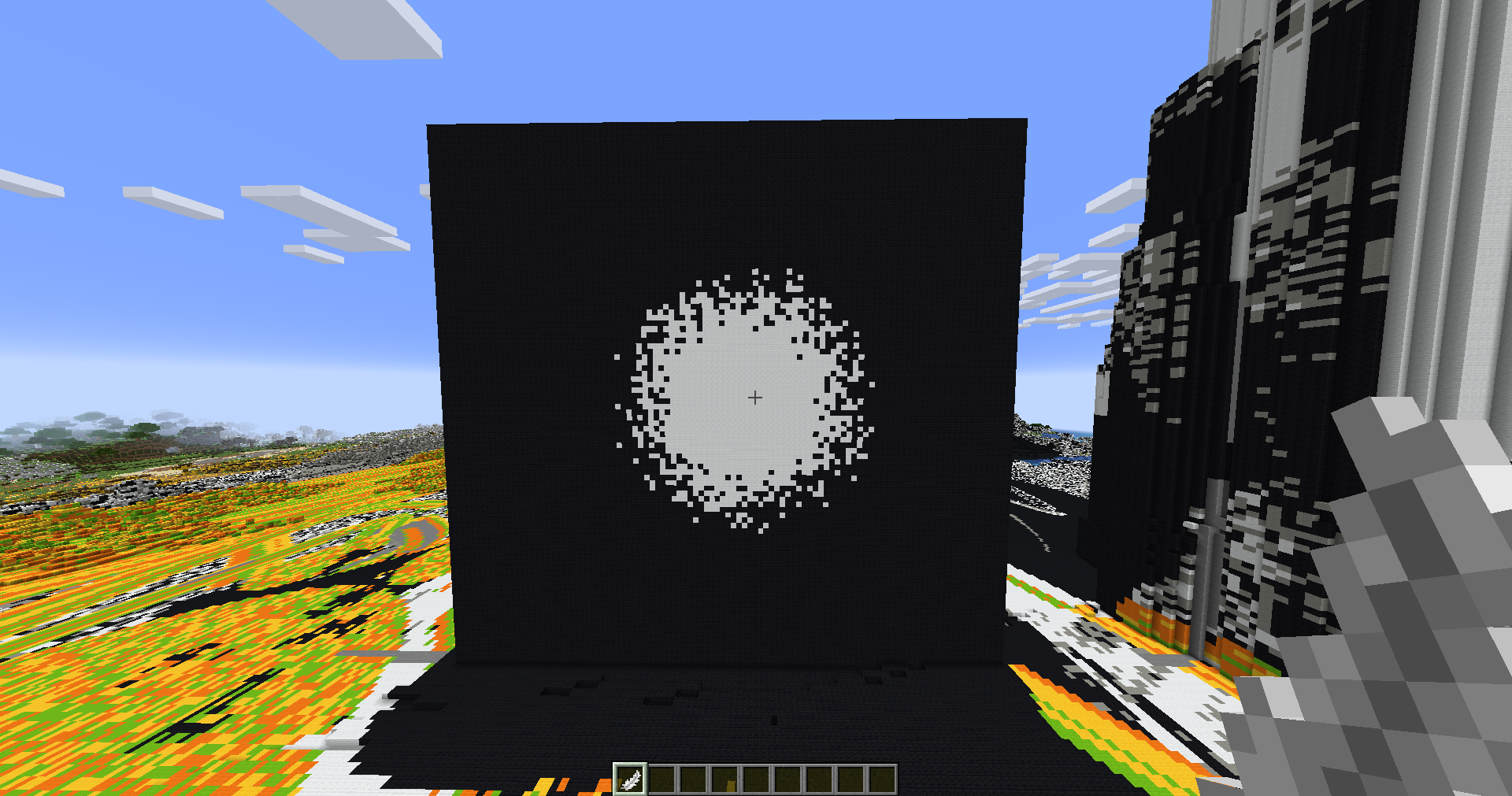 Splatter Brush More chance when closer to the clicked point with a configurable falloff strength
 -
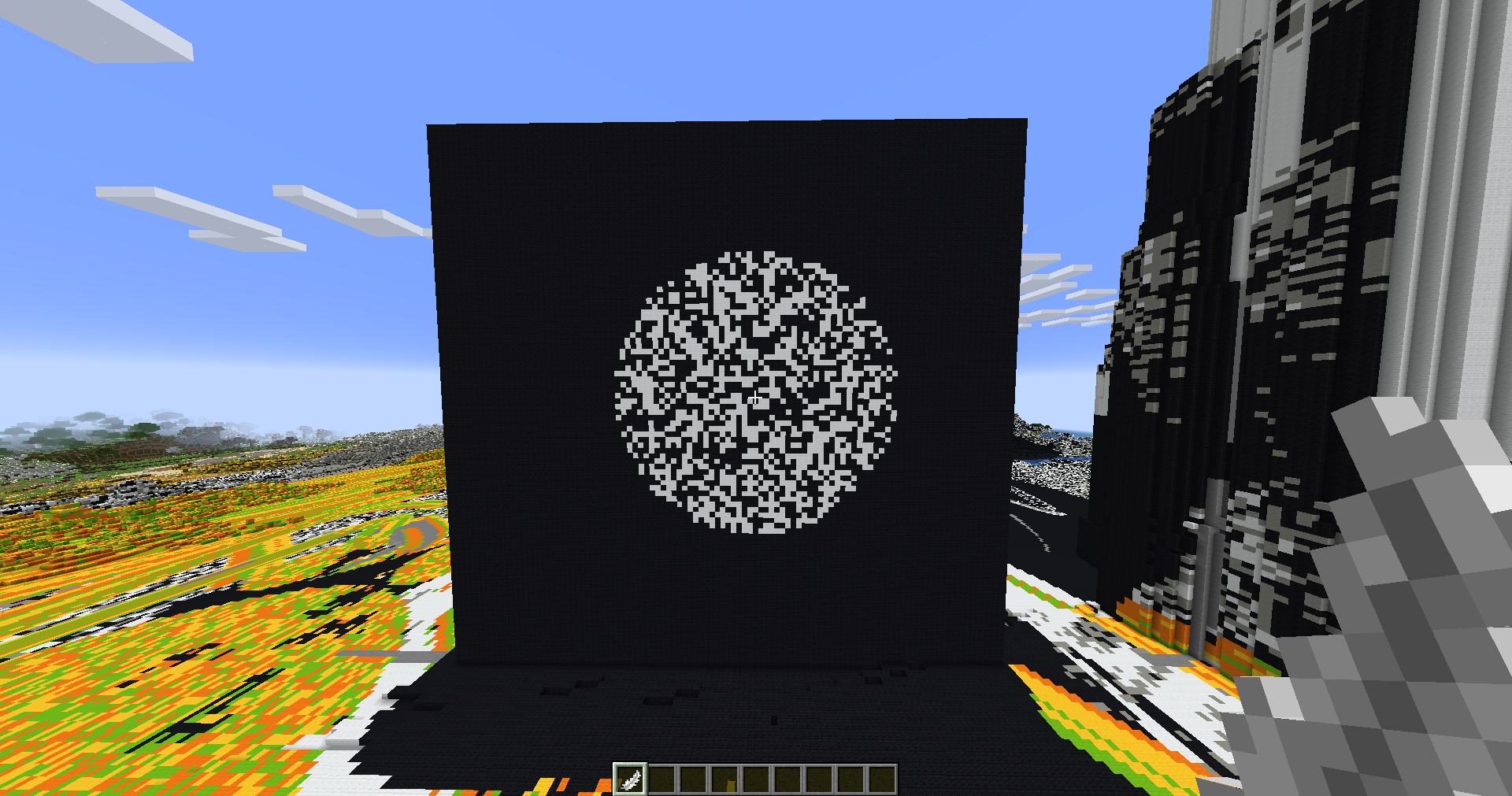 Spray Brush Configurable random chance brush
 -
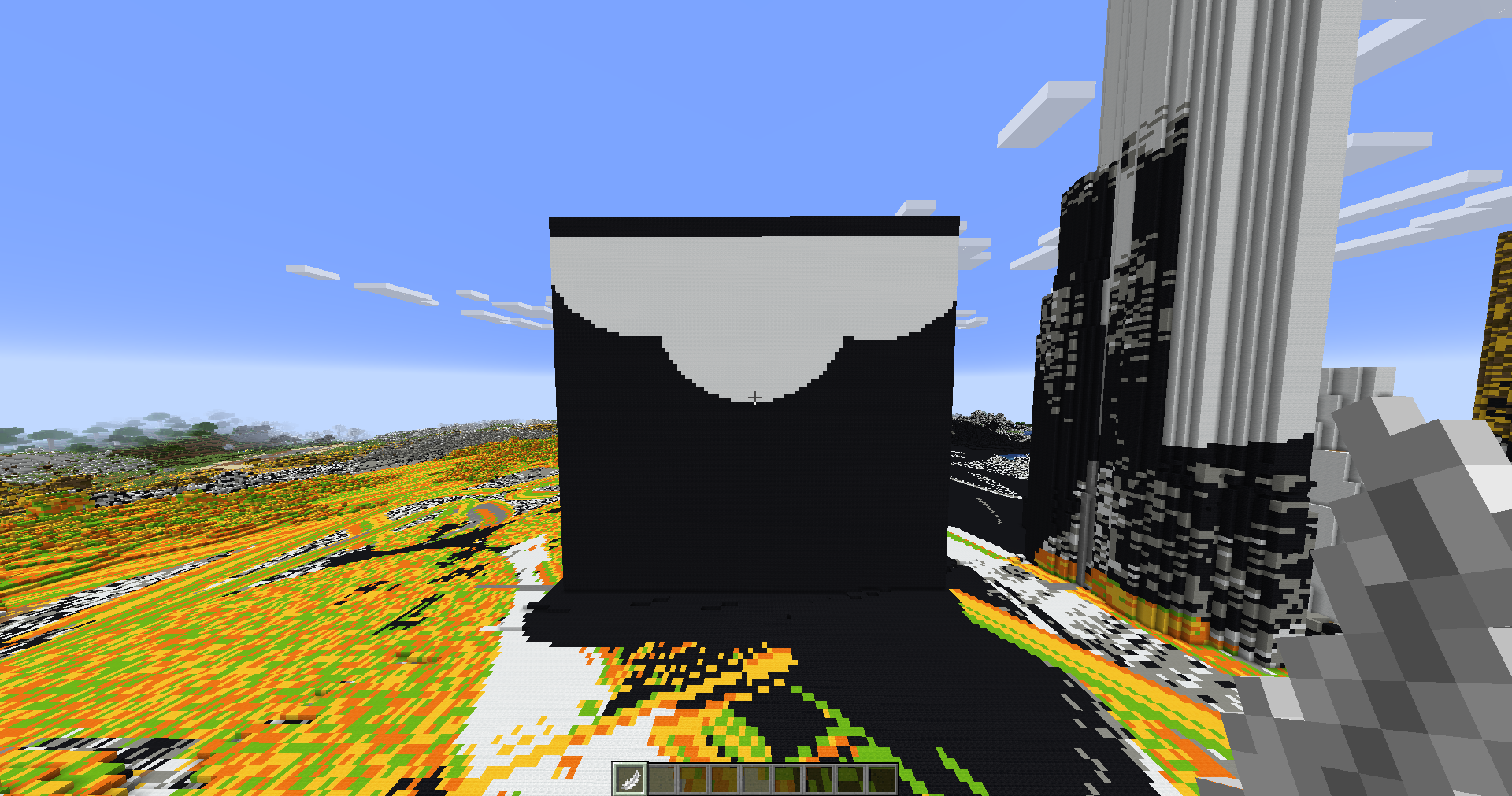 Underlay Brush Only paints blocks that have no air above it
 -
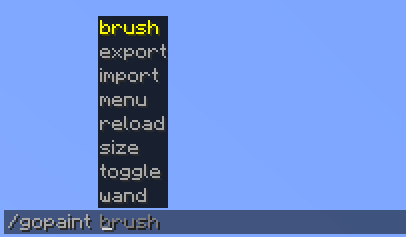 Intuitive commands Intuitive and easy to use commands thanks to brigadier
 -
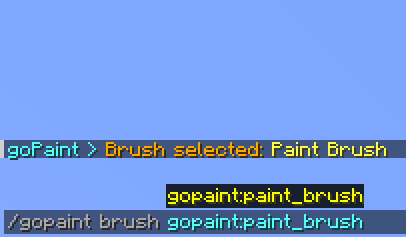 /gopaint brush Easily select a brush via command
 -
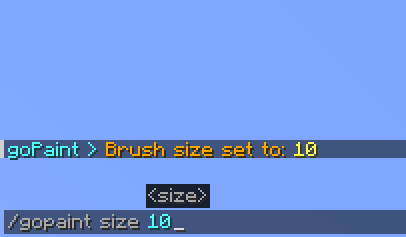 /gopaint size Change your brush size via command
 -
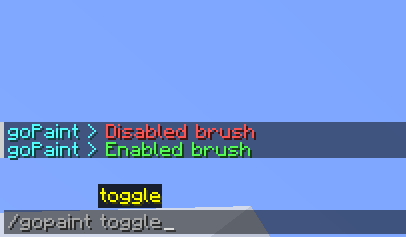 /gopaint toggle Toggle your brush fast any easily via command
 -
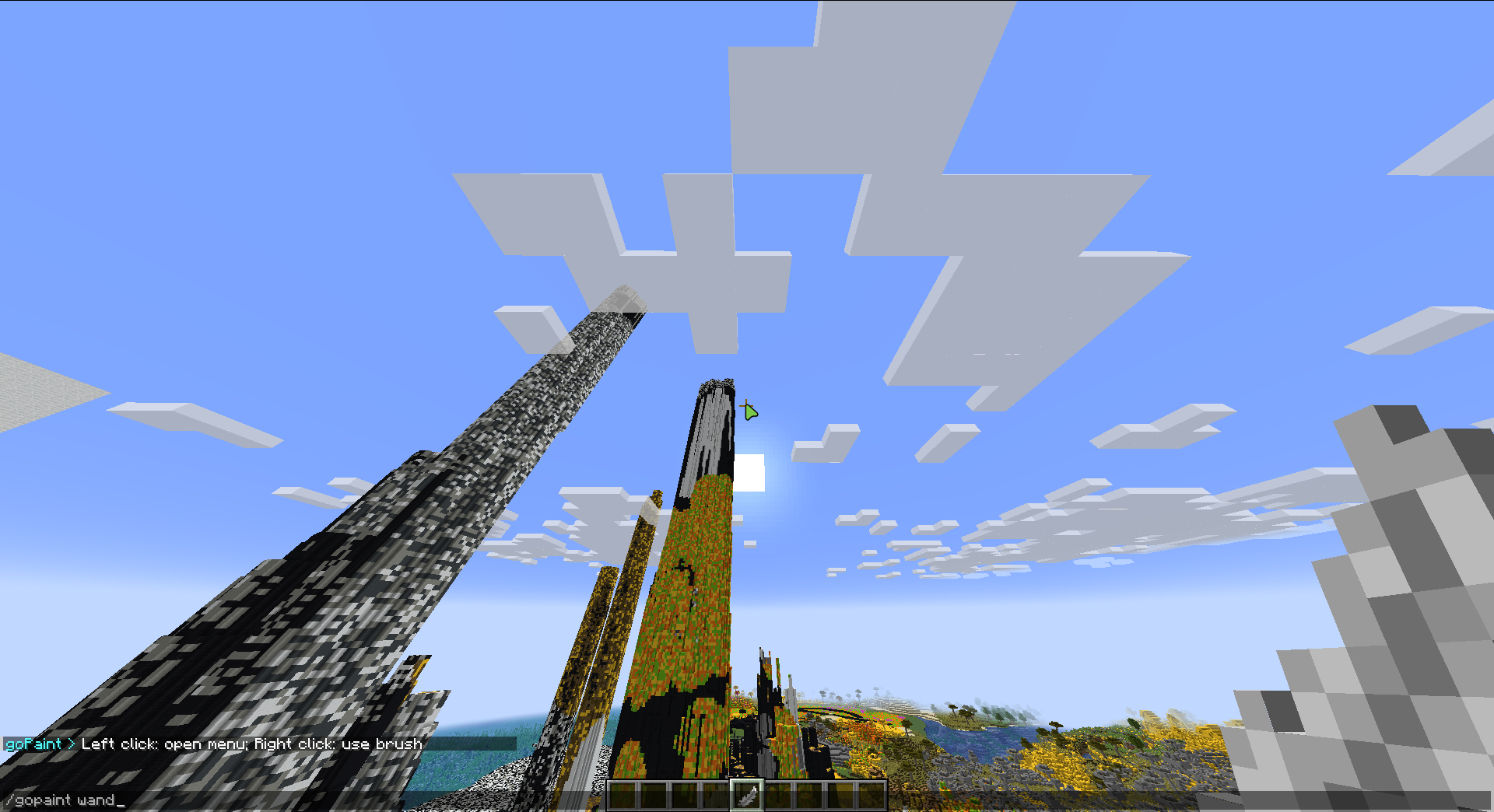 /gopaint wand Receive the goPaint wand item
 -
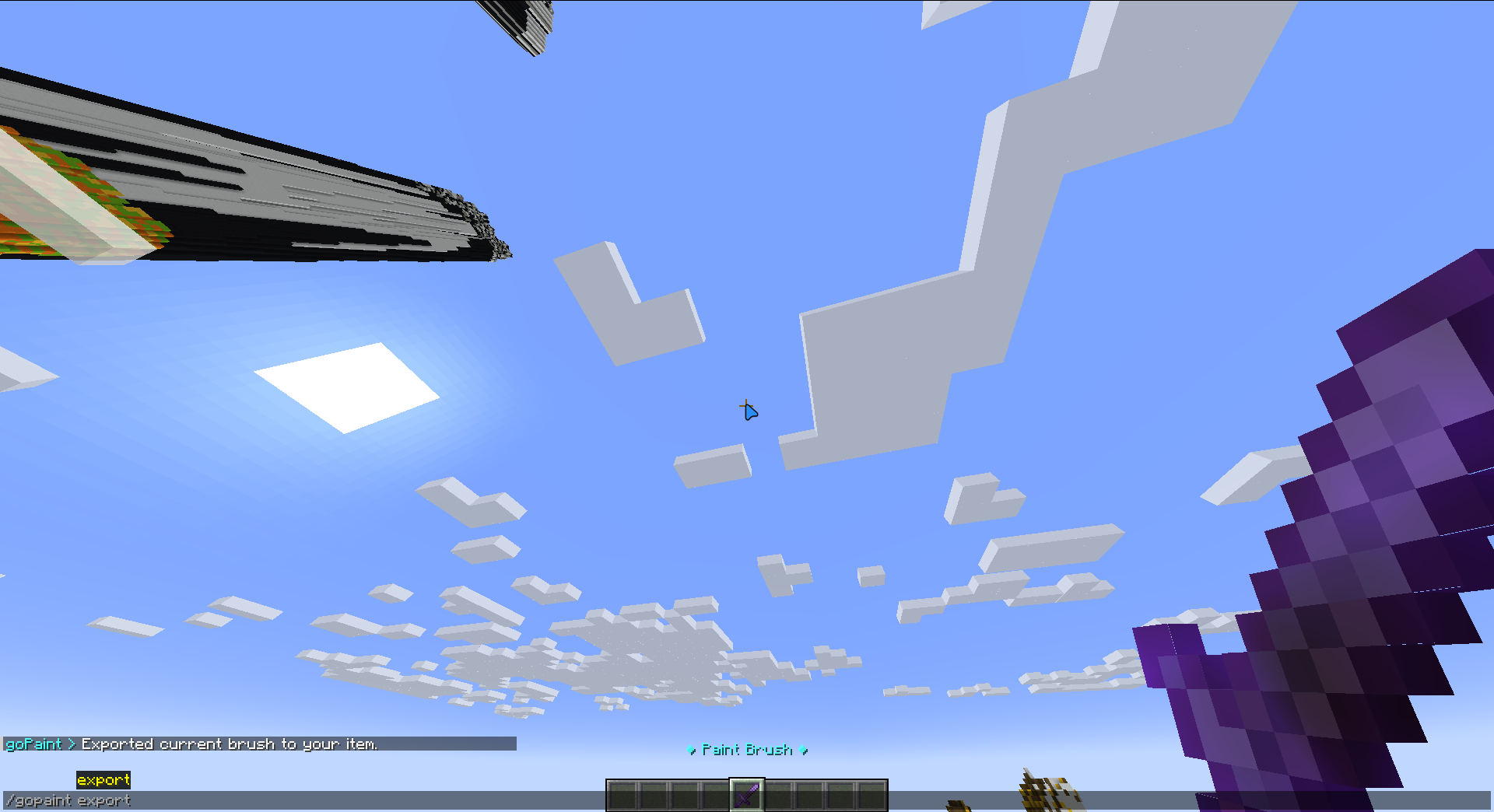 /gopaint export Export your current brush settings to your item
 -
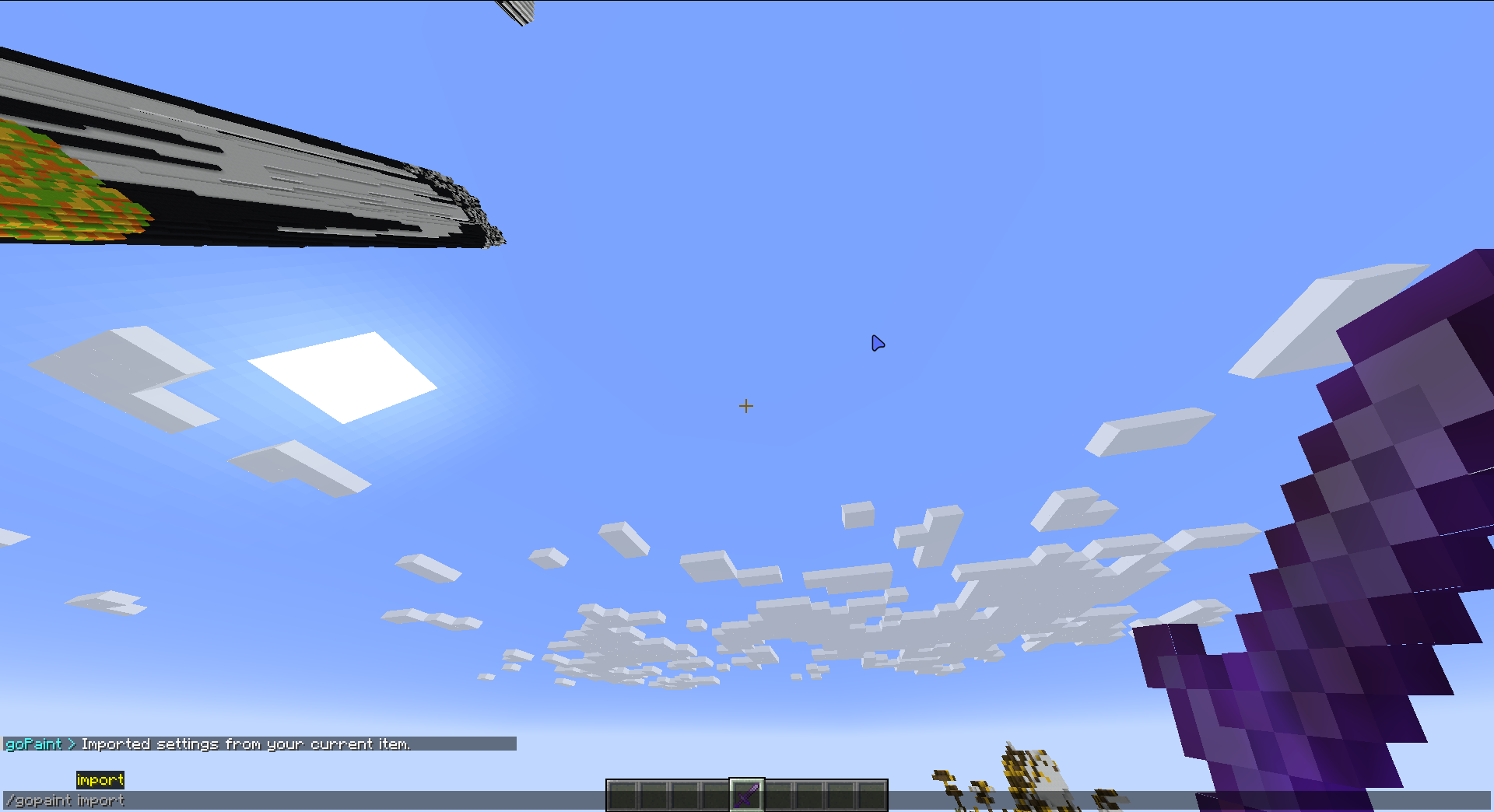 /gopaint import Import the settings from your current item to the main menu
 -
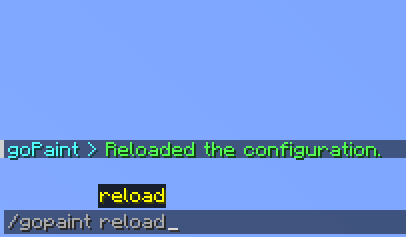 /gopaint reload Reload your configuration file in-game
Versions
Files
Relations
Project Relations
More like this
Similar Mods
Suggestions use data such as tags, dependencies, dependents, descriptions, titles, and more to rank how much they overlap with this mod.
On ModDex
Community snapshot
By the numbers
Statistics

Want to reach Minecraft players?
We're looking for a server hosting partner to feature here and other parts of the site. Interested? Send us a message!
Get in touchGet it on
Available Platforms
On ModDex
Community snapshot
By the numbers