Community listing page, reviews here may not be monitored by the author.
Gothic Main Menu


No reviews yet
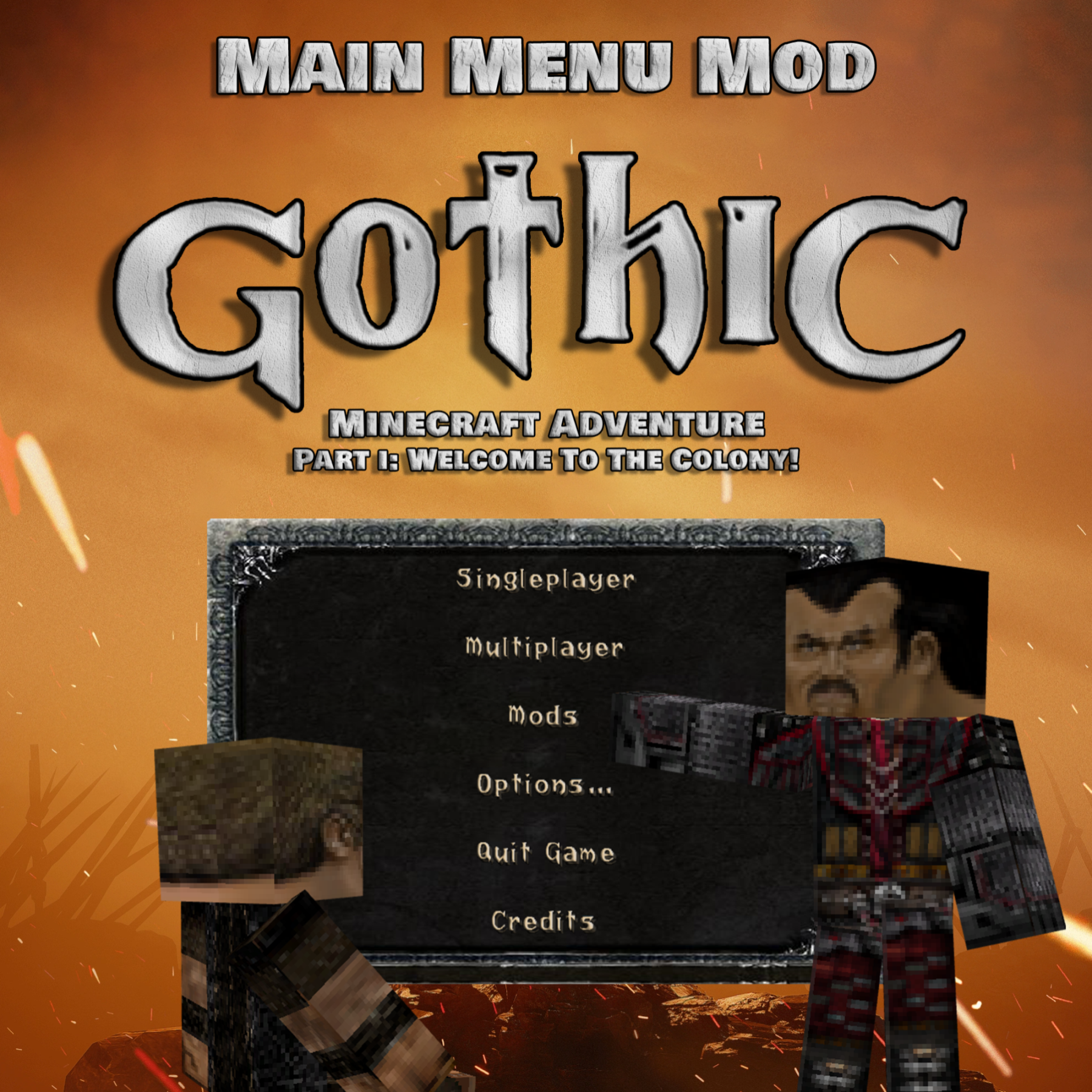
This mod introduces a brand new main menu inspired by the cult game "Gothic". Thanks to this modification, players will be able to feel the climate and atmosphere of the ''Gothic'' world from the very beginning of the game.
Community voices
Reviews
No reviews yet. Be the first to review this project!
Get it on
Available Platforms
Compatibility
Supported Environments
Runs entirely on the client. Works on vanilla servers.
About
Project Details
For authors
Embed Badge
If you're the author of this project, you can embed a live badge anywhere that supports HTML or Markdown. It updates automatically whenever ratings change.
Use HTML for any page that supports it, or Markdown for README files and Markdown-based descriptions.
Identifiers
Platform IDs
Resources
External Links
About
Description
"Gothic Main Menu" jest częścią większego projektu o nazwie 'Gothic Minecraft Adventure', który został podjęty przez naszą ekipę "Square Quest". Mod ten wprowadza zupełnie nowe menu główne inspirowane kultową grą "Gothic".
Dzięki tej modyfikacji gracze będą mogli poczuć klimat i atmosferę świata ''Gothic'' już od samego początku gry.
Uwaga ważne!
"Gothic Main Menu" wymaga zainstalowanej modyfikacji "Custom Main Menu" oraz przygotowanego przez nas pliku .json
do których link znajdziecie poniżej:
Jak zainstalować?
Już spieszę z pomocą!
1. Pobierz i zainstaluj "Gothic Main Menu" oraz "Custom Main Menu"
2. Odpal Minecrafta, po czym go wyłącz.
3. W lokalizacji:
\minecraft\Instances\"nazwa twojej instancji Minecrafta"\config
Powinien pojawić się folder "CustomMainMenu" z plikiem "mainmenu.json"
Pobierz nasz plik mainmenu.json i zamień go z nim.
4. Gotowe!
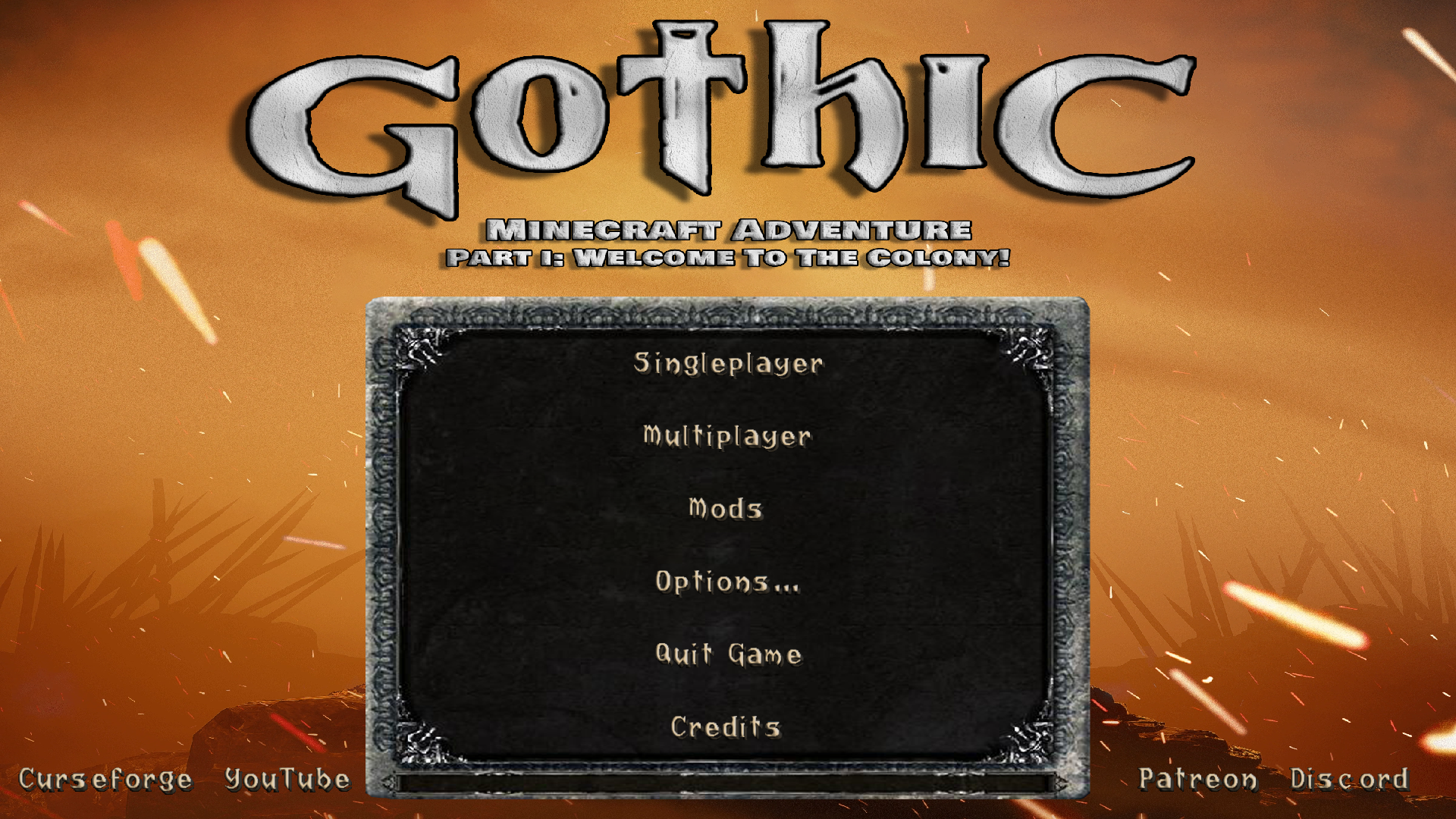
Tak prezentuje się menu w grze:
Translated:
The "Gothic Main Menu" is part of a larger project called "Gothic Minecraft Adventure" that was undertaken by our "Square Quest" team. This mod introduces a brand new main menu inspired by the cult game "Gothic".
Thanks to this modification, players will be able to feel the climate and atmosphere of the ''Gothic'' world from the very beginning of the game.
Note important!
"Gothic Main Menu" requires the "Custom Main Menu" modification installed and the mainmenu.json file prepared by us
to which you can find the link below:
How to install?
I'm rushing to help!
1. Download and install "Gothic Main Menu" and "Custom Main Menu"
2. Start Minecraft, then turn it off.
3. At the location:
\minecraft\Instances\"name of your Minecraft instance"\config
The "CustomMainMenu" folder with the "mainmenu.json" file should appear
Download our mainmenu.json file and replace it with it.
4. Done!
This is how the menu looks like:
"Gothic Main Menu" jest częścią większego projektu o nazwie 'Gothic Minecraft Adventure', który został podjęty przez naszą ekipę "Square Quest". Mod ten wprowadza zupełnie nowe menu główne inspirowane kultową grą "Gothic".
Dzięki tej modyfikacji gracze będą mogli poczuć klimat i atmosferę świata ''Gothic'' już od samego początku gry.
Uwaga ważne!
"Gothic Main Menu" wymaga zainstalowanej modyfikacji "Custom Main Menu" oraz przygotowanego przez nas pliku .json
do których link znajdziecie poniżej:
Jak zainstalować?
Już spieszę z pomocą!
1. Pobierz i zainstaluj "Gothic Main Menu" oraz "Custom Main Menu"
2. Odpal Minecrafta, po czym go wyłącz.
3. W lokalizacji:
\minecraft\Instances\"nazwa twojej instancji Minecrafta"\config
Powinien pojawić się folder "CustomMainMenu" z plikiem "mainmenu.json"
Pobierz nasz plik mainmenu.json i zamień go z nim.
4. Gotowe!
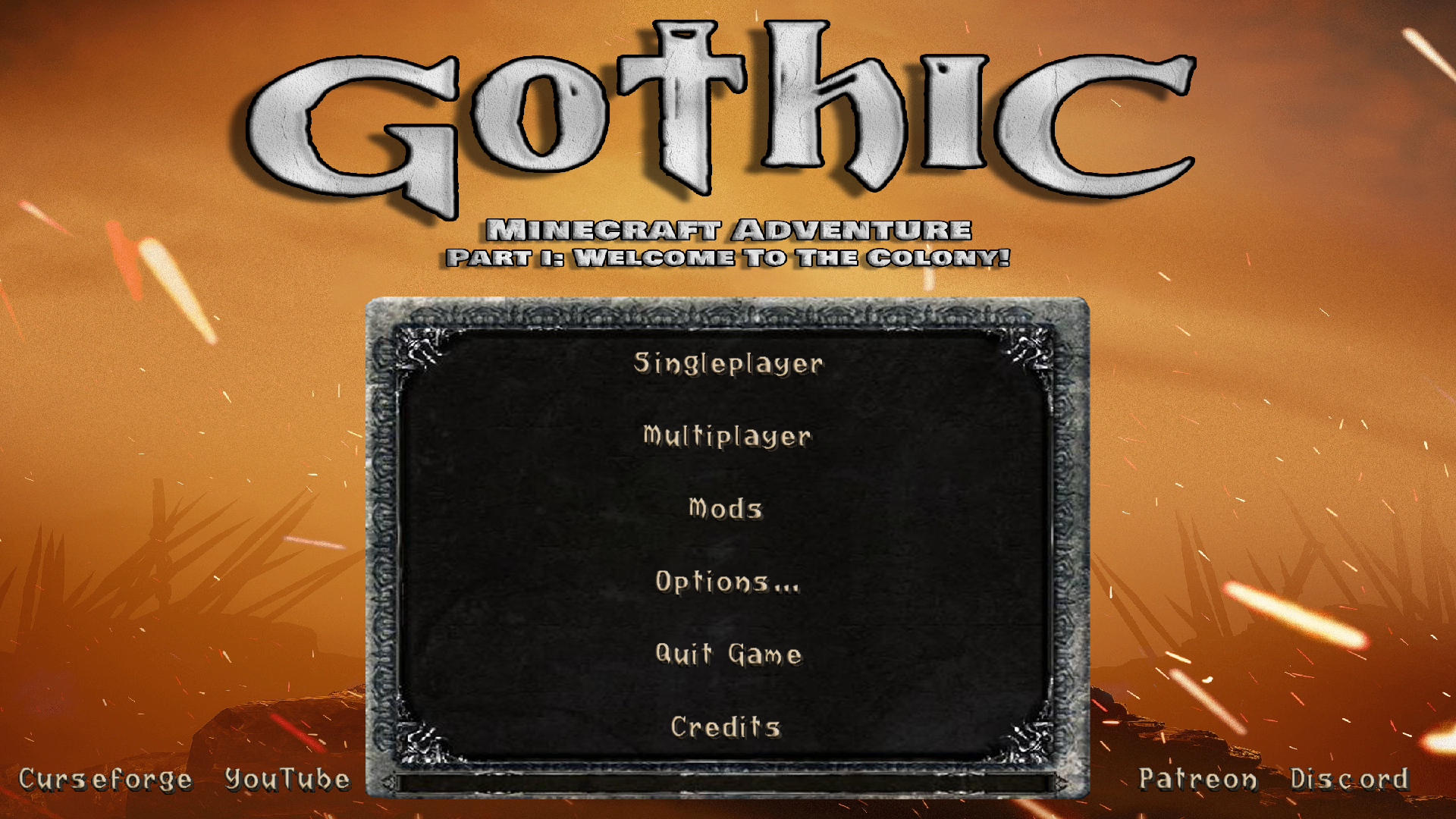
Tak prezentuje się menu w grze:
Translated:
The "Gothic Main Menu" is part of a larger project called "Gothic Minecraft Adventure" that was undertaken by our "Square Quest" team. This mod introduces a brand new main menu inspired by the cult game "Gothic".
Thanks to this modification, players will be able to feel the climate and atmosphere of the ''Gothic'' world from the very beginning of the game.
Note important!
"Gothic Main Menu" requires the "Custom Main Menu" modification installed and the mainmenu.json file prepared by us
to which you can find the link below:
How to install?
I'm rushing to help!
1. Download and install "Gothic Main Menu" and "Custom Main Menu"
2. Start Minecraft, then turn it off.
3. At the location:
\minecraft\Instances\"name of your Minecraft instance"\config
The "CustomMainMenu" folder with the "mainmenu.json" file should appear
Download our mainmenu.json file and replace it with it.
4. Done!
This is how the menu looks like:
Screenshots
Gallery
-
 logo
logo -
Main menu
-
 Logo Icon
 -
Main Menu Ingame
Versions
Files
Relations
Project Relations
More like this
Similar Mods
Suggestions use data such as tags, dependencies, dependents, descriptions, titles, and more to rank how much they overlap with this mod.
On ModDex
Community snapshot
By the numbers
Statistics
Want to reach Minecraft players?
We're looking for a server hosting partner to feature here and other parts of the site. Interested? Send us a message!
Get in touchGet it on
Available Platforms
On ModDex
Community snapshot
By the numbers
Statistics
Resources