Grass Pinger
No reviews yet
Grass Pinger is a Mod, that lets you see if you have just a bad Internet connection or the Server is Down!
Fabric is a mod loader for versions 1.14+ of Minecraft, particularly popular for client side and optimization mods.
Community voices
Reviews
Click once to include, again to exclude, again to clear
No reviews yet. Be the first to review this project!
Get it on
Available Platforms
 Modrinth
Compatibility
Supported Environments
About
Project Details
For authors
Embed Badge
If you're the author of this project, you can embed a live badge anywhere that supports HTML or Markdown. It updates automatically whenever ratings change.
Use HTML for any page that supports it, or Markdown for README files and Markdown-based descriptions.
Identifiers
Platform IDs
Resources
External Links
About
Description
How to Use
Once the mod is installed, two tall grass stalks should appear in the top-right corner. The right stalk represents Google, while the left represents the server you are currently connected to. Every 10 seconds (this interval is adjustable in the grasspinger.toml config file), the lower grass block is removed, and a ping is sent to the server. Once the server responds, the upper block will also be removed.
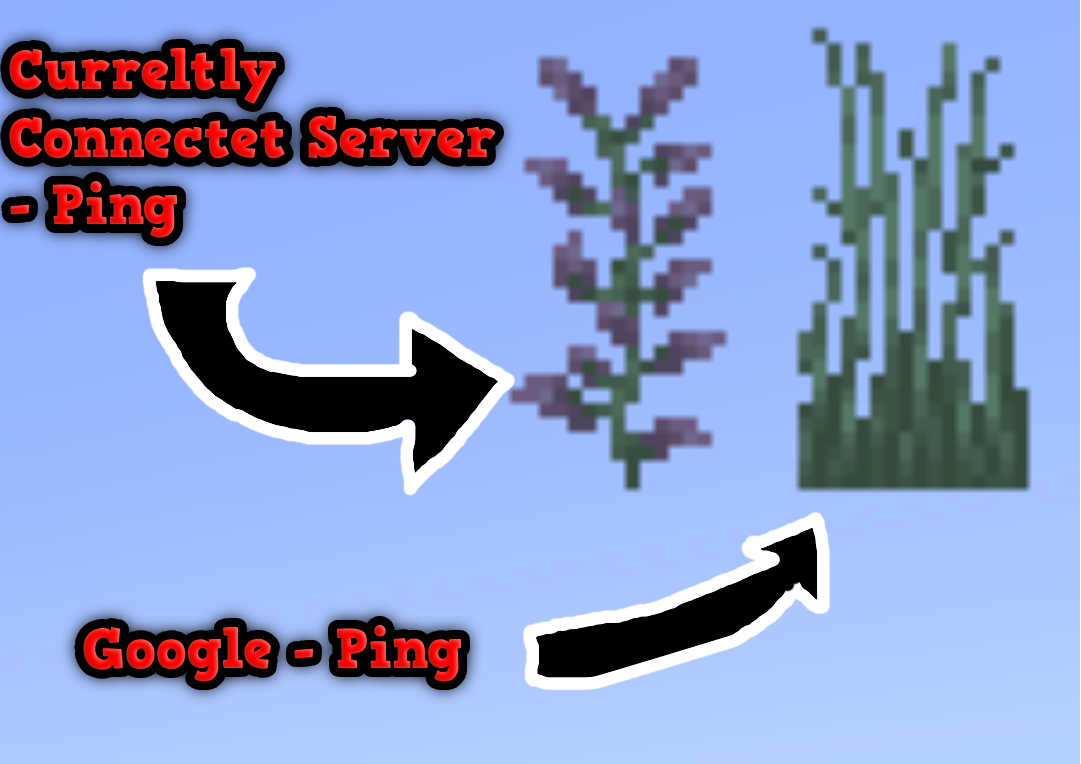
This image shows both Grass Pingers: the Connected Server pinger and the Google pinger.
The Connected Server pinger attempts to connect to the server you are currently on (e.g., Hypixel.net, Gommehd.net, etc.). The Google pinger attempts to connect to Google.com
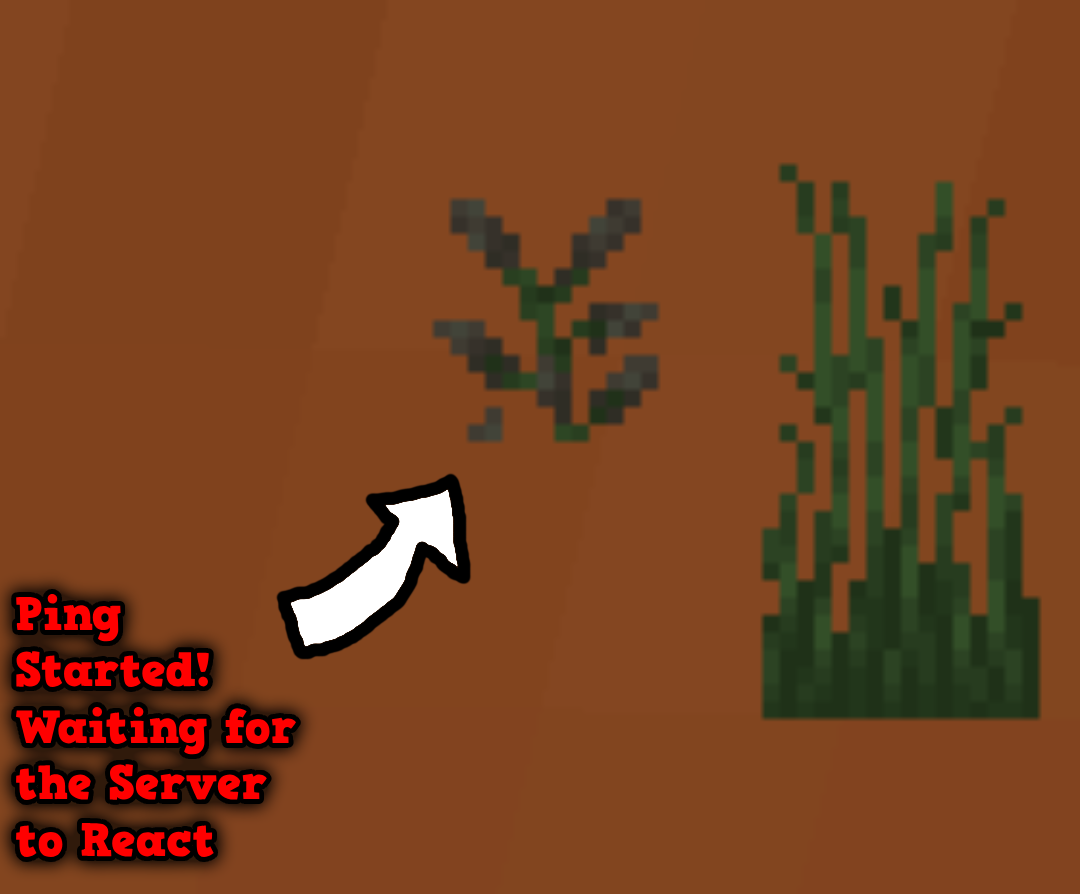
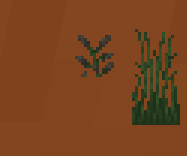
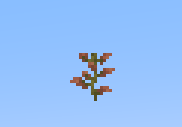
This image shows how the ping works: as soon as the bottom grass or lilac is broken (it breaks automatically every few seconds), a ping is sent to the server. When the server responds, the top block will disappear as well!
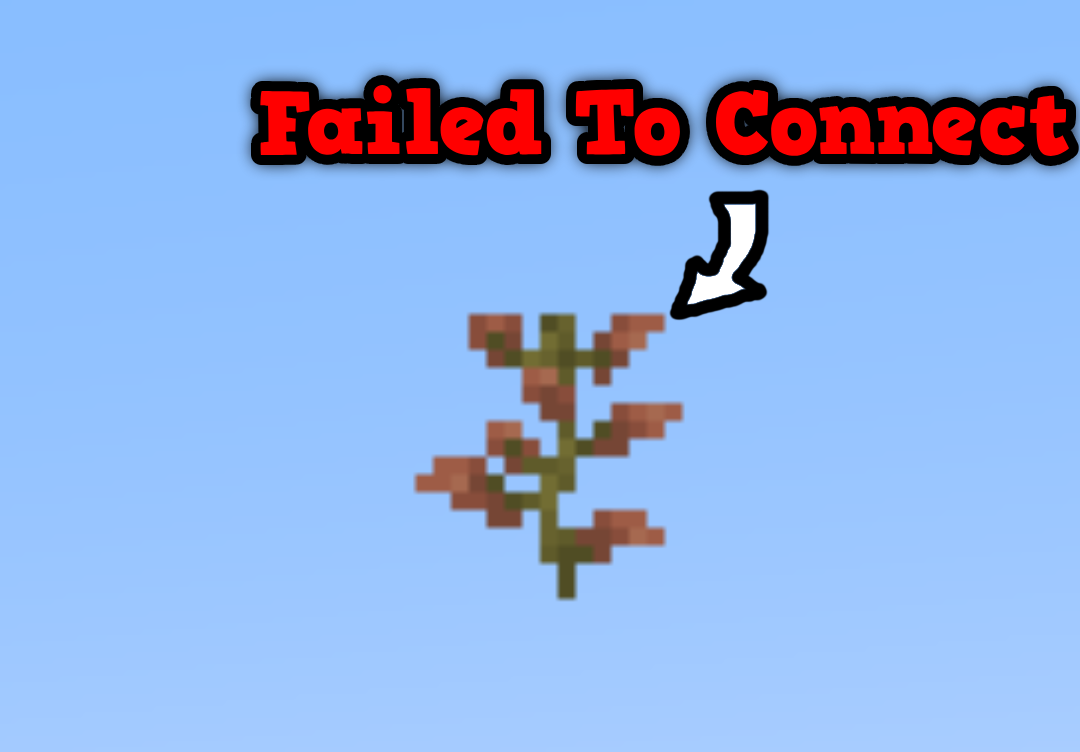
This image shows what the Current Server Ping looks like if you are on a single-player world or if the server has crashed. If the same thing happens with the Google pinger, it indicates that your internet connection has dropped. However, if the Google pinger works and the Current Server pinger doesn’t, it means the server has crashed!
Config You can configure:
- The textures
- The interval between each successful ping
- The interval between each failed ping
Textures
You can create a custom texture pack, but it must follow this structure:
TexturepackName/assets/grasspinger/textures/Tallgrassbottom.png

TexturepackName/assets/grasspinger/textures/Tallgrasstop.png

TexturepackName/assets/grasspinger/textures/Liliacbottom.png

TexturepackName/assets/grasspinger/textures/Liliactop.png
Time Configuration
The configuration file is located at:
.minecraft/config/grasspinger.toml
This file contains five arguments that you can configure:
ServerBetweenWaitingTime = 800
IsServerpingEnabled = false
IsClientpingEnabled = false
ServerTimeOutWaitingTime = 5000
ServerStartWaitingTime = 500
ClientBetweenWaitingTime = 800
ClientStartWaitingTime = 500
ServerBetweenWaitingTime is the interval between each server ping (the Ping Grass is not visible). IsServerpingEnabled if it is true, it means, that it will display the google ping IsClientpingEnabled if it is true, it means, that it will display the Server ping ServerTimeOutWaitingTime is the time it waits if the server ping fails. ServerStartWaitingTime is the interval between each server ping after ServerBetweenWaitingTime (the Ping Grass is visible). ClientBetweenWaitingTime is the interval between each Google ping (the Ping Grass is not visible). ClientStartWaitingTime is the interval between each Google ping after ClientBetweenWaitingTime (the Ping Grass is visible).
Commands
There is currently only one command:
/pingDebug
The pingDebug command shows the console output for the Current Server Ping.
(This uses the cmd ping command, so it will show the server’s IP address.)
Key Bindings
There are two Keybindings:
- Toggle Current Server Pinger
- Toggle Google Pinger
Screenshots
Gallery
-
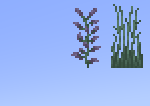 Grass Pinger in Snowy Biom The Grasses are dynamic!
 -
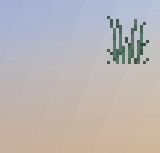 Google Pinger Enabled Server Pinger Disabled
 -
-
Versions
Files
Relations
Project Relations
More like this
Similar Mods
Suggestions use data such as tags, dependencies, dependents, descriptions, titles, and more to rank how much they overlap with this mod.
On ModDex
Community snapshot
By the numbers
Statistics

Want to reach Minecraft players?
We're looking for a server hosting partner to feature here and other parts of the site. Interested? Send us a message!
Get in touchGet it on
Available Platforms
On ModDex
Community snapshot
By the numbers
Statistics
Resources