
Community listing page, reviews here may not be monitored by the author.
GrimColors

No reviews yet
GrimColors is a lightweight client-side visual enhancement mod that gives you complete control over Minecraft's color grading
Community voices
Reviews
No reviews yet. Be the first to review this project!
Get it on
Available Platforms
Compatibility
Supported Environments
Runs entirely on the client. Works on vanilla servers.
About
Project Details
For authors
Embed Badge
If you're the author of this project, you can embed a live badge anywhere that supports HTML or Markdown. It updates automatically whenever ratings change.
Use HTML for any page that supports it, or Markdown for README files and Markdown-based descriptions.
Identifiers
Platform IDs
Resources
External Links
About
Description
GrimColors
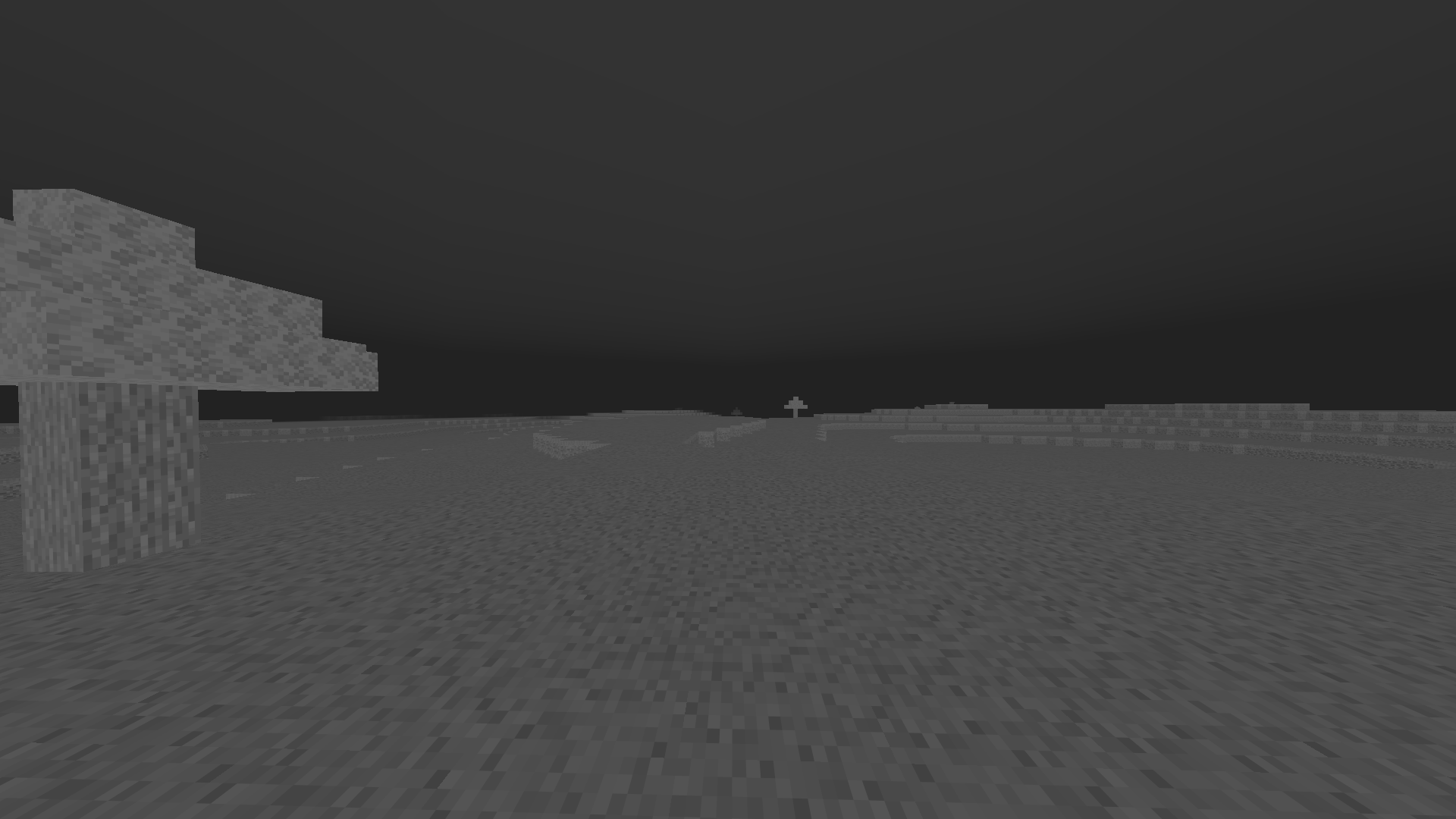
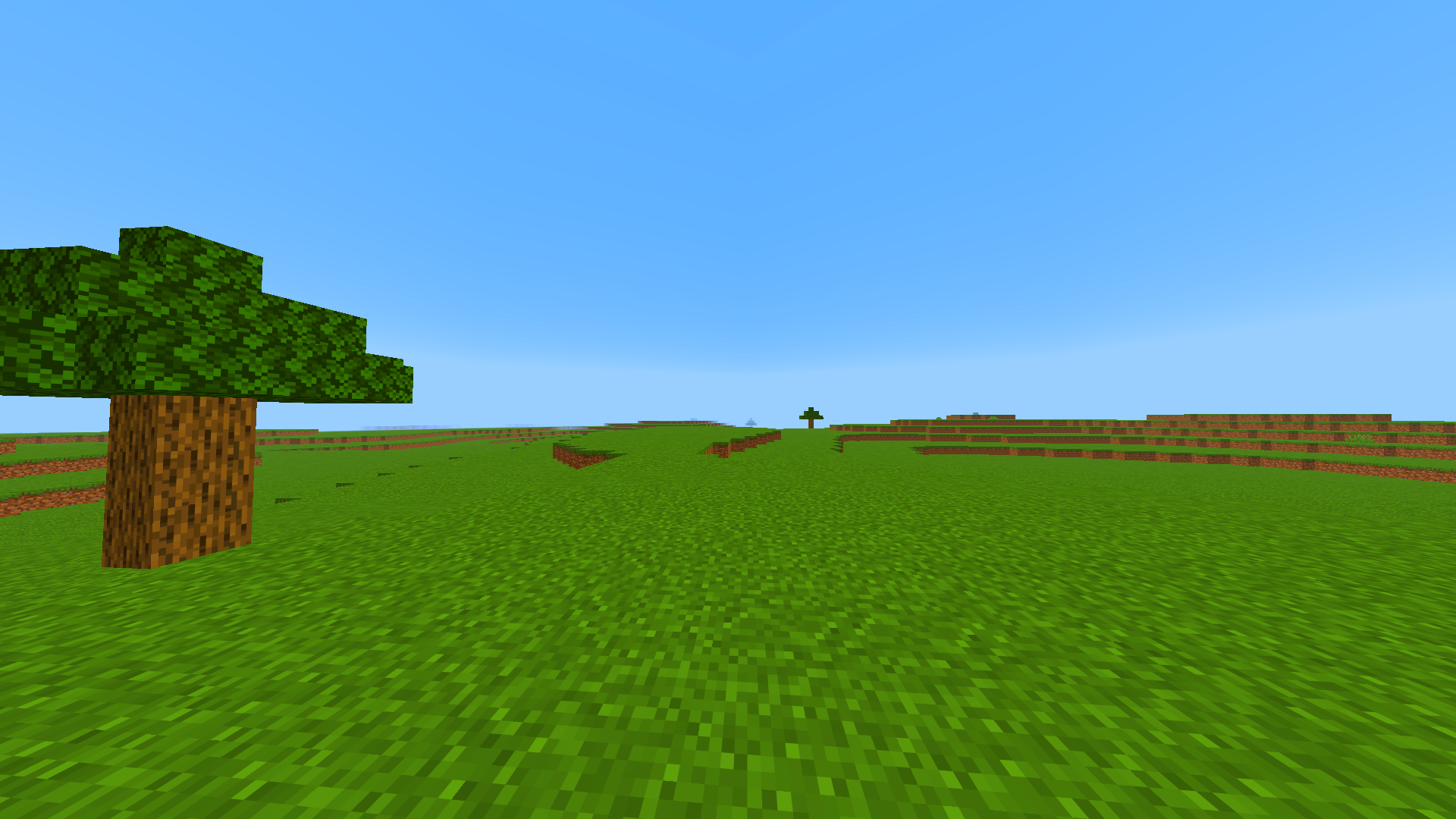
GrimColors is a lightweight client-side visual enhancement mod that gives you complete control over Minecraft's color grading. Customize the game's appearance with powerful real-time color adjustments, all without requiring shaders.
Whether you want a brighter world, more vibrant colors, a cinematic look, or your own unique visual style, GrimColors makes it easy with an intuitive and modern interface.
Features
- Adjustable Gamma (beyond Minecraft's default limit)
- Brightness
- Contrast
- Saturation
- Vibrance
- Hue
- Exposure
- Color Temperature
- Tint
- RGB Color Balance
- Shadow & Highlight controls
- Optional Bloom effects
- Multiple built-in color filters
- Create, save, load, import, and export presets
- Instant preview while changing settings
- Lightweight with minimal performance impact
- Automatically saves your configuration
Presets
Create your own visual profiles for different situations such as PvP, Survival, Building, Night Exploration, or Cinematic gameplay. Switch between presets instantly without restarting Minecraft.
Controls
Press J to open the GrimColors configuration GUI. The keybind can be changed in Minecraft's Controls menu if desired.
Compatibility
- Minecraft 1.21.0 - 1.21.11
- Fabric
- Forge
- Client-side only
No server installation is required, making GrimColors compatible with any multiplayer or singleplayer world.
Transform Minecraft into your own visual experience with GrimColors.
Screenshots
Gallery
Versions
Files
Relations
Project Relations
More like this
Similar Mods
Suggestions use data such as tags, dependencies, dependents, descriptions, titles, and more to rank how much they overlap with this mod.
On ModDex
Community snapshot
By the numbers
Statistics

Want to reach Minecraft players?
We're looking for a server hosting partner to feature here and other parts of the site. Interested? Send us a message!
Get in touchGet it on
Available Platforms
On ModDex
Community snapshot
By the numbers
Statistics
Resources