Community listing page, reviews here may not be monitored by the author.
GuildMarks

No reviews yet
Create your own guild list, add players and give each guild a custom banner or cape. Everything is easy to set up in-game and only changes what you see.
Community voices
Reviews
No reviews yet. Be the first to review this project!
Get it on
Available Platforms
About
Project Details
For authors
Embed Badge
If you're the author of this project, you can embed a live badge anywhere that supports HTML or Markdown. It updates automatically whenever ratings change.
Use HTML for any page that supports it, or Markdown for README files and Markdown-based descriptions.
Identifiers
Platform IDs
Resources
External Links
About
Description
GuildMark
GuildMark is a client-side Fabric mod for Minecraft that displays custom guild cosmetics and makes guild members easier to recognize in-game.
Create your own private guild list or import a complete community database from an HTTPS address. Each guild can contain a custom member list, relationship status, and an image displayed on supported equipment.
GuildMark is entirely client-side. It does not need to be installed on the server.
Network access
GuildMark downloads guild catalogs, player assignments and cosmetic images from the server address configured by the user. Minecraft session proof is sent directly to Mojang; account access tokens are never sent to the GuildMark API. The mod contains no telemetry or analytics.
Features
- Custom high-resolution guild marks
- Guild member recognition based on Minecraft usernames
- Local guild editor with search and scrolling
- Interactive guild map with 3D player previews
- Import and export through the clipboard
- Automatic JSON import from an HTTPS address
- Automatic downloading and local storage of guild images
- PNG, JPG and WEBP image support
- English and Polish interface
- Fully custom purple, grey and black interface
- Client-side only
Guild cosmetics
A guild mark can be displayed on:
- Cape
- Chest
- Shield
- Elytra
Each cosmetic can be enabled or disabled globally or separately for a selected guild.
GuildMark uses its own rendering system, allowing images to be displayed at a higher quality than standard Minecraft cape textures.
Head markers
Guild members can also receive a colored cube marker in place of their normal head and helmet.
The relationship system currently supports:
MY- your own guildALLY- an allied guildOTHER- any other guild
By default, your guild uses a green marker and allied guilds use a yellow marker. Both colors can be customized using hue sliders in the Settings menu.
Players assigned to OTHER are displayed without a colored head marker.
Guild editor
The built-in editor allows you to:
- Create and remove guilds
- Add and remove players
- Search the guild list
- Assign guild relationships
- Paste an image directly from the clipboard
- Load an image from a local file
- Download an image from an HTTPS link
- Preview the selected guild mark
- Configure where guild marks are displayed
Images are stored locally in:
.minecraft/config/GuildMark/Guilds/Screenshots
Gallery
-
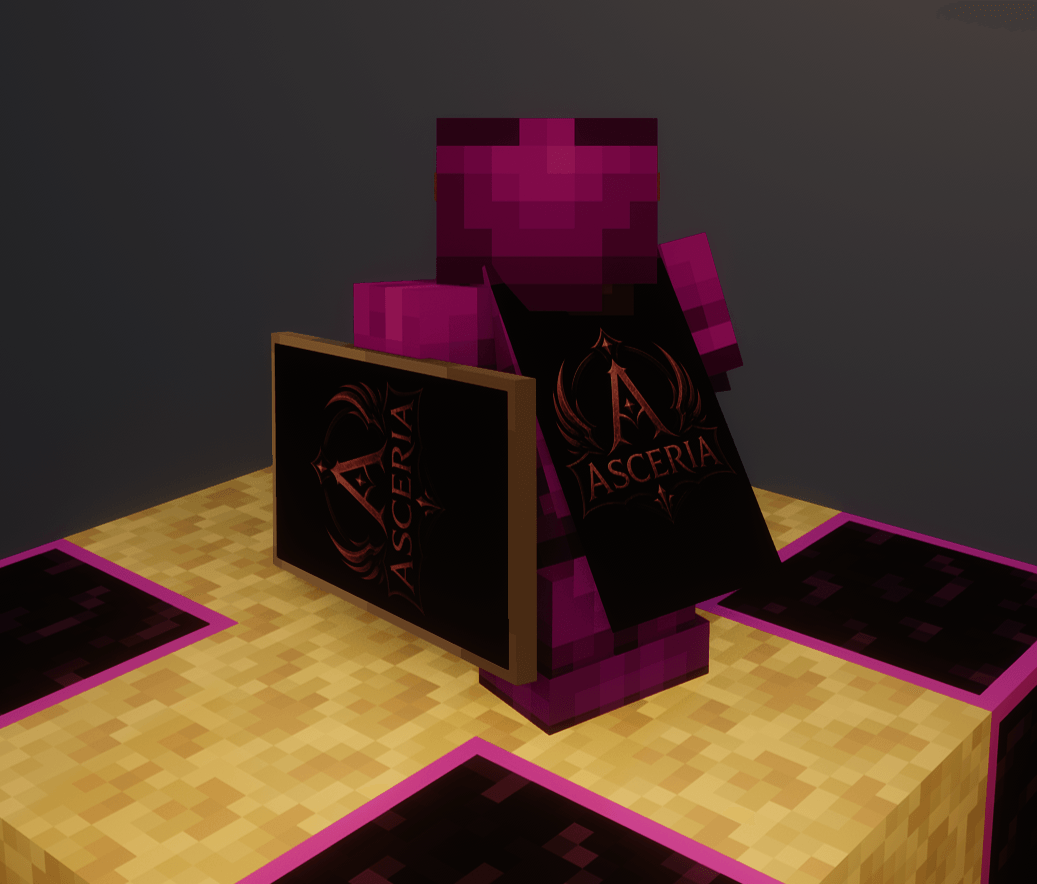 What does it look like BACK obraz_2026-07-15_183709343.png
 -
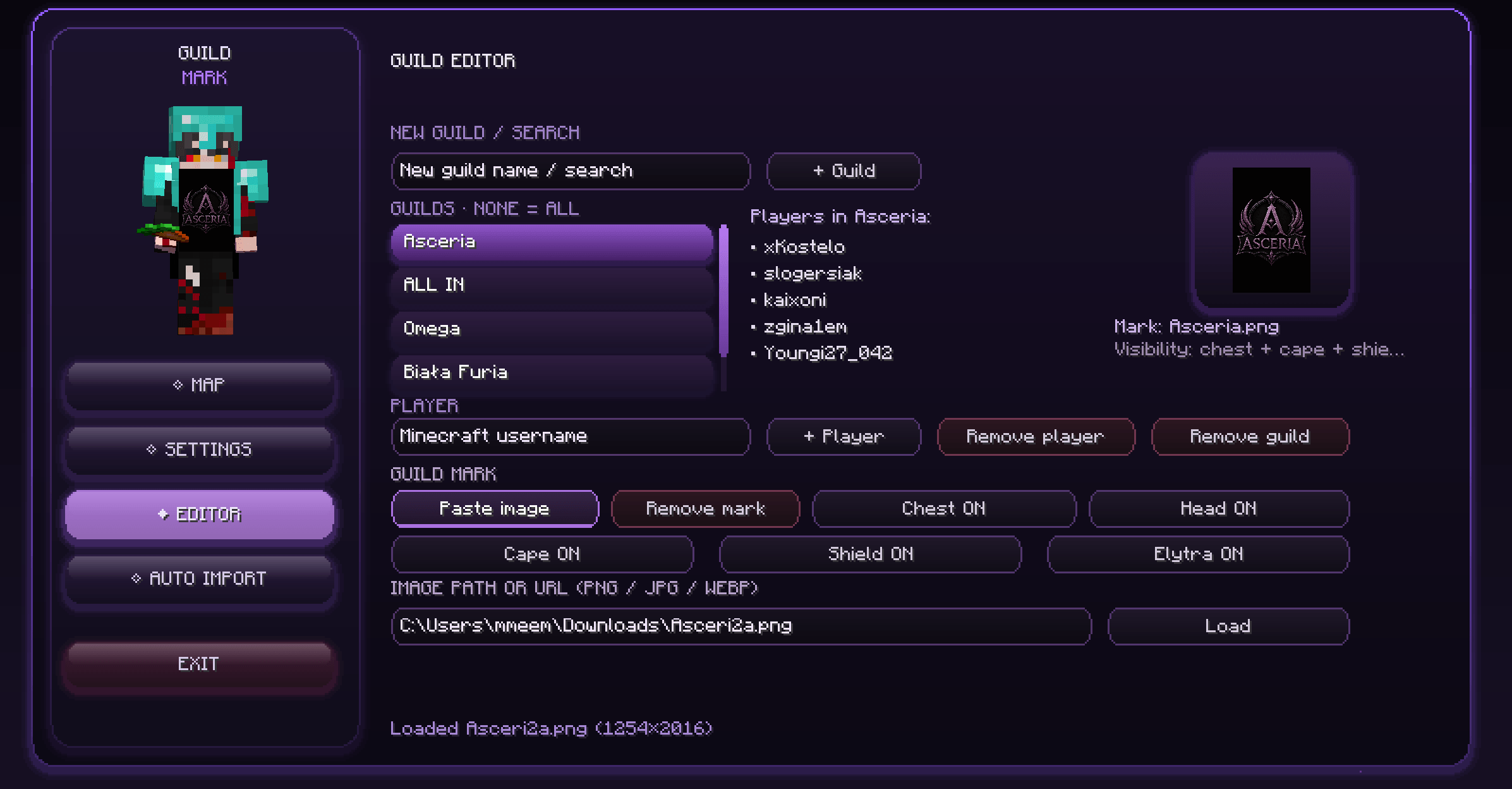 Guilds editor / maker obraz_2026-07-15_183650928.png
 -
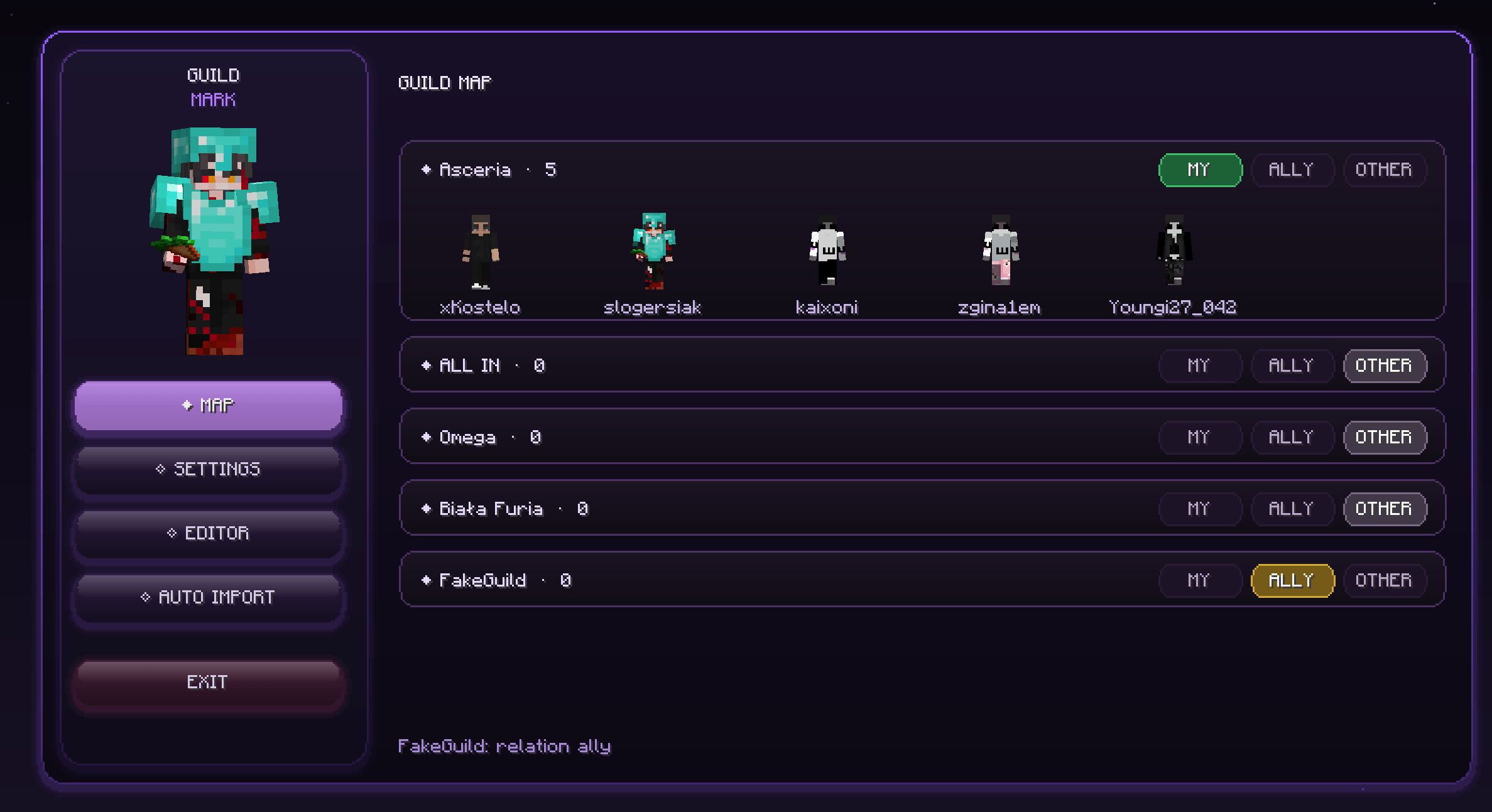 Guilds list obraz_2026-07-15_183642237.png
 -
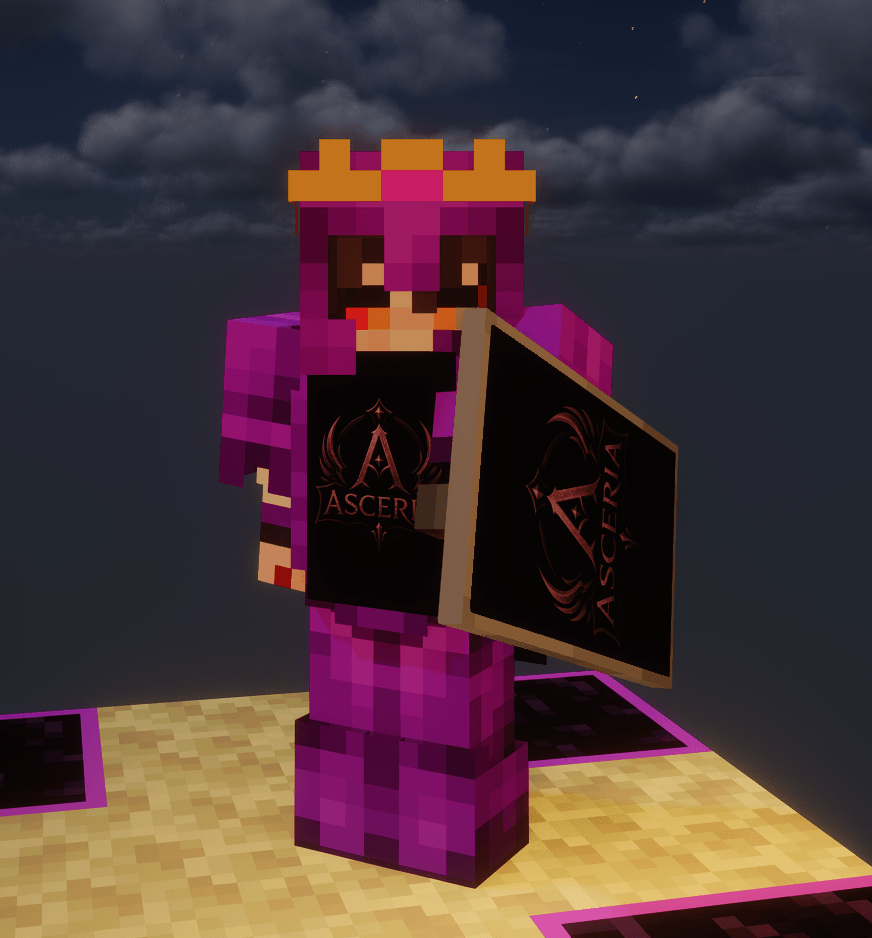 What does it look like FRONT obraz_2026-07-15_183658858.png
 -
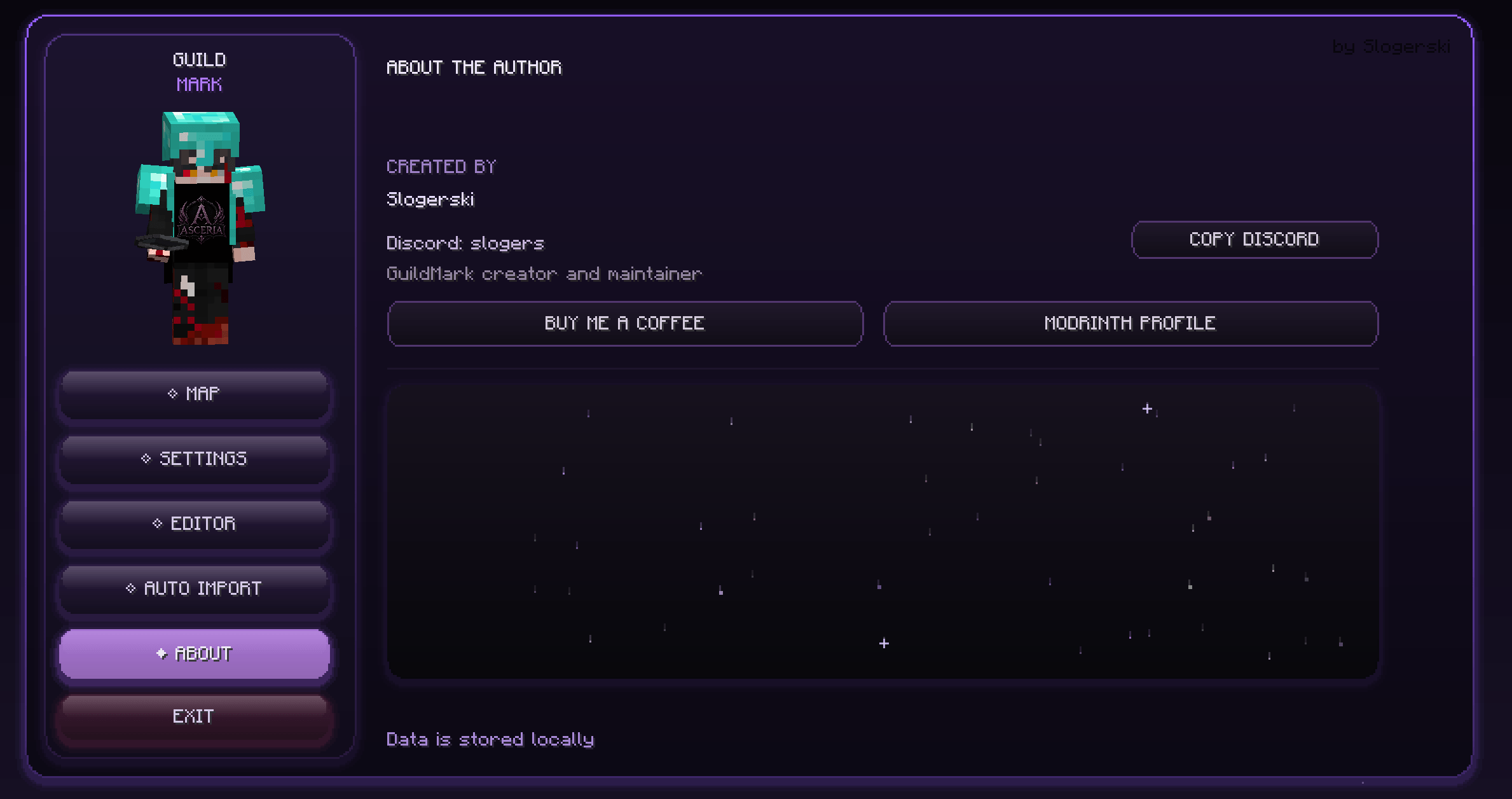 Support obraz_2026-07-15_183725278.png
 -
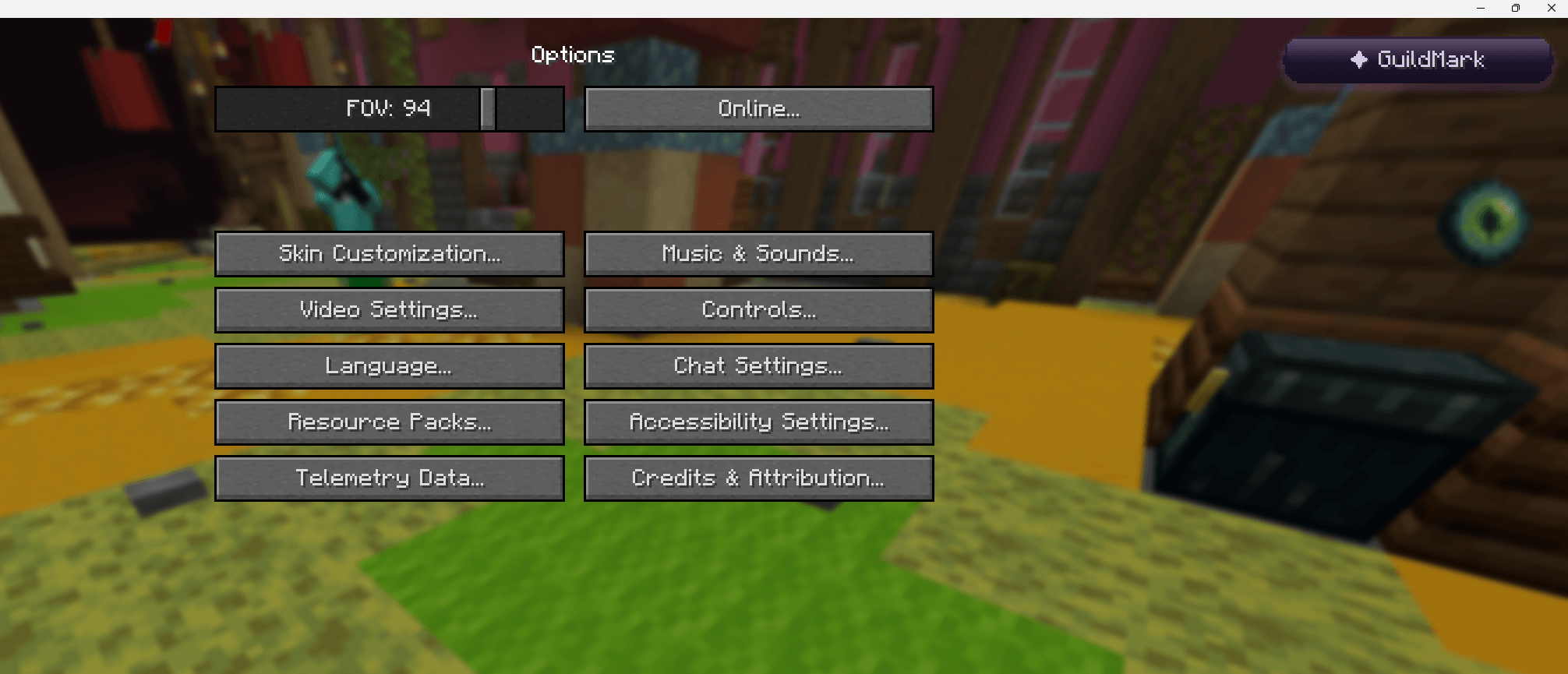 How to open gui? obraz_2026-07-15_183632419.png
 -
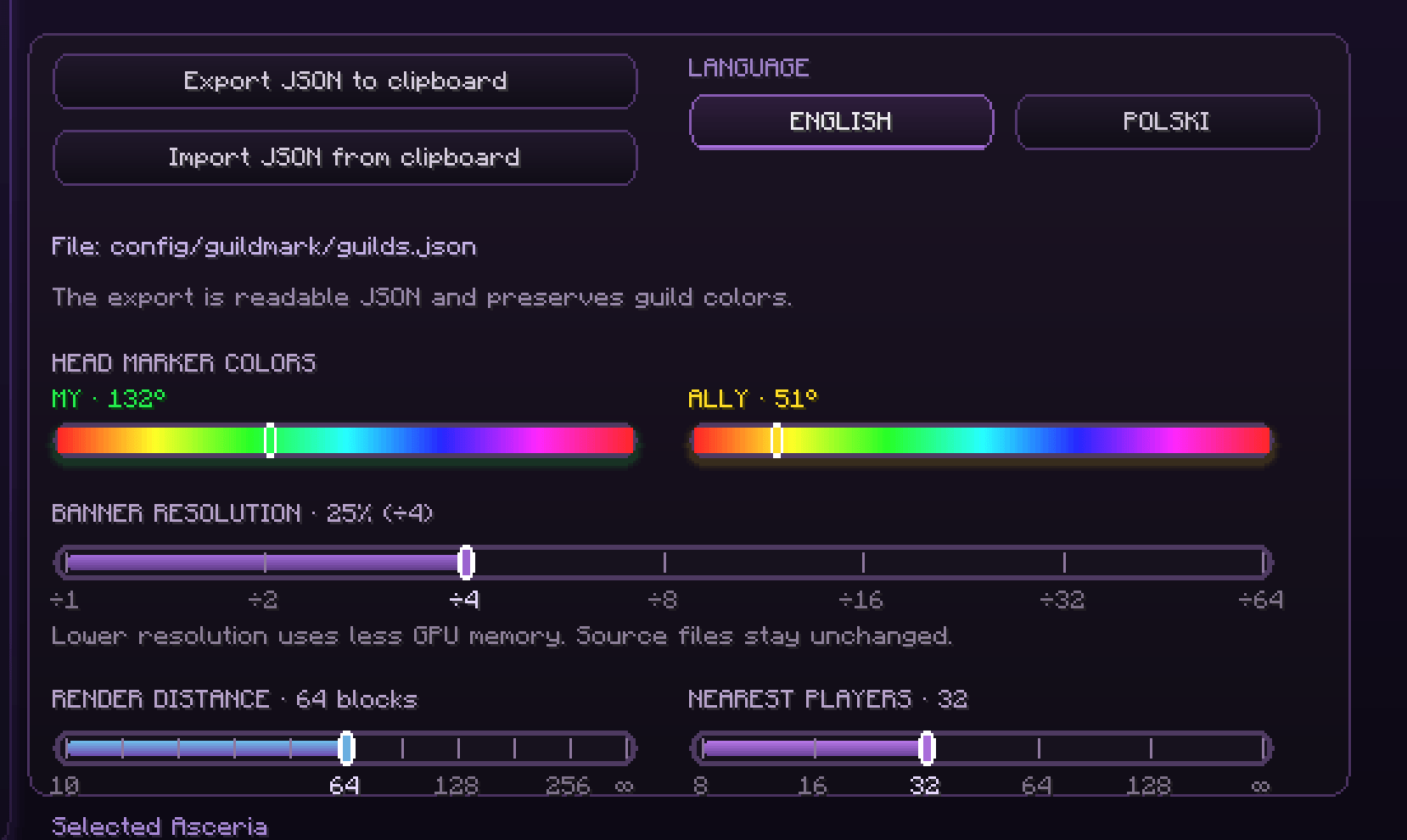 Settings.png obraz_2026-07-16_212423378.png
Versions
Files
Relations
Project Relations
More like this
Similar Mods
Suggestions use data such as tags, dependencies, dependents, descriptions, titles, and more to rank how much they overlap with this mod.
On ModDex
Community snapshot
By the numbers
Statistics
Want to reach Minecraft players?
We're looking for a server hosting partner to feature here and other parts of the site. Interested? Send us a message!
Get in touchGet it on
Available Platforms
On ModDex
Community snapshot
By the numbers
Statistics
Resources