
Community listing page, reviews here may not be monitored by the author.
Gurozege48 Fullbright

No reviews yet
A simple and useful fullbright
Community voices
Reviews
No reviews yet. Be the first to review this project!
Get it on
Available Platforms
Compatibility
Supported Environments
Runs entirely on the client. Works on vanilla servers.
About
Project Details
For authors
Embed Badge
If you're the author of this project, you can embed a live badge anywhere that supports HTML or Markdown. It updates automatically whenever ratings change.
Use HTML for any page that supports it, or Markdown for README files and Markdown-based descriptions.
Identifiers
Platform IDs
Resources
External Links
About
Description
Gurozege FullBright makes dark environments easier to see by applying a clean and powerful night-vision effect. With a single key press, you can brighten caves, nighttime areas, abandoned structures, the Nether, and other low-light environments without placing torches everywhere.
The mod is designed to be simple, lightweight, and easy to use. It does not add complicated menus, unnecessary visual effects, or resource-heavy rendering systems.
Features
- Instantly enables or disables FullBright.
- Makes caves appear fully illuminated.
- Makes nighttime environments feel much brighter.
- Helps you clearly see blocks, mobs, items, and surroundings.
- Works in both single-player and multiplayer.
- Does not require administrator or operator permissions.
- Does not need to be installed on the server.
- Displays an on-screen message when FullBright is enabled or disabled.
- Uses a hidden night-vision effect without particles or an effect icon.
- Automatically refreshes the brightness effect while enabled.
- Lightweight design with little to no noticeable FPS impact.
- Compatible with client-side performance mods in most setups.
Controls Press G for enable or disable the fullbright.
Also you can change keybinds of the fullbright from the settings.
Screenshots
Gallery
-
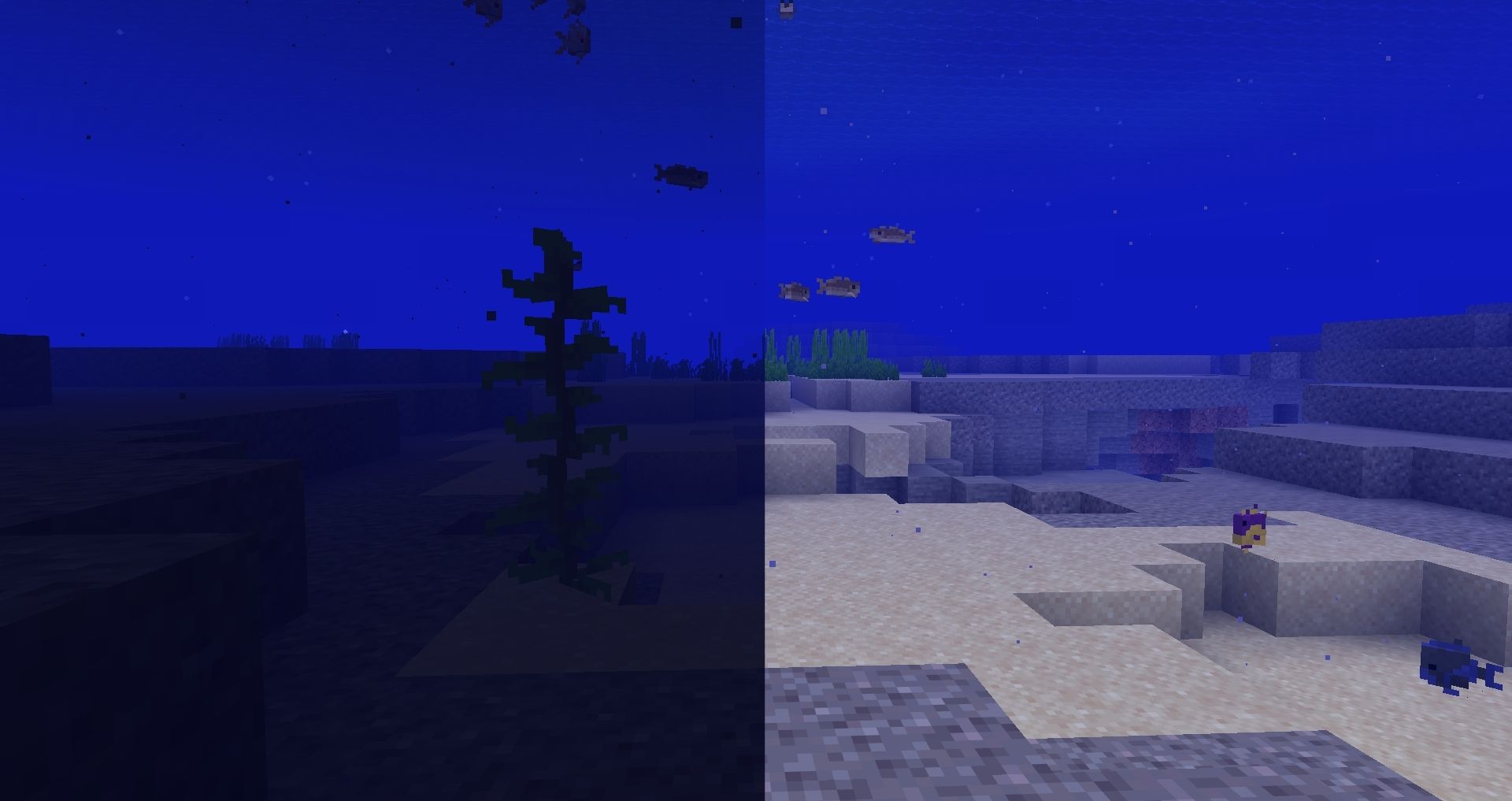 Before vs After Ocean
 -
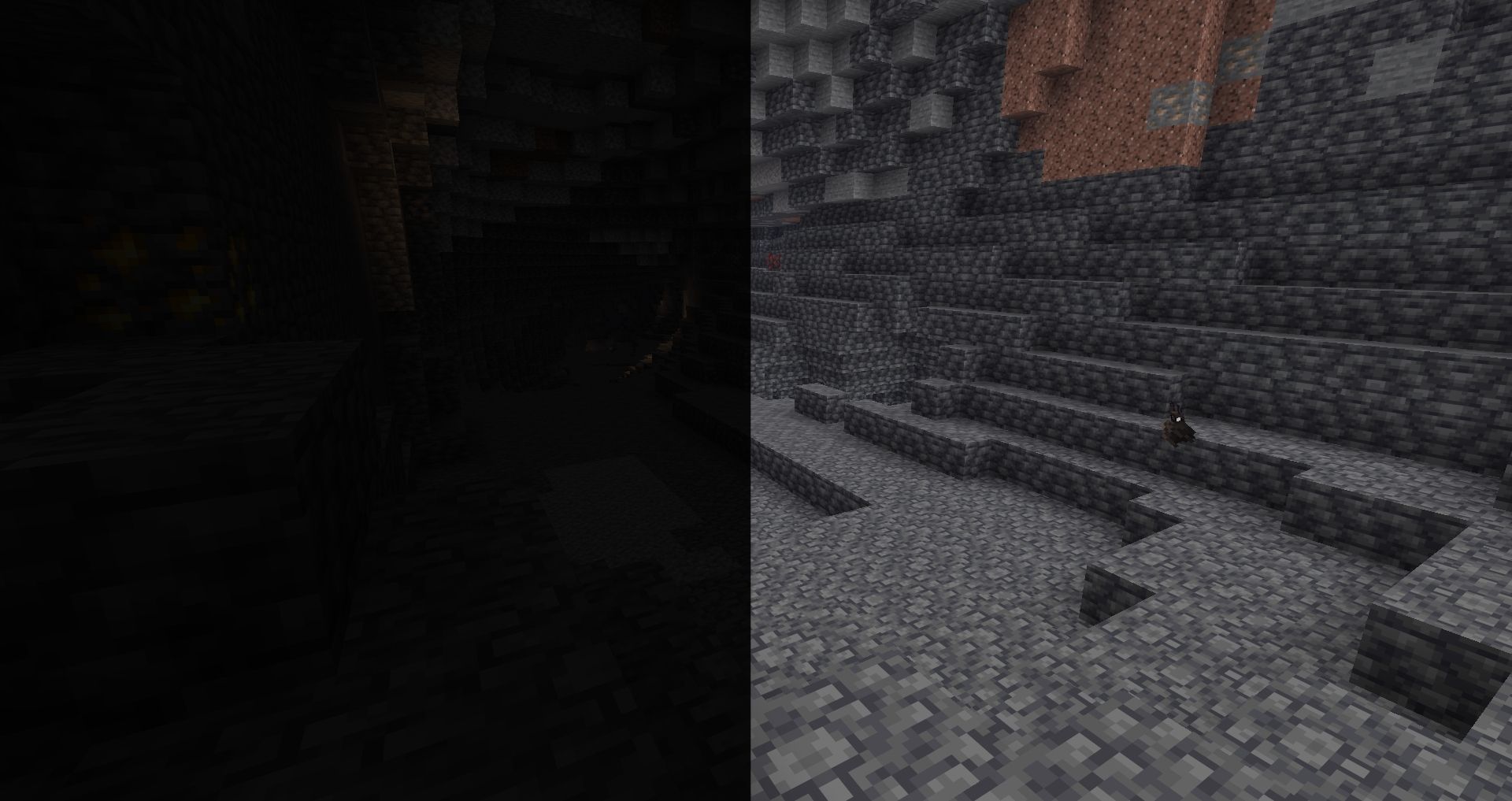 Before vs After Caves
 -
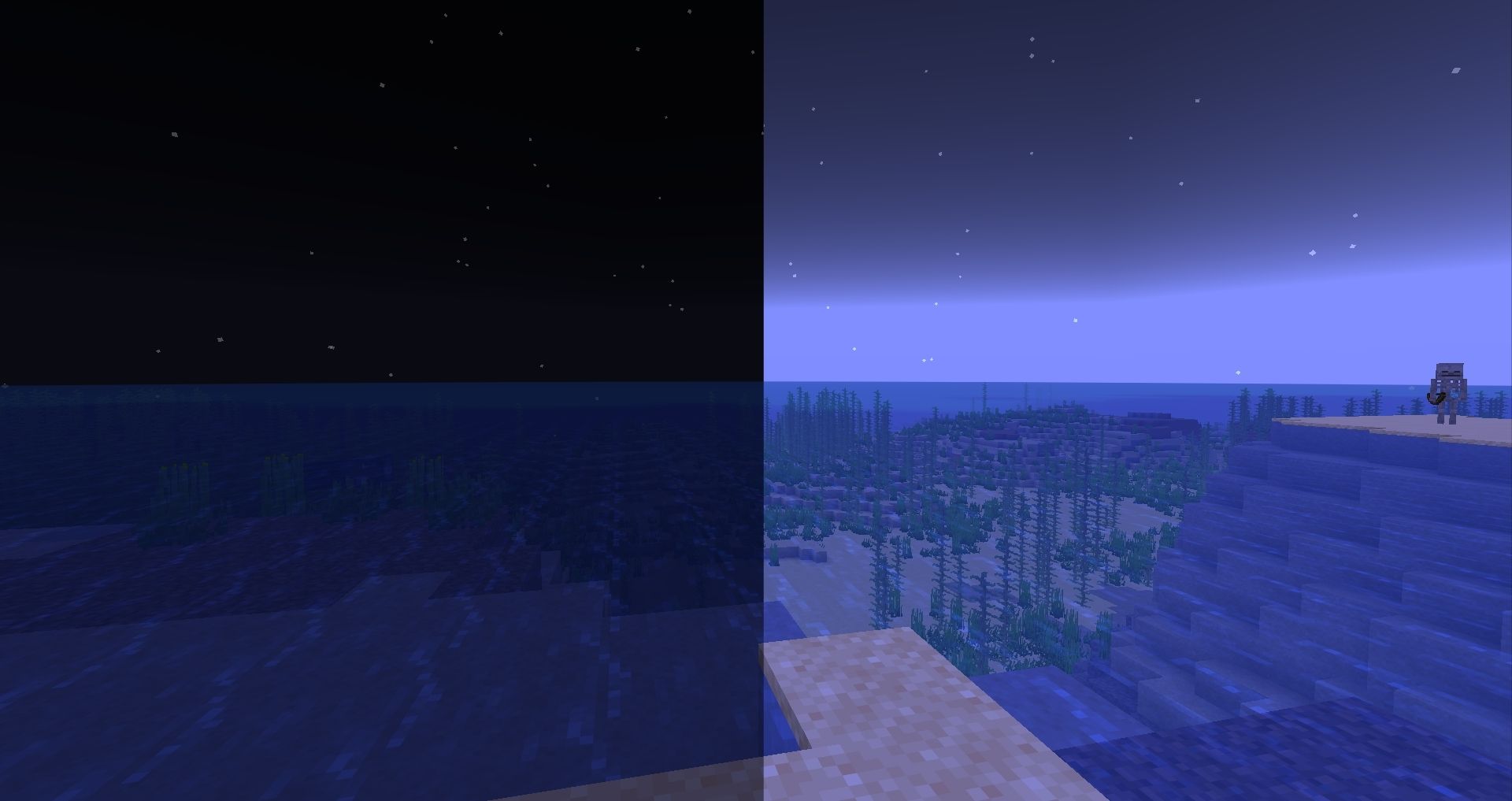 Before vs After Overworld
Versions
Files
Relations
Project Relations
More like this
Similar Mods
Suggestions use data such as tags, dependencies, dependents, descriptions, titles, and more to rank how much they overlap with this mod.
On ModDex
Community snapshot
By the numbers
Statistics

Want to reach Minecraft players?
We're looking for a server hosting partner to feature here and other parts of the site. Interested? Send us a message!
Get in touchGet it on
Available Platforms
On ModDex
Community snapshot
By the numbers
Statistics
Resources