
Community listing page, reviews here may not be monitored by the author.
Halo Customed


No reviews yet
Floating decorative halos above entity heads — multi-layered, fully animated, highly configurable. Give every player their own glowing crown.
Community voices
Reviews
No reviews yet. Be the first to review this project!
Get it on
Available Platforms
Compatibility
Supported Environments
Works in singleplayer only; does not function in multiplayer.
Required on the client. Installing it on the server adds functionality.
Must be installed on both the client and the server.
Varies by version.
About
Project Details
For authors
Embed Badge
If you're the author of this project, you can embed a live badge anywhere that supports HTML or Markdown. It updates automatically whenever ratings change.
Use HTML for any page that supports it, or Markdown for README files and Markdown-based descriptions.
Identifiers
Platform IDs
About
Description
Warning
Version 1.1.1 of the mod includes a breaking change!!! Loading an old save after updating will cause all entity halo NBT data to be lost, and this data can NOT be recovered!!! Please back up your data and proceed with caution before updating!
Description
Inspired by the iconic halos from Blue Archive.
Some of the BA halos displayed in the gallery must be obtained here.
Halo adds configurable floating halos above entity heads. Each halo is defined by a JSON file and can stack multiple textured layers with independent position, rotation, scale, and glowing settings. A flexible animation system drives per-layer motion via sine, cosine, and linear terms on any axis, from subtle idle bobbing to staggered clock-ring rotation.
YSM Compatible
YSM compatibility is currently undergoing testing; you may encounter graphical glitches.
This feature is disabled by default. To enable it, navigate to the game instance's root directory, locate ./config/halo-azusake/halo_mod_config.json, open it in a text editor, and set the experimentalYsmAnchorEnabled field to true. A restart is required for the changes to take effect.
If the halo appears positioned too high or too low, adjust the experimentalYsmHeadLocalOffset field in the same file. The three parameters correspond to [x, y, z], representing displacement to the right, upward, and backward, respectively.
Usage
- Use
/halo show <entity selector> <halo definition>to show halo above target entity - Use
/halo hide <entity selector>to hide its halo - Use
/halo listto list halo loaded - Other command are used for debug
How to add Halo
Check Doc in English or Chinese
Or Download resource pack from Ba-Halo-Definition
Features
- Multi-layer halos — stack multiple layers with per-layer transform and glowing toggle
- Per-layer animation — sin, cos, and linear function terms on any offset or rotation axis; multiple terms on the same axis are summed
- Orientation modes — locked (follows entity yaw), free (floats loose), sync (hybrid)
- Data-driven — all definitions are JSON files under
data/halo/halo_definitions/; compatible with data packs and resource packs - Ingame commands —
/halofor real-time preview and management
Built-in definitions
ring_default— a 7-layer clock-ring designhud— a hud like design
Compatibility
- Minecraft 1.19.4 ~ 1.20.4 , 1.21.1 , 26.1.x , 26.2
- Fabric Loader 0.15+
- Requires Fabric API
1.19.4 Note: Core features (show/hide, multiplayer sync, persistence) work, but
/halo list,/halo active, and/halo dumpproduce no chat output. Other versions are unaffected.
NeoForge / Forge
This mod is natively built for Fabric, but can also run on NeoForge / Forge 1.20.1 via Sinytra Connector + Forgified Fabric API. Shader packs are compatible.
- Install NeoForge or Forge for Minecraft 1.20.1
- Install Sinytra Connector
- Install Forgified Fabric API
- Place the Halo mod JAR into the
modsfolder
Warning
Version 1.1.1 of the mod includes a breaking change!!! Loading an old save after updating will cause all entity halo NBT data to be lost, and this data can NOT be recovered!!! Please back up your data and proceed with caution before updating!
Description
Inspired by the iconic halos from Blue Archive.
Some of the BA halos displayed in the gallery must be obtained here.
Halo adds configurable floating halos above entity heads. Each halo is defined by a JSON file and can stack multiple textured layers with independent position, rotation, scale, and glowing settings. A flexible animation system drives per-layer motion via sine, cosine, and linear terms on any axis, from subtle idle bobbing to staggered clock-ring rotation.
YSM Compatible
YSM compatibility is currently undergoing testing; you may encounter graphical glitches.
This feature is disabled by default. To enable it, navigate to the game instance's root directory, locate ./config/halo-azusake/halo_mod_config.json, open it in a text editor, and set the experimentalYsmAnchorEnabled field to true. A restart is required for the changes to take effect.
If the halo appears positioned too high or too low, adjust the experimentalYsmHeadLocalOffset field in the same file. The three parameters correspond to [x, y, z], representing displacement to the right, upward, and backward, respectively.
Usage
- Use
/halo show <entity selector> <halo definition>to show halo above target entity - Use
/halo hide <entity selector>to hide its halo - Use
/halo listto list halo loaded - Other command are used for debug
How to add Halo
Check Doc in English or Chinese
Or Download resource pack from Ba-Halo-Definition
Features
- Multi-layer halos — stack multiple layers with per-layer transform and glowing toggle
- Per-layer animation — sin, cos, and linear function terms on any offset or rotation axis; multiple terms on the same axis are summed
- Orientation modes — locked (follows entity yaw), free (floats loose), sync (hybrid)
- Data-driven — all definitions are JSON files under
data/halo/halo_definitions/; compatible with data packs and resource packs - Ingame commands —
/halofor real-time preview and management
Built-in definitions
ring_default— a 7-layer clock-ring designhud— a hud like design
Compatibility
- Minecraft 1.19.4 ~ 1.20.4 , 1.21.1 , 26.1.x , 26.2
- Fabric Loader 0.15+
- Requires Fabric API
1.19.4 Note: Core features (show/hide, multiplayer sync, persistence) work, but
/halo list,/halo active, and/halo dumpproduce no chat output. Other versions are unaffected.
NeoForge / Forge
This mod is natively built for Fabric, but can also run on NeoForge / Forge 1.20.1 via Sinytra Connector + Forgified Fabric API. Shader packs are compatible.
- Install NeoForge or Forge for Minecraft 1.20.1
- Install Sinytra Connector
- Install Forgified Fabric API
- Place the Halo mod JAR into the
modsfolder
Screenshots
Gallery
-
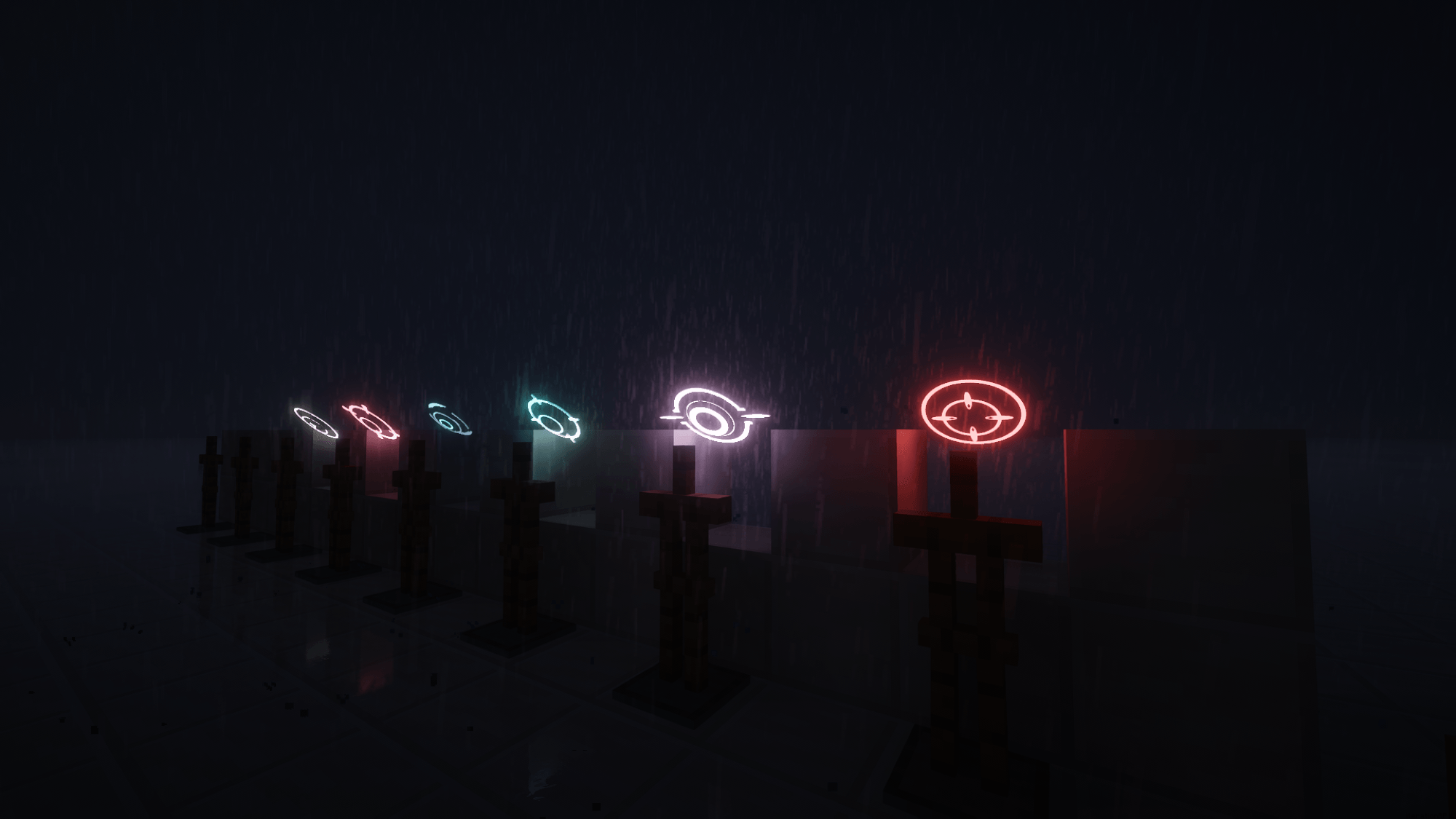 2026-06-21_01.32.53.png 2026-06-21_01.32.53.png
 -
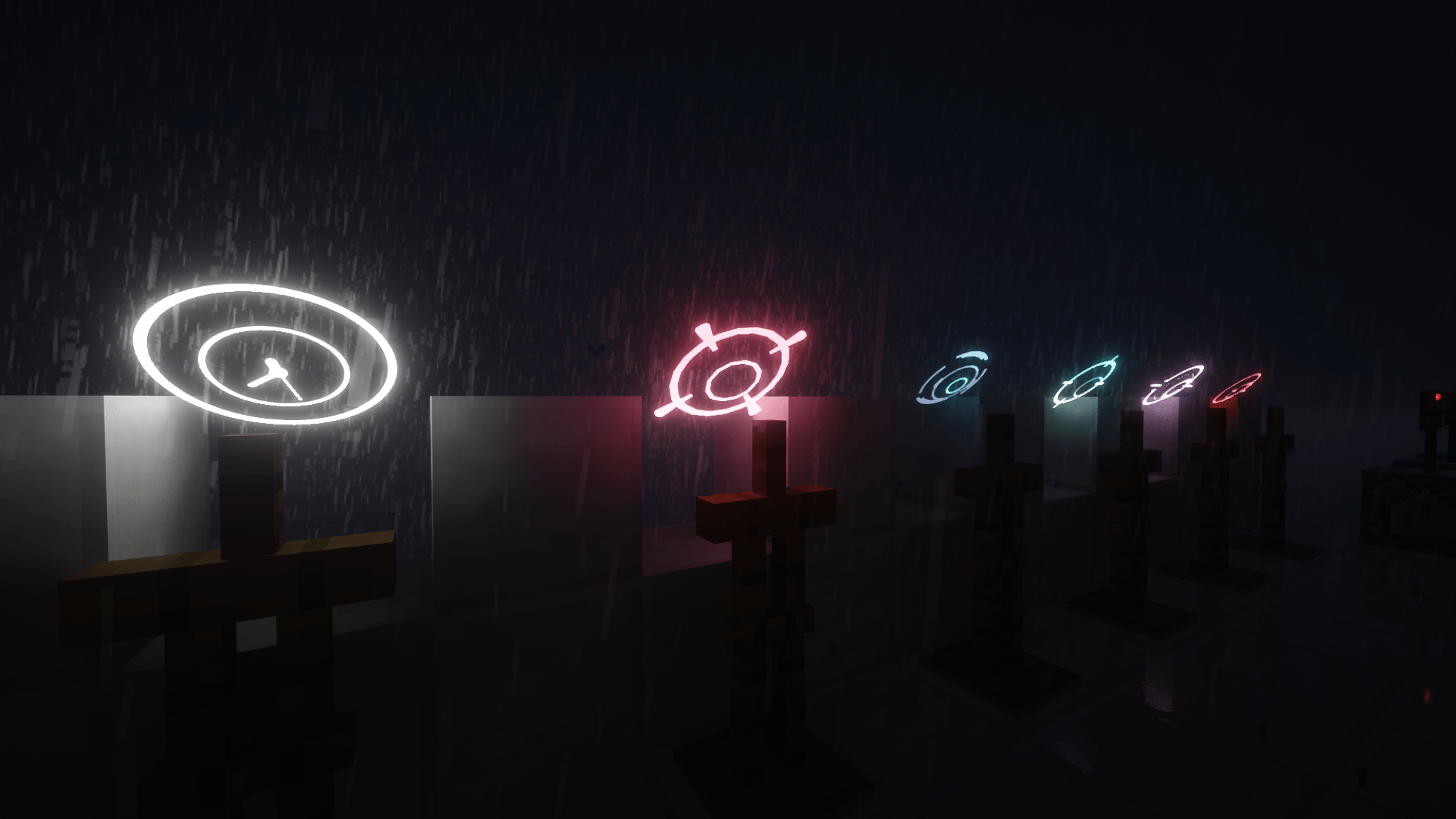 2026-06-21_01.33.42.png 2026-06-21_01.33.42.png
 -
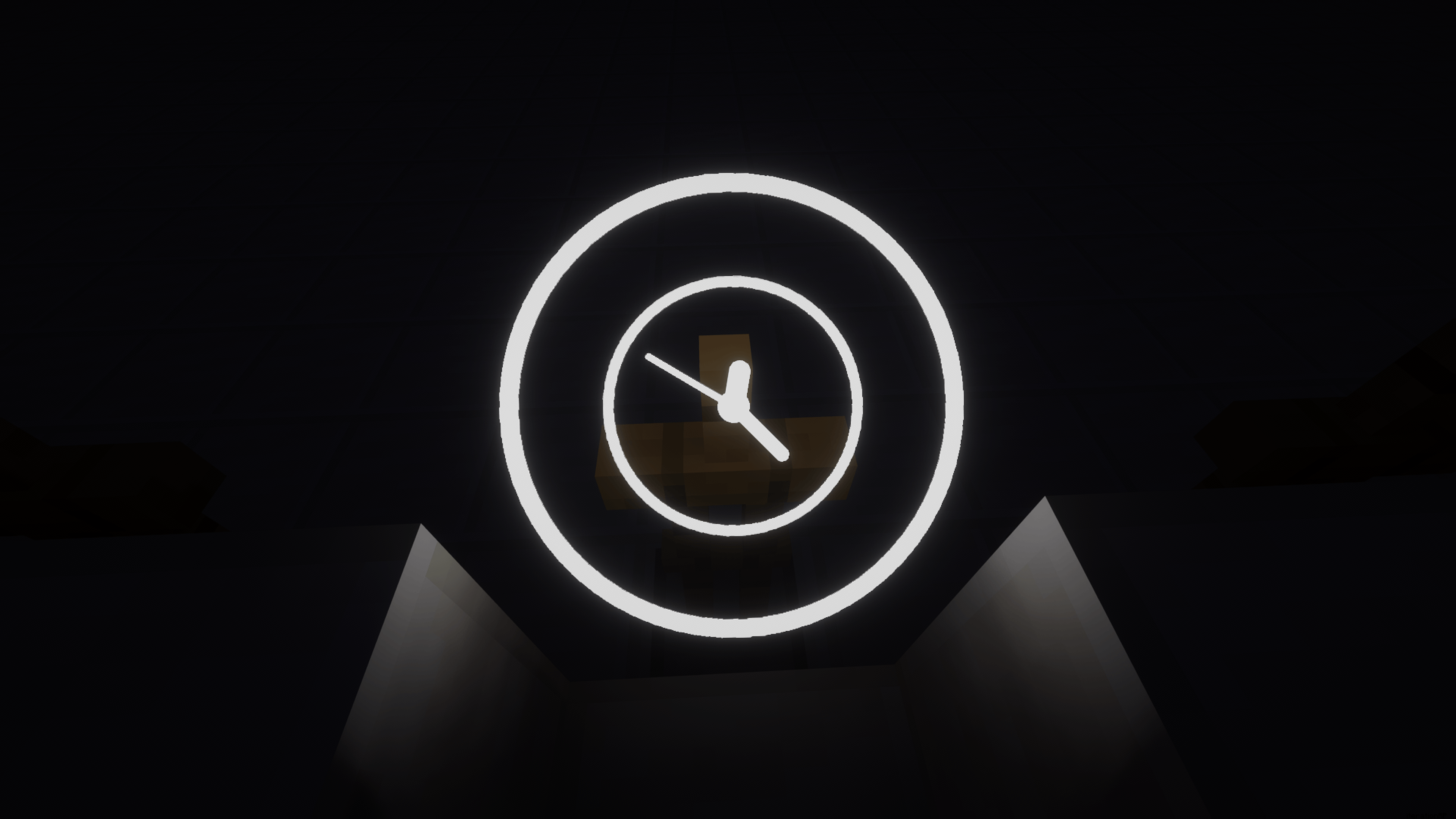 2026-06-21_01.35.00.png 2026-06-21_01.35.00.png
 -
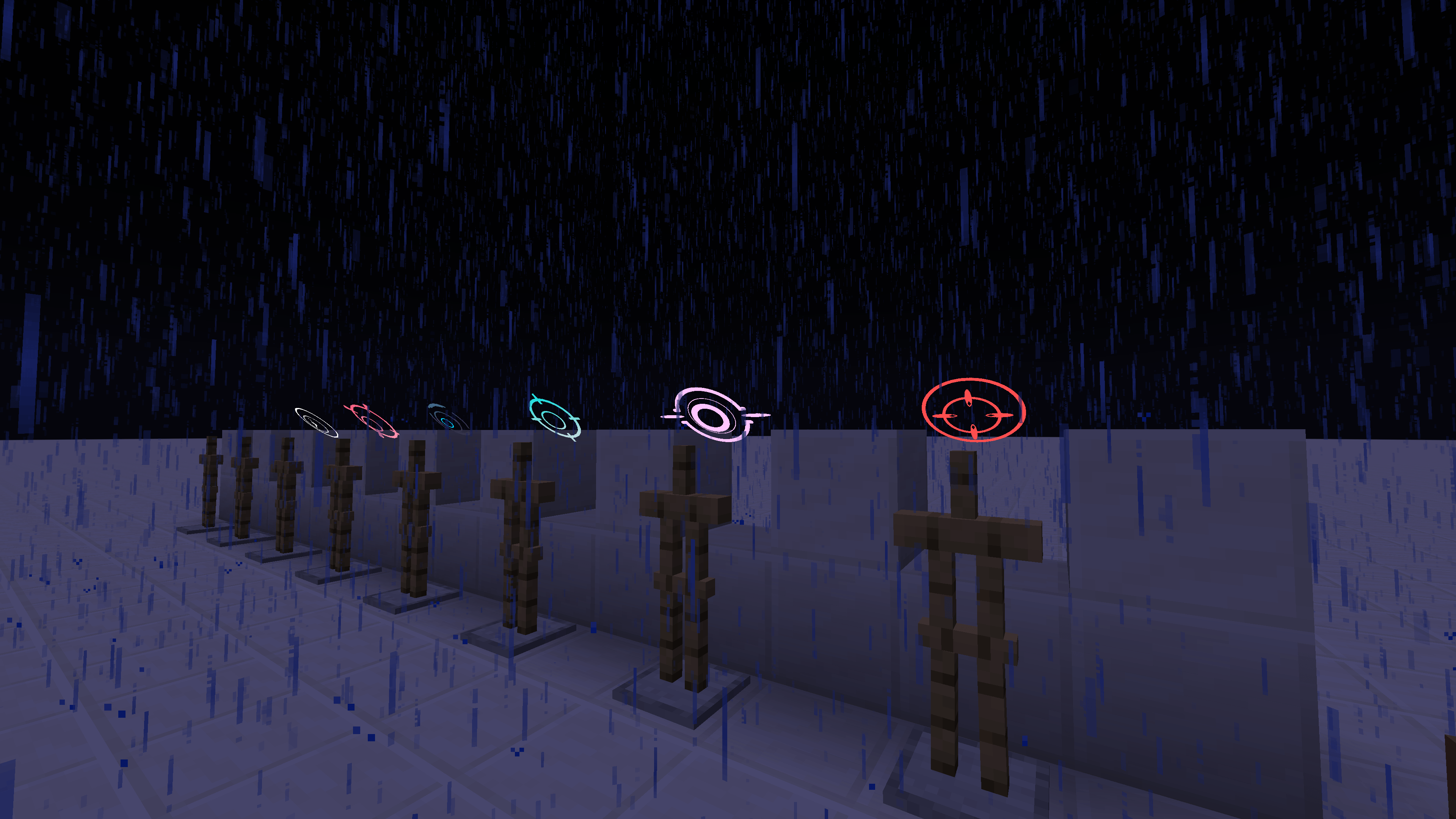 2026-06-21_01.33.07.png 2026-06-21_01.33.07.png
 -
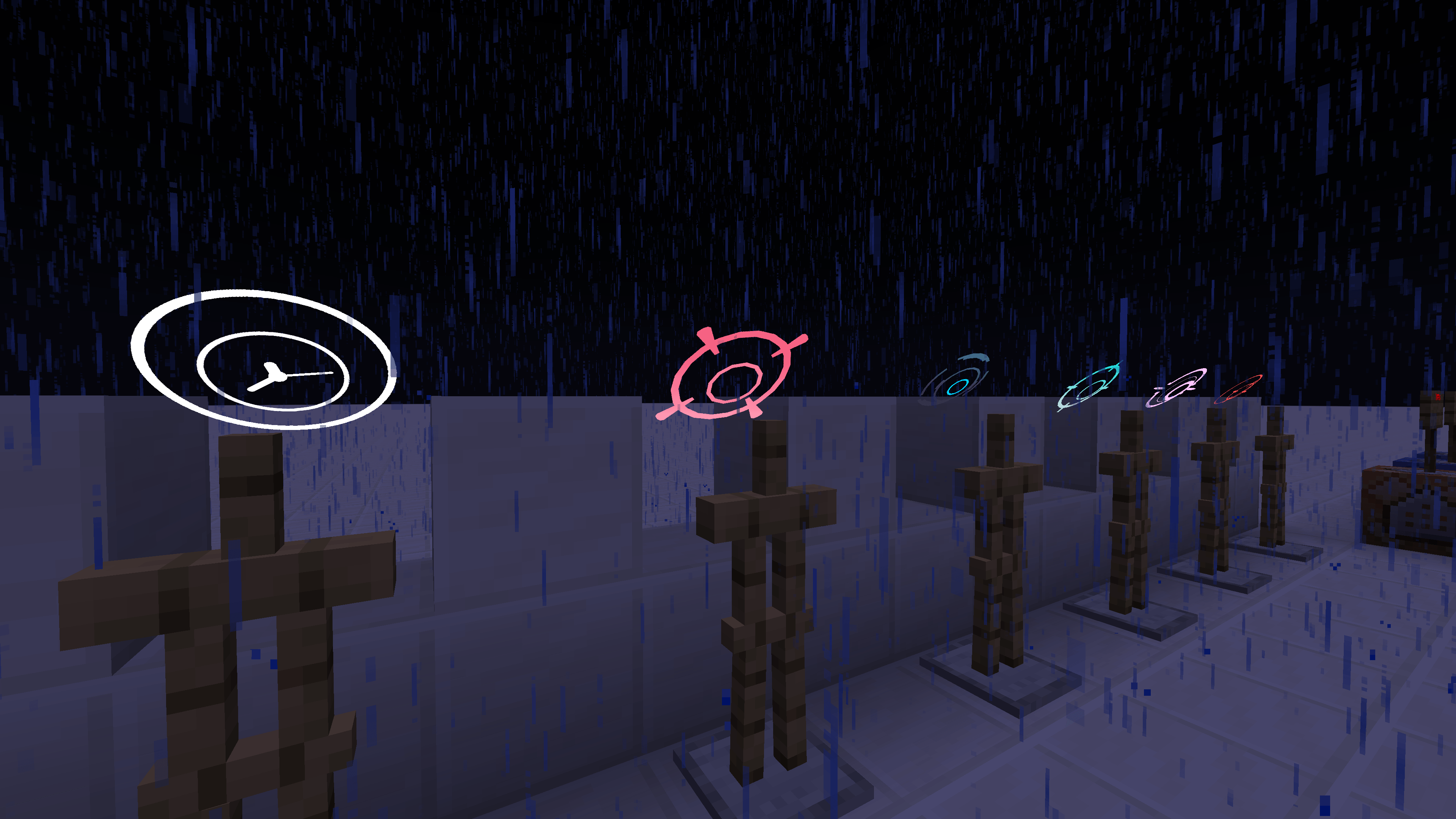 2026-06-21_01.33.56.png 2026-06-21_01.33.56.png
 -
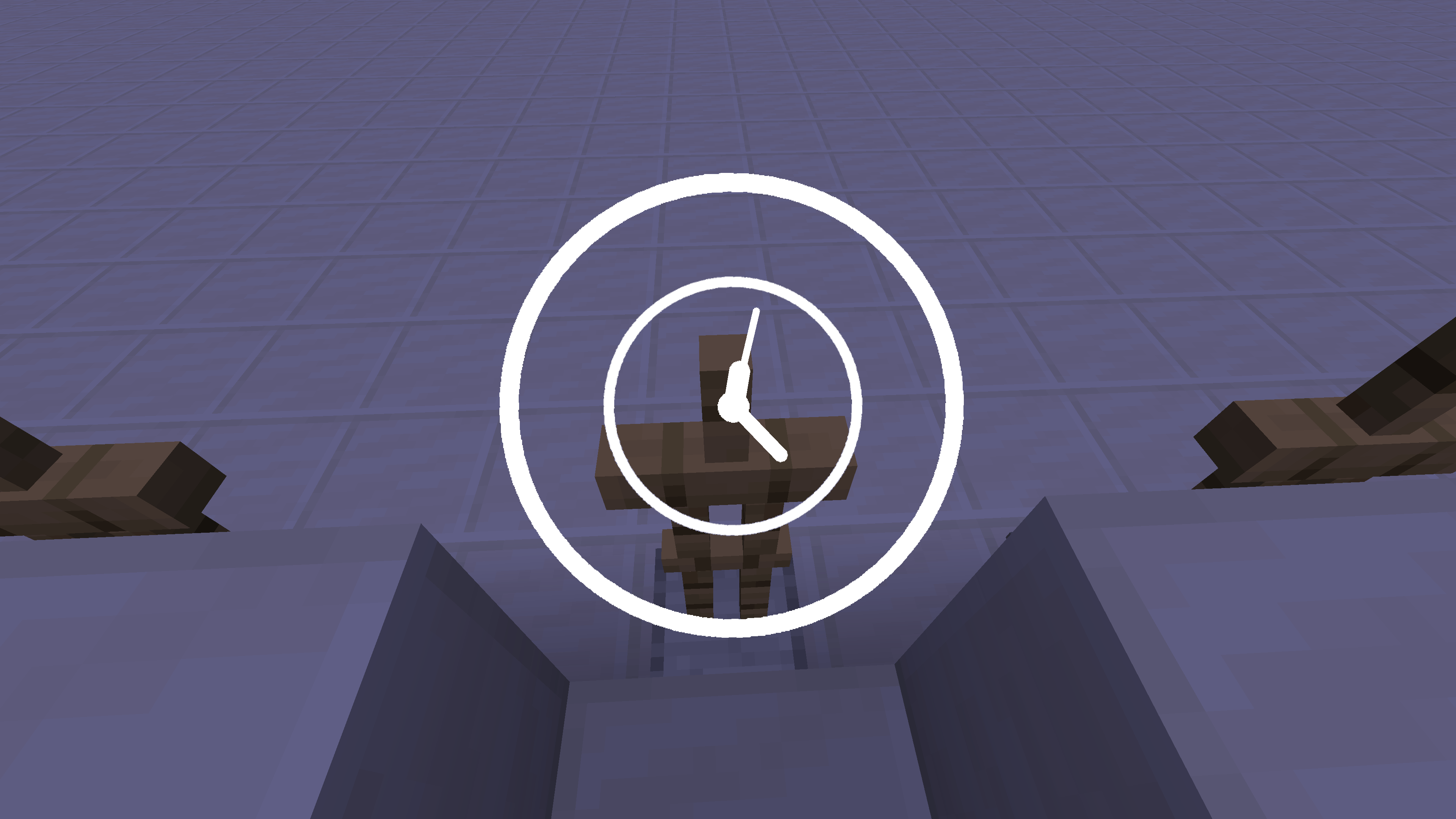 2026-06-21_01.35.12.png 2026-06-21_01.35.12.png
 -
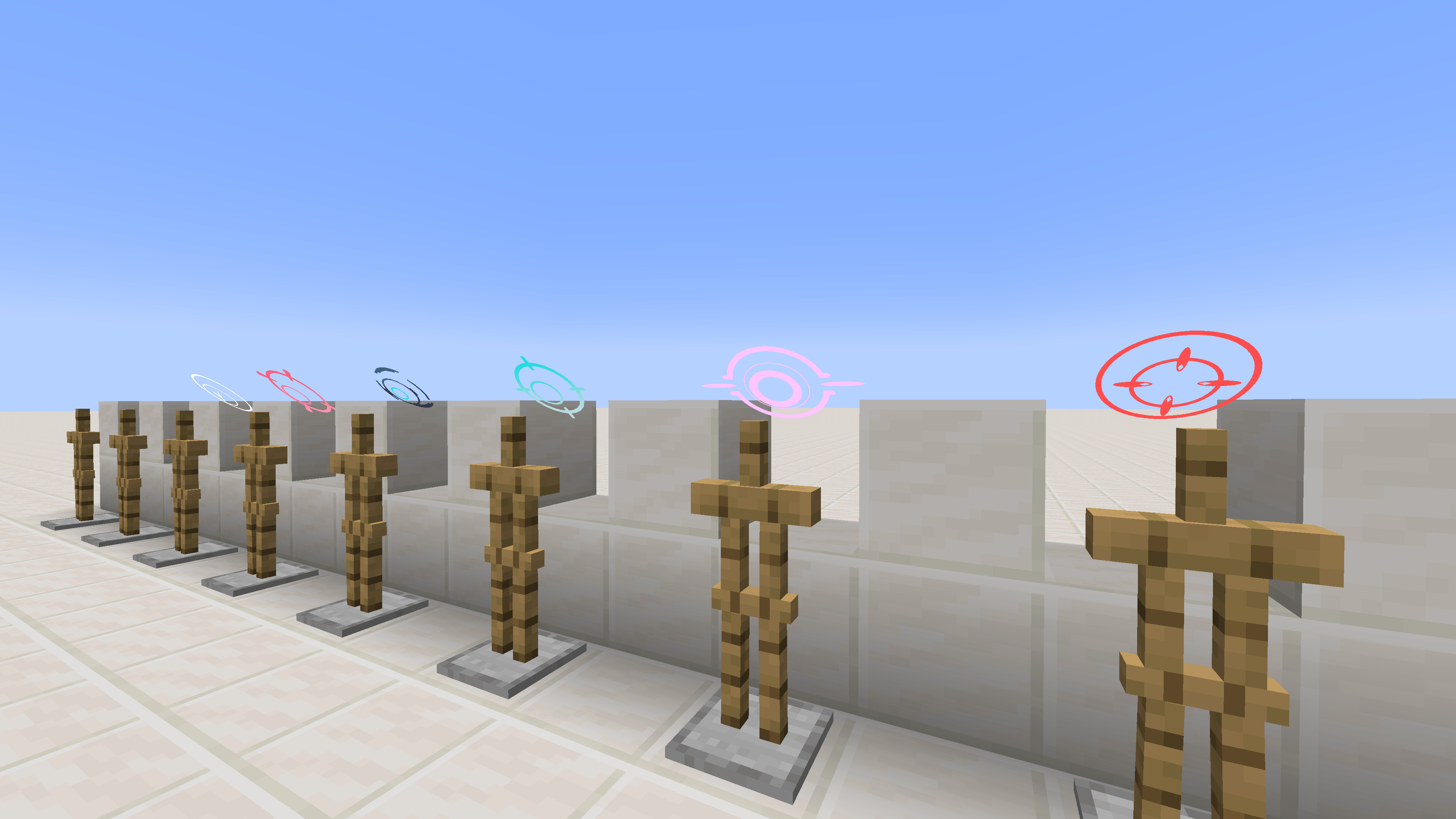 2026-06-21_01.36.00.png 2026-06-21_01.36.00.png
 -
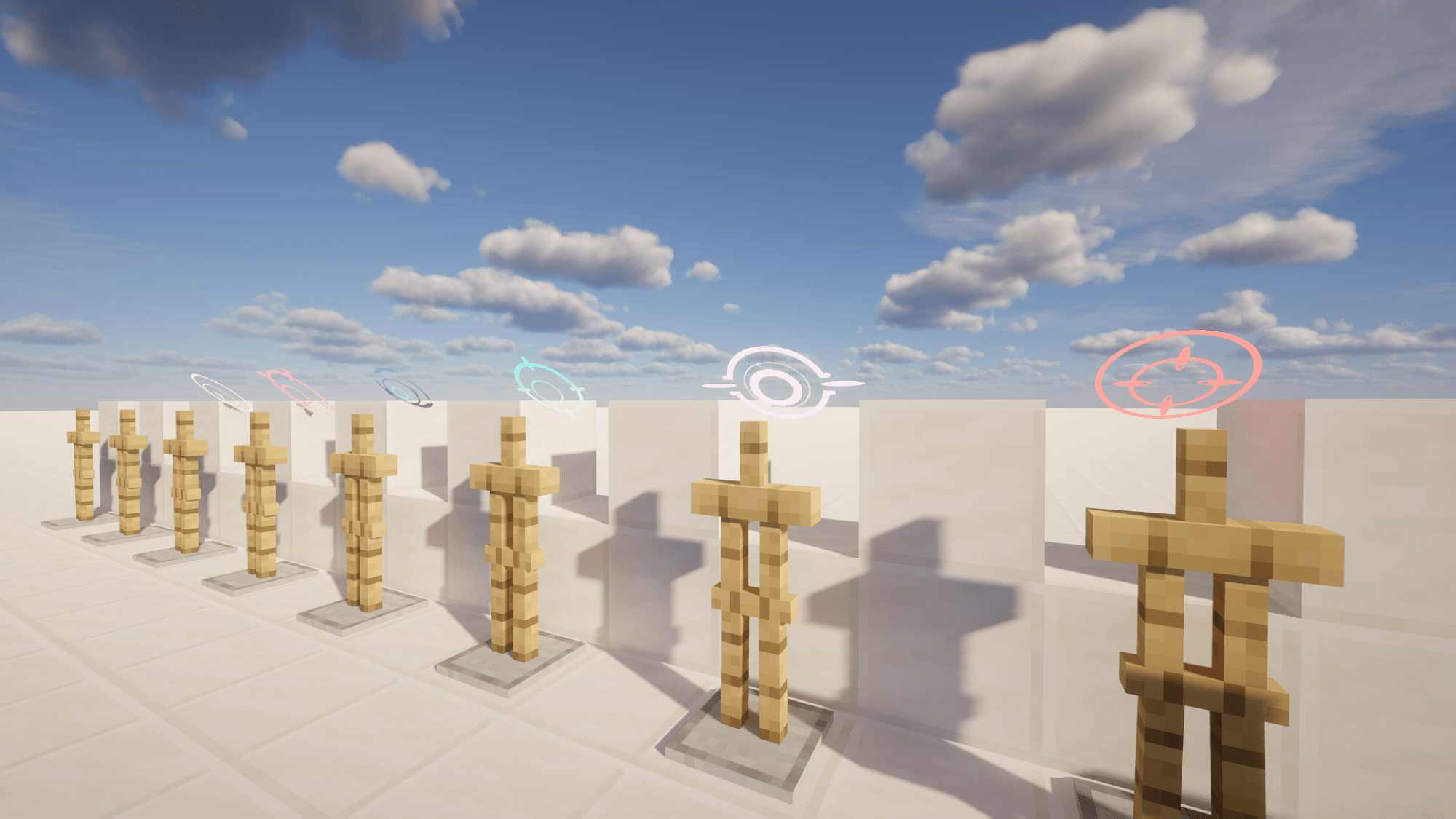 2026-06-21_01.35.48.png 2026-06-21_01.35.48.png
 -
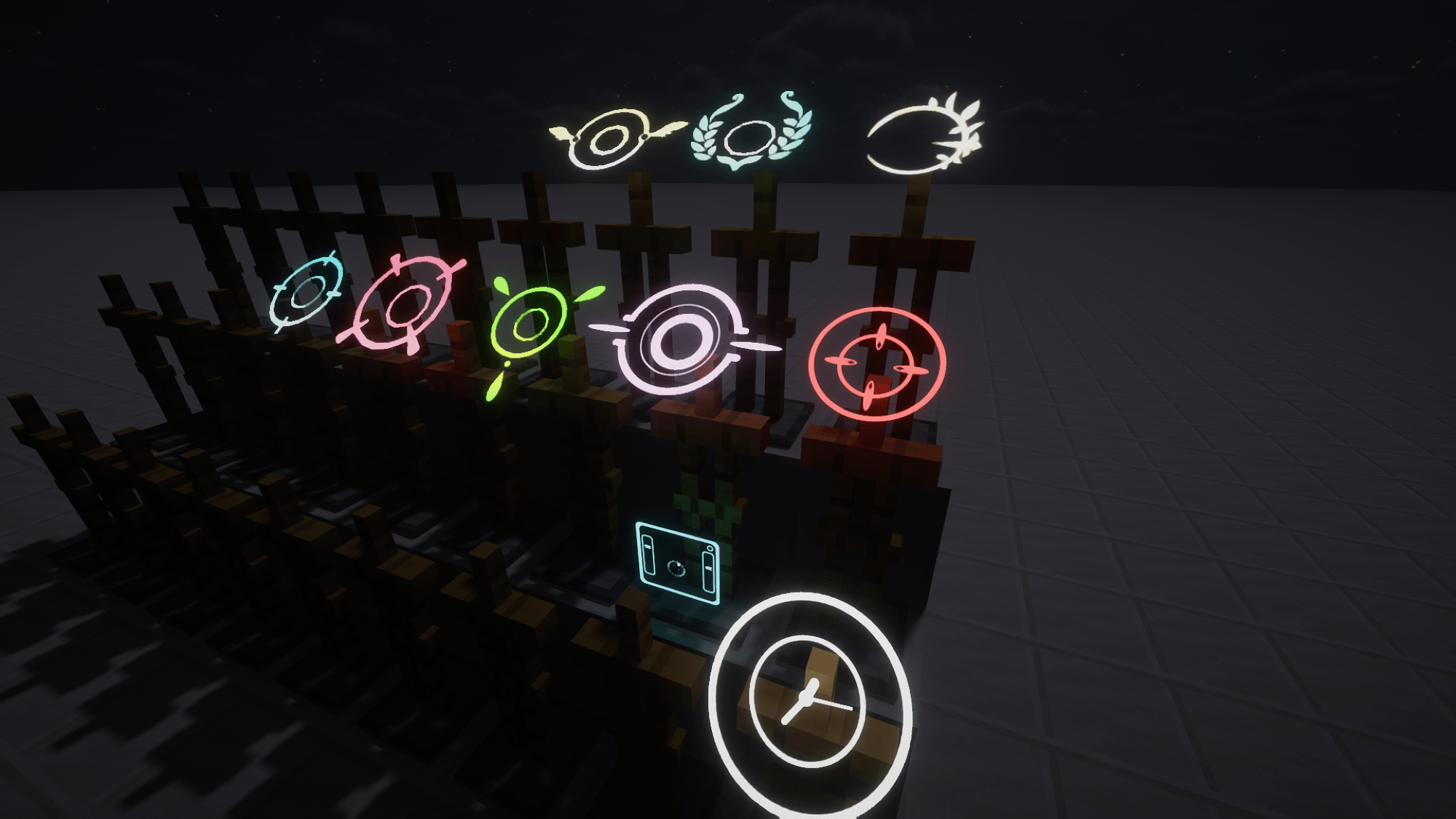 2026-06-23_00.39.17.png 2026-06-23_00.39.17.png
-
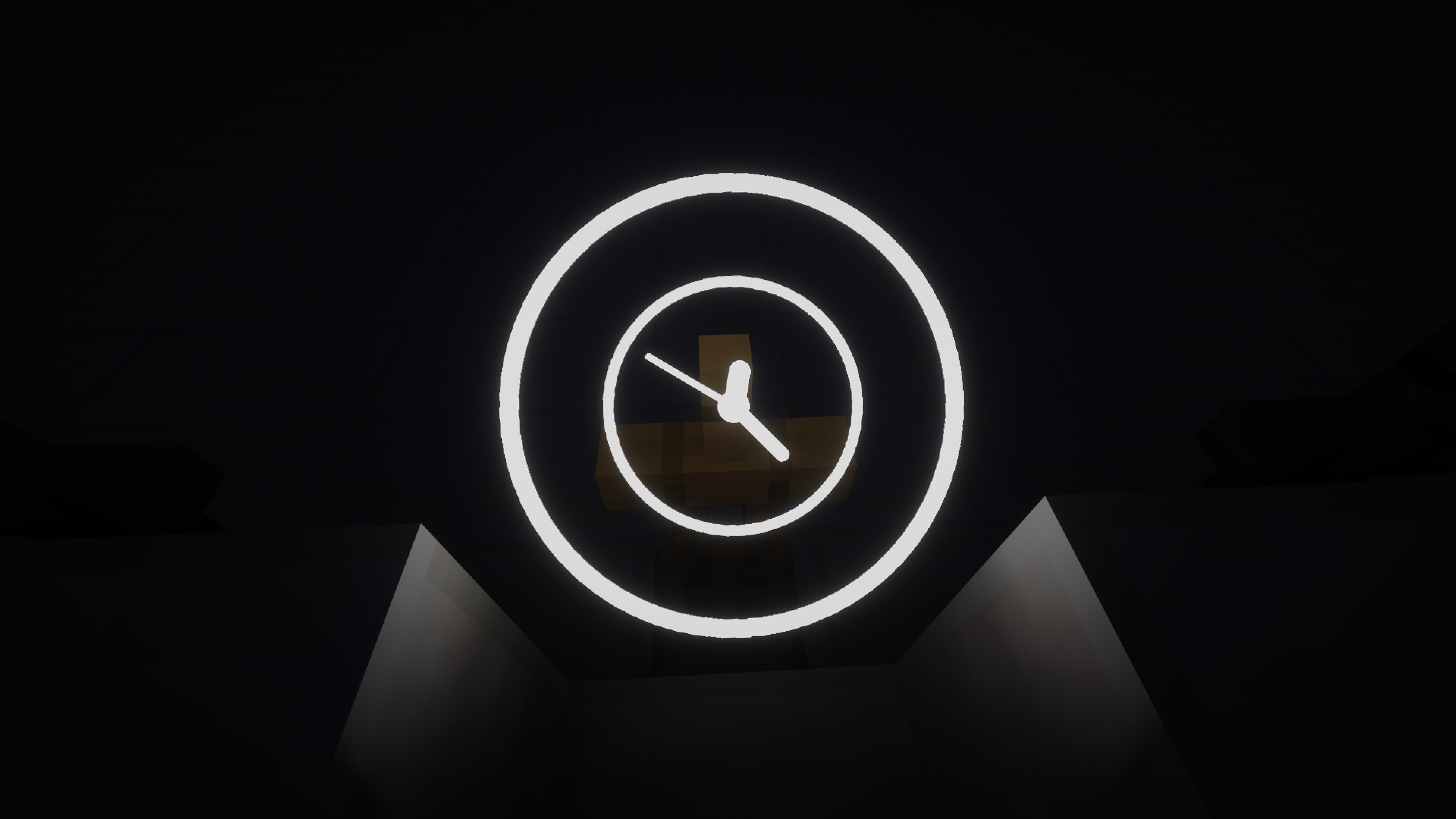 Ring Default (With Shader) The default halo provided in the mod pack
 -
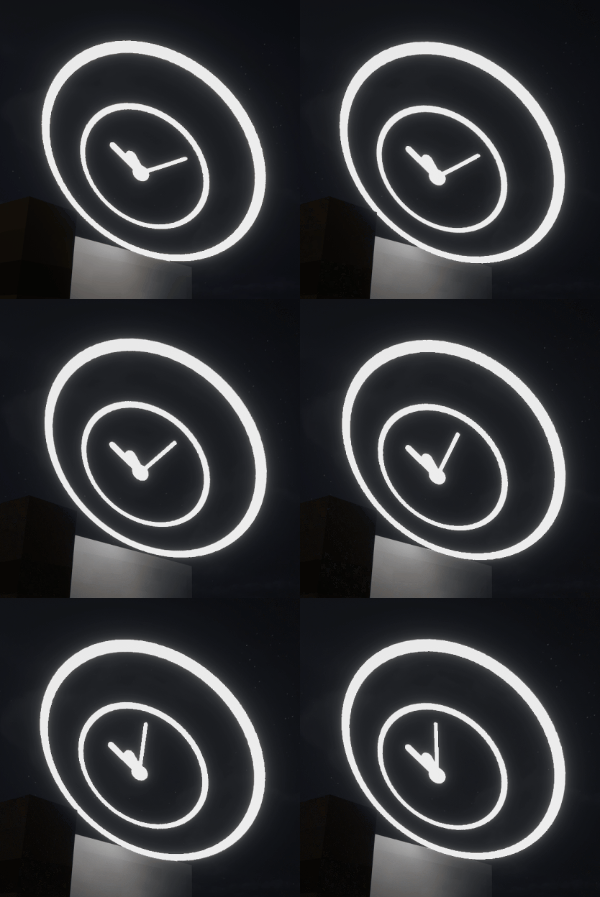 Ring Default Like breathing time
 -
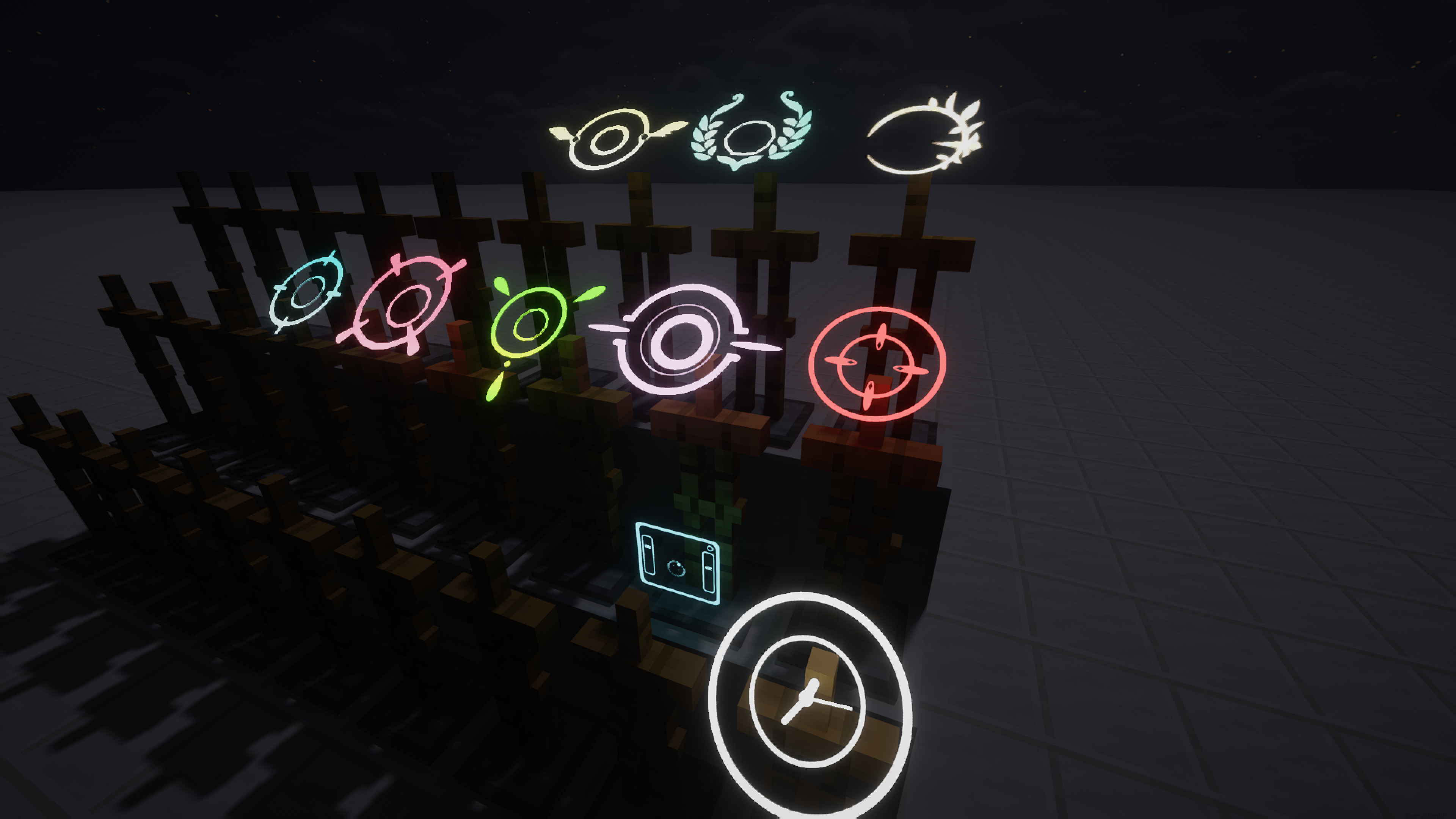 Currently available halos
 -
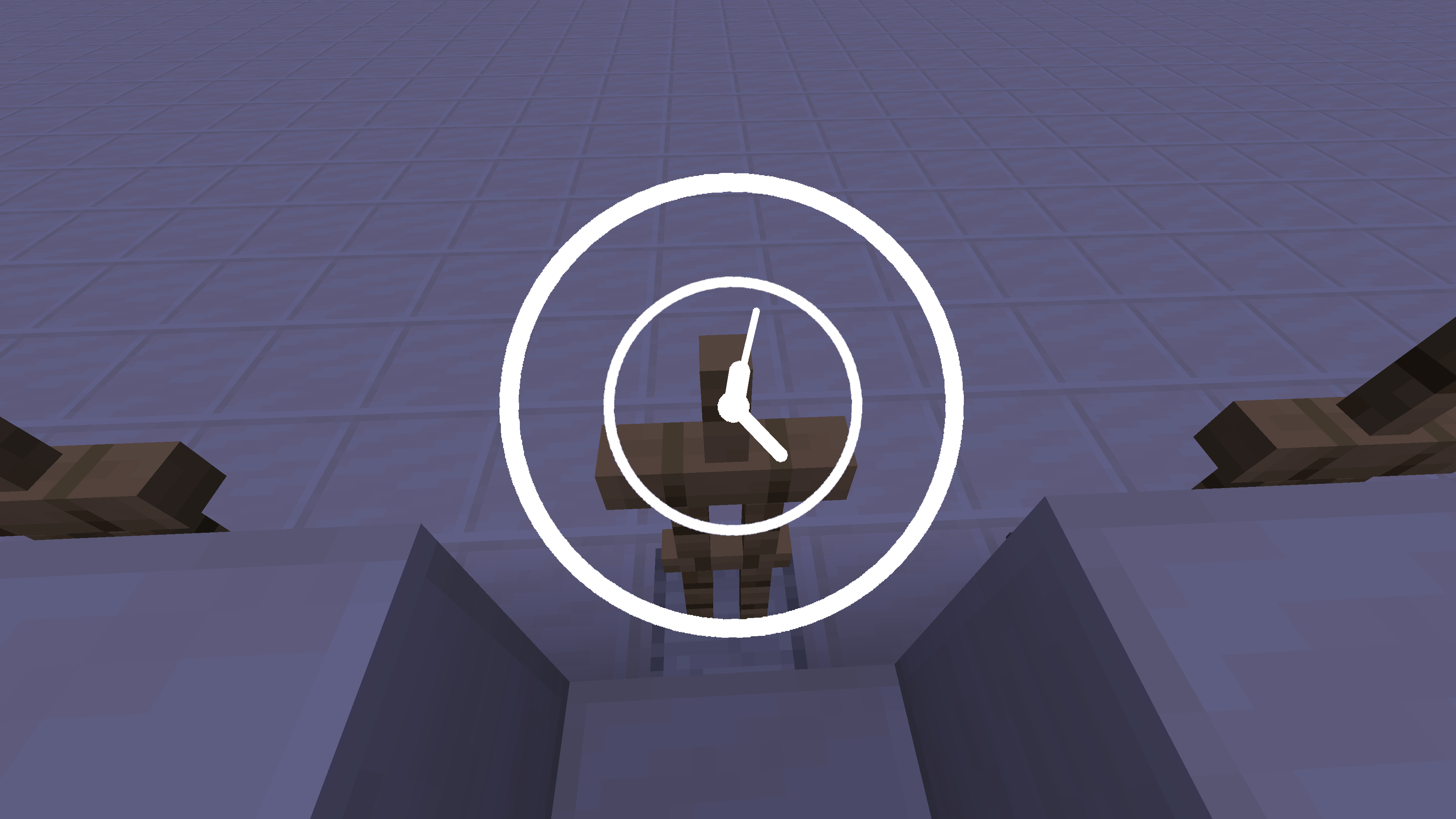 Ring Default (No Shader) The default halo provided in the mod pack
 -
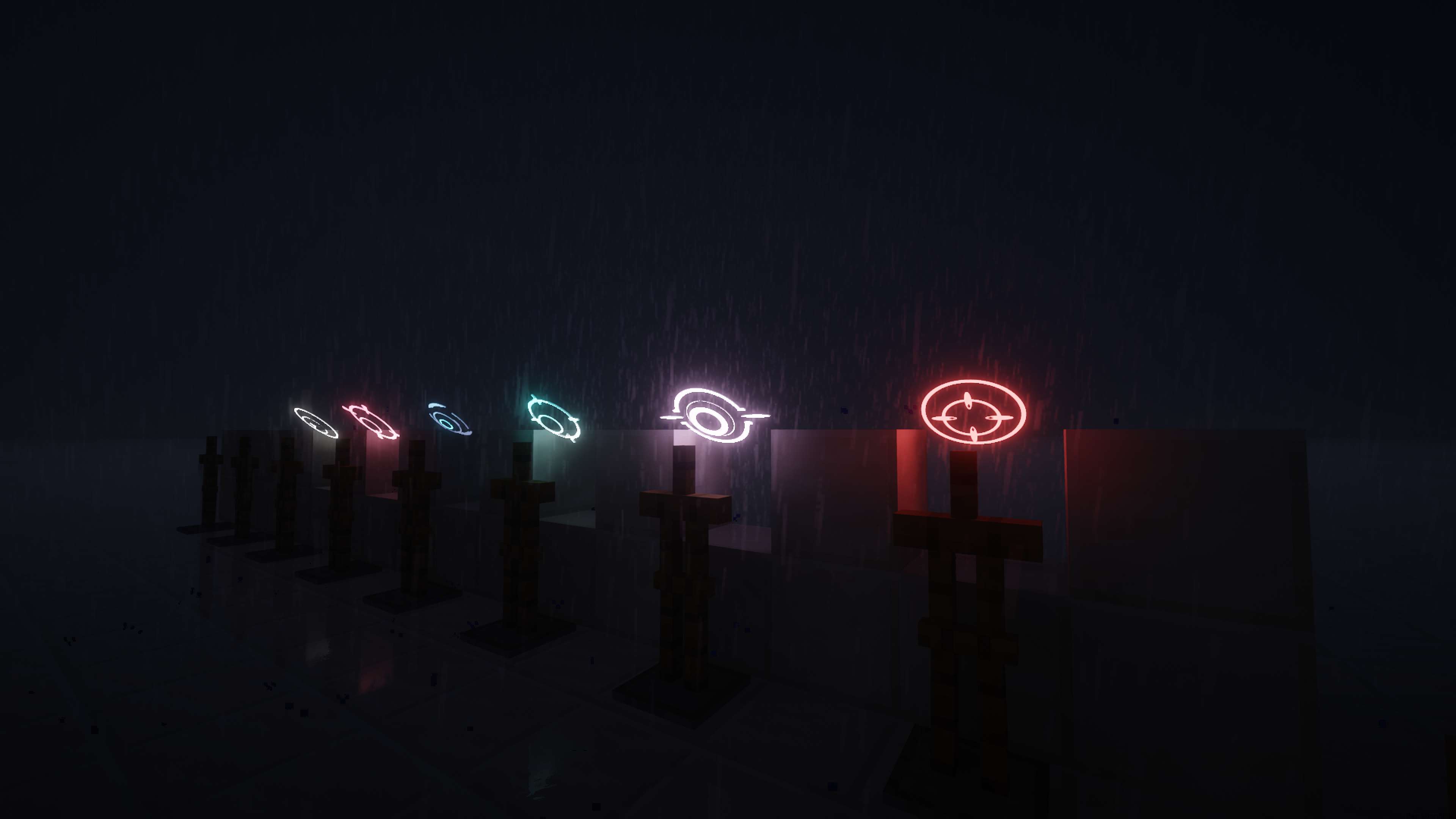 Halo in the Rainy Night(With Shader) The images are for illustrative purposes only
 -
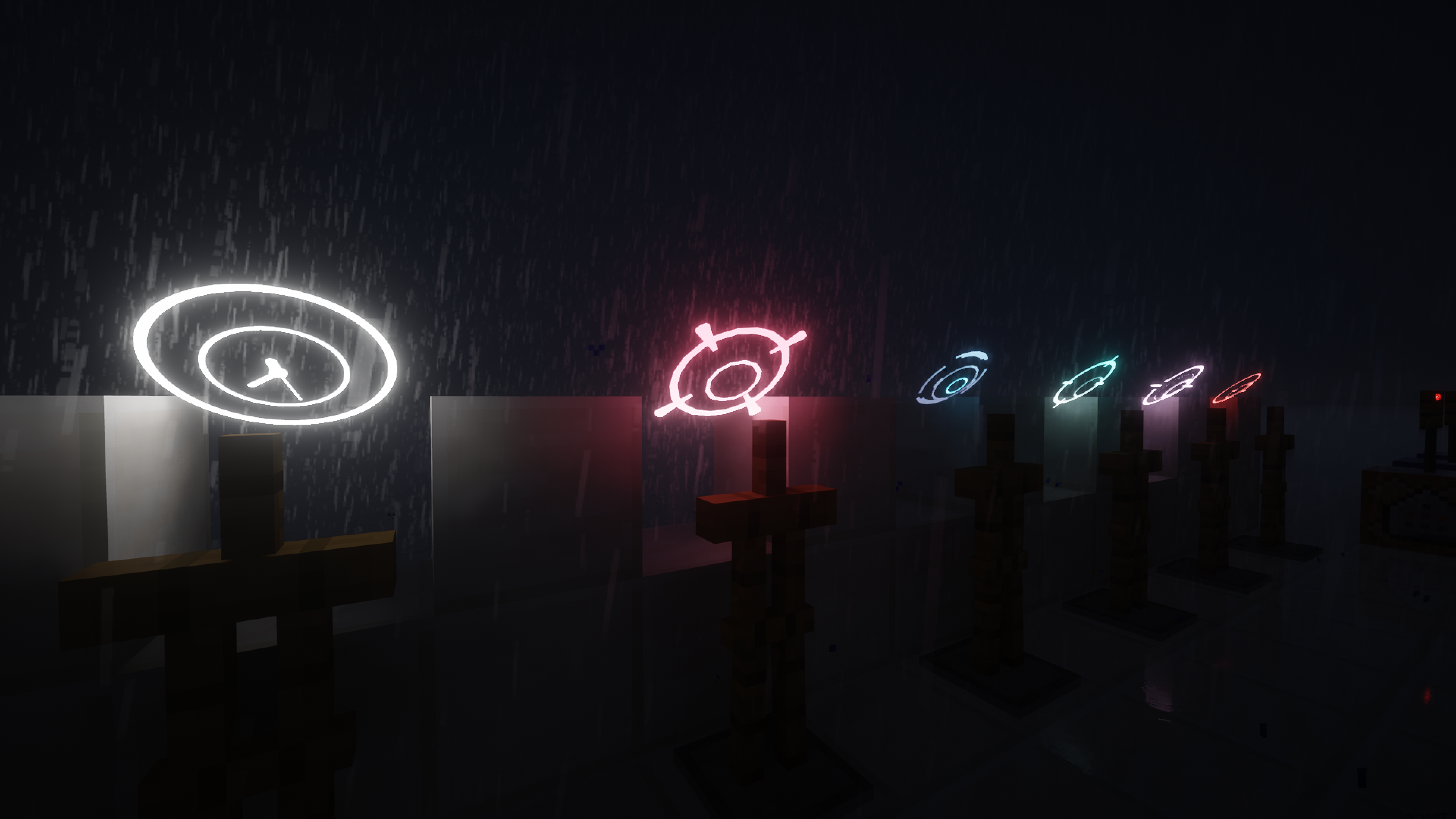 Halo in the Rainy Night(With Shader) Certain halos shown not included in Mod
 -
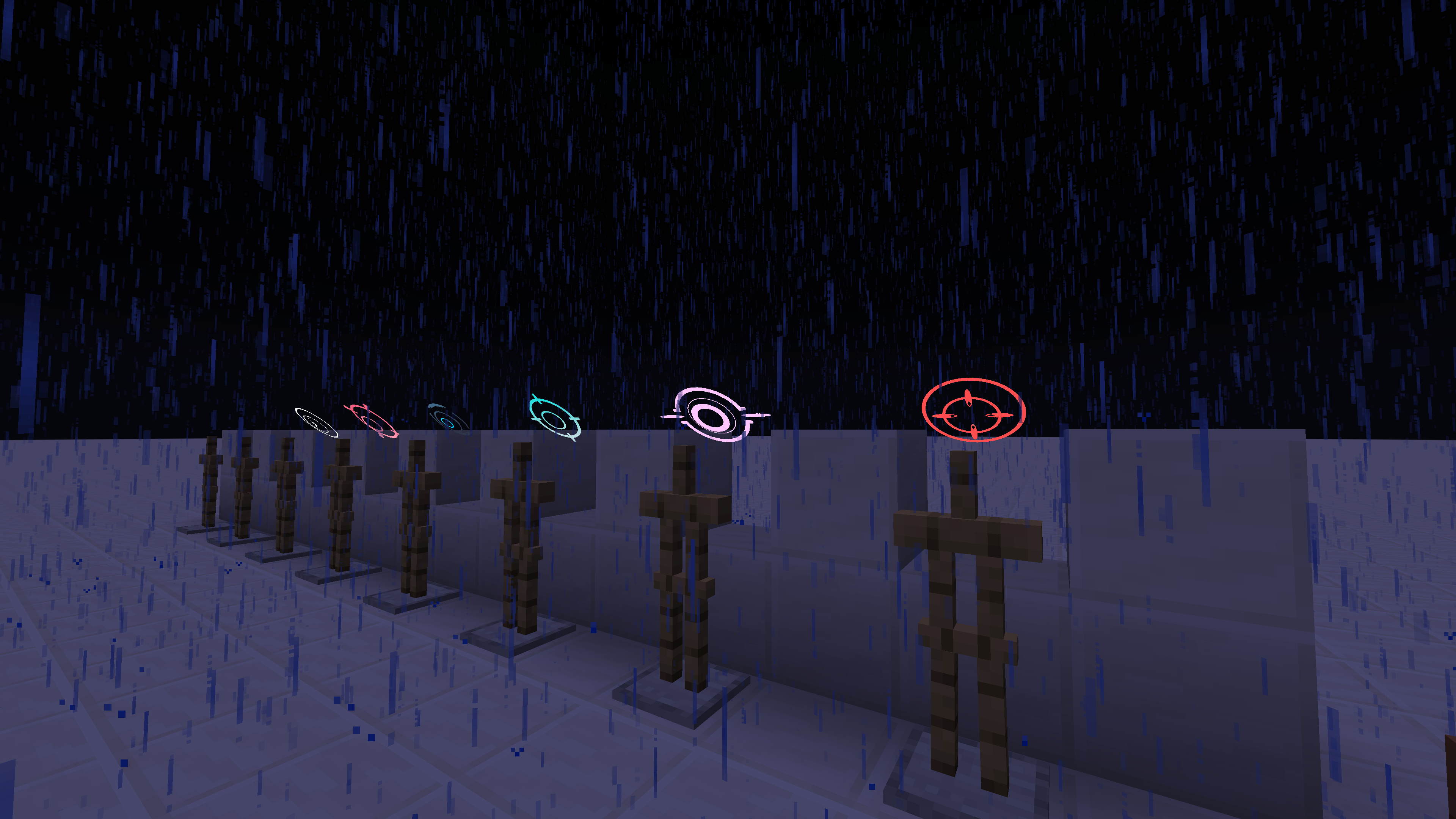 Halo in the Rainy Night(No Shader) The images are for illustrative purposes only
 -
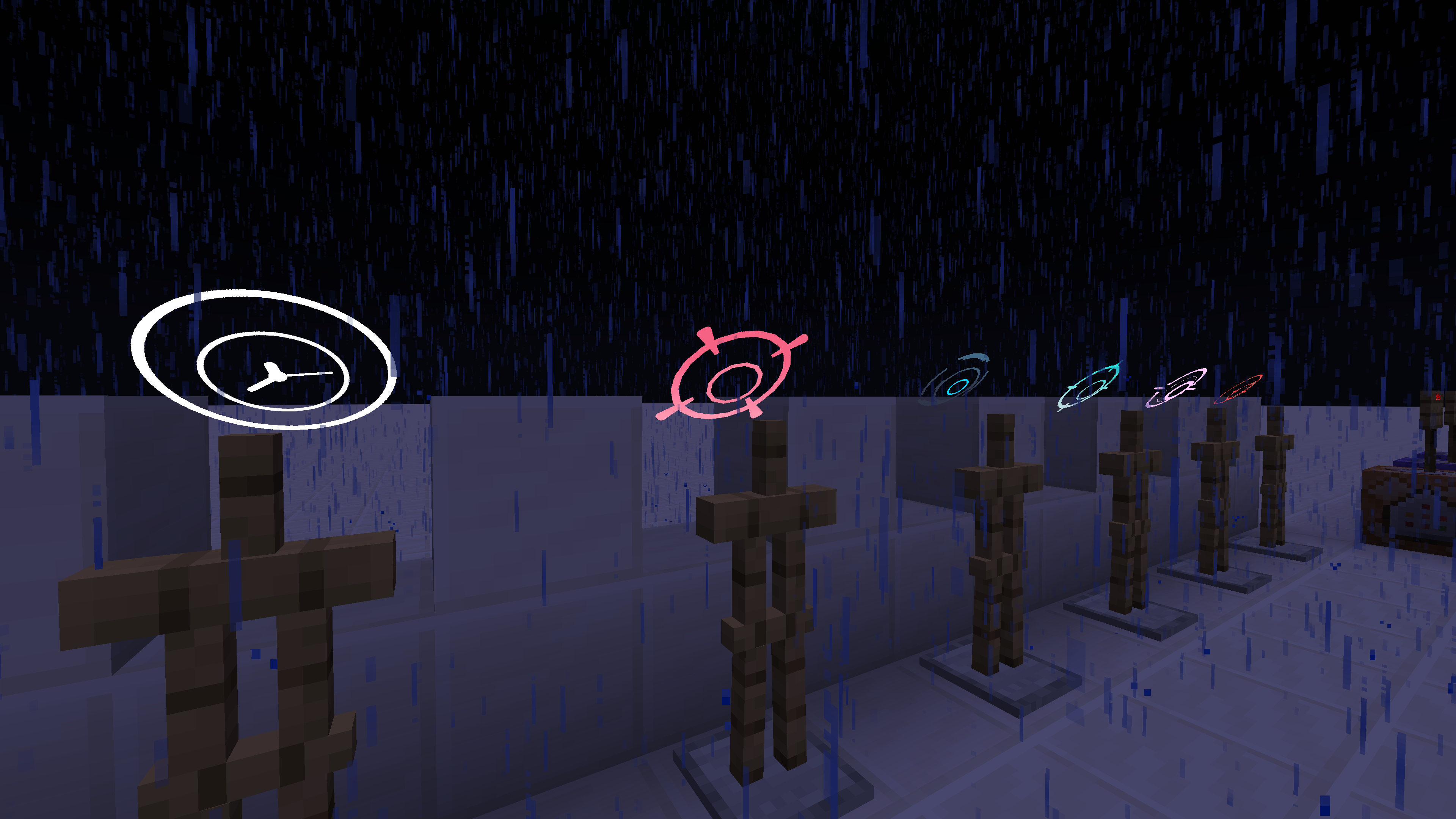 Halo in the Rainy Night(No Shader) Certain halos shown not included in Mod
 -
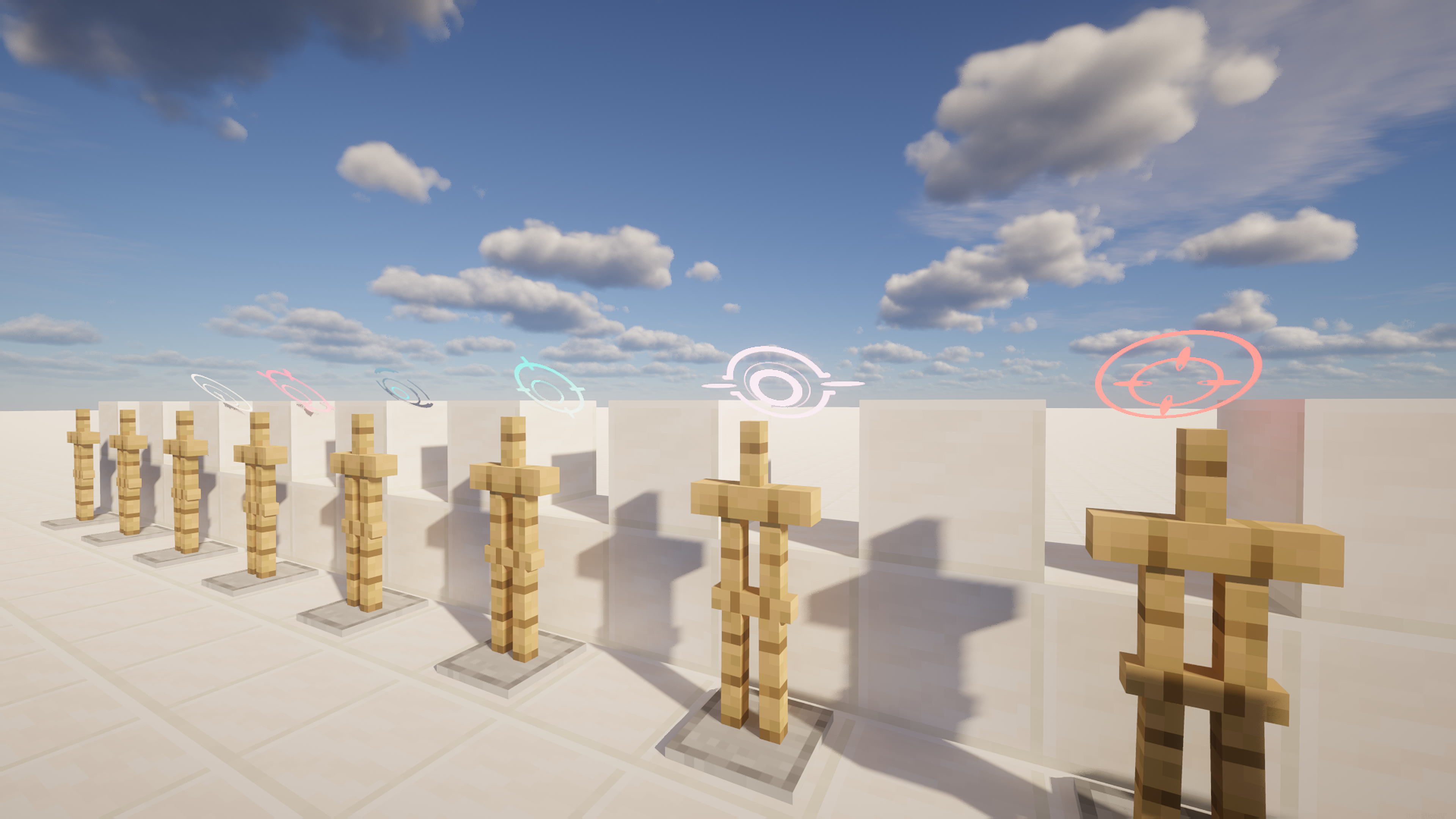 Halo Under Sunlight (With Shader) The images are for illustrative purposes only
 -
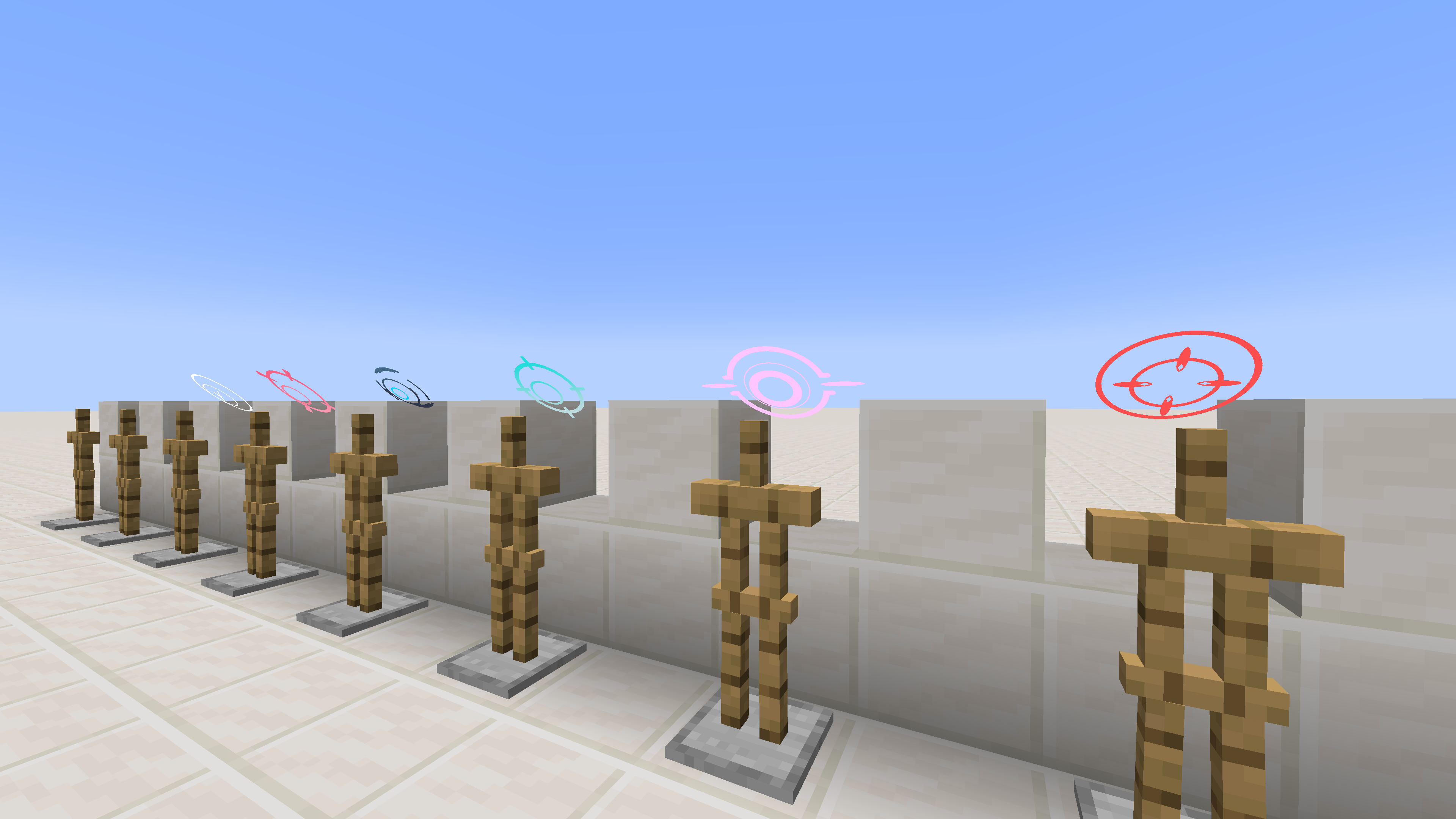 Halo Under Sunlight (No Shader) Certain halos shown not included in Mod
Versions
Files
Relations
Project Relations
More like this
Similar Mods
Suggestions use data such as tags, dependencies, dependents, descriptions, titles, and more to rank how much they overlap with this mod.
On ModDex
Community snapshot
By the numbers
Statistics
Want to reach Minecraft players?
We're looking for a server hosting partner to feature here and other parts of the site. Interested? Send us a message!
Get in touchGet it on
Available Platforms
On ModDex
Community snapshot
By the numbers