
Community listing page, reviews here may not be monitored by the author.
Happy Ghast Scaffolding

No reviews yet
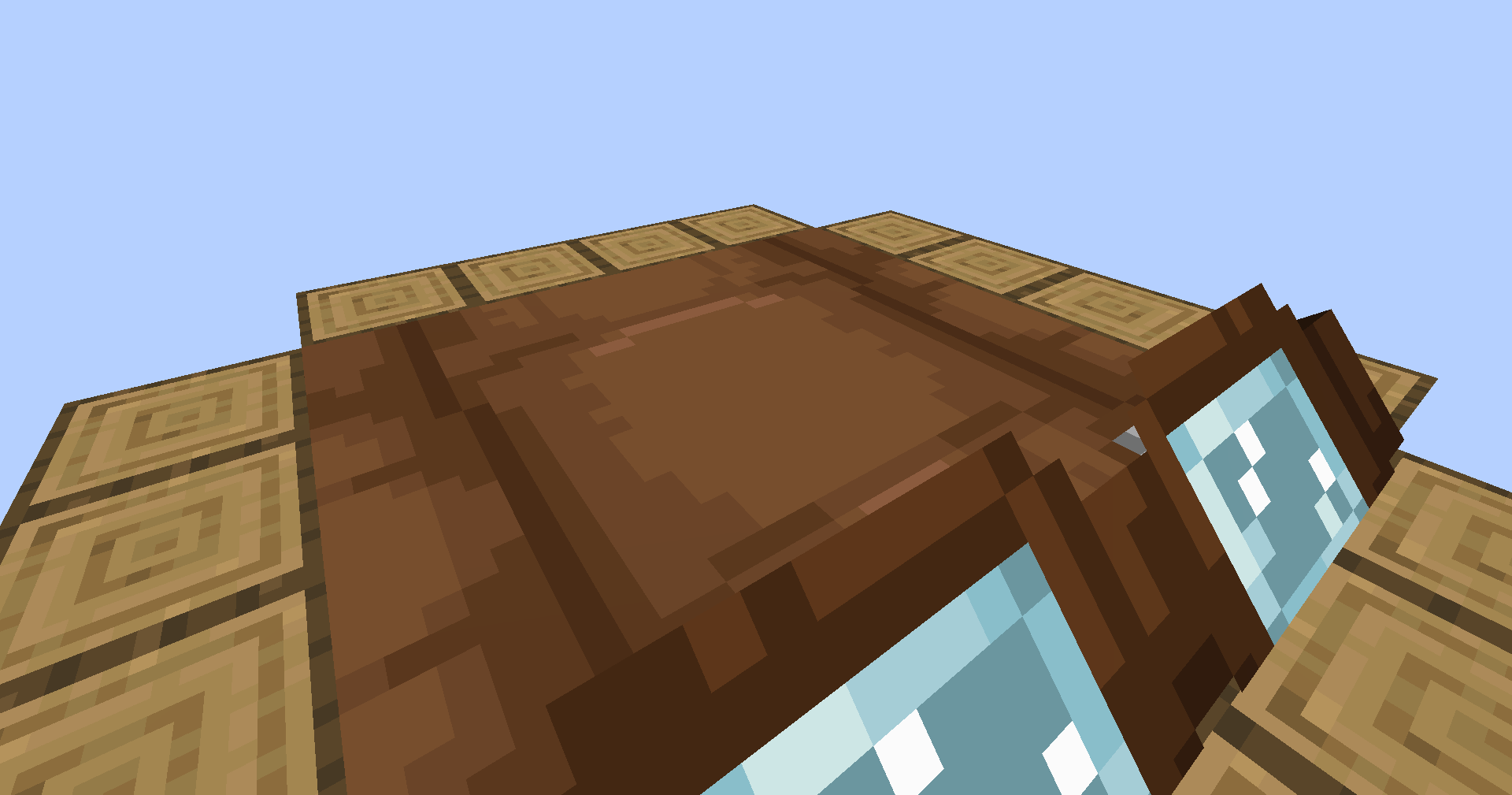
Place blocks on the sides of happy ghasts while you're riding on them!

Community voices
Reviews
No reviews yet. Be the first to review this project!
Get it on
Available Platforms
Compatibility
Supported Environments
The author has not specified where this runs.
About
Project Details
For authors
Embed Badge
If you're the author of this project, you can embed a live badge anywhere that supports HTML or Markdown. It updates automatically whenever ratings change.
Use HTML for any page that supports it, or Markdown for README files and Markdown-based descriptions.
Identifiers
Platform IDs
Resources
External Links
About
Description
If a happy ghast has a player standing on their back, they will move to align themself with the coordinate grid. Once they do, right click an empty space next to the ghast in order to place a block from either your mainhand or your offhand. Since happy ghasts are exactly 4 blocks across, there's a total of 16 spaces wherein you can place a block.
While in survival or adventure mode, placing blocks will remove them from your inventory. If you're in creative mode, your inventory will be unaffected.
Compatibility:
This datapack supports both vanilla and modded blocks, however, the item ID and the block ID have to match. For example, a water bucket won't place a water block since its item ID is "minecraft:water_bucket" instead of "minecraft:water".
Sounds:
When placing blocks, the sound played won't correspond to the block type. Instead, it will always use the sound for placing scaffolding. Unfortunately, I couldn't find a good way to connect the sound played to the type of block placed.
If preferred, you can use "/function hgs:toggle_sound" to disable the scaffolding sounds.
Installing / Uninstalling:
Install As Mod
Download the ".jar" file and drop it into your mods folder, or use Modrinth's big green "Install" button. Simple as that!
Install As Datapack
To add this pack to a pre-existing world...
- Select the world
- Click on "Edit"
- Then click "Open World Folder"
- Go into the "datapacks" sub-folder
- Place the datapack ZIP file inside
To add this pack to a new world...
- Select "Create New World"
- Click on "More"
- Then "Data Packs"
- And then "Open Pack Folder"
- Place the datapack ZIP file inside (the pack should then appear under "Available")
- Hover over the datapack icon and click the arrow to enable it
Uninstall Mod/Datapack
To fully uninstall this mod/datapack and remove all traces of it...
- Type in this command: "/function hgs:uninstall"
- Remove the mod/datapack from the folder you put it in during installation, or uninstall it via Modrinth.
Screenshots
Gallery
Versions
Files
Relations
Project Relations
More like this
Similar Mods
Suggestions use data such as tags, dependencies, dependents, descriptions, titles, and more to rank how much they overlap with this mod.
- Happy Ghast
- Happy Ghast+
- Happy Ghast+
- Happy Ghast Backport
- Happy Ghast 1.19+ [FORGE/NEOFORGE]
- Happy Ghast Legacy
- Happy Ghast [1.20+1.21++ Backport] [deprecated]
- Happy ghast and ghast origins
- Happy Ghast / Ghastlings
- Happy Ghast but Fast (2x Speed)
- Happy Ghast [Dried Ghast/Ghastling]
- Happy Ghast but Fast (3x Speed)
On ModDex
Community snapshot
By the numbers
Statistics

 (opens in a new tab)
Get it on
Available Platforms
On ModDex
Community snapshot
By the numbers
Statistics
Resources