
HealthGuard
No reviews yet
Never accidentally not notice when you're low or don't have a totem in your offhand
Fabric is a mod loader for versions 1.14+ of Minecraft, particularly popular for client side and optimization mods.
Community voices
Reviews
Click once to include, again to exclude, again to clear
No reviews yet. Be the first to review this project!
Get it on
Available Platforms
 Modrinth
Compatibility
Supported Environments
About
Project Details
For authors
Embed Badge
If you're the author of this project, you can embed a live badge anywhere that supports HTML or Markdown. It updates automatically whenever ratings change.
Use HTML for any page that supports it, or Markdown for README files and Markdown-based descriptions.
Identifiers
Platform IDs
Resources
External Links
About
Description
HealthGuard
A Minecraft Fabric mod that provides visual warning overlays when your health is low or when you have a totem of undying in your inventory but not equipped in your offhand.
Features
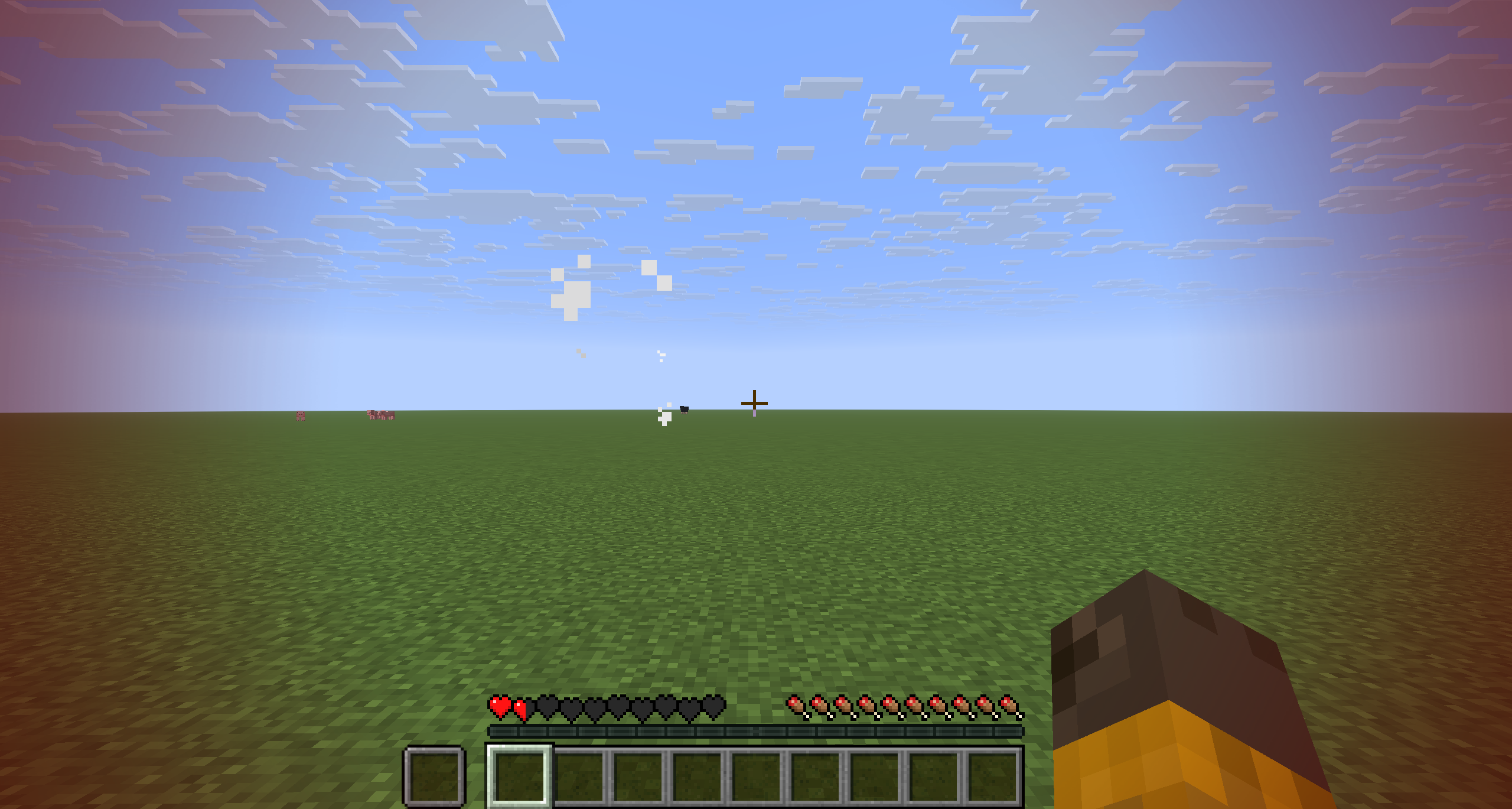
Low Health Warning Overlay
When your health drops below a configurable threshold, a red warning overlay will flash on your screen to alert you of the danger.
- Configurable Health Threshold - Set at what health level the warning triggers (1-20 hearts)
- Adjustable Flash Speed - Control how fast the overlay flashes (0.5x - 10x speed)
- Customizable Transparency - Adjust minimum and maximum alpha levels for the flash effect
Totem Warning System
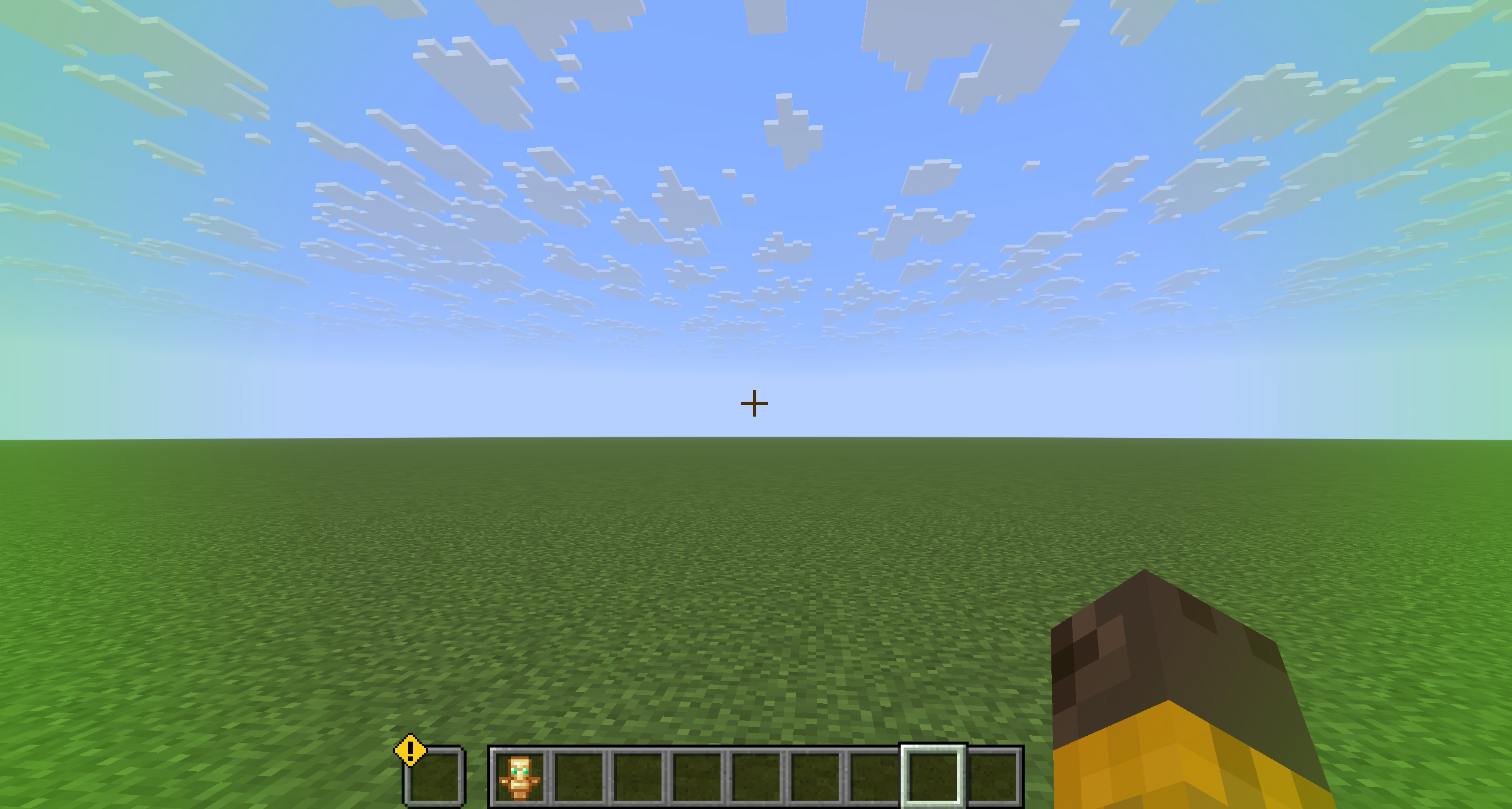
HealthGuard monitors your totem of undying and warns you when you have one in your inventory but haven't equipped it in your offhand slot.
- Visual Overlay - White flashing overlay when totem is in inventory but not offhand
- Warning Icon - An animated warning icon appears above the offhand slot with a bobbing animation
- Independent Settings - Configure flash speed, transparency, and icon animation separately from the health warning
Configuration
All settings can be adjusted in-game through the ModMenu config screen.
Low Health Settings
| Setting | Default | Range | Description |
|---|---|---|---|
| Enabled | true | On/Off | Toggle the low health overlay |
| Health Threshold | 6 | 1-20 | Health level that triggers the warning |
| Flash Speed | 2.0 | 0.5-10.0 | Speed of the flashing animation |
| Min Alpha | 50 | 0-255 | Minimum opacity of the overlay |
| Max Alpha | 200 | 0-255 | Maximum opacity of the overlay |
Totem Settings
| Setting | Default | Range | Description |
|---|---|---|---|
| Enabled | true | On/Off | Toggle the totem warning system |
| Flash Speed | 2.0 | 0.5-10.0 | Speed of the white overlay flash |
| Min Alpha | 50 | 0-255 | Minimum opacity of the overlay |
| Max Alpha | 200 | 0-255 | Maximum opacity of the overlay |
| Icon Bob Speed | 1.5 | 0.5-5.0 | Speed of the warning icon bobbing |
| Icon Bob Height | 3 | 1-10 | Height of the warning icon bobbing |
Dependencies
- NebsConfigLib - Required for configuration management
- ModMenu - Optional, for in-game configuration UI
Screenshots
Gallery
Versions
Files
Relations
Project Relations
More like this
Similar Mods
Suggestions use data such as tags, dependencies, dependents, descriptions, titles, and more to rank how much they overlap with this mod.
On ModDex
Community snapshot
By the numbers
Statistics

Want to reach Minecraft players?
We're looking for a server hosting partner to feature here and other parts of the site. Interested? Send us a message!
Get in touchGet it on
Available Platforms
On ModDex
Community snapshot
By the numbers
Statistics
Resources