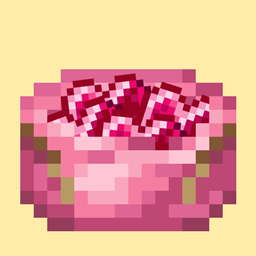
Community listing page, reviews here may not be monitored by the author.
Heartpouch


No reviews yet
Heart Pouch is a quality-of-life addon for the Heartstone mod. It introduces a bundle-like item to help storing heartstones.

Community voices
Reviews
No reviews yet. Be the first to review this project!
Get it on
Available Platforms
Compatibility
Supported Environments
Must be installed on both the client and the server.
About
Project Details
For authors
Embed Badge
If you're the author of this project, you can embed a live badge anywhere that supports HTML or Markdown. It updates automatically whenever ratings change.
Use HTML for any page that supports it, or Markdown for README files and Markdown-based descriptions.
Identifiers
Platform IDs
Resources
External Links
About
Description
🦝 About 🦝
Heart Pouch is a quality-of-life addon for Heartstone.
It allows you to store, manage, and switch between multiple Heartstones using a single inventory slot.
No more inventory clutter.
No more digging through chests or backpacks.
One pouch. Many bonds. ❤️
✨ Features ✨
- Multiple Heartstones, One Slot
Store several Heartstones inside a single pouch item. - Instant Switching
Hold SHIFT + Mouse Wheel to cycle through stored Heartstones. - Active Heart Usage
Right-click the pouch to use the currently selected Heartstone as if it were in your hand. - Clear Visual Feedback
Tooltips display:- All stored Heartstones
- Custom names (if present)
- Which Heartstone is currently active
- Inventory & Container Support
Works while:- Holding the pouch
- Hovering it in inventories
- Using containers
Smooth and intuitive in any context.
🖱️ How to Use 🖱️
- Insert a Heartstone
Right-click a Heartstone with the pouch in your inventory (or vice versa) to store it. - Remove the Active Heartstone
Right-click the pouch with an empty cursor. - Switch Active Heartstone
Hold SHIFT and scroll the mouse wheel while holding the pouch in your hand or hovering over it in an inventory/container. - Use the Pouch
Right-click normally to activate the selected Heartstone.
🔗 Compatibility 🔗
- Requires Heartstone
- Requires RaccoonCore
- Designed for Forge only, at least for now
- Should work fine with any other mods! But if it doesn't, please let me know by opening an issue here or on GitHub!
❤️Support Me❤️
As you may already know, modding isn't easy and takes a long time. So if you like what I do and would like to support me, you can tip me on ko-fi. One day i'll think on a good reweard for tippers!

🦝 About 🦝
Heart Pouch is a quality-of-life addon for Heartstone.
It allows you to store, manage, and switch between multiple Heartstones using a single inventory slot.
No more inventory clutter.
No more digging through chests or backpacks.
One pouch. Many bonds. ❤️
✨ Features ✨
- Multiple Heartstones, One Slot
Store several Heartstones inside a single pouch item. - Instant Switching
Hold SHIFT + Mouse Wheel to cycle through stored Heartstones. - Active Heart Usage
Right-click the pouch to use the currently selected Heartstone as if it were in your hand. - Clear Visual Feedback
Tooltips display:- All stored Heartstones
- Custom names (if present)
- Which Heartstone is currently active
- Inventory & Container Support
Works while:- Holding the pouch
- Hovering it in inventories
- Using containers
Smooth and intuitive in any context.
🖱️ How to Use 🖱️
- Insert a Heartstone
Right-click a Heartstone with the pouch in your inventory (or vice versa) to store it. - Remove the Active Heartstone
Right-click the pouch with an empty cursor. - Switch Active Heartstone
Hold SHIFT and scroll the mouse wheel while holding the pouch in your hand or hovering over it in an inventory/container. - Use the Pouch
Right-click normally to activate the selected Heartstone.
🔗 Compatibility 🔗
- Requires Heartstone
- Requires RaccoonCore
- Designed for Forge only, at least for now
- Should work fine with any other mods! But if it doesn't, please let me know by opening an issue here or on GitHub!
❤️Support Me❤️
As you may already know, modding isn't easy and takes a long time. So if you like what I do and would like to support me, you can tip me on ko-fi. One day i'll think on a good reweard for tippers!

Screenshots
Gallery
-
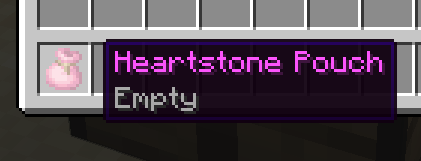 Item
Item -
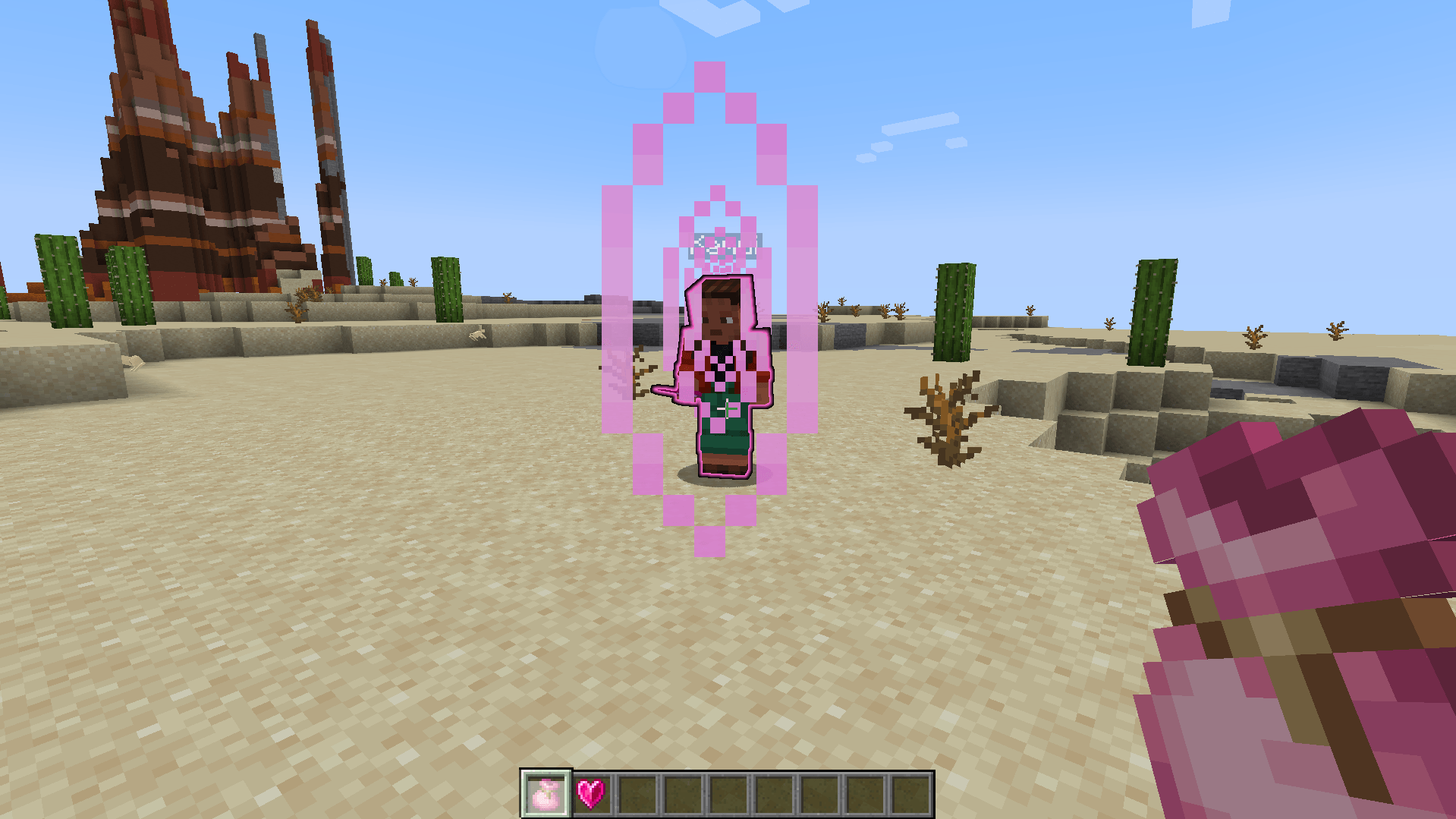 Using selected heart in pouch
 -
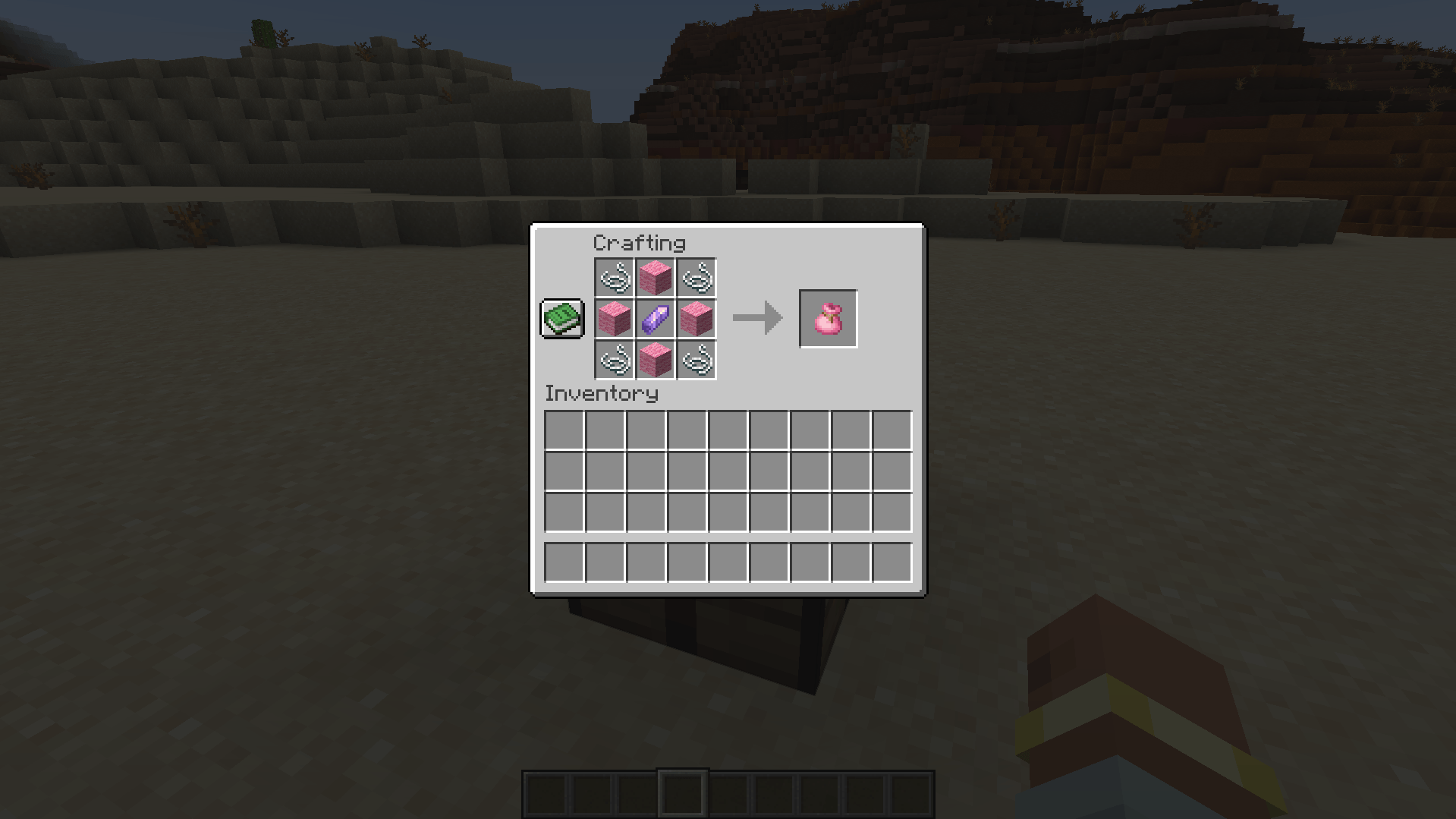 Crafting Recipe
 -
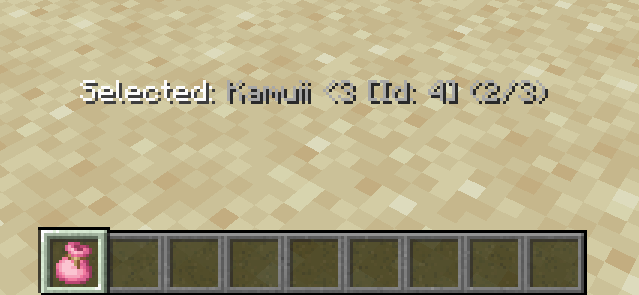 Selecting heart to use SHIFT + Mouse scroll
-
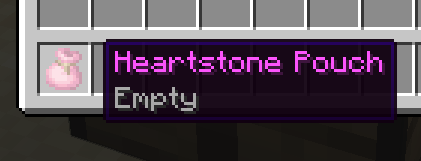 Item
Item -
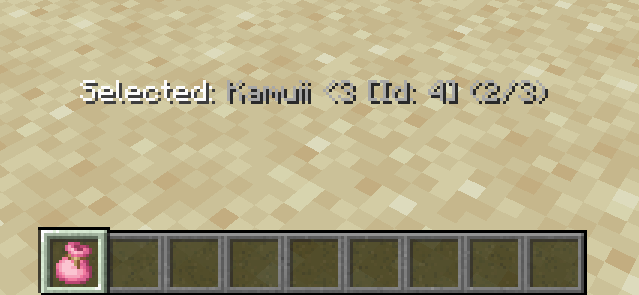 Selecting another heart to use SHIFT + Mouse scroll
 -
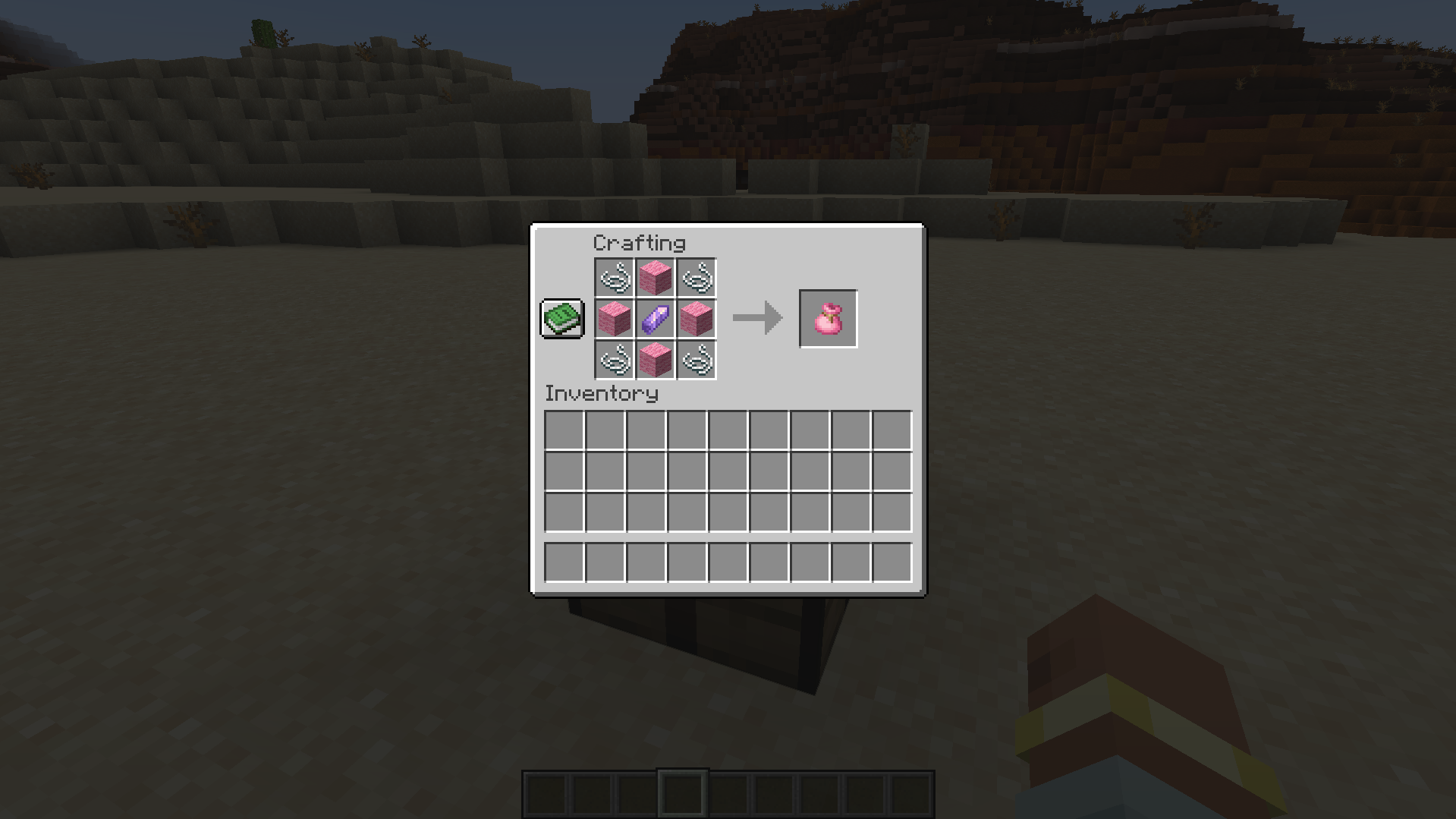 Crafting
 -
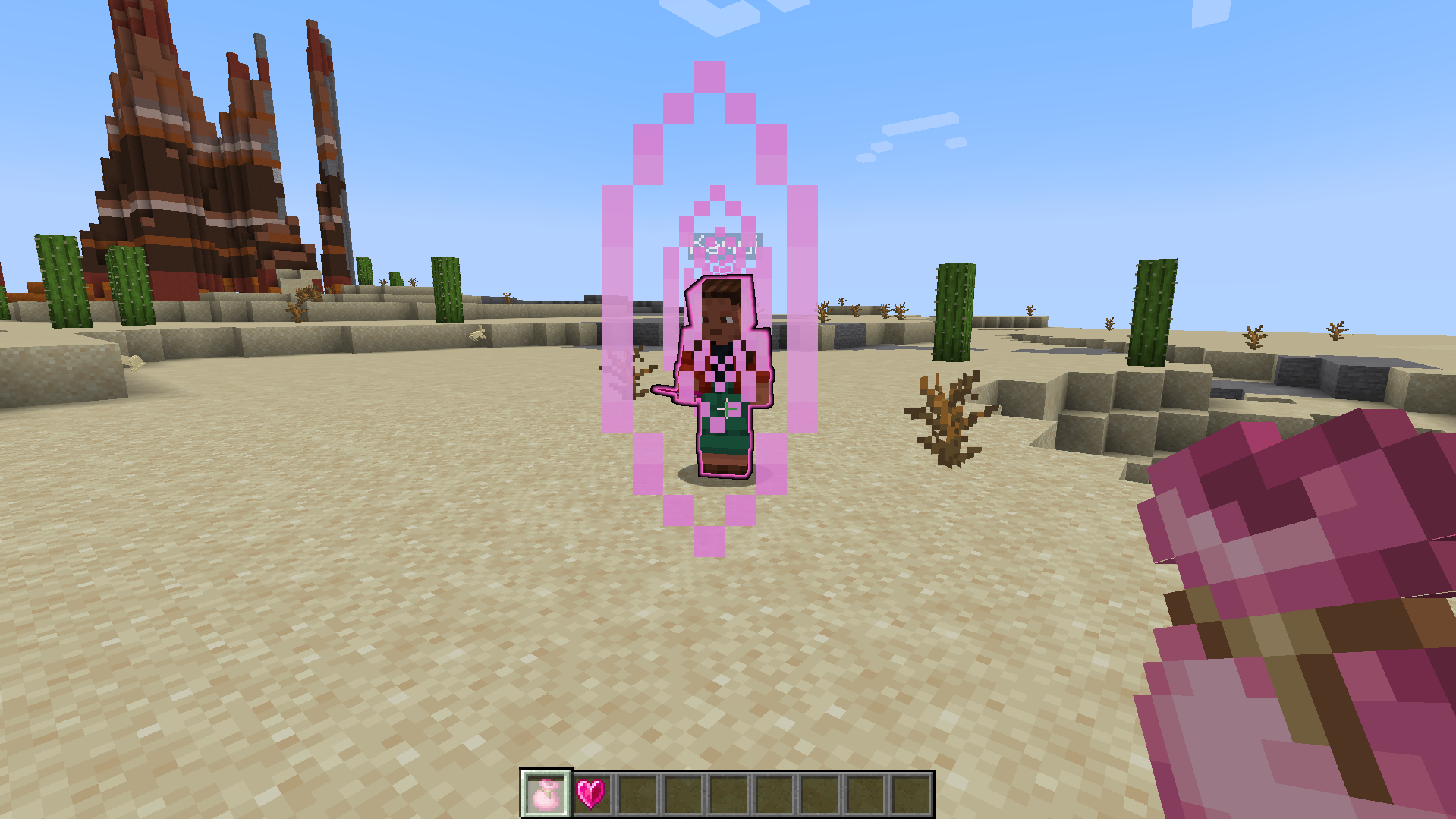 Using
Using
Versions
Files
Relations
Project Relations
More like this
Similar Mods
Suggestions use data such as tags, dependencies, dependents, descriptions, titles, and more to rank how much they overlap with this mod.
On ModDex
Community snapshot
By the numbers
Statistics
 (opens in a new tab)
Get it on
Available Platforms
On ModDex
Community snapshot
By the numbers
Statistics
Resources